- -$40.00


This module enhances the shopping experience by allowing customers to easily explore product variations such as...

The module allows merchants to enhance product images with customizable stickers and labels. Whether it’s...

The Quantity Discount Table & Grid Module for PrestaShop helps merchants display...

This module allows you to offer free shipping based on flexible conditions, such as location, carrier, cart value,...

The module automatically adjusts language, currency, and country settings based on the customer's location....
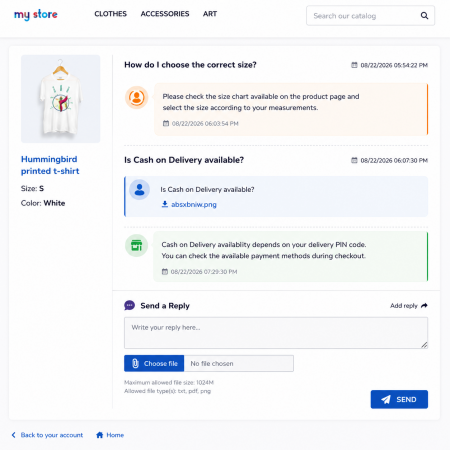
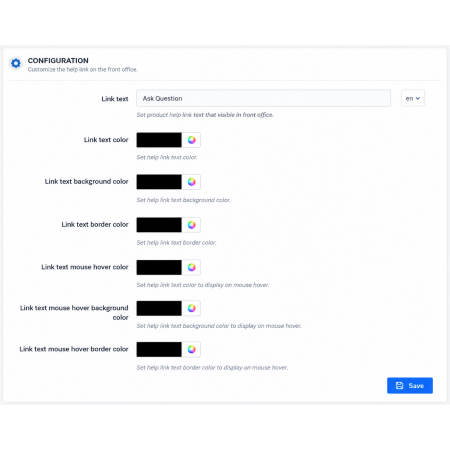
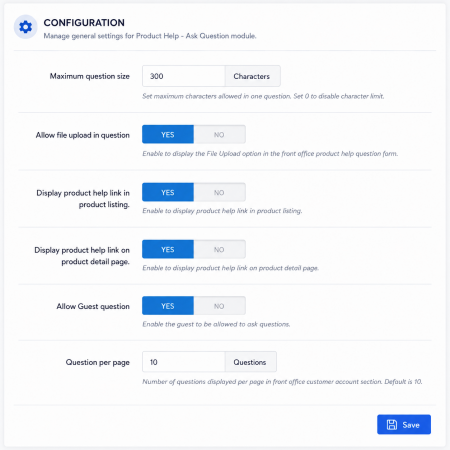

Vendor
Version
Last update
Prestashop version
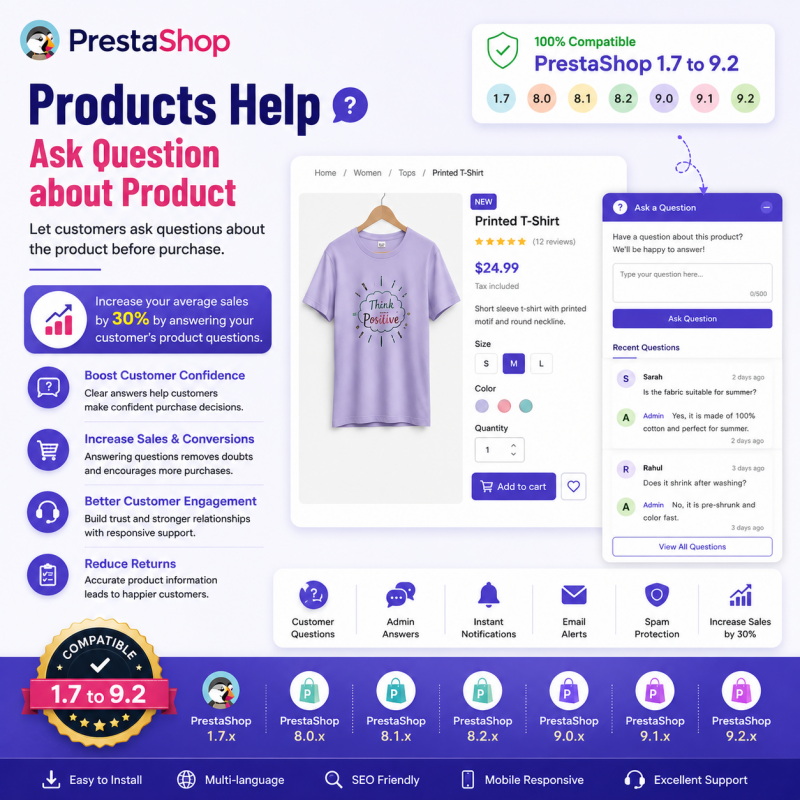
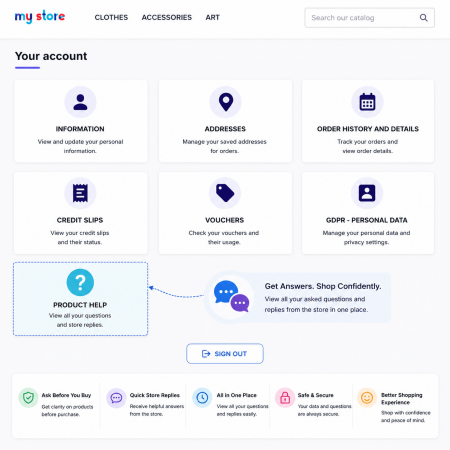
Help customers make confident buying decisions with the Products Help – Ask Question About Product Module for PrestaShop.
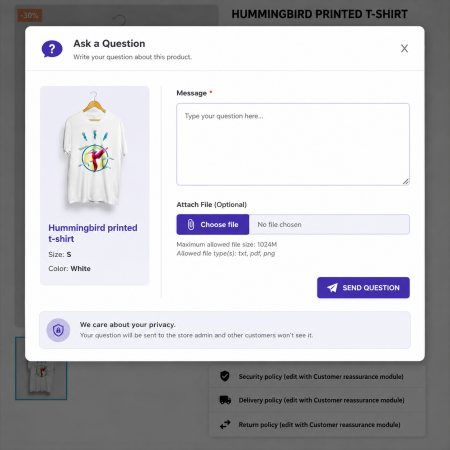
Allow shoppers to submit product-specific enquiries directly from product pages. Whether they need clarification about product specifications, dimensions, sizes, materials, compatibility, availability or other purchasing details, customers can conveniently contact your store without searching for separate contact information.
Make product communication easier, understand customer requirements, and provide better product-related assistance. Create a more informative shopping experience that helps shoppers make informed purchase decisions.
A practical PrestaShop product enquiry solution for stores that want to improve customer communication and make product assistance more accessible.
Let Customers Ask. Provide Better Answers. Build Buying Confidence.
Every customer has different questions before purchasing a product. Some shoppers want to understand product specifications, while others need clarification about dimensions, materials, sizes, compatibility, availability, or specific product requirements.
When customers cannot easily find the information they need, they may postpone their purchase or leave your store to look for answers elsewhere.
The Products Help – Ask Question About Product Module for PrestaShop provides a convenient way for customers to send product-specific enquiries directly from your online store.
Give shoppers an accessible enquiry option on product pages, make it easier for your team to understand their questions, and provide relevant product assistance before they place an order.
Whether you sell clothing, electronics, furniture, accessories, specialized equipment, or other products, this module helps make product communication more convenient and creates a more informative shopping experience.
A detailed product description is important, but sometimes it cannot answer every question a customer may have.
For example:
A customer wants to confirm whether a particular size will fit.
A shopper needs additional information about product dimensions.
Someone wants to know whether an electronic product is compatible with another device.
A buyer needs clarification about product materials or specifications.
A customer wants to ask about product availability or other purchasing details.
Without an easy way to ask product-related questions, customers may need to search for your contact page, send a separate email, or leave the product page to find assistance.
The Products Help module addresses this communication challenge by providing an enquiry option directly on product pages.
Customers can submit questions about the products they are interested in, helping your store team understand their requirements and provide relevant assistance.
Browse Product → Ask a Question → Submit Enquiry → Receive Assistance → Make an Informed Decision
Make it easier for customers to get product information and give your business an additional opportunity to assist shoppers during their buying journey.
Allow customers to ask questions about individual products. This makes it easier to understand which product they are interested in and what information they need.
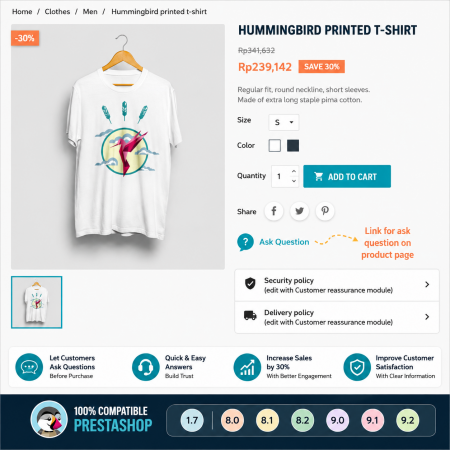
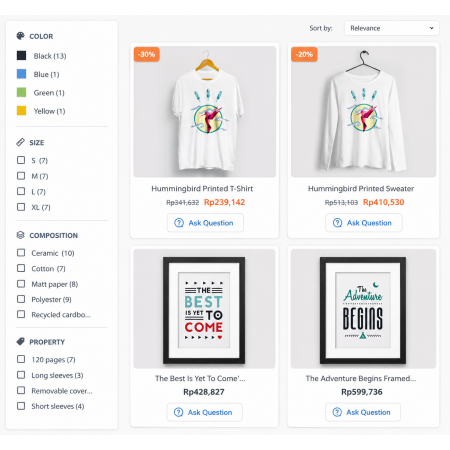
Provide an enquiry option directly on product pages so shoppers do not need to search for separate contact information before asking a question.
Help customers clarify important product details, including specifications, dimensions, sizes, materials, compatibility, and other purchasing information.
Make product-related communication more accessible and help your store team understand customer requirements.
Give customers an opportunity to resolve product-related doubts before purchasing, helping them make decisions with greater confidence.
Allow shoppers to submit questions about the products they are currently viewing.
Product-specific communication helps your team understand the context of an enquiry and provide more relevant assistance.
Instead of receiving a general question without knowing which product the customer is interested in, your store can receive enquiries connected to the relevant product.
Key benefits:
Allow customers to ask questions about individual products.
Connect enquiries with the products customers are viewing.
Understand customer requirements more clearly.
Support product-related communication.
Make product assistance more convenient.
Business benefit: Reduce confusion around customer enquiries and make it easier to understand what shoppers need before purchasing.
Make it easy for customers to contact your store about a specific product.
By providing an enquiry option on the product page, shoppers can submit their questions in the context of the product they are interested in.
This removes the need to search through the website for separate contact information just to ask a product-related question.
Key benefits:
Provide a product enquiry option on product pages.
Make question submission more accessible.
Simplify the customer enquiry process.
Reduce unnecessary navigation.
Encourage customers to request additional product information.
Business benefit: Make it easier for interested shoppers to communicate with your store instead of abandoning their product research because information is unclear.
Not every product question can be answered through standard product descriptions.
Some customers need additional information before deciding whether a product meets their requirements.
The product enquiry facility provides a way for shoppers to ask about important purchasing details.
Examples of customer questions:
What are the exact product dimensions?
Which materials are used to manufacture this product?
Is this product compatible with my device?
Are additional product specifications available?
Is this product suitable for my requirements?
Can you provide more information about this product?
Key benefits:
Help customers clarify product specifications.
Support questions about dimensions and materials.
Address size and compatibility-related doubts.
Make additional product information easier to request.
Improve communication around product requirements.
Business benefit: Help customers understand products more clearly before making a purchase.
Good customer assistance starts with understanding what shoppers need.
When customers can submit questions directly from product pages, your team gets a more convenient communication channel for product-related enquiries.
Your staff can review the questions and provide relevant assistance according to your store's customer support process.
Key benefits:
Make product enquiries easier to receive.
Understand customer questions and requirements.
Support relevant product assistance.
Improve the accessibility of customer communication.
Create a more customer-focused shopping environment.
Business benefit: Provide a convenient starting point for product support and help your team respond to customer information needs.
Customers are more comfortable making purchasing decisions when they understand what they are buying.
A product enquiry option gives shoppers a way to clarify doubts that may not be covered in the product description.
For example, a customer purchasing an electronic accessory may want to confirm compatibility, while someone buying furniture may need additional dimension information.
Key benefits:
Give customers an opportunity to clarify product-related doubts.
Support better product understanding.
Reduce uncertainty during product evaluation.
Help shoppers make more informed decisions.
Improve the overall product discovery experience.
Business benefit: Support the customer decision-making process by making product assistance easier to access.
Keep the enquiry process connected to the customer's shopping interest.
When shoppers ask questions from individual product pages, your team can better understand the product context of their enquiries.
This is particularly helpful for stores with large catalogs, specialized products, or items that require additional explanation.
Key benefits:
Support product-related customer communication.
Understand which products generate enquiries.
Make customer questions more relevant to the shopping context.
Provide an additional communication opportunity throughout the buying journey.
The enquiry process is designed to make asking product-related questions straightforward.
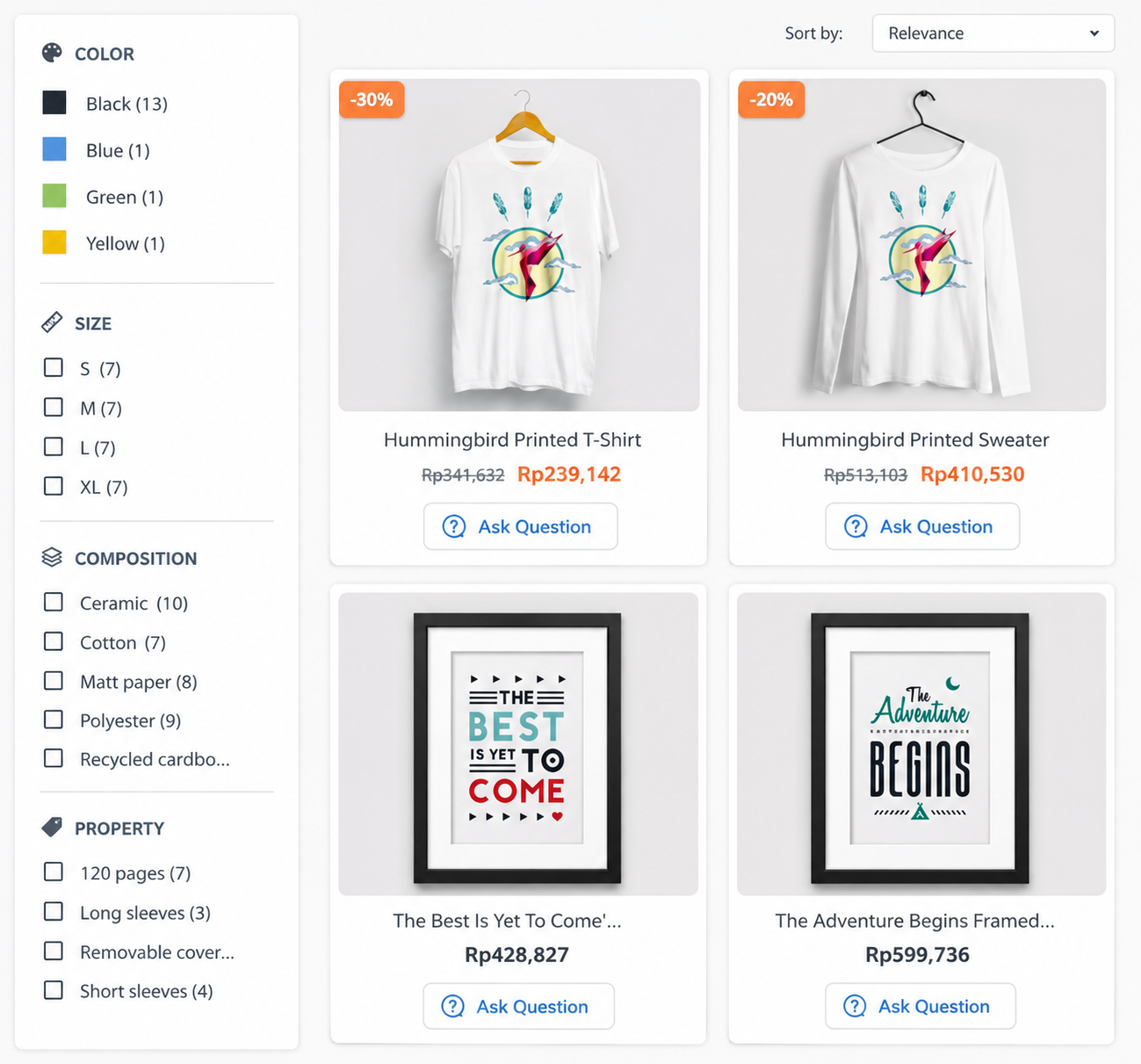
Step 1 – Browse a Product
Customers visit your PrestaShop store and open the product page they are interested in.
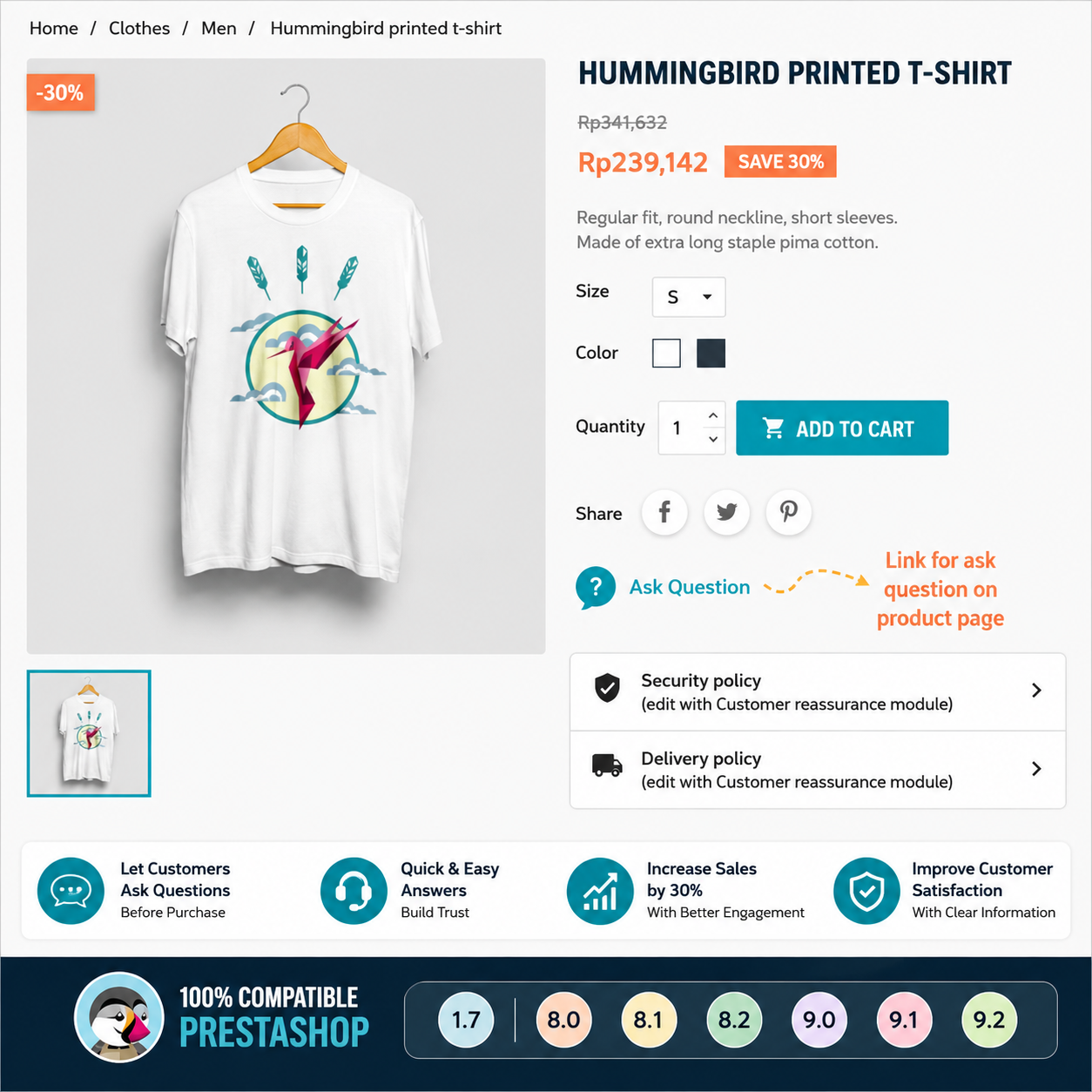 |
 |
Step 2 – Ask a Question
Customers use the available product enquiry option to request additional information.
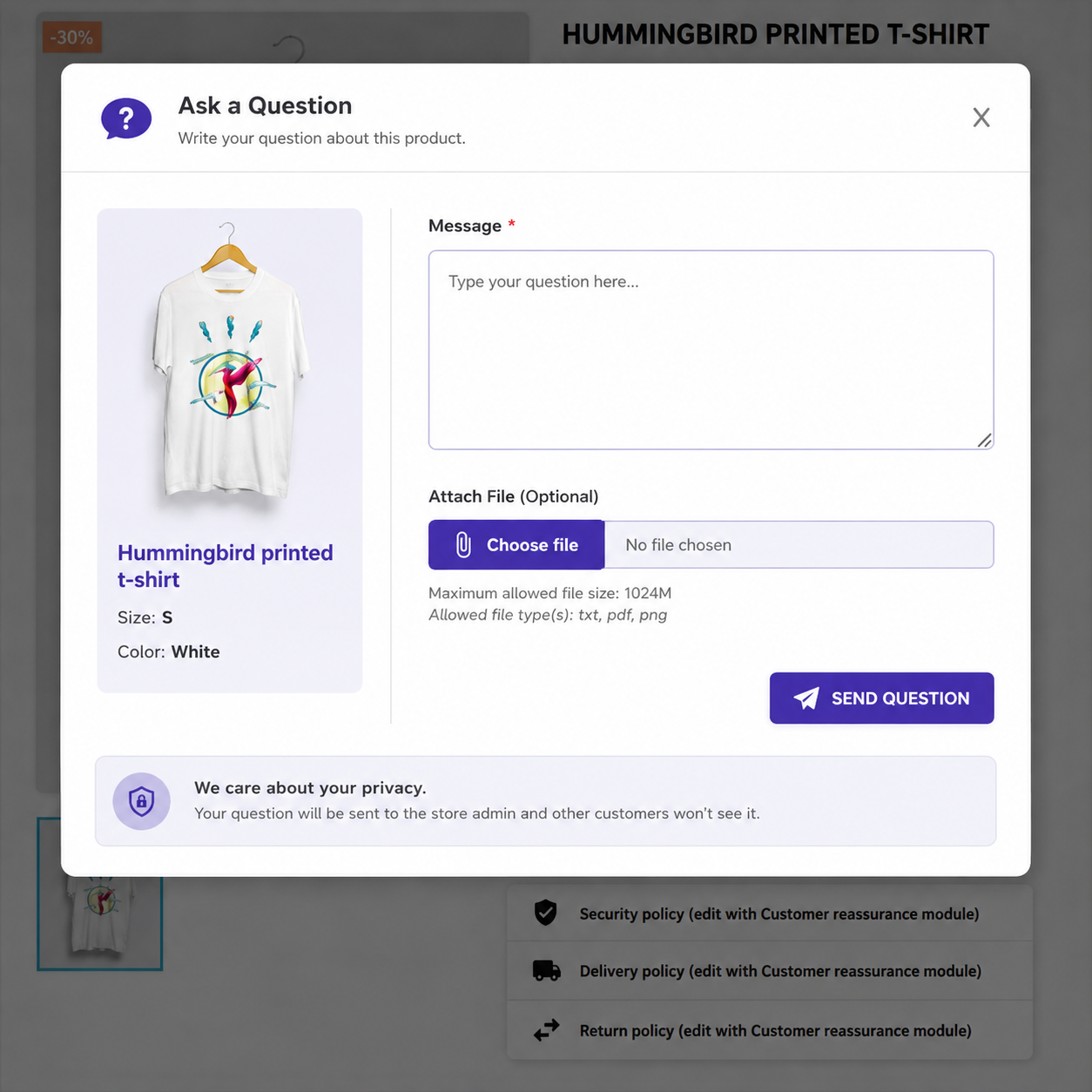
Step 3 – Submit the Enquiry
Customers enter their product-related question and submit the enquiry using the available submission interface.
Step 4 – Review the Enquiry
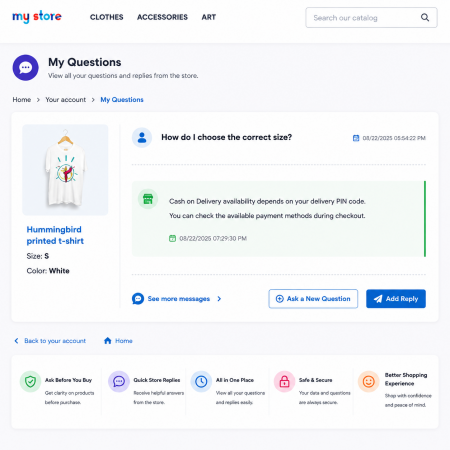
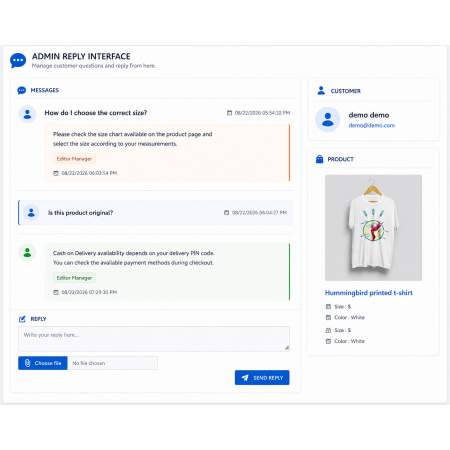
Your store team can review the submitted question and understand what information the customer requires.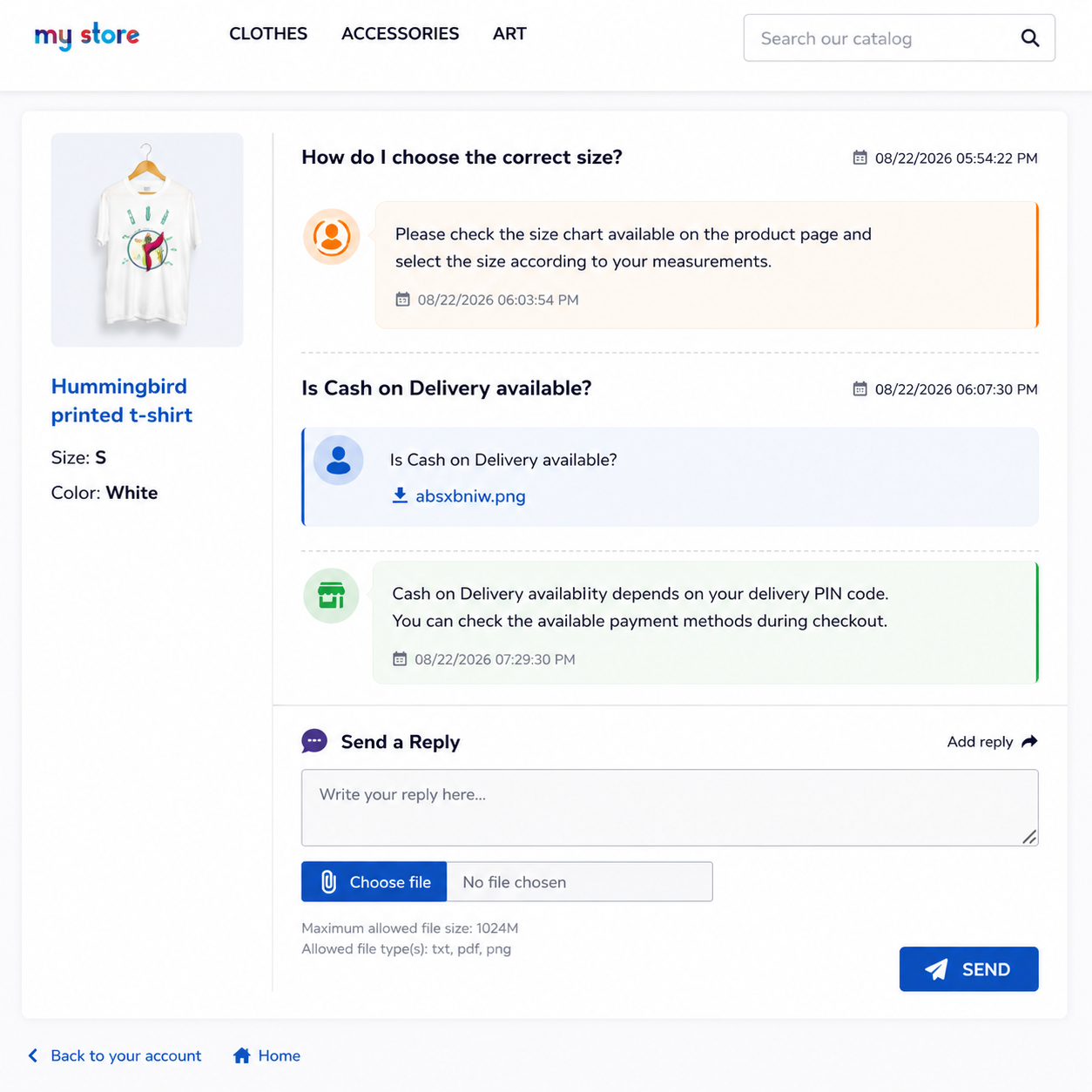
Step 5 – Provide Assistance
Your team can provide relevant product information and help the customer clarify their purchasing doubts through your store's configured communication process.
Step 6 – Make an Informed Purchase Decision
With the required information, customers can better evaluate whether the product meets their needs.
Here are some practical situations where a product enquiry feature can help your store.
Customers frequently have questions about sizing, fitting, fabric, materials, and product measurements.
Example questions:
Is this shirt available in a different size?
What material is used for this dress?
Can you provide the exact garment measurements?
Does this product have a different fitting option?
How the module helps: Customers can submit these questions directly from the relevant product page.
Electronic products often require additional technical information before customers make a purchasing decision.
Example questions:
Is this charger compatible with my smartphone?
Does this device support a particular connection?
What are the technical specifications?
Is this accessory suitable for my existing equipment?
How the module helps: Make it easier for shoppers to ask technical and compatibility-related questions.
Customers purchasing furniture often need more detailed information about product measurements, materials, finishes, and installation requirements.
Example questions:
What are the exact dimensions?
Is this product made from solid wood?
What type of finish is available?
Can you provide additional product details?
How the module helps: Give customers an accessible way to clarify important furniture and home product details.
Customers purchasing vehicle accessories and replacement parts may need to confirm specifications and compatibility.
Example questions:
Is this part compatible with my vehicle model?
What are the product specifications?
Can you confirm the fitting requirements?
How the module helps: Provide a product-related enquiry opportunity before customers select an item.
Some products require additional technical guidance or detailed explanations.
Example questions:
What are the operating specifications?
What are the product dimensions?
Is this equipment suitable for a particular application?
Can I get more technical information?
How the module helps: Make it easier for customers to request product-specific information.
Any online store can receive questions that are not fully answered by standard product descriptions.
Provide customers with an accessible enquiry facility and improve the way they communicate with your business.
The Products Help module supports important customer communication and shopping experience objectives.
Improve customer communication: Give shoppers a convenient way to contact your store about products.
Understand customer requirements: Receive questions connected to specific products.
Support informed decisions: Help customers clarify doubts before purchasing.
Improve product assistance: Make product-related enquiries easier for your team to understand.
Reduce communication barriers: Provide an enquiry option directly on product pages.
Support specialized products: Make additional product guidance accessible for complex or technical items.
Improve storefront usability: Keep product communication close to the customer's shopping activity.
Identify information gaps: Customer questions can help you understand which product descriptions may need improvement.
Give shoppers a more convenient way to get the information they need.
Ask questions about individual products.
Submit enquiries directly from product pages.
Request additional product specifications.
Clarify dimensions, sizes, and materials.
Ask about compatibility and other purchasing requirements.
Get assistance before making a buying decision.
Enjoy a more informative and customer-friendly shopping experience.
Customer questions are not just communication requests. They can also provide useful insights into the quality and completeness of your product information.
For example, if customers repeatedly ask about product dimensions, you may need to make those measurements more visible in your product descriptions.
If shoppers frequently ask about compatibility, consider adding a dedicated compatibility section to relevant products.
Use customer enquiries to identify opportunities to improve:
Product descriptions.
Technical specifications.
Size and measurement information.
Material details.
Compatibility information.
Product images and explanatory content.
Frequently asked questions.
By learning from customer questions, your store can gradually create more informative product pages and reduce repeated information gaps.
Install the Products Help module through the standard PrestaShop Back Office.
Step 1 – Download the Module
Download the Products Help module ZIP package from your Sathi.xyz account after purchase.
Step 2 – Open PrestaShop Back Office
Log in to your administration panel.
Navigate to: Modules → Module Manager
Step 3 – Upload the Module
Click the Upload a Module option and select the downloaded ZIP package.
Step 4 – Install the Module
Wait for the upload to finish and complete the installation process.
Step 5 – Configure the Module
Open the Products Help configuration page and review the available settings.
Step 6 – Test Product Enquiries
Visit your storefront and open a product page.
Check that the enquiry option is displayed correctly and submit a test question to verify the customer submission process.
After installation, access the module configuration page from your PrestaShop Back Office.
Review the available settings and configure the enquiry functionality according to your store's requirements.
We recommend checking the following after configuration:
Verify the enquiry option on product pages.
Check the question submission interface.
Submit a test product enquiry.
Verify that the enquiry is received through the configured process.
Test the functionality with your active storefront theme.
Check the customer experience on desktop and mobile devices.
A quick test after installation helps ensure that customers can submit their questions conveniently.
Products Help is a PrestaShop product enquiry module that allows customers to ask questions about individual products directly from product pages. It helps stores provide a convenient way for shoppers to request additional product information.
Yes. Customers can use the product enquiry option on the relevant product page to submit questions about the product they are viewing.
Customers can ask about product specifications, dimensions, sizes, materials, compatibility, availability, and other purchasing-related details.
An enquiry option makes it easier for shoppers to contact your store when product information is unclear. It supports better communication and helps customers make more informed buying decisions.
Yes. It provides an additional way for customers to submit product-related questions, helping your team understand their requirements and provide relevant assistance.
Yes. It can be useful for stores selling electronics, accessories, automotive parts, specialized equipment, and other products where customers may need additional technical information.
It can help address one common cause of purchase hesitation: unanswered product questions. By making product enquiries easier, customers have an opportunity to clarify important details before ordering.
Customers visit a product page, use the available enquiry option, enter their question, and submit it through the provided interface.
Store teams can review submitted enquiries and provide relevant product assistance through the communication process supported by the module and configured in the store.
Download the module ZIP package, open PrestaShop Module Manager, upload the package, install the module, review its configuration, and test the enquiry option on your storefront.
Yes. Product-specific enquiries can be particularly useful for stores with many products because customers can ask questions in the context of the product they are interested in.
Your customers should not have to leave a product page simply because they need additional information.
With the Products Help – Ask Question About Product PrestaShop Module, you can make product-related communication easier, understand customer requirements, and provide a more helpful shopping experience.
Give shoppers a convenient way to ask questions, help your team provide relevant product assistance, and create a store environment where customers feel better informed before purchasing.
Install Products Help from Sathi and make product communication easier for your customers!
| Vendor | Nxtal |
|---|---|
| Last update | Nov 23, 2026 |
| Version | 5.3.0 |
| Required store version | From 1.7.x to 9.2.x |
| Publication date | Aug 22, 2026 |
| Return Policy | You can return the product within the 30 Days return period for a full refund. No questions asked. |
| Customer Support | Enjoy one year of free customer support, including installation, troubleshooting, and usage guidance. |
| Description | This product is compatible with the specified versions and includes all the latest updates to enhance functionality and user experience. |

 WhatsApp Live Chat & Support PrestaShop Module
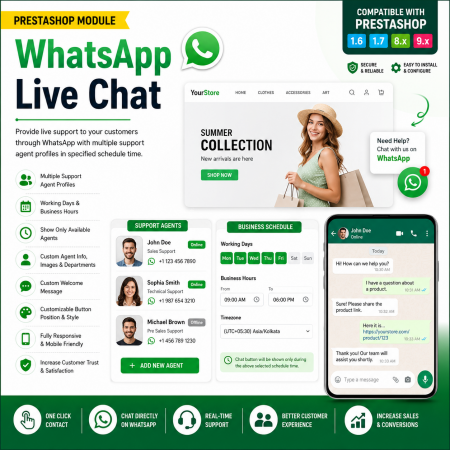
 WhatsApp Live Chat Module for PrestaShop
 Advanced Shop & Product Reviews and Ratings Module for PrestaShop
 Product FAQ – Product Questions & Answers for PrestaShop
 Product Variants Pro – Custom Variant Groups for PrestaShop
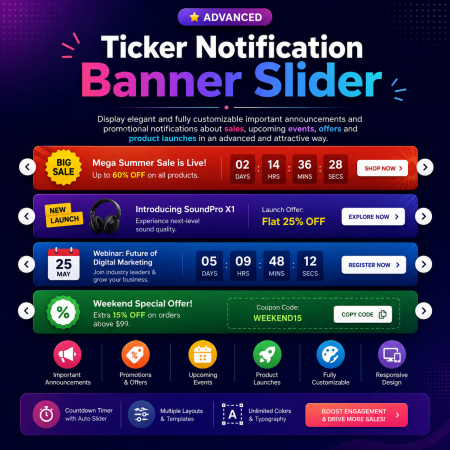
 Ticker Notification Banner – Announcement Bar Module for PrestaShop
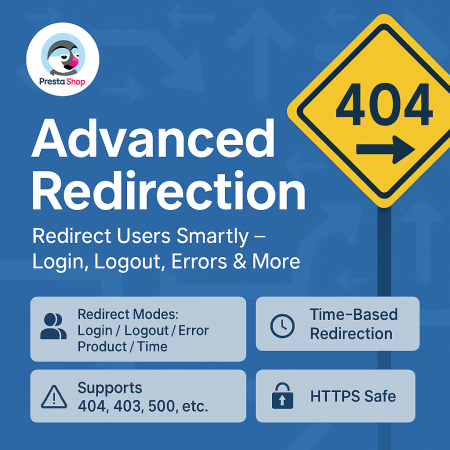
 Advanced URL Redirection (301, 302, 404) Module for PrestaShop
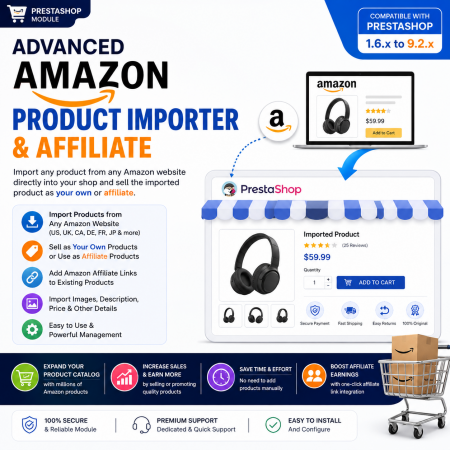
 Advanced Amazon Product Importer & Affiliate Module for PrestaShop
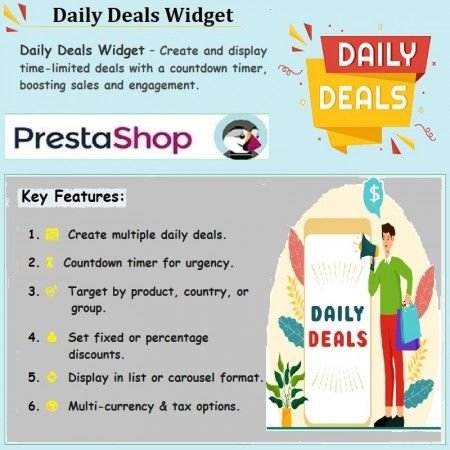
 Daily Deals Widget with Countdown Timer for PrestaShop Module
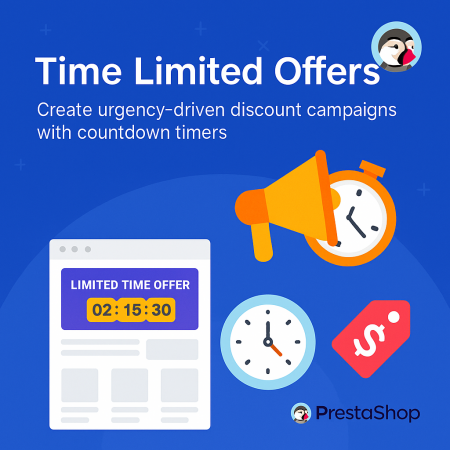
 Time Limited Offers & Countdown Timer Module for PrestaShop
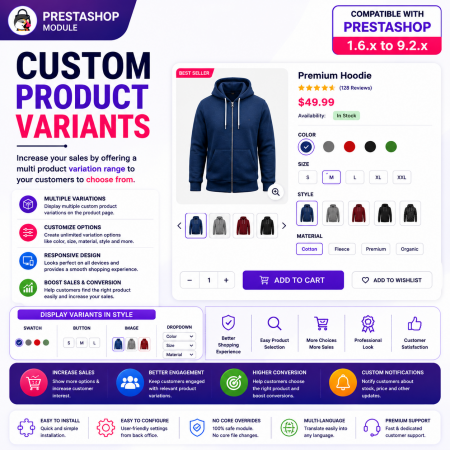
 Custom Product Variants – Display Separate Products as Variations in PrestaShop

 Google Schema Markup & Rich Snippets Module for PrestaShop
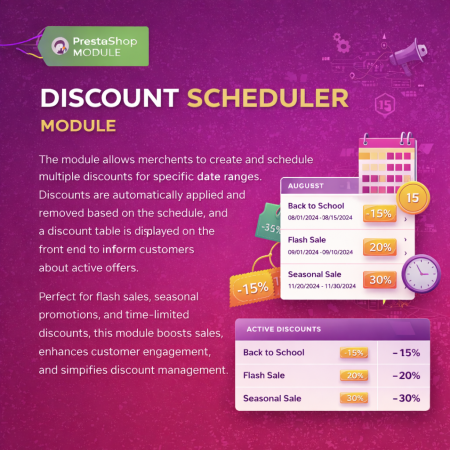
 Multiple discount date wise discount Prestashop Module
WhatsApp Live Chat Module for PrestaShop
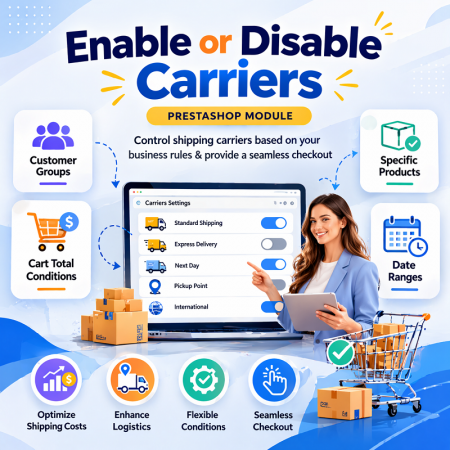
 Enable or Disable Carriers with Conditions PrestaShop Module
 Buy Now Button | Quick Order Prestashop Module
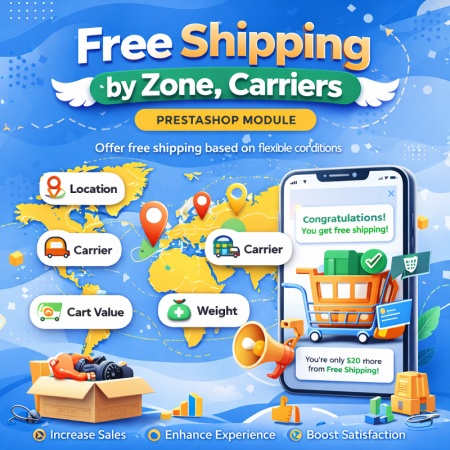 Free Shipping By zone, Carrier Prestashop Module
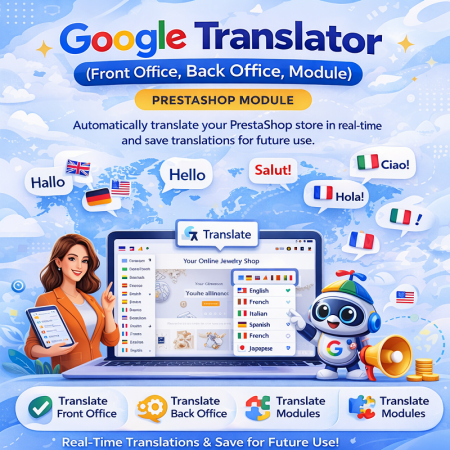
 Google Translator (Front Office, Back Office, Module) Prestashop Module
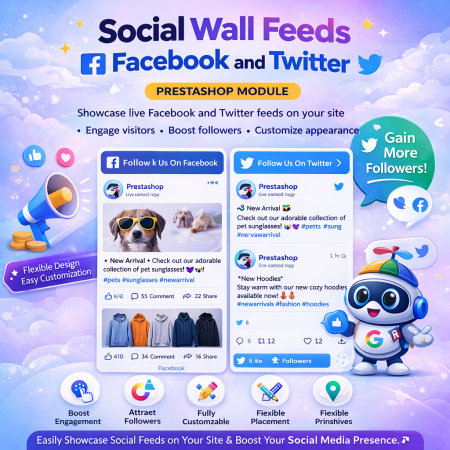
 Social Wall Feeds Facebook and Twitter Prestashop Module
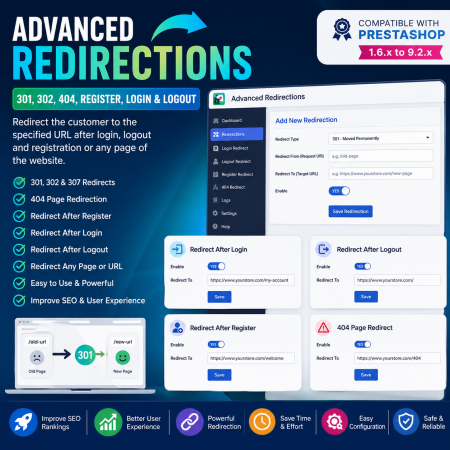
 Advanced Redirections – 301, 302, 404 & Customer Redirects for PrestaShop
Help customers make confident buying decisions with the Products Help – Ask Question About Product Module for PrestaShop.
Allow shoppers to submit product-specific enquiries directly from product pages. Whether they need clarification about product specifications, dimensions, sizes, materials, compatibility, availability or other purchasing details, customers can conveniently contact your store without searching for separate contact information.
Make product communication easier, understand customer requirements, and provide better product-related assistance. Create a more informative shopping experience that helps shoppers make informed purchase decisions.
A practical PrestaShop product enquiry solution for stores that want to improve customer communication and make product assistance more accessible.
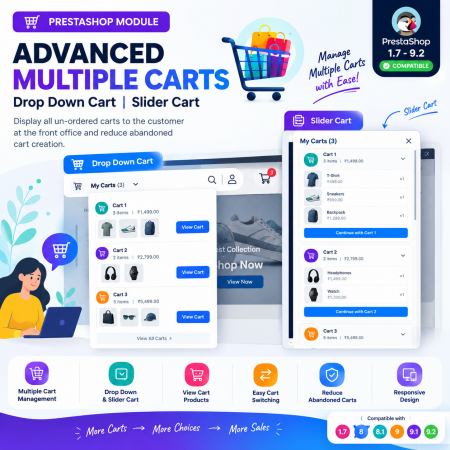
 Advanced Multiple Carts, Dropdown Cart & Slider Cart for PrestaShop

Encrypted payment gateways ensuring your financial and personal data remain 100% protected.

Every module includes professional installation assistance, free updates, and reliable troubleshooting.

Rigorously tested PrestaShop & WooCommerce extensions designed for maximum speed and zero bloat.

Transparent policies, clean documentation, and dedicated assistance if you run into any compatibility hurdles.