- -$40.00

This module enhances the shopping experience by allowing customers to easily explore product variations such as...

The module allows merchants to enhance product images with customizable stickers and labels. Whether it’s...
The Quantity Discount Table & Grid Module for PrestaShop helps merchants display...

This module allows you to offer free shipping based on flexible conditions, such as location, carrier, cart value,...

The module automatically adjusts language, currency, and country settings based on the customer's location....

Vendor
Version
Last update
Prestashop version
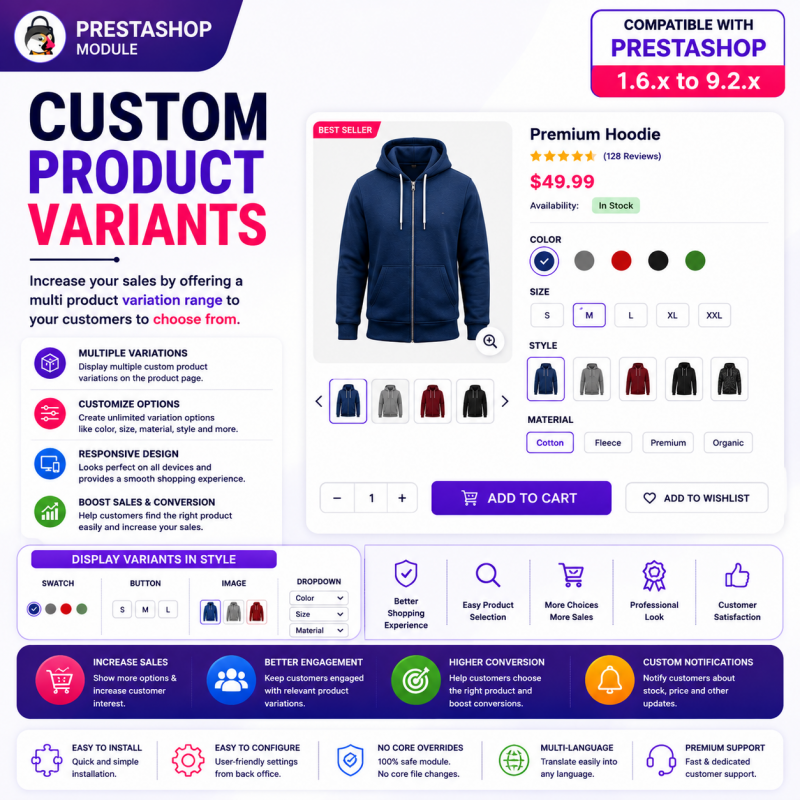
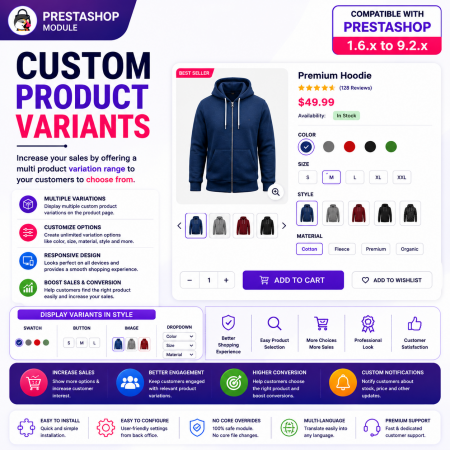
Make product discovery easier with the Custom Product Variants PrestaShop Module.
Display multiple related products as selectable variations directly on your product pages. Connect separately managed products and present different colors, sizes, styles, designs, and models together in one convenient shopping experience.
Instead of making customers return to category pages to find alternative products, let them explore related options directly from the current product page and select the version they prefer.
Ideal for fashion, electronics, furniture, home décor, accessories, and any PrestaShop store that manages product variations as separate catalog products.
Improve product visibility, simplify navigation, and help customers discover more of your catalog with Sathi Custom Product Variants.
Display multiple related products as variations on a product page.
Let customers explore and select their preferred product option.
Improve product discovery and product presentation.
Reduce unnecessary navigation between separate product pages.
Provide a responsive and convenient shopping experience.
Ideal for fashion, electronics, furniture, accessories, and other stores selling products with multiple styles or variations.
Connect Related Products. Simplify Product Selection. Improve Product Discovery.
Help customers discover different versions of your products without making them navigate back to your catalog.
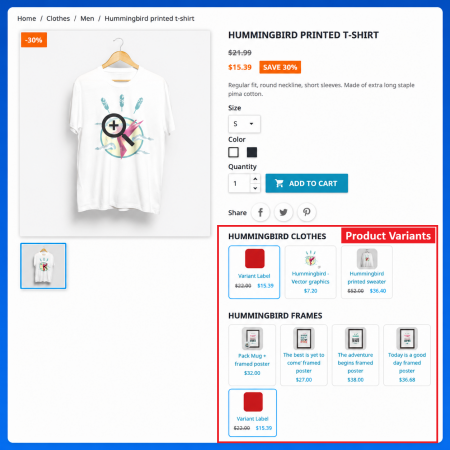
The Custom Product Variants PrestaShop Module allows you to display multiple related products as selectable variations directly on product detail pages. Connect separately managed products and present their different colors, sizes, styles, designs, models, and other alternatives together in one convenient location.
Many PrestaShop stores maintain different product versions as individual catalog products instead of creating combinations within a single product. Although this approach provides independent product pages and product information, it can make it difficult for customers to discover other available versions.
For example, imagine selling a T-shirt in five colors, with each color maintained as a separate product. A customer visiting the black T-shirt page may not know that the same design is also available in white, blue, red, or green.
Custom Product Variants solves this product discovery problem by connecting related products and displaying them as selectable options on the product page.
Customers can explore available alternatives, select their preferred version, and continue shopping without repeatedly searching through category pages.
Whether you operate a fashion store, electronics shop, furniture business, home décor store, or general eCommerce website, this module helps make your product catalog easier to explore.
Managing product variations is an important part of running an online store.
Some merchants use standard PrestaShop combinations to manage different product attributes within one product. Others prefer to create separate products for each variation.
Both approaches have their advantages, but separately managed products can create a product discovery challenge.
Customers may need to:
Return to the category page to find another version.
Search the catalog for a different color or design.
Open multiple product pages to compare alternatives.
Navigate through unrelated products to locate the preferred version.
This can make shopping less convenient and cause customers to overlook products that better match their preferences.
The Custom Product Variants module addresses this issue by bringing related product choices directly onto the relevant product page.
Instead of treating every product version as an isolated catalog entry, connect related products and present them as selectable variations.
For example:
Product: Classic Cotton T-Shirt
Black T-Shirt
White T-Shirt
Blue T-Shirt
Red T-Shirt
Green T-Shirt
Each version can remain an independent PrestaShop product with its own product information and catalog entry, while customers can discover the related versions from the product page.
The result is a more connected and convenient shopping experience.
Bring different versions of a product together on one product page so customers can easily discover available alternatives.
Connect individual PrestaShop products instead of requiring every variation to be managed as a combination of one product.
Reduce unnecessary navigation by allowing customers to explore related products directly from the current product page.
Make shoppers aware of other colors, designs, styles, models, and alternatives that they might otherwise overlook.
Present related product choices in an organized way and help customers select the version that matches their requirements.
Use related product variations for clothing, footwear, furniture, electronics, accessories, home décor, and many other product types.
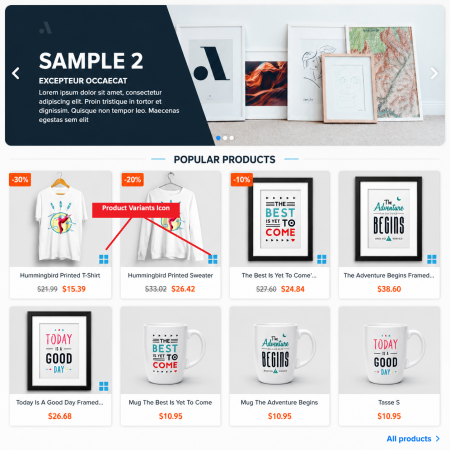
Present several related products together as selectable variation options on a product detail page.
Instead of making customers search for each product separately, show the available alternatives directly where customers are already evaluating a product.
Key capabilities:
Display multiple related product options.
Present connected products as variations.
Keep alternative products accessible from the current product page.
Help customers discover different versions.
Organize related product choices in one convenient location.
Business benefit: Increase the visibility of related products and make your catalog easier to explore.
Not every product variation needs to be managed as a combination of one product.
Some stores prefer to maintain different versions as independent products because they may have separate product descriptions, images, prices, references, or catalog information.
The module is designed for this type of product structure.
Key capabilities:
Connect separately managed PrestaShop products.
Present individual products as related variations.
Maintain independent product catalog entries.
Make alternative products accessible from related product pages.
Support product catalogs organized around separate product versions.
Business benefit: Keep your existing product management approach while making related products easier for customers to discover.
Give customers an easier way to move between related product versions.
Display the available alternatives directly on the product page so shoppers can explore their options without first returning to the category listing.
Key capabilities:
Present related products as selectable options.
Make alternative product choices accessible.
Help customers explore different product versions.
Simplify navigation between connected products.
Support a more convenient product selection journey.
Business benefit: Reduce unnecessary browsing steps and make finding the right product easier.
Product detail pages should provide customers with all the relevant information needed to explore their purchasing options.
Displaying related products together makes it easier to understand which alternatives are available.
Key capabilities:
Keep related product choices visible on product pages.
Organize alternative products in one location.
Improve awareness of available product versions.
Create a more connected product browsing experience.
Help customers discover alternatives without searching the entire catalog.
Business benefit: Make your product pages more informative and improve the visibility of your product range.
Customers may not know that the same design, model, or product is available in different versions.
By connecting related products, you can expose customers to alternatives they might otherwise miss.
Key capabilities:
Highlight related product versions.
Connect products with similar designs or purposes.
Make alternative products easier to discover.
Support product exploration directly from product pages.
Help customers find products that better match their preferences.
Business benefit: Give alternative products more exposure and create additional opportunities for product discovery.
The module can be used for different types of separately managed product variations, depending on your catalog structure.
Examples include:
Different product colors.
Different clothing styles.
Alternative product designs.
Different models and editions.
Different sizes maintained as separate products.
Alternative furniture finishes.
Different accessory versions.
Related product configurations.
Business benefit: Adapt related product presentation to the way your store organizes its catalog.
Customers browse online stores using different devices. Product variation options should remain convenient to explore across different screen sizes.
The module provides a responsive shopping experience designed for:
Desktop computers.
Laptop screens.
Tablets.
Smartphones.
Business benefit: Make related product discovery convenient for customers shopping from different devices.
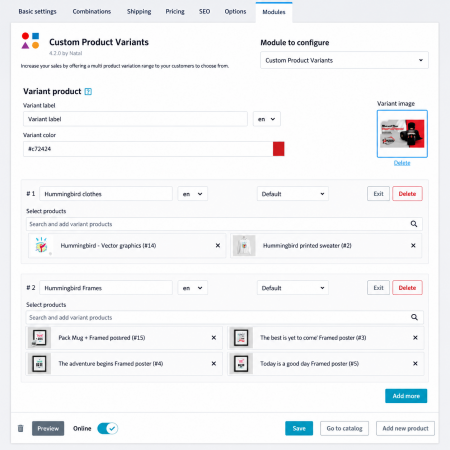
Connect separately managed products and display them as selectable variations through a simple workflow.
Identify the products that belong to the same product family or represent alternative versions.
For example, connect different color versions of the same T-shirt.
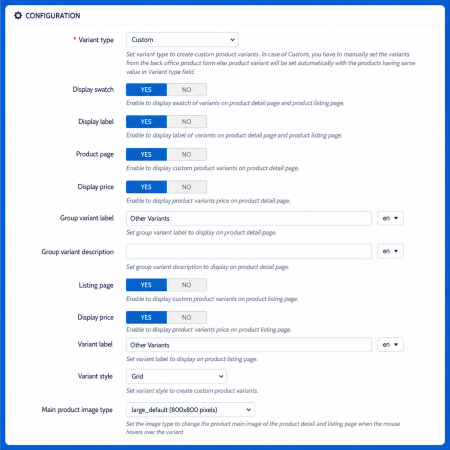
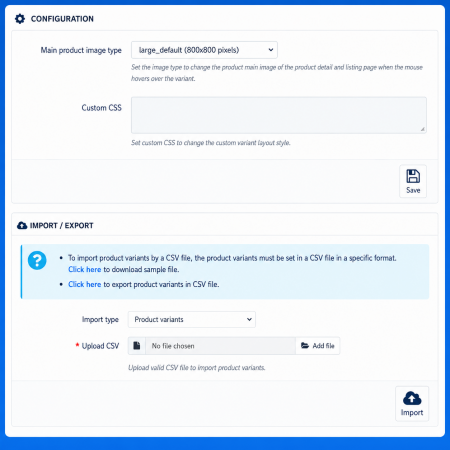
Configure the related product options using the module according to your store's requirements.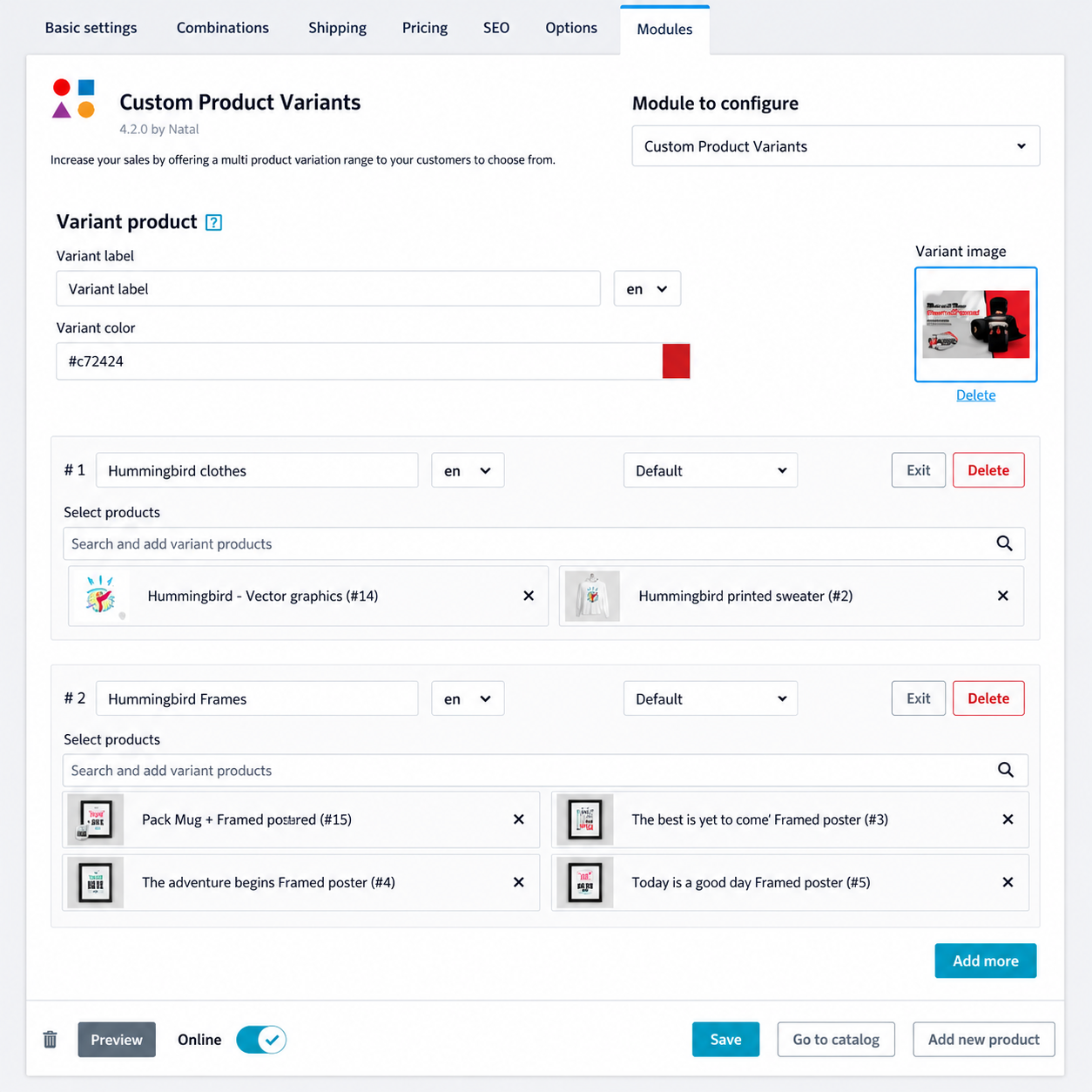
The connected product variations are presented directly on the relevant product page.
Customers visiting the product page can discover the other available versions without first navigating back to the catalog.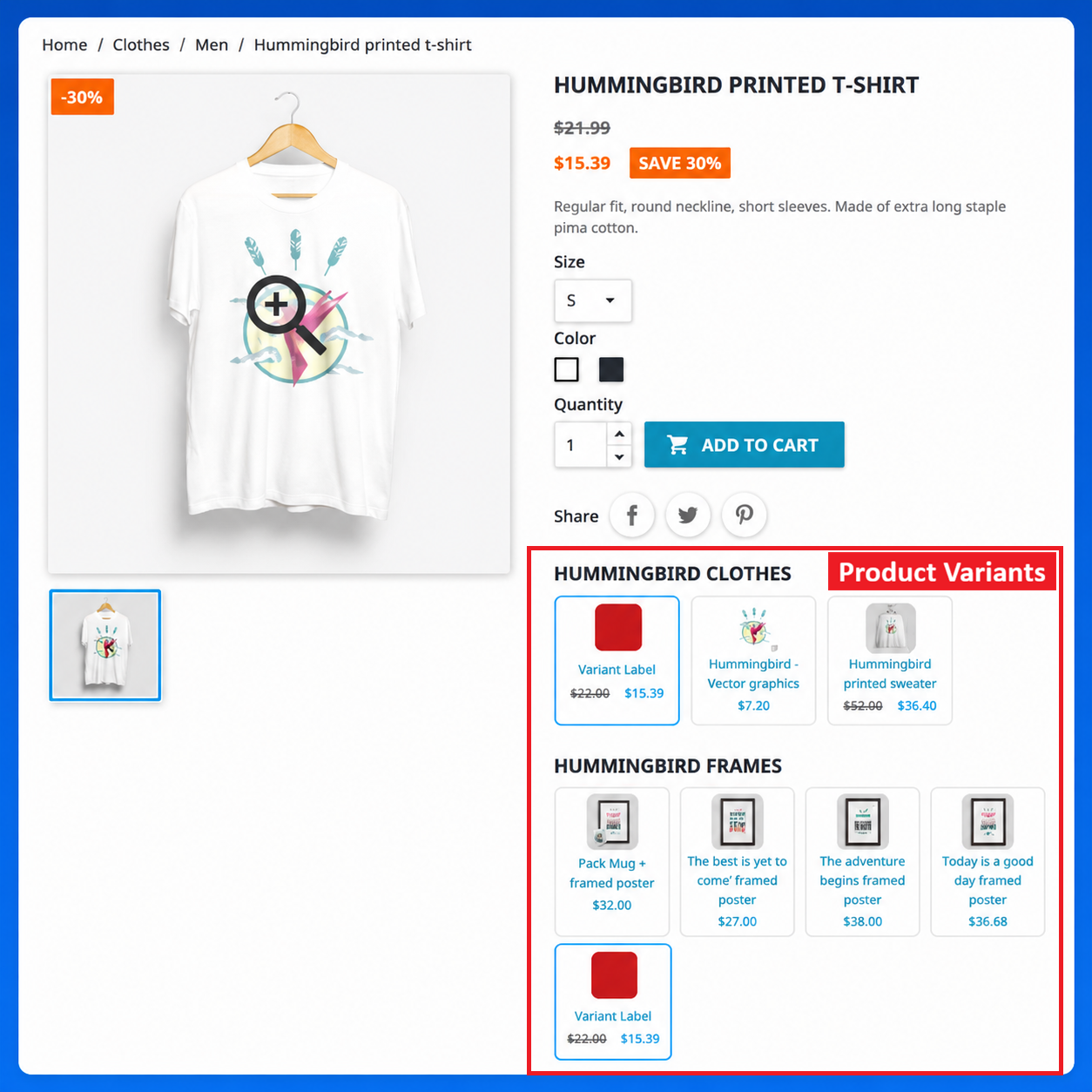
Customers select the product version that best matches their preferences and continue shopping.
The result: Your separately managed products become easier to discover through a connected product selection experience.
Custom Product Variants is especially useful for stores where each product version has its own individual catalog entry.
Fashion retailers frequently maintain different colors, prints, and designs as separate products.
Connect related clothing products and let customers explore alternative versions directly from the current product page.
Example:
A customer visits a black cotton T-shirt and can discover the same design in white, blue, red, and green.
Suitable products:
T-shirts and shirts.
Dresses and jackets.
Jeans and trousers.
Shoes and footwear.
Bags and fashion accessories.
Electronics stores often sell different models, editions, and product versions.
Connect related products to help customers discover alternatives without searching through the entire electronics catalog.
Example:
A customer viewing one smartphone model can explore separately listed color or edition variants.
Suitable products:
Smartphones.
Laptops.
Headphones.
Smartwatches.
Electronic accessories.
Furniture and home décor products frequently come in different designs, finishes, materials, and styles.
Display related versions together to help customers discover alternatives.
Example:
A customer viewing a wooden dining table can explore other finishes or related table designs.
Suitable products:
Sofas and chairs.
Dining tables.
Beds and wardrobes.
Cabinets.
Home decoration products.
Make it easier for customers to explore related product versions within the same shopping journey.
Example:
A customer viewing a handbag can discover other separately listed colors and designs.
Suitable products:
Handbags.
Wallets.
Belts.
Watches.
Lifestyle accessories.
Connect related accessories and alternative designs to help shoppers explore available product options.
Example:
A customer viewing one seat cover design can discover other separately listed styles and colors.
Any store that maintains different versions of similar products as individual catalog products can benefit from a connected variation display.
Understanding the difference between product combinations and separately managed product variations is important when choosing the right product structure.
PrestaShop combinations are useful when multiple attribute values belong to one product. However, some merchants prefer to manage every version as a separate product.
| Comparison | Standard combinations | Custom Product Variants |
|---|---|---|
| Product structure | One product with multiple combinations | Multiple independent products |
| Product pages | Shared product page | Separate product pages |
| Product information | Managed within one product | Maintained independently |
| Product references | Combination-level references | Individual product references |
| Variation discovery | Attribute selectors | Related product selections |
| Best suited for | Standard color and size options | Separately managed product versions |
Choose this approach when each version needs its own independent product entry, such as:
Different product descriptions.
Separate product images.
Independent pricing.
Individual product references.
Separate catalog management.
Use standard combinations when product variations are simply different attribute values of the same product, such as one T-shirt available in multiple sizes and colors.
Important: Custom Product Variants complements the standard PrestaShop combination system. It is intended for connecting separately managed products, not replacing native product combinations.
Connecting related products can improve the way customers explore your catalog and discover alternative versions.
Make customers aware of related products that might otherwise remain undiscovered.
Show alternative colors, designs, models, and styles directly on the current product page.
Give customers access to related choices without requiring them to repeatedly return to category pages.
Present related product versions in an organized and convenient way.
Maintain independent products while connecting them through a shared variation experience.
Encourage shoppers to explore additional products that match their original interests.
Help customers find alternatives that better match their preferences and requirements.
Customers get a more convenient way to discover and explore related product versions.
Discover related products directly from the current product page.
Explore different colors, designs, sizes, and styles.
Find alternatives without searching the entire catalog.
Move between separately managed product versions more conveniently.
Understand which other product options are available.
Choose the product that better matches their preferences.
Enjoy a more organized shopping experience.
Install the Custom Product Variants module using the standard PrestaShop module installation process.
Download the Custom Product Variants module ZIP package.
Log in to your PrestaShop Back Office.
Navigate to Modules → Module Manager.
Click Upload a module.
Select the downloaded module ZIP package.
Upload and install the module.
Open the module configuration page.
Configure the related product variations according to your catalog structure.
Connect the products that should appear as variations.
Save your configuration.
Visit the relevant product pages on your storefront.
Verify that related product options are displayed correctly.
No coding knowledge is required for the standard installation and configuration process.
Improve your product presentation further with other useful Sathi modules.
Display actual combination images as visual swatches for product variations.
Use images to represent product attributes and make product attribute selection more visual.
Display quantity-based discounts clearly and encourage customers to purchase larger quantities.
Listed PrestaShop compatibility:
PrestaShop 1.6.x.
PrestaShop 1.7.x.
PrestaShop 8.x.
PrestaShop 9.x.
Supported compatibility range: PrestaShop 1.6.x to 9.2.x.
Additional purchase benefits:
Store demo: Explore the customer-facing product variation experience before purchasing.
Back-office demo: Preview the module administration interface.
30-day refund period: Purchase with the benefit of the listed refund policy.
One year of free support: Get assistance with module-related questions and configuration.
Compatibility may depend on your active theme and product configuration. We recommend testing the demo or contacting support if your store uses a heavily customized theme.
The module allows merchants to connect separately managed products and display them as selectable variations directly on product pages. It helps customers discover alternative versions without returning to category pages.
Yes. The module is specifically designed for displaying related products that exist as individual products in your PrestaShop catalog.
Standard combinations manage multiple attribute-based variations within one product. Custom Product Variants connects separate product entries and displays them as related selectable variations.
Yes. You can use the module to connect separately managed products representing different colors, provided they are configured as related product variations.
Yes. The module is suitable for connecting different designs, styles, models, finishes, and other product versions maintained as separate catalog products.
Yes. The approach is based on individual PrestaShop products, so each connected product retains its own product page and independent catalog information.
Yes. Related product choices are displayed directly on the relevant product page, making alternative versions easier to discover.
Fashion, footwear, electronics, furniture, home décor, accessories, automotive accessories, and general eCommerce stores can use the module to connect separately managed product versions.
The module is designed to provide a convenient shopping experience across desktop, tablet, and mobile devices. The final appearance can depend on the active theme.
No. Standard installation and configuration can be completed through the PrestaShop Back Office without writing code.
The listed compatibility range is PrestaShop 1.6.x through 9.2.x. Check your theme and store configuration before installation.
Yes. A store demo and a back-office demo are available so you can explore the customer-facing experience and administration interface.
Yes. The product listing includes one year of free support and a 30-day refund period.
Do not let your separately managed products remain disconnected in your customers' shopping journey.
With the Custom Product Variants PrestaShop Module, you can connect related products and display them as selectable variations directly on product pages.
Help customers discover alternative colors, styles, designs, sizes, and models without unnecessary catalog navigation.
Improve product visibility, simplify product discovery, and create a more convenient shopping experience.
Try the live demo and discover how Custom Product Variants can improve your PrestaShop store with Sathi!
| Vendor | Nxtal |
|---|---|
| Last update | Nov 20, 2026 |
| Version | 4.2.0 |
| Required store version | From 1.6.x to 9.2.x |
| Publication date | Sep 04, 2026 |
| Return Policy | You can return the product within the 30 Days return period for a full refund. No questions asked. |
| Customer Support | Enjoy one year of free customer support, including installation, troubleshooting, and usage guidance. |
| Description | This product is compatible with the specified versions and includes all the latest updates to enhance functionality and user experience. |
 Advanced Add to Cart Button Module for PrestaShop
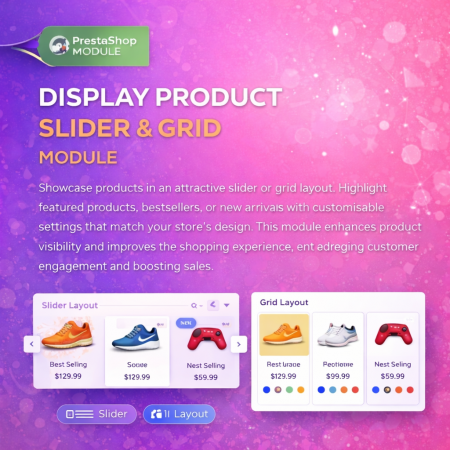
 Display Product Slider & Grid Prestashop Module

 Google Schema Markup & Rich Snippets Module for PrestaShop

 Social Network Integration Prestashop Module
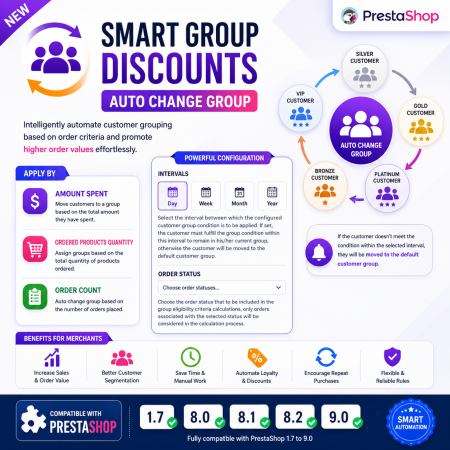
 Smart Group Discounts & Automatic Customer Group Changes for PrestaShop Module
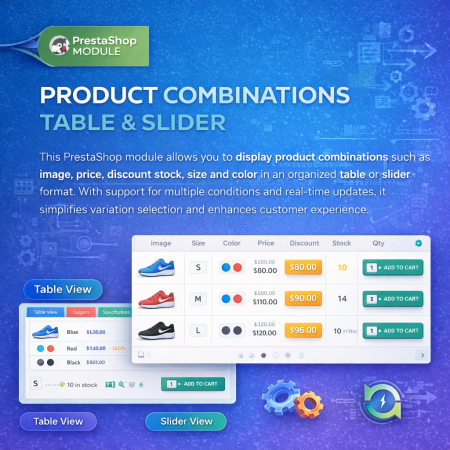
 Product Combination Table & Slider Prestashop Module
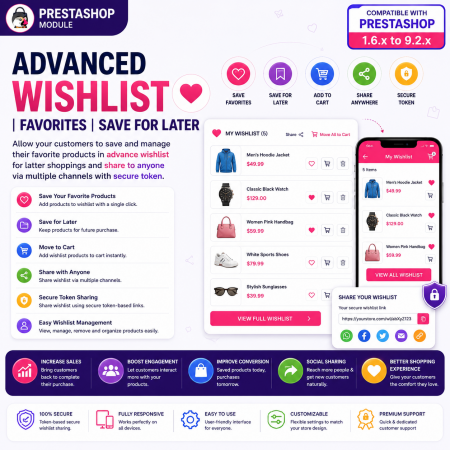
 Advanced Wishlist for PrestaShop – Favorites, Save for Later & Wishlist Sharing Module
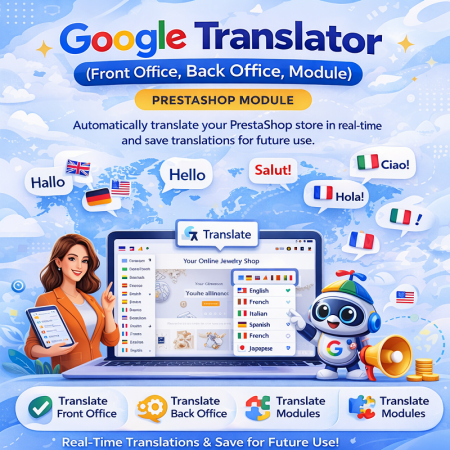
 Google Translator (Front Office, Back Office, Module) Prestashop Module
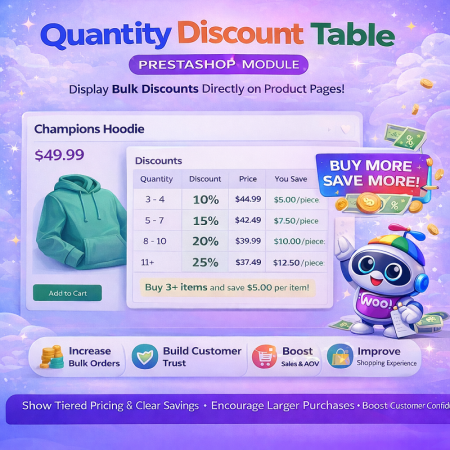 Quantity Discount Table & Grid PrestaShop Module
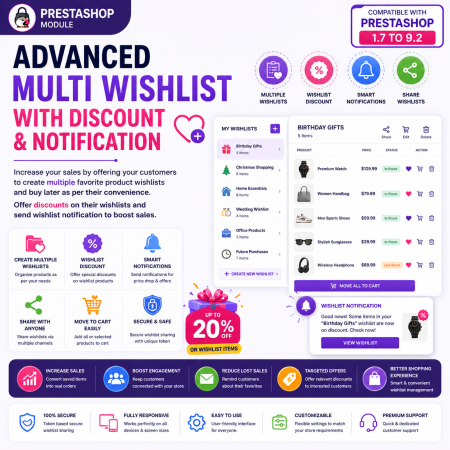
 Advanced Multi Wishlist for PrestaShop – Discounts, Notifications & Multiple Wishlists Module
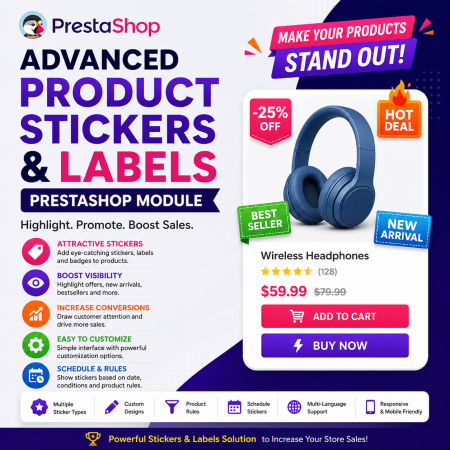 Advance Product Stickers & Labels Prestashop Module
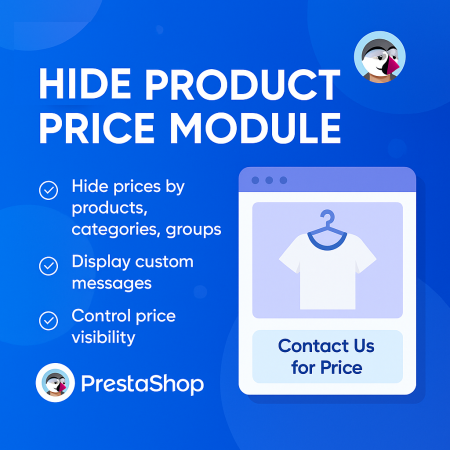
 Hide Product Price Prestashop Module
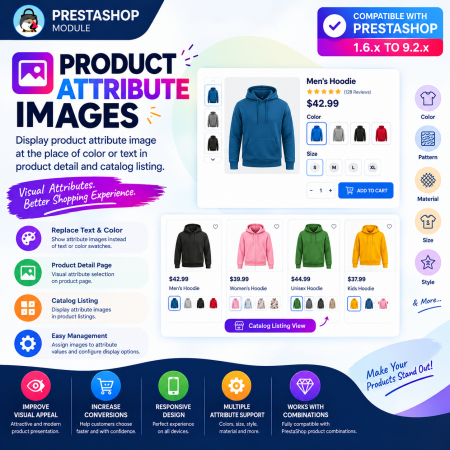
 Product Attribute Images – Visual Swatches for PrestaShop
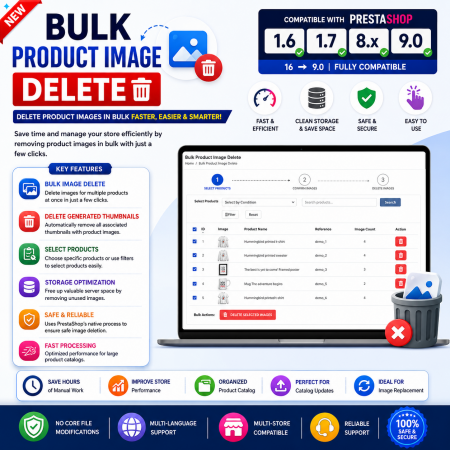
 Bulk Product Image Delete for PrestaShop
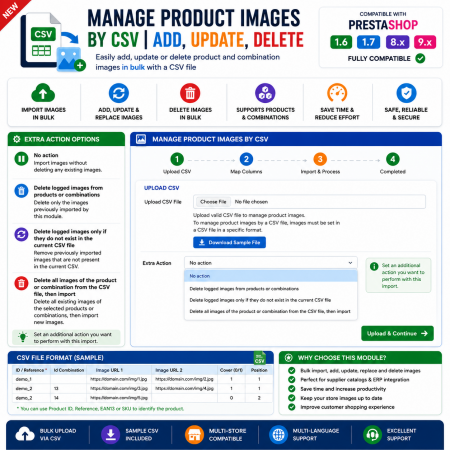
 Manage PrestaShop Product Images by CSV – Add, Update & Delete
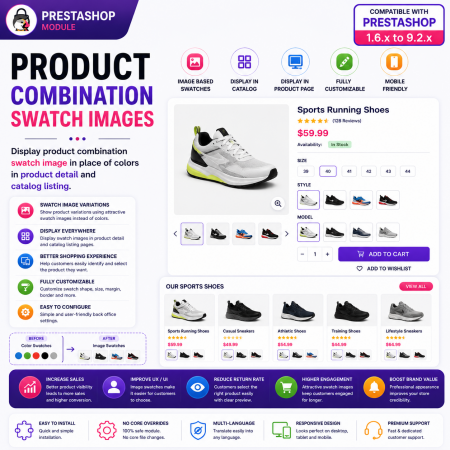
 Product Combination Swatch Images – Visual Product Variations for PrestaShop
Make product discovery easier with the Custom Product Variants PrestaShop Module.
Display multiple related products as selectable variations directly on your product pages. Connect separately managed products and present different colors, sizes, styles, designs, and models together in one convenient shopping experience.
Instead of making customers return to category pages to find alternative products, let them explore related options directly from the current product page and select the version they prefer.
Ideal for fashion, electronics, furniture, home décor, accessories, and any PrestaShop store that manages product variations as separate catalog products.
Improve product visibility, simplify navigation, and help customers discover more of your catalog with Sathi Custom Product Variants.
Display multiple related products as variations on a product page.
Let customers explore and select their preferred product option.
Improve product discovery and product presentation.
Reduce unnecessary navigation between separate product pages.
Provide a responsive and convenient shopping experience.
Ideal for fashion, electronics, furniture, accessories, and other stores selling products with multiple styles or variations.
Product Combination Swatch Images – Visual Product Variations for PrestaShop
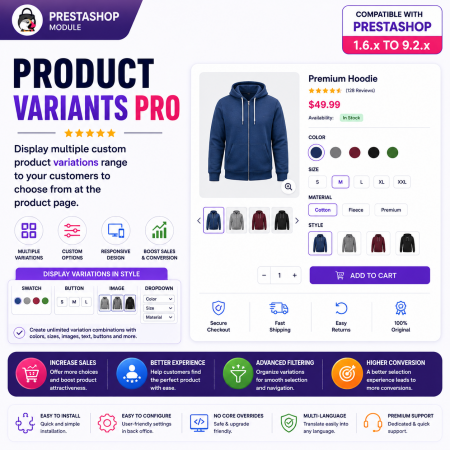
 Product Variants Pro – Custom Variant Groups for PrestaShop

Encrypted payment gateways ensuring your financial and personal data remain 100% protected.

Every module includes professional installation assistance, free updates, and reliable troubleshooting.

Rigorously tested PrestaShop & WooCommerce extensions designed for maximum speed and zero bloat.

Transparent policies, clean documentation, and dedicated assistance if you run into any compatibility hurdles.