- -$40.00

This module enhances the shopping experience by allowing customers to easily explore product variations such as...

The module allows merchants to enhance product images with customizable stickers and labels. Whether it’s...

The Quantity Discount Table module for PrestaShop makes bulk pricing clear and attractive by...

This module allows you to offer free shipping based on flexible conditions, such as location, carrier, cart value,...

The module automatically adjusts language, currency, and country settings based on the customer's location....


Vendor
Version
Last update
Prestashop version
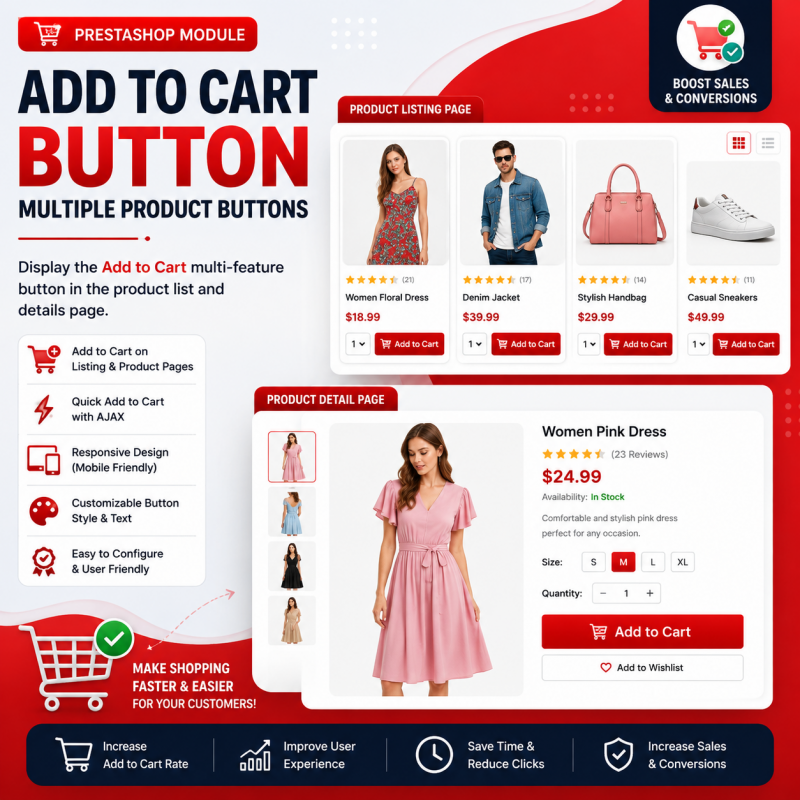
The Advanced Add to Cart Button Module for PrestaShop makes product purchasing more convenient by providing Add to Cart buttons across supported product listing areas. Customers can browse multiple products and access purchasing actions without repeatedly opening individual product pages. Improve product accessibility, simplify the shopping journey and create a more user-friendly shopping experience for your PrestaShop store.
Make product shopping more convenient with Add to Cart buttons across your product listings and storefront.
The Advanced Add to Cart Button Module for PrestaShop is designed to make product purchasing more convenient by providing Add to Cart buttons for multiple products across your online store.
In a standard shopping experience, customers may need to open individual product pages before they can add products to their cart. This can involve extra steps, especially when customers want to purchase several products while browsing a category or product list.
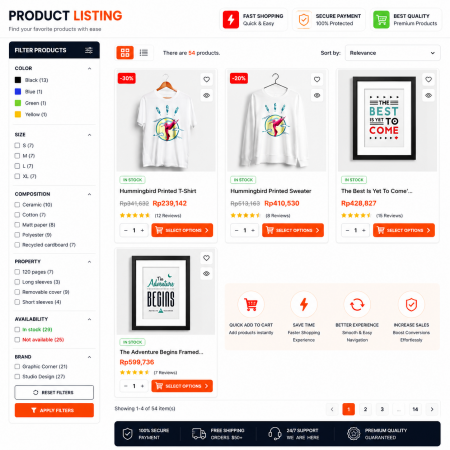
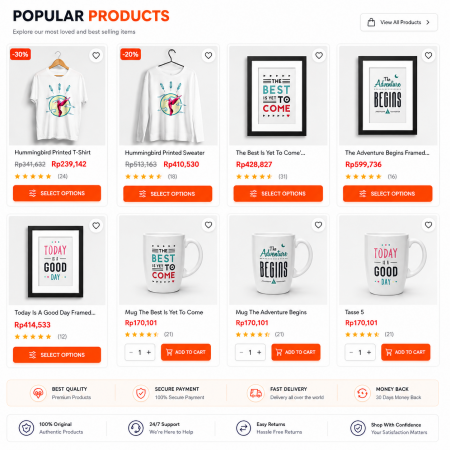
With this module, you can provide a more direct shopping experience by making Add to Cart actions available alongside products in supported product listing areas.
Help customers browse your catalog, select products and add items to their shopping cart more conveniently.
Make product purchasing easier by bringing the Add to Cart action closer to the products customers are browsing.
Provide convenient Add to Cart actions alongside products.
Make shopping actions available across supported product listings.
Reduce extra navigation steps during product browsing.
Provide an Add to Cart action alongside supported products. Customers can initiate the purchasing process more conveniently while browsing your storefront.
Make purchasing actions available for multiple products rather than limiting customers to opening each product page to find its shopping button.
Keep shopping actions closer to the product information. This helps customers browse product collections and take purchasing actions with fewer navigation steps.
Make product listings more action-oriented and provide customers with a convenient way to interact with your product catalog.
The module is designed to simplify the product selection and shopping process.
Customers explore products displayed in your storefront.
Customers locate the Add to Cart action for a product.
Customers use the available button to add supported products.
Customers can continue exploring other products in the store.
A convenient Add to Cart experience makes it easier for customers to interact with your product catalog and begin purchasing products.
Make product purchasing actions easier to access.
Give product listings a more direct shopping experience.
Reduce unnecessary steps between browsing and purchasing.
This module can be useful for PrestaShop merchants who want to provide a more convenient Add to Cart experience across their product catalog.
Make it easier to shop clothing and accessories.
Provide convenient purchasing actions across product collections.
Make product purchasing more accessible while browsing.
Provide a more convenient way to shop multiple products.
Follow these general steps to install the Advanced Add to Cart Button module in your PrestaShop store.
Download the module ZIP package from your Sathi.xyz account.
Log in to your PrestaShop Back Office and navigate to Modules > Module Manager.
Select the module upload option and choose the downloaded ZIP file.
Complete the module installation using the available installation option.
Visit your storefront and check the Add to Cart buttons on the product listing areas supported by your module.
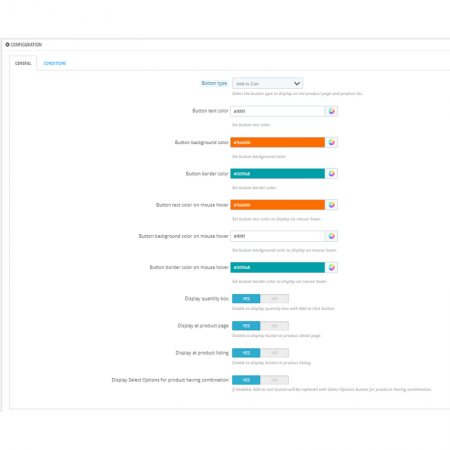
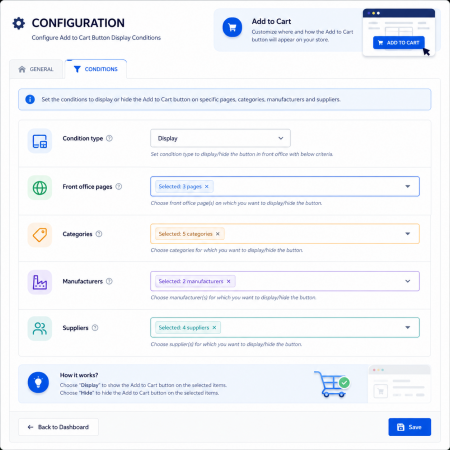
After installation, open the module configuration page from your PrestaShop Back Office, if configuration options are provided by your installed version.
Review the available settings and configure the Add to Cart functionality according to your store's requirements.
Save your settings and test the buttons on your storefront to verify that the shopping experience works correctly with your active theme.
Before installation, review the PrestaShop version and technical compatibility information mentioned on this product page. Compatibility can depend on your PrestaShop version, PHP environment, active theme and product listing implementation.
It is a PrestaShop module designed to provide Add to Cart buttons for products in supported storefront listing areas.
It gives customers a more direct way to start purchasing products while browsing your catalog, reducing the need for extra navigation.
The module is intended to provide Add to Cart buttons across multiple products. The exact product selection and cart behaviour depend on the module's supported functionality.
Upload the downloaded ZIP package through the PrestaShop Module Manager and complete the installation.
Theme compatibility depends on how the theme renders product listings and Add to Cart controls. Check the product compatibility details and test with your active theme.
Visit the supported product listing pages, locate the Add to Cart buttons and test the shopping process with different products.
Improve your PrestaShop storefront with convenient Add to Cart actions across your supported product listings.
| Vendor | Nxtal |
|---|---|
| Last update | Nov 03, 2026 |
| Version | 3.4.0 |
| Required store version | From 1.6.x to 9.2.x |
| Publication date | Aug 15, 2026 |
| Return Policy | You can return the product within the 30 Days return period for a full refund. No questions asked. |
| Customer Support | Enjoy one year of free customer support, including installation, troubleshooting, and usage guidance. |
| Description | This product is compatible with the specified versions and includes all the latest updates to enhance functionality and user experience. |
 Save & Share My Shopping Cart Prestashop Module
 Custom Product Variants for PrestaShop – Display Related Products as Variations

 Advanced Product Importer & Affiliate Module for PrestaShop – Import Products from 100s of Marketplaces

 Enable or Disable Carriers with Conditions Prestashop Module
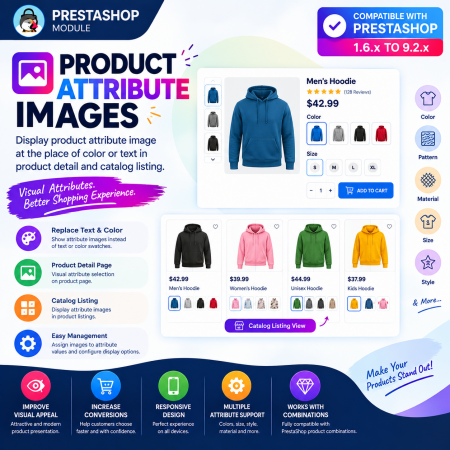
 Product Attribute Images Prestashop Module
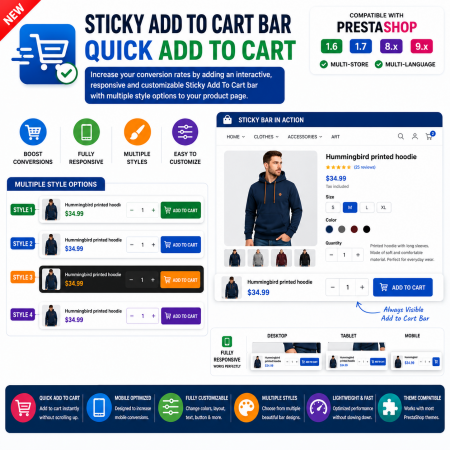
 Sticky Add to Cart Bar – Quick Add to Cart for PrestaShop

 Advance Google SEO (XML & HTML) Sitemap Generator Prestashop Module
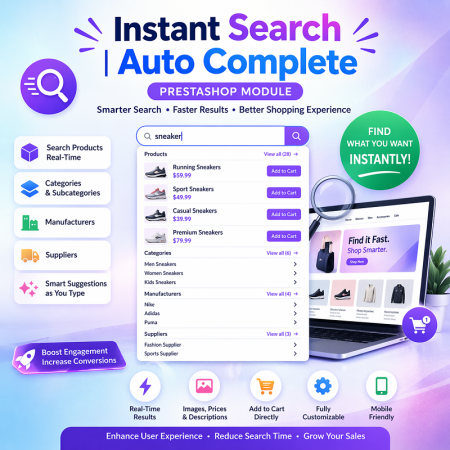
 Instant Search | Auto Complete Prestashop Module
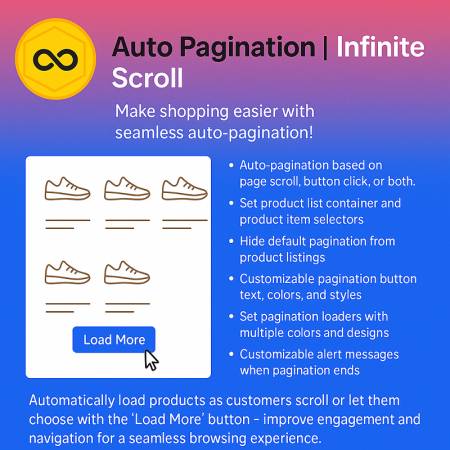
 Auto Pagination | Infinite Scroll Prestashop Module

 Loyalty, Referral & Affiliate Programs Module for PrestaShop
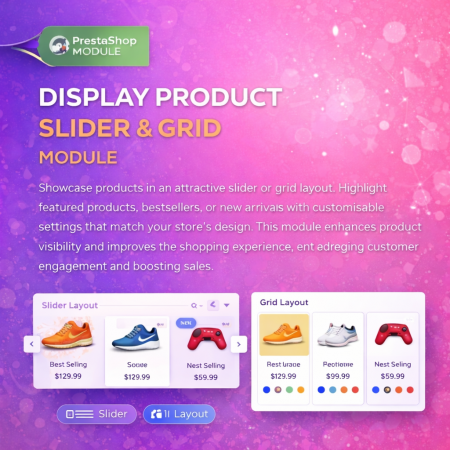
 Display Product Slider & Grid Prestashop Module
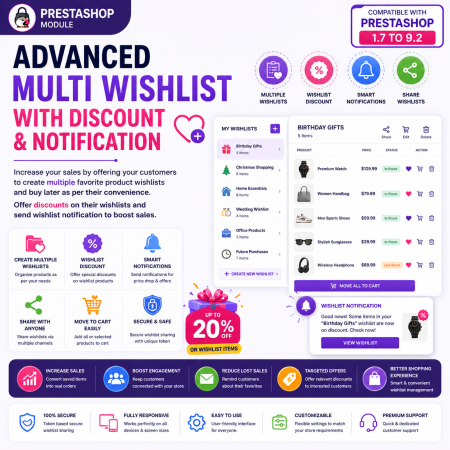
 Advanced Multi Wishlist for PrestaShop – Discounts, Notifications & Multiple Wishlists Module
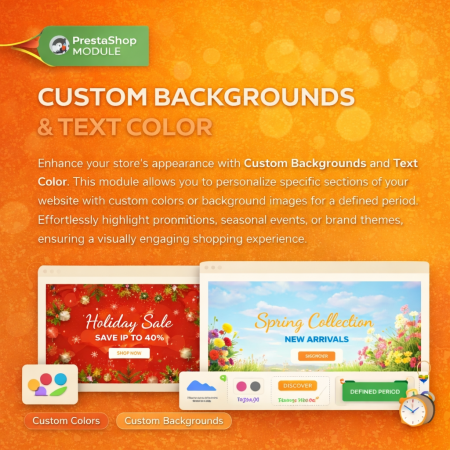
 Custom Background And Text Color Prestashop Module
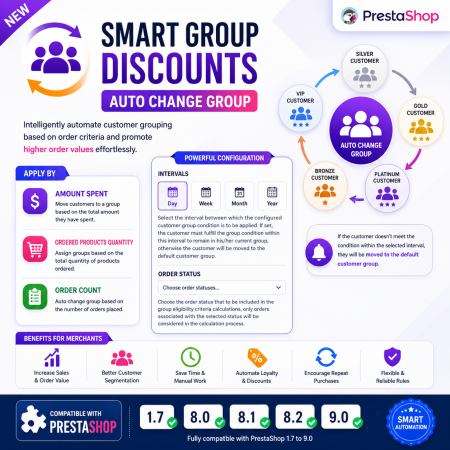
 Smart Group Discounts & Automatic Customer Group Changes for PrestaShop Module
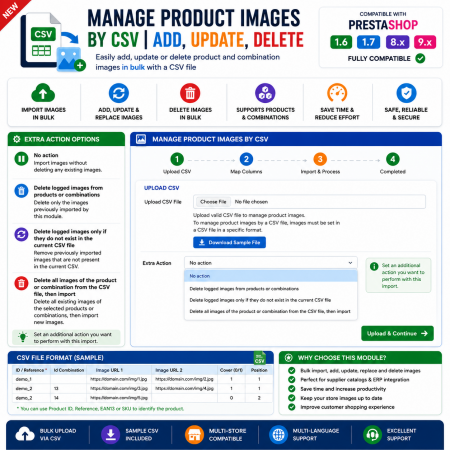
 Manage PrestaShop Product Images by CSV – Add, Update & Delete
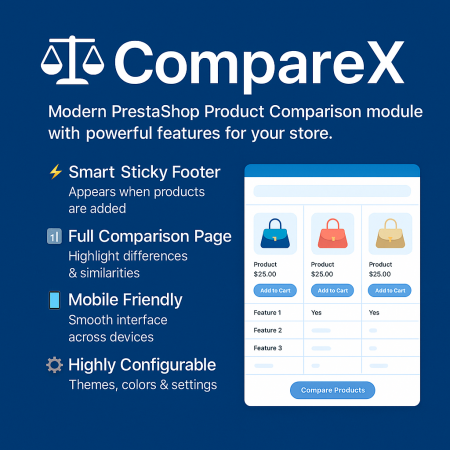
 Advance Product Comparison For Prestashop module
The Advanced Add to Cart Button Module for PrestaShop makes product purchasing more convenient by providing Add to Cart buttons across supported product listing areas. Customers can browse multiple products and access purchasing actions without repeatedly opening individual product pages. Improve product accessibility, simplify the shopping journey and create a more user-friendly shopping experience for your PrestaShop store.

Encrypted payment gateways ensuring your financial and personal data remain 100% protected.

Every module includes professional installation assistance, free updates, and reliable troubleshooting.

Rigorously tested PrestaShop & WooCommerce extensions designed for maximum speed and zero bloat.

Transparent policies, clean documentation, and dedicated assistance if you run into any compatibility hurdles.