- -$40.00


This module enhances the shopping experience by allowing customers to easily explore product variations such as...

The module allows merchants to enhance product images with customizable stickers and labels. Whether it’s...

The Quantity Discount Table & Grid Module for PrestaShop helps merchants display...

This module allows you to offer free shipping based on flexible conditions, such as location, carrier, cart value,...

The module automatically adjusts language, currency, and country settings based on the customer's location....

Vendor
Version
Last update
Prestashop version
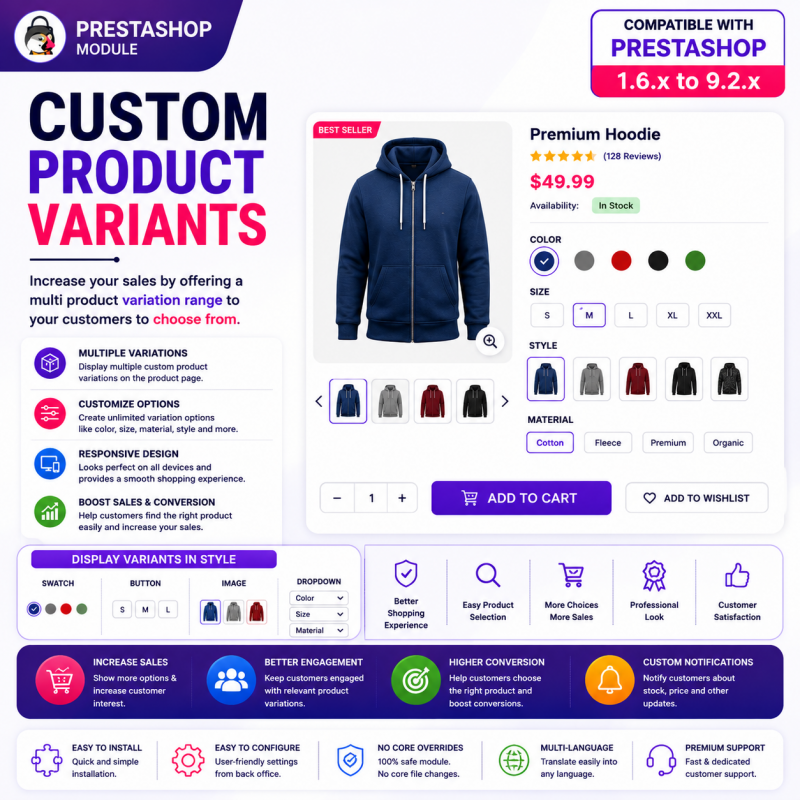
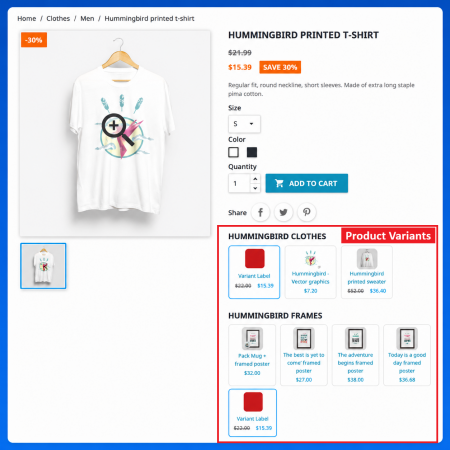
Make product selection easier with Custom Product Variants for PrestaShop. Display related products as selectable variations directly on product pages, allowing customers to explore different colors, sizes, styles, designs, and other product options without searching through your catalog.
Display multiple related products as variations on a product page.
Let customers explore and select their preferred product option.
Improve product discovery and product presentation.
Reduce unnecessary navigation between separate product pages.
Provide a responsive and convenient shopping experience.
Ideal for fashion, electronics, furniture, accessories, and other stores selling products with multiple styles or variations.
Give customers a simpler way to explore different versions of your products. Custom Product Variants allows you to display multiple related products directly on a product page, making it easier for shoppers to discover alternatives and choose the option that suits their preferences.
Instead of making customers return to category pages or search through your catalog, bring relevant product choices together in one convenient shopping experience.
Many stores sell products that are available in different colors, sizes, styles, designs, or models. Sometimes these options are maintained as separate products rather than as combinations of a single PrestaShop product.
Without a clear way to connect these products, customers may not realize that other versions are available. They might leave the current product page, browse the catalog again, or miss an alternative that better matches their requirements.
Custom Product Variants helps solve this product discovery problem by presenting related product choices together on the product page. Customers can explore the available options and select the product they want more conveniently.
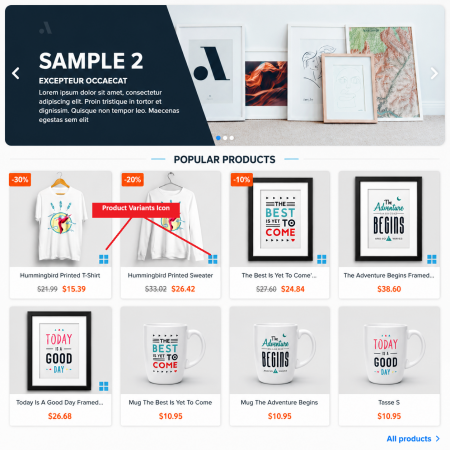
Present a range of related product options together on a product page. This makes it easier for customers to understand that other versions or alternatives are available.
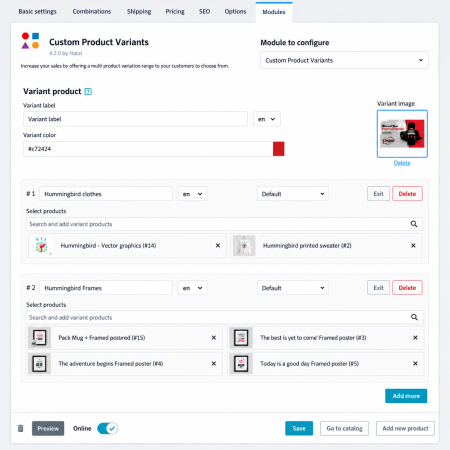
Organize related products as selectable options even when they are maintained as individual products in your PrestaShop catalog. This is useful when each version needs its own product page and product information.
Allow customers to explore the displayed choices and select their preferred option as part of the product shopping experience.
Bring related product choices into a clear, organized presentation. Customers can discover alternatives without having to search through unrelated catalog listings.
Help shoppers find other designs, styles, sizes, colors, or product versions that they may otherwise overlook.
Provide a convenient product selection experience across desktop, tablet, and mobile devices.
Use the module for different product types and catalog structures, depending on how your store organizes its related products.
Show related clothing products in different colors, designs, or styles, particularly when each version is maintained as a separate product.
Connect related models, product editions, or alternative versions so shoppers can discover other options from the product page.
Present related furniture designs, finishes, and styles to help customers explore alternatives.
Make it easier to discover related accessories, designs, and product versions within the same shopping journey.
PrestaShop combinations are useful when different attribute values belong to the same product, such as one T-shirt available in several sizes and colors. However, some merchants prefer to maintain each version as an independent product with its own product information and catalog entry.
Custom Product Variants is designed for this second use case: displaying related products as selectable variations on a product page. It helps connect separately managed products in a more convenient way for customers.
Enhance your product presentation with other useful modules from Sathi:
No coding knowledge is required for the standard installation and configuration process.
Compatibility can depend on your active theme and the way products are configured. We recommend testing the demo or contacting support if your store uses a heavily customized theme.
It allows merchants to display related products as selectable variations directly on a product page, helping customers explore alternatives more easily.
Yes. The module is intended for displaying related products that are maintained as separate products in your PrestaShop catalog.
It can be useful for clothing, electronics, furniture, accessories, home decor, and other product categories where customers may want to explore related versions or alternatives.
No. Standard combinations represent attribute-based options within one product. This module focuses on displaying related, separately managed products as variations on a product page.
The product listing specifies compatibility with PrestaShop 1.6.x through 9.2.x. Theme-specific compatibility should be checked for customized stores.
Yes. A store demo and a back-office demo are available on the product page so you can explore the customer-facing display and administration interface.
Yes. The listing includes one year of free customer support and a 30-day refund period.
Help customers explore related products without unnecessary navigation. Add Custom Product Variants to your PrestaShop store and create a more convenient way to browse product options.
Try the live demo and see how it fits your store.
| Vendor | Nxtal |
|---|---|
| Last update | Oct 31, 2026 |
| Version | 4.2.0 |
| Required store version | From 1.6.x to 9.2.x |
| Publication date | Sep 04, 2026 |
| Return Policy | You can return the product within the 30 Days return period for a full refund. No questions asked. |
| Customer Support | Enjoy one year of free customer support, including installation, troubleshooting, and usage guidance. |
| Description | This product is compatible with the specified versions and includes all the latest updates to enhance functionality and user experience. |
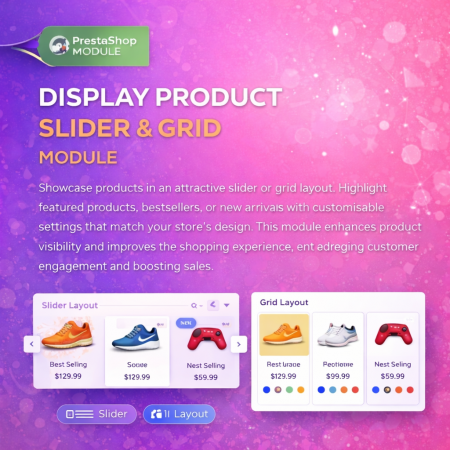
 Display Product Slider & Grid Prestashop Module
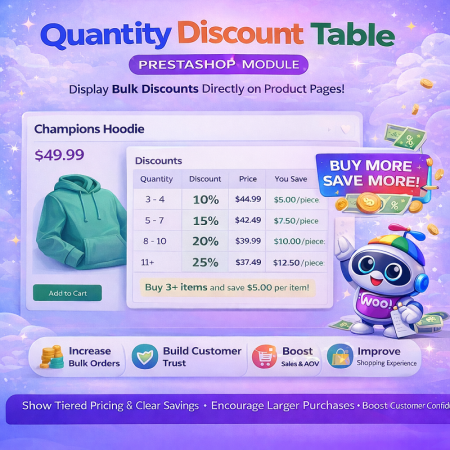 Quantity Discount Table & Grid PrestaShop Module
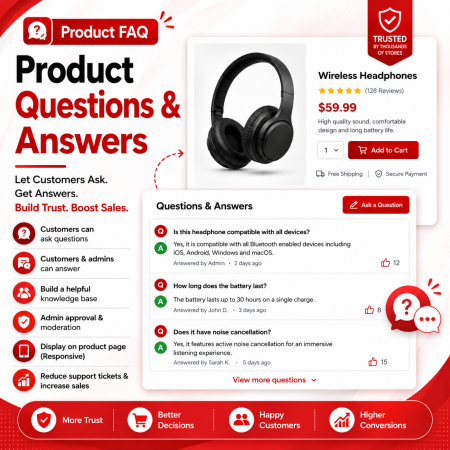
 Product FAQ – Product Questions & Answers for PrestaShop
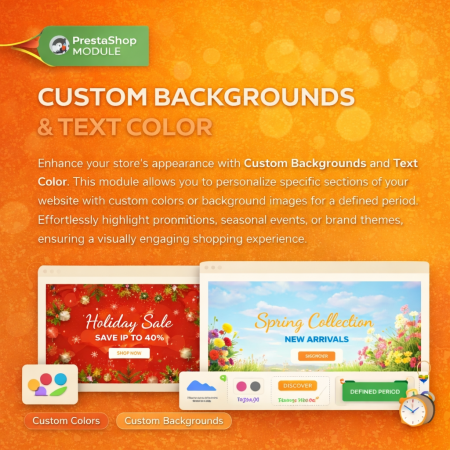
 Custom Background And Text Color Prestashop Module
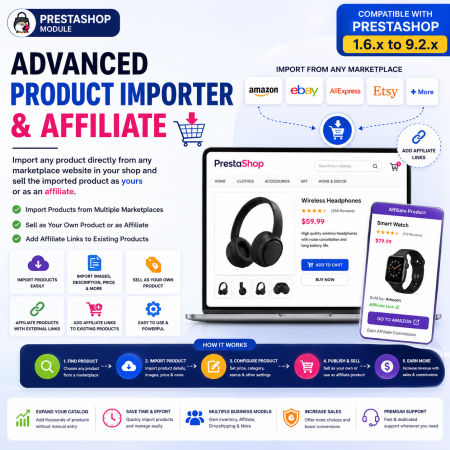
 Advanced Product Importer & Affiliate (100+ websites) Module for PrestaShop
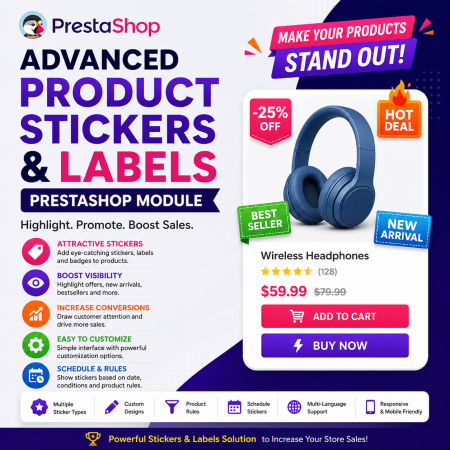 Advance Product Stickers & Labels Prestashop Module
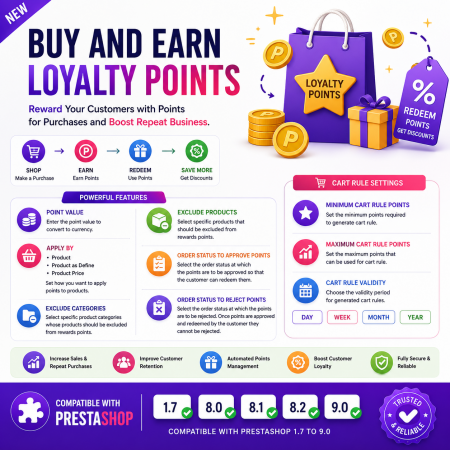
 Buy and Earn Loyalty Points for PrestaShop
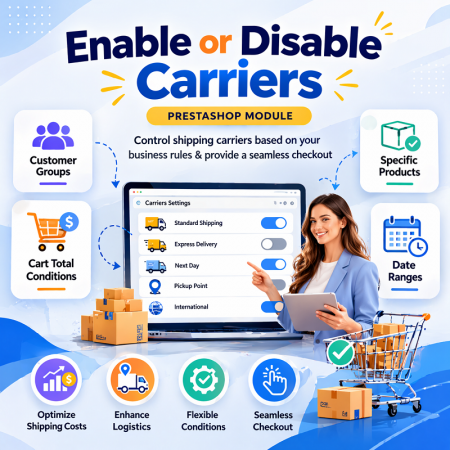
 Enable or Disable Carriers with Conditions PrestaShop Module
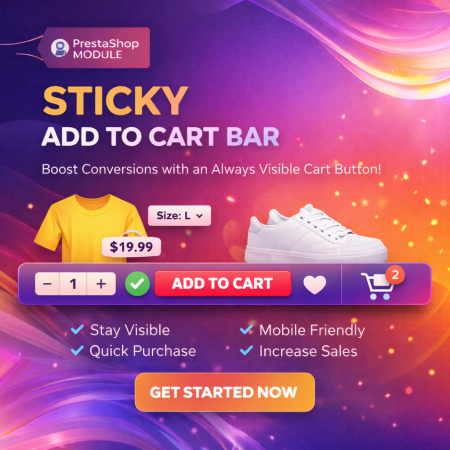
 Sticky Add to Cart Bar Prestashop Module
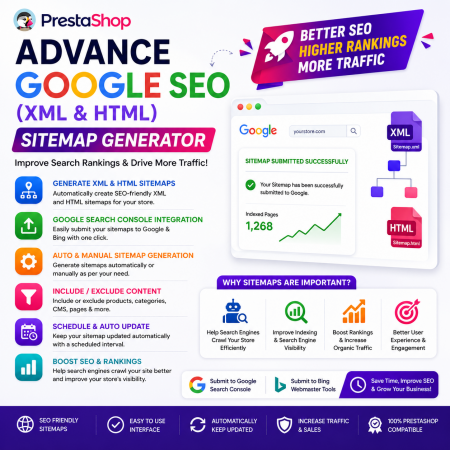
 Advance Google SEO (XML & HTML) Sitemap Generator Prestashop Module
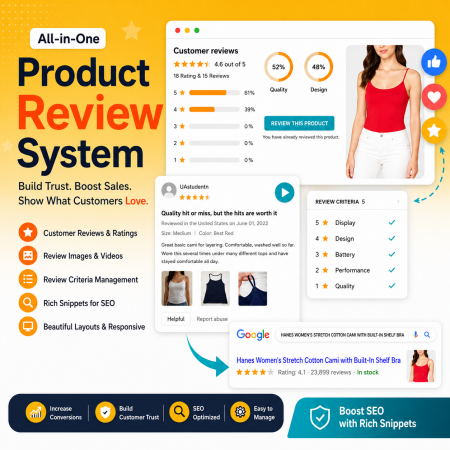
 Advanced Shop & Product Reviews and Ratings Module for PrestaShop
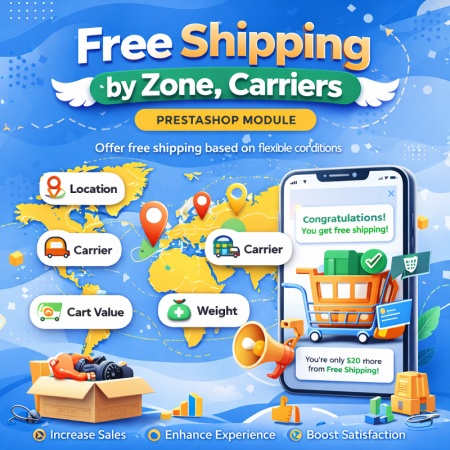 Free Shipping By zone, Carrier Prestashop Module
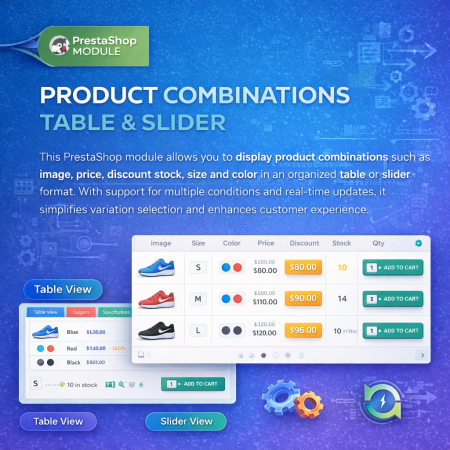
 Product Combination Table & Slider Prestashop Module
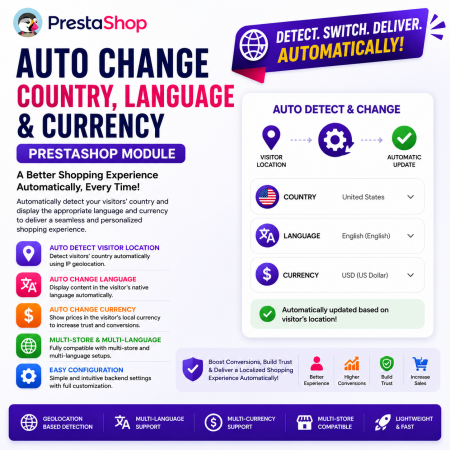 Auto Change Country Language and Currency Prestashop Module
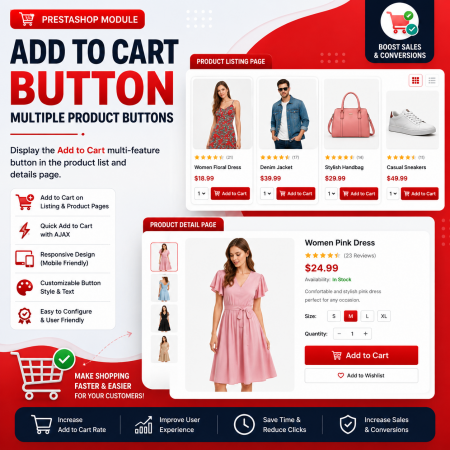
 Advanced Add to Cart Button Module for PrestaShop
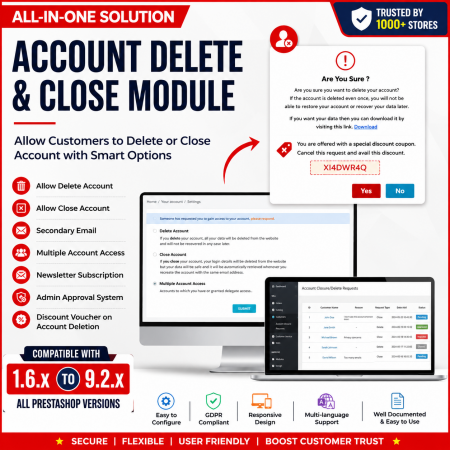
 Customer Account Settings – PrestaShop Customer Management Module
Make product selection easier with Custom Product Variants for PrestaShop. Display related products as selectable variations directly on product pages, allowing customers to explore different colors, sizes, styles, designs, and other product options without searching through your catalog.
Display multiple related products as variations on a product page.
Let customers explore and select their preferred product option.
Improve product discovery and product presentation.
Reduce unnecessary navigation between separate product pages.
Provide a responsive and convenient shopping experience.
Ideal for fashion, electronics, furniture, accessories, and other stores selling products with multiple styles or variations.

Encrypted payment gateways ensuring your financial and personal data remain 100% protected.

Every module includes professional installation assistance, free updates, and reliable troubleshooting.

Rigorously tested PrestaShop & WooCommerce extensions designed for maximum speed and zero bloat.

Transparent policies, clean documentation, and dedicated assistance if you run into any compatibility hurdles.