- -$40.00

This module enhances the shopping experience by allowing customers to easily explore product variations such as...

The module allows merchants to enhance product images with customizable stickers and labels. Whether it’s...

The Quantity Discount Table module for PrestaShop makes bulk pricing clear and attractive by...

This module allows you to offer free shipping based on flexible conditions, such as location, carrier, cart value,...

The module automatically adjusts language, currency, and country settings based on the customer's location....

Vendor
Version
Last update
Prestashop version
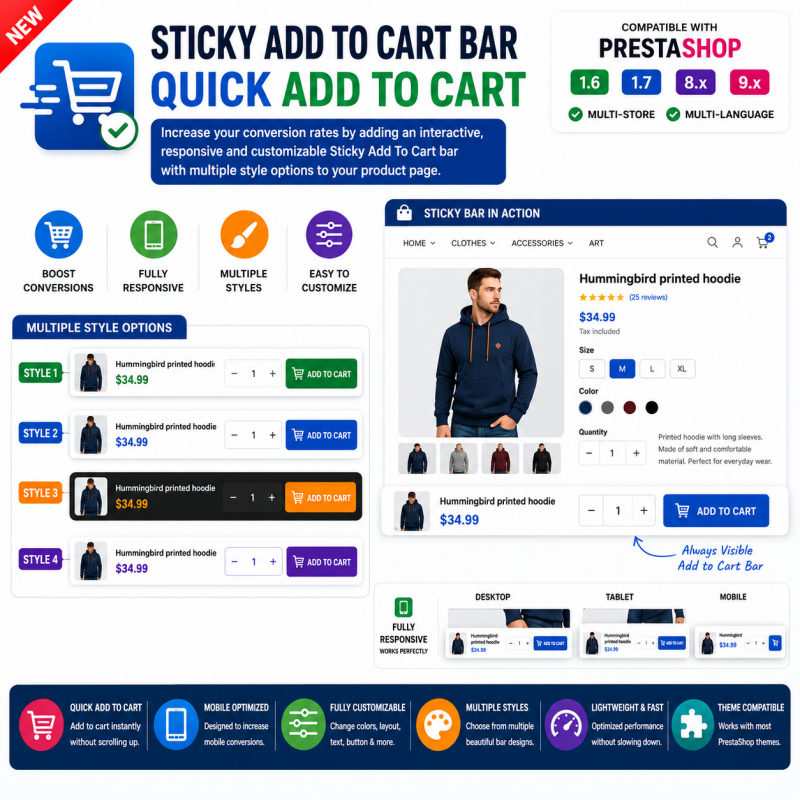
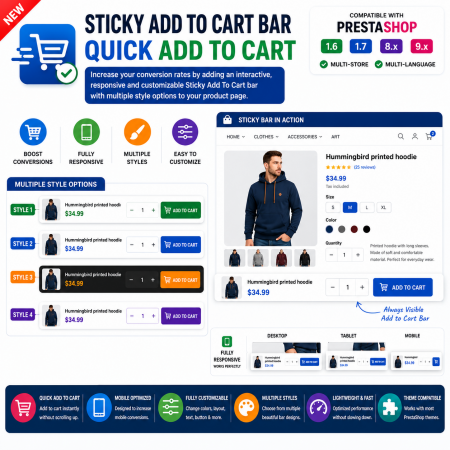
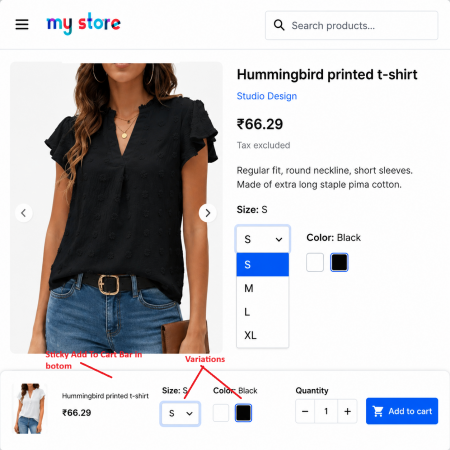
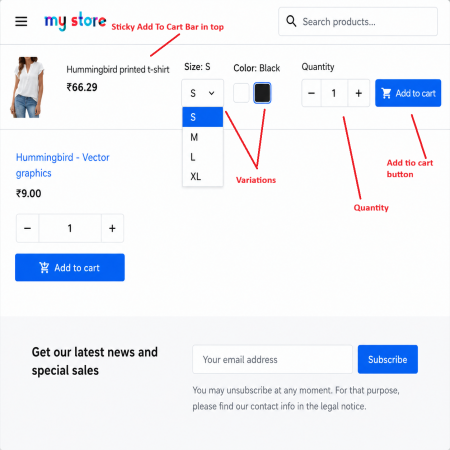
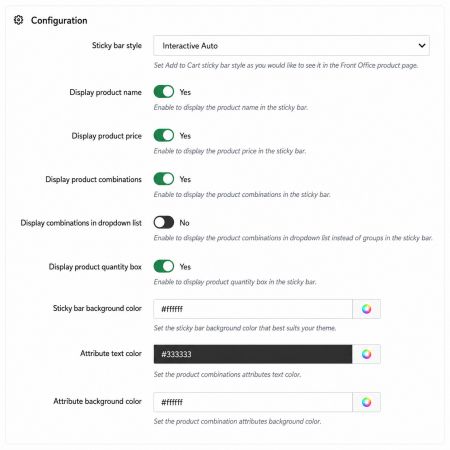
Sticky Add To Cart Bar – Quick Add To Cart is a powerful PrestaShop module that keeps the purchase button visible while customers browse your product pages. As visitors scroll through product descriptions, specifications, or reviews, a responsive sticky bar appears, allowing them to quickly add products to the cart without scrolling back to the top.
The module includes multiple design styles, customizable layouts, and mobile-friendly responsiveness to create a smoother shopping experience and improve conversion rates.
| Vendor | Nxtal |
|---|---|
| Last update | Oct 10, 2026 |
| Version | 2.0.0 |
| Required store version | From 1.6.x to 9.2.x |
| Publication date | Jul 27, 2026 |
| Return Policy | You can return the product within the 30 Days return period for a full refund. No questions asked. |
| Customer Support | Enjoy one year of free customer support, including installation, troubleshooting, and usage guidance. |
| Description | This product is compatible with the specified versions and includes all the latest updates to enhance functionality and user experience. |
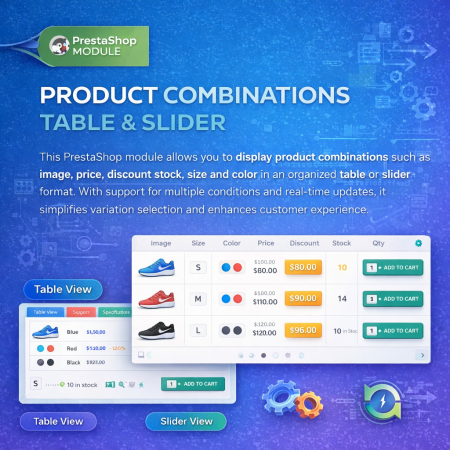
 Product Combination Table & Slider Prestashop Module
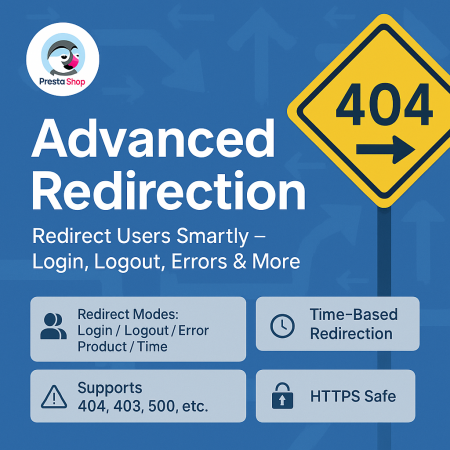
 Advanced URL Redirection (301, 302, 404) Prestashop Module
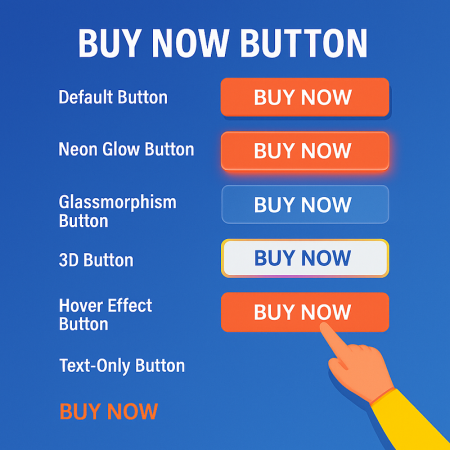
 Buy Now Button | Quick Order Prestashop Module

 Sticky Add to Cart Bar Prestashop Module

 Advanced Product Navigation (Previous & Next) Prestashop Module
 Free Shipping By zone, Carrier Prestashop Module
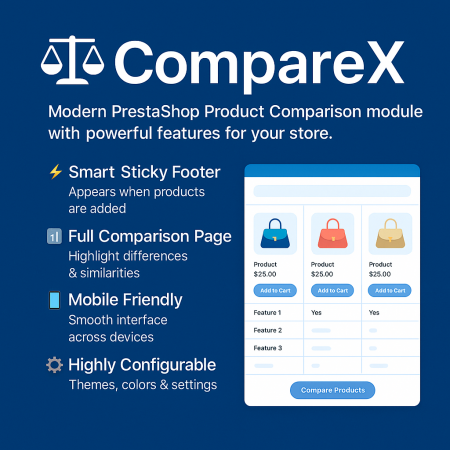
 Advance Product Comparison For Prestashop module

 Time Limited Offers | Countdown Timer - PrestaShop Module

 Save & Share My Shopping Cart Prestashop Module
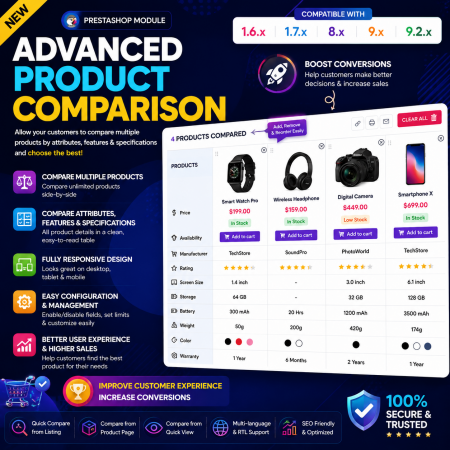
 Advance Product Comparison Prestashop module
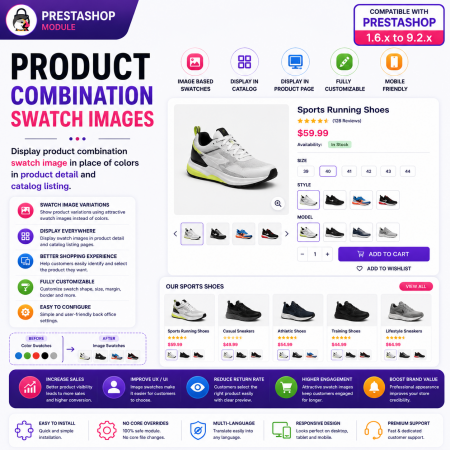
 Product Combination Swatch Images Prestashop Module
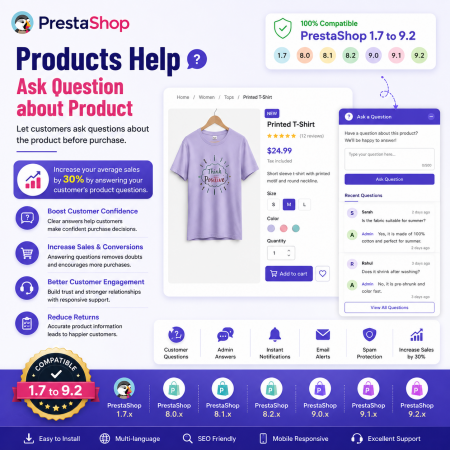
 Products Help – Ask Question about Product Prestashop Module
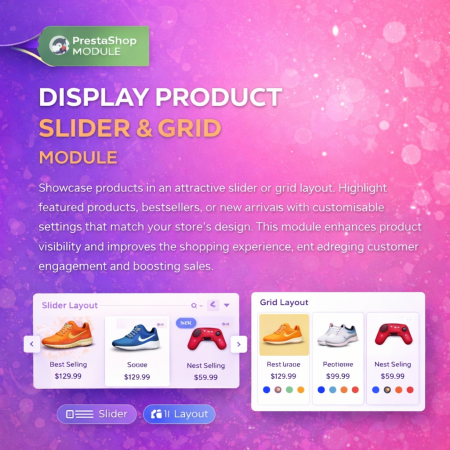
 Display Product Slider & Grid Prestashop Module
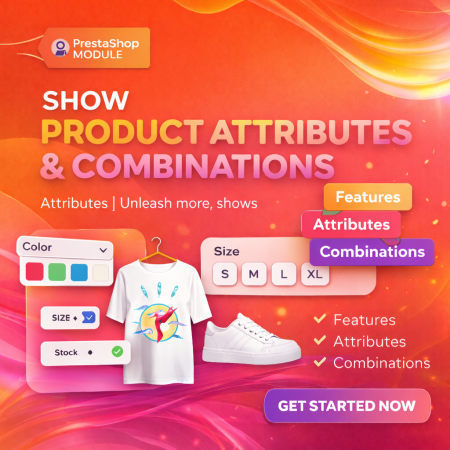 Show Product Attributes Or Combinations Prestashop Module
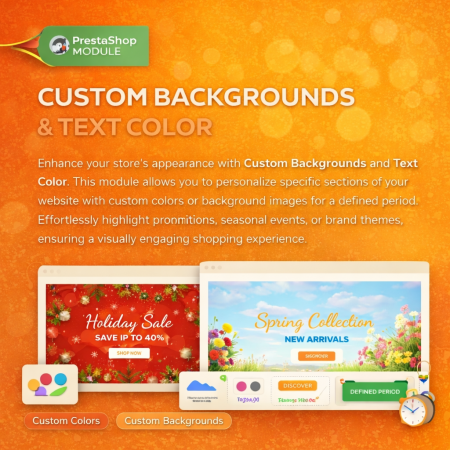
 Custom Background And Text Color Prestashop Module

 PrestaShop Smart Similar Products – Attribute, Price & Feature Matching
Sticky Add To Cart Bar – Quick Add To Cart is a powerful PrestaShop module that keeps the purchase button visible while customers browse your product pages. As visitors scroll through product descriptions, specifications, or reviews, a responsive sticky bar appears, allowing them to quickly add products to the cart without scrolling back to the top.
The module includes multiple design styles, customizable layouts, and mobile-friendly responsiveness to create a smoother shopping experience and improve conversion rates.

Encrypted payment gateways ensuring your financial and personal data remain 100% protected.

Every module includes professional installation assistance, free updates, and reliable troubleshooting.

Rigorously tested PrestaShop & WooCommerce extensions designed for maximum speed and zero bloat.

Transparent policies, clean documentation, and dedicated assistance if you run into any compatibility hurdles.