
- -$40.00
- New

This module enhances the shopping experience by allowing customers to easily explore product variations such as...

The module allows merchants to enhance product images with customizable stickers and labels. Whether it’s...

The Quantity Discount Table module for PrestaShop makes bulk pricing clear and attractive by...

This module allows you to offer free shipping based on flexible conditions, such as location, carrier, cart value,...

The module automatically adjusts language, currency, and country settings based on the customer's location....


Version
Last update
Prestashop version
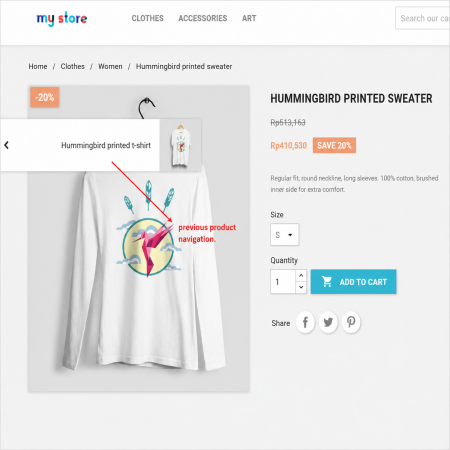
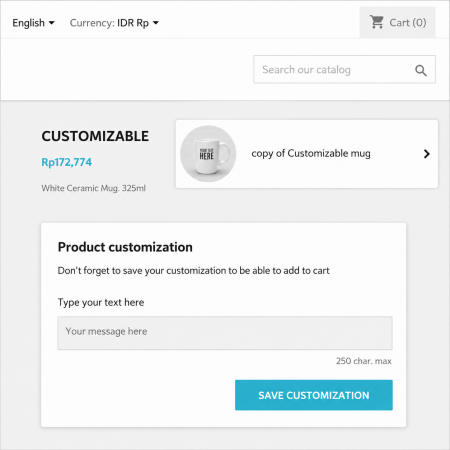
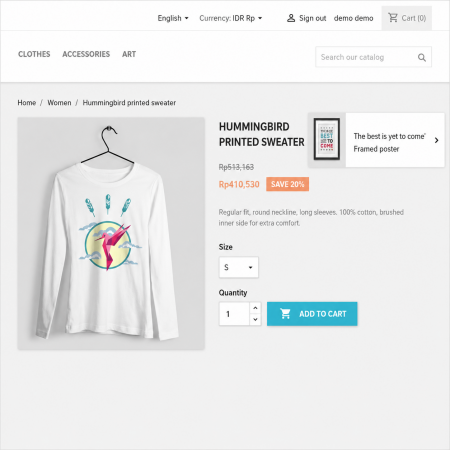
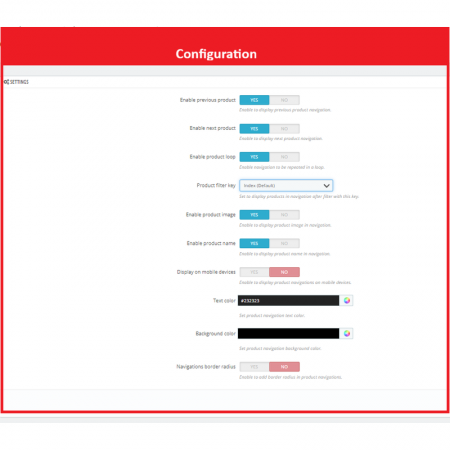
Advanced Product Navigation adds a convenient Previous and Next navigation feature to your product pages. Customers can quickly move between products without returning to the category or product listing page.
Improve the shopping experience by allowing customers to browse products sequentially using Previous Product and Next Product buttons. The navigation can follow the product listing or category order, making it easier to explore multiple products quickly.
| Last update | Oct 01, 2026 |
|---|---|
| Version | 3.5.0 |
| Required store version | From 1.6.x to 9.2.x |
| Publication date | Aug 20, 2026 |
| Return Policy | You can return the product within the 30 Days return period for a full refund. No questions asked. |
| Customer Support | Enjoy one year of free customer support, including installation, troubleshooting, and usage guidance. |
| Description | This product is compatible with the specified versions and includes all the latest updates to enhance functionality and user experience. |
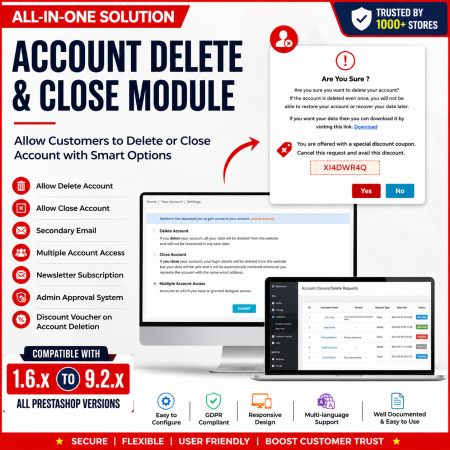
 Customer Account Settings Prestashop module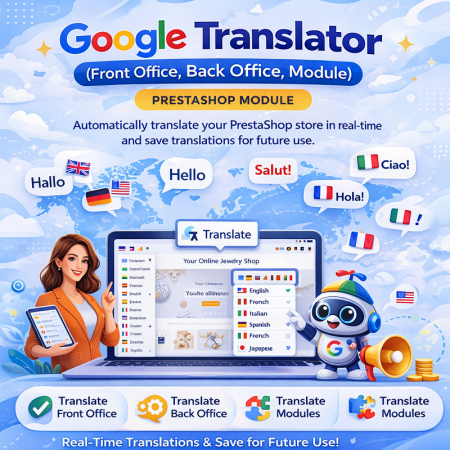
 Google Translator (Front Office, Back Office, Module) Prestashop Module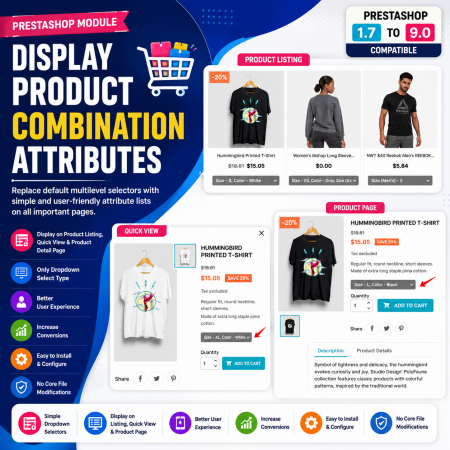
 Display Product Combination Attributes Prestashop Module
 Social Wall Feeds Facebook and Twitter Prestashop Module
 Display Price Tax Inclusive or Exclusive Prestashop Module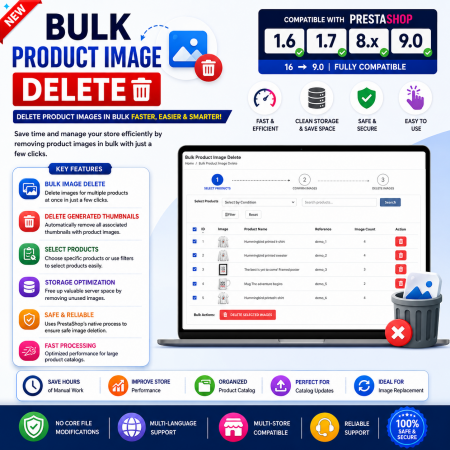
 Bulk Product Image Delete Prestashop Module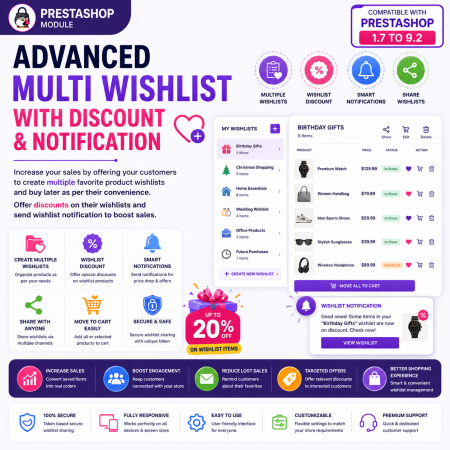
 Advanced Multi Wishlist with Discount and Notification Prestashop Module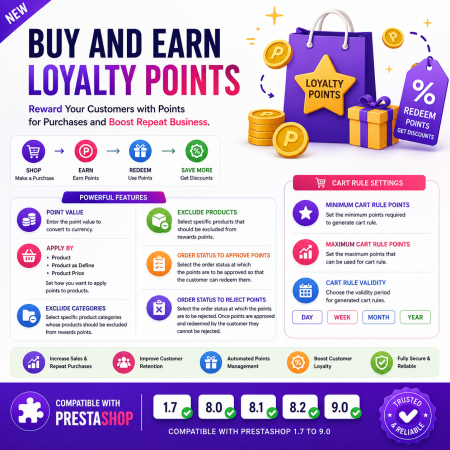
 Buy And Earn | Loyalty Points Prestashop Module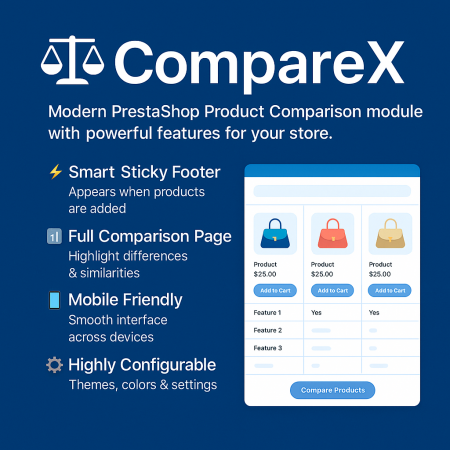
 Advance Product Comparison For Prestashop module
 Auto Pagination | Infinite Scroll Prestashop Module
 Mega Attribute Popup Prestashop Module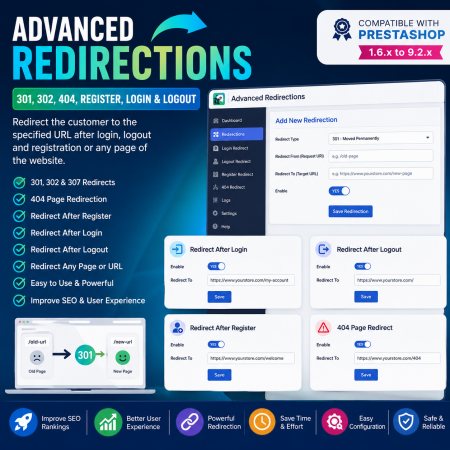
 Advanced Redirections - 301, 302, 404, Register, login & logout Prestashop Module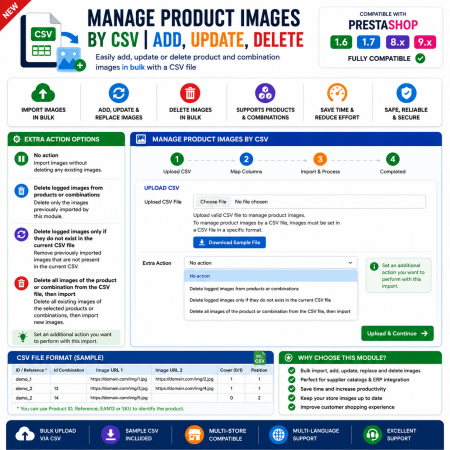
 Manage Product Images By CSV | Add, Update, Delete Prestashop Module
 Hide Product Price Prestashop Module
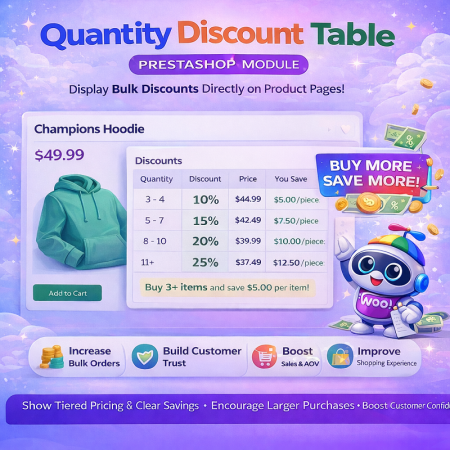 Quantity Discount Table & Grid Module for PrestaShop
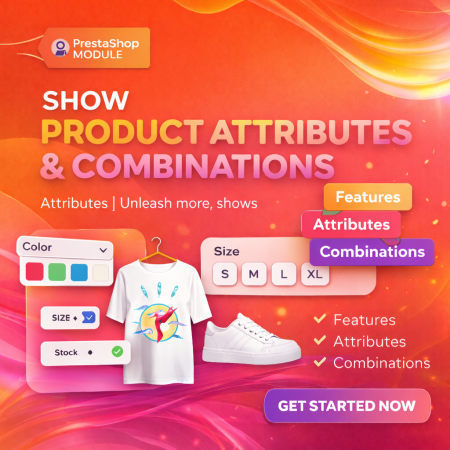 Show Product Attributes Or Combinations Prestashop Module
 Advanced Product Navigation adds a convenient Previous and Next navigation feature to your product pages. Customers can quickly move between products without returning to the category or product listing page.