- -$40.00

This module enhances the shopping experience by allowing customers to easily explore product variations such as...

The module allows merchants to enhance product images with customizable stickers and labels. Whether it’s...

The Quantity Discount Table module for PrestaShop makes bulk pricing clear and attractive by...

This module allows you to offer free shipping based on flexible conditions, such as location, carrier, cart value,...

The module automatically adjusts language, currency, and country settings based on the customer's location....

Vendor
Version
Last update
Prestashop version
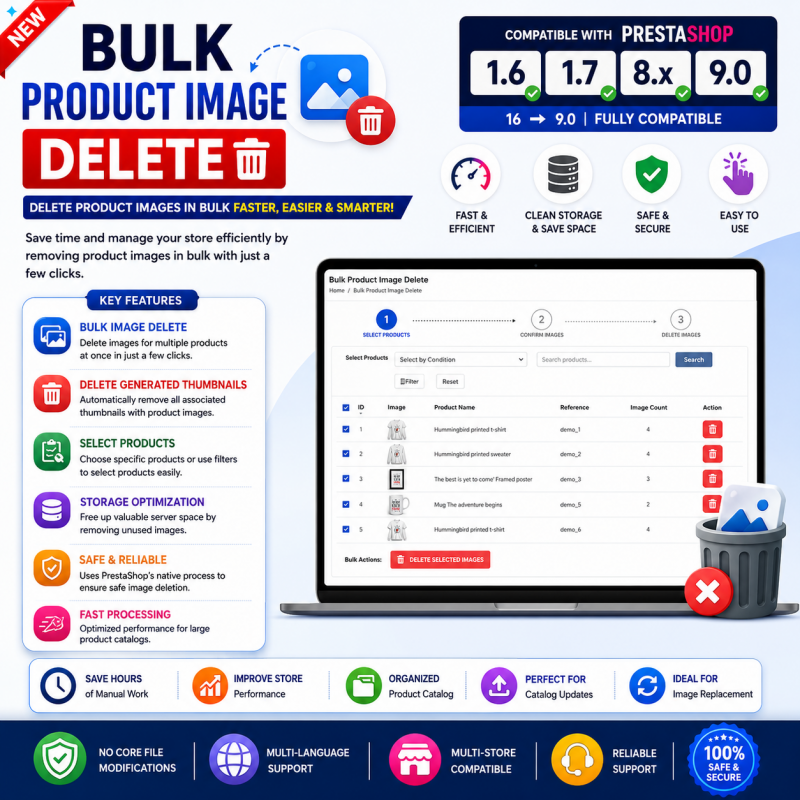
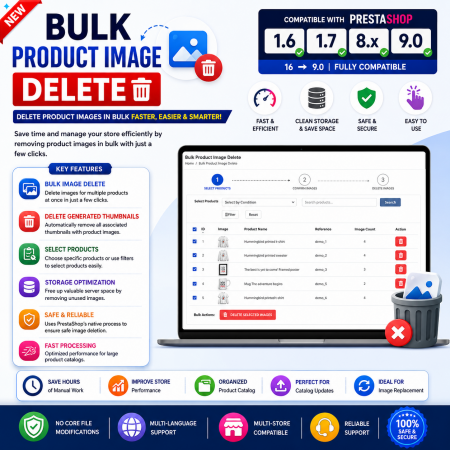
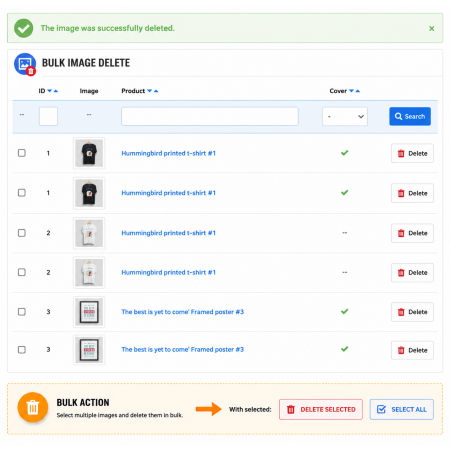
Bulk Product Image Delete is a PrestaShop module designed to simplify the removal of product images through a bulk-deletion workflow.
Managing product images individually can become time-consuming, particularly for stores with large catalogues. Old product photos, duplicate visuals, and unnecessary images can make catalogue maintenance more difficult.
This module provides a dedicated approach to bulk product image deletion, helping store administrators reduce repetitive image-cleanup work and keep product image collections organized.
It is suitable for PrestaShop stores that regularly maintain product visuals and need a more convenient way to handle image removal.
Simplify product image cleanup in your PrestaShop store. Manage bulk image deletion through a dedicated module designed to help you remove unwanted product images and keep your catalogue organized.
Product images are an essential part of an online store, but managing them over time can become challenging. Old product photos, duplicate visuals, outdated images, and unnecessary catalogue images can make image maintenance more difficult.
When a store contains many products, removing images individually can involve repetitive administrative work.
Bulk Product Image Delete is designed to simplify this task by providing a dedicated way to handle bulk product image deletion, helping store owners maintain a cleaner and more organized product catalogue.
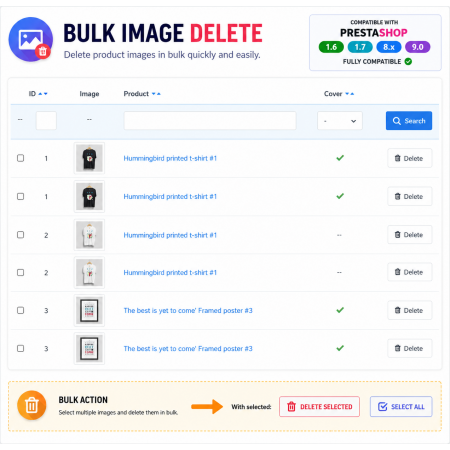
Illustrative concept only. Actual selection controls and deletion workflow depend on the installed module.
Bulk Product Image Delete is a PrestaShop module designed to simplify the removal of product images through a bulk image-deletion workflow. It helps store administrators manage unwanted product visuals without relying entirely on repetitive individual image deletion. This is useful for catalogue maintenance, removing outdated visuals, and keeping product image collections organized.
Make product image cleanup a more manageable part of your catalogue administration.
Manage the removal of unwanted product images through a dedicated bulk-deletion workflow.
Help maintain cleaner product image collections by removing visuals that are no longer needed.
Support routine product catalogue maintenance by simplifying image removal tasks.
Reduce the need for repeated individual image cleanup actions when handling bulk tasks.
Use a module dedicated to bulk product image deletion in your PrestaShop administration workflow.
Install the module through the standard PrestaShop module-management interface.
Product image maintenance becomes easier to manage when unnecessary visuals can be handled through a dedicated bulk workflow.
Handle product image removal as a dedicated catalogue maintenance task.
Avoid relying only on repetitive individual image deletion when managing bulk cleanup.
Keep product image collections relevant to your current catalogue requirements.
Identify outdated, unwanted, or unnecessary product images that need to be removed.
Access the Bulk Product Image Delete module in your PrestaShop Back Office.
Follow the module's available controls to perform the intended image-deletion operation.
Review the affected product pages and confirm that the intended images have been removed.
Stores with many products that need regular image maintenance.
Retailers that regularly replace seasonal product photos and outdated visuals.
Stores that maintain multiple product visuals and revise product presentations over time.
Teams responsible for keeping product information and image collections organized.
Image deletion can affect the way products appear in your storefront. Before performing bulk cleanup, take a moment to protect your catalogue data.
Install Bulk Product Image Delete through your PrestaShop Back Office using the module ZIP package.
Download the Bulk Product Image Delete ZIP package to your computer.
Log in to the PrestaShop Back Office and navigate to Modules → Module Manager.
Click Upload a module and select the downloaded ZIP package.
Wait for PrestaShop to upload and install the module.
Open the module configuration page and review its available image-management controls.
Perform a small test, then verify the affected products before carrying out larger cleanup operations.
It is a PrestaShop module designed to help store administrators remove product images through a bulk-deletion workflow.
When a catalogue contains many products and outdated images, bulk image cleanup can reduce repetitive manual work.
Newer PrestaShop product editors include bulk image selection and deletion within the product editing interface. This module is a dedicated option for the bulk image-deletion workflow described by its product name.
Yes. Removing images can change the visuals displayed on affected product pages. Review the deletion scope and verify product covers and combination images before proceeding.
Yes. Back up your database and product image files before running bulk deletion operations.
After processing, open the affected product pages in your Back Office and storefront to confirm that the intended images have been removed and the remaining images display correctly.
Keep your PrestaShop catalogue organized with a dedicated bulk product image deletion workflow.
| Vendor | Nxtal |
|---|---|
| Last update | Nov 03, 2026 |
| Version | 2.0.0 |
| Required store version | From 1.6.x to 9.2.x |
| Publication date | Jul 24, 2026 |
| Return Policy | You can return the product within the 30 Days return period for a full refund. No questions asked. |
| Customer Support | Enjoy one year of free customer support, including installation, troubleshooting, and usage guidance. |
| Description | This product is compatible with the specified versions and includes all the latest updates to enhance functionality and user experience. |
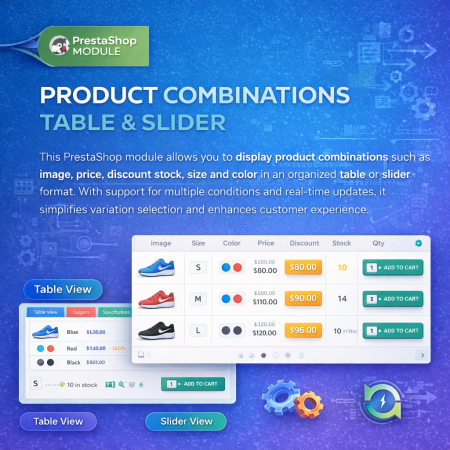
 Product Combination Table & Slider Prestashop Module
 Advance Product Stickers & Labels Prestashop Module

 Advanced Shop & Product Reviews and Ratings Module for PrestaShop
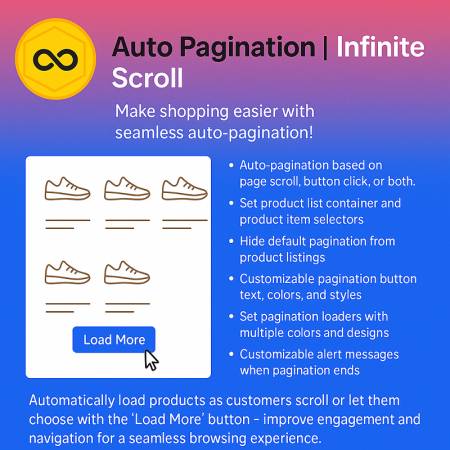
 Auto Pagination | Infinite Scroll Prestashop Module
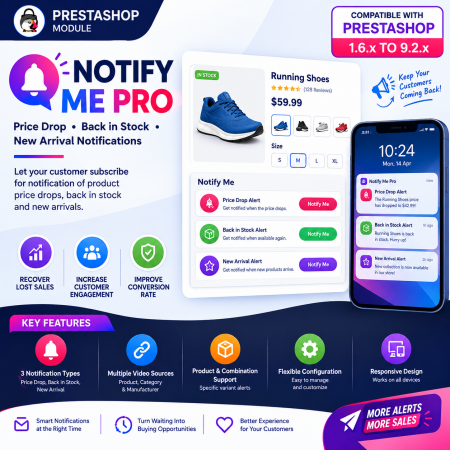
 PrestaShop Notify Me Pro | Price Drop, New Arrivals & Stock Alerts Module

 Display Price Tax Inclusive or Exclusive Prestashop Module

 Sticky Add to Cart Bar Prestashop Module
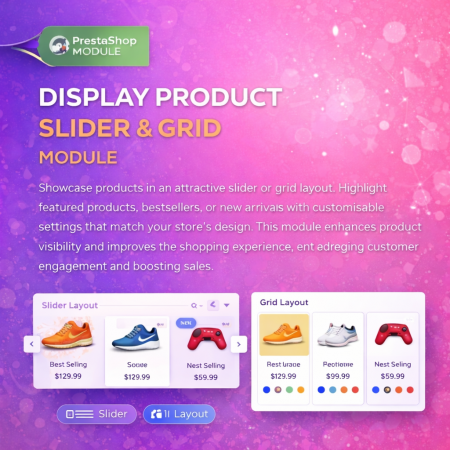
 Display Product Slider & Grid Prestashop Module

 Social Network Integration Prestashop Module
 Quantity Discount Table & Grid Module for PrestaShop

 Product FAQ – Product Questions & Answers for PrestaShop
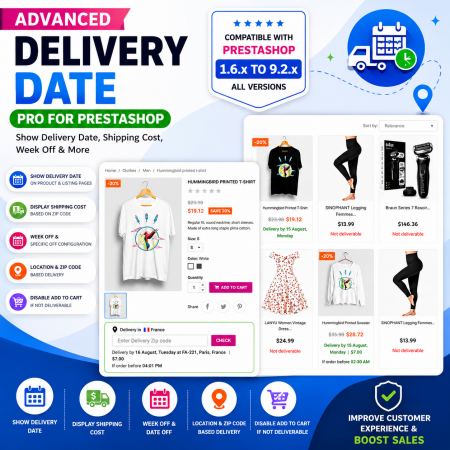
 Proposed Delivery Date and Cost Module for PrestaShop
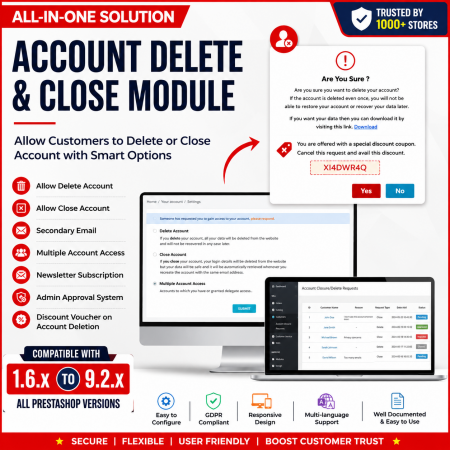
 Customer Account Settings – PrestaShop Customer Management Module

 Advance Google SEO (XML & HTML) Sitemap Generator Prestashop Module
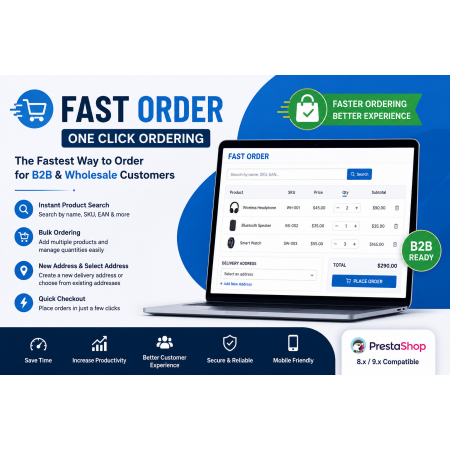
 Fast Order with Instant and File Search for PrestaShop Module
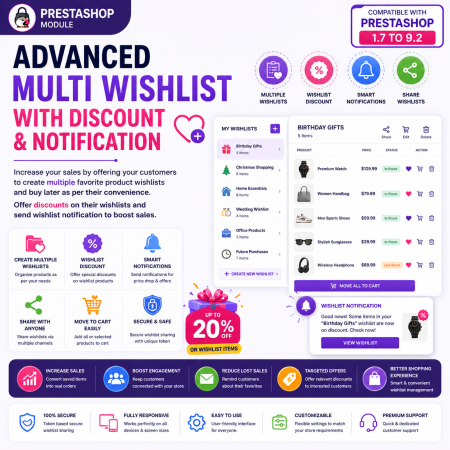
 Advanced Multi Wishlist for PrestaShop – Discounts, Notifications & Multiple Wishlists Module
Bulk Product Image Delete is a PrestaShop module designed to simplify the removal of product images through a bulk-deletion workflow.
Managing product images individually can become time-consuming, particularly for stores with large catalogues. Old product photos, duplicate visuals, and unnecessary images can make catalogue maintenance more difficult.
This module provides a dedicated approach to bulk product image deletion, helping store administrators reduce repetitive image-cleanup work and keep product image collections organized.
It is suitable for PrestaShop stores that regularly maintain product visuals and need a more convenient way to handle image removal.
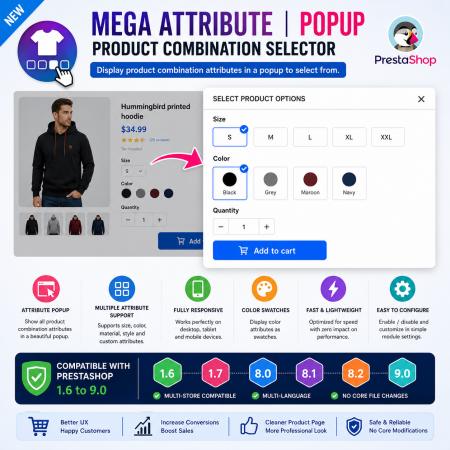
 Mega Attribute Popup Module for PrestaShop

Encrypted payment gateways ensuring your financial and personal data remain 100% protected.

Every module includes professional installation assistance, free updates, and reliable troubleshooting.

Rigorously tested PrestaShop & WooCommerce extensions designed for maximum speed and zero bloat.

Transparent policies, clean documentation, and dedicated assistance if you run into any compatibility hurdles.