- -$40.00

This module enhances the shopping experience by allowing customers to easily explore product variations such as...

The module allows merchants to enhance product images with customizable stickers and labels. Whether it’s...
The Quantity Discount Table & Grid Module for PrestaShop helps merchants display...

This module allows you to offer free shipping based on flexible conditions, such as location, carrier, cart value,...

The module automatically adjusts language, currency, and country settings based on the customer's location....

Vendor
Version
Last update
Prestashop version
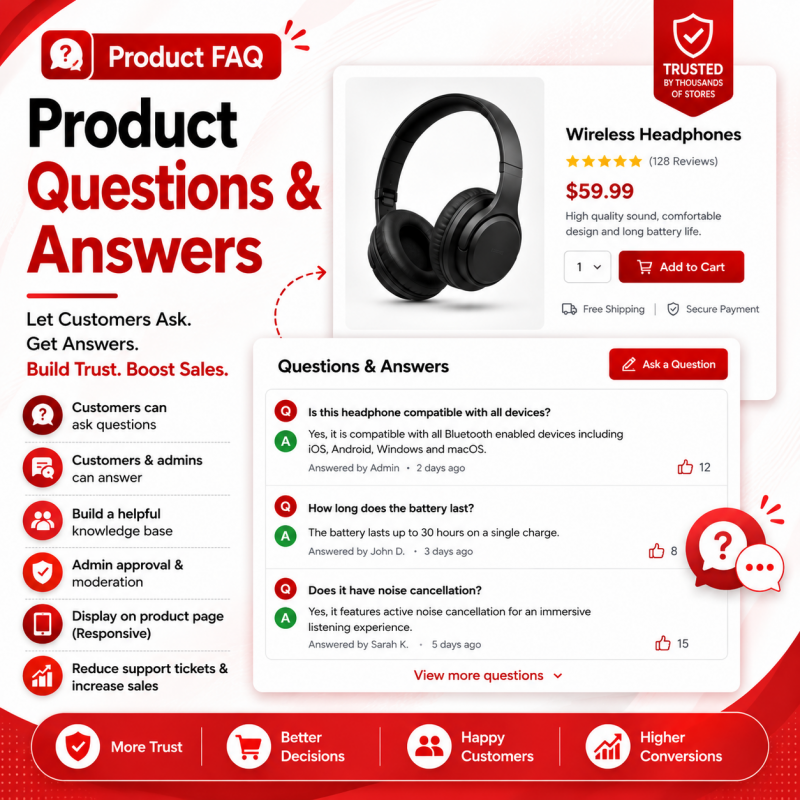
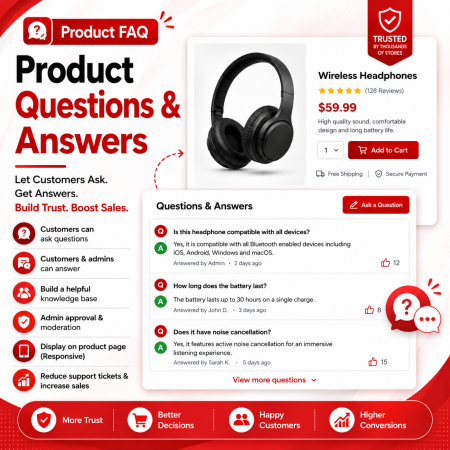
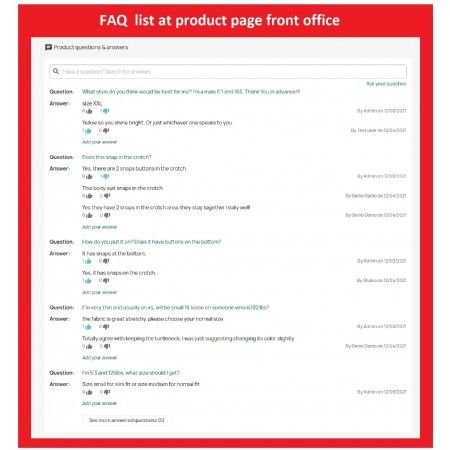
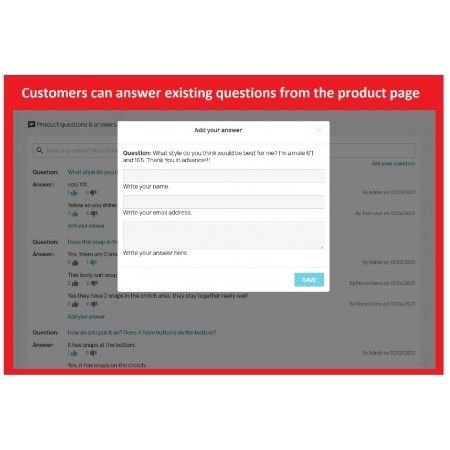
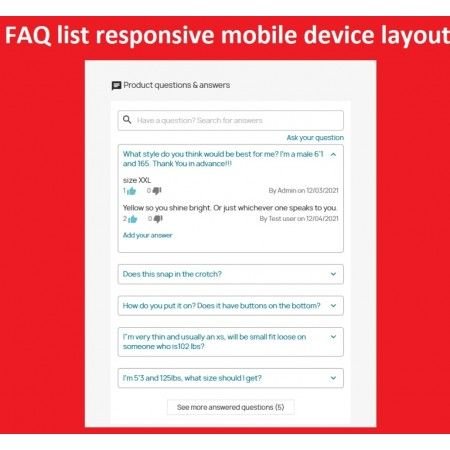
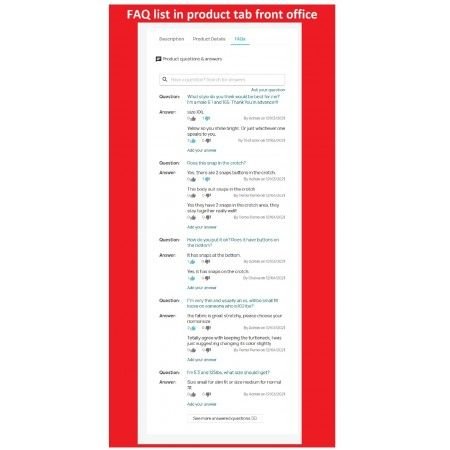
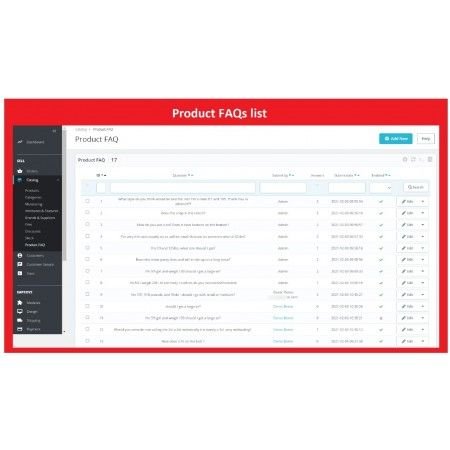
The Product FAQ – Product Questions & Answers module for PrestaShop makes it easier for customers to ask questions about products directly from your online store. Store administrators can manage customer enquiries and provide helpful answers, making important product information more accessible to shoppers. Improve customer communication, clarify product details, build trust and help visitors make informed purchasing decisions.
Let customers ask questions about your products and provide helpful answers directly on your online store. Build confidence, improve communication and help shoppers make informed purchase decisions.
Customers often have questions before purchasing a product. They may want to know about product specifications, available options, dimensions, compatibility, usage instructions, delivery or other important details.
When customers cannot find the information they need, they may postpone their purchase or contact your support team. The Product FAQ module provides a convenient way to manage product-related questions and answers, helping shoppers find useful information directly on product pages.
Give your customers a better way to communicate with your store and make important product information accessible to everyone browsing your catalogue.
Product FAQ – Product Questions & Answers is a PrestaShop module designed to improve communication between customers and store owners. It allows customers to ask product-related questions and enables administrators to manage and answer those questions from the back office. By making useful questions and answers available on product pages, the module helps shoppers understand products better, builds trust and supports informed purchasing decisions.
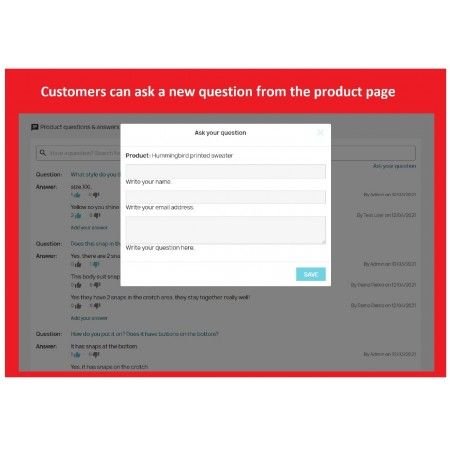
Give customers a way to submit questions related to the products they are interested in.
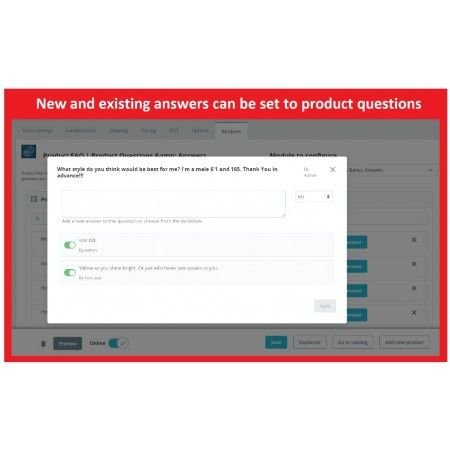
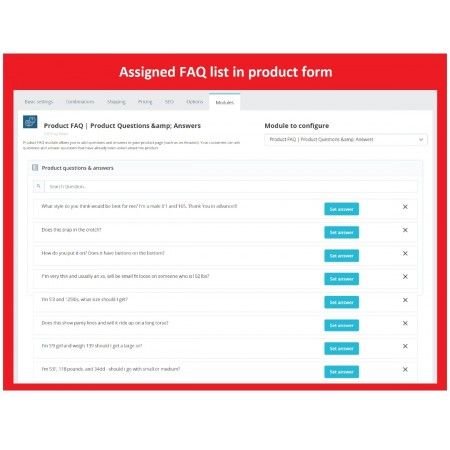
Manage customer questions and provide helpful responses through your store administration.
Make useful product-related answers available to shoppers while they browse.
Help customers understand product details before making a purchase decision.
A product description may not answer every question a customer has. A dedicated questions-and-answers area provides an additional source of information that can help shoppers make better decisions.
A visitor opens a product and reviews its description and available information.
The customer submits a question about the product using the available question submission feature.
The store administrator reviews the submitted enquiry and provides an appropriate response.
Questions and published answers can help shoppers understand the product and make informed decisions.
Customers may have different questions depending on the product they are viewing. Here are some common examples:
The Product FAQ module can be useful for stores selling products that require additional explanation or clarification.
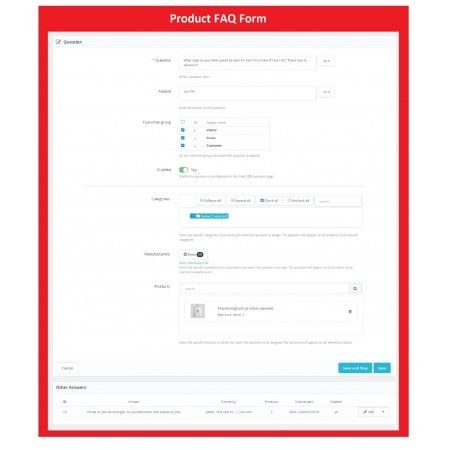
After installation, open the Product FAQ module in your PrestaShop back office. Use the available management options to review customer enquiries and maintain product-related answers.
Make sure that questions are reviewed and answers are clear, relevant and accurate. Check the storefront after saving changes to confirm that the published information appears correctly.
The exact configuration options, question moderation workflow, notification settings and display controls depend on the installed module version.
Compatibility depends on the specific module release, PrestaShop version, PHP environment and active theme. Please check the compatibility details provided with the module before installation. If you need assistance, contact our support team with your store version and theme information.
It is a module designed to help customers ask questions about products and allow store administrators to manage and answer those enquiries.
The module is intended for product-related questions, allowing shoppers to request additional information about the products they are viewing.
Administrators can manage product enquiries through the module's available back-office management interface and provide responses to customer questions.
Product questions and answers provide additional information to shoppers, help clarify product details and can reduce repeated enquiries to customer support.
Published answers can provide useful information to other visitors who have similar questions about the same product.
Theme compatibility depends on the module's supported hooks and your theme structure. Check the product compatibility details or contact support before installation.
Improve product communication with the Product FAQ – Questions & Answers module for PrestaShop. Help shoppers find useful information, understand your products and shop with greater confidence.
Make your PrestaShop store more informative with Sathi.
| Vendor | Nxtal |
|---|---|
| Last update | Nov 03, 2026 |
| Version | 2.0.0 |
| Required store version | From 1.6.x to 9.2.x |
| Publication date | Aug 10, 2026 |
| Return Policy | You can return the product within the 30 Days return period for a full refund. No questions asked. |
| Customer Support | Enjoy one year of free customer support, including installation, troubleshooting, and usage guidance. |
| Description | This product is compatible with the specified versions and includes all the latest updates to enhance functionality and user experience. |

 Google Schema Markup & Rich Snippets Module for PrestaShop
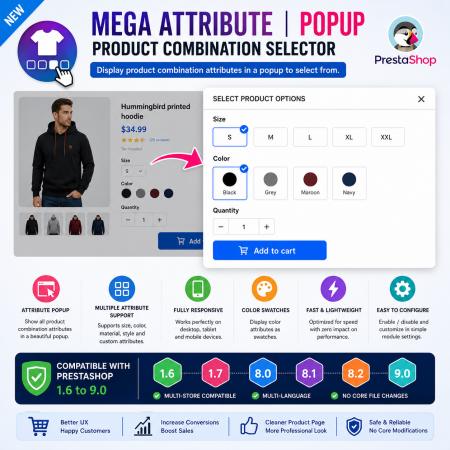
 Mega Attribute Popup Module for PrestaShop
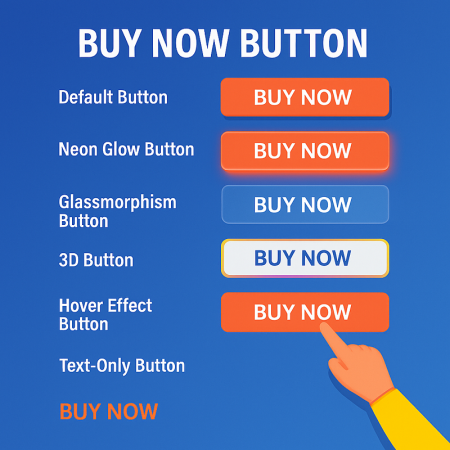
 Buy Now Button | Quick Order Prestashop Module
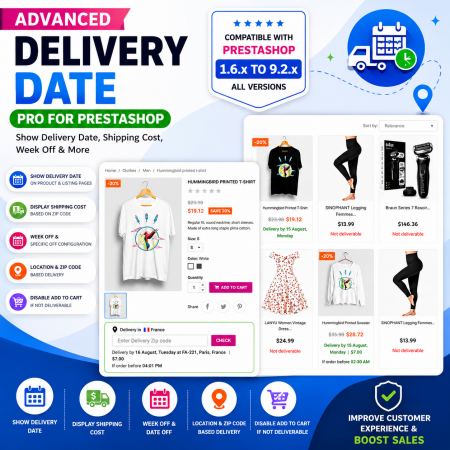
 Proposed Delivery Date and Cost Module for PrestaShop
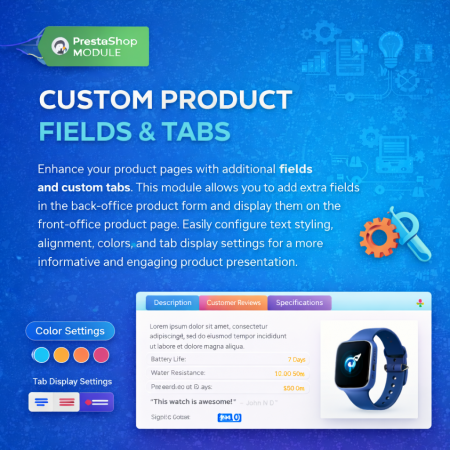
 Additional Product Fields And Tabs Prestashop Module
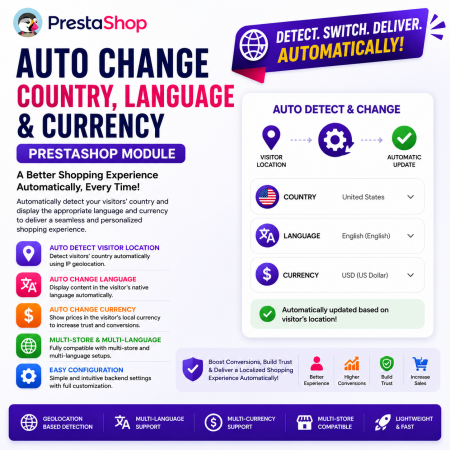 Auto Change Country Language and Currency Prestashop Module
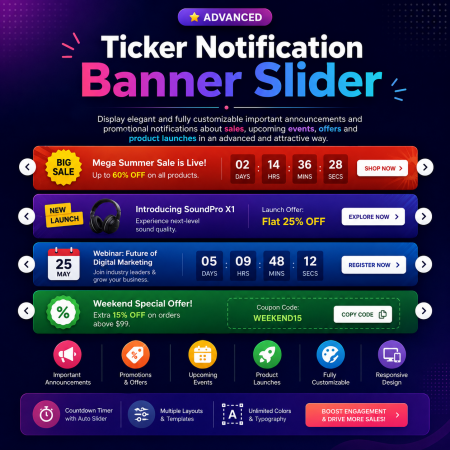
 Ticker Notification Banner Module for PrestaShop
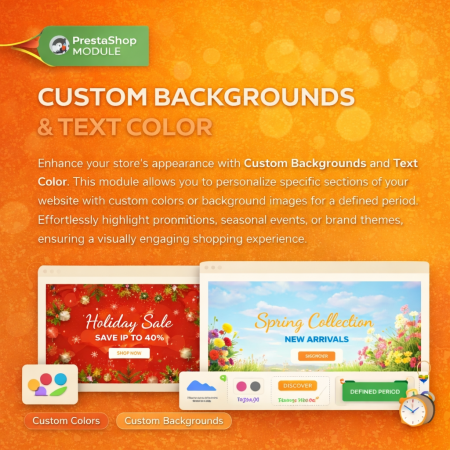
 Custom Background And Text Color Prestashop Module
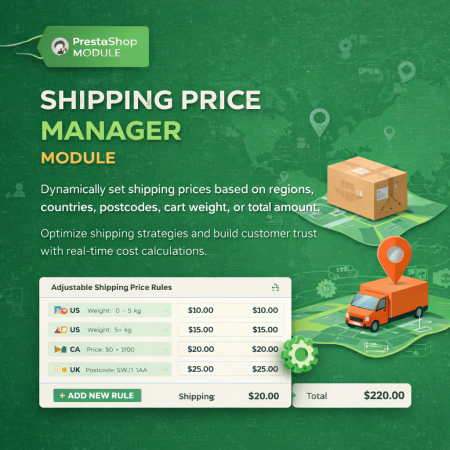
 Shipping Price Manager Prestashop Module
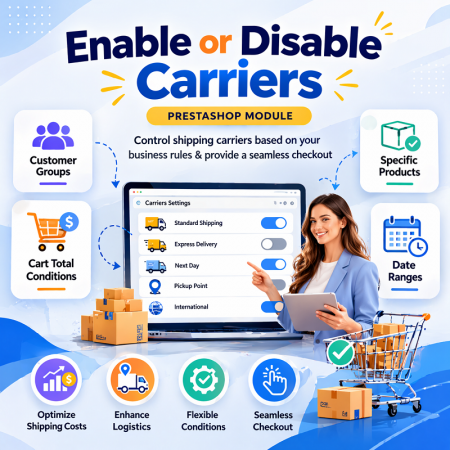
 Enable or Disable Carriers with Conditions PrestaShop Module
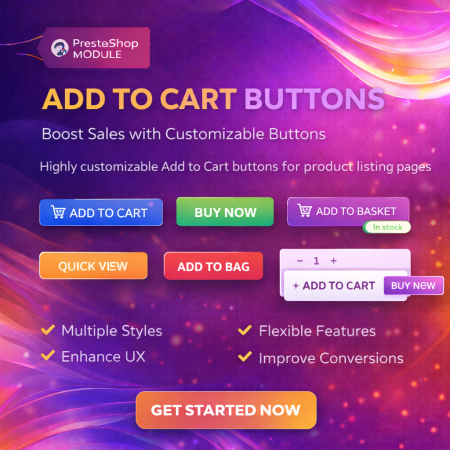
 Display Add to Cart Button on Product Listing Prestashop Module
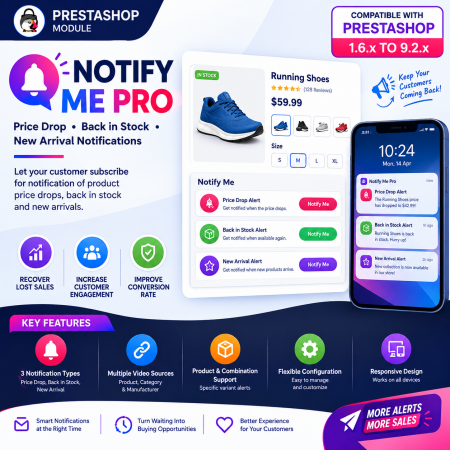
 PrestaShop Notify Me Pro | Price Drop, New Arrivals & Stock Alerts Module
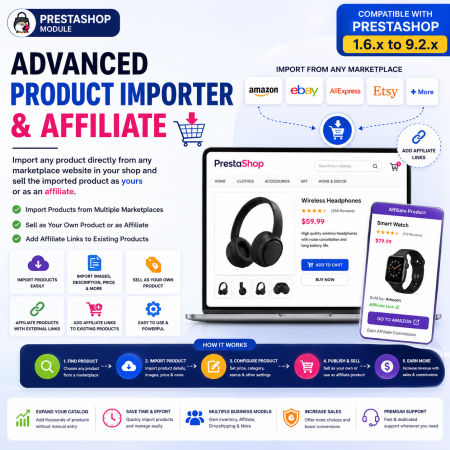
 Advanced Product Importer & Affiliate Module for PrestaShop – Import Products from 100s of Marketplaces

 Save & Share Cart PrestaShop Module
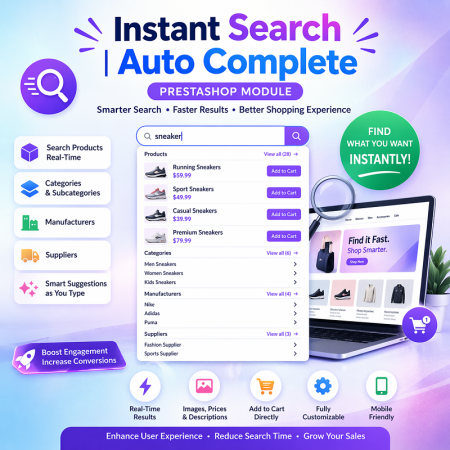
 Instant Search | Auto Complete Prestashop Module
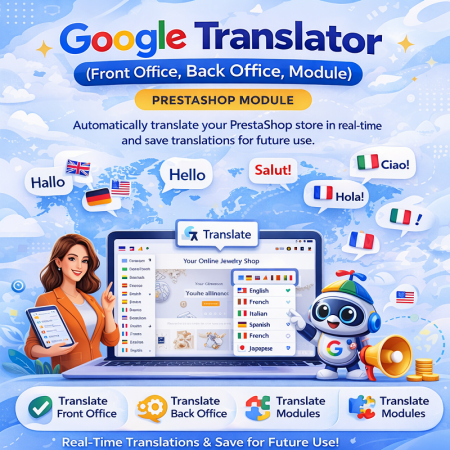
 Google Translator (Front Office, Back Office, Module) Prestashop Module
The Product FAQ – Product Questions & Answers module for PrestaShop makes it easier for customers to ask questions about products directly from your online store. Store administrators can manage customer enquiries and provide helpful answers, making important product information more accessible to shoppers. Improve customer communication, clarify product details, build trust and help visitors make informed purchasing decisions.

Encrypted payment gateways ensuring your financial and personal data remain 100% protected.

Every module includes professional installation assistance, free updates, and reliable troubleshooting.

Rigorously tested PrestaShop & WooCommerce extensions designed for maximum speed and zero bloat.

Transparent policies, clean documentation, and dedicated assistance if you run into any compatibility hurdles.