
- -$69.99

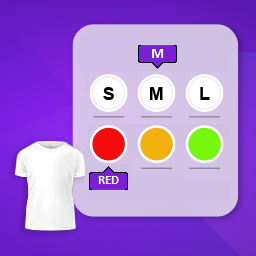
This module enhances the shopping experience by allowing customers to easily explore product variations such as...

The module allows merchants to enhance product images with customizable stickers and labels. Whether it’s...

The Quantity Discount Table & Grid Module for PrestaShop helps merchants display...

This module allows you to offer free shipping based on flexible conditions, such as location, carrier, cart value,...

The module automatically adjusts language, currency, and country settings based on the customer's location....



Vendor
Version
Last update
Prestashop version
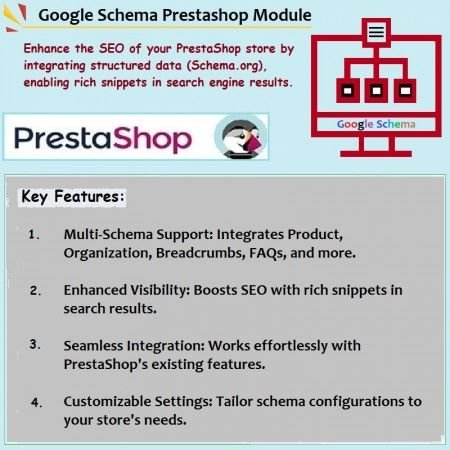
The PrestaShop Schema Markup – Rich Snippets & SEO Module helps search engines better understand your store by automatically adding structured data in JSON-LD format. It supports Organization, Product, Category, Search Results, Search Box, Breadcrumbs, Local Business, Article, and FAQ schema. With dynamic schema generation, individual schema-type controls, PrestaShop product comments integration, and multilingual support, you can manage structured data across your store without manually adding JSON-LD code to every page.
Help search engines understand your store with structured data for products, business information, breadcrumbs, articles, FAQs, and more.
The PrestaShop Schema Markup – Rich Snippets & SEO Module helps improve how search engines understand the information available on your online store. It adds structured data to relevant pages using the JSON-LD format, making important information about your business, products, categories, articles, and other content easier for search engines to interpret.
The module supports multiple schema types, including Organization, Product, Category, Search Results, Search Box, Breadcrumbs, Local Business, Article, and FAQ. Schema data is generated dynamically according to the current page context and available content.
You can enable or disable individual schema types, integrate structured data with PrestaShop product comments, and serve multilingual store content with schema support. Manage your structured data from one convenient module configuration interface.
Provide structured information that helps search engines understand the meaning and purpose of your store pages.
Add supported structured data that can make eligible pages candidates for enhanced search result presentations.
Organize product, business, navigation, and content information using appropriate schema types.
Represent your store or organization with structured business identity information.
Provide structured product information to help search engines interpret your product pages.
Add structured data to category pages to describe your store's product collections.
Provide structured information for supported search result pages.
Describe your store's search functionality through the supported search box structured data.
Represent page hierarchy and navigation paths through structured breadcrumbs.
Provide structured information about your local business for supported store details.
Describe article content using structured data to help search engines interpret your published content.
Represent supported frequently asked questions and answers using structured data.
Upload the module ZIP file and install it from your PrestaShop back office.
Enable the structured data types that are relevant to your store and its content.
The module generates structured data dynamically according to the page context.
Check the generated structured data and validate eligible pages using Google's testing tools.
Install the Google Schema module using the standard PrestaShop module upload process.
Adding schema markup helps search engines understand your content, but it does not guarantee higher rankings or rich-result display. Google decides whether eligible pages receive enhanced search appearances based on its guidelines, page quality, and structured data requirements. Keep schema information accurate and consistent with the visible content on your pages.
Add structured data for products, categories, business information, articles, FAQs, and more with the PrestaShop Google Schema Markup module.
Build a stronger structured data foundation for your store's SEO.
| Vendor | Sathi |
|---|---|
| Last update | Nov 04, 2026 |
| Version | 1.0.0 |
| Required store version | From 1.7.x to 9.2.x |
| Publication date | Apr 27, 2025 |
| Return Policy | You can return the product within the 30 days return period for a full refund. No questions asked. |
| Customer Support | Enjoy one year of free customer support, including installation, troubleshooting, and usage guidance. |
| Description | This product is compatible with the specified versions and includes all the latest updates to enhance functionality and user experience. |

 Advance Custom Carousels | Sliders Prestashop Module
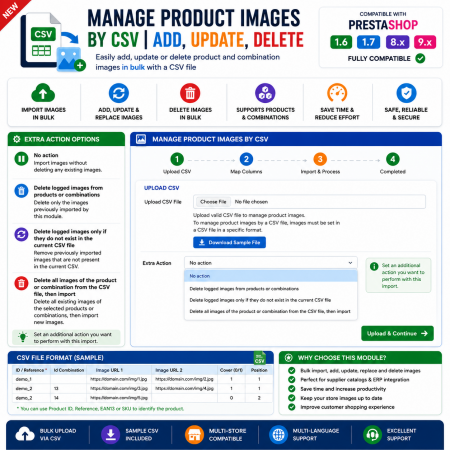
 Manage PrestaShop Product Images by CSV – Add, Update & Delete

 Advanced Shop & Product Reviews and Ratings Module for PrestaShop

 Display Product Slider & Grid Prestashop Module

 WhatsApp Live Chat Module for PrestaShop

 Social Network Integration Prestashop Module
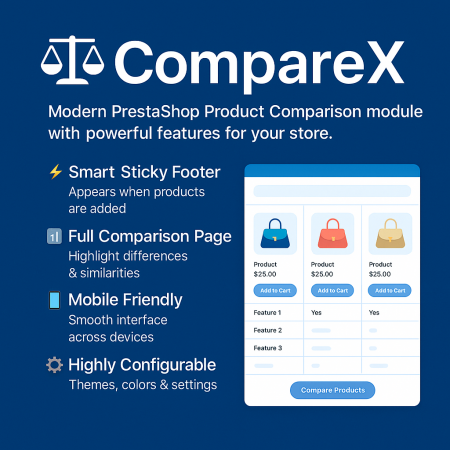
 Advanced Product Comparison Module for PrestaShop | Compare Products

 Smart Similar Products | Attribute & Price Matching Module for PrestaShop

 Auto Pagination | Infinite Scroll Prestashop Module

 Advanced Amazon Product Importer & Affiliate Module for PrestaShop – Import Products from Amazon

 Advanced Wishlist for PrestaShop – Favorites, Save for Later & Wishlist Sharing Module

 Proposed Delivery Date and Cost Module for PrestaShop
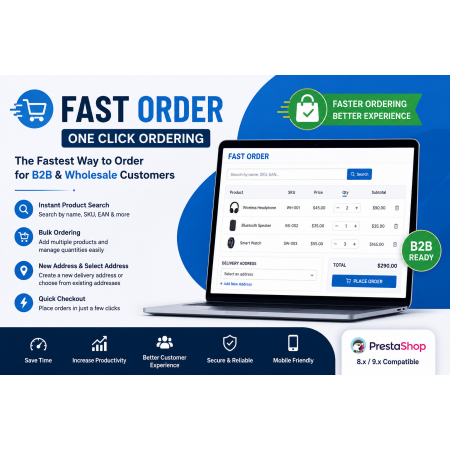
 Fast Order with Instant and File Search for PrestaShop Module
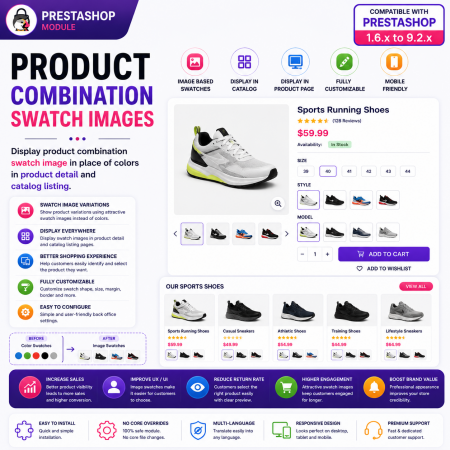
 PrestaShop Product Combination Swatch Images – Visual Product Variations Module
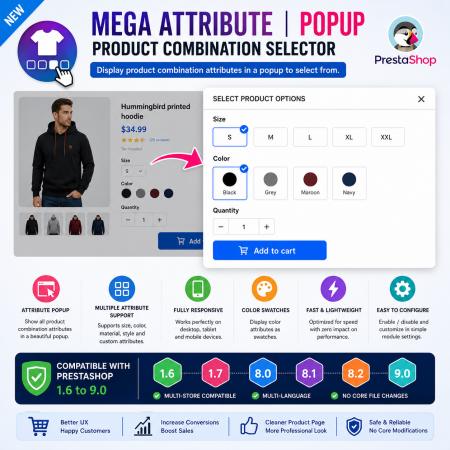
 Mega Attribute Popup Module for PrestaShop

 Advanced URL Redirection (301, 302, 404) Module for PrestaShop
The PrestaShop Schema Markup – Rich Snippets & SEO Module helps search engines better understand your store by automatically adding structured data in JSON-LD format. It supports Organization, Product, Category, Search Results, Search Box, Breadcrumbs, Local Business, Article, and FAQ schema. With dynamic schema generation, individual schema-type controls, PrestaShop product comments integration, and multilingual support, you can manage structured data across your store without manually adding JSON-LD code to every page.

Encrypted payment gateways ensuring your financial and personal data remain 100% protected.

Every module includes professional installation assistance, free updates, and reliable troubleshooting.

Rigorously tested PrestaShop & WooCommerce extensions designed for maximum speed and zero bloat.

Transparent policies, clean documentation, and dedicated assistance if you run into any compatibility hurdles.