- -$40.00

This module enhances the shopping experience by allowing customers to easily explore product variations such as...

The module allows merchants to enhance product images with customizable stickers and labels. Whether it’s...

The Quantity Discount Table & Grid Module for PrestaShop helps merchants display...

This module allows you to offer free shipping based on flexible conditions, such as location, carrier, cart value,...

The module automatically adjusts language, currency, and country settings based on the customer's location....

Vendor
Version
Last update
Prestashop version
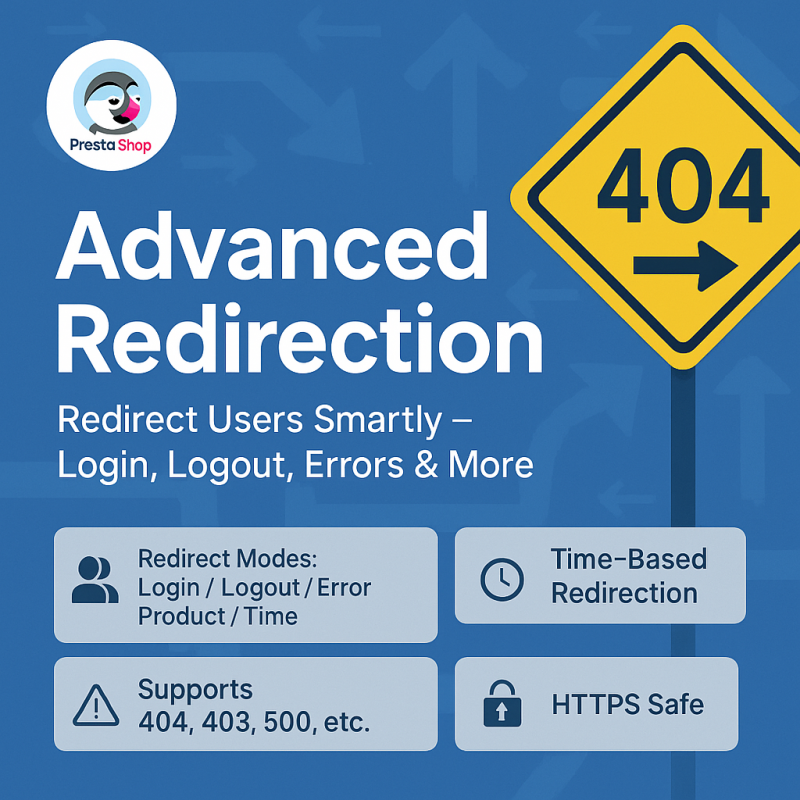
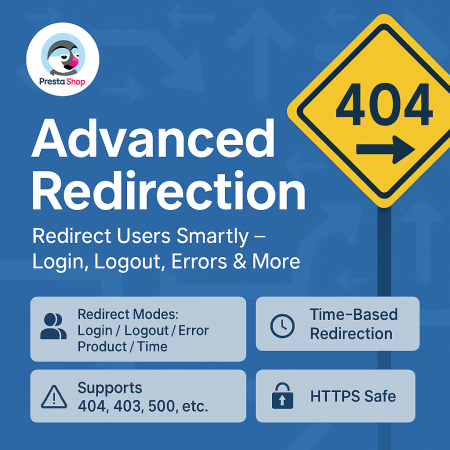
The Advanced URL Redirection Module for PrestaShop helps store owners manage website navigation through flexible redirection rules. Redirect customers after login, logout, or registration, handle supported HTTP error codes such as 404, 403, and 500, and configure rules for selected products and page controllers. With date-based and recurring scheduling options, you can also manage redirects for promotions and time-specific campaigns from an easy-to-use back-office interface.
Take control of your store navigation with flexible 301, 302 and error-page redirection rules.
The Advanced URL Redirection Module for PrestaShop gives store owners greater control over how visitors move through their online store. Create flexible redirection rules based on customer actions, page types, selected products, HTTP error codes, and scheduled dates or days.
Guide customers to relevant pages after login, logout, or registration. Handle error situations such as 404, 403, and 500 responses with configured destinations. You can also schedule rules for specific dates or recurring days to support promotions, campaigns, and changing store requirements.
Manage your redirection rules through an easy-to-use back-office interface without having to manually create each rule in code.
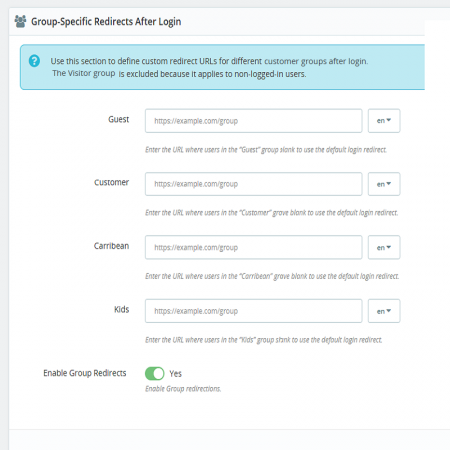
Direct customers to relevant pages after important account actions and when they encounter configured errors.
Configure destinations for supported HTTP error situations instead of leaving visitors without a useful next step.
Use date-based and recurring schedules to manage redirection rules for promotions and time-specific campaigns.
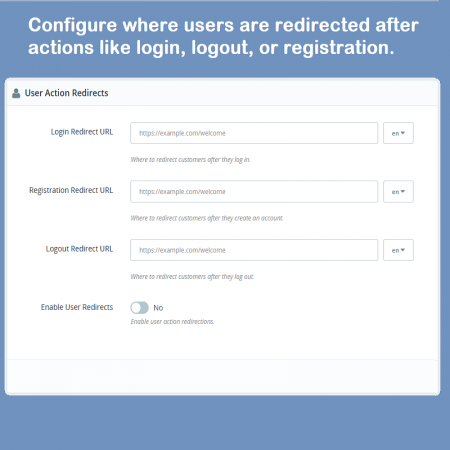
Configure where customers should be redirected after login, logout, or registration.
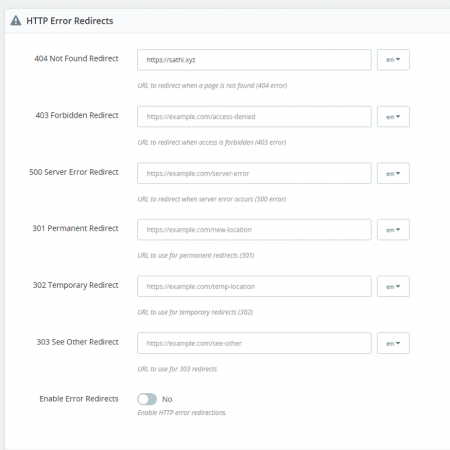
Set up redirection rules for HTTP error codes such as 404, 403, and 500.
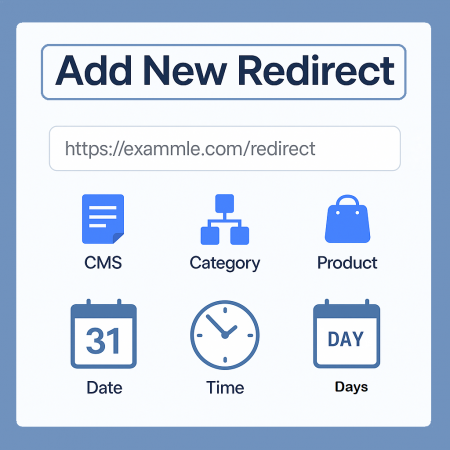
Create rules for supported page controllers, including category, CMS, and manufacturer pages.
Configure redirection rules based on selected products in your store.
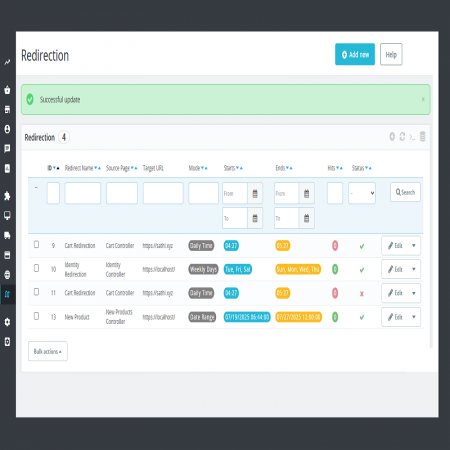
Schedule rules for specific dates and recurring daily or weekly schedules.
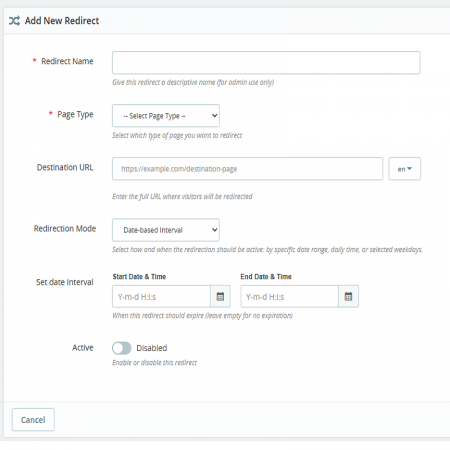
Define a start date and end date for redirection rules to control when they apply.
Create as many redirection rules as your store requires.
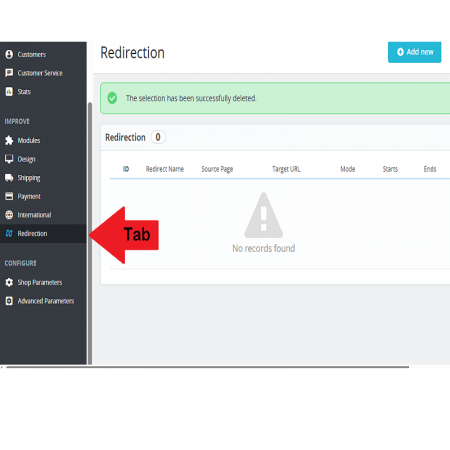
Configure and manage redirection rules using the module's administration interface.
Upload the module ZIP file and install it from your PrestaShop back office.
Choose the supported action, page type, product, or error scenario for your rule.
Where required, configure the start date, end date, or recurring schedule.
Save your configuration and guide visitors according to the rules you have created.
Install Advanced URL Redirection using the standard PrestaShop module upload process.
Create flexible redirection rules, handle error-page journeys, and schedule navigation changes with Advanced URL Redirection for PrestaShop.
Make every configured redirect lead visitors to a more relevant destination.
| Vendor | Sathi |
|---|---|
| Last update | Nov 04, 2026 |
| Version | 1.3.0 |
| Required store version | From 1.6.x to 9.2.x |
| Publication date | Jul 26, 2025 |
| Multishop compatibility | Yes |
| Return Policy | You can return the product within the 30 days return period for a full refund. No questions asked. |
| Customer Support | Enjoy one year of free customer support, including installation, troubleshooting, and usage guidance. |
| Description | This product is compatible with the specified versions and includes all the latest updates to enhance functionality and user experience. |
Version:1.3.0

 WhatsApp Live Chat & Support PrestaShop Module

 Advanced Add to Cart Button Module for PrestaShop
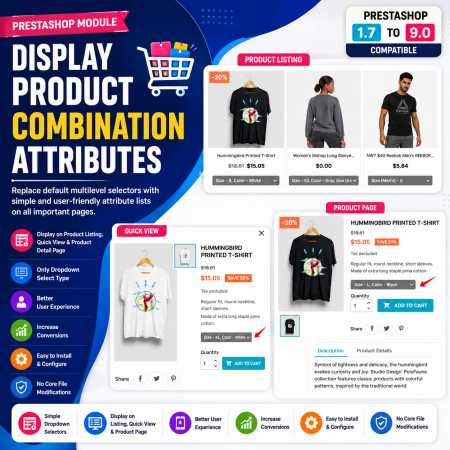
 Display Product Combination Attributes Module for PrestaShop

 Product FAQ – Product Questions & Answers for PrestaShop

 PrestaShop Product Video Module – YouTube, Vimeo & Video Upload
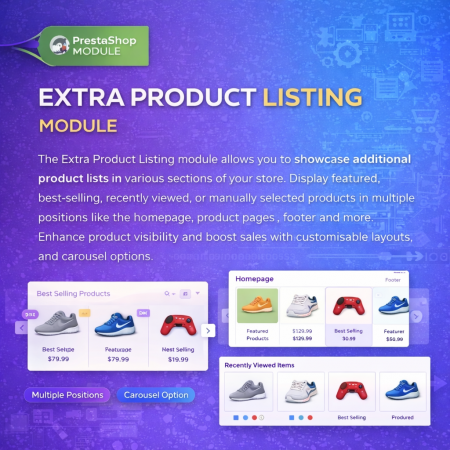
 Extra Product Listing module Prestashop Module
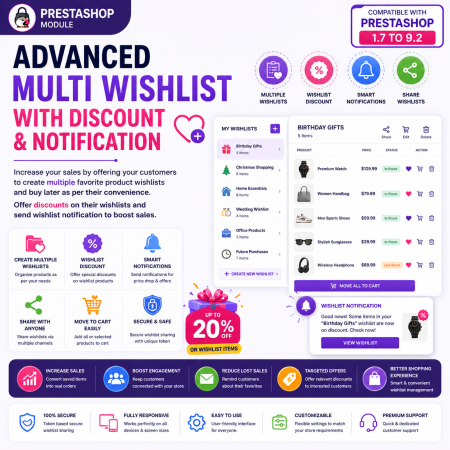
 Advanced Multi Wishlist for PrestaShop – Discounts, Notifications & Multiple Wishlists Module

 Social Wall Feeds Facebook and Twitter Prestashop Module

 PrestaShop Notify Me Pro | Price Drop, New Arrivals & Stock Alerts Module

 Buy and Earn Loyalty Points for PrestaShop

 Buy Now Button | Quick Order Prestashop Module

 Product Attribute Images Prestashop Module

 WhatsApp Live Chat Module for PrestaShop
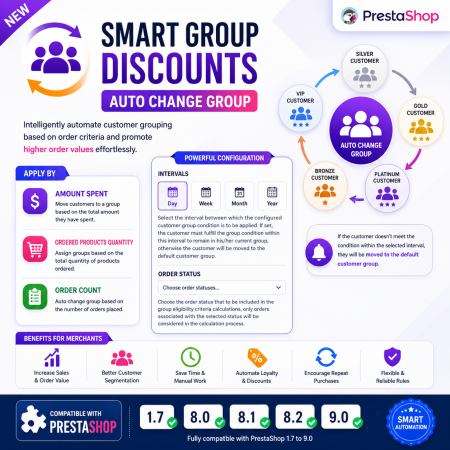
 Smart Group Discounts & Automatic Customer Group Changes for PrestaShop Module

 Loyalty, Referral & Affiliate Programs Module for PrestaShop
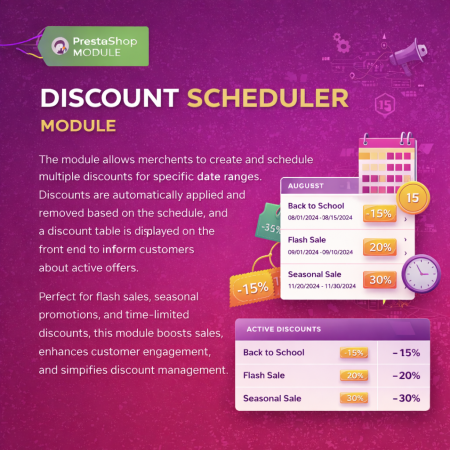
 Multiple discount date wise discount Prestashop Module
The Advanced URL Redirection Module for PrestaShop helps store owners manage website navigation through flexible redirection rules. Redirect customers after login, logout, or registration, handle supported HTTP error codes such as 404, 403, and 500, and configure rules for selected products and page controllers. With date-based and recurring scheduling options, you can also manage redirects for promotions and time-specific campaigns from an easy-to-use back-office interface.

Encrypted payment gateways ensuring your financial and personal data remain 100% protected.

Every module includes professional installation assistance, free updates, and reliable troubleshooting.

Rigorously tested PrestaShop & WooCommerce extensions designed for maximum speed and zero bloat.

Transparent policies, clean documentation, and dedicated assistance if you run into any compatibility hurdles.