- -$40.00

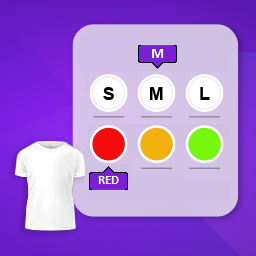
This module enhances the shopping experience by allowing customers to easily explore product variations such as...

The module allows merchants to enhance product images with customizable stickers and labels. Whether it’s...
The Quantity Discount Table module for PrestaShop makes bulk pricing clear and attractive by...

This module allows you to offer free shipping based on flexible conditions, such as location, carrier, cart value,...

The module automatically adjusts language, currency, and country settings based on the customer's location....
Vendor
Version
Last update
Prestashop version
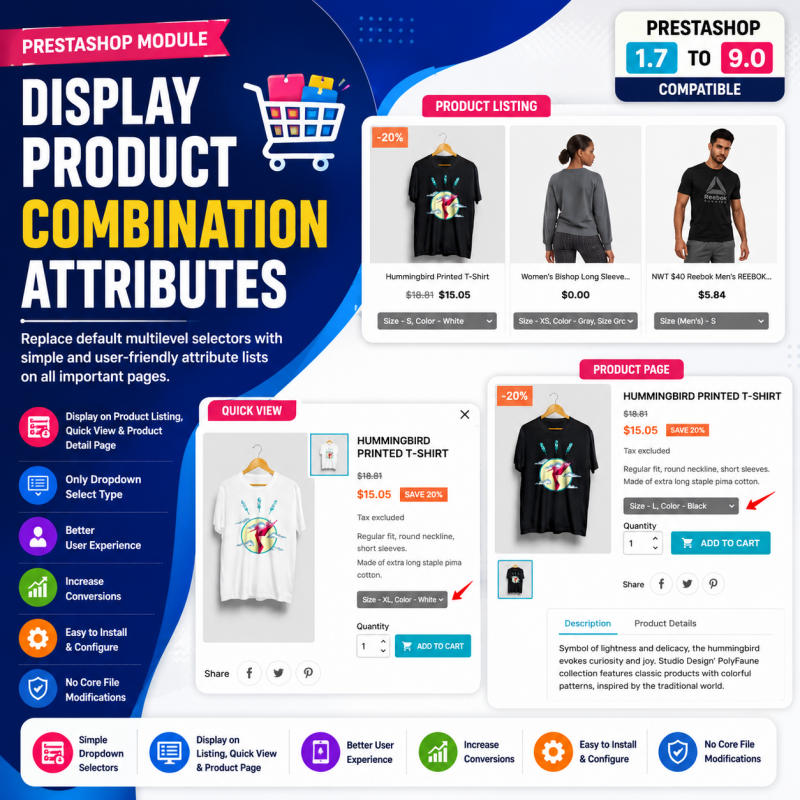
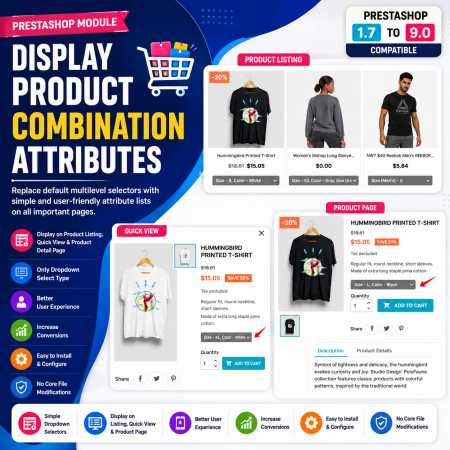
Display Product Combination Attributes is a PrestaShop module designed to improve the presentation of product combination attributes in your online store. It focuses on making product variation information easier for customers to view and understand.
Whether you sell clothing in different sizes and colours, electronics with different capacities, or products with multiple selectable options, clear attribute information helps customers identify the variation they want.
Key highlights:
Display product combination attribute information.
Improve the visibility of product variations.
Help customers understand available product options.
Support product catalogues with multiple combinations.
Improve the product browsing and selection experience.
A useful solution for PrestaShop merchants who want to make product variation information clearer on their storefront.
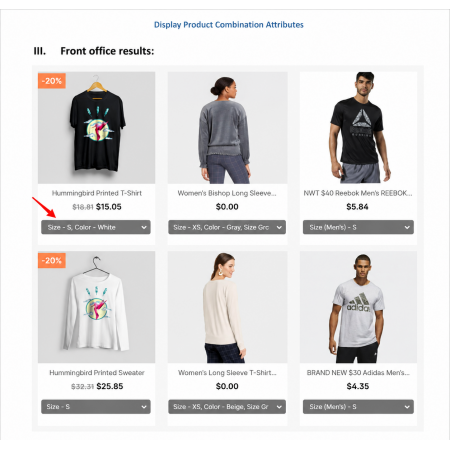
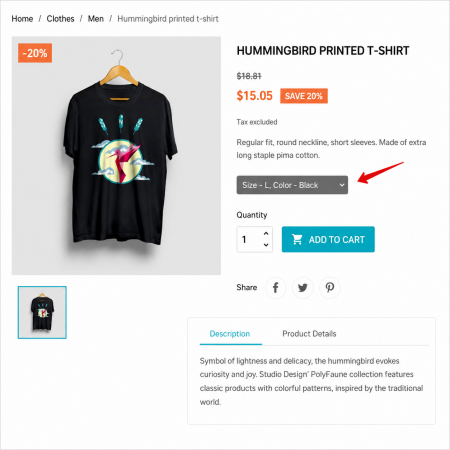
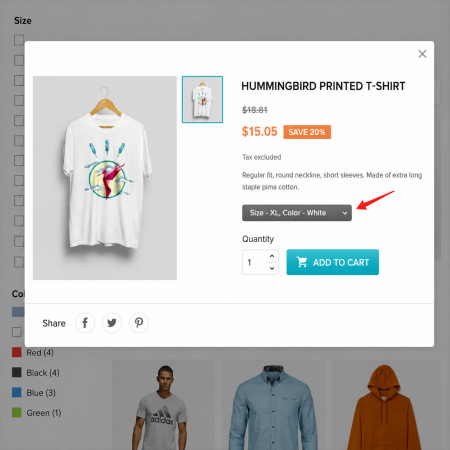
Make product variations easier to understand. Present combination attribute information clearly so customers can identify the available options for the products they want to buy.
Many online products are available in multiple variations. A T-shirt may come in different sizes and colours, a smartphone may have different storage capacities, and a shoe may be available in several sizes.
In PrestaShop, these variations are managed using product attributes and combinations. Customers need to understand the available options before selecting the version they want.
Display Product Combination Attributes is designed to improve how combination-related information is presented in your store, helping shoppers understand product variations more easily.
Illustrative example only. Actual attribute display depends on the module, product data, and theme.
Display Product Combination Attributes is a PrestaShop module intended to improve the presentation of product combination attributes in the storefront. It focuses on making variation-related information easier for customers to view and understand. This is useful for catalogues containing products with options such as size, colour, capacity, or other selectable variations.
Make product variation information easier to understand throughout the shopping experience.
Focus on presenting product combination attributes clearly in the storefront.
Help customers understand selectable product options such as size, colour, or capacity.
Make it easier for shoppers to identify the product variation they are interested in.
Designed around the product attribute and combination structure used by PrestaShop.
Product combinations represent different versions of the same product. For example, a product can have multiple size and colour variations.
| Product | Size | Colour | Variation |
|---|---|---|---|
| Classic T-Shirt | S | Black | S / Black |
| Classic T-Shirt | M | Red | M / Red |
| Classic T-Shirt | L | White | L / White |
Example data for explanation only; this is not a representation of the module's actual output.
Products with size, colour, and style variations.
Products with capacity, model, or other selectable variations.
Items offered in different sizes, colours, or designs.
Products with different dimensions, finishes, or selectable options.
Follow these general steps to install the module in your PrestaShop store. The exact configuration options and display settings depend on the module version.
Download the module ZIP package and keep it ready on your computer.
Log in to your PrestaShop Back Office and navigate to Modules → Module Manager.
Use the Upload a module option and select the downloaded ZIP package.
Wait for PrestaShop to upload and install the module successfully.
Open the module configuration page and review the available settings.
Open a product with combinations and verify the attribute display on your storefront.
Attributes are properties such as size, colour, or capacity that can vary between versions of the same product. Combinations represent the specific versions created from those attribute values.
Product combination data needs to exist in your catalogue for combination-related information to be displayed. Create the required attributes and combinations in the PrestaShop Back Office first.
Common examples include size, colour, capacity, and other properties that distinguish one product variation from another.
Automatic combination generation is not confirmed as a module feature. PrestaShop has its own product-combination management tools for creating variations.
The final appearance can depend on your PrestaShop theme and the module's implementation. Test the product page with your active theme after installation.
Improve the way combination attribute information is presented and help customers explore product options with greater clarity.
| Vendor | Nxtal |
|---|---|
| Last update | Nov 03, 2026 |
| Version | 2.0.0 |
| Required store version | From 1.7.x to 9.2.x |
| Publication date | Jul 29, 2026 |
| Return Policy | You can return the product within the 30 Days return period for a full refund. No questions asked. |
| Customer Support | Enjoy one year of free customer support, including installation, troubleshooting, and usage guidance. |
| Description | This product is compatible with the specified versions and includes all the latest updates to enhance functionality and user experience. |
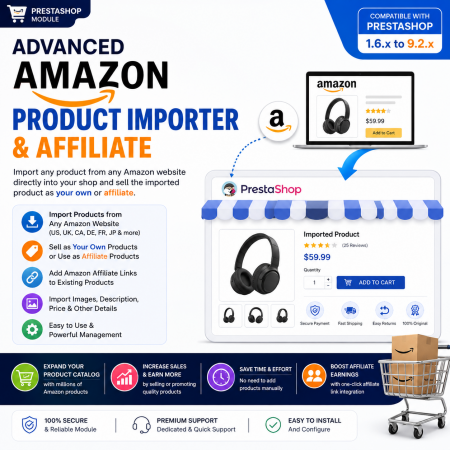
 Advanced Amazon Product Importer & Affiliate Module for PrestaShop – Import Products from Amazon
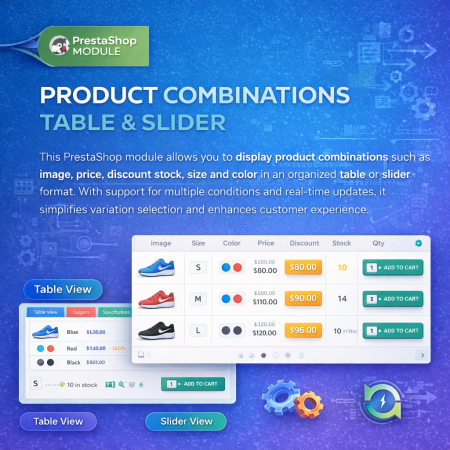
 Product Combination Table & Slider Prestashop Module
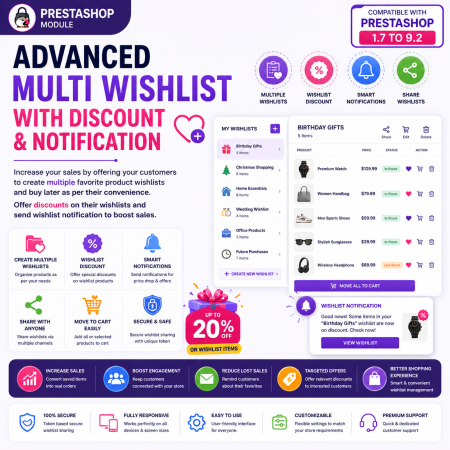
 Advanced Multi Wishlist for PrestaShop – Discounts, Notifications & Multiple Wishlists Module
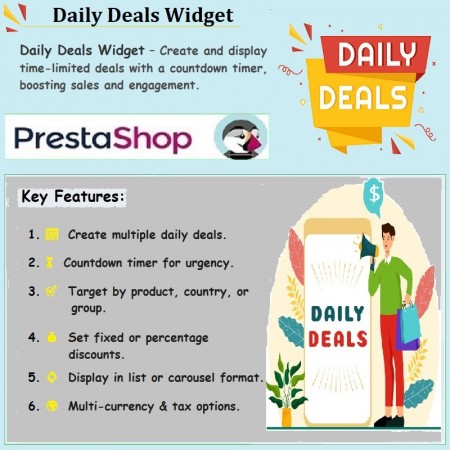
 Daily Deals Widget PrestaShop Module
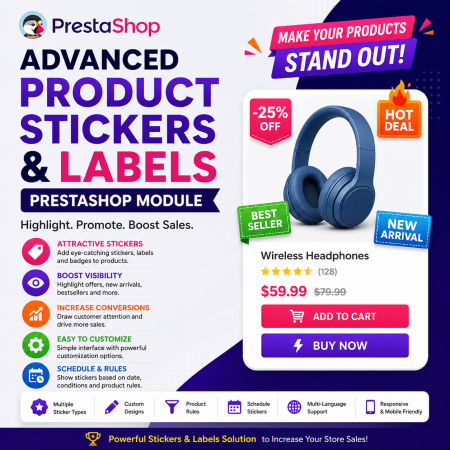 Advance Product Stickers & Labels Prestashop Module

 Social Network Integration Prestashop Module
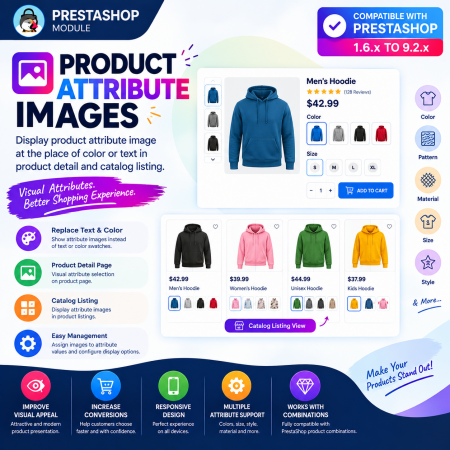
 Product Attribute Images Prestashop Module
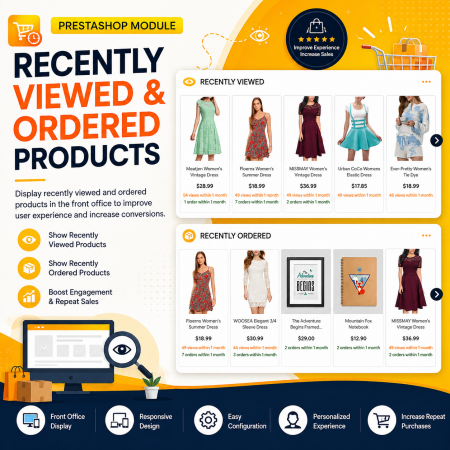
 Recently Viewed and Ordered Products Module for PrestaShop
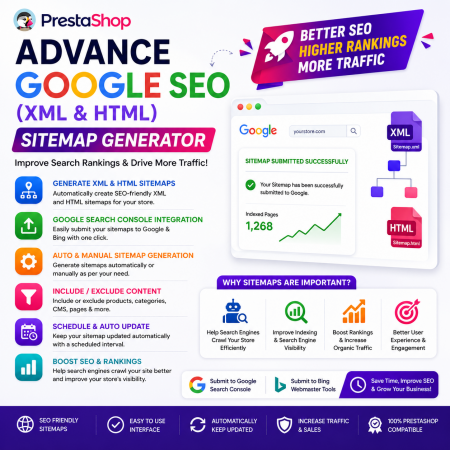
 Advance Google SEO (XML & HTML) Sitemap Generator Prestashop Module
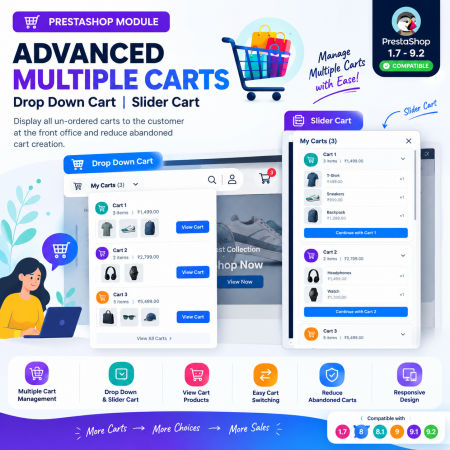
 Advanced Multiple Carts – Dropdown & Slider Cart for PrestaShop
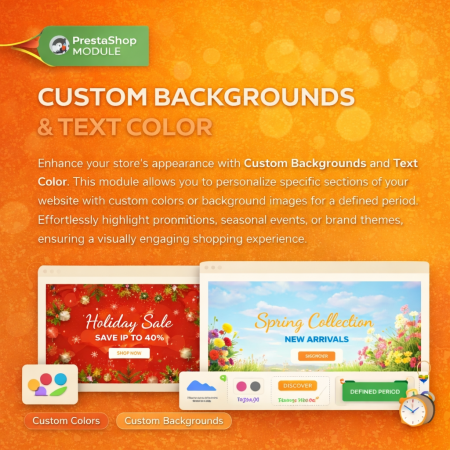
 Custom Background And Text Color Prestashop Module

 Time Limited Offers | Countdown Timer - PrestaShop Module
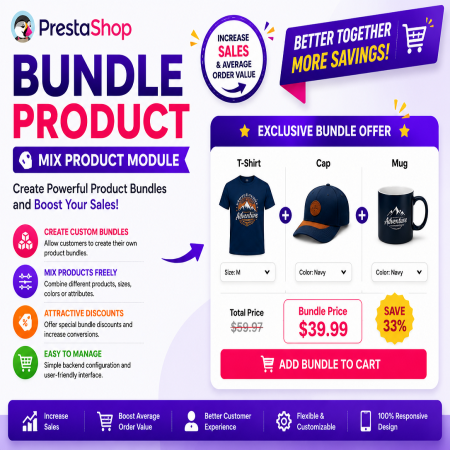
 Bundle Product - Mix Product Prestashop Module
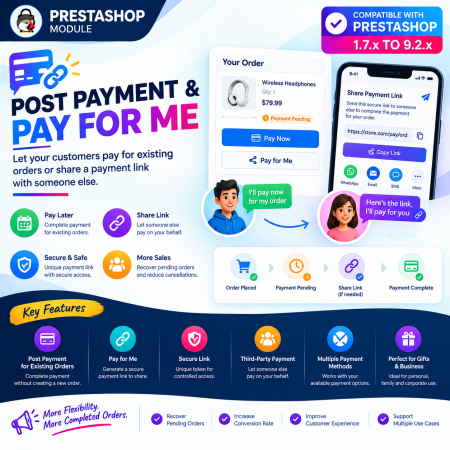
 Post Payment & Pay for me Prestashop Module
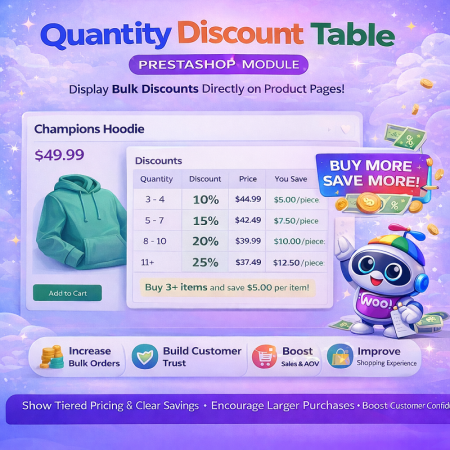 Quantity Discount Table & Grid Module for PrestaShop
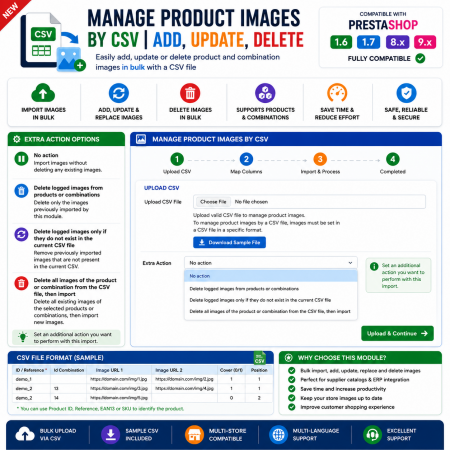
 Manage PrestaShop Product Images by CSV – Add, Update & Delete
Display Product Combination Attributes is a PrestaShop module designed to improve the presentation of product combination attributes in your online store. It focuses on making product variation information easier for customers to view and understand.
Whether you sell clothing in different sizes and colours, electronics with different capacities, or products with multiple selectable options, clear attribute information helps customers identify the variation they want.
Key highlights:
Display product combination attribute information.
Improve the visibility of product variations.
Help customers understand available product options.
Support product catalogues with multiple combinations.
Improve the product browsing and selection experience.
A useful solution for PrestaShop merchants who want to make product variation information clearer on their storefront.

Encrypted payment gateways ensuring your financial and personal data remain 100% protected.

Every module includes professional installation assistance, free updates, and reliable troubleshooting.

Rigorously tested PrestaShop & WooCommerce extensions designed for maximum speed and zero bloat.

Transparent policies, clean documentation, and dedicated assistance if you run into any compatibility hurdles.