- -$40.00
- New

This module enhances the shopping experience by allowing customers to easily explore product variations such as...

The module allows merchants to enhance product images with customizable stickers and labels. Whether it’s...

The Quantity Discount Table module for PrestaShop makes bulk pricing clear and attractive by...

This module allows you to offer free shipping based on flexible conditions, such as location, carrier, cart value,...

The module automatically adjusts language, currency, and country settings based on the customer's location....

Version
Last update
Prestashop version
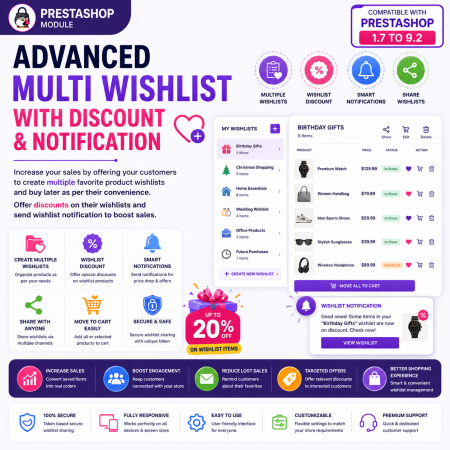
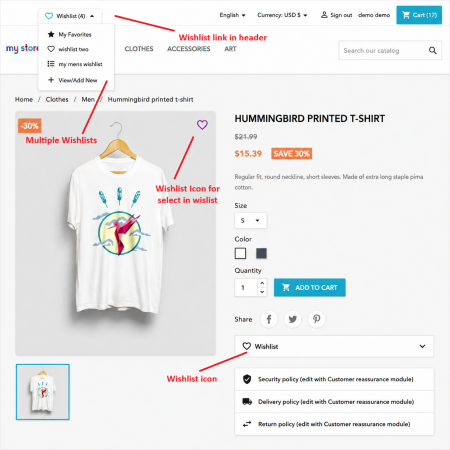
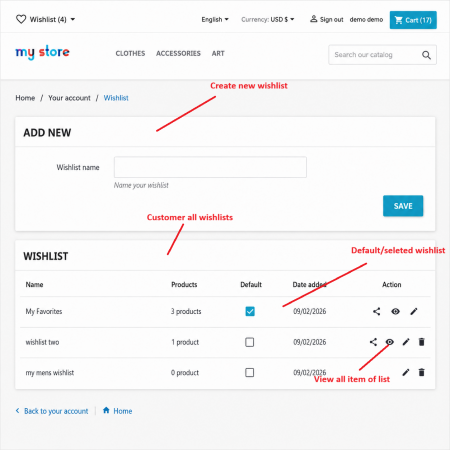
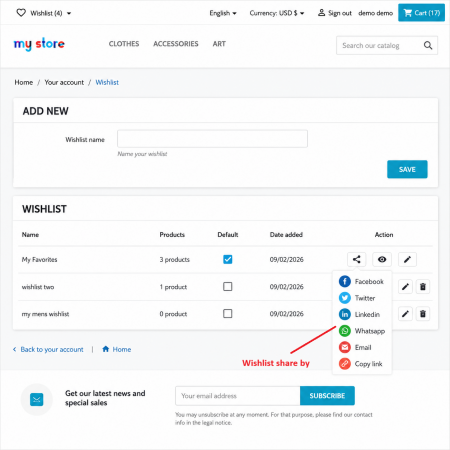
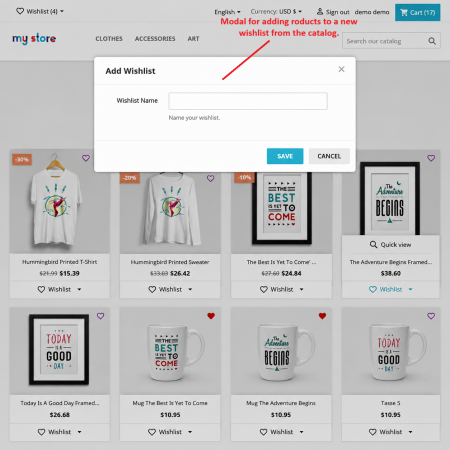
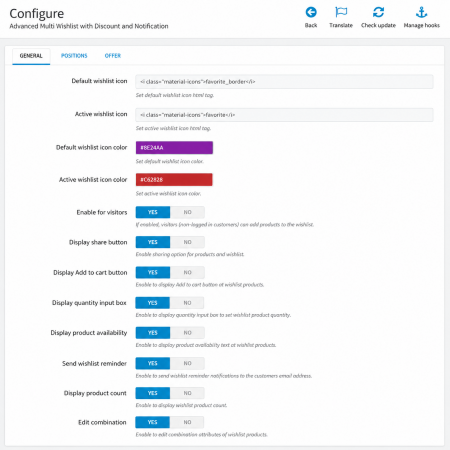
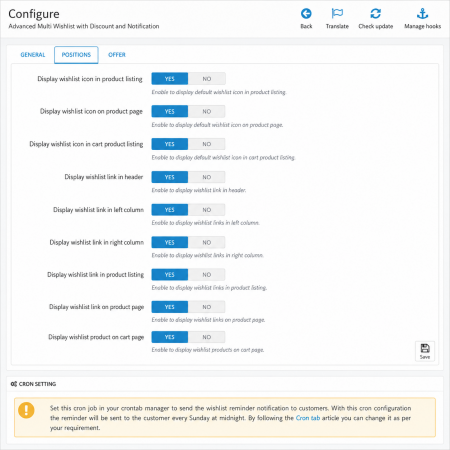
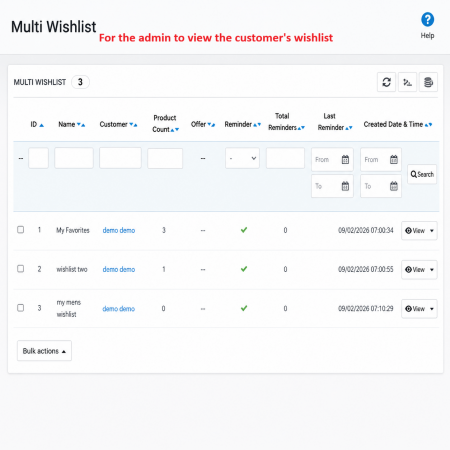
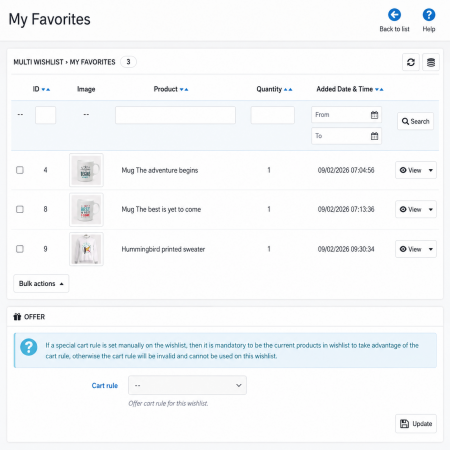
Advanced Multi Wishlist with Discount and Notification is a powerful wishlist management solution that allows customers to create and manage multiple product wishlists according to their shopping needs. Customers can organize products into separate wishlists, save items for future purchases, and easily move products between lists.
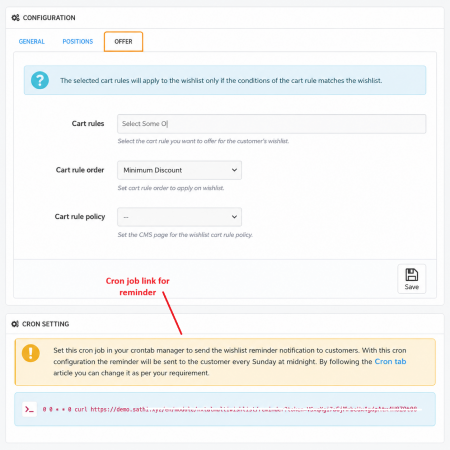
The module also gives merchants powerful tools to offer wishlist-specific discounts, encourage customers to complete their saved purchases, and send automated wishlist notifications. This helps transform saved products into actual sales while improving customer engagement and retention.
| Last update | Oct 01, 2026 |
|---|---|
| Version | 5.5.0 |
| Required store version | From 1.7.x to 9.2.x |
| Publication date | Sep 02, 2026 |
| Return Policy | You can return the product within the 30 Days return period for a full refund. No questions asked. |
| Customer Support | Enjoy one year of free customer support, including installation, troubleshooting, and usage guidance. |
| Description | This product is compatible with the specified versions and includes all the latest updates to enhance functionality and user experience. |
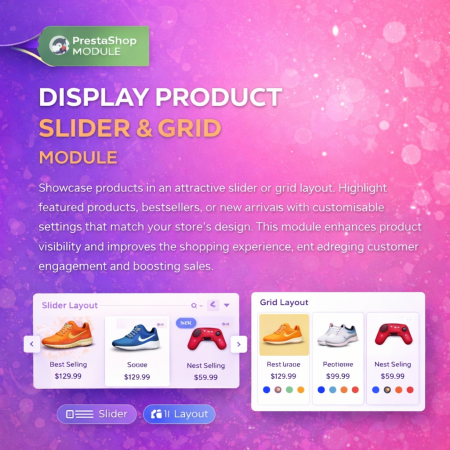
 Display Product Slider & Grid Prestashop Module
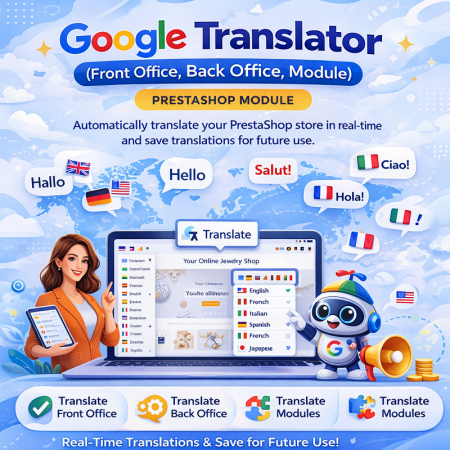
 Google Translator (Front Office, Back Office, Module) Prestashop Module
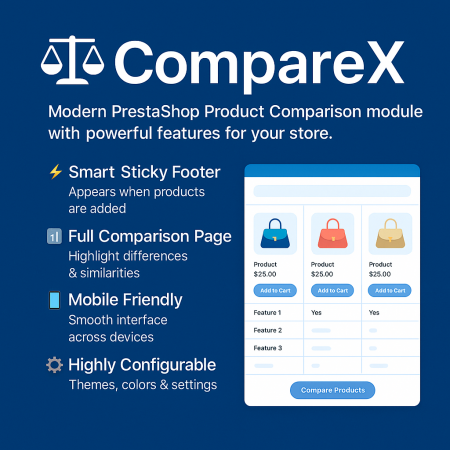
 Advance Product Comparison For Prestashop module
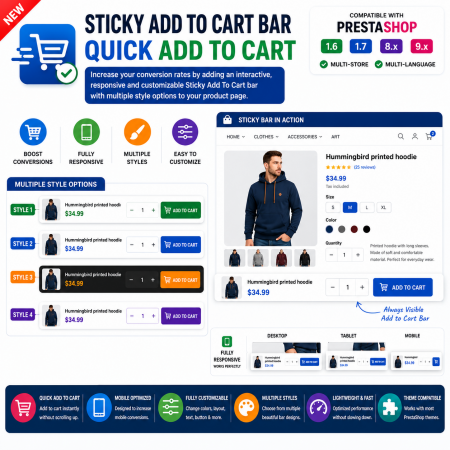
 Sticky Add To Cart Bar - Quick Add To Cart Prestashop Module
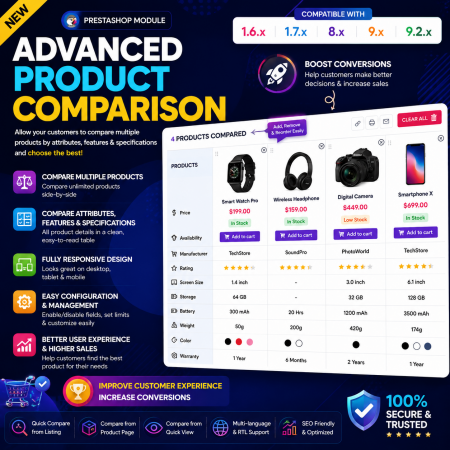
 Advance Product Comparison Prestashop module
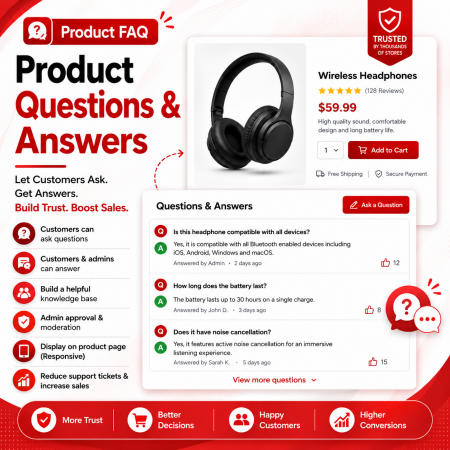
 Product FAQ | Product Questions & Answers Prestashop Module
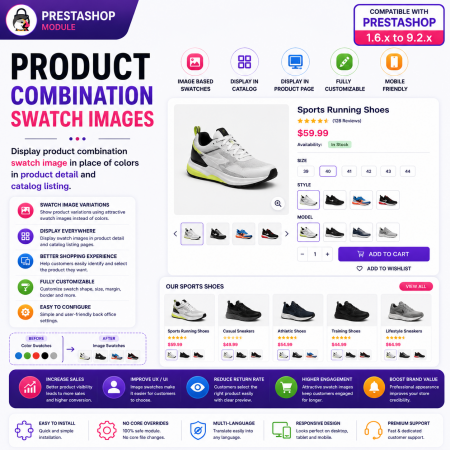
 Product Combination Swatch Images Prestashop Module

 Custom Background And Text Color Prestashop Module
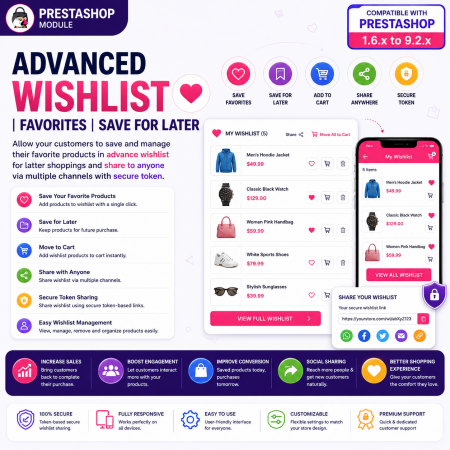
 Advanced Wishlist | Favorites | Save for Later | Prestashop Module
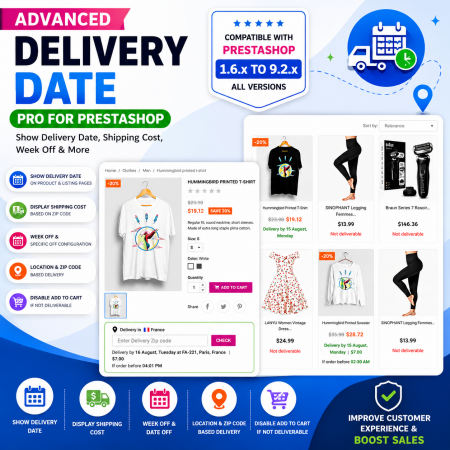
 Proposed Delivery Date and Cost Prestashop Module
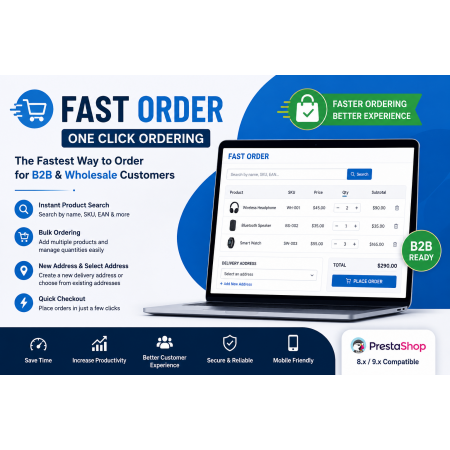
 Fast Order with Instant and File Search Prestashop Module

 Save & Share My Shopping Cart Prestashop Module

 Hide Product Price Prestashop Module

 Social Wall Feeds Facebook and Twitter Prestashop Module
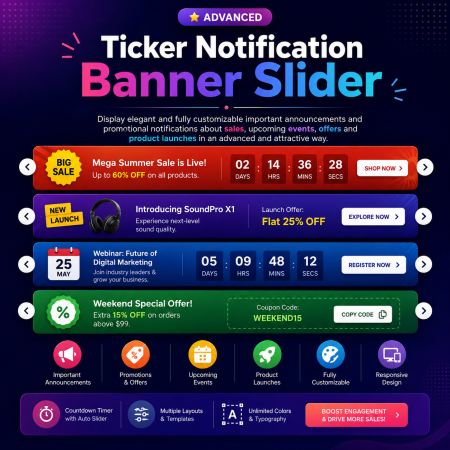
 Ticker Notification Banner Prestashop Module
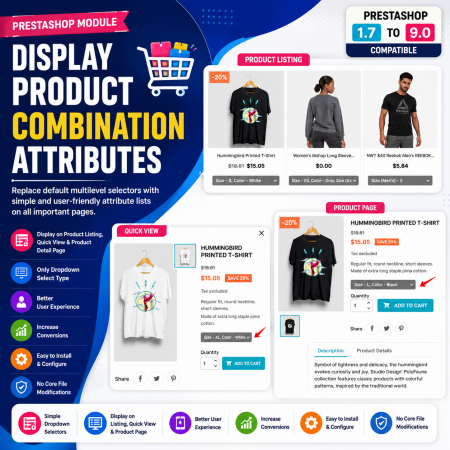
 Display Product Combination Attributes Prestashop Module
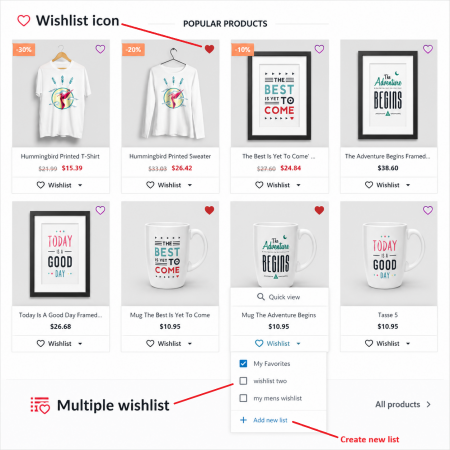
Advanced Multi Wishlist with Discount and Notification is a powerful wishlist management solution that allows customers to create and manage multiple product wishlists according to their shopping needs. Customers can organize products into separate wishlists, save items for future purchases, and easily move products between lists.
The module also gives merchants powerful tools to offer wishlist-specific discounts, encourage customers to complete their saved purchases, and send automated wishlist notifications. This helps transform saved products into actual sales while improving customer engagement and retention.

Encrypted payment gateways ensuring your financial and personal data remain 100% protected.

Every module includes professional installation assistance, free updates, and reliable troubleshooting.

Rigorously tested PrestaShop & WooCommerce extensions designed for maximum speed and zero bloat.

Transparent policies, clean documentation, and dedicated assistance if you run into any compatibility hurdles.