- -$40.00

This module enhances the shopping experience by allowing customers to easily explore product variations such as...

The module allows merchants to enhance product images with customizable stickers and labels. Whether it’s...

The Quantity Discount Table module for PrestaShop makes bulk pricing clear and attractive by...

This module allows you to offer free shipping based on flexible conditions, such as location, carrier, cart value,...

The module automatically adjusts language, currency, and country settings based on the customer's location....
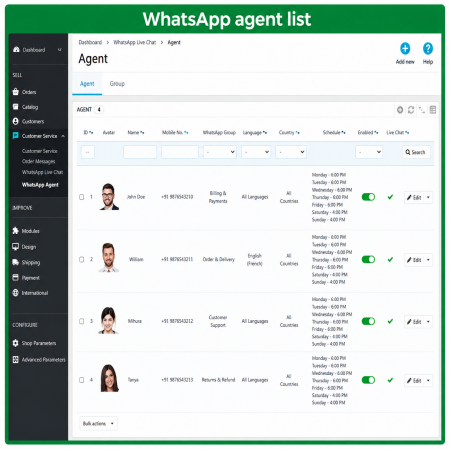
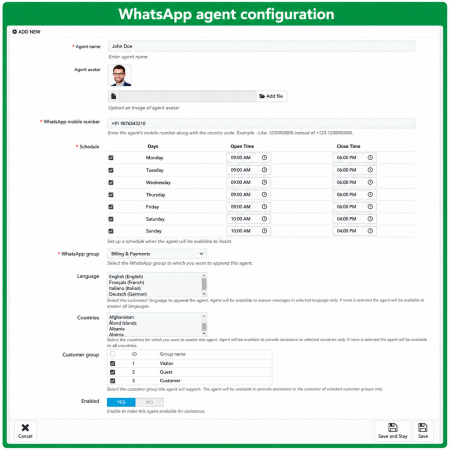
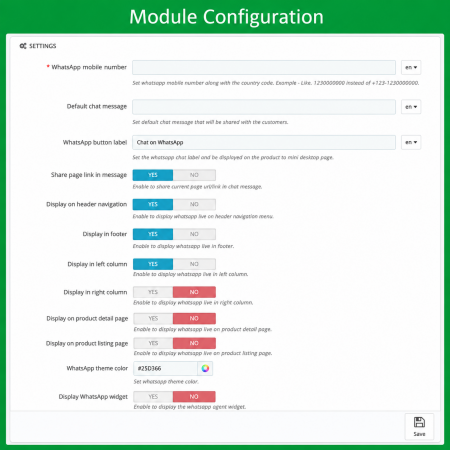

Vendor
Version
Last update
Prestashop version
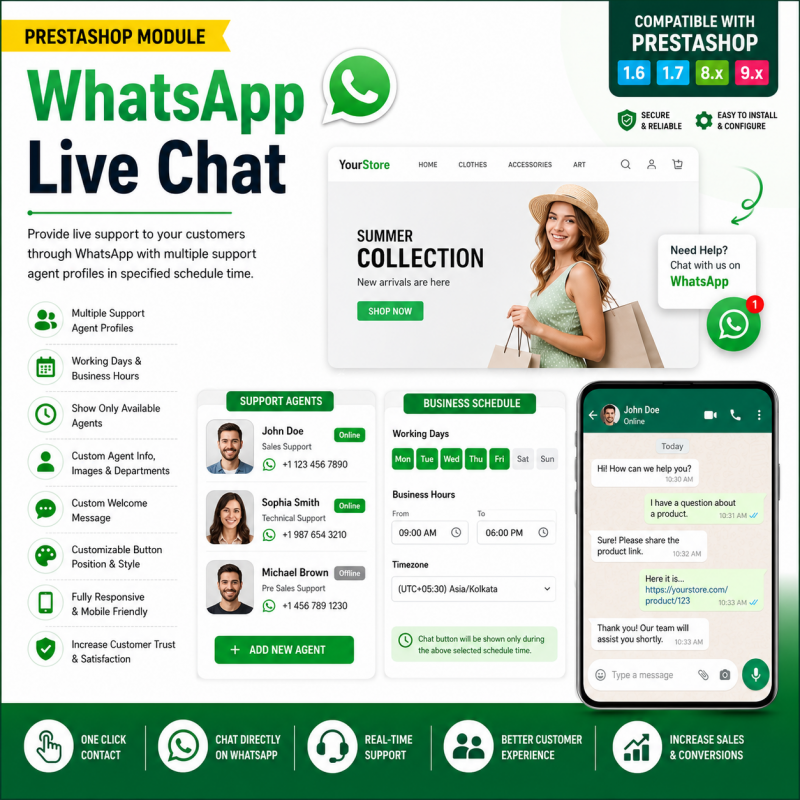
WhatsApp Live Chat is a customer communication module for PrestaShop that helps connect your online store with WhatsApp. It provides shoppers with a convenient way to contact your business, ask product-related questions, and request assistance while browsing your store.
By offering a familiar messaging channel, you can make your business easier to reach and create a more convenient communication experience for potential and existing customers.
Key highlights:
Connect your PrestaShop store with WhatsApp.
Give customers a convenient way to start a conversation.
Make it easier for shoppers to ask questions.
Support customer communication before and after purchasing.
Provide a familiar contact channel for your online business.
A practical solution for merchants who want to make customer communication more accessible through WhatsApp.
Bring your customers closer to your business. Make it easier for shoppers to contact your store through WhatsApp and get help with their questions while browsing.
Customers often have questions before buying a product. They may want to know more about product details, availability, delivery, pricing, or the ordering process.
WhatsApp Live Chat is designed to make customer communication more convenient by providing a direct way for visitors to contact your business through WhatsApp from your PrestaShop store.
Instead of making customers search for your contact details, give them a convenient way to start a conversation and continue the discussion through a familiar messaging platform.
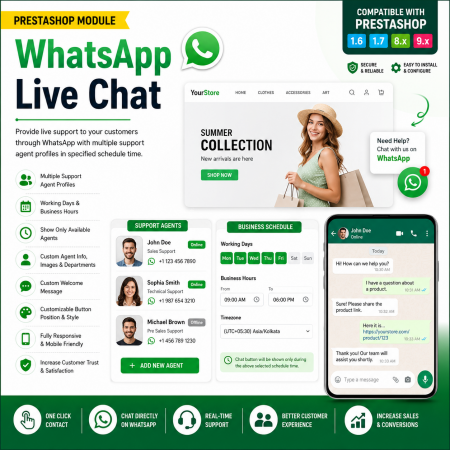
Illustrative design only. This is not a screenshot of the actual module interface.
WhatsApp Live Chat is a customer communication module for PrestaShop that helps connect your online store with WhatsApp. It is intended to provide shoppers with a convenient contact option so they can ask questions, request assistance, and communicate with your business through WhatsApp.
Give shoppers a familiar communication channel and make it easier for them to reach your business.
Provide customers with a direct way to start a WhatsApp conversation with your business.
Make it easier for visitors to contact your store without manually searching for contact details.
Give shoppers a convenient channel to ask questions and request assistance.
Let customers continue the conversation using WhatsApp on a supported device.
A convenient communication channel can help reduce friction between customer questions and store assistance.
Offer a familiar way for visitors to contact your business.
Help shoppers ask questions before deciding to place an order.
Make your business easier to contact when customers need assistance.
A visitor browses products or pages in your PrestaShop store.
The visitor uses the available WhatsApp contact option.
WhatsApp opens so the visitor can start a conversation with your business.
Your team can respond through the connected WhatsApp account.
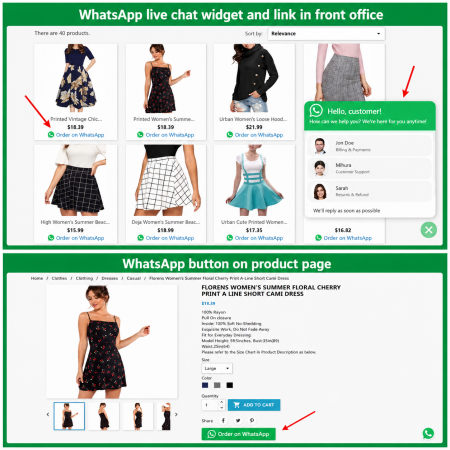
Let shoppers ask about sizes, colours, styles, and product details.
Provide a contact channel for questions about product specifications and availability.
Help customers ask for product information and shopping assistance.
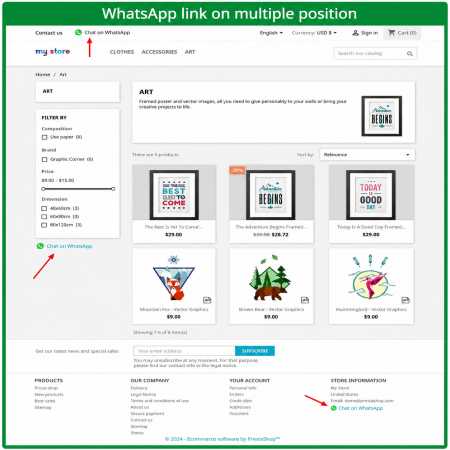
Give visitors a convenient way to contact your business while browsing.
It is a PrestaShop module designed to help customers contact your business through WhatsApp from your online store.
The customer uses the available WhatsApp contact option. WhatsApp then opens so the customer can start a conversation with your business.
Yes. The customer needs access to WhatsApp, either through the mobile application or a supported WhatsApp Web experience.
Automated replies or chatbot functionality should not be assumed. Check the module's actual feature list to confirm whether these capabilities are included.
No. WhatsApp is a communication channel. Customers continue to use your store's normal shopping and checkout process unless you have separately configured another workflow.
Make customer communication more convenient by adding a WhatsApp contact experience to your PrestaShop store.
| Vendor | Nxtal |
|---|---|
| Last update | Nov 03, 2026 |
| Version | 2.0.0 |
| Required store version | From 1.6.x to 9.2.x |
| Publication date | Aug 01, 2026 |
| Return Policy | You can return the product within the 30 Days return period for a full refund. No questions asked. |
| Customer Support | Enjoy one year of free customer support, including installation, troubleshooting, and usage guidance. |
| Description | This product is compatible with the specified versions and includes all the latest updates to enhance functionality and user experience. |
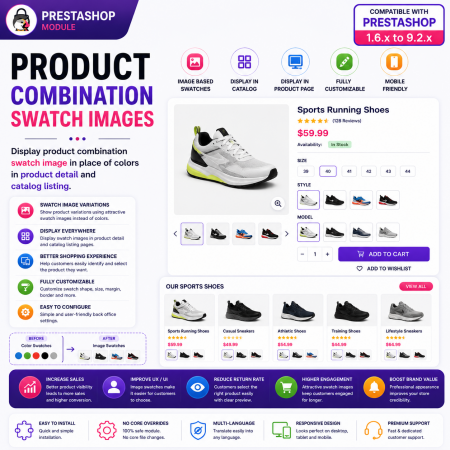
 PrestaShop Product Combination Swatch Images – Visual Product Variations Module
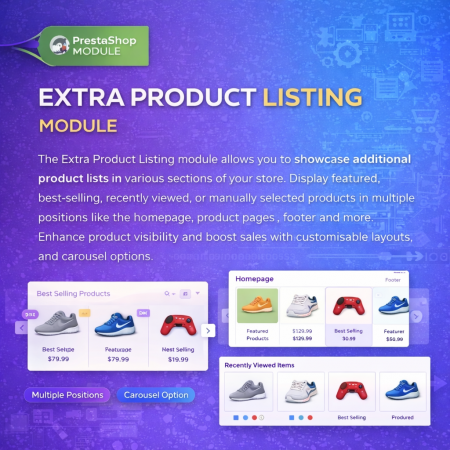
 Extra Product Listing module Prestashop Module

 Loyalty, Referral & Affiliate Programs Module for PrestaShop

 Time Limited Offers | Countdown Timer - PrestaShop Module
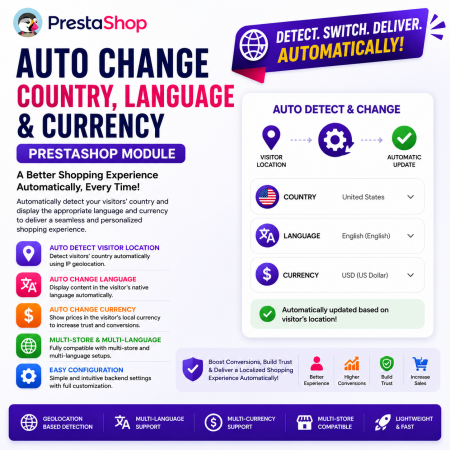 Auto Change Country Language and Currency Prestashop Module
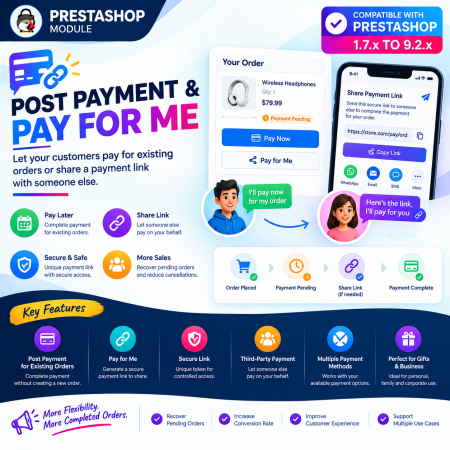
 Post Payment & Pay for me Prestashop Module
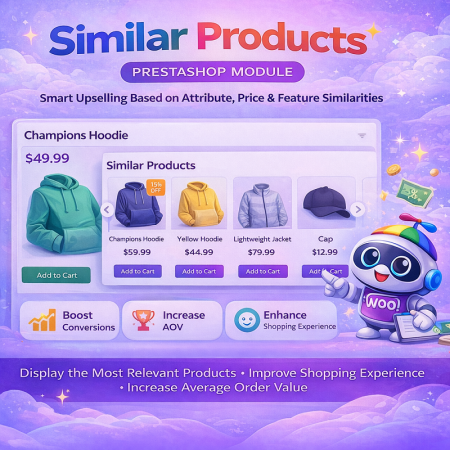
 PrestaShop Smart Similar Products – Attribute, Price & Feature Matching

 Advance Google SEO (XML & HTML) Sitemap Generator Prestashop Module
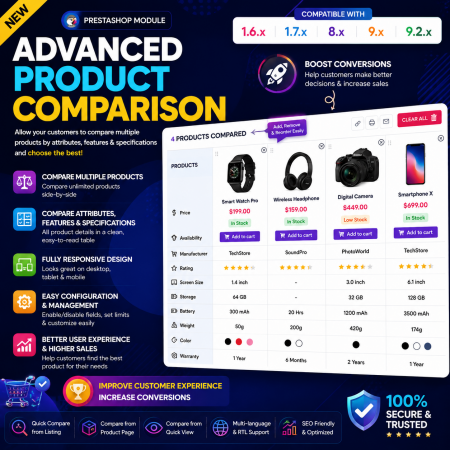
 Advance Product Comparison – Compare Products in PrestaShop
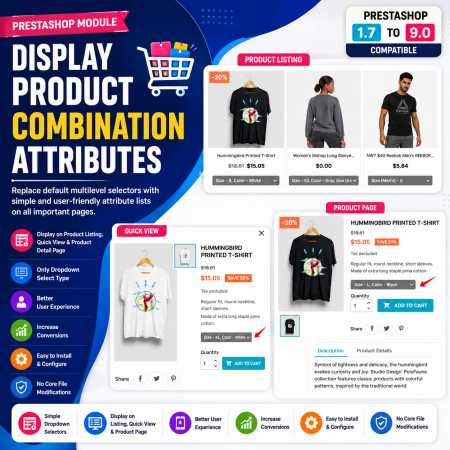
 Display Product Combination Attributes Module for PrestaShop
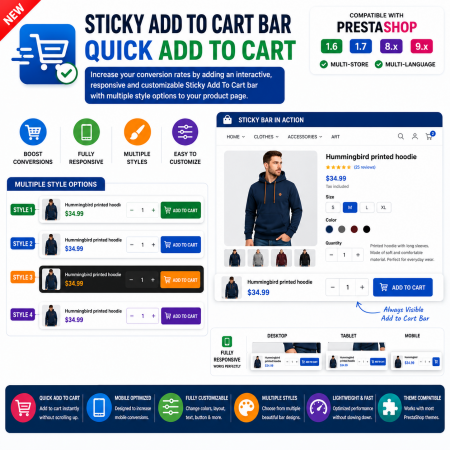
 Sticky Add to Cart Bar – Quick Add to Cart for PrestaShop
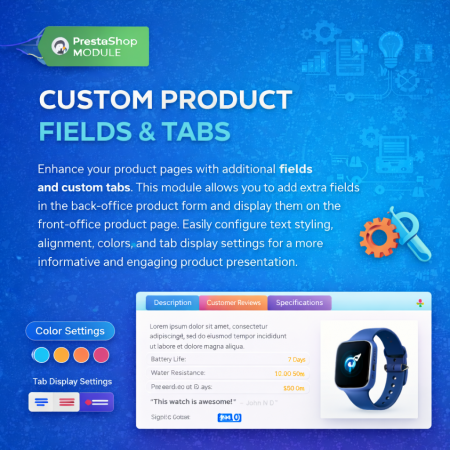
 Additional Product Fields And Tabs Prestashop Module

 Advanced Shop & Product Reviews and Ratings Module for PrestaShop

 Display Add to Cart Button on Product Listing Prestashop Module
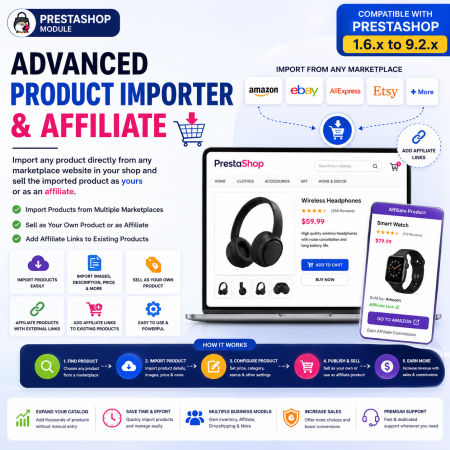
 Advanced Product Importer & Affiliate Module for PrestaShop – Import Products from 100s of Marketplaces
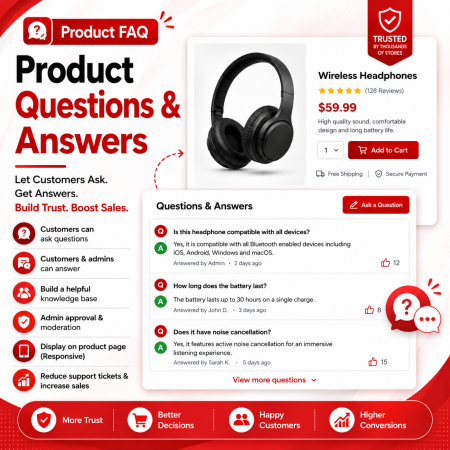
 Product FAQ – Product Questions & Answers for PrestaShop
WhatsApp Live Chat is a customer communication module for PrestaShop that helps connect your online store with WhatsApp. It provides shoppers with a convenient way to contact your business, ask product-related questions, and request assistance while browsing your store.
By offering a familiar messaging channel, you can make your business easier to reach and create a more convenient communication experience for potential and existing customers.
Key highlights:
Connect your PrestaShop store with WhatsApp.
Give customers a convenient way to start a conversation.
Make it easier for shoppers to ask questions.
Support customer communication before and after purchasing.
Provide a familiar contact channel for your online business.
A practical solution for merchants who want to make customer communication more accessible through WhatsApp.

Encrypted payment gateways ensuring your financial and personal data remain 100% protected.

Every module includes professional installation assistance, free updates, and reliable troubleshooting.

Rigorously tested PrestaShop & WooCommerce extensions designed for maximum speed and zero bloat.

Transparent policies, clean documentation, and dedicated assistance if you run into any compatibility hurdles.