- -$40.00

This module enhances the shopping experience by allowing customers to easily explore product variations such as...

The module allows merchants to enhance product images with customizable stickers and labels. Whether it’s...

The Quantity Discount Table module for PrestaShop makes bulk pricing clear and attractive by...

This module allows you to offer free shipping based on flexible conditions, such as location, carrier, cart value,...

The module automatically adjusts language, currency, and country settings based on the customer's location....

Vendor
Version
Last update
Prestashop version
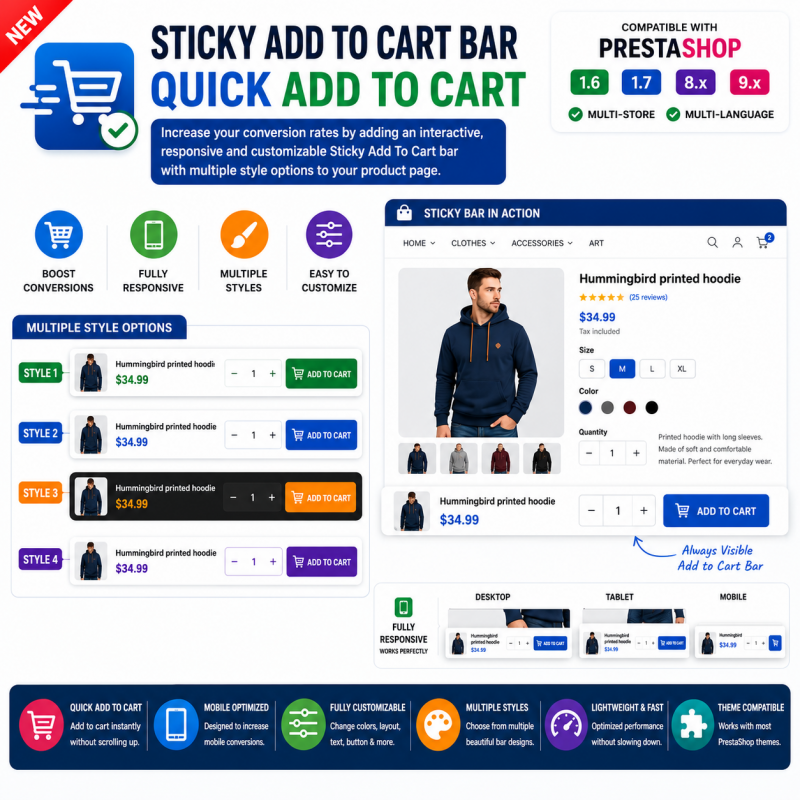
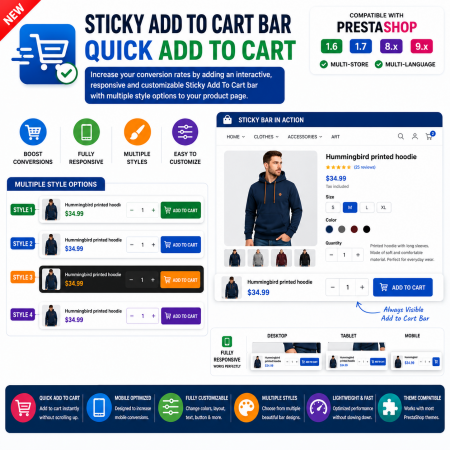
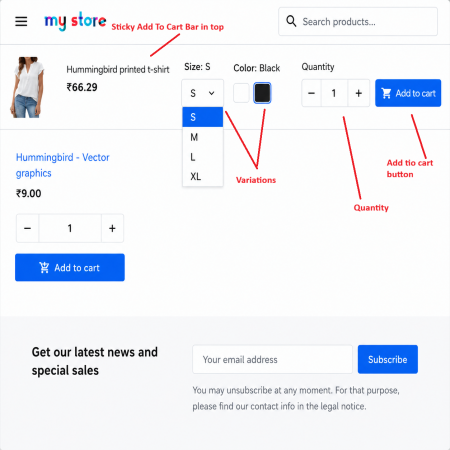
Sticky Add to Cart Bar – Quick Add to Cart is a PrestaShop module designed to keep the Add to Cart button easily accessible while customers scroll through product pages.
On long product pages, shoppers may need to scroll through product images, descriptions, and other details before making a purchase. The sticky bar provides a convenient purchase shortcut, reducing the need to return to the original Add to Cart button.
With its customizable design, the module helps store owners provide a more convenient and user-friendly shopping experience while keeping the focus on product purchases.
Keep the Add to Cart action within easy reach as customers explore your product pages. Give shoppers a convenient way to add products to their cart without having to scroll back to the original purchase button.
Customers often scroll through product images, descriptions, specifications, reviews, and other information before deciding to buy.
On a long product page, the original Add to Cart button may no longer be visible when a customer is ready to purchase. Having to scroll back up can interrupt the shopping experience.
Sticky Add to Cart Bar is designed to keep a purchase action conveniently accessible while customers browse a product page, making it easier to move from product discovery to adding an item to the cart.
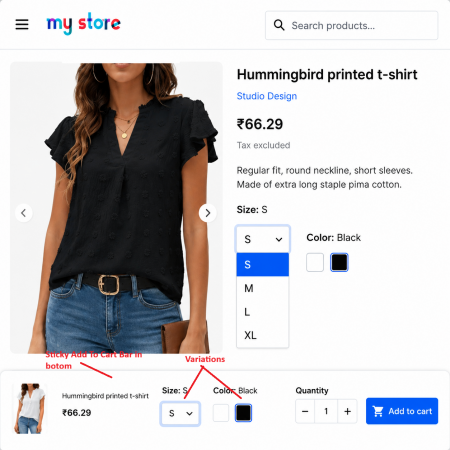
Illustrative concept only. The actual bar appearance and displayed elements depend on the installed module.
Sticky Add to Cart Bar is a PrestaShop module designed to provide a persistent purchase action on product pages. It helps customers add a product to their cart while browsing longer product content, without needing to return to the original Add to Cart button. The module also focuses on a customizable bar design that can complement the shopping experience of your store.
Make the product purchase action easier to access throughout the browsing experience.
Keep the purchase action accessible as customers scroll through product information.
Give customers a convenient purchase action without scrolling back to the original button.
Customize the sticky bar's appearance to better suit your storefront design.
Make the purchase action easier to reach while customers explore product pages.
Reduce the need to navigate back to the original purchase button on long product pages.
Install the module through the PrestaShop Back Office and review its available settings.
Help shoppers move from browsing to buying with a purchase action that stays within easy reach.
Customers can access the purchase action without returning to the top of a long product page.
Shoppers can continue exploring product information while keeping the purchase action accessible.
Use the available customization options to give the bar a look that fits your storefront.
A customer visits a product in your PrestaShop store.
The customer scrolls through product images, descriptions, and other information.
The sticky purchase action remains available while browsing the product page.
The customer uses the quick Add to Cart action to continue shopping.
Stores with detailed descriptions, product images, and size information.
Product pages containing specifications, technical details, and supporting information.
Stores that provide extensive product descriptions and usage details.
Any catalogue where shoppers may browse a product page before making a purchase decision.
Install Sticky Add to Cart Bar using the module ZIP package through your PrestaShop Back Office.
Download the Sticky Add to Cart Bar ZIP package and save it on your computer.
Log in to your PrestaShop Back Office and navigate to Modules → Module Manager.
Click Upload a module and select the downloaded ZIP package.
Allow PrestaShop to process the package and complete the installation.
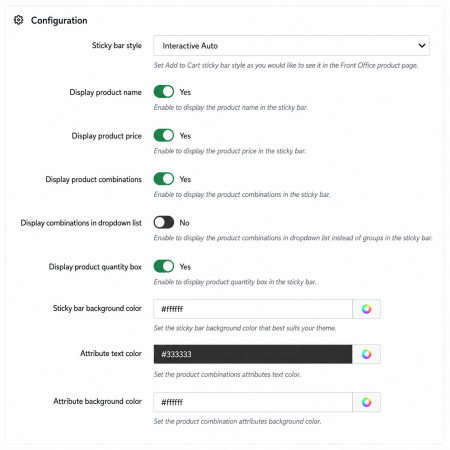
Open the module configuration page and review the available settings and design options.
Open a product page, scroll through its content, and test the sticky Add to Cart action.
It is a PrestaShop module designed to keep an Add to Cart action accessible while customers scroll through product pages.
On long product pages, the original purchase button may no longer be visible after scrolling. A sticky bar gives customers a convenient way to access the purchase action.
The module is presented as offering a customizable design. Check the installed version's configuration page for the exact available appearance settings.
Yes. Its main purpose is to keep the purchase action available while customers browse product information.
The module is intended to provide an additional purchase shortcut. The store's existing cart and checkout remain the normal destination for completing an order.
Yes. Test the sticky bar and its add-to-cart action with your active theme, product options, and storefront layout before using it on a live store.
Keep the Add to Cart action close to your customers with Sticky Add to Cart Bar for PrestaShop.
| Vendor | Nxtal |
|---|---|
| Last update | Nov 03, 2026 |
| Version | 2.0.0 |
| Required store version | From 1.6.x to 9.2.x |
| Publication date | Jul 27, 2026 |
| Return Policy | You can return the product within the 30 Days return period for a full refund. No questions asked. |
| Customer Support | Enjoy one year of free customer support, including installation, troubleshooting, and usage guidance. |
| Description | This product is compatible with the specified versions and includes all the latest updates to enhance functionality and user experience. |
 Manage PrestaShop Product Images by CSV – Add, Update & Delete
 Extra Product Listing module Prestashop Module

 Display Price Tax Inclusive or Exclusive Prestashop Module
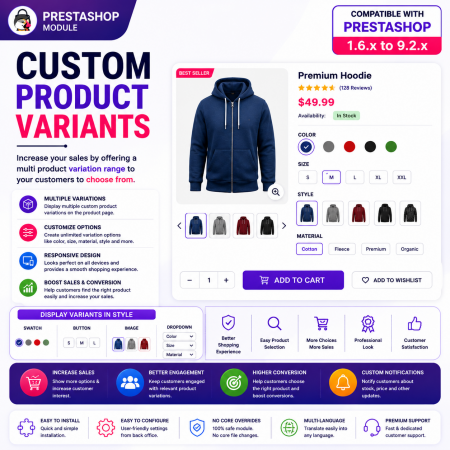
 Custom Product Variants for PrestaShop – Display Related Products as Variations
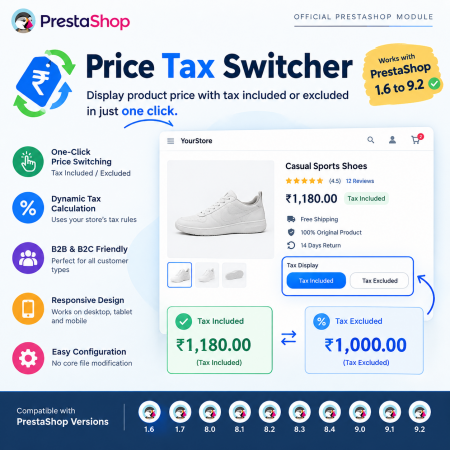
 PrestaShop Price Tax Switcher – Display Prices With or Without Tax Module
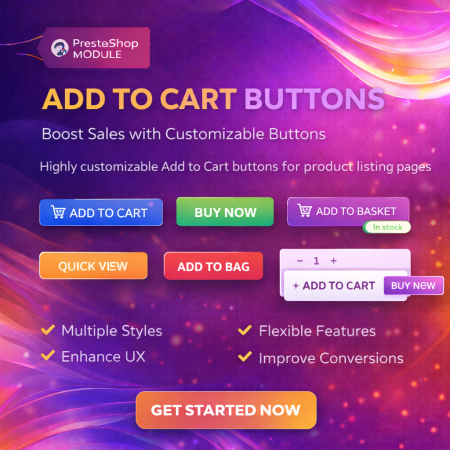
 Display Add to Cart Button on Product Listing Prestashop Module
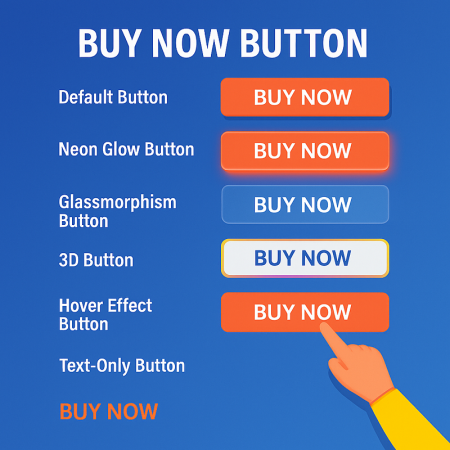
 Buy Now Button | Quick Order Prestashop Module
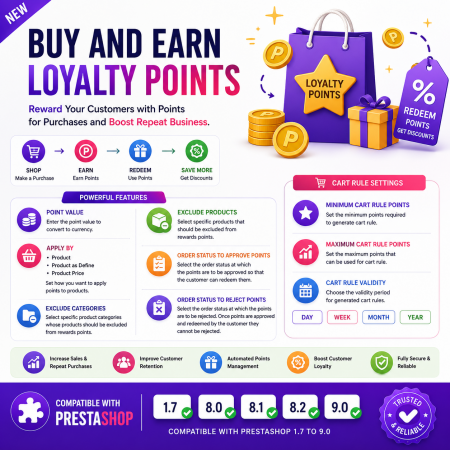
 Buy and Earn Loyalty Points for PrestaShop
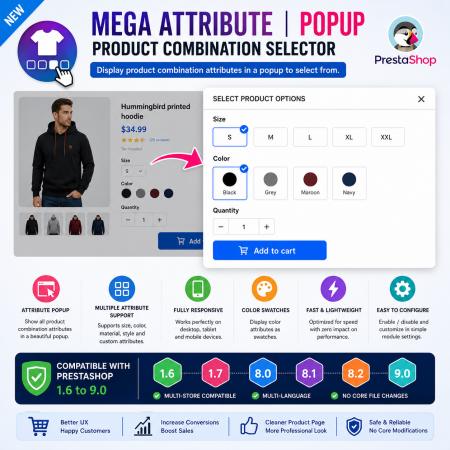
 Mega Attribute Popup Module for PrestaShop
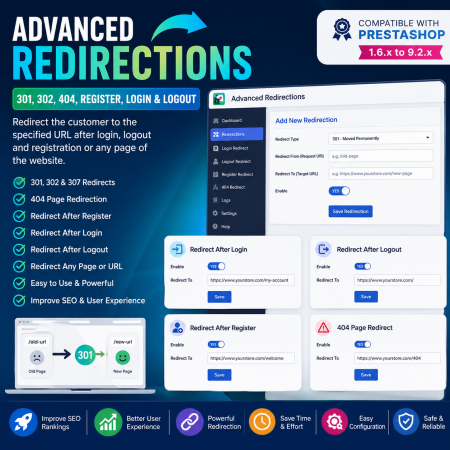
 Advanced Redirections – 301, 302, 404 & Customer Redirects for PrestaShop

 Offer Your Price – Make an Offer Module for PrestaShop
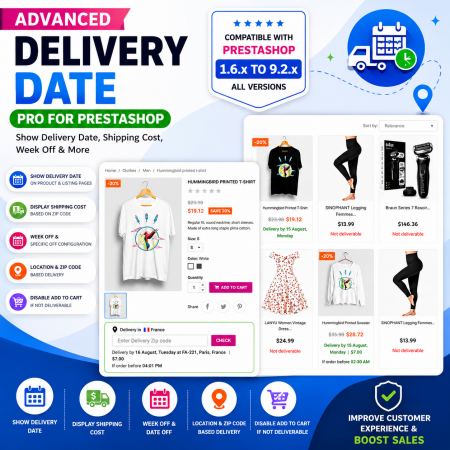
 Proposed Delivery Date and Cost Module for PrestaShop
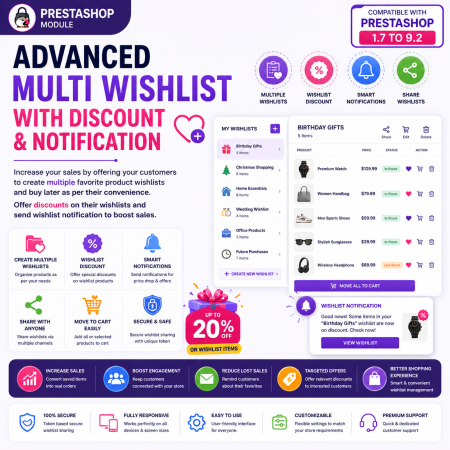
 Advanced Multi Wishlist for PrestaShop – Discounts, Notifications & Multiple Wishlists Module
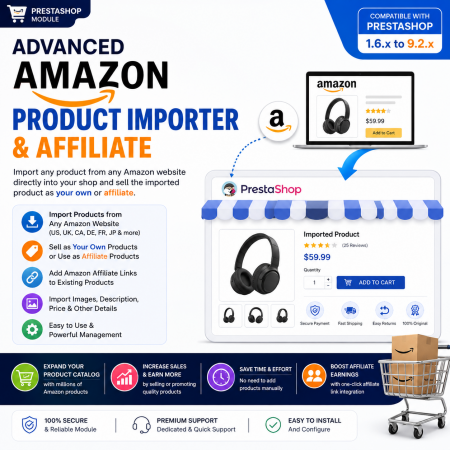
 Advanced Amazon Product Importer & Affiliate Module for PrestaShop – Import Products from Amazon
 Hide Product Price Prestashop Module
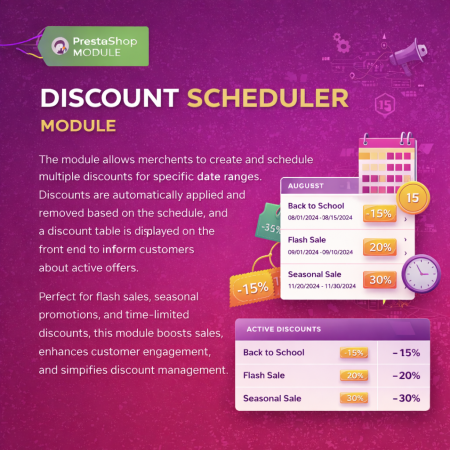
 Multiple discount date wise discount Prestashop Module
Sticky Add to Cart Bar – Quick Add to Cart is a PrestaShop module designed to keep the Add to Cart button easily accessible while customers scroll through product pages.
On long product pages, shoppers may need to scroll through product images, descriptions, and other details before making a purchase. The sticky bar provides a convenient purchase shortcut, reducing the need to return to the original Add to Cart button.
With its customizable design, the module helps store owners provide a more convenient and user-friendly shopping experience while keeping the focus on product purchases.

Encrypted payment gateways ensuring your financial and personal data remain 100% protected.

Every module includes professional installation assistance, free updates, and reliable troubleshooting.

Rigorously tested PrestaShop & WooCommerce extensions designed for maximum speed and zero bloat.

Transparent policies, clean documentation, and dedicated assistance if you run into any compatibility hurdles.