- -$40.00

This module enhances the shopping experience by allowing customers to easily explore product variations such as...

The module allows merchants to enhance product images with customizable stickers and labels. Whether it’s...

The Quantity Discount Table module for PrestaShop makes bulk pricing clear and attractive by...

This module allows you to offer free shipping based on flexible conditions, such as location, carrier, cart value,...

The module automatically adjusts language, currency, and country settings based on the customer's location....


Version
Last update
Prestashop version
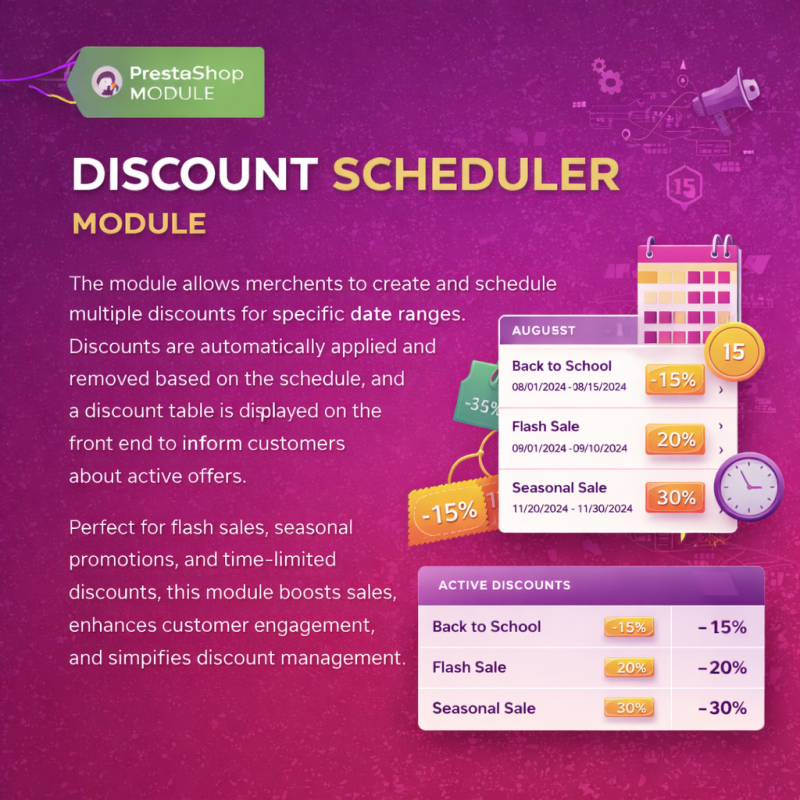
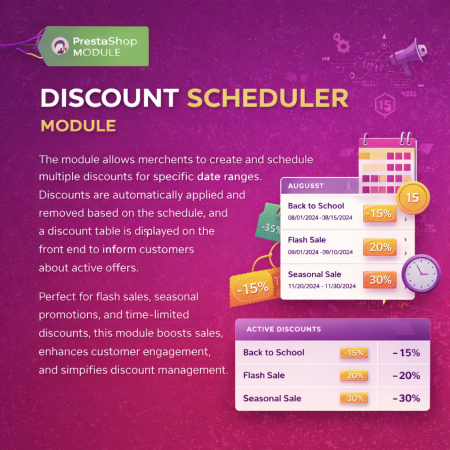
Stop manually updating prices for promotions. This module lets you schedule multiple date-wise discount tiers ahead of time, automates flash sales, and renders a clean front-end discount table to boost customer urgency and conversions.
Every e-commerce merchant knows the exhausting logistical nightmare of running time-sensitive promotions. Whether it's Black Friday, weekend flash sales, holiday clearances, or scheduled price drops, managing discounts natively in PrestaShop often requires tedious manual intervention.
The Multiple Discount Date-Wise Discount module is engineered from the ground up to completely eliminate these manual headaches through full automation and advanced front-end visibility.
The Multiple Discount Date-Wise Discount PrestaShop Module empowers store administrators to configure, schedule, and automate multiple distinct discount campaigns for specific products ahead of time. You define your start and end dates once, and the module automatically applies and removes special promotional pricing in real-time.
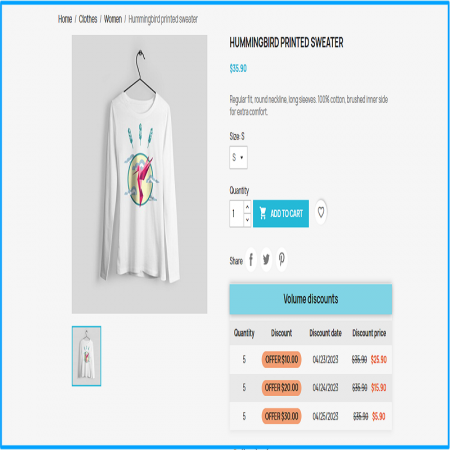
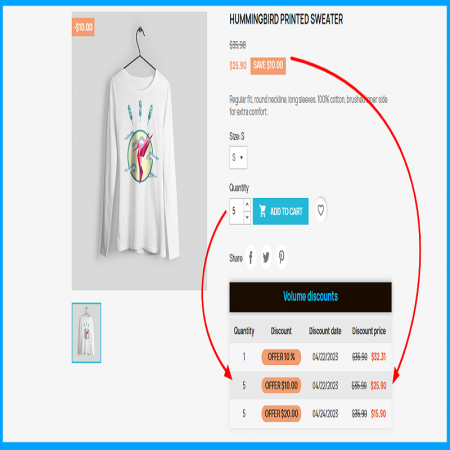
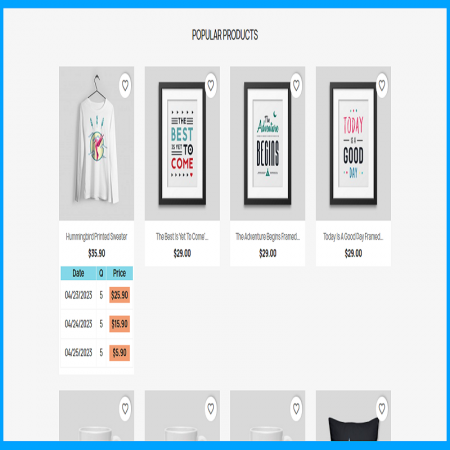
Equipped with a dynamic front-end discount table, this extension instantly showcases active and upcoming time-limited offers directly on your product pages, driving immediate customer engagement and higher conversion rates.
Set precise start and end date-time ranges for multiple discount blocks on any catalog product. Prices switch automatically without requiring manual cron jobs or back-office adjustments.
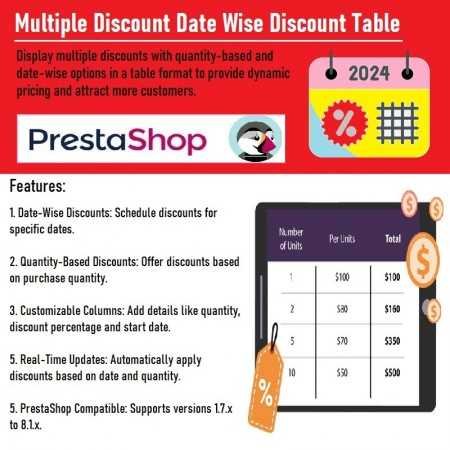
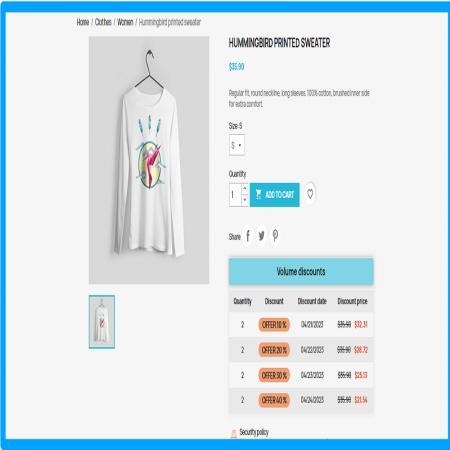
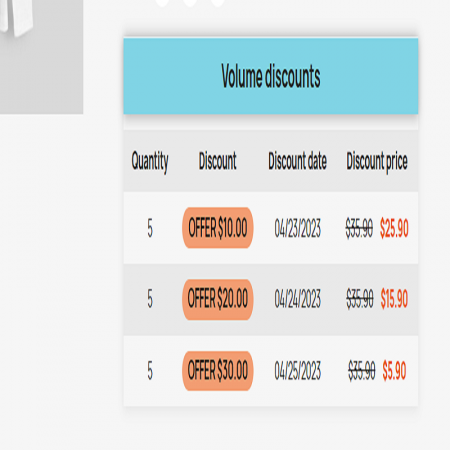
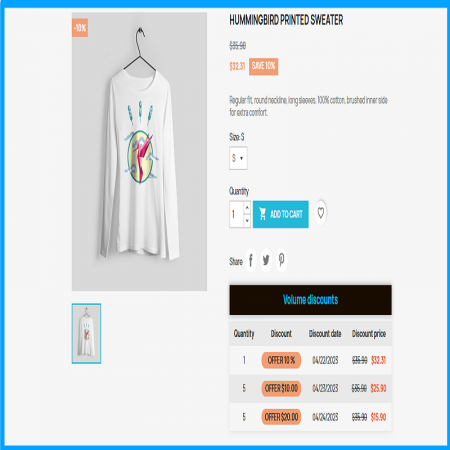
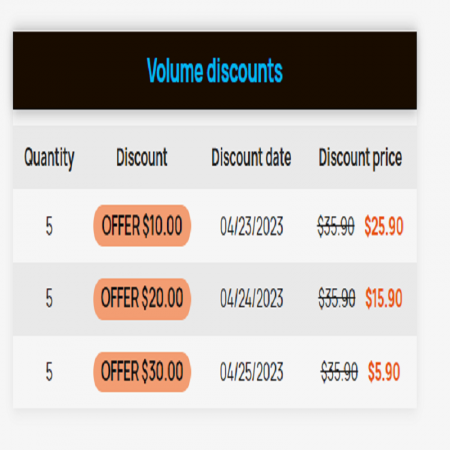
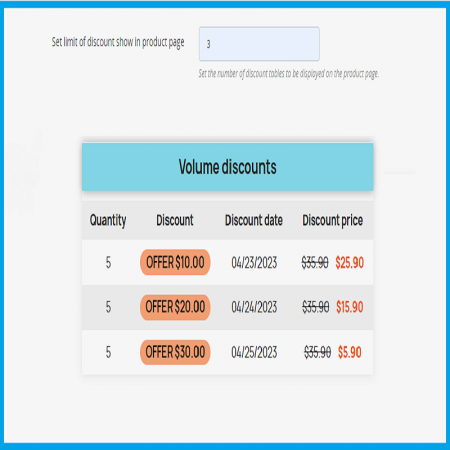
Render a clean, responsive table directly on product pages. Shoppers can instantly view active price breaks, tier percentages, and countdown timelines to take advantage of promotional offers.
Perfect for seasonal holiday events, weekend promotions, hourly flash deals, and structured product rollouts. Build your entire promotional calendar months in advance.
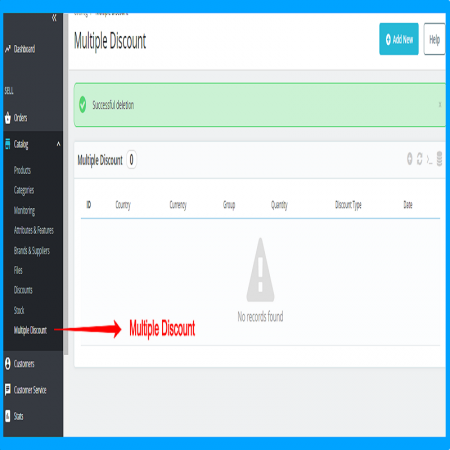
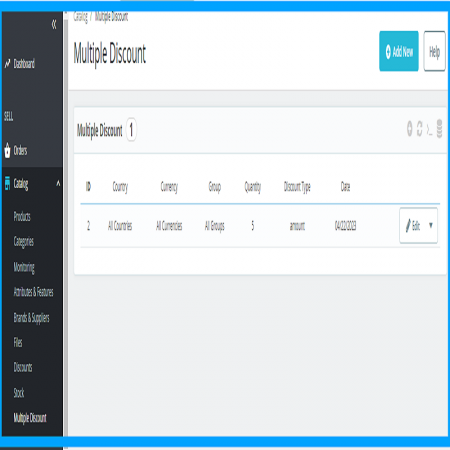
Quickly add, edit, or delete date-wise discounts straight from your PrestaShop back office with a user-friendly interface requiring zero coding knowledge.
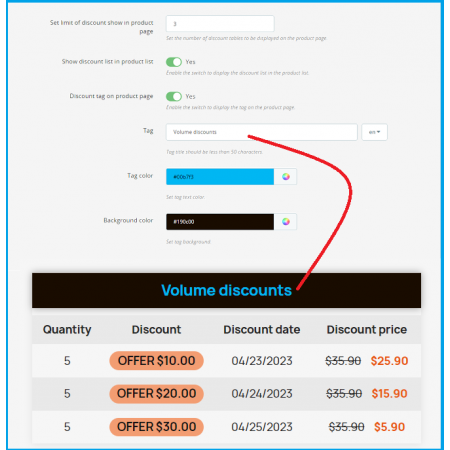
Easily adjust the style, layout, and data fields rendered in the front-end discount table to match your store theme's branding and UI design.
Optimized lightweight query architecture ensures fast page load speeds and seamless database execution even with thousands of products on promotion.
Go to your PrestaShop Admin Panel > Modules > Module Manager. Click on "Upload a module", select the downloaded module zip file, and click Install.
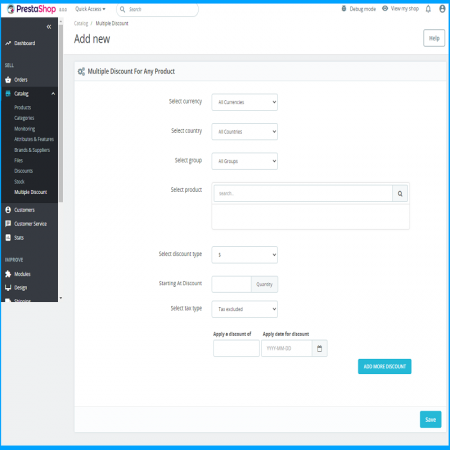
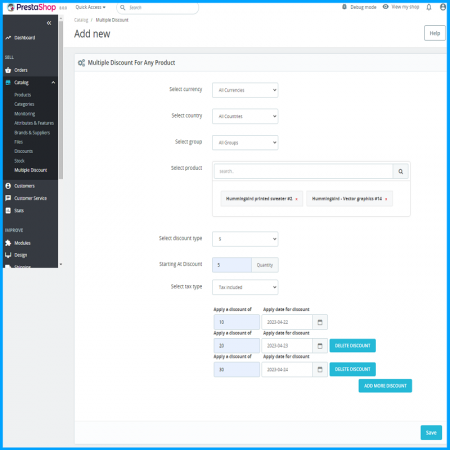
Navigate to Modules > Installed Modules, locate Multiple Discount Date-Wise Discount, and click Configure. Select your target products, set discount values, and specify your precise start and end date ranges.
Toggle on the front-end discount table option to make promotional schedules instantly visible to your store visitors, and save your settings.
PrestaShop Compatibility: Fully tested and certified for PrestaShop versions 1.7.0 up to 9.2.x.
Support & Updates: Every purchase includes 1 year of dedicated technical support, installation assistance, and free version updates.
Risk-Free Guarantee: Backed by a 30-day money-back guarantee—no questions asked.
Yes! You can set up multiple separate date ranges and pricing rules for any product in your catalog. The module transitions automatically from one discount period to the next without manual resetting.
No, all date-wise discounts are applied directly to the product price automatically during their active date windows, eliminating checkout friction for your shoppers.
Yes, the discount table layout is fully responsive and automatically adapts to mobile phones, tablets, and desktop screens for an optimal user experience.
| Last update | Oct 09, 2026 |
|---|---|
| Version | 1.1.0 |
| Required store version | From 1.7.0 to 9.2.x |
| Publication date | Dec 02, 2023 |
| Return Policy | You can return the product within the 30 days period for a full refund. No questions asked. |
| Customer Support | Enjoy one year of free customer support, including installation, troubleshooting, and usage guidance. |
| Description | This product is compatible with the specified versions and includes all the latest updates to enhance functionality and user experience. |

 Advanced Multiple Carts - Drop Down Cart | Slider Cart | Prestashop Module

 Advance Google SEO (XML & HTML) Sitemap Generator Prestashop Module

 PrestaShop Smart Similar Products – Attribute, Price & Feature Matching

 Offer Your Price | Make an Offer | Customer Price | Prestashop Module
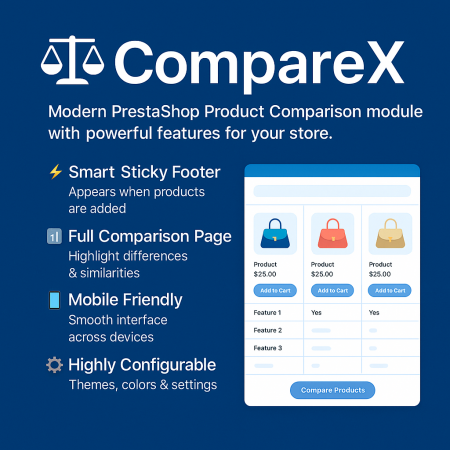
 Advance Product Comparison For Prestashop module
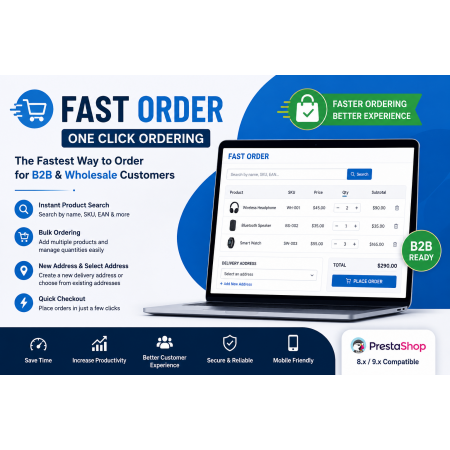
 Fast Order with Instant and File Search Prestashop Module
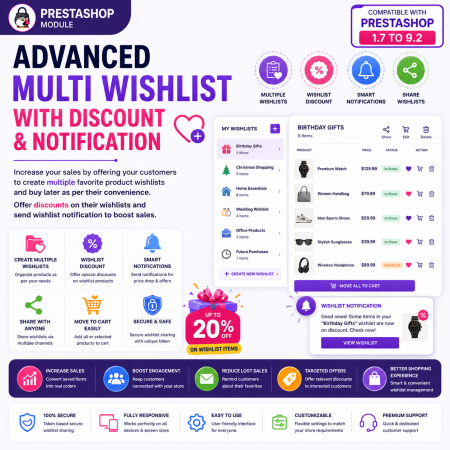
 Advanced Multi Wishlist with Discount and Notification Prestashop Module
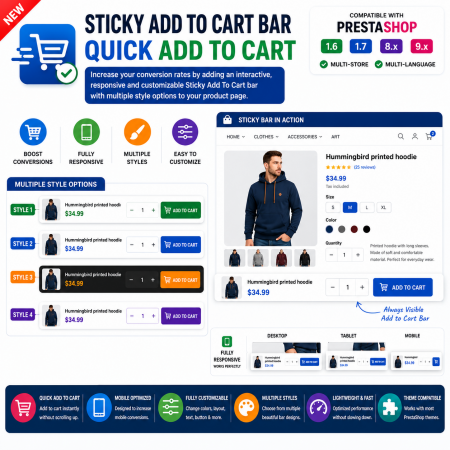
 Sticky Add To Cart Bar - Quick Add To Cart Prestashop Module

 Time Limited Offers | Countdown Timer - PrestaShop Module

 WhatsApp Live Chat & Support Prestashop Module
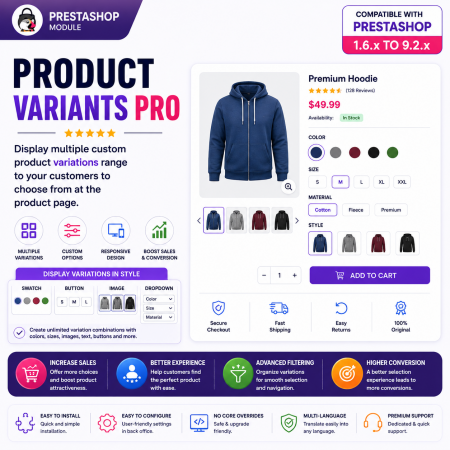
 Product Variants Pro | Prestashop Module

 Advance Custom Carousels | Sliders Prestashop Module

 Mega Attribute Popup Prestashop Module

 Hide Product Price Prestashop Module
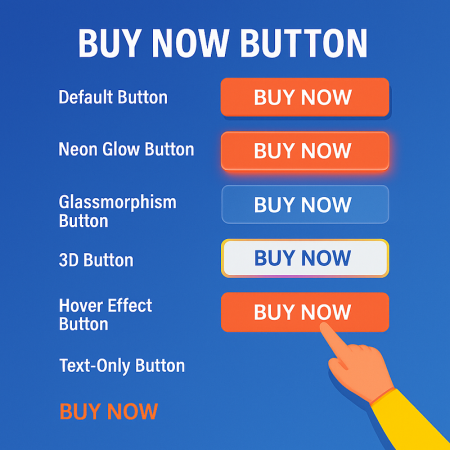
 Buy Now Button | Quick Order Prestashop Module
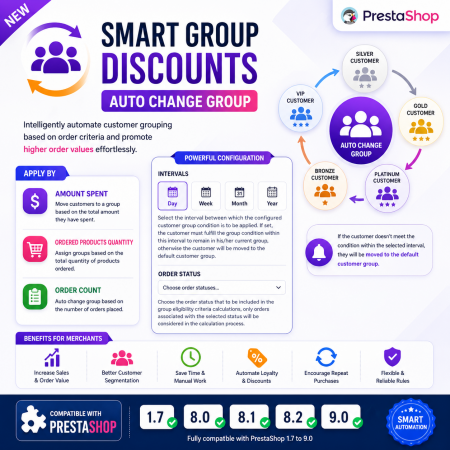
 Smart Group Discounts | Auto Change Group Prestashop Module
Stop manually updating prices for promotions. This module lets you schedule multiple date-wise discount tiers ahead of time, automates flash sales, and renders a clean front-end discount table to boost customer urgency and conversions.

Encrypted payment gateways ensuring your financial and personal data remain 100% protected.

Every module includes professional installation assistance, free updates, and reliable troubleshooting.

Rigorously tested PrestaShop & WooCommerce extensions designed for maximum speed and zero bloat.

Transparent policies, clean documentation, and dedicated assistance if you run into any compatibility hurdles.