- -$40.00


This module enhances the shopping experience by allowing customers to easily explore product variations such as...

The module allows merchants to enhance product images with customizable stickers and labels. Whether it’s...

The Quantity Discount Table & Grid Module for PrestaShop helps merchants display...

This module allows you to offer free shipping based on flexible conditions, such as location, carrier, cart value,...

The module automatically adjusts language, currency, and country settings based on the customer's location....

Vendor
Version
Last update
Prestashop version
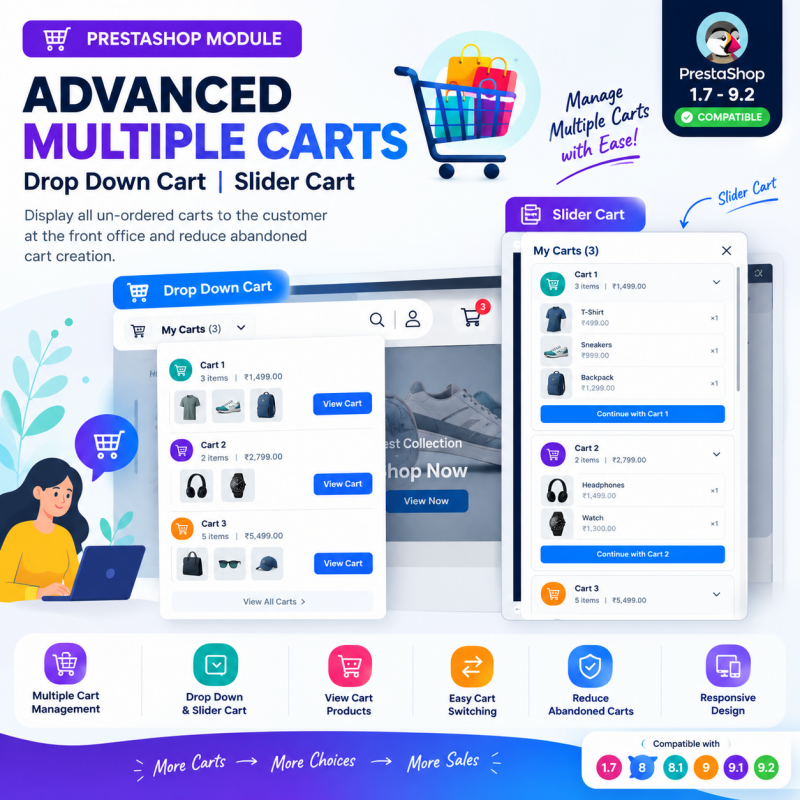
Upgrade your store's shopping experience with the Advanced Multiple Carts Module for PrestaShop. Provide customers with flexible multiple cart functionality and convenient cart access through modern dropdown and sliding cart interfaces.
Let shoppers manage separate shopping carts, review cart information through a dropdown panel, and access their shopping selections using a convenient slider cart without unnecessary navigation.
Designed to improve shopping convenience and storefront usability, this module brings together multiple cart management, dropdown cart access, and slider cart presentation in one powerful PrestaShop solution.
Make cart navigation easier, improve the shopping journey, and provide customers with a more flexible way to manage their shopping selections.
Multiple Shopping Carts. Quick Dropdown Access. Modern Slider Cart Experience.
Give your customers more flexibility and convenience with the Advanced Multiple Carts Module for PrestaShop. This module combines multiple shopping cart functionality with convenient dropdown and sliding cart interfaces to improve how customers access and manage their shopping selections.
A traditional shopping cart experience often requires customers to navigate between product pages, the cart page, and other storefront sections just to review their selected products. This unnecessary navigation can interrupt the shopping journey and make cart management less convenient.
With this advanced PrestaShop cart solution, customers can access cart information through a dropdown interface or a modern sliding cart panel. The multiple-cart functionality also provides a more flexible way to organize shopping selections into separate carts.
Whether you operate a fashion store, electronics shop, furniture website, home accessories store, or general eCommerce business, this module helps create a more convenient and organized shopping experience.
The shopping cart is one of the most important parts of an eCommerce website. Customers use it to review their selected products and prepare their purchases before checkout.
However, a conventional cart interface may not always provide the flexibility and accessibility customers expect.
Consider these common shopping challenges:
Customers want to access their cart without leaving the current product page.
Reviewing selected products can require additional navigation.
Customers may want to organize different shopping selections separately.
A traditional cart presentation may not provide the convenient interface they prefer.
Repeated navigation between shopping pages can interrupt the browsing experience.
The Advanced Multiple Carts for PrestaShop module addresses these usability requirements by bringing together three important cart features:
Multiple Carts – Provide flexible cart management through multiple shopping carts.
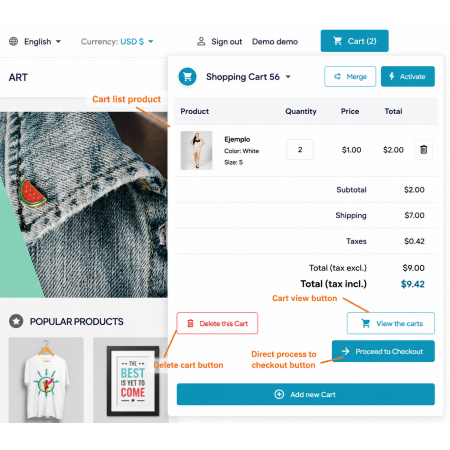
Dropdown Cart – Allow customers to access cart information through a dropdown interface.
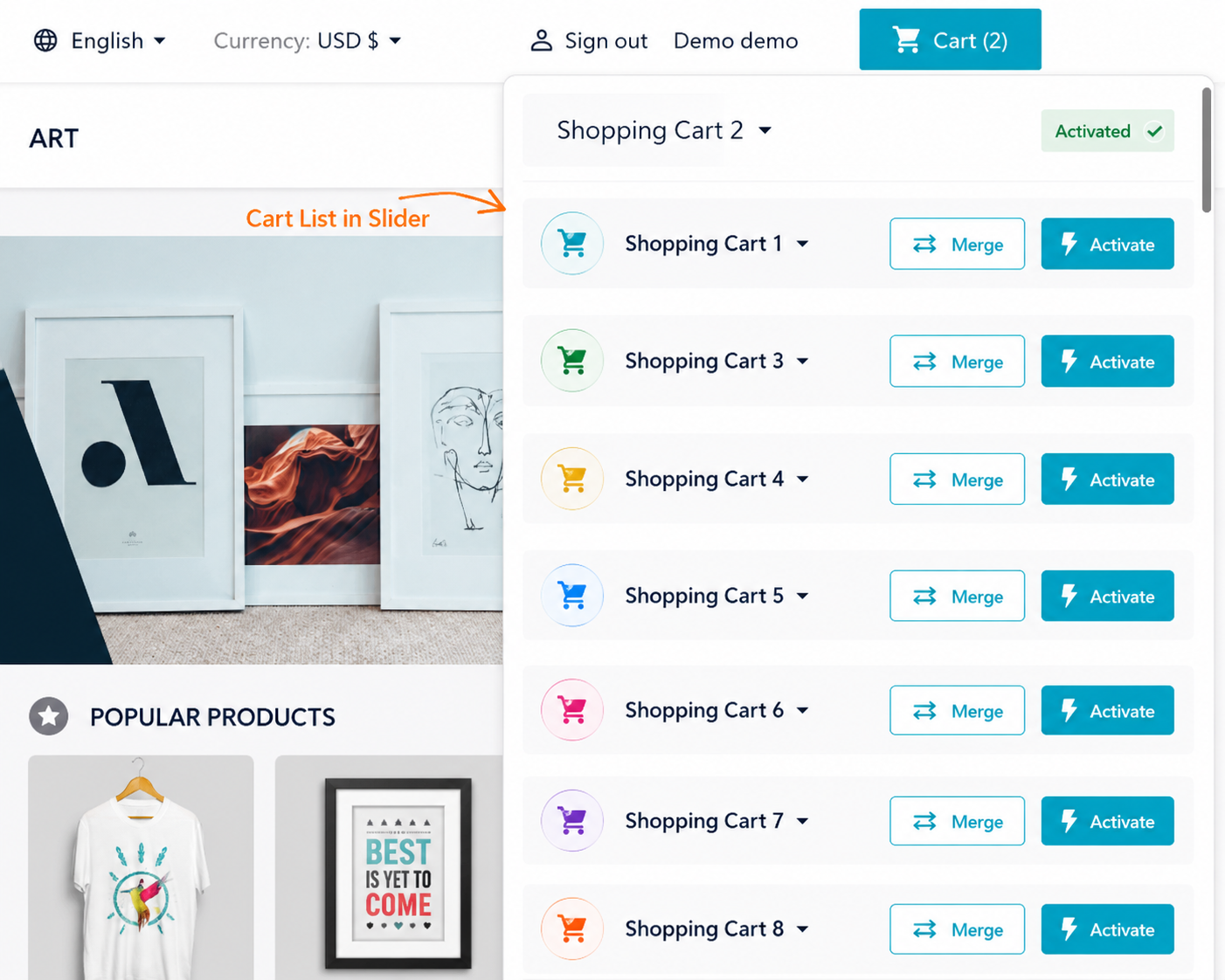
Slider Cart – Present cart information in a convenient sliding panel.
Together, these features offer a flexible shopping cart experience that makes browsing and reviewing shopping selections more convenient.
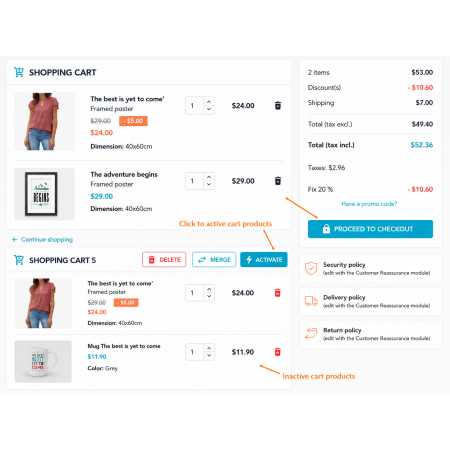
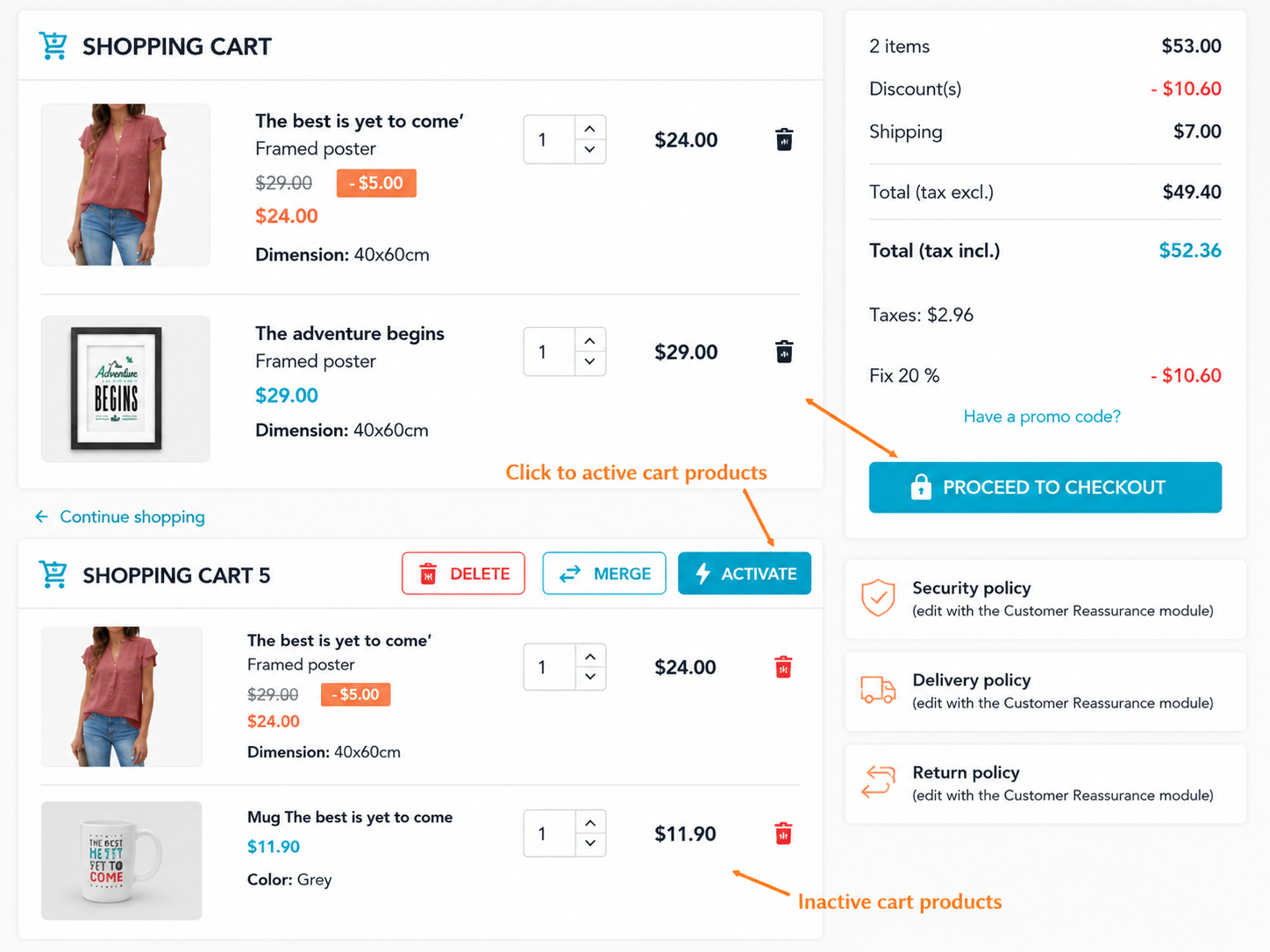
Give customers the ability to work with multiple shopping carts instead of relying exclusively on a single cart arrangement. This is useful for organizing different shopping selections according to customer needs.
Provide quick access to cart information through a dropdown interface. Customers can review their shopping selections without having to navigate directly to a separate cart page.
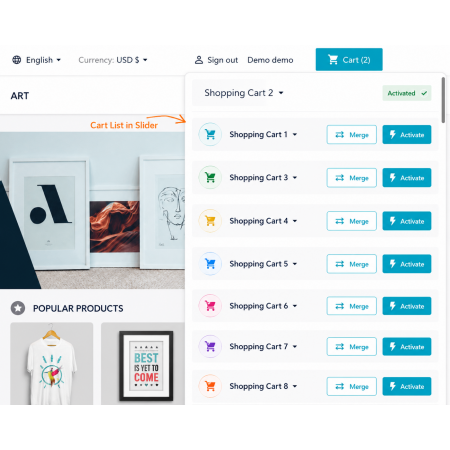
Offer an alternative way to access cart information through a sliding panel. The slider cart provides a convenient cart presentation while customers continue browsing your storefront.
Make cart information easier to access from the storefront. Reduce unnecessary navigation and help customers stay focused on product discovery and shopping.
Give your store a more flexible cart presentation with multiple cart functionality and alternative cart access interfaces.
Give customers a more flexible way to organize their shopping selections with multiple cart functionality.
Instead of managing every shopping selection in one place, customers can use separate carts according to the multiple-cart options supported by the module.
This functionality can be particularly useful when customers are planning different purchases or organizing products for different shopping requirements.
Key benefits:
Provide multiple shopping cart functionality.
Help organize different shopping selections.
Offer greater flexibility in cart management.
Support a more organized shopping experience.
Give customers an alternative to conventional single-cart management.
Practical use case:
A customer shopping for home furniture may want to organize living room products separately from bedroom products. Multiple cart functionality can provide a more flexible shopping arrangement for these different selections.
Make cart information easier to access with a convenient dropdown cart interface.
A dropdown cart provides a compact way for customers to review their shopping selections while browsing your website.
Instead of navigating to a dedicated shopping cart page every time they want to access cart information, customers can use the available dropdown interface.
Key benefits:
Provide convenient dropdown cart access.
Display cart information through a compact interface.
Make cart review more accessible.
Reduce unnecessary navigation.
Support a smoother storefront browsing experience.
Practical use case:
A customer browsing multiple product pages can use the dropdown cart to access their cart information without interrupting their product discovery journey.
Improve cart accessibility with a modern sliding cart presentation.
The slider cart displays cart information through a sliding panel, providing an alternative to the traditional cart page.
This interface helps customers access their shopping selections while maintaining their browsing context.
Key benefits:
Display cart information in a sliding panel.
Provide an alternative cart access interface.
Create a modern storefront shopping experience.
Make cart information conveniently accessible.
Reduce the need to navigate away from the current shopping section.
Practical use case:
A customer adding products to their shopping cart can access the slider cart to review their selections while continuing to explore the store.
Different customers may prefer different ways of accessing their shopping cart.
The module brings dropdown and slider cart presentation options together with multiple cart functionality, providing a flexible approach to storefront cart management.
Key benefits:
Combine multiple cart functionality with alternative cart interfaces.
Offer convenient cart access.
Support different shopping and browsing situations.
Improve the overall cart interaction experience.
Make shopping selections easier to review.
The module combines flexible cart management with convenient storefront cart interfaces.
Step 1 – Browse Products
Customers visit your PrestaShop store and explore available products.
Step 2 – Organize Shopping Selections
Customers use the multiple-cart functionality to manage their shopping selections through the available cart options.
Step 3 – Access the Dropdown Cart
Customers can open the dropdown cart interface to access their cart information while browsing the storefront.
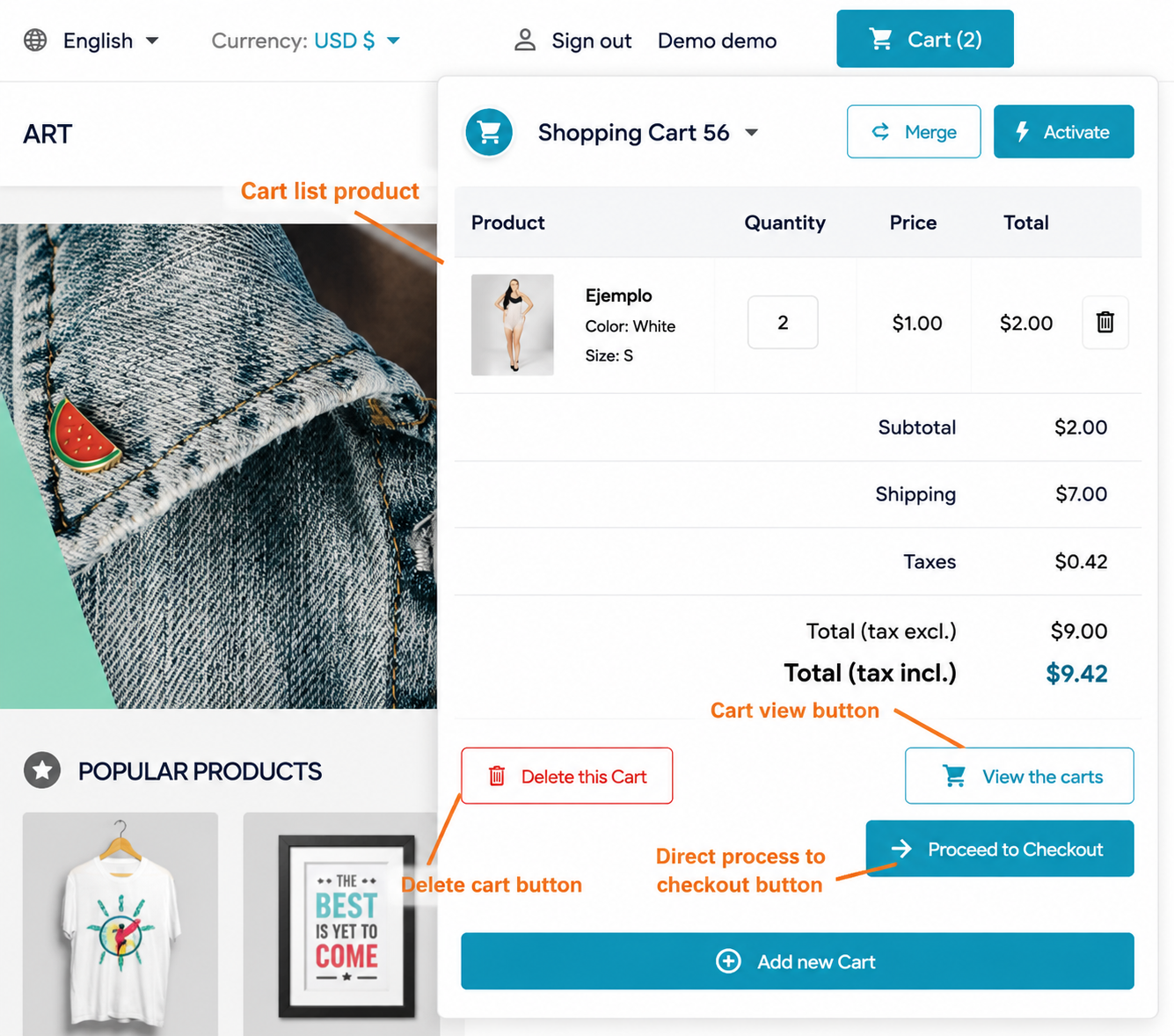
Step 4 – Open the Slider Cart
Customers can use the sliding cart interface to review cart information through a convenient side panel.
Step 5 – Continue Shopping
Customers can continue browsing the store with easier access to their cart information.
The result is a more flexible shopping cart experience that combines multiple cart management with convenient cart presentation.
Customers often explore multiple clothing categories, collections, and accessories before deciding what to purchase.
Multiple cart functionality can help organize different shopping selections, while dropdown and slider interfaces make cart information easier to access.
Customers researching electronics may compare different product selections before purchasing.
A flexible cart experience can make it more convenient to organize and review their shopping selections.
Customers shopping for different rooms or home improvement projects may benefit from organizing their shopping selections separately.
Multiple cart functionality can support this type of shopping organization.
Customers shopping across different product categories can benefit from convenient cart access while continuing to explore the storefront.
Customers who prepare different shopping selections for different purchasing requirements may find multiple cart functionality useful for organizing their shopping activity.
Any online store looking to provide multiple cart functionality alongside dropdown and sliding cart interfaces can benefit from this advanced cart solution.
A convenient cart experience helps customers move between product discovery and cart review more comfortably.
The Advanced Multiple Carts module focuses on three important aspects of shopping convenience.
Dropdown and slider cart interfaces give customers alternative ways to access cart information without always navigating to a separate page.
Multiple cart functionality provides additional flexibility for managing shopping selections.
Customers can access cart information while browsing the storefront, helping them maintain their shopping context.
A well-organized cart interface contributes to a more comfortable and accessible shopping journey.
Making cart information easier to access can reduce unnecessary navigation during the shopping process.
The module provides several practical benefits for online store owners:
Flexible cart management: Offer multiple cart functionality for organizing shopping selections.
Convenient cart access: Give customers dropdown and sliding cart interfaces.
Improved usability: Make cart information easier to reach while browsing.
Better shopping organization: Support customers managing different shopping selections.
Modern storefront presentation: Provide alternative ways to display cart information.
Smoother navigation: Reduce unnecessary movement between storefront pages.
Enhanced shopping convenience: Make it easier for customers to review their cart information.
By improving cart accessibility and shopping flexibility, your store can provide a more convenient purchasing experience.
Your customers receive a more flexible and convenient way to interact with their shopping cart.
Manage shopping selections through multiple carts.
Access cart information through a dropdown interface.
Review cart information using a sliding panel.
Continue browsing without repeatedly navigating to the cart page.
Organize different shopping selections more conveniently.
Enjoy alternative cart presentation options.
Installing the Advanced Multiple Carts module is straightforward through the PrestaShop Back Office.
Step 1 – Download the Module
Download the Advanced Multiple Carts module ZIP package from your Sathi.xyz account after purchase.
Step 2 – Open PrestaShop Back Office
Log in to your PrestaShop administration panel.
Navigate to: Modules → Module Manager
Step 3 – Upload the Module
Click the Upload a Module option and select the downloaded ZIP package.
Step 4 – Install the Module
Wait for the upload to complete and click the installation option.
Step 5 – Configure the Module
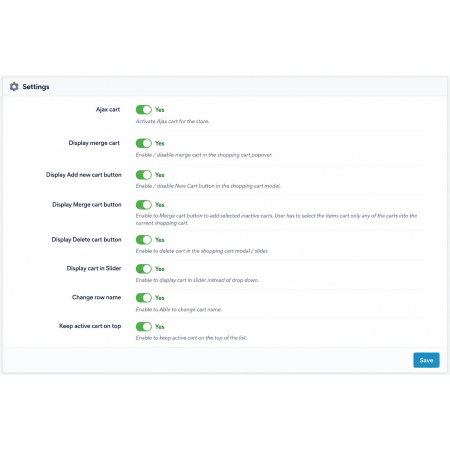
Open the module configuration page and review the available settings for the installed version.
Step 6 – Test Your Storefront
Visit your website and verify the multiple cart functionality, dropdown cart, and slider cart interfaces.
Check the cart experience on product pages and other relevant storefront sections.
After installation, configure the module through your PrestaShop Back Office.
Review the available configuration options and set up the cart presentation according to your store's requirements.
Once configuration is complete:
Open your storefront.
Check the multiple cart functionality.
Test the dropdown cart interface.
Test the slider cart interface.
Verify cart information is displayed correctly.
Check compatibility with your active theme.
For the best experience, test the cart interfaces on desktop and mobile devices.
The Advanced Multiple Carts module is a shopping cart solution that combines multiple cart functionality with dropdown and slider cart interfaces. It helps provide customers with more flexible cart management and convenient access to cart information.
Multiple cart functionality allows customers to manage separate shopping carts instead of relying exclusively on one shopping cart arrangement. It can be useful for organizing different shopping selections.
A dropdown cart is a compact shopping cart interface that allows customers to access cart information through a dropdown panel while browsing the storefront.
A slider cart displays shopping cart information through a sliding panel interface. It gives customers an alternative way to review their shopping selections without directly navigating to the cart page.
A dropdown cart presents cart information in a dropdown interface, whereas a slider cart displays it through a sliding panel. Both provide alternative ways to access cart information while browsing.
The module combines multiple cart functionality with dropdown and slider cart presentation options. The exact interaction between these features depends on the available configuration and implementation of the installed version.
Yes. It provides flexible cart management and convenient cart access interfaces that can make reviewing shopping selections easier and reduce unnecessary navigation.
Yes. Multiple cart functionality and alternative cart interfaces can be useful for fashion, electronics, furniture, home accessories, wholesale, and general eCommerce stores.
Download the ZIP package, upload it through PrestaShop Module Manager, install the module, configure the available settings, and test the cart interfaces on your storefront.
Theme compatibility should be verified against the module's listed requirements. We recommend testing the dropdown and slider cart interfaces with your active theme before using the module on a live store.
Make shopping cart management more flexible and convenient.
The Advanced Multiple Carts Module for PrestaShop combines multiple shopping carts, dropdown cart access, and a modern slider cart interface to improve the way customers organize and review their shopping selections.
Give your customers more convenient ways to access their carts, make storefront navigation easier, and create a more flexible shopping experience.
Choose Sathi's Advanced Multiple Carts module and make your PrestaShop store more convenient to shop!
| Vendor | Nxtal |
|---|---|
| Last update | Nov 23, 2026 |
| Version | 5.5.0 |
| Required store version | From 1.7.x to 9.2.x |
| Publication date | Aug 25, 2026 |
| Return Policy | You can return the product within the 30 Days return period for a full refund. No questions asked. |
| Customer Support | Enjoy one year of free customer support, including installation, troubleshooting, and usage guidance. |
| Description | This product is compatible with the specified versions and includes all the latest updates to enhance functionality and user experience. |
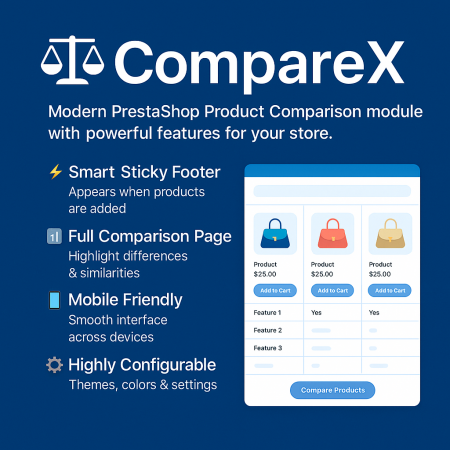
 Advanced Product Comparison Module for PrestaShop | Compare Products
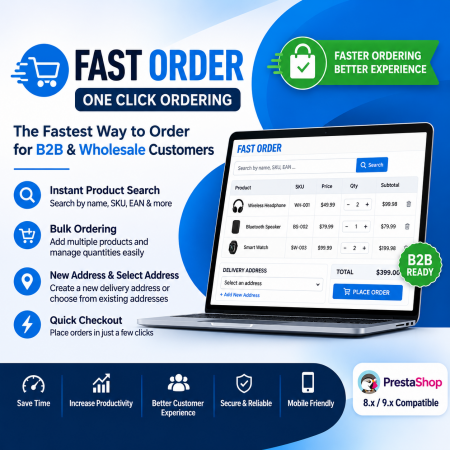
 Fast Order with Instant and File Search for PrestaShop Module
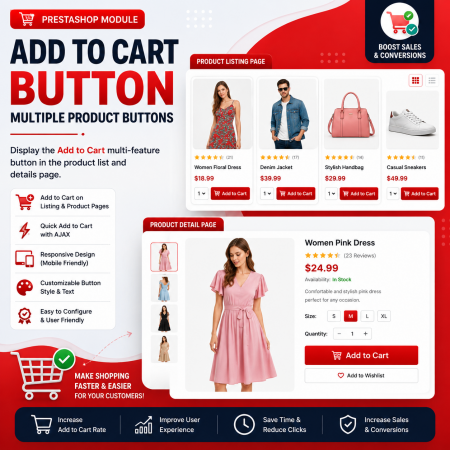
 Advanced Add to Cart Button Module for PrestaShop – Simplify Product Shopping
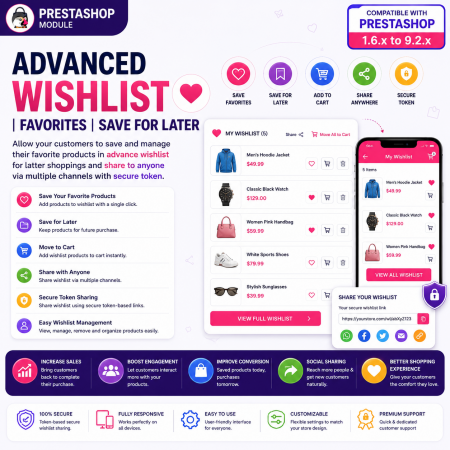
 Advanced Wishlist, Favorites & Save for Later Module for PrestaShop

 Offer Your Price – Make an Offer & Price Negotiation Module for PrestaShop
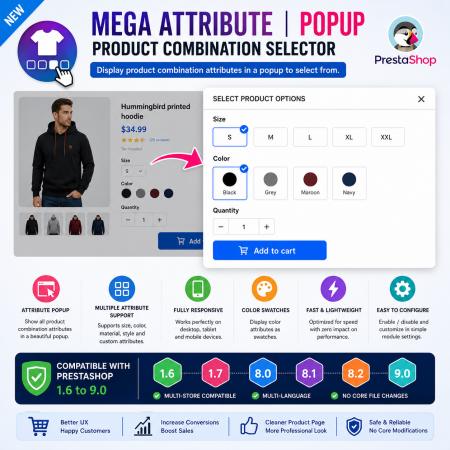
 Mega Attribute Popup Module for PrestaShop

 Time Limited Offers & Countdown Timer Module for PrestaShop
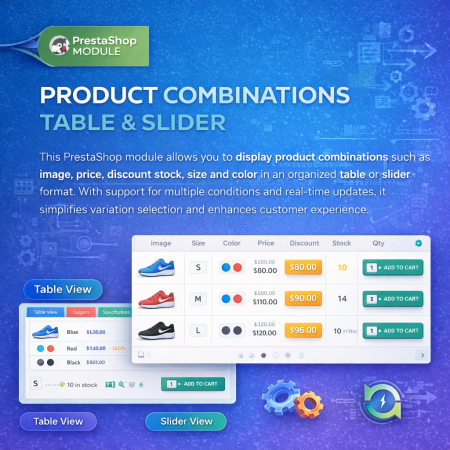
 Product Combination Table & Slider Prestashop Module
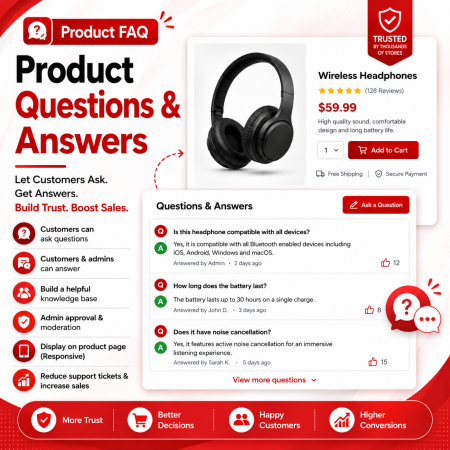
 Product FAQ – Product Questions & Answers for PrestaShop
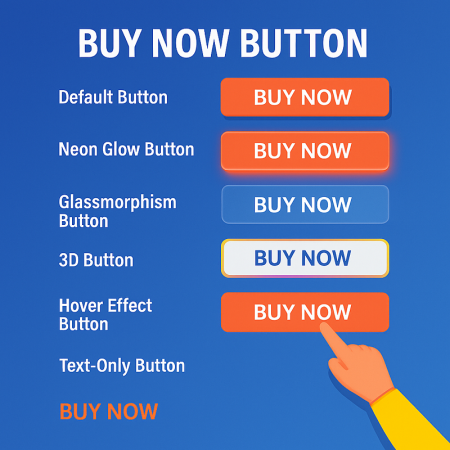
 Buy Now Button | Quick Order Prestashop Module
Fast Order with Instant and File Search for PrestaShop Module
Advanced Product Comparison Module for PrestaShop | Compare Products
 Advance Product Stickers & Labels Prestashop Module
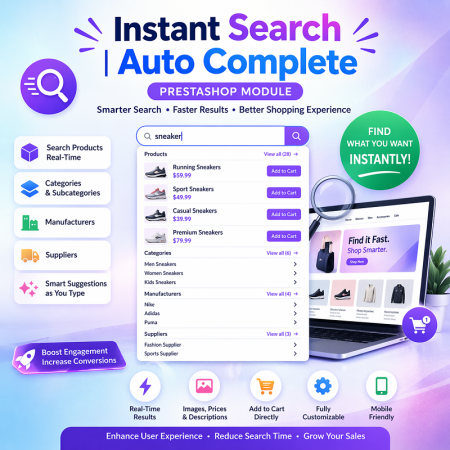
 Instant Search | Auto Complete Prestashop Module

 Advanced Amazon Product Importer & Affiliate Module for PrestaShop
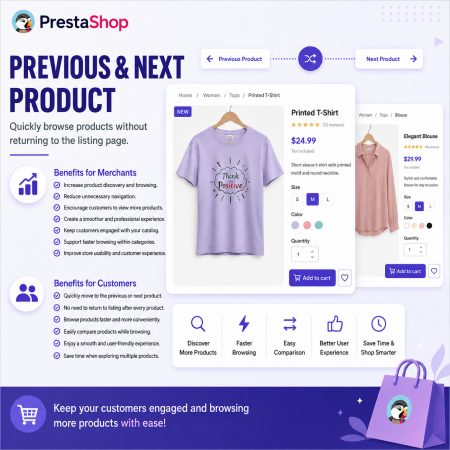
 Advanced Product Navigation – Previous & Next Product Links for PrestaShop
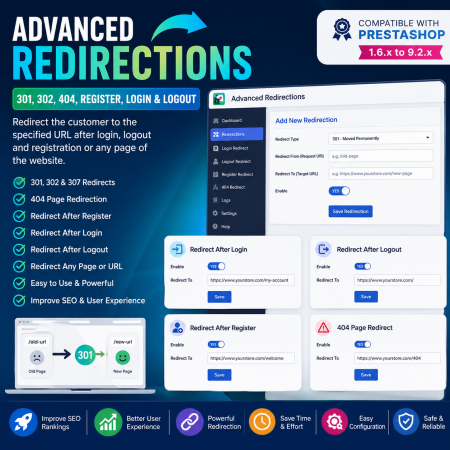
 Advanced Redirections – 301, 302, 404 & Customer Redirects for PrestaShop
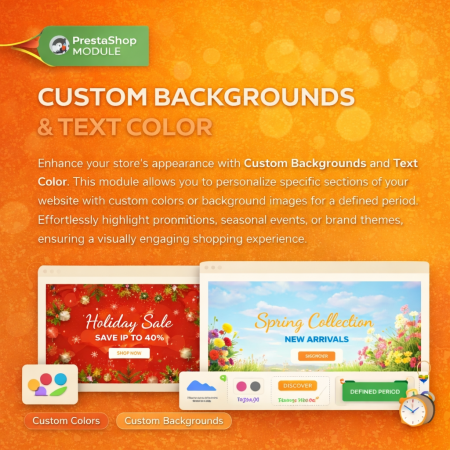
 Custom Background And Text Color Prestashop Module
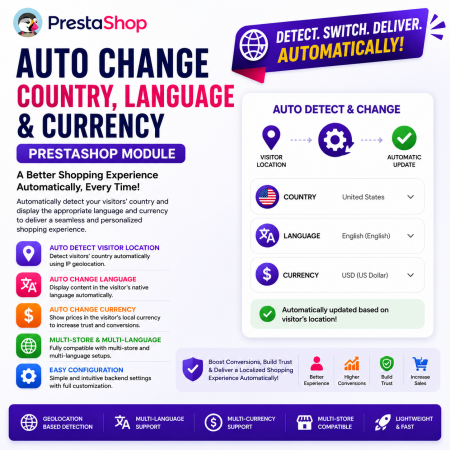 Auto Change Country Language and Currency Prestashop Module
Upgrade your store's shopping experience with the Advanced Multiple Carts Module for PrestaShop. Provide customers with flexible multiple cart functionality and convenient cart access through modern dropdown and sliding cart interfaces.
Let shoppers manage separate shopping carts, review cart information through a dropdown panel, and access their shopping selections using a convenient slider cart without unnecessary navigation.
Designed to improve shopping convenience and storefront usability, this module brings together multiple cart management, dropdown cart access, and slider cart presentation in one powerful PrestaShop solution.
Make cart navigation easier, improve the shopping journey, and provide customers with a more flexible way to manage their shopping selections.

Encrypted payment gateways ensuring your financial and personal data remain 100% protected.

Every module includes professional installation assistance, free updates, and reliable troubleshooting.

Rigorously tested PrestaShop & WooCommerce extensions designed for maximum speed and zero bloat.

Transparent policies, clean documentation, and dedicated assistance if you run into any compatibility hurdles.