- -$40.00


This module enhances the shopping experience by allowing customers to easily explore product variations such as...

The module allows merchants to enhance product images with customizable stickers and labels. Whether it’s...

The Quantity Discount Table & Grid Module for PrestaShop helps merchants display...

This module allows you to offer free shipping based on flexible conditions, such as location, carrier, cart value,...

The module automatically adjusts language, currency, and country settings based on the customer's location....

Vendor
Version
Last update
Prestashop version
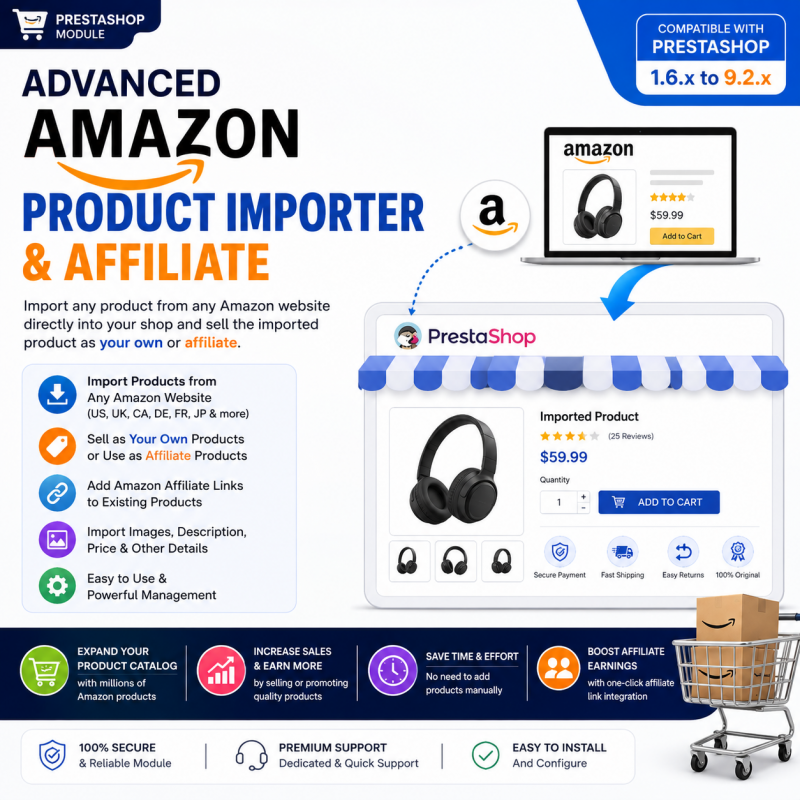
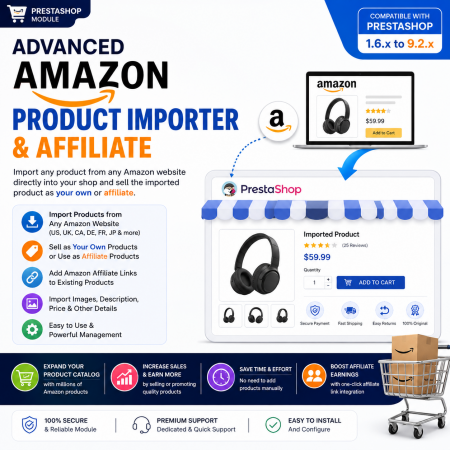
Build your own Amazon affiliate store with the Advanced Amazon Product Importer & Affiliate Module for PrestaShop.
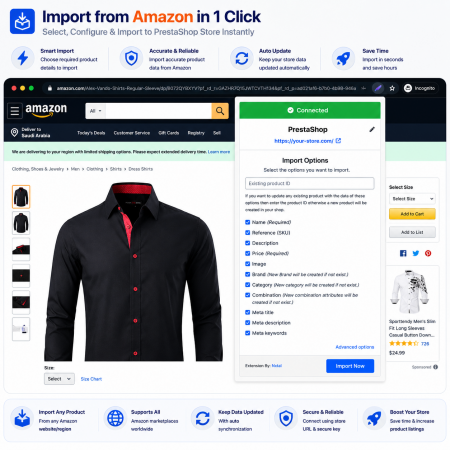
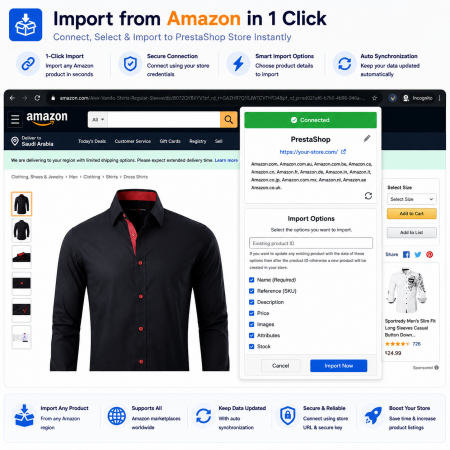
Import supported Amazon product information into your PrestaShop catalog, including product names, descriptions, images, prices, references, attributes, and source product URLs. Organize imported products into categories and showcase them through your own branded affiliate website.
Connect product listings with Amazon affiliate shopping links so visitors can explore recommended products on your website and continue to Amazon to make their purchases.
Ideal for affiliate marketers, bloggers, niche website owners, and entrepreneurs who want to create an Amazon product discovery platform without maintaining their own physical inventory.
Simplify product catalog creation, expand your product recommendations, and build your affiliate business using the flexibility of PrestaShop.
Build Your Own Amazon Affiliate Store. Import Products. Organize Your Catalog. Grow Your Affiliate Business.
Want to create an Amazon affiliate website using PrestaShop? The Advanced Amazon Product Importer & Affiliate Module makes it easier to build a product discovery platform by bringing supported Amazon product information into your PrestaShop catalog.
Instead of manually creating every product listing, you can import available product information such as product names, descriptions, images, prices, references, attributes, and source URLs from supported product sources.
Organize imported products into relevant categories, showcase recommendations through your own branded website, and connect product listings with Amazon affiliate shopping links.
Whether you are an affiliate marketer, blogger, niche website owner, product reviewer, or eCommerce entrepreneur, this module provides a convenient way to build and manage an affiliate-focused product catalog using PrestaShop.
Creating an affiliate website requires more than simply adding product links. You need an organized catalog, informative product listings, relevant categories, and a convenient browsing experience for your visitors.
However, manually creating hundreds of product entries can be time-consuming.
The Advanced Amazon Product Importer & Affiliate Module helps simplify this process by importing supported product information into your PrestaShop store.
Use your PrestaShop website as a product discovery and recommendation platform where visitors can:
Browse products across different categories.
Explore product names, descriptions, and images.
Review available product information.
Discover recommended products.
Follow affiliate shopping links to Amazon.
You can build a branded affiliate website around a specific niche or organize products from different categories according to your business strategy.
Import → Organize → Showcase → Promote
Bring supported product information into PrestaShop, organize your catalog, display products to visitors, and connect your listings with affiliate shopping links.
Reduce repetitive manual data entry by importing supported product information into your PrestaShop catalog.
Create a branded product recommendation website using PrestaShop instead of depending entirely on third-party affiliate storefront platforms.
Use the familiar PrestaShop catalog structure to arrange affiliate products into relevant categories and make browsing easier for visitors.
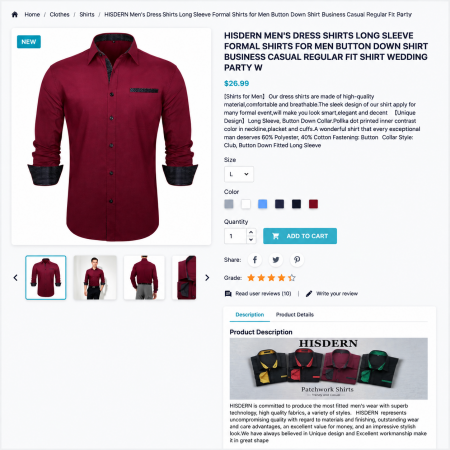
Present product titles, descriptions, images, pricing information, references, and other available details to help visitors discover recommended products.
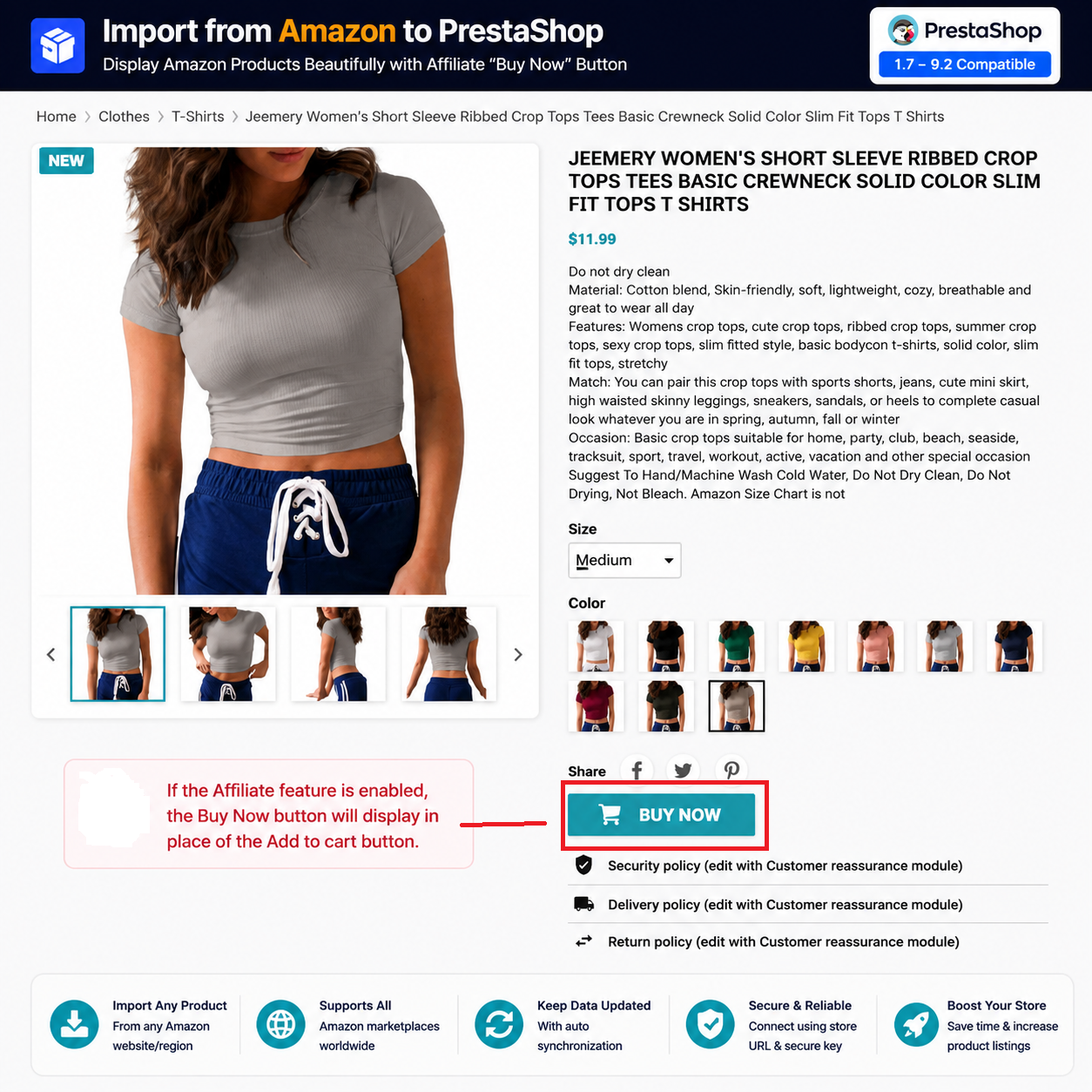
Provide affiliate shopping links that allow visitors to continue to Amazon when they want to purchase a recommended product.
Develop niche-focused product collections, buying guides, recommendation pages, and category-based affiliate catalogs.
Creating product listings manually can become a major task when you want to build a large affiliate catalog.
This feature helps simplify catalog creation by importing supported product information from available source listings.
Product import capabilities:
Import available product names.
Retrieve supported product descriptions.
Import available product images.
Retrieve supported product pricing information.
Import product references and identifiers.
Retain source product URLs.
Retrieve supported product attributes.
Reduce repetitive manual product entry.
Business benefit: Spend less time preparing individual product entries and more time developing your affiliate website, content strategy, and product recommendations.
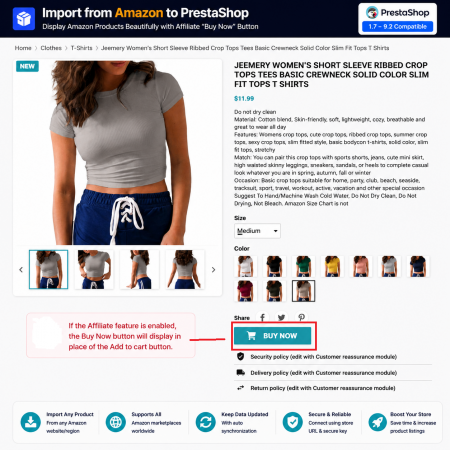
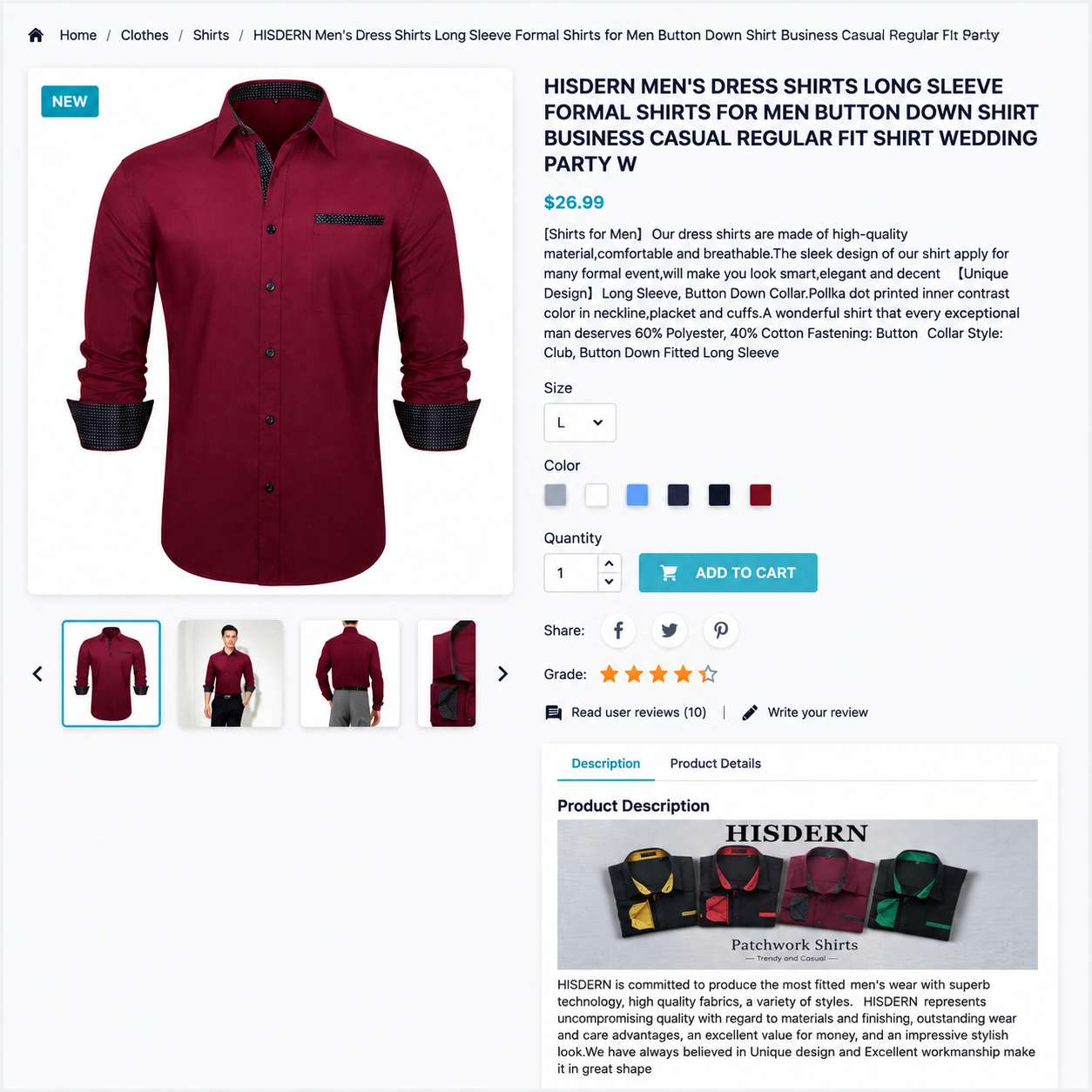
Showcase imported products on your PrestaShop website and connect them with Amazon affiliate shopping links.
Your website acts as a product discovery platform where visitors can explore recommendations before continuing to the original marketplace.
Key capabilities:
Create affiliate-focused product listings.
Present imported product information.
Connect listings with affiliate shopping URLs.
Showcase recommended products through your own website.
Organize product recommendations for different audiences.
Business benefit: Create a convenient browsing experience while directing interested visitors to Amazon through your affiliate links.
Product titles help visitors understand what a product is and make it easier to identify relevant recommendations.
Import available product names from supported source listings instead of manually entering every title.
Benefits:
Reduce manual title entry.
Create product catalog entries faster.
Maintain recognizable product names.
Simplify the initial product listing process.
Useful product information helps visitors understand the products you recommend.
Import supported product descriptions as a starting point for your affiliate listings. You can review and enhance the content to provide additional value to your audience.
Benefits:
Retrieve available product descriptions.
Reduce repetitive content entry.
Prepare informative affiliate listings.
Add your own buying advice and recommendations.
SEO recommendation: Add original product comparisons, personal insights, buying guides, and useful explanations rather than publishing large numbers of identical marketplace descriptions.
Product images make affiliate listings more informative and visually appealing.
Import available product images from supported sources to help visitors recognize and explore recommended products.
Benefits:
Simplify product image preparation.
Improve product listing presentation.
Support visual product discovery.
Reduce manual image handling.
Always respect the image usage, copyright, and display requirements of the original marketplace and its data providers.
Pricing information helps visitors understand the approximate cost of recommended products.
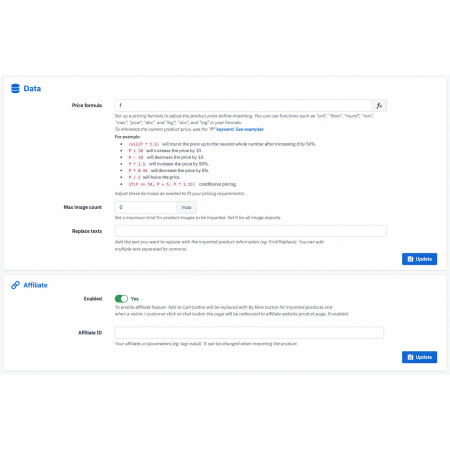
Retrieve available product pricing information from supported sources and use it when preparing your affiliate product listings.
Benefits:
Import supported price information.
Reduce manual price entry.
Provide useful product information.
Help visitors evaluate product recommendations.
Important: Amazon prices and availability can change. Imported pricing information should not be treated as permanently accurate. Follow the applicable Amazon data display and refresh requirements, and avoid displaying outdated prices as current offers.
Product references and identifiers help organize and recognize imported product records.
Import available source references or product identifiers to make product catalog management more convenient.
Benefits:
Retain available product identifiers.
Support product record organization.
Make imported listings easier to recognize.
Help with product reference management.
Maintain a reference to the original product page when importing supported product information.
The source URL provides a useful connection between your affiliate catalog and the original marketplace listing.
Benefits:
Retain original product URLs.
Support affiliate link configuration.
Make source product references easier to manage.
Connect product discovery with marketplace shopping.
Some products include additional information such as technical specifications, sizes, colors, materials, or other characteristics.
Retrieve supported product attributes to make imported listings more informative.
Benefits:
Import available product attributes.
Organize additional product information.
Improve product listing details.
Help visitors understand recommended products.
The attributes available for import depend on the source product and the information exposed by the supported integration.
Getting started with an affiliate product catalog is straightforward.
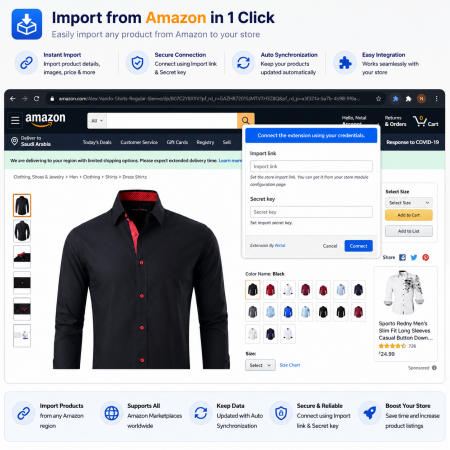
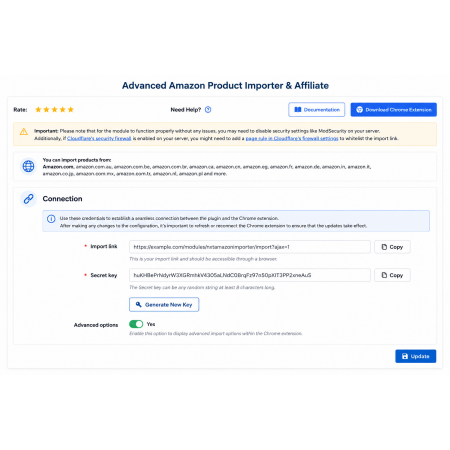
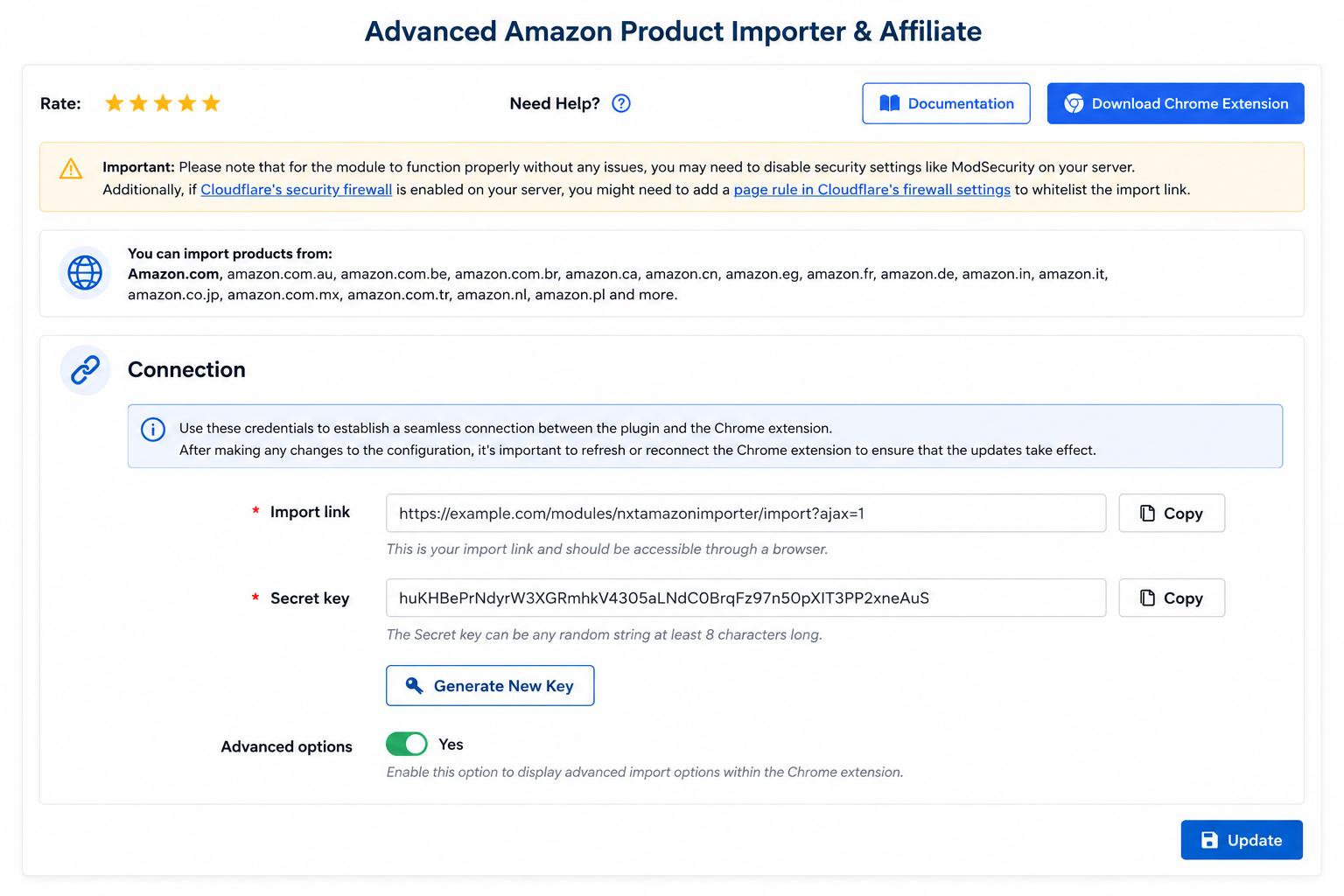
Install the Advanced Amazon Product Importer module in your PrestaShop store and open its available configuration interface.
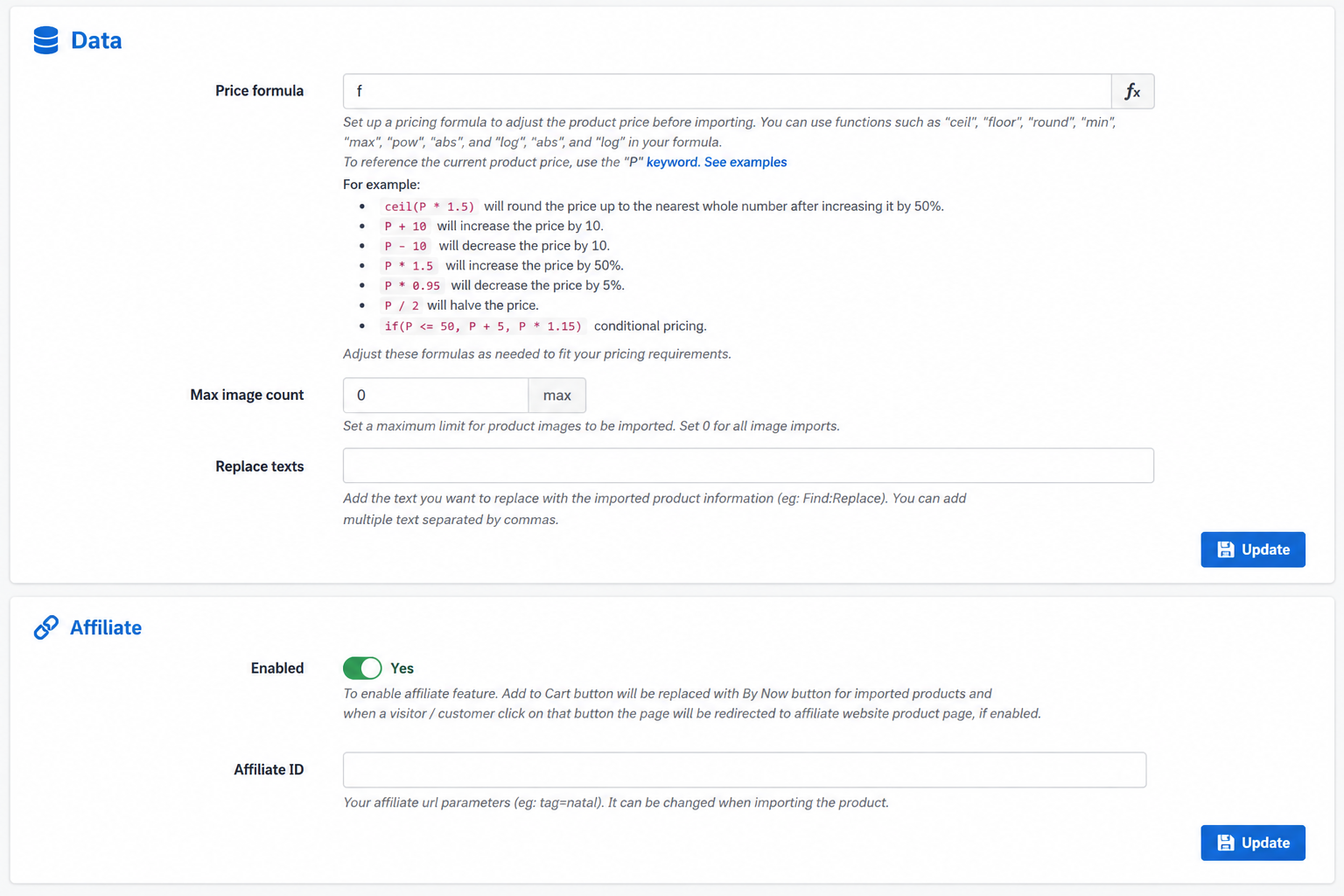
Set up the supported Amazon product data source and affiliate configuration according to the integration requirements.
 |
 |
Choose supported Amazon product listings and initiate the product import process through the available importing interface.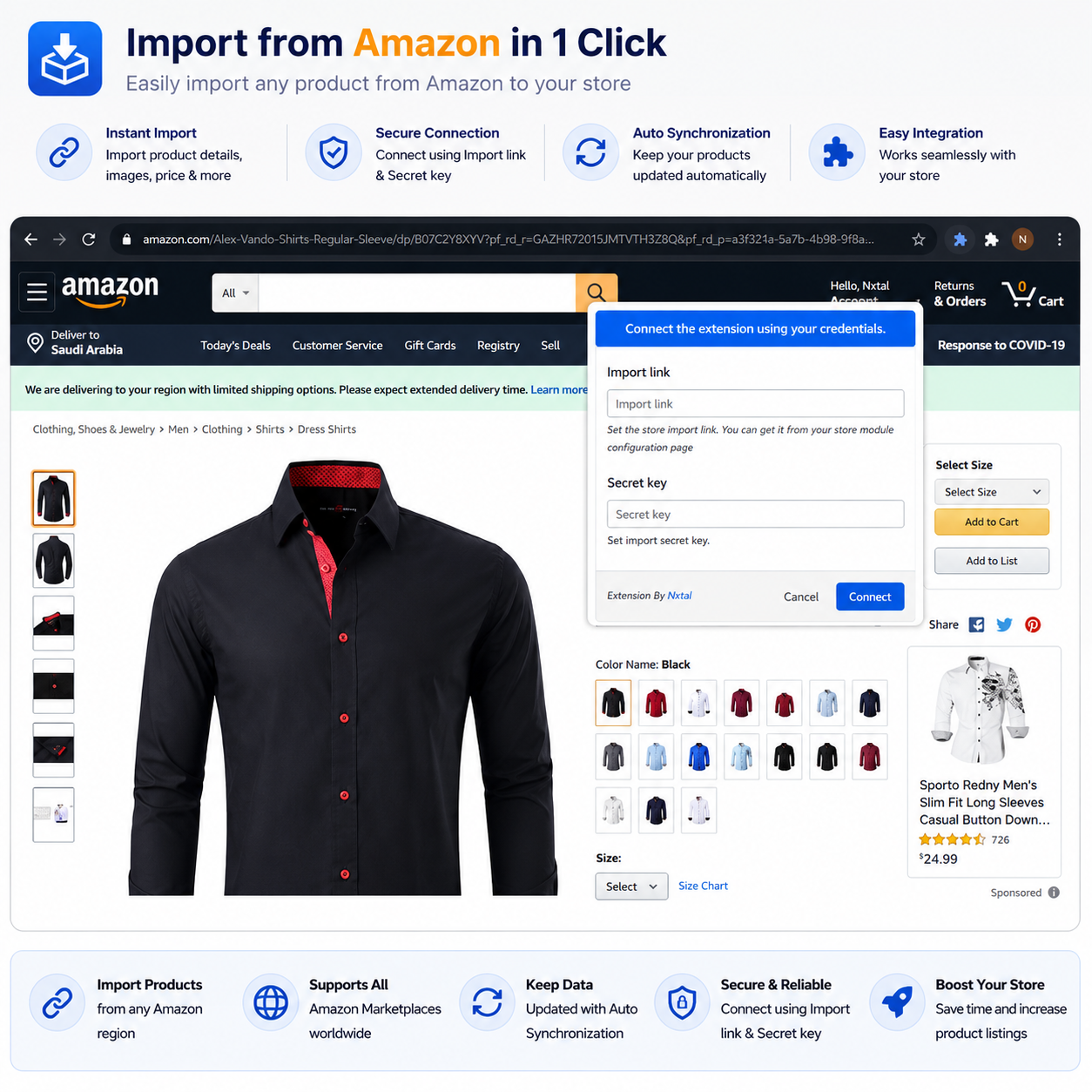
Retrieve available product details, including names, descriptions, images, prices, references, attributes, and source URLs.
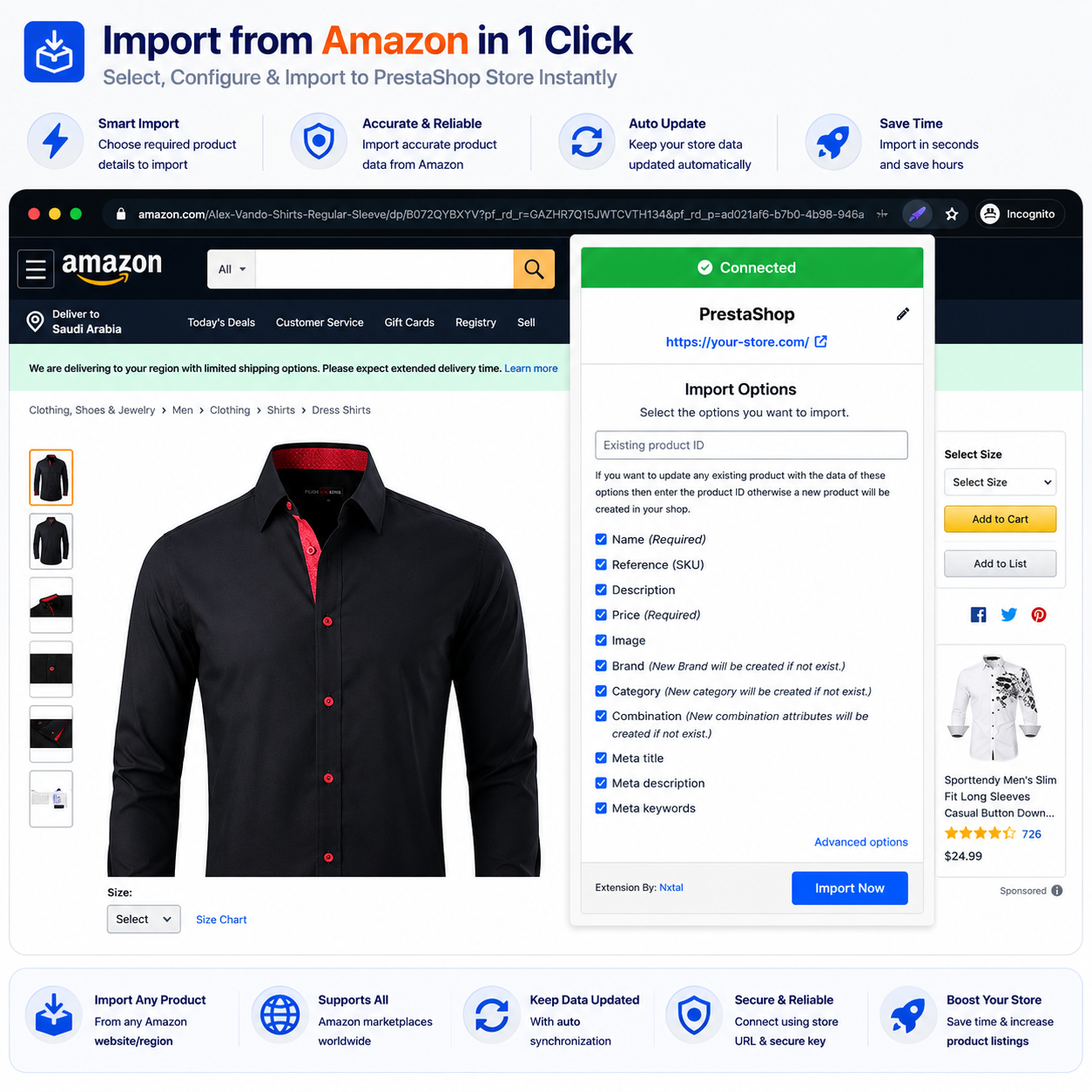
Review the imported product information and organize listings into appropriate categories according to your affiliate website's niche.
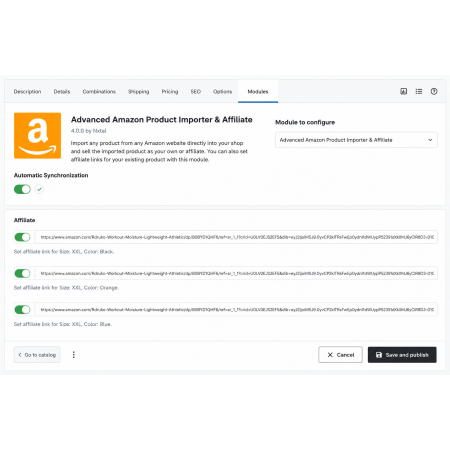
Connect your product listings with the appropriate Amazon affiliate shopping URLs.
Make your product catalog available to visitors and start promoting your recommendations through content marketing, search engines, and other relevant marketing channels.
 |
 |
Your affiliate website is ready to showcase product recommendations through your own PrestaShop storefront.
The module can support different affiliate website strategies depending on your niche, audience, and content plan.
Create a product discovery website featuring smartphones, laptops, computer accessories, cameras, gaming equipment, and other technology products.
Organize recommendations into categories to help visitors explore products that match their interests.
Build a niche product catalog featuring clothing, footwear, watches, bags, accessories, and lifestyle recommendations.
Create collections around different styles, occasions, and customer preferences.
Showcase kitchen appliances, furniture, home accessories, cleaning equipment, and household essentials.
Organize products into relevant categories to make product discovery easier.
Create a product recommendation platform featuring beauty accessories, skincare products, grooming equipment, and personal care items.
Use informative content to help visitors discover products relevant to their needs.
Build a niche catalog around fitness accessories, sports equipment, outdoor products, and workout essentials.
Create category-based recommendations for different sports and fitness interests.
Create a broader affiliate platform featuring products from multiple categories.
Use PrestaShop's catalog organization to build a structured browsing experience for your audience.
Launch a dedicated Amazon affiliate website and organize product recommendations through a branded storefront.
Expand your content website with organized product recommendations, product collections, and affiliate shopping opportunities.
Build specialized product discovery websites focused on electronics, fashion, home products, beauty, fitness, or other market segments.
Create an organized product catalog to complement reviews, comparison articles, buying guides, and product recommendation content.
Explore the affiliate business model without taking responsibility for maintaining your own inventory for affiliate products.
Use a PrestaShop-based product catalog as part of a niche affiliate website or product discovery project.
An affiliate business model offers an alternative to traditional inventory-based eCommerce.
Instead of purchasing products, storing inventory, and managing shipments for affiliate listings, you can focus on product discovery, content creation, audience development, and marketing.
Key business advantages:
Lower inventory responsibility: You generally do not need to purchase or store affiliate products.
Faster catalog creation: Import supported product information instead of entering every listing manually.
Your own branded website: Build a product discovery platform under your own domain.
Organized product recommendations: Arrange products using your PrestaShop catalog.
Multiple niche opportunities: Develop websites around different product categories and audiences.
Content marketing opportunities: Publish reviews, comparisons, buying guides, and recommendation articles.
Affiliate revenue opportunities: Earn qualifying commissions through eligible affiliate purchases, subject to Amazon's program terms.
Scalable content strategy: Expand your product discovery platform as your audience and content grow.
The Amazon affiliate business model connects product recommendations with qualifying customer purchases.
Step 1 – Discover Products
Choose relevant products that match your website's target audience and niche.
Step 2 – Import Product Information
Use the module to bring supported product details into your PrestaShop catalog.
Step 3 – Create Useful Recommendations
Organize products into categories and develop helpful reviews, comparisons, and buying guides.
Step 4 – Add Affiliate Shopping Links
Connect your product listings with the appropriate Amazon affiliate links.
Step 5 – Attract Website Visitors
Promote your website through SEO, content marketing, social media, and other suitable channels.
Step 6 – Earn Qualifying Commissions
When visitors follow your affiliate links and complete qualifying purchases, you may earn commissions according to the applicable Amazon Associates program terms.
Remember that affiliate revenue is not guaranteed and depends on traffic quality, customer purchases, commission eligibility, and program conditions.
Follow these steps to install and configure the Advanced Amazon Product Importer module.
Installation instructions:
Download the Advanced Amazon Product Importer module package.
Log in to your PrestaShop Back Office.
Navigate to Modules → Module Manager.
Click Upload a module.
Select the downloaded module ZIP package.
Upload and install the module.
Open the module configuration or importing interface.
Configure the supported Amazon product data source.
Set up the required affiliate configuration.
Select a supported product listing for import.
Import the available product information.
Review the imported product details and affiliate configuration.
Organize the product into an appropriate catalog category.
Publish your affiliate product listing.
After configuration, you can start building your product discovery website with PrestaShop.
When building an Amazon affiliate website, it is important to follow the applicable marketplace and affiliate program requirements.
Use an authorized and supported method for accessing Amazon product information.
Follow the applicable Amazon Associates and Product Advertising API terms.
Use affiliate links associated with your approved affiliate account.
Clearly disclose your affiliate relationship to website visitors.
Respect product image and content usage requirements.
Follow applicable rules for displaying product prices and availability.
Keep imported information within the permitted usage and refresh requirements.
Do not imply that your website is officially owned, operated, or endorsed by Amazon.
The availability of product information depends on the supported integration, source access, product page structure, and data permissions.
It is a PrestaShop module designed to help store owners import supported Amazon product information into their catalog and build an affiliate-focused product discovery website.
Yes. You can use PrestaShop to create your own branded affiliate website, showcase product recommendations, organize product listings, and connect visitors with Amazon through affiliate shopping links.
Depending on the supported source and available data, you can import product names, descriptions, images, prices, references, attributes, and source product URLs.
The module supports importing available product images from supported sources. Image availability and permitted usage depend on the source integration and applicable marketplace requirements.
The module can retrieve supported product pricing information. However, prices may change, so you must follow the applicable Amazon requirements for displaying and refreshing pricing information.
If you want to earn commissions through Amazon Associates, you need to participate in the applicable Amazon Associates program and use the affiliate links associated with your account.
Generally, no. In an affiliate business model, Amazon handles the sale, payment processing, inventory, and fulfillment of products purchased through its marketplace. Your website focuses on product recommendations and referring visitors.
Yes. You can use the PrestaShop catalog structure to organize affiliate products into relevant categories and create a structured browsing experience.
Yes. It can be used to develop product discovery websites around specific niches such as electronics, fashion, home and kitchen, beauty, fitness, and other product categories.
No. Importing product information helps you build your affiliate catalog, but commissions depend on qualifying purchases, your affiliate account, traffic, and Amazon Associates program conditions.
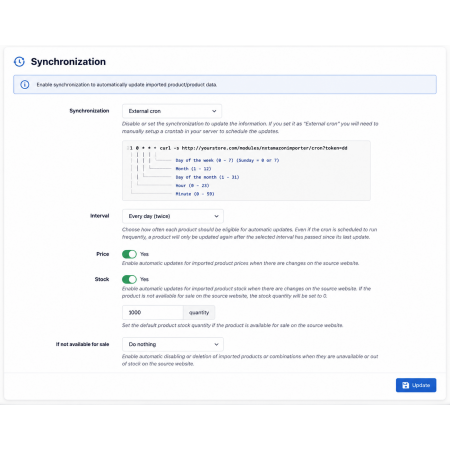
Product synchronization depends on the functionality of the installed integration and its supported data access. Do not assume that imported information is automatically refreshed unless your module configuration explicitly provides this functionality.
Yes. Your affiliate website runs through your PrestaShop installation, allowing you to build your own branded product discovery experience using your domain and store design.
Creating an affiliate website does not have to involve manually preparing every product listing.
The Advanced Amazon Product Importer & Affiliate Module for PrestaShop helps simplify product catalog creation by importing supported product information, organizing affiliate listings, and connecting visitors with Amazon shopping opportunities.
Whether you are launching a niche affiliate website, expanding an existing content platform, or exploring a new online business opportunity, this module gives you a practical foundation for building your own product recommendation storefront.
Import Products. Build Your Catalog. Promote Recommendations. Grow Your Affiliate Website with Sathi.
| Vendor | Nxtal |
|---|---|
| Last update | Nov 23, 2026 |
| Version | 4.4.0 |
| Required store version | From 1.6.x to 9.2.x |
| Publication date | Aug 25, 2026 |
| Return Policy | You can return the product within the 30 Days return period for a full refund. No questions asked. |
| Customer Support | Enjoy one year of free customer support, including installation, troubleshooting, and usage guidance. |
| Description | This product is compatible with the specified versions and includes all the latest updates to enhance functionality and user experience. |
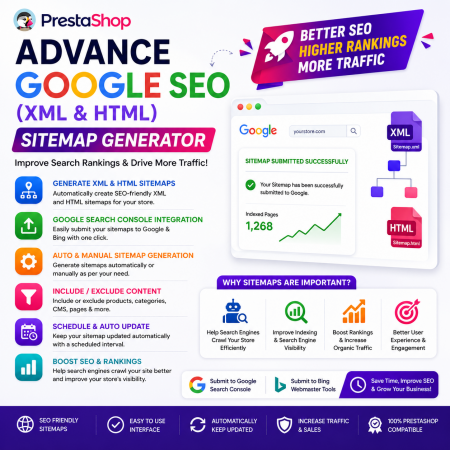
 Advance Google SEO (XML & HTML) Sitemap Generator Prestashop Module
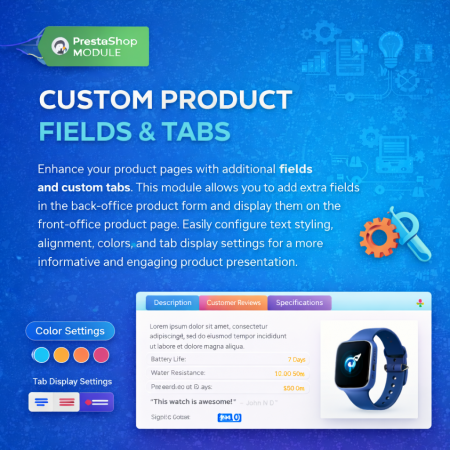
 Additional Product Fields And Tabs Prestashop Module
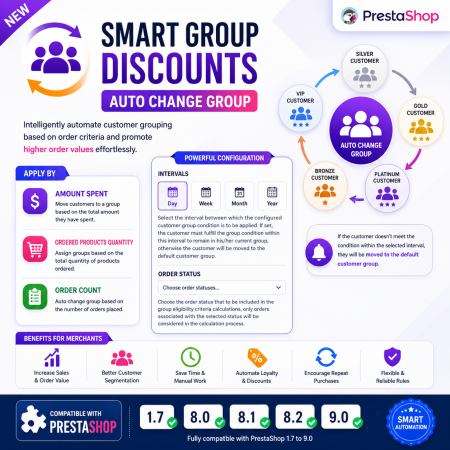
 Smart Group Discounts & Automatic Customer Group Changes for PrestaShop Module
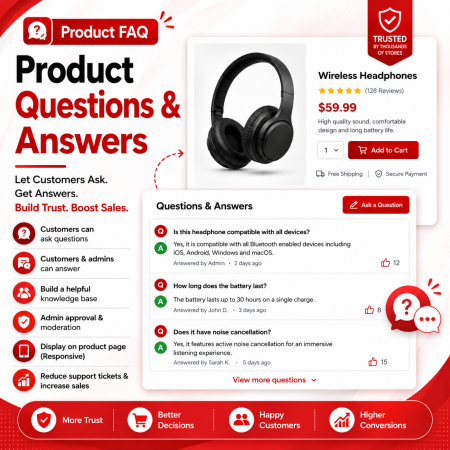
 Product FAQ – Product Questions & Answers for PrestaShop
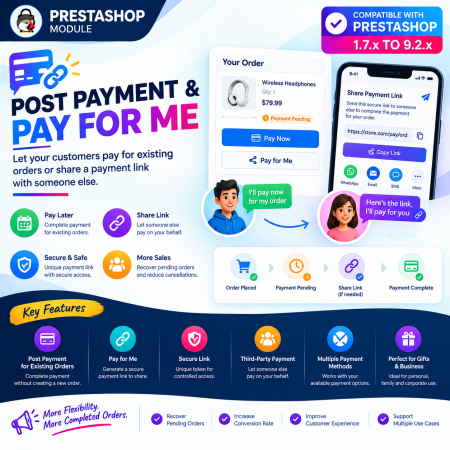
 Post Payment & Pay for Me Module for PrestaShop
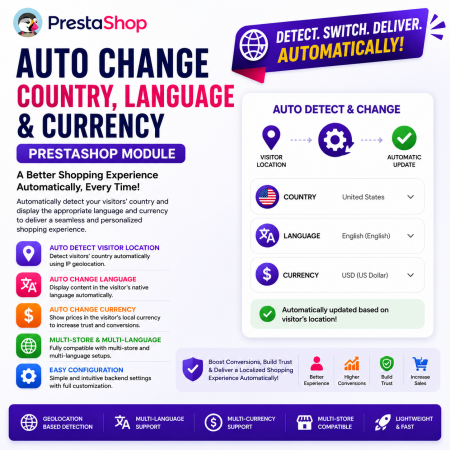 Auto Change Country Language and Currency Prestashop Module
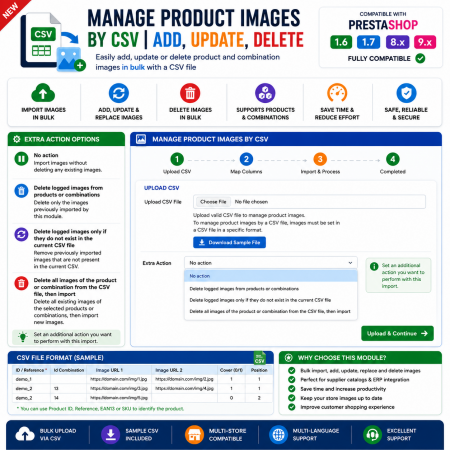
 Manage PrestaShop Product Images by CSV – Add, Update & Delete
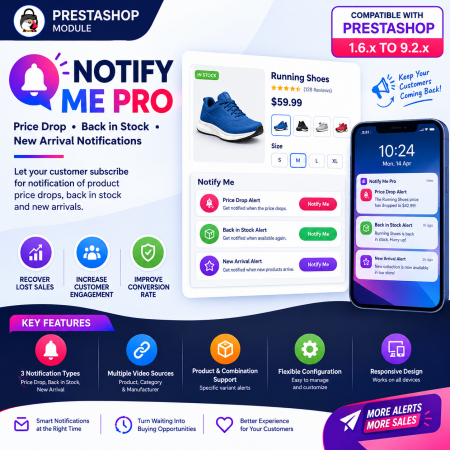
 Notify Me Pro – Price Drop, Back in Stock & New Arrivals Notifications for PrestaShop
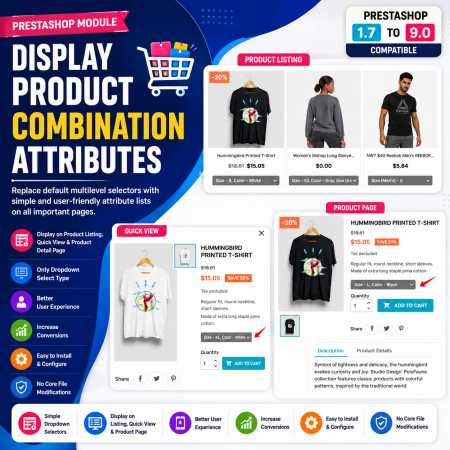
 Display Product Combination Attributes Module for PrestaShop

 Ticker Notification Banner – Announcement Bar Module for PrestaShop
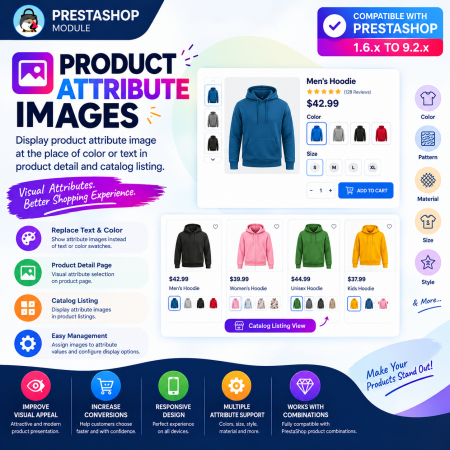
 Product Attribute Images – Visual Swatches for PrestaShop
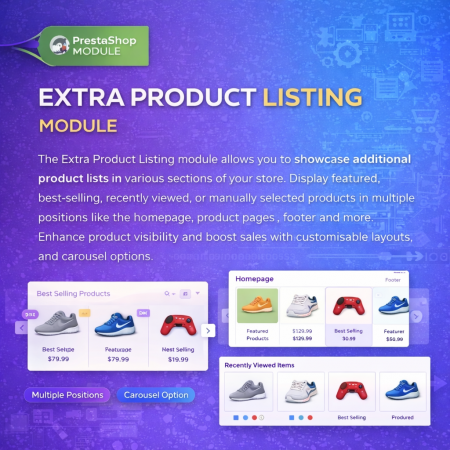
 Extra Product Listing module Prestashop Module
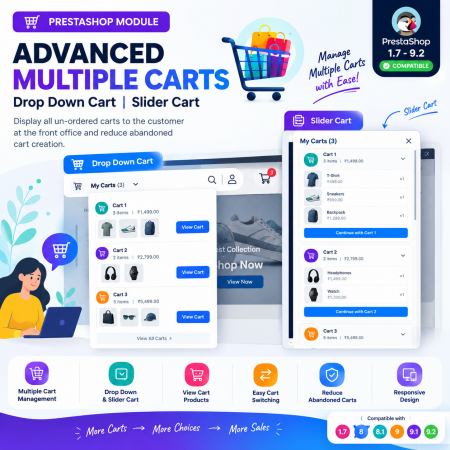
 Advanced Multiple Carts, Dropdown Cart & Slider Cart for PrestaShop
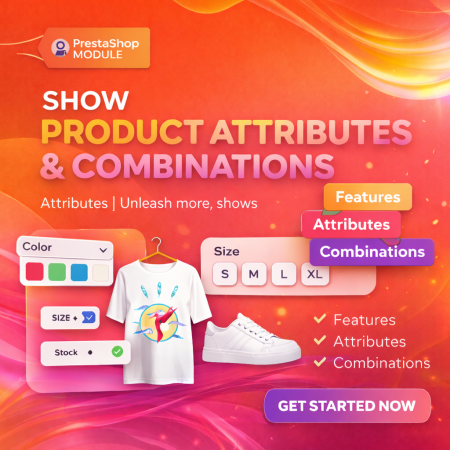 Show Product Attributes Or Combinations Prestashop Module
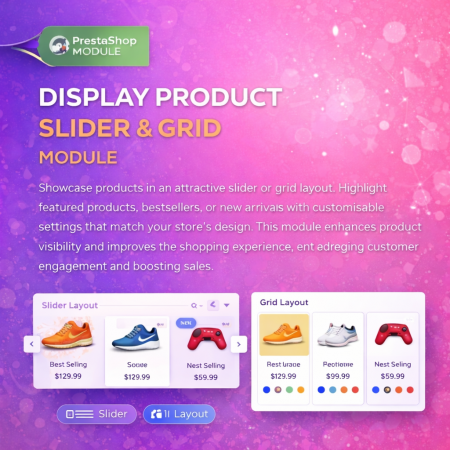
 Display Product Slider & Grid Prestashop Module
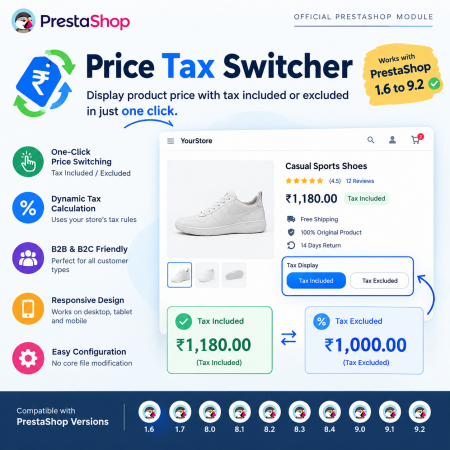
 Price Tax Switcher – Display Tax Included or Excluded Prices in PrestaShop
Build your own Amazon affiliate store with the Advanced Amazon Product Importer & Affiliate Module for PrestaShop.
Import supported Amazon product information into your PrestaShop catalog, including product names, descriptions, images, prices, references, attributes, and source product URLs. Organize imported products into categories and showcase them through your own branded affiliate website.
Connect product listings with Amazon affiliate shopping links so visitors can explore recommended products on your website and continue to Amazon to make their purchases.
Ideal for affiliate marketers, bloggers, niche website owners, and entrepreneurs who want to create an Amazon product discovery platform without maintaining their own physical inventory.
Simplify product catalog creation, expand your product recommendations, and build your affiliate business using the flexibility of PrestaShop.
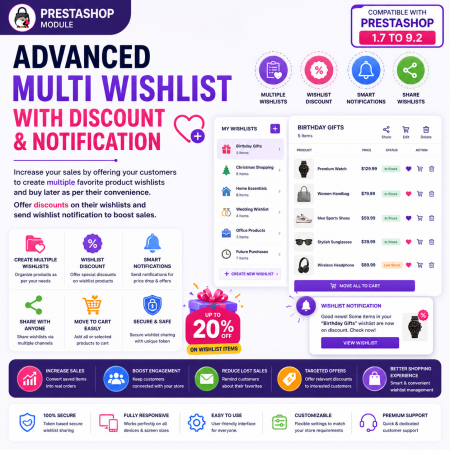
 Advanced Multi Wishlist for PrestaShop – Multiple Wishlists, Discounts & Notifications

Encrypted payment gateways ensuring your financial and personal data remain 100% protected.

Every module includes professional installation assistance, free updates, and reliable troubleshooting.

Rigorously tested PrestaShop & WooCommerce extensions designed for maximum speed and zero bloat.

Transparent policies, clean documentation, and dedicated assistance if you run into any compatibility hurdles.