- -$40.00


This module enhances the shopping experience by allowing customers to easily explore product variations such as...

The module allows merchants to enhance product images with customizable stickers and labels. Whether it’s...

The Quantity Discount Table & Grid Module for PrestaShop helps merchants display...

This module allows you to offer free shipping based on flexible conditions, such as location, carrier, cart value,...

The module automatically adjusts language, currency, and country settings based on the customer's location....

Vendor
Version
Last update
Prestashop version
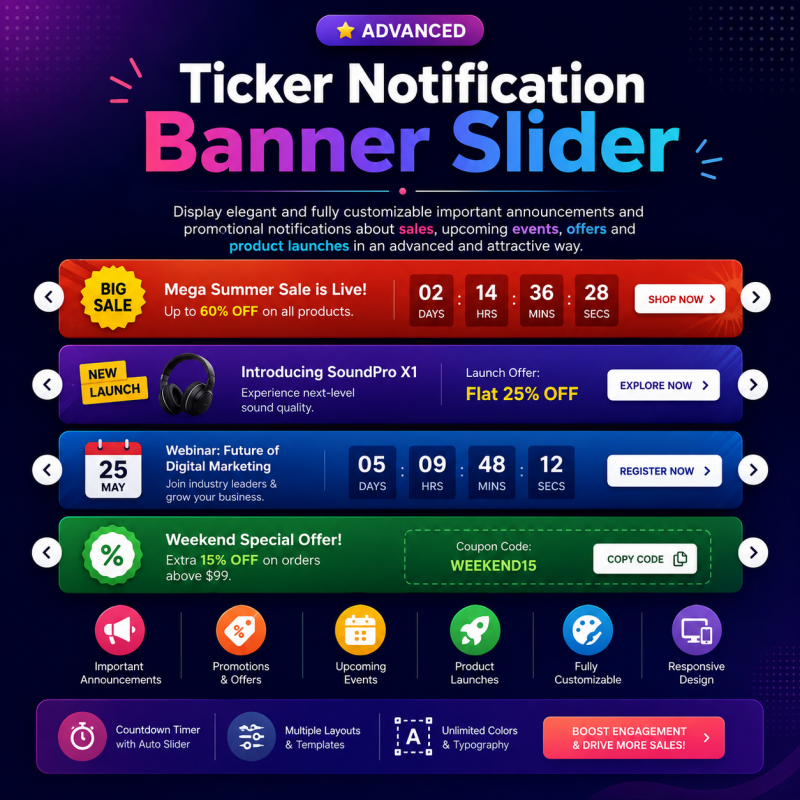
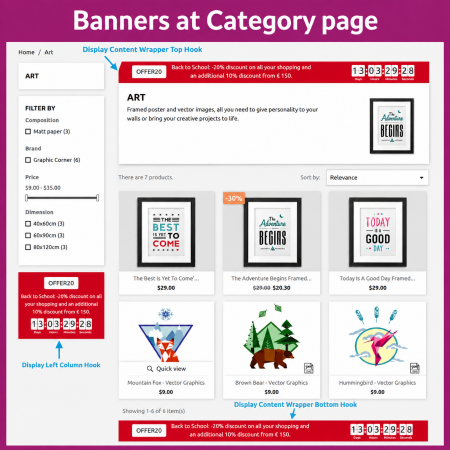
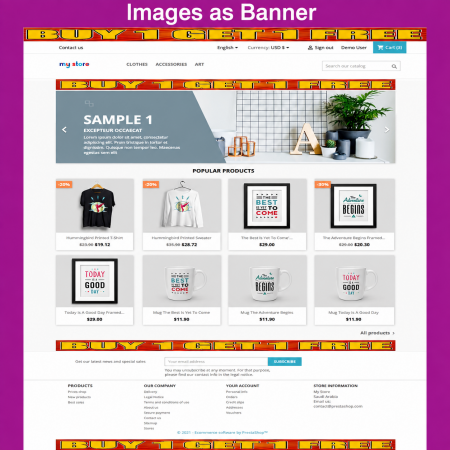
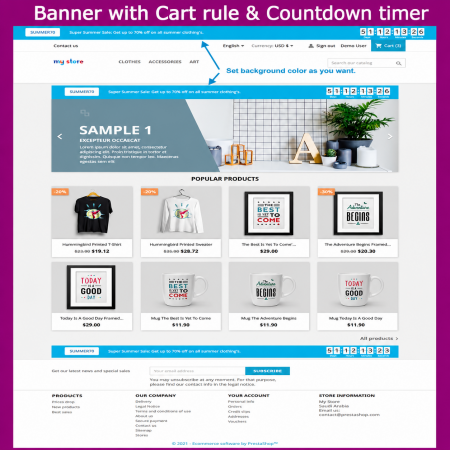
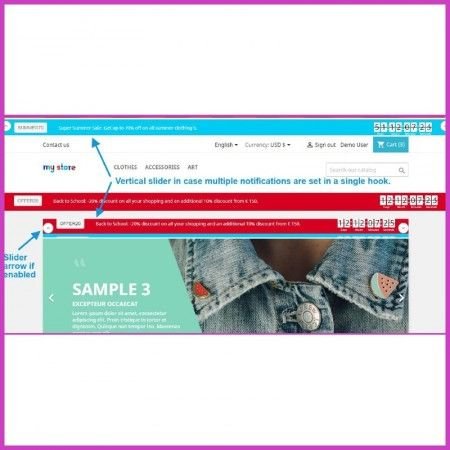
Make important store announcements more visible with the Ticker Notification Banner Module for PrestaShop.
Display promotional messages, special discounts, free shipping announcements, new arrivals, delivery updates, and important store notifications in a noticeable ticker-style banner on your storefront.
Keep customers informed while they browse products and categories without requiring them to navigate to another page. Whether you are promoting a seasonal sale, announcing a new collection, or sharing important delivery information, this PrestaShop announcement bar helps communicate useful messages throughout the shopping experience.
Improve storefront communication, highlight important offers, and make sure your visitors have easier access to the information that matters.
Make Important Store Messages Visible. Promote Offers. Keep Customers Informed.
Your customers should never have to search for important information about your store. Whether you are announcing a special discount, promoting a seasonal sale, communicating free shipping, or sharing an important delivery update, your message deserves a visible place on your storefront.
The Ticker Notification Banner Module for PrestaShop provides a simple and effective way to communicate with visitors through a ticker-style announcement banner.
Display important store messages while customers browse your products, categories, and other storefront pages. Instead of relying entirely on visitors noticing information on separate promotional pages, bring useful announcements directly into their shopping experience.
From promotional campaigns and new product announcements to delivery information and store notices, this module helps you communicate important updates and make your storefront more informative.
Communication plays an important role in the online shopping experience.
Imagine running a free shipping campaign, but visitors do not notice it. You have launched a seasonal discount, but customers continue browsing without knowing about the offer. You need to communicate a delivery delay, but customers cannot easily find the announcement.
These situations can lead to missed promotional opportunities, customer confusion, and unnecessary support enquiries.
The Ticker Notification Banner module helps address these communication challenges by providing a noticeable area for displaying important storefront messages.
Use the banner to communicate:
Special discounts and promotional campaigns.
Free shipping and delivery offers.
New products and collection announcements.
Seasonal sales and limited-time promotions.
Shipping delays and delivery updates.
Store maintenance and holiday notices.
Important customer information and general announcements.
Keep your visitors informed with messages displayed directly on your PrestaShop storefront.
Give important store announcements a noticeable position on your storefront. Help visitors discover useful information while exploring your online shop.
Present your store messages using a ticker-style banner that creates a more noticeable announcement area than ordinary static text.
Highlight current promotional campaigns, special offers, seasonal discounts, and other marketing announcements.
Keep customers informed about free shipping, delivery schedules, shipping delays, and important logistics updates.
Share relevant information directly on your storefront so visitors can see important announcements without searching through separate pages.
Use the announcement banner as an additional communication channel to highlight promotions, product launches, and important business updates.
Display important messages in a ticker-style notification area on your PrestaShop storefront.
Instead of hiding important information inside a separate page or section, bring your announcements into a visible storefront area.
Key benefits:
Present important store announcements through a ticker-style banner.
Make promotional messages easier for visitors to notice.
Communicate useful information while customers browse.
Create a dedicated area for storefront notifications.
Support everyday store communication.
Business benefit: Help visitors discover important information without interrupting their normal shopping journey.
Promotional campaigns are more effective when customers know they exist.
Use the notification banner to highlight your current marketing offers and encourage visitors to explore available promotions.
Example announcements:
Special discount available on selected products!
Enjoy our seasonal shopping offers.
Discover our latest promotional deals.
Save more with our current store offers.
Explore our special shopping campaign.
Business benefit: Increase awareness of promotional campaigns and give visitors more opportunities to discover your offers.
Shipping costs can influence a customer's purchasing decision.
If your store provides free delivery under certain conditions or during a promotional campaign, use the ticker banner to communicate that information.
Example announcements:
Free shipping on eligible orders!
Enjoy free delivery during our special campaign.
Shop more and discover our delivery offers.
Special shipping benefits available for a limited campaign.
Business benefit: Make shipping promotions easier to discover and communicate important delivery-related offers before customers reach checkout.
New product launches and collections deserve attention.
Use the announcement banner to inform visitors when new products become available or when your store introduces a new collection.
Example announcements:
Explore our latest product arrivals!
Discover our newest fashion collection.
New products are now available in our store.
Check out our latest arrivals today.
Business benefit: Direct attention towards new products and encourage visitors to explore recently added collections.
Customers want to know when their orders can be delivered and whether any shipping changes may affect their purchases.
Use your notification banner to communicate important logistics information.
Example announcements:
Delivery services may experience temporary delays.
Orders placed during the holiday period may require additional processing time.
Check the latest delivery information before placing your order.
Updated shipping information is available for customers.
Business benefit: Make important delivery information more visible and help reduce confusion caused by unexpected shipping changes.
Not every announcement is promotional. Sometimes your customers simply need to know about an important store update.
Use the ticker banner to communicate operational information and general notices.
Example announcements:
Our store will be closed during the holiday period.
Important maintenance work is scheduled.
Please review our updated store information.
Customer support availability has changed.
Important information for all shoppers.
Business benefit: Keep visitors informed about important business updates while they browse your store.
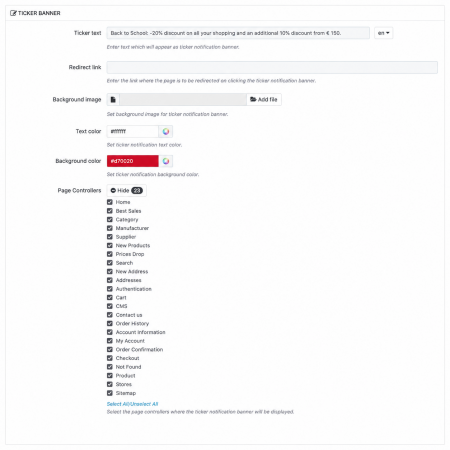
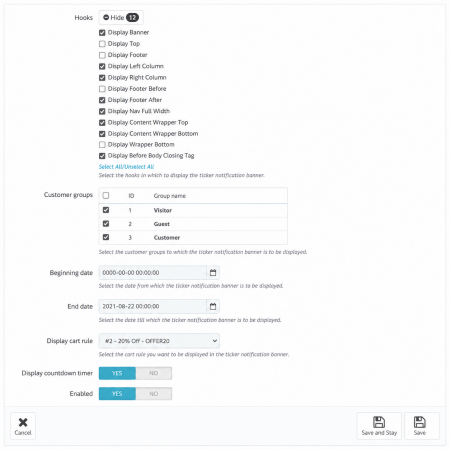
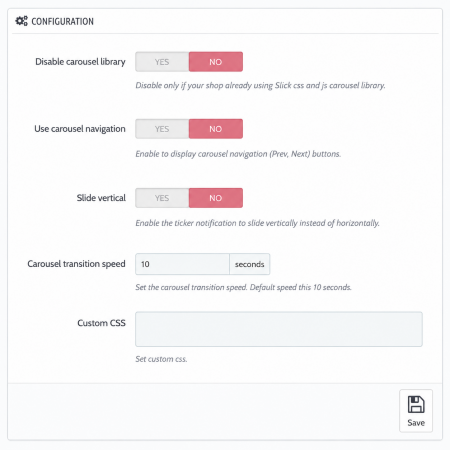
Manage your notification through the module configuration available in your PrestaShop administration panel.
After installing the module, open its configuration page and enter the announcement information supported by your installed version.
Configuration workflow:
Access the module from PrestaShop Back Office.
Open the notification banner configuration.
Enter your announcement message.
Configure the available options.
Save your settings.
Verify the notification on your storefront.
Business benefit: Manage important storefront messages through your familiar PrestaShop administration environment.
The Ticker Notification Banner is suitable for several everyday eCommerce communication requirements.
Promote seasonal discounts, special deals, shopping events, and other marketing campaigns.
Communicate free delivery campaigns and important shipping-related information.
Inform visitors about newly launched products, collections, and recently added merchandise.
Share holiday schedules, seasonal shopping information, and special business updates.
Communicate shipping delays, delivery changes, and other important logistics information.
Notify customers about planned maintenance, temporary service interruptions, and operational updates.
Display other relevant announcements that visitors should know before making a purchase.
Promote new clothing collections, seasonal sales, festive discounts, and special shopping campaigns.
Example: "Explore our new summer collection – Discover the latest styles!"
Announce newly launched gadgets, special product offers, shipping promotions, and important product-related updates.
Example: "Discover our latest electronics deals and special offers!"
Highlight new beauty products, promotional campaigns, seasonal collections, and special shopping offers.
Example: "Discover our latest beauty collection and exclusive store offers!"
Communicate delivery schedules, free shipping offers, special promotions, and important service updates.
Example: "Check our latest delivery information before placing your order!"
Promote new arrivals, furniture collections, home improvement products, and seasonal discounts.
Example: "Refresh your home with our latest collection!"
Keep promotional announcements visible during shopping events, festive seasons, clearance sales, and special marketing campaigns.
Example: "Celebrate the festive season with our special shopping offers!"
A well-placed announcement area can support your store's communication and marketing strategy.
Improve message visibility
Give important announcements a noticeable place on your storefront rather than relying only on visitors discovering separate promotional pages.
Support promotional campaigns
Highlight discounts, special offers, free shipping campaigns, and new arrivals.
Keep customers informed
Communicate important delivery information, operational notices, and store updates.
Improve the shopping experience
Make useful information easier to discover while customers browse products and categories.
Reduce overlooked announcements
Bring important messages into the browsing experience and reduce dependence on customers finding information themselves.
Support customer confidence
Communicate relevant shipping and operational information that helps customers understand your store's current services.
Save communication effort
Use a dedicated storefront announcement area to communicate general information to visitors without requiring individual messages for every customer.
Follow these steps to install the Ticker Notification Banner module on your PrestaShop website.
Download the Ticker Notification Banner module ZIP package.
Log in to your PrestaShop administration panel.
Navigate to Modules → Module Manager.
Click Upload a module.
Select the downloaded ZIP package.
Wait for the module installation to complete.
Locate the installed module in Module Manager.
Open the module configuration page.
Getting started with the module is straightforward.
Upload and install the Ticker Notification Banner ZIP package through your PrestaShop Back Office.
Open the module configuration page and enter the notification message you want to display.
Save the configuration after entering your announcement information and setting the available options.
Visit your storefront and check the notification banner to verify that your announcement appears as expected with your active theme.
Use the notification area to communicate relevant promotional messages, delivery updates, new arrivals, and important store information.
The module is managed through the PrestaShop Back Office.
After installation, open the module configuration page to enter your notification information and adjust the options provided by your installed module version.
For the best customer experience:
Keep announcement messages short and easy to understand.
Use clear language that communicates the main benefit.
Highlight important information rather than unnecessary text.
Avoid displaying outdated promotional announcements.
Verify the banner appearance with your active PrestaShop theme.
Test the storefront on desktop and mobile devices.
Tip: Use customer-focused messages instead of generic announcements. For example, "Free shipping on eligible orders" communicates a clear benefit to shoppers.
The Ticker Notification Banner module is intended for PrestaShop storefronts. Compatibility depends on the specific module release, PrestaShop version, active theme, and environment.
Before purchasing or installing, check the compatibility information provided with your module package or contact Sathi support if you need confirmation for your store version.
It is a storefront communication module that displays important announcements through a ticker-style banner. Store owners can use it to communicate promotional offers, free shipping information, new arrivals, delivery updates, and general store notices.
You can use the notification banner for special offers, discounts, free shipping announcements, new product arrivals, delivery updates, holiday notices, maintenance announcements, and other important store information.
Yes. You can use it to communicate current discount campaigns, seasonal promotions, special shopping offers, and other promotional messages.
Yes. The banner can communicate free shipping offers and other shipping-related information to visitors browsing your store.
Yes. You can use the announcement area to communicate delivery schedules, shipping delays, service changes, and other important logistics information.
The module is configured through the PrestaShop Back Office. You can manage its supported settings through the administration interface without needing to develop a custom announcement system.
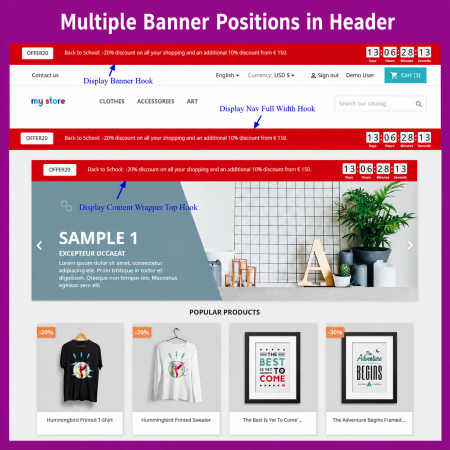
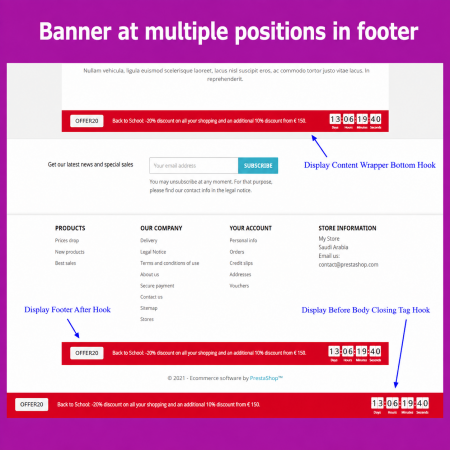
The module provides a storefront notification area intended to communicate messages while customers browse. Its exact position and visual presentation depend on the module implementation and active theme.
Yes. You can use the notification message to inform visitors about planned maintenance, temporary service interruptions, holiday schedules, and other operational updates.
Download the ZIP package, open PrestaShop Module Manager, upload the module, complete the installation, and configure your notification from the module settings.
Theme compatibility depends on the module version and the theme's structure. Check the module's compatibility information and test the banner with your active theme before using it on a live store.
Your store has important information to communicate. Make sure your visitors have an opportunity to see it.
The Ticker Notification Banner Module for PrestaShop helps you highlight promotional campaigns, communicate delivery updates, announce new arrivals, and share important store information through a noticeable ticker-style storefront banner.
Improve your store communication, support your marketing campaigns, and keep customers informed throughout their shopping journey.
Make your PrestaShop storefront more informative with Sathi's Ticker Notification Banner Module!
| Vendor | Nxtal |
|---|---|
| Last update | Nov 23, 2026 |
| Version | 3.3.0 |
| Required store version | From 1.6.x to 9.2.x |
| Publication date | Aug 14, 2026 |
| Return Policy | You can return the product within the 30 Days return period for a full refund. No questions asked. |
| Customer Support | Enjoy one year of free customer support, including installation, troubleshooting, and usage guidance. |
| Description | This product is compatible with the specified versions and includes all the latest updates to enhance functionality and user experience. |
 Advance Product Stickers & Labels Prestashop Module
 Free Shipping By zone, Carrier Prestashop Module
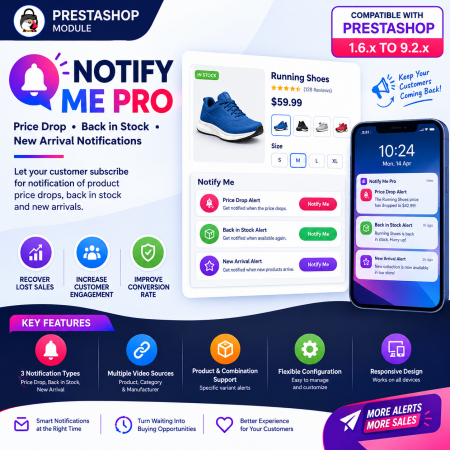
 Notify Me Pro – Price Drop, Back in Stock & New Arrivals Notifications for PrestaShop
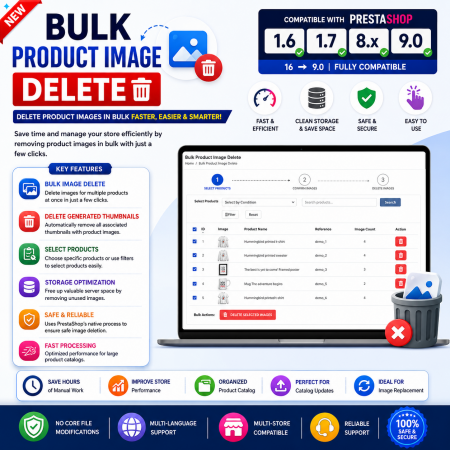
 Bulk Product Image Delete for PrestaShop
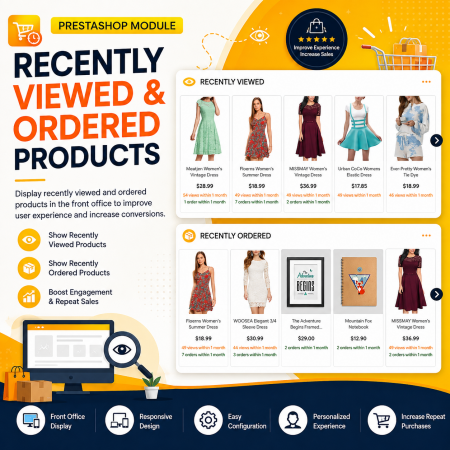
 Recently Viewed and Ordered Products – Product History Module for PrestaShop
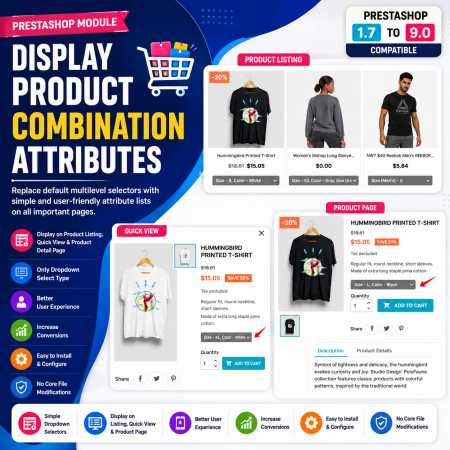
 Display Product Combination Attributes Module for PrestaShop
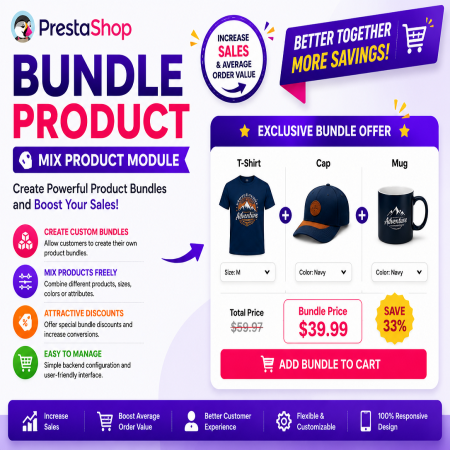
 Bundle Product - Mix Product Prestashop Module
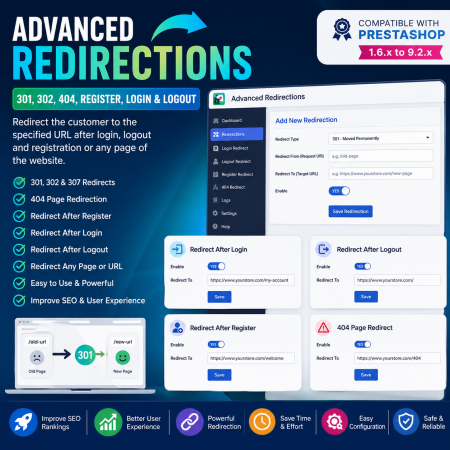
 Advanced Redirections – 301, 302, 404 & Customer Redirects for PrestaShop
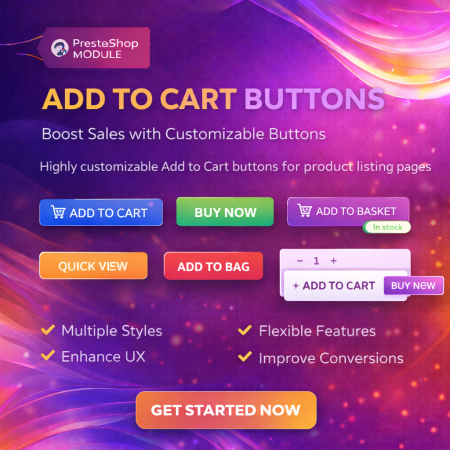
 Display Add to Cart Button on Product Listing Prestashop Module
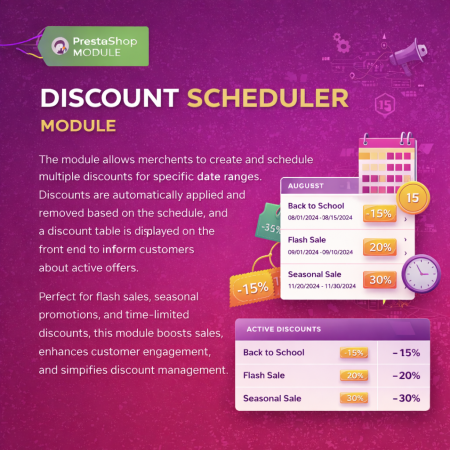
 Multiple discount date wise discount Prestashop Module
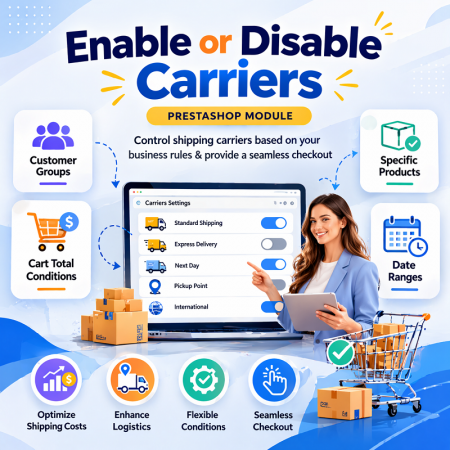
 Enable or Disable Carriers with Conditions PrestaShop Module
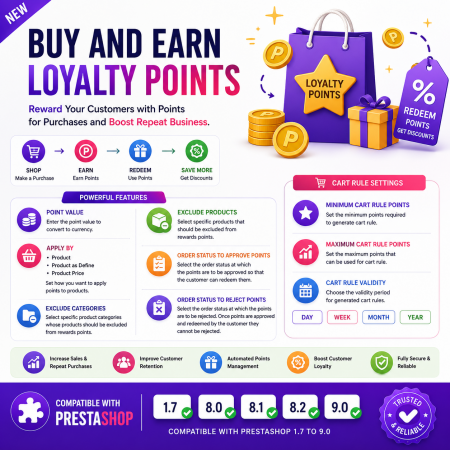
 Buy and Earn Loyalty Points for PrestaShop

 Hide Product Price Prestashop Module
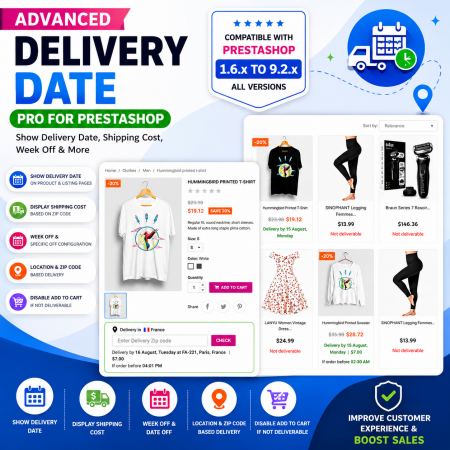
 Proposed Delivery Date and Cost Module for PrestaShop

 Display Price Tax Inclusive or Exclusive Prestashop Module

 Advance Google SEO (XML & HTML) Sitemap Generator Prestashop Module
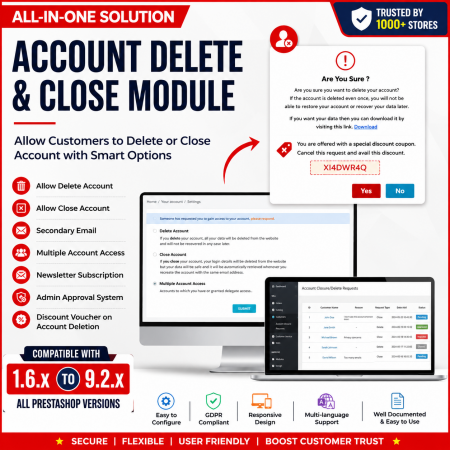
 Customer Account Settings – PrestaShop Customer Management Module
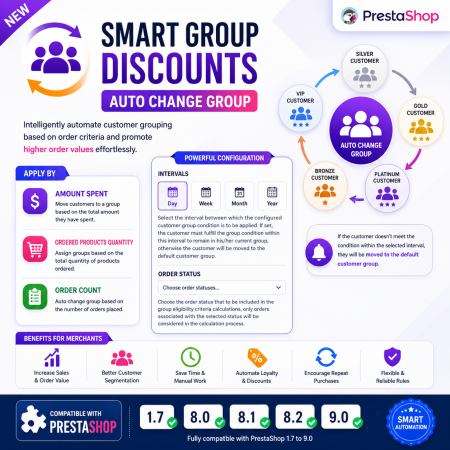
 Smart Group Discounts & Automatic Customer Group Changes for PrestaShop Module
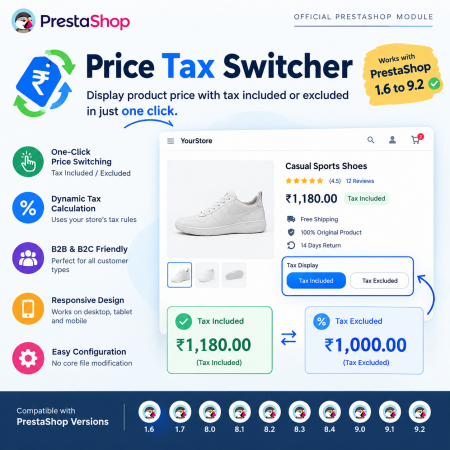
 Price Tax Switcher – Display Tax Included or Excluded Prices in PrestaShop
Make important store announcements more visible with the Ticker Notification Banner Module for PrestaShop.
Display promotional messages, special discounts, free shipping announcements, new arrivals, delivery updates, and important store notifications in a noticeable ticker-style banner on your storefront.
Keep customers informed while they browse products and categories without requiring them to navigate to another page. Whether you are promoting a seasonal sale, announcing a new collection, or sharing important delivery information, this PrestaShop announcement bar helps communicate useful messages throughout the shopping experience.
Improve storefront communication, highlight important offers, and make sure your visitors have easier access to the information that matters.

Encrypted payment gateways ensuring your financial and personal data remain 100% protected.

Every module includes professional installation assistance, free updates, and reliable troubleshooting.

Rigorously tested PrestaShop & WooCommerce extensions designed for maximum speed and zero bloat.

Transparent policies, clean documentation, and dedicated assistance if you run into any compatibility hurdles.