
- -$40.00

This module enhances the shopping experience by allowing customers to easily explore product variations such as...

The module allows merchants to enhance product images with customizable stickers and labels. Whether it’s...

The Quantity Discount Table & Grid Module for PrestaShop helps merchants display...

This module allows you to offer free shipping based on flexible conditions, such as location, carrier, cart value,...

The module automatically adjusts language, currency, and country settings based on the customer's location....


Vendor
Version
Last update
Prestashop version
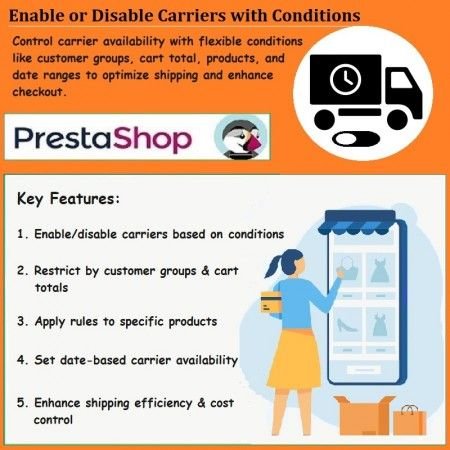
Take complete control of your PrestaShop shipping options with the Enable or Disable Carriers with Conditions module. Configure carrier availability according to customer groups, selected products, cart contents, minimum and maximum cart totals, product quantities, and date ranges.
Provide exclusive shipping options for wholesale and VIP customers, restrict unsuitable carriers for specific products, and schedule shipping availability for promotional periods. Improve shipping management while giving customers a more relevant checkout experience.
Take control of your store's shipping methods. Automatically enable or disable carriers based on customer groups, products, cart totals, quantities, and date ranges.
Shipping methods play an important role in the customer checkout experience. However, not every carrier is suitable for every order, customer group, product, or delivery condition.
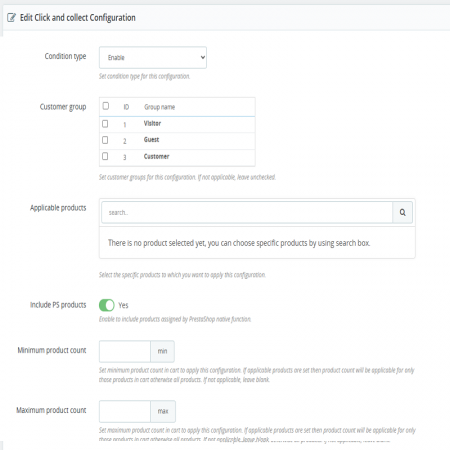
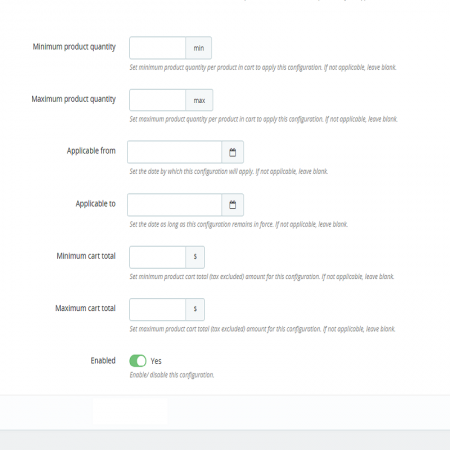
The Enable or Disable Carriers with Conditions PrestaShop Module gives merchants flexible control over carrier availability. Configure rules to show or hide shipping carriers according to customer groups, selected products, cart contents, minimum and maximum cart totals, product quantities, and specific date ranges.
Whether you want to provide exclusive shipping options to wholesale customers, restrict a carrier for certain products, or make a shipping method available only during a promotional period, this module helps you manage shipping rules from your PrestaShop Back Office.
Enable or disable carriers according to customer groups and provide tailored shipping options.
Control carrier availability for selected products or based on the products included in a cart.
Define a minimum cart value requirement for making a shipping carrier available.
Set a maximum cart value condition to control which shipping options customers can select.
Apply shipping availability conditions based on the number of products in the cart.
Manage carrier availability according to product quantity requirements.
Define date ranges during which selected carriers should be available or unavailable.
Works with PrestaShop's native carrier system to manage shipping availability.
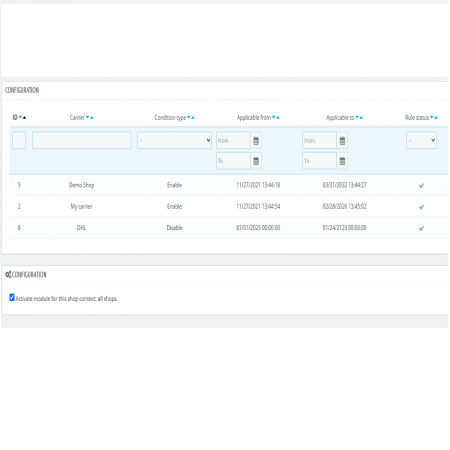
Configure shipping conditions through an easy-to-use Back Office interface.
Configure a carrier to be available for selected wholesale or VIP customer groups.
Make a carrier available only when the cart total falls within your configured value limits.
Control which shipping methods are available when selected products are included in an order.
Schedule carrier availability for selected promotional or seasonal date ranges.
Set your required customer, product, cart, quantity, and date conditions.
Configure the shipping carriers affected by your conditions.
Save your configuration in the module's Back Office settings.
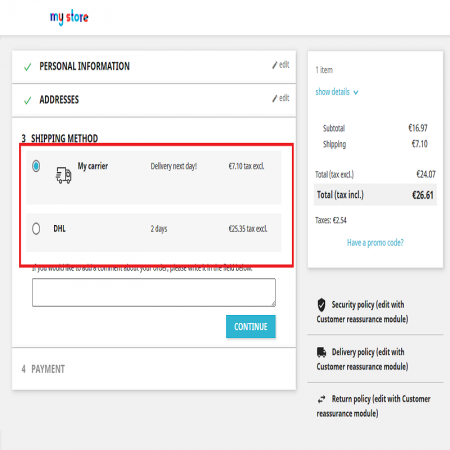
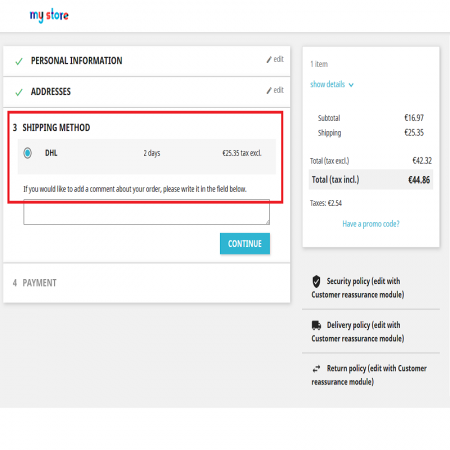
The module manages carrier availability according to the configured conditions.
Install the module and configure your shipping conditions by following these steps.
Download the Enable or Disable Carriers with Conditions module ZIP package from your Sathi account.
Click the Install option for the uploaded module and complete the installation process.
Open the module configuration page from the PrestaShop Module Manager.
Set the conditions required for your store. Depending on your shipping strategy, configure:
Save your settings and test the checkout process with different customer groups, products, cart values, quantities, and dates to verify that carrier availability matches your configuration.
Back up your store before installing or updating modules. Test your shipping rules in a staging environment before applying them to your live checkout.
Manage carrier availability using conditions that match your business requirements.
Restrict unsuitable shipping methods and improve shipping operations.
Provide selected shipping options to VIP, wholesale, and other customer groups.
Show customers shipping options that are relevant to their configured order conditions.
Simplify shipping management with flexible carrier conditions based on customers, products, cart totals, quantities, and dates.
| Vendor | Sathi |
|---|---|
| Last update | Nov 04, 2026 |
| Version | 3.2.0 |
| Required store version | From 1.6.x to 9.2.x |
| Publication date | Mar 15, 2025 |
| Return Policy | You can return the product within the 30 Days return period for a full refund. No questions asked. |
| Customer Support | Enjoy one year of free customer support, including installation, troubleshooting, and usage guidance. |
| Description | This product is compatible with the specified versions and includes all the latest updates to enhance functionality and user experience. |

 Sticky Add to Cart Bar Prestashop Module

 Auto Pagination | Infinite Scroll Prestashop Module
 Show Product Attributes Or Combinations Prestashop Module

 Ticker Notification Banner Module for PrestaShop
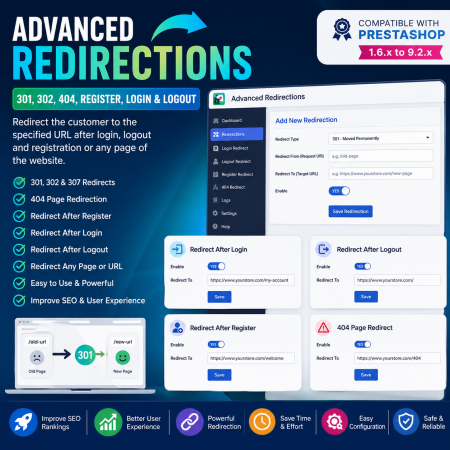
 Advanced Redirections – 301, 302, 404 & Customer Redirects for PrestaShop
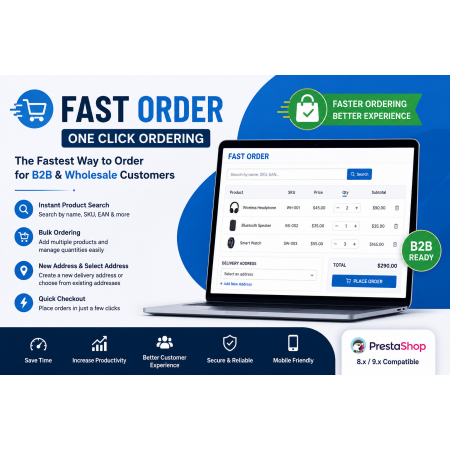
 Fast Order with Instant and File Search for PrestaShop Module
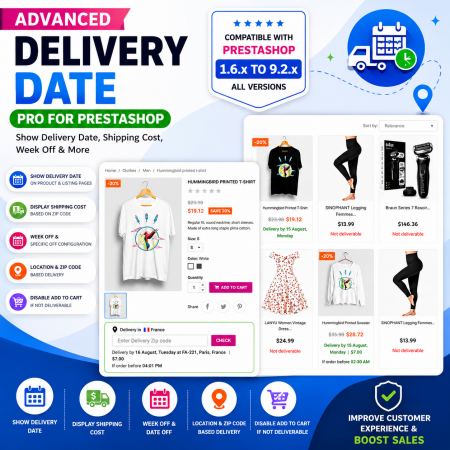
 Proposed Delivery Date and Cost Module for PrestaShop

 Smart Similar Products | Attribute & Price Matching Module for PrestaShop

 Google Translator (Front Office, Back Office, Module) Prestashop Module
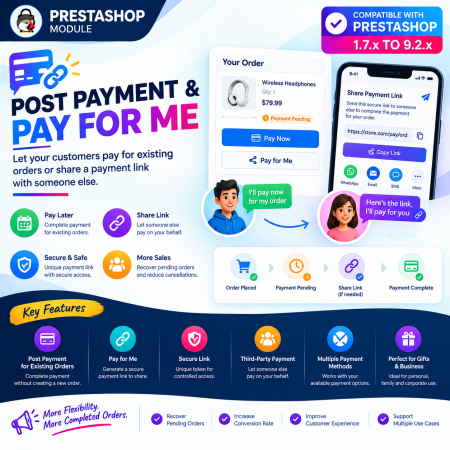
 Post Payment & Pay for me Prestashop Module

 Additional Product Fields And Tabs Prestashop Module
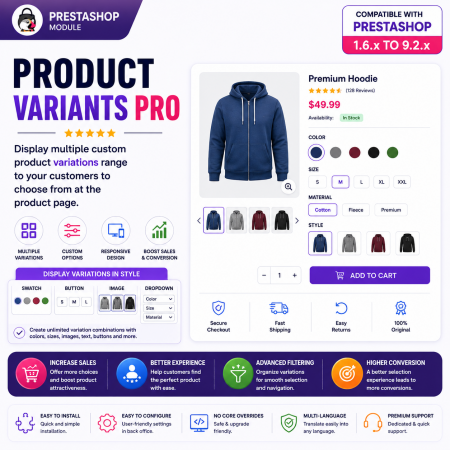
 PrestaShop Product Variants Pro – Custom Product Variant Groups Module

 Social Network Integration Prestashop Module
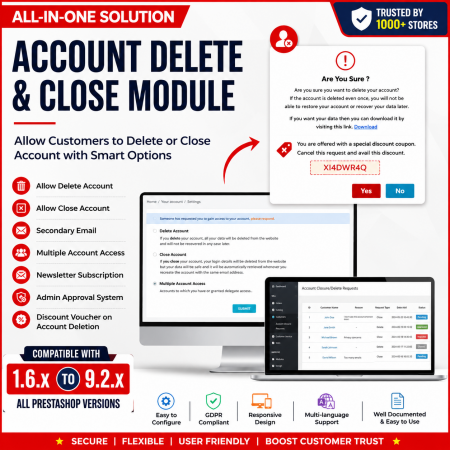
 Customer Account Settings – PrestaShop Customer Management Module
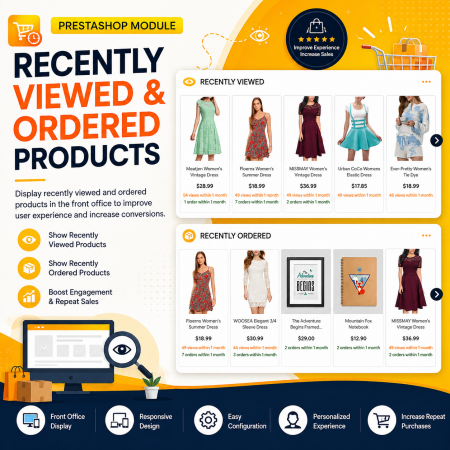
 Recently Viewed and Ordered Products Module for PrestaShop
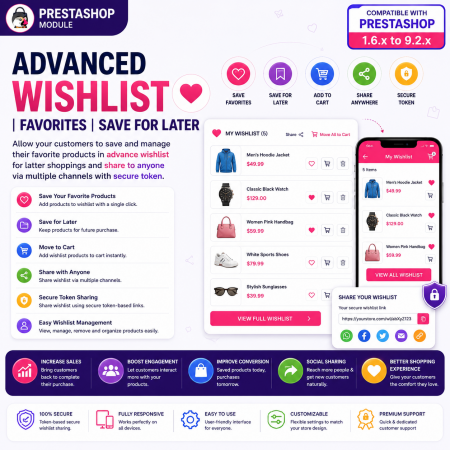
 Advanced Wishlist for PrestaShop – Favorites, Save for Later & Wishlist Sharing Module
Take complete control of your PrestaShop shipping options with the Enable or Disable Carriers with Conditions module. Configure carrier availability according to customer groups, selected products, cart contents, minimum and maximum cart totals, product quantities, and date ranges.
Provide exclusive shipping options for wholesale and VIP customers, restrict unsuitable carriers for specific products, and schedule shipping availability for promotional periods. Improve shipping management while giving customers a more relevant checkout experience.

Encrypted payment gateways ensuring your financial and personal data remain 100% protected.

Every module includes professional installation assistance, free updates, and reliable troubleshooting.

Rigorously tested PrestaShop & WooCommerce extensions designed for maximum speed and zero bloat.

Transparent policies, clean documentation, and dedicated assistance if you run into any compatibility hurdles.