- -$40.00

This module enhances the shopping experience by allowing customers to easily explore product variations such as...

The module allows merchants to enhance product images with customizable stickers and labels. Whether it’s...
The Quantity Discount Table module for PrestaShop makes bulk pricing clear and attractive by...

This module allows you to offer free shipping based on flexible conditions, such as location, carrier, cart value,...

The module automatically adjusts language, currency, and country settings based on the customer's location....

Vendor
Version
Last update
Prestashop version
Customer Account Settings for PrestaShop
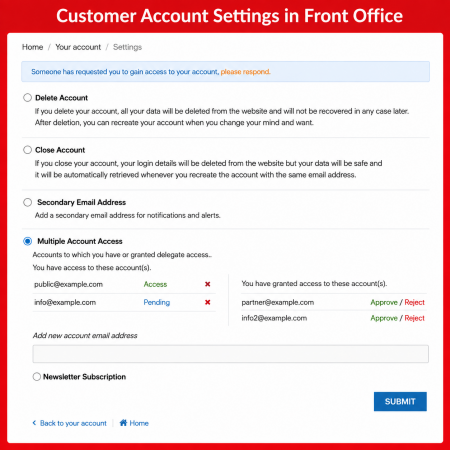
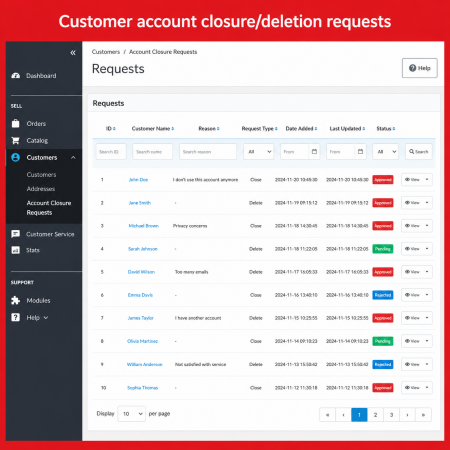
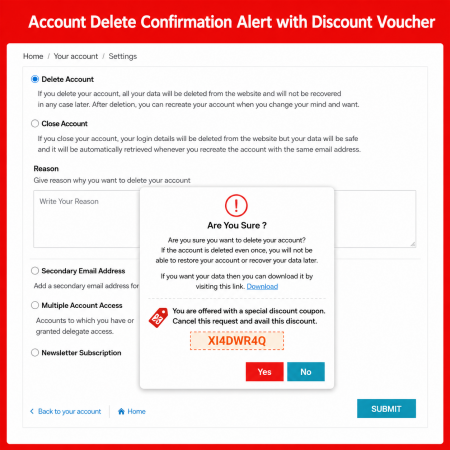
Customer Account Settings is designed to help PrestaShop store owners manage customer account-related settings and create a more organized account experience. Customer accounts play an important role in online shopping, allowing customers to access their personal information, orders, addresses, and other account-related areas.
Bring customer account management into focus and support a convenient, customer-friendly shopping experience with Customer Account Settings for PrestaShop.
Bring customer account management into focus. Create a more organized account experience and make customer-related settings easier to manage in your PrestaShop store.
Customer accounts are an important part of every online store. Customers use their accounts to register, sign in, manage personal information, access addresses, review orders, and stay connected with your business.
A clear and well-organized account experience helps customers interact with your store more comfortably. Store owners also need a convenient way to manage customer-related settings according to their business requirements.
Customer Account Settings for PrestaShop is designed to support customer account management and provide a more organized approach to account-related store settings.
Customer Account Settings is designed to help PrestaShop store owners manage the customer-account experience through a dedicated account-settings solution. It focuses on making account-related administration more organized and helping create a convenient experience for customers interacting with your online store.
A customer account brings together important information and activities that customers use throughout their shopping journey.
Customer identity and account details.
Access to previous customer orders.
Customer delivery and billing information.
Registration and customer sign-in journey.
Illustrative customer-account areas based on common PrestaShop functionality, not a verified list of module settings.
Support a more organized approach to the customer-account experience in your online store.
Support the management of customer account-related settings in your PrestaShop store.
Keep customer account interactions at the center of your store-management workflow.
Create a clear approach to customer interactions around their store accounts.
Add a customer-account-focused solution to your PrestaShop store-management toolkit.
Keep customer account requirements in view while managing your online business.
Support a more structured approach to customer-related store operations.
A customer account is more than a login. It is where shoppers manage their information and return to your store to access important shopping activities. Keeping this experience organized can make your store easier to use.
Follow the general module setup workflow to introduce customer account settings into your store.
Install the module through your PrestaShop back office.
Open the module configuration page from the module manager.
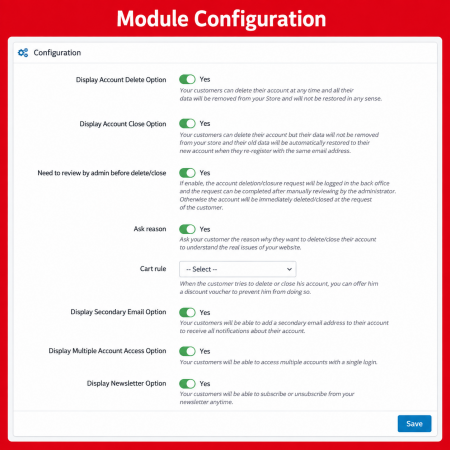
Review the customer-account options actually provided by the module.
Check the relevant customer account flow on your storefront.
Customer account management is important for stores of every size and across many industries.
Manage customer account interactions in everyday shopping.
Support account-focused business shopping workflows.
Keep customer account journeys organized.
Support customers returning to manage their accounts.
Keep account-related store operations in focus.
It is a PrestaShop module focused on customer account settings and account-related store management.
They help store owners manage how customers interact with account-related features and support a more organized shopping experience.
Depending on the store configuration, customer accounts commonly provide access to personal information, orders, saved addresses, and other account-related areas.
Yes. Customer accounts can be important in B2B stores where businesses use account information and customer groups as part of their shopping process.
Install the module, open its configuration page in your PrestaShop back office, and review the available options. The exact configuration steps depend on the module version.
Bring a customer-account-focused solution to your PrestaShop store and support a clearer, more organized experience for your customers.
| Vendor | Nxtal |
|---|---|
| Last update | Nov 03, 2026 |
| Version | 2.0.0 |
| Required store version | From 1.6.x to 9.2.x |
| Publication date | Aug 04, 2026 |
| Return Policy | You can return the product within the 30 Days return period for a full refund. No questions asked. |
| Customer Support | Enjoy one year of free customer support, including installation, troubleshooting, and usage guidance. |
| Description | This product is compatible with the specified versions and includes all the latest updates to enhance functionality and user experience. |
 Show Product Attributes Or Combinations Prestashop Module
 Advanced Redirections – 301, 302, 404 & Customer Redirects for PrestaShop
 Multiple discount date wise discount Prestashop Module
 Save & Share My Shopping Cart Prestashop Module
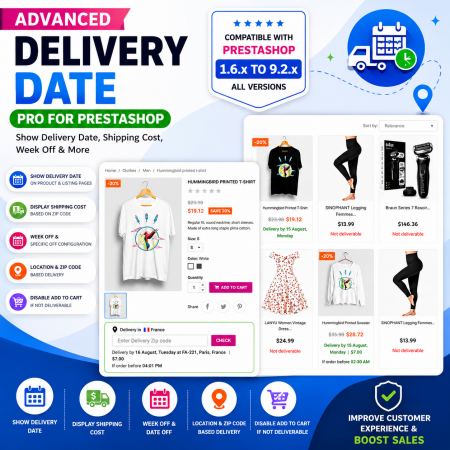
 Proposed Delivery Date and Cost Module for PrestaShop
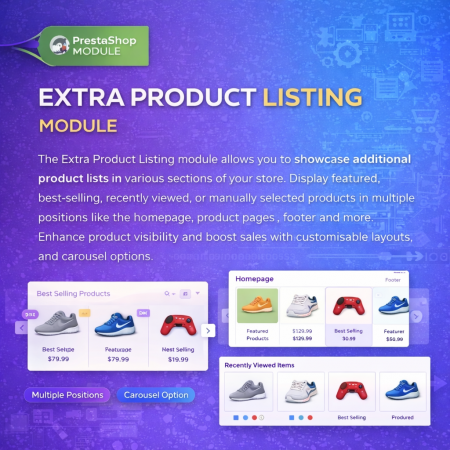
 Extra Product Listing module Prestashop Module
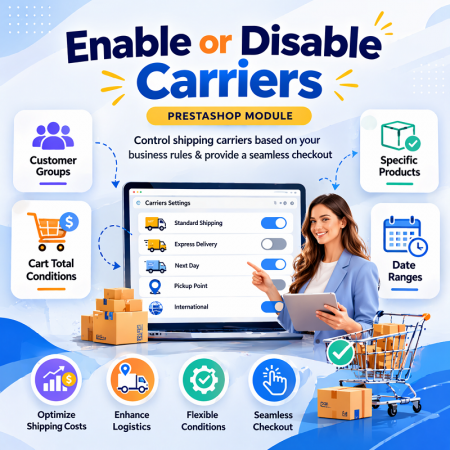
 Enable or Disable Carriers with Conditions Prestashop Module
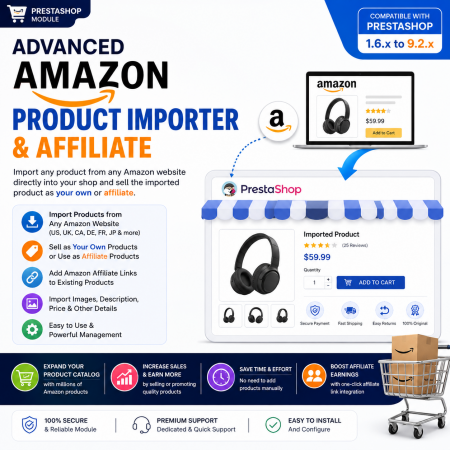
 Advanced Amazon Product Importer & Affiliate Module for PrestaShop – Import Products from Amazon
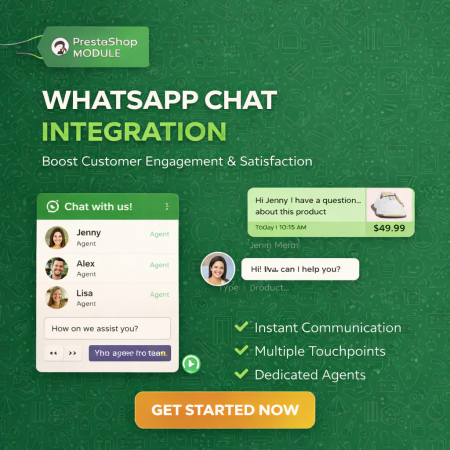
 WhatsApp Live Chat & Support Prestashop Module
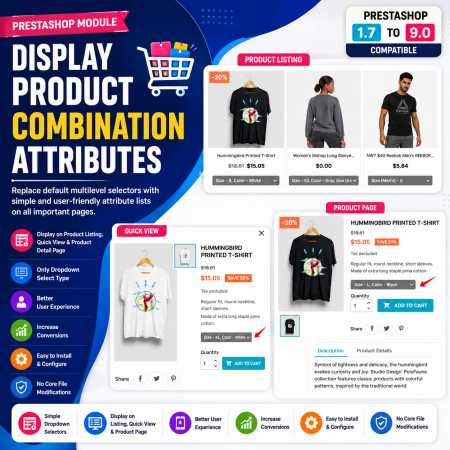
 Display Product Combination Attributes Module for PrestaShop
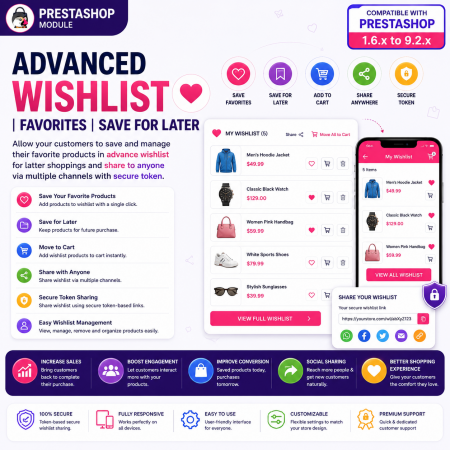
 Advanced Wishlist for PrestaShop – Favorites, Save for Later & Wishlist Sharing Module
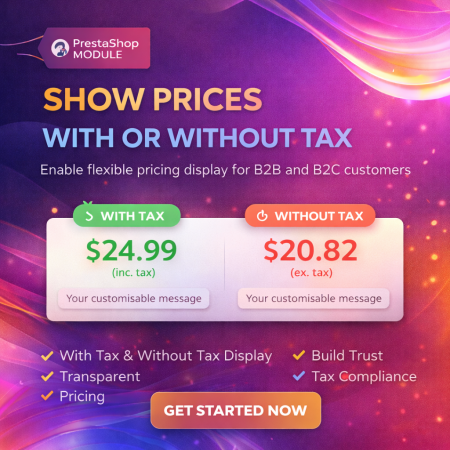
 Display Price Tax Inclusive or Exclusive Prestashop Module
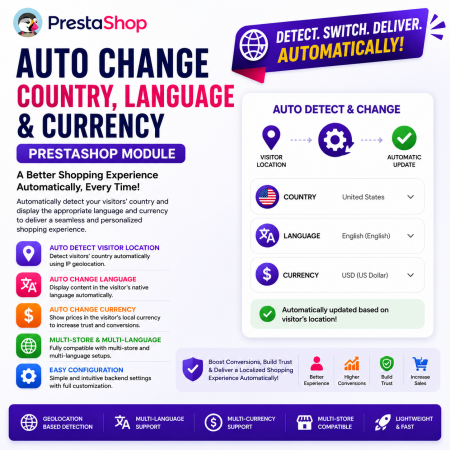 Auto Change Country Language and Currency Prestashop Module
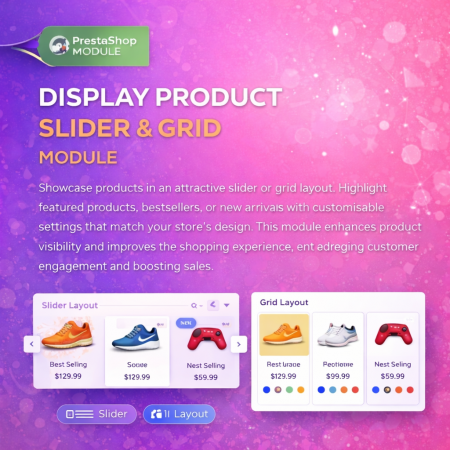
 Display Product Slider & Grid Prestashop Module
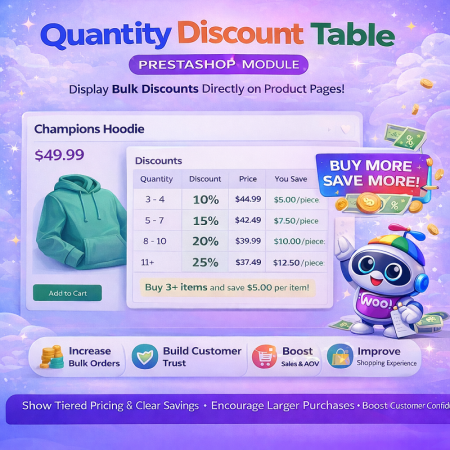 Quantity Discount Table & Grid Module for PrestaShop
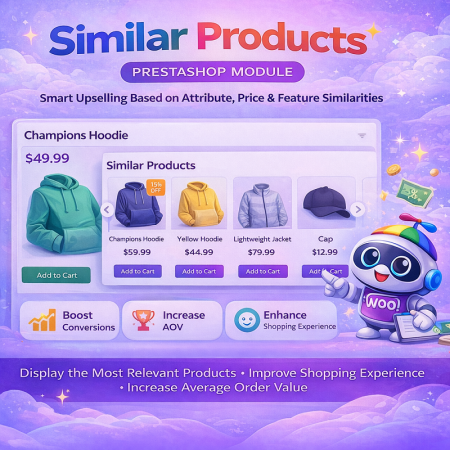
 PrestaShop Smart Similar Products – Attribute, Price & Feature Matching
Customer Account Settings for PrestaShop
Customer Account Settings is designed to help PrestaShop store owners manage customer account-related settings and create a more organized account experience. Customer accounts play an important role in online shopping, allowing customers to access their personal information, orders, addresses, and other account-related areas.
Bring customer account management into focus and support a convenient, customer-friendly shopping experience with Customer Account Settings for PrestaShop.
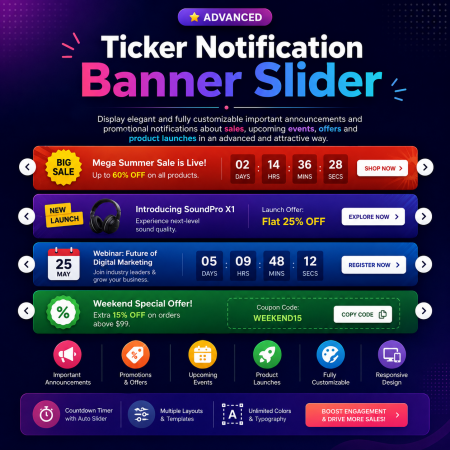
 Ticker Notification Banner Module for PrestaShop

Encrypted payment gateways ensuring your financial and personal data remain 100% protected.

Every module includes professional installation assistance, free updates, and reliable troubleshooting.

Rigorously tested PrestaShop & WooCommerce extensions designed for maximum speed and zero bloat.

Transparent policies, clean documentation, and dedicated assistance if you run into any compatibility hurdles.