- -$40.00


This module enhances the shopping experience by allowing customers to easily explore product variations such as...

The module allows merchants to enhance product images with customizable stickers and labels. Whether it’s...

The Quantity Discount Table & Grid Module for PrestaShop helps merchants display...

This module allows you to offer free shipping based on flexible conditions, such as location, carrier, cart value,...

The module automatically adjusts language, currency, and country settings based on the customer's location....

Vendor
Version
Last update
Prestashop version
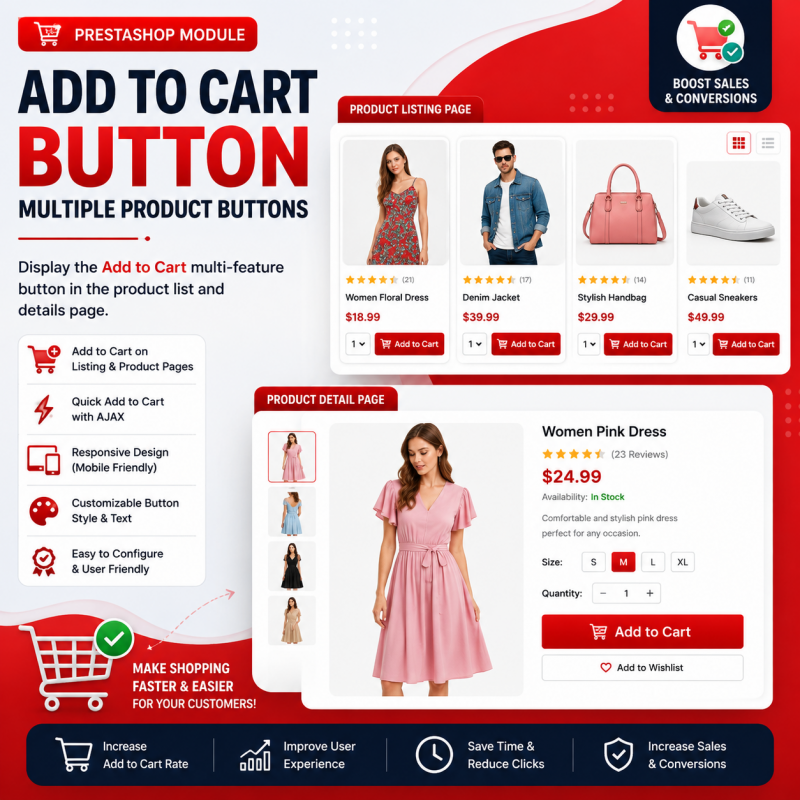
Make product shopping faster and more convenient with the Advanced Add to Cart Button Module for PrestaShop.
Allow customers to add products to their shopping cart directly from supported product listing areas without navigating to every individual product page just to find the Add to Cart option.
Bring purchasing actions closer to the products customers are browsing, simplify product selection, and create a more convenient shopping experience across your catalog.
Ideal for fashion stores, grocery shops, electronics stores, and large product catalogs, this module helps reduce unnecessary navigation steps and makes shopping more straightforward.
Browse Products → Click Add to Cart → Continue Shopping
Give your customers an easier way to shop with Sathi's Advanced Add to Cart Button Module.
Simplify Product Shopping. Reduce Extra Navigation. Make Your Product Catalog Easier to Shop.
Make product purchasing more convenient with the Advanced Add to Cart Button Module for PrestaShop. Give customers easier access to Add to Cart actions while browsing supported product listing areas across your online store.
In a traditional eCommerce shopping experience, customers often need to open an individual product page just to find the Add to Cart button. When shoppers want to purchase several products, repeatedly navigating between product listings and individual product pages can make shopping less convenient.
This module helps address that problem by bringing Add to Cart actions closer to the products customers are already exploring.
Customers can browse product collections, locate the available purchasing button, add supported products to their shopping cart, and continue exploring your catalog.
Whether you operate a fashion boutique, grocery store, electronics shop, accessories store, or a large eCommerce catalog, the module provides a more direct and convenient way for customers to start shopping.
Browse Products → Find Add to Cart → Add to Cart → Continue Shopping
Your product listing pages are an important part of the customer shopping journey. Customers visit these pages to discover products, compare options, explore collections, and decide what they want to purchase.
However, when the Add to Cart action is only accessible after navigating to an individual product page, shoppers may need to perform additional steps before they can add products to their cart.
This can make the shopping process less convenient, especially for customers who already know what they want to buy.
The Advanced Add to Cart Button Module makes purchasing actions more accessible by providing Add to Cart buttons alongside products in supported listing areas.
Instead of repeatedly opening product pages, customers can use the available Add to Cart buttons directly while browsing supported product listings.
A traditional shopping journey may look like this:
Browse a category or product listing.
Open an individual product page.
Locate the Add to Cart button.
Add the product to the cart.
Return to the listing to explore more products.
Repeat the process for other products.
With the Advanced Add to Cart Button module:
Browse products in supported listing areas.
Find the Add to Cart button alongside a product.
Click the available purchasing action.
Add the supported product to the cart.
Continue browsing other products.
The goal is simple: Reduce unnecessary navigation and make product purchasing more accessible throughout your storefront.
Give customers easier access to purchasing actions while they explore your product catalog.
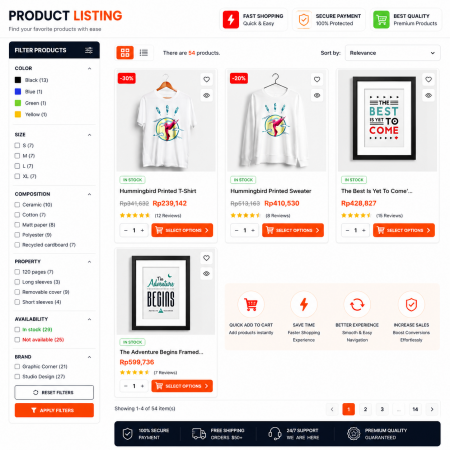
Provide Add to Cart buttons across supported product listings so customers can interact with multiple products without repeatedly opening individual product pages.
Reduce the extra browsing steps involved in finding and accessing product purchasing options.
Make your product listings more action-oriented by placing purchasing actions closer to product information.
Help customers move from product discovery to adding items to their cart more conveniently.
Make product purchasing actions accessible directly alongside supported products.
Customers browsing your storefront can locate the Add to Cart button without necessarily visiting an individual product page to find the purchasing option.
Key benefits:
Display Add to Cart actions alongside supported products.
Make purchasing options easier to access.
Reduce unnecessary navigation between product pages and listings.
Help customers begin the purchasing process more conveniently.
Create a more direct product browsing experience.
Business value: Make it easier for customers to move from discovering a product to adding it to their shopping cart.
Make shopping more convenient across your product catalog by providing purchasing actions for multiple products in supported listing areas.
Customers can browse different products and access their respective Add to Cart buttons without following the traditional product-page navigation process for every item.
Key benefits:
Provide purchasing actions for multiple listed products.
Make product selection more convenient.
Support easier shopping across product collections.
Reduce repeated navigation between listings and product pages.
Help customers explore and purchase products more directly.
Business value: Create a more convenient shopping experience for customers browsing several products in one session.
Customers should be able to discover products and take purchasing actions without unnecessary interruptions.
The module helps bring the Add to Cart action closer to product information, making supported product listings more convenient to browse.
Key benefits:
Keep purchasing actions accessible near products.
Simplify the product discovery process.
Reduce extra steps during catalog browsing.
Help shoppers interact with product collections more efficiently.
Make the storefront shopping journey more straightforward.
Business value: Improve the usability of your product catalog and help customers shop with fewer interruptions.
A convenient product listing experience makes it easier for visitors to interact with your catalog.
By providing Add to Cart buttons in supported listing areas, the module helps transform product listings from simple browsing pages into more action-oriented shopping experiences.
Key benefits:
Provide more accessible purchasing actions.
Improve product listing convenience.
Support a straightforward shopping journey.
Make product interactions easier for customers.
Help customers continue browsing after adding products.
Business value: Create a storefront experience that makes product discovery and shopping actions work together.
The module follows a simple product browsing and purchasing workflow.
Customers visit your storefront and explore products displayed in supported category pages, product listings, or other supported listing areas.
Customers locate the Add to Cart action displayed alongside the products they want to purchase.
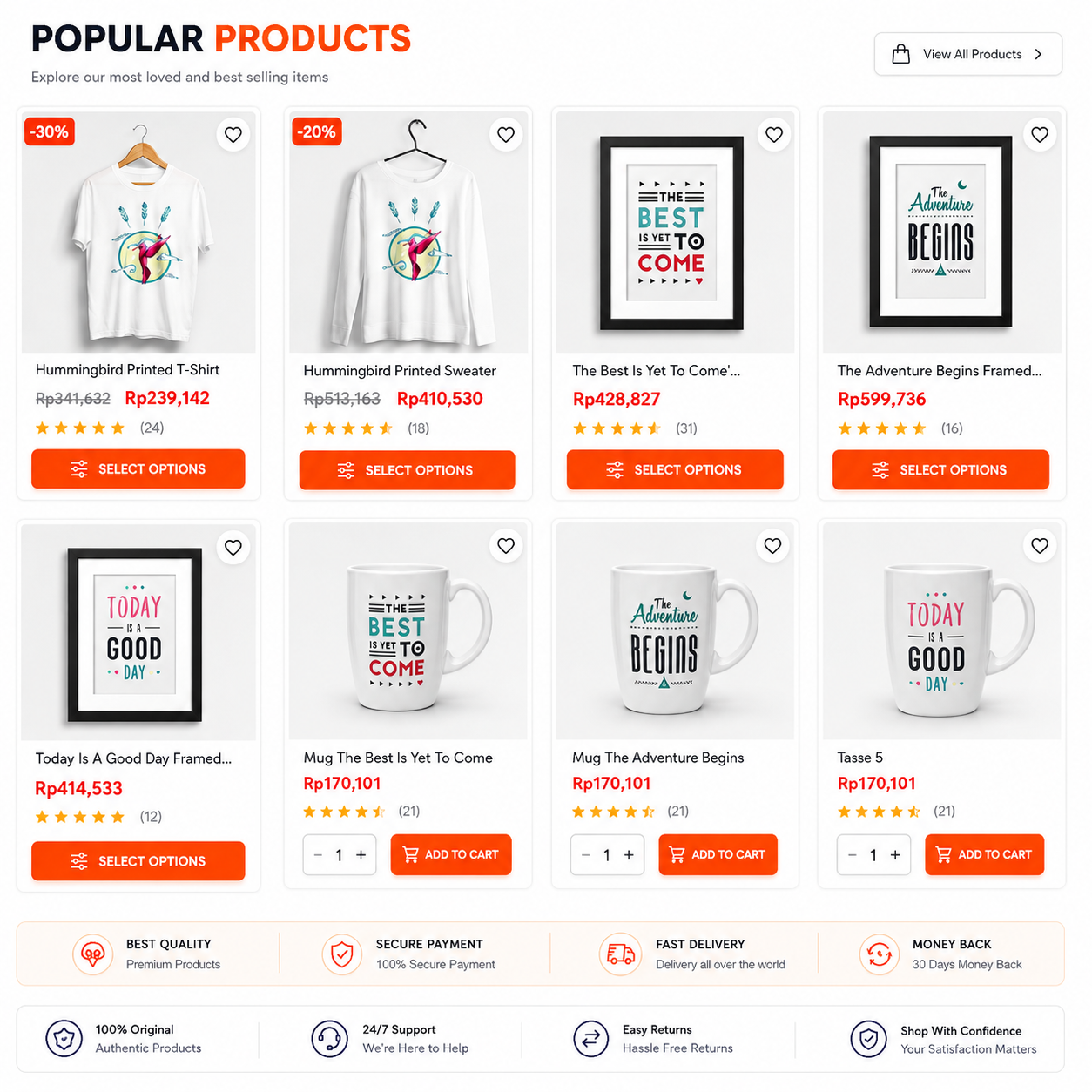
Customers click the available button to add supported products to their shopping cart.
After adding a product, customers can continue exploring other products and use the available purchasing actions across supported listings.
Result: A more convenient shopping journey with fewer unnecessary navigation steps.
Make product shopping easier for visitors with a more accessible Add to Cart experience.
Convenient purchasing: Access Add to Cart actions while browsing supported product listings.
Less navigation: Avoid repeatedly opening product pages just to locate purchasing buttons.
Easier product selection: Browse multiple products and access their purchasing actions.
Better shopping flow: Move from product discovery to cart addition more conveniently.
Continuous browsing: Continue exploring other products after adding items to the cart.
Improved usability: Enjoy a more straightforward interaction with the product catalog.
Make your product listings more convenient by providing purchasing actions alongside product information.
Help customers access Add to Cart actions without unnecessary navigation.
Make it easier for customers to interact with several products while browsing your catalog.
Bring important purchasing actions closer to customers during product discovery.
Provide a shopping experience that connects product browsing with purchasing actions more directly.
Reducing unnecessary shopping steps can help remove friction from the purchasing journey and support better customer experiences. Actual conversion improvements depend on your products, pricing, audience, and storefront usability.
The Advanced Add to Cart Button module is useful for different types of PrestaShop stores where customers frequently browse multiple products.
Customers often browse several clothing items, accessories, shoes, and fashion collections before deciding what to purchase.
Providing Add to Cart buttons alongside supported products makes it easier to begin purchasing without repeatedly opening individual product pages.
Example: A shopper exploring a clothing category can access the purchasing buttons for multiple supported products while browsing the collection.
Grocery shoppers frequently need to select several products during one shopping session.
A more accessible Add to Cart experience can make browsing grocery categories and adding supported products more convenient.
Example: Customers exploring packaged foods, beverages, household essentials, and daily-use products can access purchasing actions from supported listings.
Electronics customers often explore multiple products, accessories, and gadgets before making purchasing decisions.
Providing convenient Add to Cart actions helps customers interact with your product catalog more directly.
Example: Customers browsing accessories, cables, computer peripherals, and electronic gadgets can access the available purchasing buttons without repeatedly navigating to product pages.
Stores selling bags, watches, home accessories, decorative products, and lifestyle collections can provide a more convenient browsing experience.
Stores with hundreds or thousands of products need an efficient browsing experience.
The module helps make purchasing actions more accessible across supported product listing areas, particularly when customers want to explore several products in one session.
| Shopping activity | Traditional experience | With this module |
|---|---|---|
| Browse products | Browse listings | Browse supported listings |
| Find purchasing option | Open product page | Access available listing button |
| Add products | Navigate to product page | Use supported Add to Cart action |
| Explore more products | Return to listing | Continue browsing |
| Shopping convenience | Additional navigation | More direct shopping actions |
The main difference is the accessibility of purchasing actions during product discovery.
Install the Advanced Add to Cart Button module using the standard PrestaShop module installation process.
Download the Advanced Add to Cart Button module ZIP package from your Sathi.xyz account.
Log in to your PrestaShop administration panel.
Go to:
Modules → Module Manager
Click the Upload a Module option and select the downloaded ZIP package.
Wait for the upload to complete and proceed with the installation.
Open your storefront and navigate to the product listing areas supported by the module.
Check that the buttons are displayed correctly and test adding different supported products to your shopping cart.
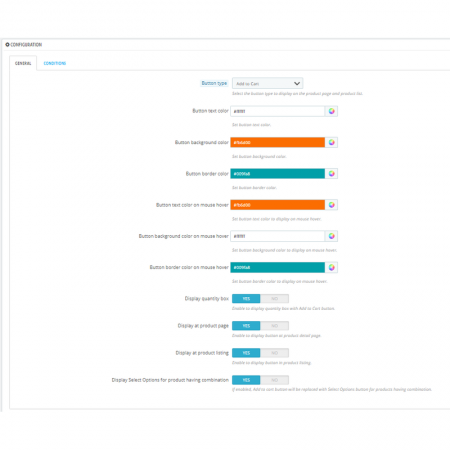
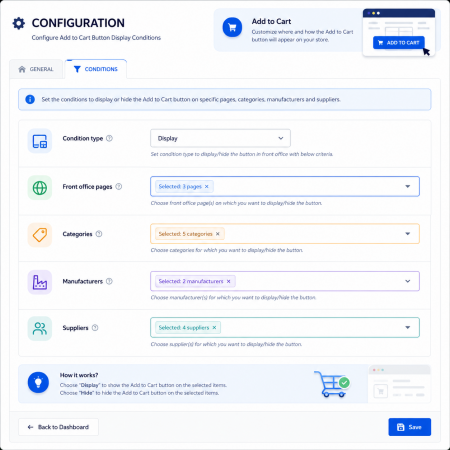
After installation, access the module configuration page from your PrestaShop Back Office if configuration options are available in your installed version.
Review the available settings and adjust the module according to your storefront requirements.
For the best experience:
Check the Add to Cart button display on supported product listings.
Verify the appearance with your active PrestaShop theme.
Test different supported products.
Confirm that products are added to the shopping cart correctly.
Check the shopping experience on desktop and mobile devices.
Save any configuration changes and test the storefront again.
The Advanced Add to Cart Button Module is listed for the following PrestaShop versions:
PrestaShop 1.6.x
PrestaShop 1.7.x
PrestaShop 8.x
PrestaShop 9.x
PrestaShop 9.2.x
Listed compatibility range: PrestaShop 1.6.x to 9.2.x.
Actual compatibility can depend on your PrestaShop installation, PHP environment, active theme, and product listing implementation.
We recommend testing the module with your active theme and store configuration before deploying it on a production website.
It is a PrestaShop extension designed to provide convenient Add to Cart buttons alongside products in supported product listing areas. It helps customers access purchasing actions without repeatedly opening individual product pages.
Displaying Add to Cart buttons on product listings helps customers access purchasing actions more directly. It can reduce extra navigation steps and make product browsing more convenient.
The module provides Add to Cart actions across multiple supported products. Customers can interact with the available buttons while browsing the catalog. The exact cart behavior depends on the supported product functionality.
For products and listing areas supported by the module, customers can access Add to Cart actions directly from the listing rather than opening the product page just to find the purchasing button.
Yes. It can be useful for stores with large product catalogs because it makes purchasing actions more accessible across supported product listings.
Yes. Fashion, grocery, electronics, accessories, lifestyle, and general eCommerce stores can benefit from more convenient Add to Cart actions across supported product listings.
The listed compatibility range is PrestaShop 1.6.x to 9.2.x. However, theme compatibility can depend on how your theme renders product listings and purchasing controls. Testing with your active theme is recommended.
Download the ZIP package, open Modules → Module Manager in your PrestaShop Back Office, upload the package, and complete the installation.
The storefront experience depends on your active theme, responsive product listing layout, and module implementation. Test the Add to Cart buttons on mobile devices to verify their appearance and functionality.
Visit a supported product listing, locate the Add to Cart buttons, select different supported products, and verify that the selected products are added to your shopping cart correctly.
Your customers should be able to discover products and access purchasing actions without unnecessary navigation.
The Advanced Add to Cart Button Module for PrestaShop makes product shopping more convenient by bringing Add to Cart actions closer to products across supported listing areas.
Simplify product browsing, improve purchasing accessibility, and create a more direct shopping experience for your customers.
Make your PrestaShop catalog easier to shop with Sathi's Advanced Add to Cart Button Module.
| Vendor | Nxtal |
|---|---|
| Last update | Nov 23, 2026 |
| Version | 3.4.0 |
| Required store version | From 1.6.x to 9.2.x |
| Publication date | Aug 15, 2026 |
| Return Policy | You can return the product within the 30 Days return period for a full refund. No questions asked. |
| Customer Support | Enjoy one year of free customer support, including installation, troubleshooting, and usage guidance. |
| Description | This product is compatible with the specified versions and includes all the latest updates to enhance functionality and user experience. |
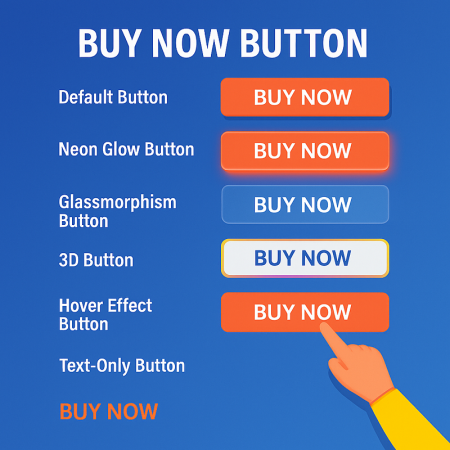
 Buy Now Button | Quick Order Prestashop Module
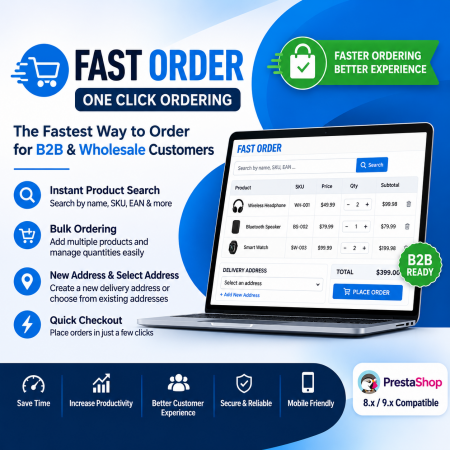
 Fast Order with Instant and File Search for PrestaShop Module
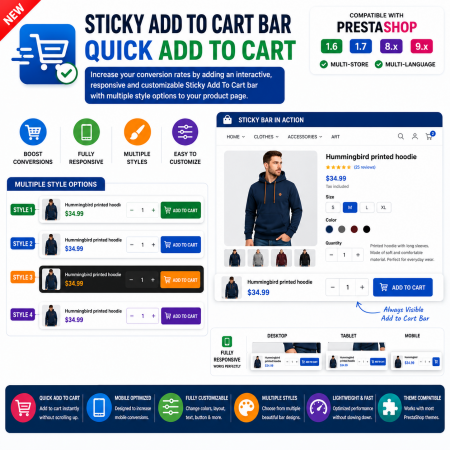
 Sticky Add to Cart Bar – Quick Add to Cart for PrestaShop
 Hide Product Price Prestashop Module

 Product Video – YouTube, Vimeo, External Links & Video Upload for PrestaShop
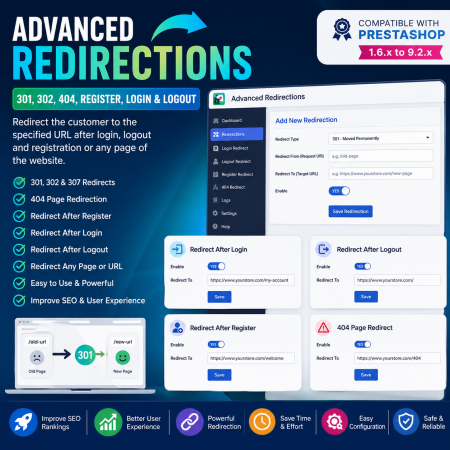
 Advanced Redirections – 301, 302, 404 & Customer Redirects for PrestaShop

 Loyalty, Referral & Affiliate Programs Module for PrestaShop
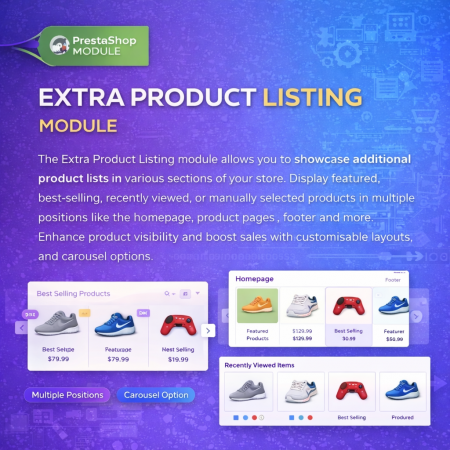
 Extra Product Listing module Prestashop Module

 WhatsApp Live Chat & Support PrestaShop Module
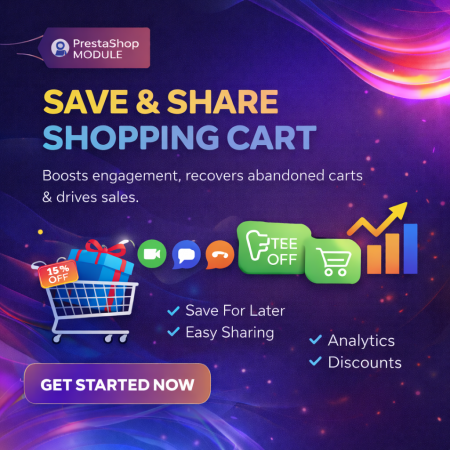
 Save & Share Cart PrestaShop Module
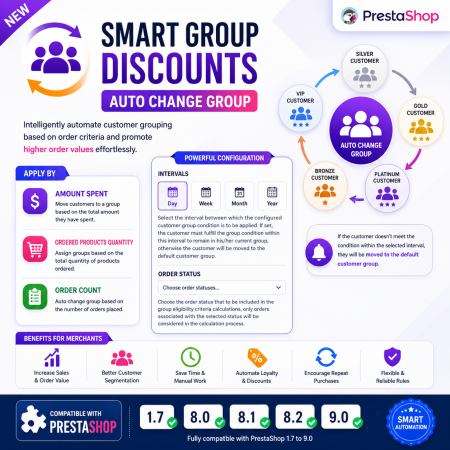
 Smart Group Discounts & Automatic Customer Group Changes for PrestaShop Module
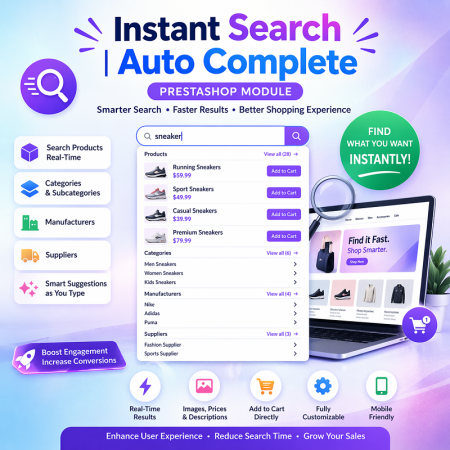
 Instant Search | Auto Complete Prestashop Module

 WhatsApp Live Chat Module for PrestaShop

 Google Schema Markup & Rich Snippets Module for PrestaShop
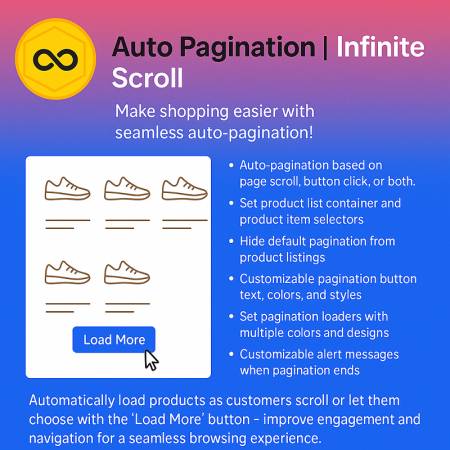
 Auto Pagination | Infinite Scroll Prestashop Module
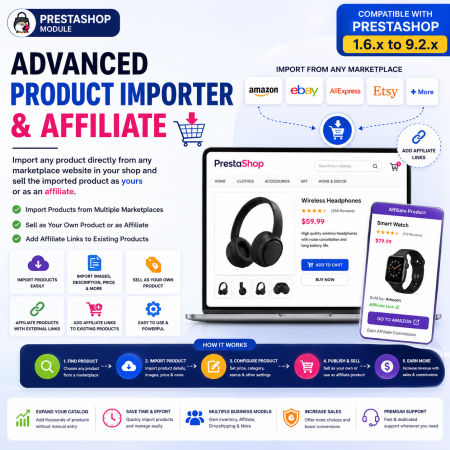
 Advanced Product Importer & Affiliate (100+ websites) Module for PrestaShop
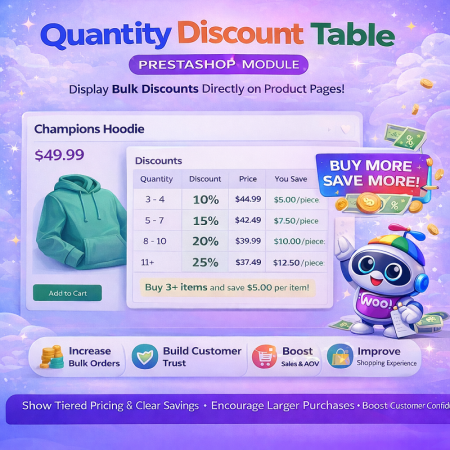 Quantity Discount Table & Grid PrestaShop Module
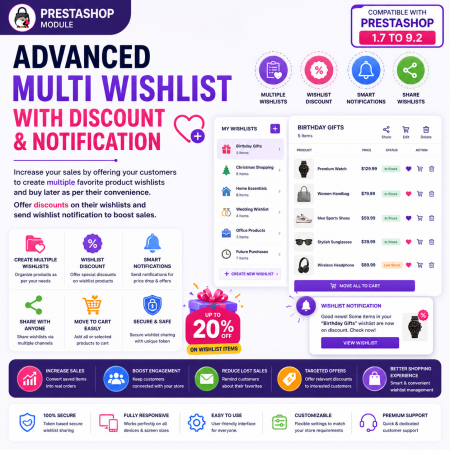
 Advanced Multi Wishlist for PrestaShop – Multiple Wishlists, Discounts & Notifications
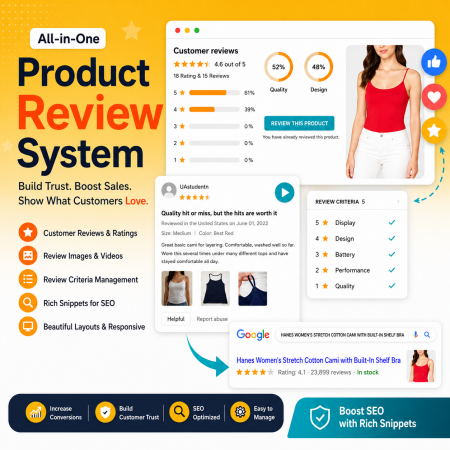
 Advanced Shop & Product Reviews and Ratings Module for PrestaShop
Make product shopping faster and more convenient with the Advanced Add to Cart Button Module for PrestaShop.
Allow customers to add products to their shopping cart directly from supported product listing areas without navigating to every individual product page just to find the Add to Cart option.
Bring purchasing actions closer to the products customers are browsing, simplify product selection, and create a more convenient shopping experience across your catalog.
Ideal for fashion stores, grocery shops, electronics stores, and large product catalogs, this module helps reduce unnecessary navigation steps and makes shopping more straightforward.
Browse Products → Click Add to Cart → Continue Shopping
Give your customers an easier way to shop with Sathi's Advanced Add to Cart Button Module.
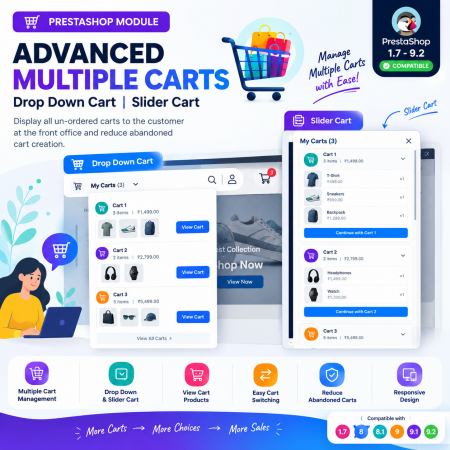
 Advanced Multiple Carts, Dropdown Cart & Slider Cart for PrestaShop

Encrypted payment gateways ensuring your financial and personal data remain 100% protected.

Every module includes professional installation assistance, free updates, and reliable troubleshooting.

Rigorously tested PrestaShop & WooCommerce extensions designed for maximum speed and zero bloat.

Transparent policies, clean documentation, and dedicated assistance if you run into any compatibility hurdles.