
- -$40.00

This module enhances the shopping experience by allowing customers to easily explore product variations such as...

The module allows merchants to enhance product images with customizable stickers and labels. Whether it’s...
The Quantity Discount Table & Grid Module for PrestaShop helps merchants display...

This module allows you to offer free shipping based on flexible conditions, such as location, carrier, cart value,...

The module automatically adjusts language, currency, and country settings based on the customer's location....



Vendor
Version
Last update
Prestashop version
The Save & Share My Shopping Cart module enhances the PrestaShop shopping experience by allowing customers to save their shopping carts, share selected products with friends and family, and restore saved carts whenever they are ready to purchase.
Customers can organize saved carts using custom names and notes, while merchants can manage saved-cart activity, configure expiration and limits, offer special discounts for shared carts, and monitor available engagement analytics.
It is an effective solution for stores that want to make shopping more flexible, encourage customers to return, and create additional opportunities for cart sharing and conversions.
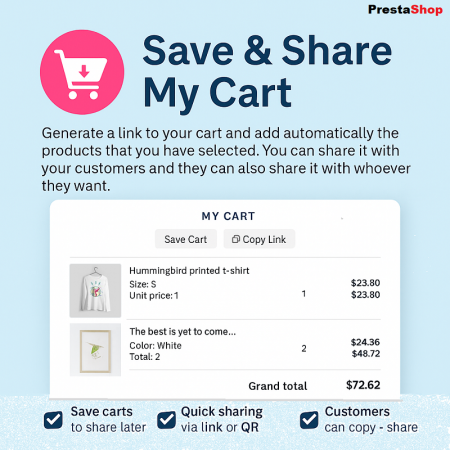
Let customers save their shopping carts, share them with friends and family, and return whenever they are ready to complete their purchase.
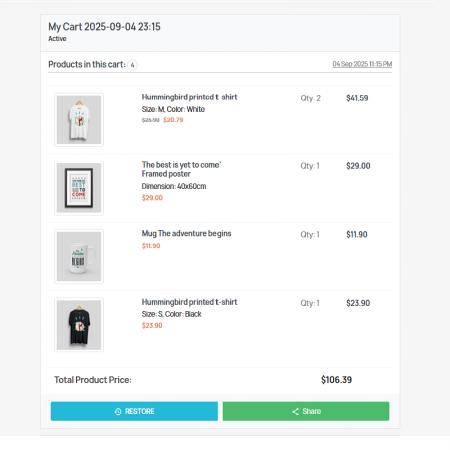
The Save & Share My Shopping Cart module makes shopping more flexible by allowing customers to save their current cart for later, share a cart with other people, and restore saved shopping selections whenever they want.
Instead of searching for the same products again, customers can keep their selected items together and return to their prepared cart. They can also share a cart link through supported sharing options, making it easier for friends, family members, or colleagues to view the selected products and continue shopping.
Customers can keep selected products ready for a future purchase.
Make it easier to share selected products with friends and family.
Use available cart activity analytics to understand customer engagement.
Configure special discounts for shared carts to encourage purchases.
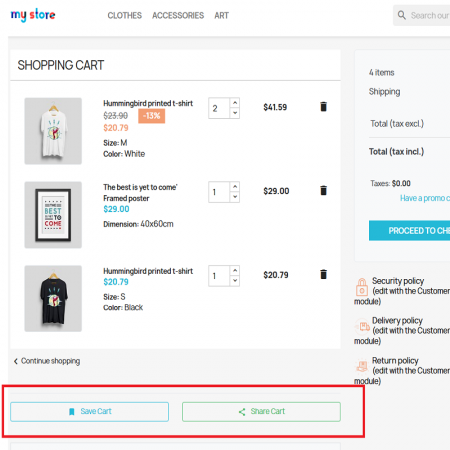
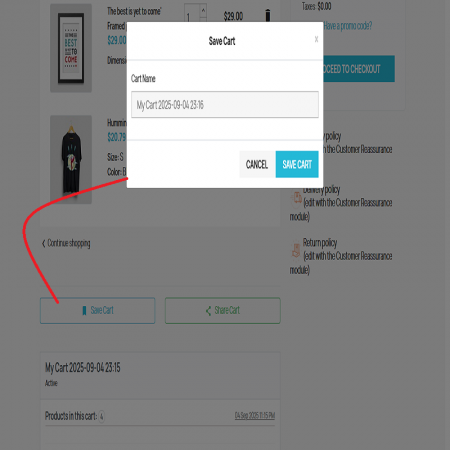
Allow customers to save their current shopping cart so they can return to their selected products later without having to search for everything again.
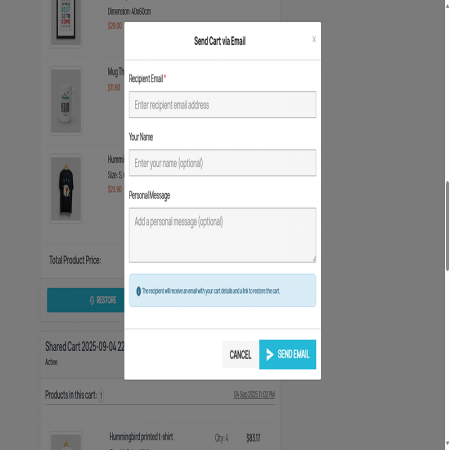
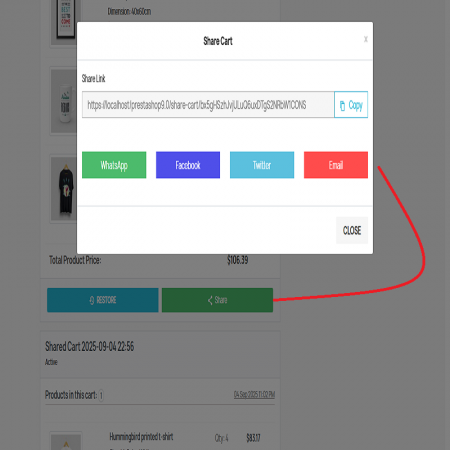
Generate a shareable cart link that customers can send through supported platforms such as WhatsApp, Facebook, Twitter, email, and other sharing channels.
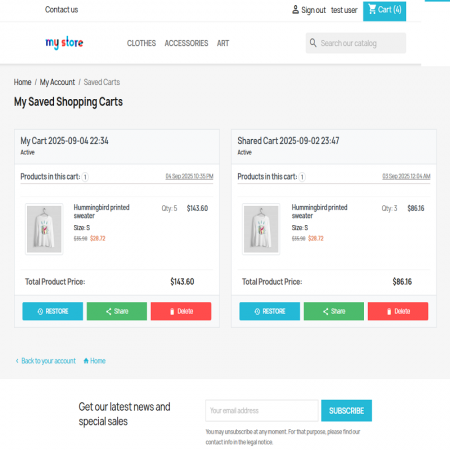
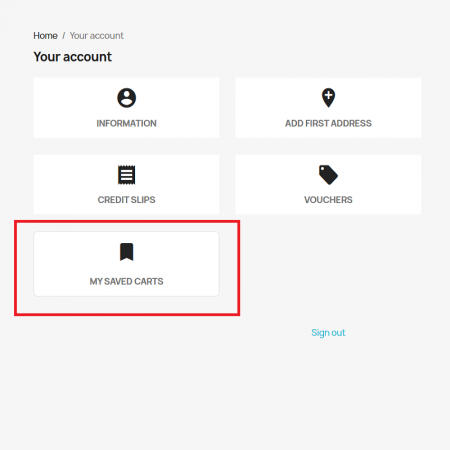
Give customers a dedicated saved-cart list in their account section where they can access and manage their previously saved shopping carts.
Customers can restore a saved or shared cart and continue shopping with the selected products, making it easier to resume an unfinished purchase.
Customers can organize their saved carts with personalized names and notes, making it easier to identify different shopping lists.
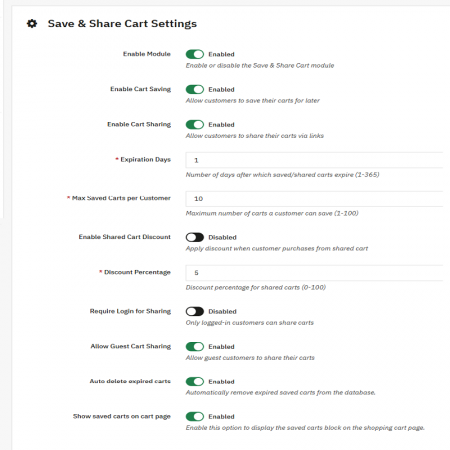
Configure cart expiration periods and limits to manage how saved carts are retained and controlled.
Use the available discount options to encourage customers to open shared carts and complete their purchases.
Monitor available cart activity, including clicks, shares, and conversions, to better understand how customers interact with saved and shared carts.
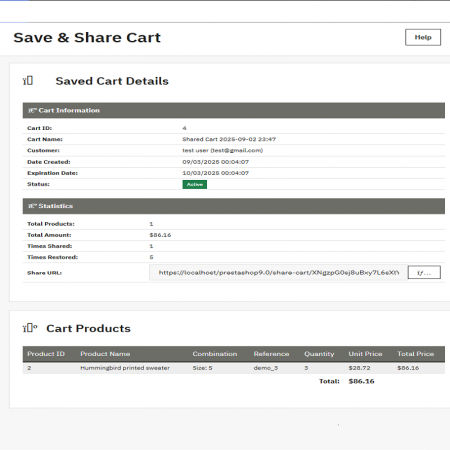
Manage saved carts from the administration area, including viewing, deleting, or expiring carts when required.
Provide a convenient shopping experience across desktop, tablet, and mobile devices, with translation support for multilingual stores.
Customers do not always complete their purchases during their first visit. Without a convenient way to save and revisit their selected products, they may lose their shopping progress or abandon the purchase.
Save & Share My Shopping Cart gives customers a convenient way to keep their product selections, share them, and return to shopping when they are ready.
Customers select products and add them to their shopping cart.
Customers save the cart for a future shopping session.
Customers share their cart link with friends or family.
Customers restore a saved or shared cart and continue toward checkout.
Install Save & Share My Shopping Cart in your PrestaShop store using either the automatic module uploader or the manual FTP method.
Give customers the flexibility to save their carts, share their selections, and continue shopping whenever they are ready.
| Vendor | Sathi |
|---|---|
| Last update | Nov 04, 2026 |
| Version | 1.0.3 |
| Required store version | From 1.7.x to 9.2.x |
| Publication date | Sep 02, 2025 |
| Return Policy | You can return the product within the 30 days period for a full refund. No questions asked. |
| Customer Support | Enjoy one year of free customer support, including installation, troubleshooting, and usage guidance. |
| Description | This product is compatible with the specified versions and includes all the latest updates to enhance functionality and user experience. |
Version:1.0.2
Version:1.0.3

 Enable or Disable Carriers with Conditions PrestaShop Module

 Advanced Add to Cart Button Module for PrestaShop

 Instant Search | Auto Complete Prestashop Module
 Auto Change Country Language and Currency Prestashop Module

 Bundle Product - Mix Product Prestashop Module
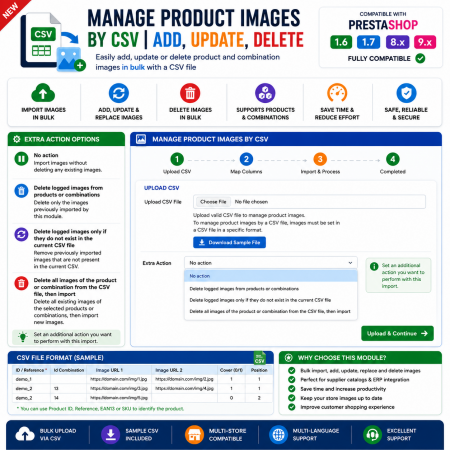
 Manage PrestaShop Product Images by CSV – Add, Update & Delete

 PrestaShop Notify Me Pro | Price Drop, New Arrivals & Stock Alerts Module
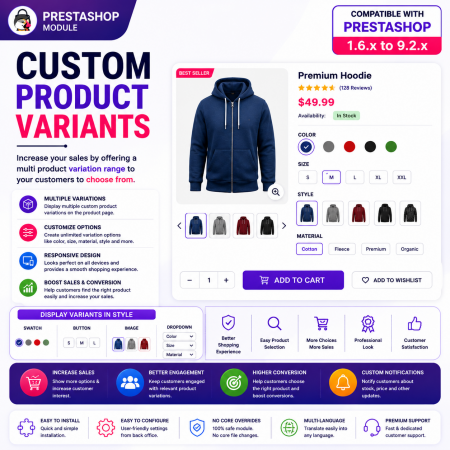
 Custom Product Variants for PrestaShop – Display Related Products as Variations
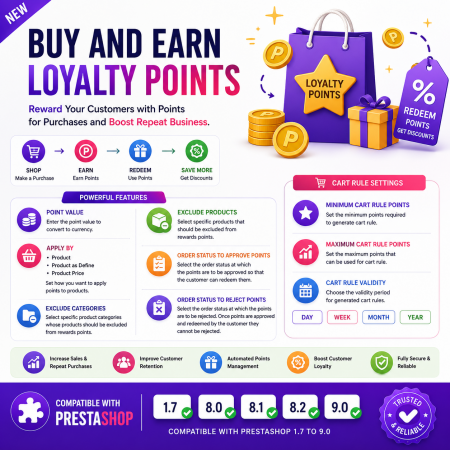
 Buy and Earn Loyalty Points for PrestaShop
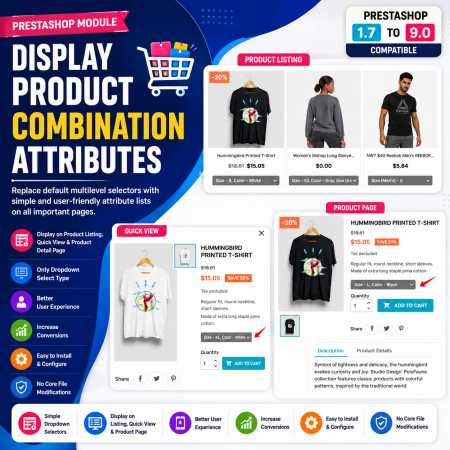
 Display Product Combination Attributes Module for PrestaShop

 Display Product Slider & Grid Prestashop Module

 Smart Similar Products | Attribute & Price Matching Module for PrestaShop
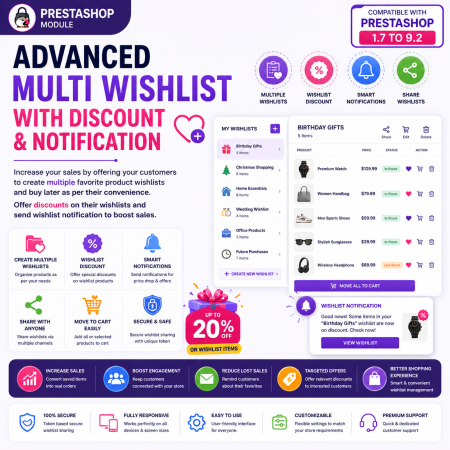
 Advanced Multi Wishlist for PrestaShop – Discounts, Notifications & Multiple Wishlists Module
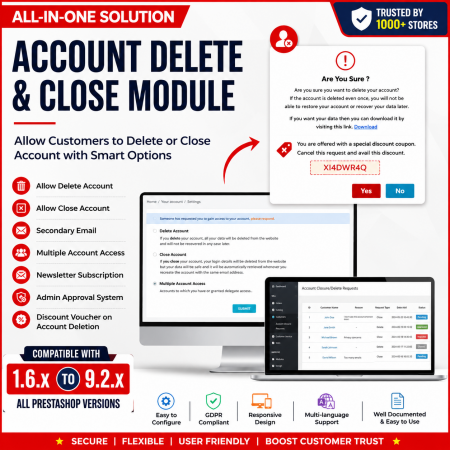
 Customer Account Settings – PrestaShop Customer Management Module
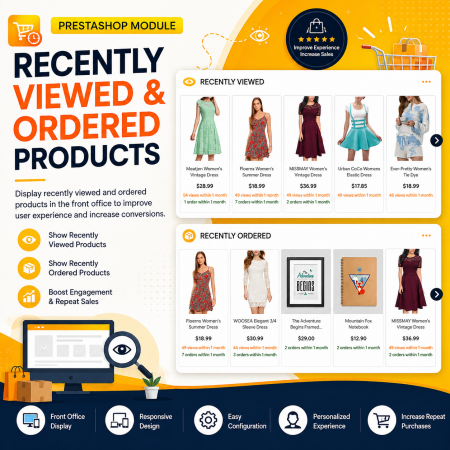
 Recently Viewed and Ordered Products Module for PrestaShop

 Time Limited Offers & Countdown Timer Module for PrestaShop
The Save & Share My Shopping Cart module enhances the PrestaShop shopping experience by allowing customers to save their shopping carts, share selected products with friends and family, and restore saved carts whenever they are ready to purchase.
Customers can organize saved carts using custom names and notes, while merchants can manage saved-cart activity, configure expiration and limits, offer special discounts for shared carts, and monitor available engagement analytics.
It is an effective solution for stores that want to make shopping more flexible, encourage customers to return, and create additional opportunities for cart sharing and conversions.

Encrypted payment gateways ensuring your financial and personal data remain 100% protected.

Every module includes professional installation assistance, free updates, and reliable troubleshooting.

Rigorously tested PrestaShop & WooCommerce extensions designed for maximum speed and zero bloat.

Transparent policies, clean documentation, and dedicated assistance if you run into any compatibility hurdles.