
- -$40.00

This module enhances the shopping experience by allowing customers to easily explore product variations such as...

The module allows merchants to enhance product images with customizable stickers and labels. Whether it’s...

The Quantity Discount Table & Grid Module for PrestaShop helps merchants display...

This module allows you to offer free shipping based on flexible conditions, such as location, carrier, cart value,...

The module automatically adjusts language, currency, and country settings based on the customer's location....





Vendor
Version
Last update
Prestashop version
The Time Limited Offers & Countdown Timer Module for PrestaShop helps merchants create promotional campaigns with automatic discount expiry and animated countdown displays. Apply time-limited discounts to selected products, categories, manufacturers, and targeted product groups. Display countdown timers using flip, slide, fade, or pulse animations, configure multiple discount levels for different time stages, and highlight campaigns through promotional banners. With stock-based offer handling, responsive design, and a statistics dashboard, the module helps merchants manage flash sales and time-sensitive promotions from their PrestaShop store.
Create time-sensitive discounts, display animated countdown timers, and encourage customers to shop before an offer expires.
Create urgency and boost your PrestaShop promotions with Time Limited Offers & Countdown Timer. Set automatic expiring discounts for products, categories, and manufacturers. Display animated countdown timers, configure multi-level discounts, add promotional banners, disable offers for out-of-stock products, and analyze campaign performance with the statistics dashboard.
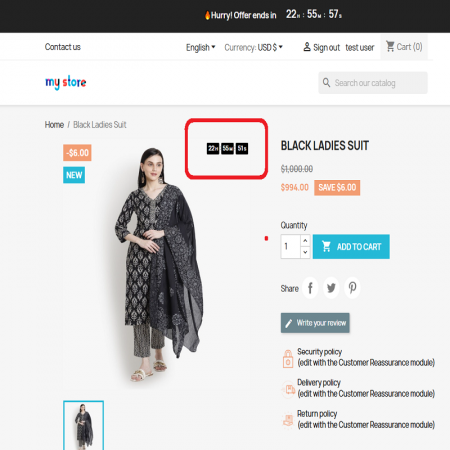
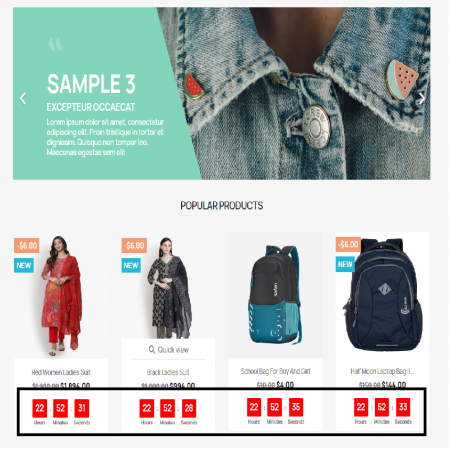
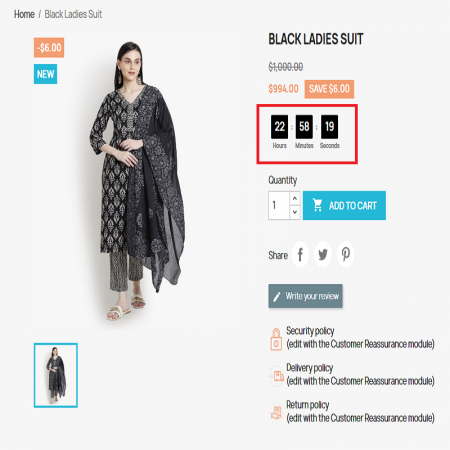
Show customers how much time remains to take advantage of a promotional offer.
Apply offers to selected products, categories, manufacturers, and supported product groups.
Set offer durations so promotional discounts expire automatically when their configured time ends.
Create discounts with an expiry time for selected products, categories, or manufacturers.
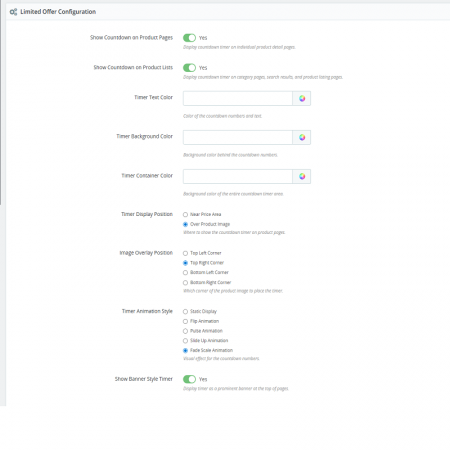
Display visual countdown timers with flip, slide, fade, and pulse animation styles on product pages.
Configure different discount amounts for different time stages of an offer, such as 50% during the first two hours and 30% during the next three hours.
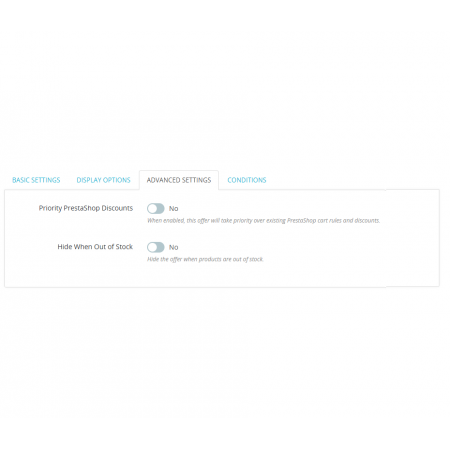
Automatically disable offers for products that are out of stock.
Choose to display countdown timers near product prices or on product images.
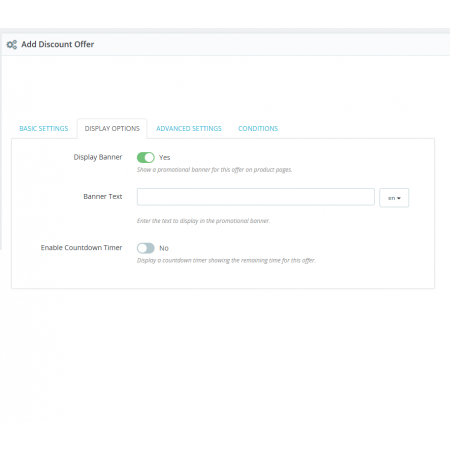
Add promotional banners with animated countdown timers to highlight limited-time campaigns.
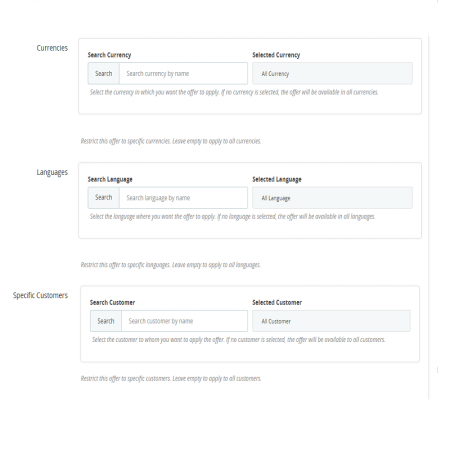
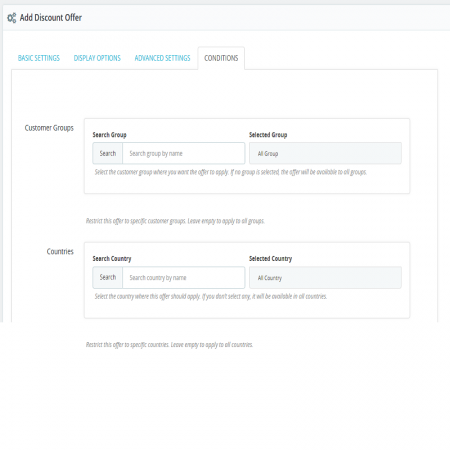
Target products using categories, price ranges, bestsellers, new arrivals, and other listed targeting options.
Review real-time promotional performance data through the module's statistics dashboard.
Display countdown timers and promotional elements in a mobile-friendly layout that adapts to different devices.
Create different discount levels for different stages of a limited-time campaign.
Example only. Actual discount levels and offer durations depend on your configuration.
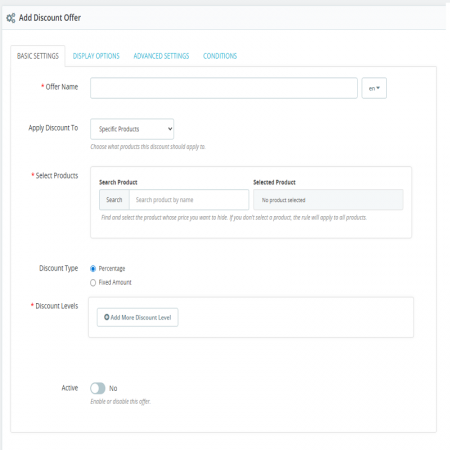
Choose the products or product groups you want to include in your time-limited campaign.
Configure the discount amount and, if needed, different discount levels for separate time stages.
Select the countdown animation and choose where the timer or promotional banner should appear.
Save your offer and let the configured discounts and countdown displays run automatically.
Follow these steps to install and configure the Time Limited Offers module in your PrestaShop store.
Create exciting flash sales, display animated countdown timers, and manage time-limited discounts with one powerful PrestaShop module.
Launch smarter promotions with Time Limited Offers & Countdown Timer.
| Vendor | Sathi |
|---|---|
| Last update | Nov 04, 2026 |
| Version | 1.0.0 |
| Required store version | From 1.7.x to 9.2.x |
| Publication date | Jul 04, 2025 |
| Return Policy | You can return the product within the 30 days return period for a full refund. No questions asked. |
| Customer Support | Enjoy one year of free customer support, including installation, troubleshooting, and usage guidance. |
| Description | This product is compatible with the specified versions and includes all the latest updates to enhance functionality and user experience. |

 Advanced Product Navigation – Previous & Next for PrestaShop

 Advanced Amazon Product Importer & Affiliate Module for PrestaShop – Import Products from Amazon

 WhatsApp Live Chat Module for PrestaShop

 Loyalty, Referral & Affiliate Programs Module for PrestaShop
 Free Shipping By zone, Carrier Prestashop Module

 Mega Attribute Popup Module for PrestaShop
 Advanced Redirections – 301, 302, 404 & Customer Redirects for PrestaShop
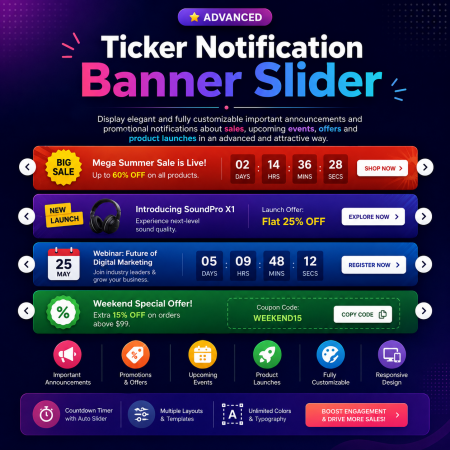
 Ticker Notification Banner Module for PrestaShop

 Advanced Shop & Product Reviews and Ratings Module for PrestaShop
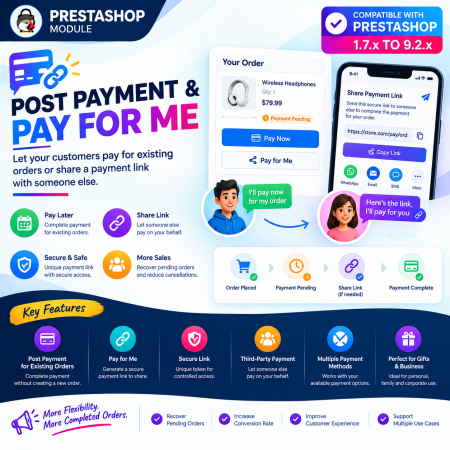
 Post Payment & Pay for me Prestashop Module
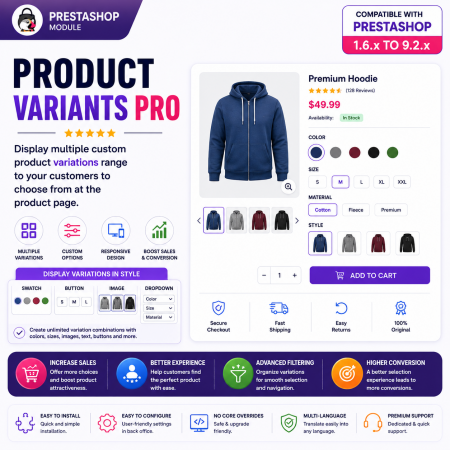
 PrestaShop Product Variants Pro – Custom Product Variant Groups Module

 PrestaShop Product Video Module – YouTube, Vimeo & Video Upload

 Display Add to Cart Button on Product Listing Prestashop Module
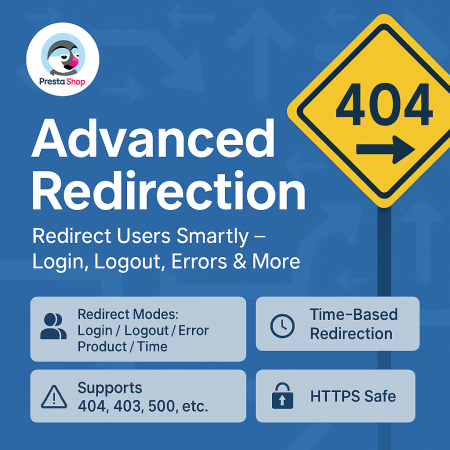
 Advanced URL Redirection (301, 302, 404) Module for PrestaShop
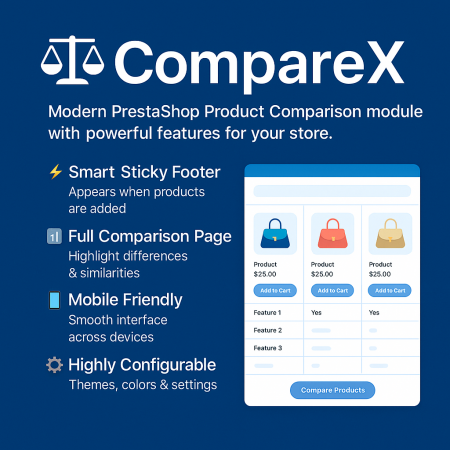
 Advanced Product Comparison Module for PrestaShop | Compare Products
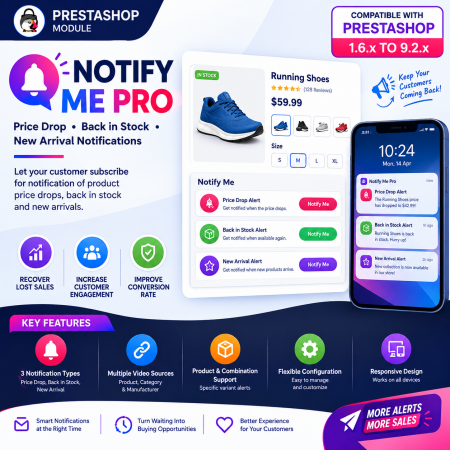
 PrestaShop Notify Me Pro | Price Drop, New Arrivals & Stock Alerts Module
The Time Limited Offers & Countdown Timer Module for PrestaShop helps merchants create promotional campaigns with automatic discount expiry and animated countdown displays. Apply time-limited discounts to selected products, categories, manufacturers, and targeted product groups. Display countdown timers using flip, slide, fade, or pulse animations, configure multiple discount levels for different time stages, and highlight campaigns through promotional banners. With stock-based offer handling, responsive design, and a statistics dashboard, the module helps merchants manage flash sales and time-sensitive promotions from their PrestaShop store.

Encrypted payment gateways ensuring your financial and personal data remain 100% protected.

Every module includes professional installation assistance, free updates, and reliable troubleshooting.

Rigorously tested PrestaShop & WooCommerce extensions designed for maximum speed and zero bloat.

Transparent policies, clean documentation, and dedicated assistance if you run into any compatibility hurdles.