- -$40.00

This module enhances the shopping experience by allowing customers to easily explore product variations such as...

The module allows merchants to enhance product images with customizable stickers and labels. Whether it’s...

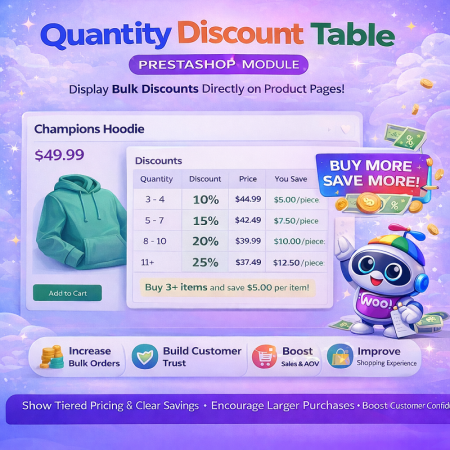
The Quantity Discount Table & Grid Module for PrestaShop helps merchants display...

This module allows you to offer free shipping based on flexible conditions, such as location, carrier, cart value,...

The module automatically adjusts language, currency, and country settings based on the customer's location....


Vendor
Version
Last update
Prestashop version
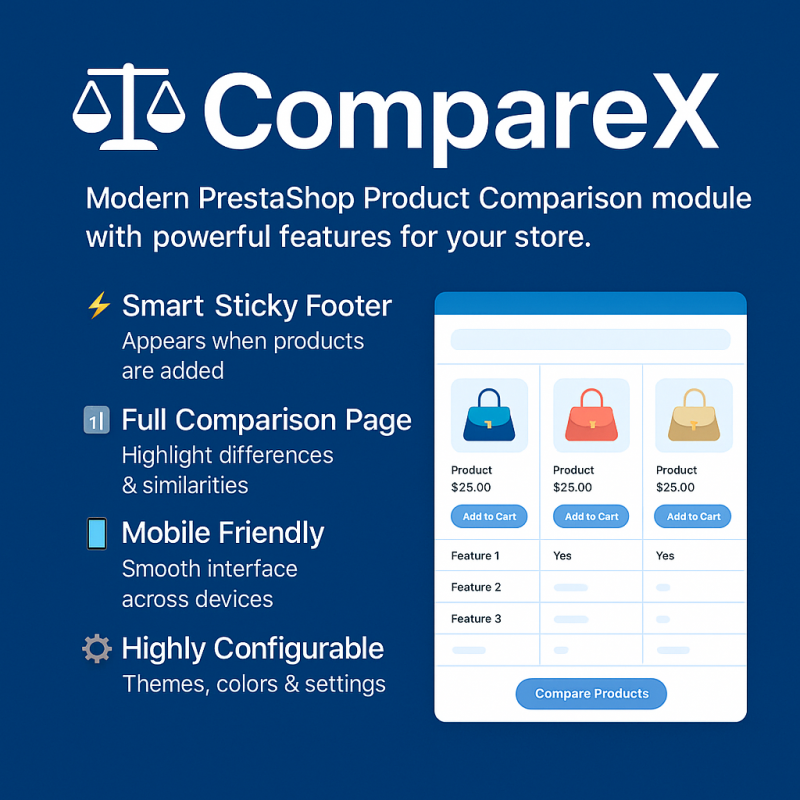
Advance Product Comparison is a powerful PrestaShop module that allows customers to compare multiple products side by side using a modern, interactive comparison interface.
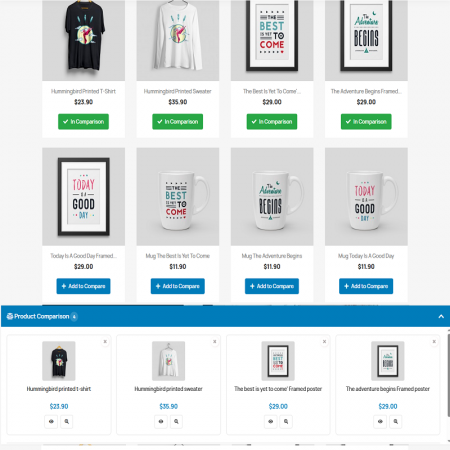
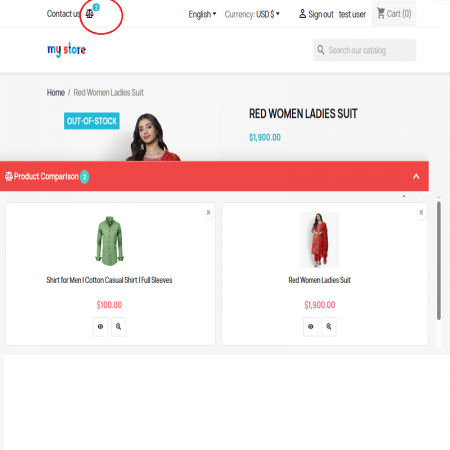
Customers can add products to compare from product listings or product detail pages, access selected products through a sticky comparison footer, and view detailed comparisons in a popup or dedicated page.
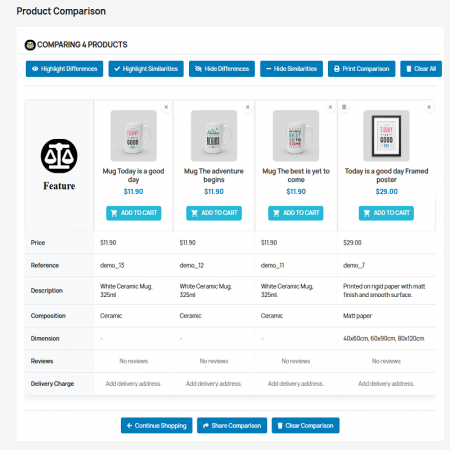
The module supports product attributes, combinations, prices, descriptions, references, composition, reviews, and delivery charge previews. With AJAX-powered interactions, comparison sharing, printing, and customizable display settings, it makes product evaluation easier and more convenient.
Key Highlights:
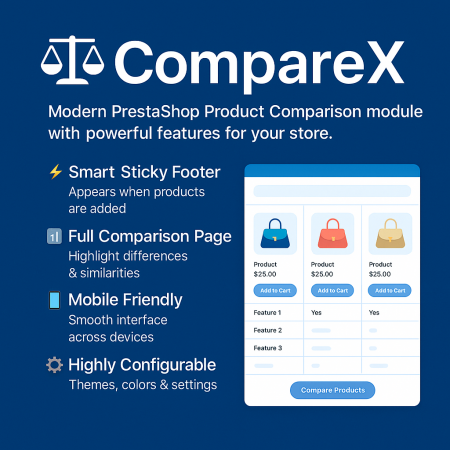
Sticky and collapsible comparison footer.
Full comparison page and popup mode.
Product attributes and combination support.
Delivery charge preview for logged-in customers.
Highlight product differences and similarities.
Share and print product comparisons.
Quick View Product, Remove, and Add to Cart actions.
AJAX-powered comparison operations.
Configurable comparison fields and carrier selection.
Customizable colors and maximum product limit.
Multi-language and multi-shop support.
Give customers a smarter way to evaluate products, prices, specifications, combinations, and delivery charges in one convenient comparison experience.
Advance Product Comparison is a modern and customizable product comparison module for PrestaShop. It allows customers to compare multiple products side by side, making it easier to understand product differences and choose the option that best matches their requirements.
Customers can add products to a comparison list from product listings or product detail pages. A convenient sticky comparison footer keeps selected products accessible while browsing. They can then open a complete comparison page or popup to review prices, references, descriptions, features, combinations, reviews, and delivery charges.
The module also provides AJAX-powered interactions, comparison sharing, printing, quick product actions, and configurable display options. Store administrators can choose which information appears in the comparison and customize the visual theme.
Whether you sell electronics, fashion, appliances, furniture, accessories, or technical products, Advance Product Comparison helps customers evaluate their options with greater clarity.
Customers add products to their comparison list.
Use the sticky footer to open a popup or comparison page.
Review prices, features, combinations, and other enabled details.
View a product or use available Add to Cart actions.
A smart, collapsible footer keeps selected products visible and accessible while customers browse your store.
Display product comparisons in a dedicated full comparison page or use an optional popup mode.
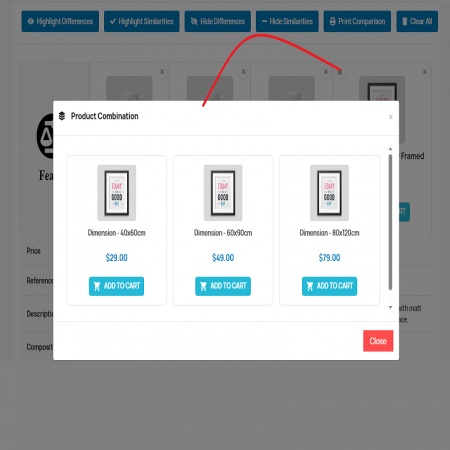
Present product combinations with their names, labels, descriptions, and images to help customers understand available variations.
Show delivery charge information for logged-in customers using configured carrier options and available delivery address information.
Help customers focus on important product details with controls for highlighting differences or similarities and hiding matching or different rows.
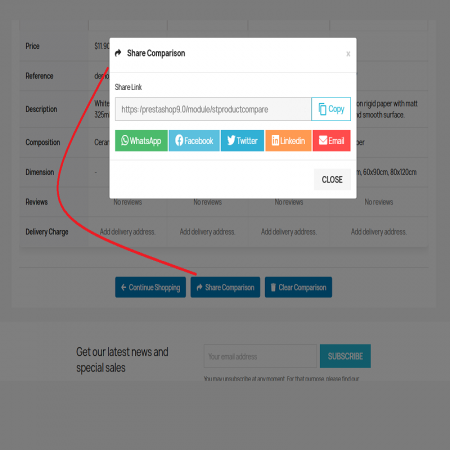
Allow customers to share their comparison using friendly links and available social sharing options, or print the comparison for later reference.
Provide convenient View Product, Remove, and Add to Cart actions directly from the comparison interface.
Add or remove products and update comparison information and counts without requiring a full page reload for each action.
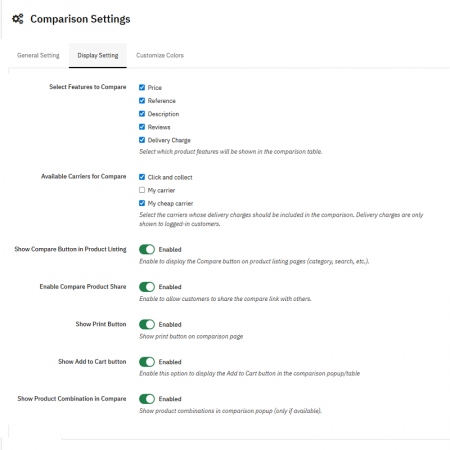
Choose which product information appears, including price, reference, description, composition, reviews, and delivery charge.
Enable delivery-charge calculation and select the carriers that should be included in the comparison experience.
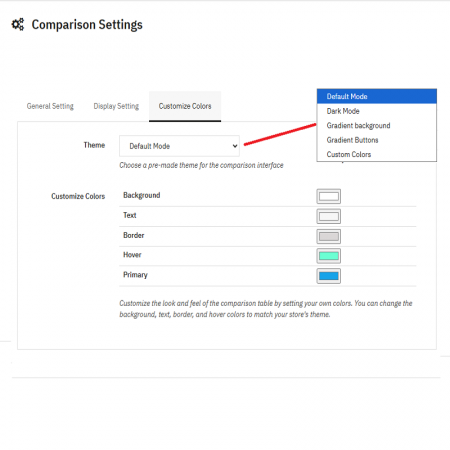
Customize primary, background, text, border, and hover colors to better match your store's visual identity.
Use PrestaShop context and translations to support multilingual and multistore environments.
Comparing prices and specifications across several browser tabs makes shopping slower and less convenient.
Customers may overlook differences in product specifications, features, combinations, or other important details.
Product price alone may not provide the complete picture when customers are evaluating delivery charges and available carriers.
A complicated comparison experience can make it harder for mobile shoppers to evaluate several products comfortably.
Store owners need control over which product details, carriers, and display options are relevant to their customers.
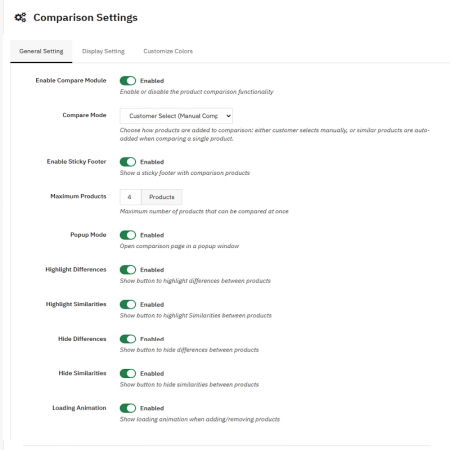
Configure the comparison experience according to your store's requirements. Available settings include:
Make product differences and specifications easier to evaluate.
Offer a convenient comparison workflow across product pages.
Include relevant price, specification, and delivery information.
Let shoppers compare selected products without repeatedly navigating between pages.
Install Advance Product Comparison in your PrestaShop store by following these steps:
Download the Advance Product Comparison ZIP package from Sathi.
For manual installation, upload the module folder named stproductcompare to your PrestaShop /modules/ directory using FTP or your hosting file manager.
Log in to your store administration panel and navigate to Modules & Services or Module Manager.
Use Upload a module if installing through a ZIP package. Find the Compare module (stproductcompare) and click Install.
Open the module configuration. Enable the required comparison features, choose the carriers, set the maximum number of products, and customize the theme colors and comparison mode.
Open your storefront, add products to compare, open the sticky footer, and test the popup or comparison page and available actions.
Compatible with PrestaShop versions 1.7.x to 9.2.x.
Bring product details, prices, combinations, and delivery information together in one convenient comparison experience.
| Vendor | Sathi |
|---|---|
| Last update | Nov 04, 2026 |
| Version | 1.2.0 |
| Required store version | From 1.7.x to 9.2.x |
| Publication date | Sep 15, 2025 |
| Return Policy | You can return the product within the 30 days period for a full refund. No questions asked. |
| Customer Support | Enjoy one year of free customer support, including installation, troubleshooting, and usage guidance. |
| Description | This product is compatible with the specified versions and includes all the latest updates to enhance functionality and user experience. |
Version:1.2.0
 Quantity Discount Table & Grid PrestaShop Module

 Save & Share Cart PrestaShop Module
 Advance Product Stickers & Labels Prestashop Module
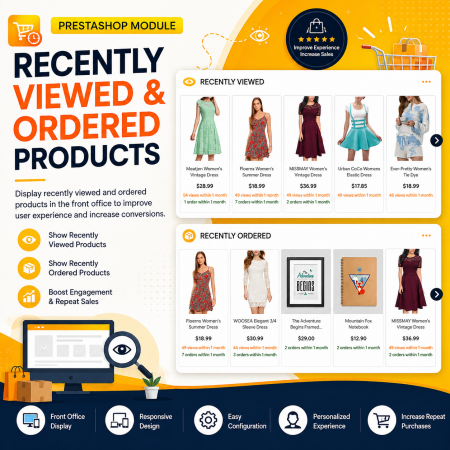
 Recently Viewed and Ordered Products Module for PrestaShop
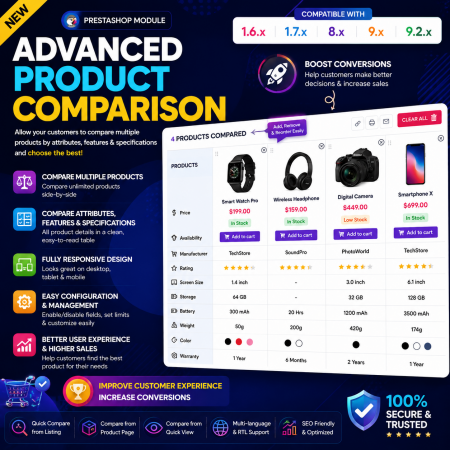
 Advance Product Comparison – Compare Products in PrestaShop

 WhatsApp Live Chat & Support PrestaShop Module
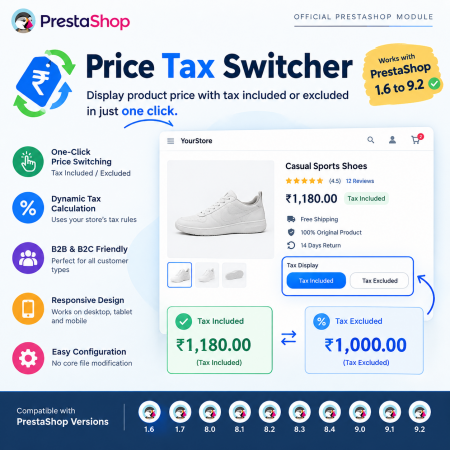
 PrestaShop Price Tax Switcher – Display Prices With or Without Tax Module
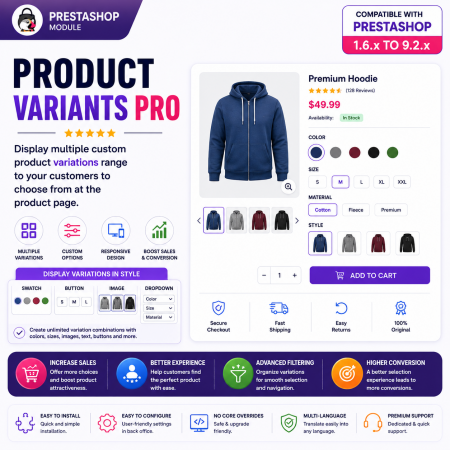
 PrestaShop Product Variants Pro – Custom Product Variant Groups Module
 Auto Change Country Language and Currency Prestashop Module

 Advance Custom Carousels | Sliders Prestashop Module
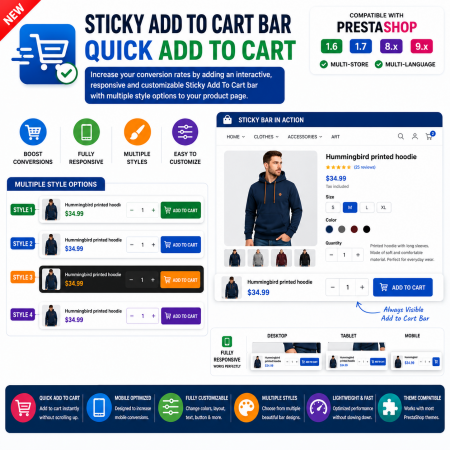
 Sticky Add to Cart Bar – Quick Add to Cart for PrestaShop
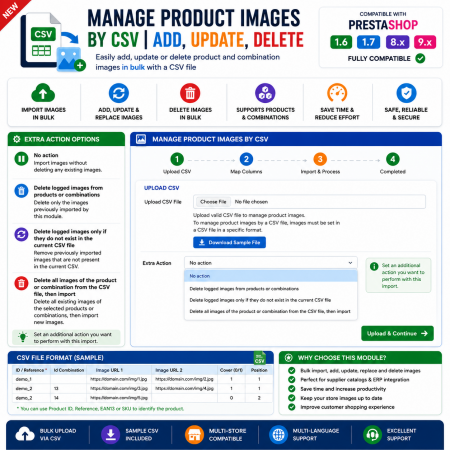
 Manage PrestaShop Product Images by CSV – Add, Update & Delete
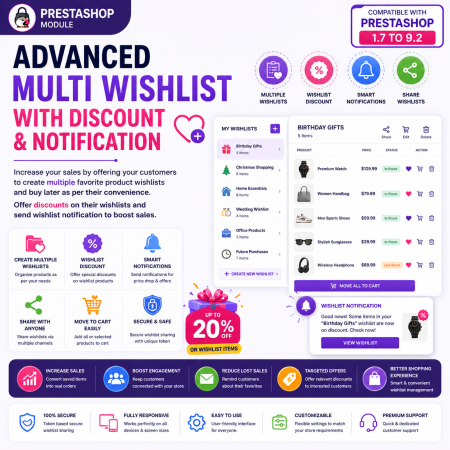
 Advanced Multi Wishlist for PrestaShop – Discounts, Notifications & Multiple Wishlists Module

 Advance Google SEO (XML & HTML) Sitemap Generator Prestashop Module

 Time Limited Offers & Countdown Timer Module for PrestaShop
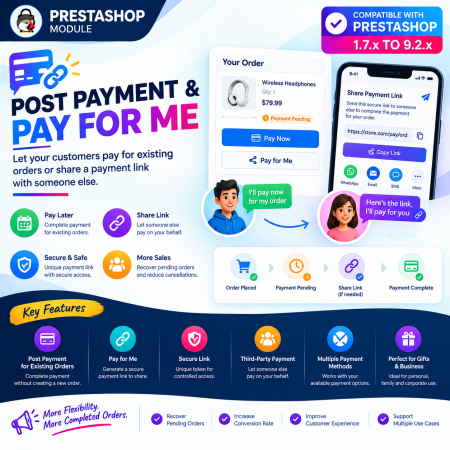
 Post Payment & Pay for me Prestashop Module
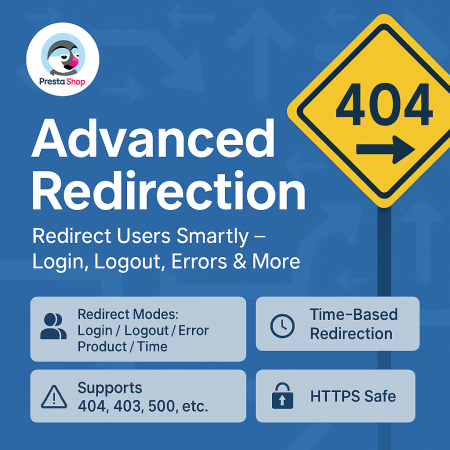
 Advanced URL Redirection (301, 302, 404) Module for PrestaShop
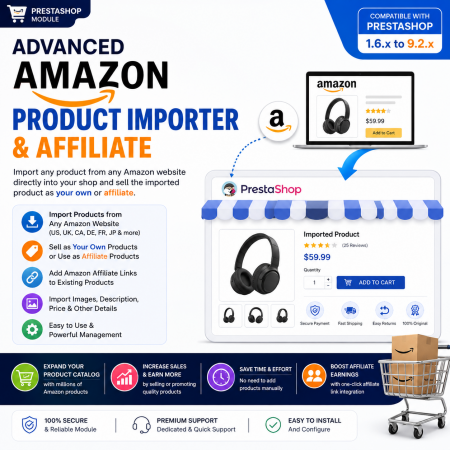
 Advanced Amazon Product Importer & Affiliate Module for PrestaShop – Import Products from Amazon
Advance Product Comparison is a powerful PrestaShop module that allows customers to compare multiple products side by side using a modern, interactive comparison interface.
Customers can add products to compare from product listings or product detail pages, access selected products through a sticky comparison footer, and view detailed comparisons in a popup or dedicated page.
The module supports product attributes, combinations, prices, descriptions, references, composition, reviews, and delivery charge previews. With AJAX-powered interactions, comparison sharing, printing, and customizable display settings, it makes product evaluation easier and more convenient.
Key Highlights:
Sticky and collapsible comparison footer.
Full comparison page and popup mode.
Product attributes and combination support.
Delivery charge preview for logged-in customers.
Highlight product differences and similarities.
Share and print product comparisons.
Quick View Product, Remove, and Add to Cart actions.
AJAX-powered comparison operations.
Configurable comparison fields and carrier selection.
Customizable colors and maximum product limit.
Multi-language and multi-shop support.

Encrypted payment gateways ensuring your financial and personal data remain 100% protected.

Every module includes professional installation assistance, free updates, and reliable troubleshooting.

Rigorously tested PrestaShop & WooCommerce extensions designed for maximum speed and zero bloat.

Transparent policies, clean documentation, and dedicated assistance if you run into any compatibility hurdles.