- -$40.00


This module enhances the shopping experience by allowing customers to easily explore product variations such as...

The module allows merchants to enhance product images with customizable stickers and labels. Whether it’s...

The Quantity Discount Table & Grid Module for PrestaShop helps merchants display...

This module allows you to offer free shipping based on flexible conditions, such as location, carrier, cart value,...

The module automatically adjusts language, currency, and country settings based on the customer's location....

Vendor
Version
Last update
Prestashop version
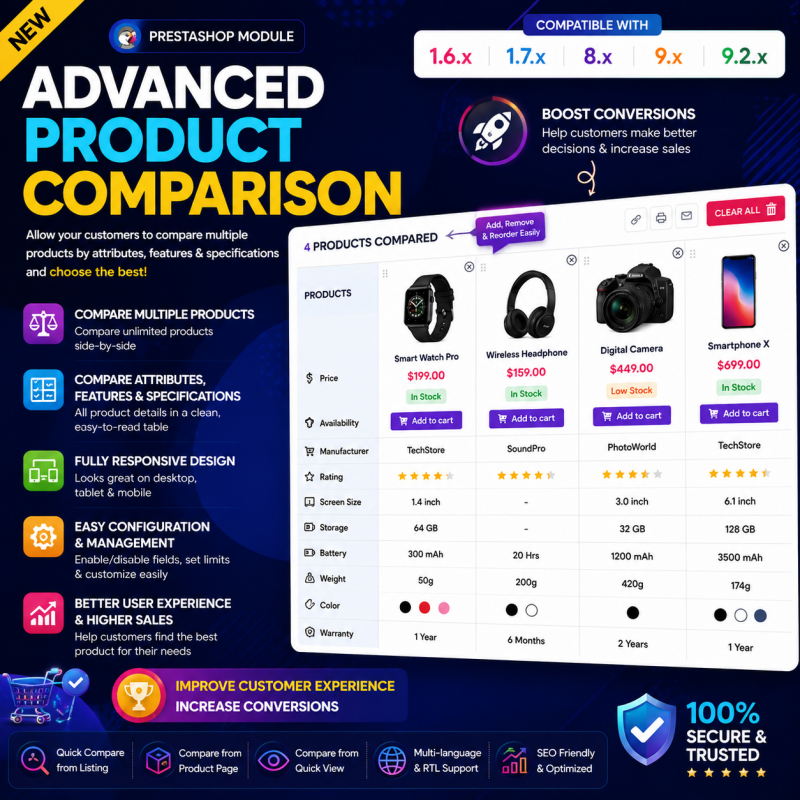
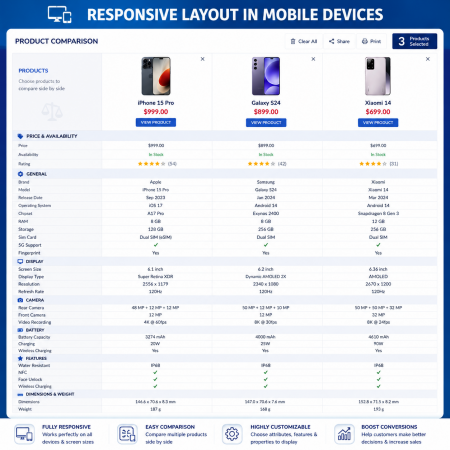
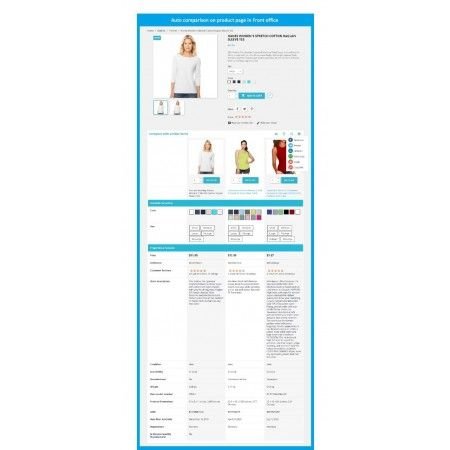
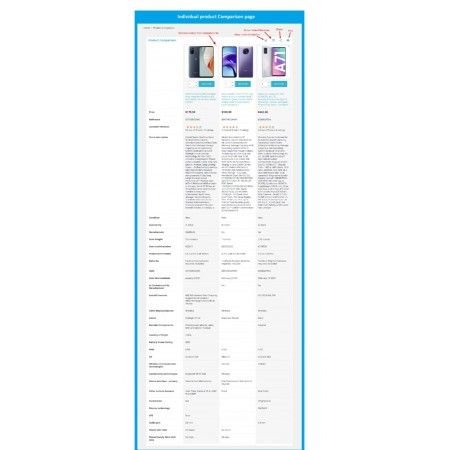
Make product selection easier with the Advance Product Comparison PrestaShop Module. Allow customers to compare multiple products side by side and review important product information, including images, names, prices, descriptions, and available features in one convenient view.
Instead of switching between several product pages and remembering individual details, shoppers can evaluate alternatives together and make more informed purchasing decisions.
Ideal for electronics, fashion, home appliances, furniture, sports equipment, accessories, and other product categories, this module creates a more organized shopping experience, simplifies product discovery, and helps customers find products that match their requirements.
Compare Products Side by Side. Simplify Shopping Decisions. Help Customers Choose Better.
Help your customers make confident purchasing decisions with the Advance Product Comparison PrestaShop Module. Give shoppers a convenient way to compare multiple products in one place, review important product information, and identify the option that best matches their needs.
When customers shop online, they often explore several similar products before making a final decision. They may need to compare prices, product descriptions, images, specifications, and available features. However, navigating between multiple product pages can make this process confusing and time-consuming.
The Advance Product Comparison module makes product evaluation more organized by bringing product information together in a comparison experience.
Whether you operate an electronics store, fashion shop, furniture website, sports equipment store, or general eCommerce business, this module helps customers explore alternatives and make better-informed shopping decisions.
Choosing the right product is not always easy.
Imagine a customer visiting your electronics store to purchase a laptop. They find three interesting products, but each has a different price, description, configuration, and set of features.
To understand which laptop is suitable, the customer must repeatedly open product pages, review individual details, and remember the differences.
This creates unnecessary browsing effort and can make product selection less convenient.
The Advance Product Comparison module addresses this problem by providing a centralized product comparison experience.
Customers can select products they want to evaluate and review their available information together, making it easier to understand the differences between alternatives.
Browse Products → Select Alternatives → Compare Details → Evaluate Options → Choose & Purchase
Instead of relying on memory, shoppers can review product information together and make decisions with greater clarity.
Customers often have different requirements when choosing products.
Some prioritize price, others focus on specifications, product features, design, or descriptions. Without a convenient comparison experience, shoppers may struggle to evaluate similar products.
Common challenges include:
Customers repeatedly switch between product pages.
Important product differences are difficult to remember.
Comparing multiple alternatives requires additional browsing effort.
Shoppers may find it difficult to identify the product that meets their requirements.
Product selection becomes less organized when a catalogue contains many similar items.
The Advance Product Comparison module helps address these challenges by organizing product information into a single comparison experience.
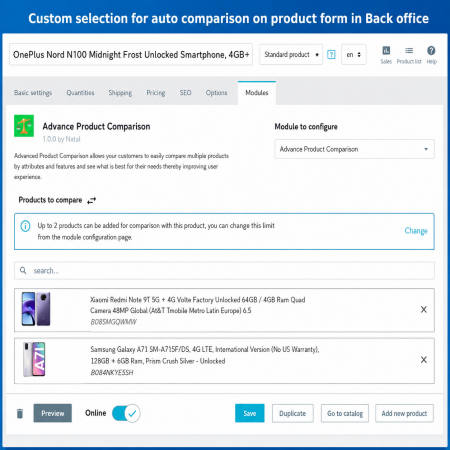
Allow customers to select multiple products from your store and evaluate them together.
Instead of checking each product individually, shoppers can bring their preferred alternatives into one comparison experience.
Key benefits:
Compare different products in one place.
Evaluate multiple alternatives before purchasing.
Make product selection more organized.
Reduce the need to revisit individual product pages.
Help customers identify suitable products more conveniently.
Business value: Make it easier for shoppers to evaluate your product catalogue and find the right products.
Present available product information in an organized comparison layout.
A side-by-side comparison helps customers understand how different products compare without relying on their memory.
Depending on the fields supported by your implementation, the comparison can present information such as:
Product names.
Product descriptions.
Product features.
Available product specifications.
Business value: Help customers understand product differences and evaluate alternatives more efficiently.
Price is one of the most important factors influencing online purchasing decisions.
When customers consider multiple products, they often want to understand the price differences before selecting an item.
A comparison view that includes product prices makes it easier to review available alternatives together.
Key benefits:
Review prices alongside other product information.
Evaluate different product options.
Understand price differences more conveniently.
Make purchasing decisions with better visibility into available choices.
Business value: Give customers a clearer understanding of your product offerings and their pricing.
Product images and descriptions help shoppers understand what they are considering.
Allow customers to review available product information together instead of repeatedly opening different product pages.
Key benefits:
Review product images.
Identify product names.
Examine available descriptions.
Understand differences between alternatives.
Evaluate products using their available information.
Business value: Create a more informative product evaluation experience.
Customers often purchase products based on specific requirements.
For example, someone buying a laptop may focus on RAM, storage, processor, and display specifications. A customer choosing furniture may prioritize dimensions, materials, and design.
A product comparison experience helps shoppers review available product features and specifications together.
Key benefits:
Examine available product features.
Review differences between product alternatives.
Evaluate specifications more conveniently.
Find products that match individual requirements.
Make more informed product selections.
Business value: Help customers understand which available product best suits their needs.
Customers do not always know exactly which product they want when visiting an online store.
They may start with one product and discover other alternatives while browsing.
Product comparison provides a more organized way to evaluate those alternatives before making a decision.
Key benefits:
Encourage shoppers to explore similar products.
Evaluate different product options together.
Discover alternatives within your catalogue.
Make product discovery more convenient.
Business value: Help customers explore more of your product catalogue during their shopping journey.
A good shopping experience should help customers move from product discovery to purchasing with as little unnecessary effort as possible.
By organizing product information into a comparison view, this module makes it easier to evaluate alternatives and decide what to purchase.
Key benefits:
Simplify product evaluation.
Organize product information.
Reduce repetitive browsing.
Support more confident purchasing decisions.
Improve overall shopping convenience.
Business value: Make your product catalogue easier to explore and understand.
The module supports a straightforward product evaluation journey.
Customers explore your PrestaShop catalogue and discover products that match their interests.
They can browse different categories and identify alternatives they want to evaluate.
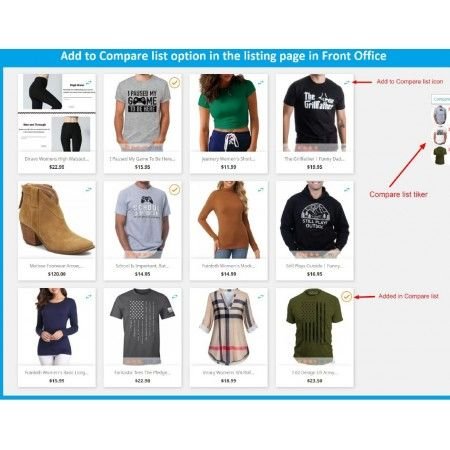
Customers select the products they are interested in comparing.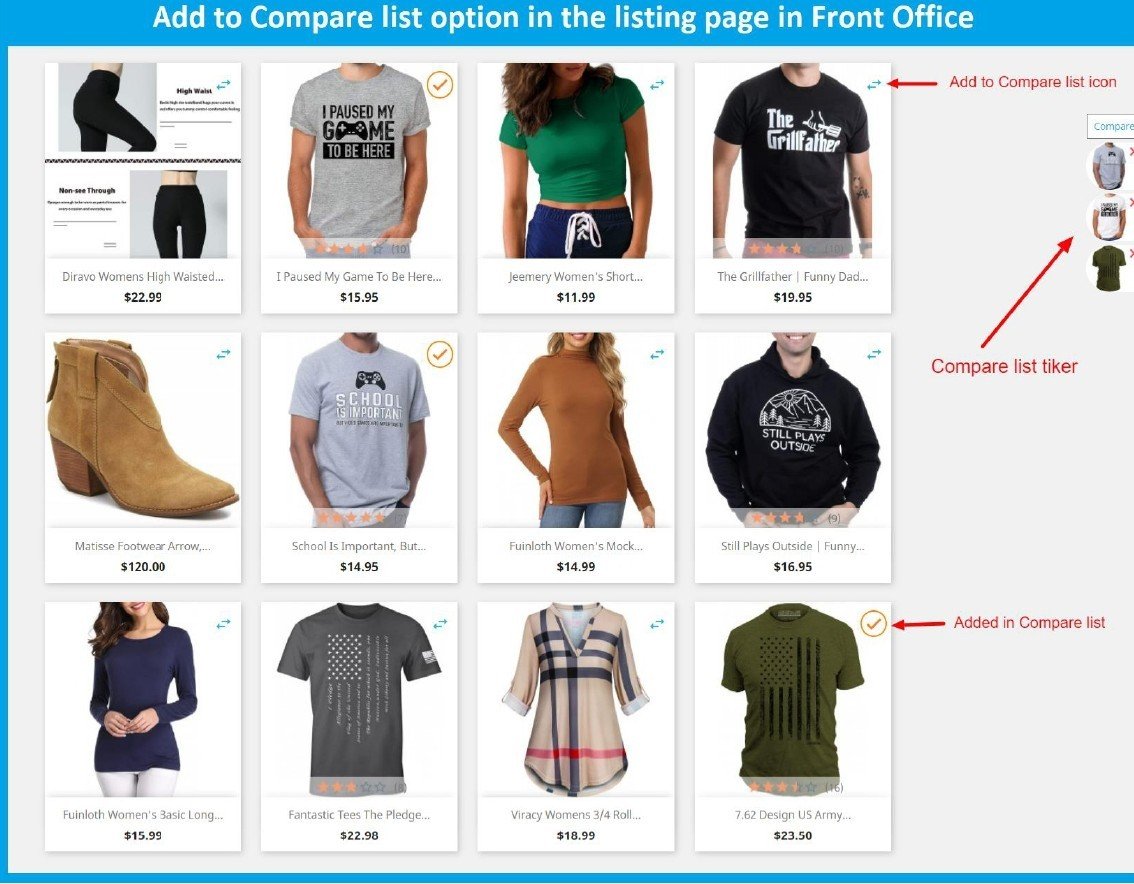
They can bring their preferred alternatives together for evaluation.
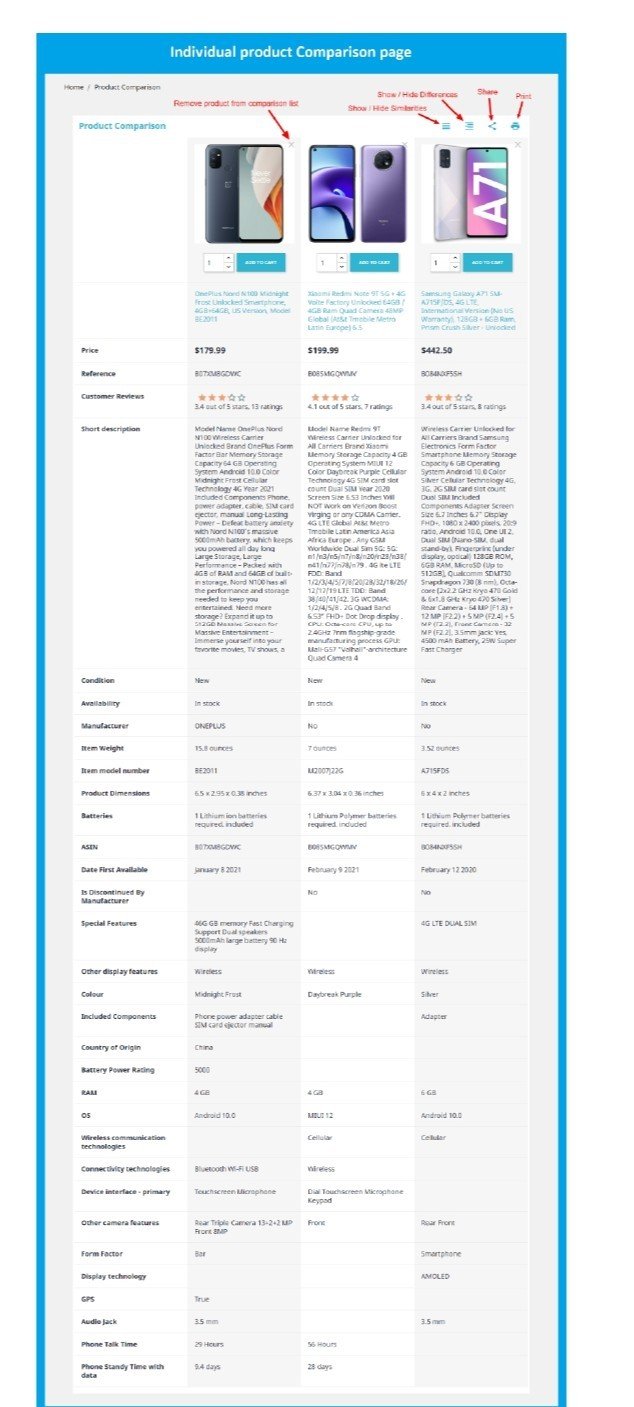
The selected products are presented in a comparison experience.
 |
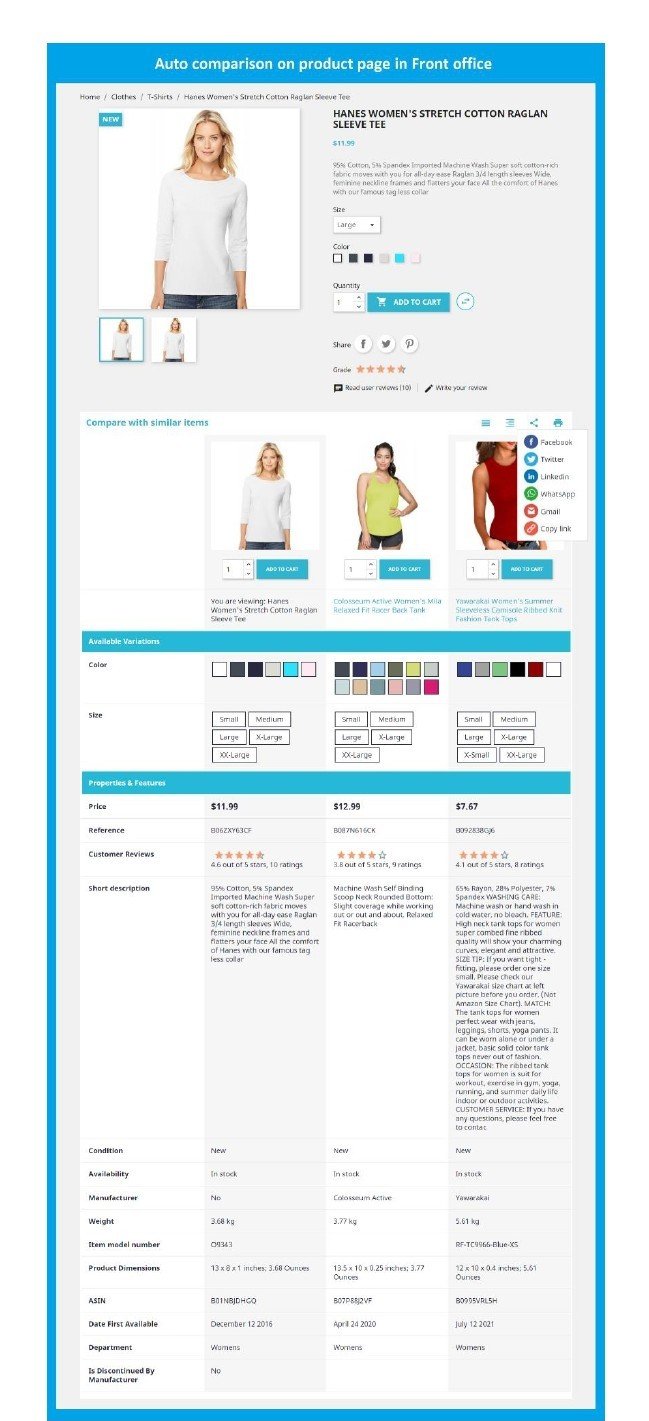 |
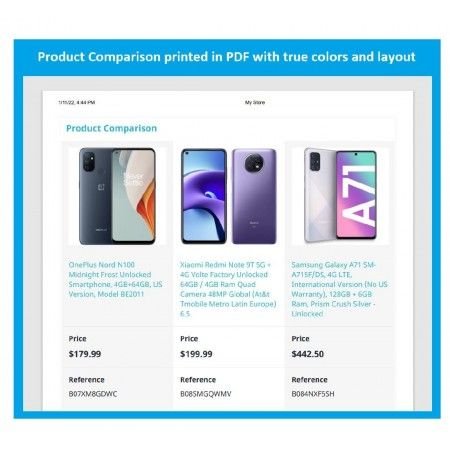
Customers can review the available product images, names, prices, descriptions, and supported features.
Customers examine the available information and identify which product best matches their requirements and budget.
After reviewing the alternatives, customers can proceed with their preferred product and continue their shopping journey.
Result: A more organized shopping experience that makes product selection easier.
Consider a customer choosing between three smartphones.
| Product Details | Smartphone A | Smartphone B | Smartphone C |
|---|---|---|---|
| Product Image | Image A | Image B | Image C |
| Product Name | Model A | Model B | Model C |
| Price | Price A | Price B | Price C |
| Description | Details A | Details B | Details C |
| Features | Features A | Features B | Features C |
Illustrative example only. Actual comparison fields depend on your product information and module implementation.
Rather than opening three separate product pages, customers can review the available information together and identify the smartphone that best suits their needs.
A convenient comparison experience can support several important eCommerce objectives.
Help shoppers explore alternatives and understand the products available in your catalogue.
Make it easier to review several products without repeatedly navigating between individual product pages.
Give customers a more organized way to evaluate product information before buying.
Make product evaluation a natural part of the online shopping journey.
Allow shoppers to consider their requirements, compare available options, and identify products that match their preferences.
Provide a clearer overview of available product information to help shoppers make better-informed decisions.
Product comparison is valuable for almost any online store where customers need to evaluate multiple alternatives before purchasing.
Help customers compare laptops, smartphones, tablets, cameras, televisions, and other electronic devices.
Shoppers can review available prices, product descriptions, and technical specifications to find suitable products.
Allow customers to explore different clothing items, footwear, accessories, and fashion collections.
Help shoppers evaluate available product information and choose items that match their preferences.
Make it easier to evaluate furniture, kitchen appliances, home accessories, and household products.
Customers can review available descriptions, images, prices, and product specifications.
Help shoppers compare fitness equipment, sports accessories, exercise machines, and outdoor products.
Make it easier to identify products suitable for their intended activities.
Allow customers to evaluate tools, hardware, automotive accessories, and other similar products.
Help them review available product details before selecting an appropriate option.
Whether you sell one product category or operate a large multi-category store, product comparison can make your catalogue more convenient to explore.
Customers appreciate online stores that make shopping decisions easier.
A well-organized comparison experience can help your store stand out by giving shoppers a convenient way to evaluate alternatives.
With Advance Product Comparison, you can:
Provide an organized product comparison experience.
Help customers evaluate multiple products.
Present available product information together.
Make price and feature evaluation more convenient.
Reduce repetitive navigation between product pages.
Support informed purchasing decisions.
Improve product discovery across your catalogue.
Create a more customer-friendly shopping experience.
Instead of expecting shoppers to remember every product they visit, give them a convenient way to review their preferred alternatives together.
Install the Advance Product Comparison module using the standard PrestaShop module installation process.
Download the Advance Product Comparison module ZIP package.
Log in to your PrestaShop Back Office.
Navigate to Modules → Module Manager.
Click Upload a module.
Select the downloaded ZIP package.
Upload and install the module.
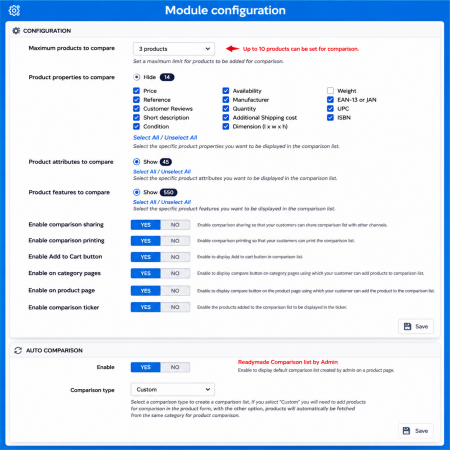
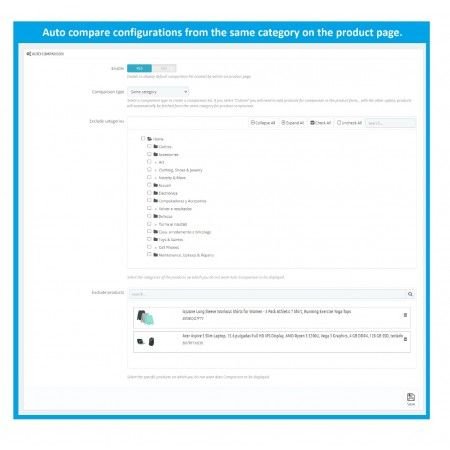
Open the module configuration page, if available.
Review the available settings and configure them according to your store requirements.
Save the configuration.
Visit your storefront and test the product comparison experience.
Once installed and configured, customers can use the comparison functionality provided by the module.
Advance Product Comparison is a PrestaShop extension that helps customers evaluate multiple products together. It organizes available product information into a comparison experience so shoppers can make more informed purchasing decisions.
Customers often need to evaluate several alternatives before purchasing. Product comparison makes it easier to review available information, understand product differences, and identify suitable products without repeatedly navigating between separate pages.
Depending on the supported comparison fields and implementation, customers can review product images, names, prices, descriptions, features, and other available product information.
Yes. The module is designed to allow customers to select multiple products and evaluate them within a comparison experience.
Yes. Electronics customers frequently compare technical specifications, prices, and product features before purchasing laptops, smartphones, televisions, and other electronic devices.
Yes. By presenting available product information together, the module helps shoppers evaluate alternatives and make more informed decisions.
Yes. Product comparison can be particularly useful when a store offers several similar products across different categories, making it easier for customers to evaluate alternatives.
No module can guarantee increased sales. However, a convenient comparison experience can reduce product evaluation effort and support customers during their purchasing decisions.
The comparison experience is designed to present available product information, including prices and descriptions, subject to the fields supported by the module and your store's product data.
Download the module ZIP package, navigate to Modules → Module Manager in your PrestaShop Back Office, upload the package, and install it. Follow any additional configuration instructions supplied with the module.
Give your customers a better way to evaluate products before making a purchase.
With the Advance Product Comparison PrestaShop Module, shoppers can explore alternatives, review available product information, compare prices and features, and identify products that match their requirements.
Make product discovery more convenient, reduce repetitive browsing, and create a more informed shopping experience for your customers.
Help customers compare better. Help them choose confidently. Grow your PrestaShop store with Sathi.
| Vendor | Nxtal |
|---|---|
| Last update | Nov 23, 2026 |
| Version | 2.0.0 |
| Required store version | From 1.6.x to 9.2.x |
| Publication date | Aug 07, 2026 |
| Return Policy | You can return the product within the 30 Days return period for a full refund. No questions asked. |
| Customer Support | Enjoy one year of free customer support, including installation, troubleshooting, and usage guidance. |
| Description | This product is compatible with the specified versions and includes all the latest updates to enhance functionality and user experience. |
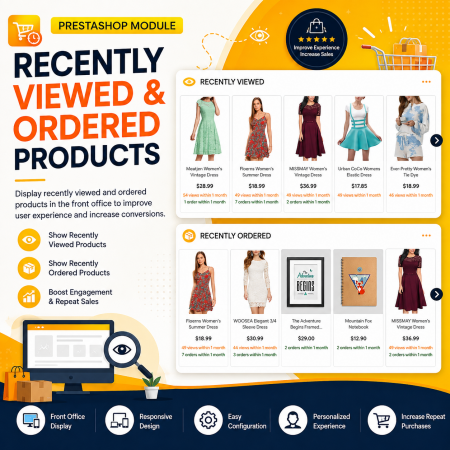
 Recently Viewed and Ordered Products – Product History Module for PrestaShop
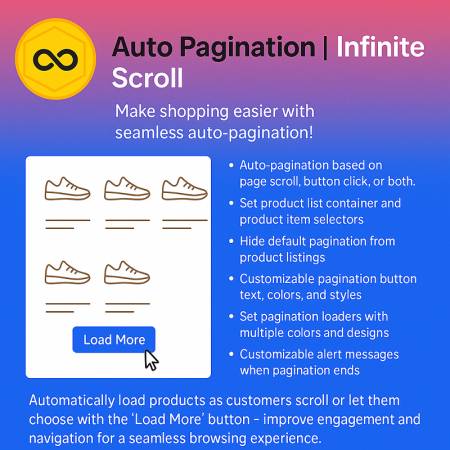
 Auto Pagination | Infinite Scroll Prestashop Module
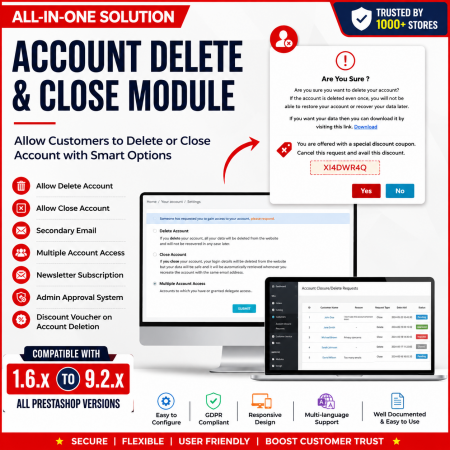
 Customer Account Settings – Customer Account Management Module for PrestaShop
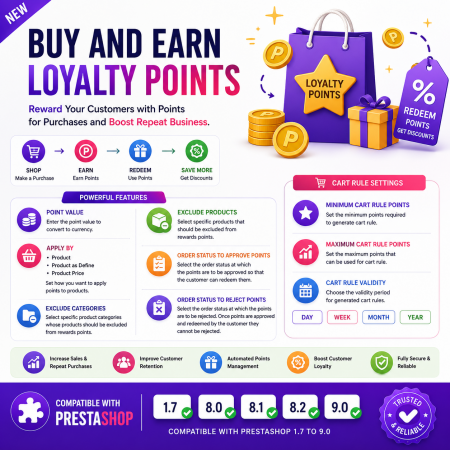
 Buy and Earn Loyalty Points for PrestaShop

 Product Video – YouTube, Vimeo, External Links & Video Upload for PrestaShop
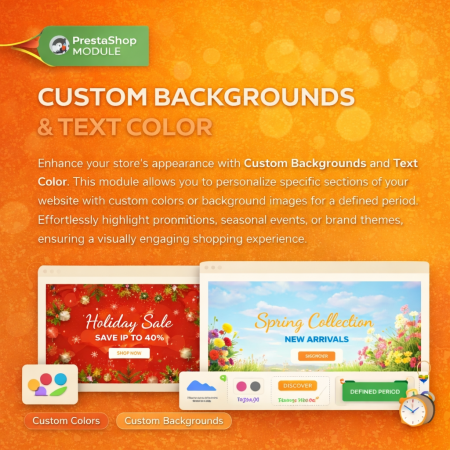
 Custom Background And Text Color Prestashop Module
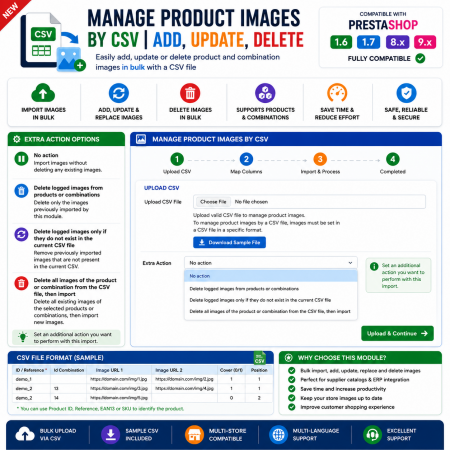
 Manage PrestaShop Product Images by CSV – Add, Update & Delete
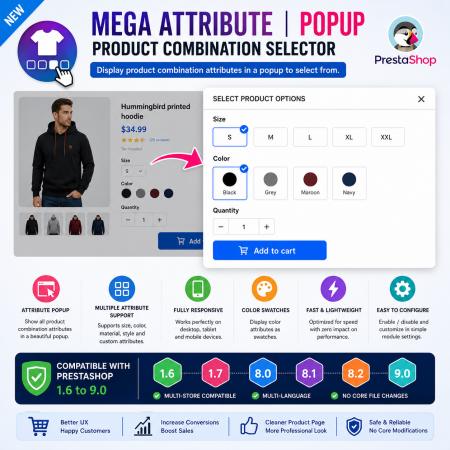
 Mega Attribute Popup Module for PrestaShop
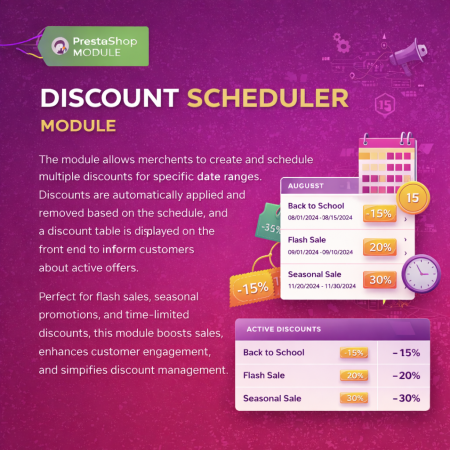
 Multiple discount date wise discount Prestashop Module
 Buy Now Button | Quick Order Prestashop Module
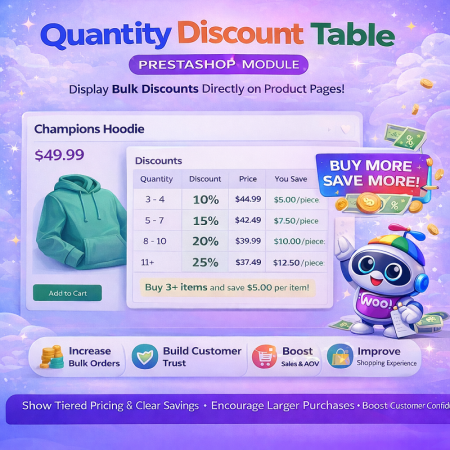 Quantity Discount Table & Grid PrestaShop Module
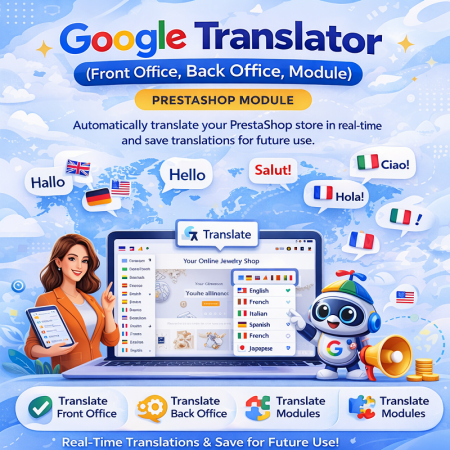
 Google Translator (Front Office, Back Office, Module) Prestashop Module
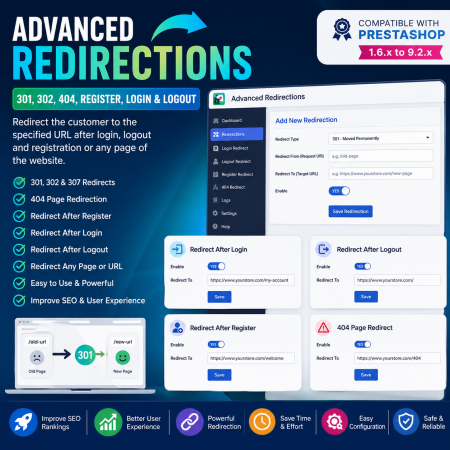
 Advanced Redirections – 301, 302, 404 & Customer Redirects for PrestaShop
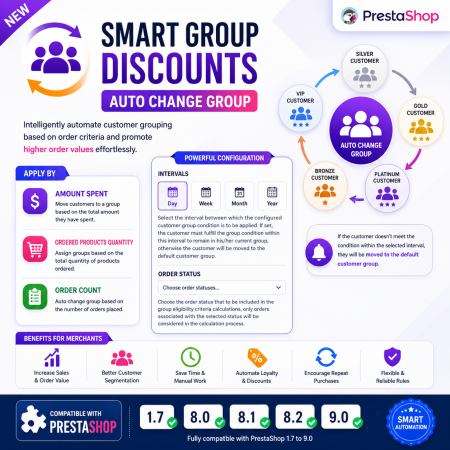
 Smart Group Discounts & Automatic Customer Group Changes for PrestaShop Module

 Social Wall Feeds Facebook and Twitter Prestashop Module
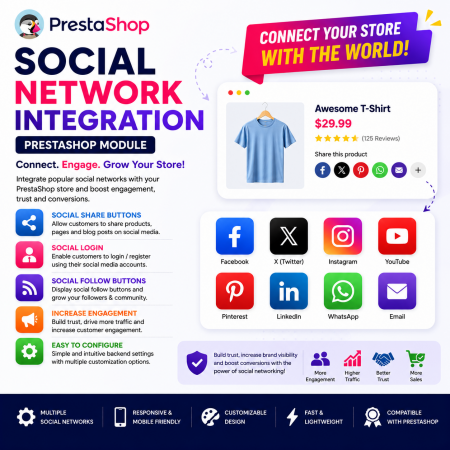
 Social Network Integration Prestashop Module
Make product selection easier with the Advance Product Comparison PrestaShop Module. Allow customers to compare multiple products side by side and review important product information, including images, names, prices, descriptions, and available features in one convenient view.
Instead of switching between several product pages and remembering individual details, shoppers can evaluate alternatives together and make more informed purchasing decisions.
Ideal for electronics, fashion, home appliances, furniture, sports equipment, accessories, and other product categories, this module creates a more organized shopping experience, simplifies product discovery, and helps customers find products that match their requirements.

Encrypted payment gateways ensuring your financial and personal data remain 100% protected.

Every module includes professional installation assistance, free updates, and reliable troubleshooting.

Rigorously tested PrestaShop & WooCommerce extensions designed for maximum speed and zero bloat.

Transparent policies, clean documentation, and dedicated assistance if you run into any compatibility hurdles.