- -$40.00

This module enhances the shopping experience by allowing customers to easily explore product variations such as...

The module allows merchants to enhance product images with customizable stickers and labels. Whether it’s...
The Quantity Discount Table module for PrestaShop makes bulk pricing clear and attractive by...

This module allows you to offer free shipping based on flexible conditions, such as location, carrier, cart value,...

The module automatically adjusts language, currency, and country settings based on the customer's location....

Vendor
Version
Last update
Prestashop version
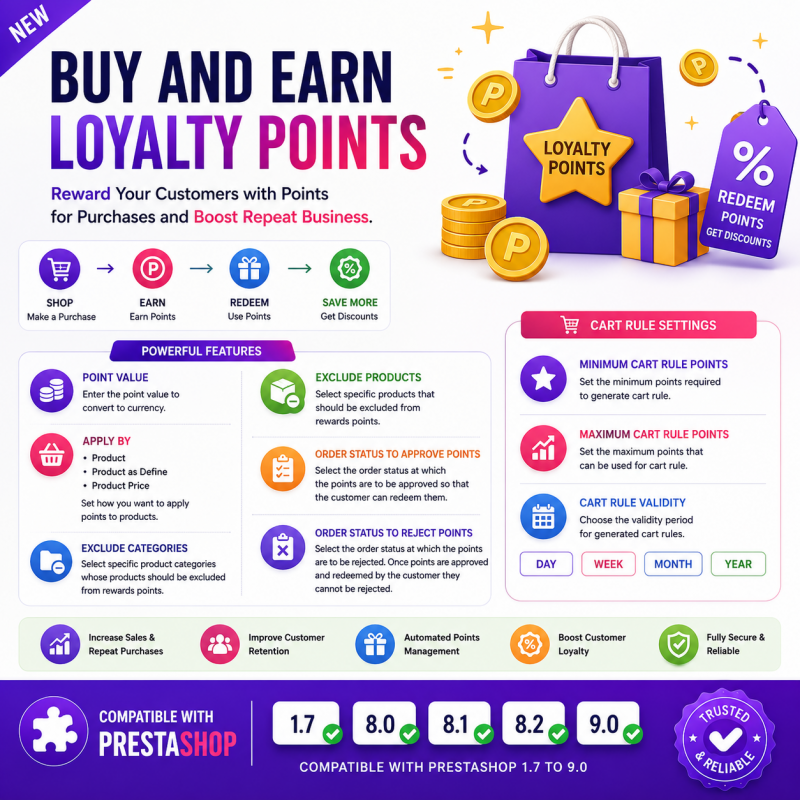
Buy And Earn | Loyalty Points is a feature-rich PrestaShop loyalty rewards module that helps merchants increase customer retention by rewarding customers with loyalty points for every eligible purchase. Customers can accumulate points, redeem them as discounts on future orders, and enjoy a more rewarding shopping experience.
The module provides complete flexibility over how points are earned, approved, redeemed, and managed. With configurable earning rules, product and category exclusions, order status validation, and automatic cart rule generation, you can build a professional loyalty program that encourages repeat purchases and increases customer lifetime value.
Acquiring new customers is important, but retaining existing customers is even more valuable. Buy And Earn | Loyalty Points enables you to reward loyal customers automatically by assigning points for qualifying purchases.
You can define how reward points are calculated, choose whether points are awarded based on products or product prices, exclude selected products or categories, and specify exactly when points should be approved or rejected based on the order status.
The module also allows customers to convert their earned points into discount vouchers through PrestaShop Cart Rules. Merchants have full control over minimum and maximum redeemable points as well as voucher validity periods.
Everything is automated, giving both merchants and customers a seamless loyalty rewards experience.
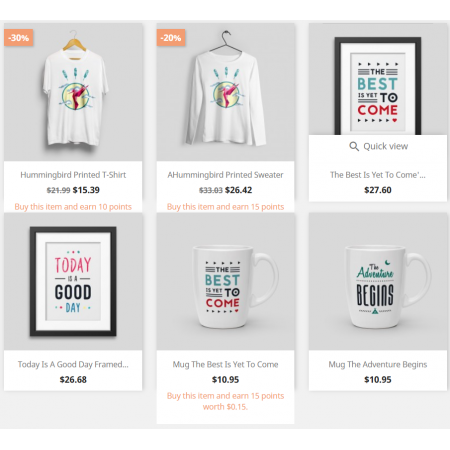
Automatically reward customers with loyalty points after eligible purchases.
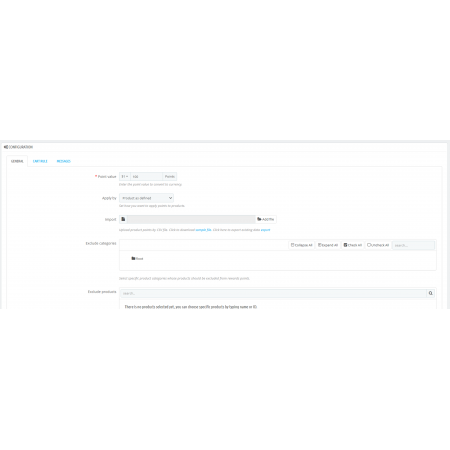
Configure the conversion rate between loyalty points and your store currency.
Example:
You have complete control over the point value.
Choose how reward points should be calculated.
Award points based on each purchased product.
Assign predefined point values to individual products.
Calculate reward points according to the product price.
Exclude selected product categories from earning loyalty points.
Ideal for:
Exclude individual products from the loyalty rewards program.
Perfect for products that should never generate reward points.
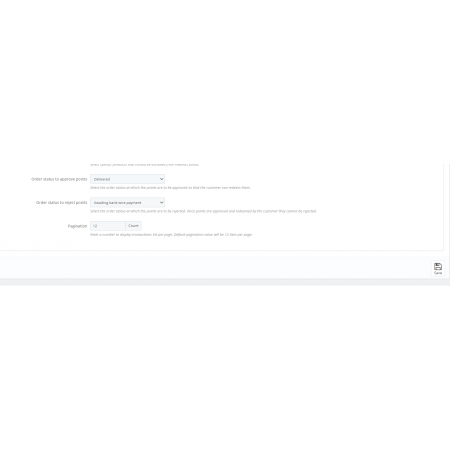
Choose the order status at which loyalty points become approved.
Examples:
Customers can only redeem approved points.
Choose the order status that will reject pending loyalty points.
Rejected points are automatically removed if the order matches the selected rejection status.
Note: Once approved points have already been redeemed by the customer, they cannot be rejected.
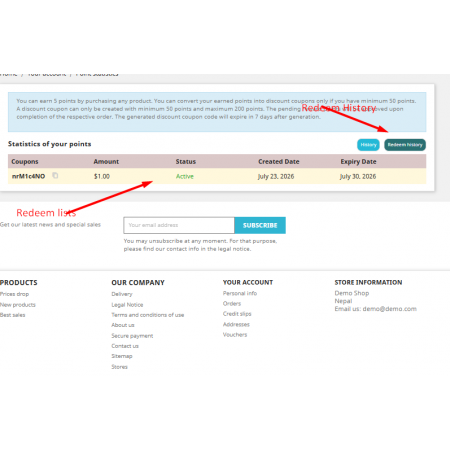
Convert loyalty points into PrestaShop discount vouchers automatically.
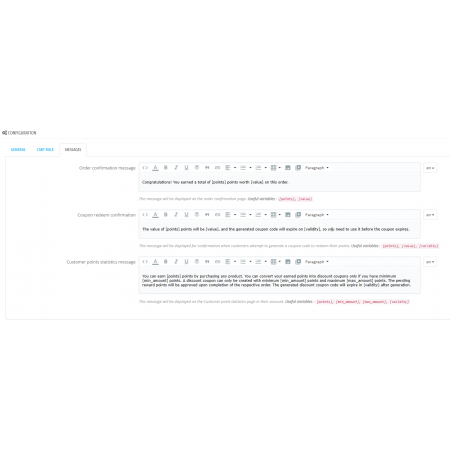
Customers can redeem their points directly during shopping.
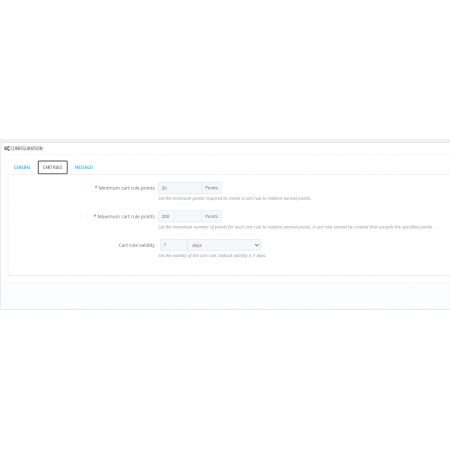
Define the minimum number of points required before customers can generate a discount voucher.
Limit the maximum number of points customers can redeem in a single voucher.
Control how long generated reward vouchers remain valid.
Supported validity periods include:
Generate PrestaShop Cart Rules automatically from customer reward points.
No manual voucher creation required.
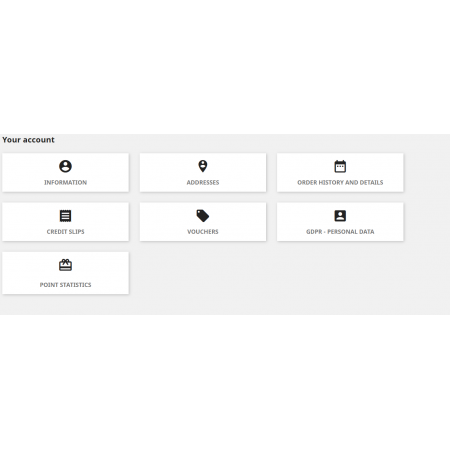
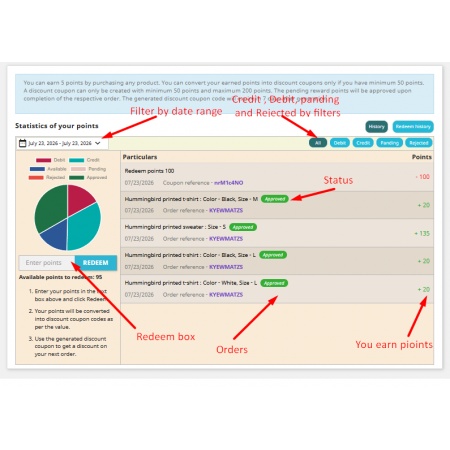
Customers can easily view:
Fully compatible with:
Optimized for:
Fully translatable using the native PrestaShop translation system.
Supports PrestaShop Multistore installations.
Uses PrestaShop's native reward and order workflow without modifying core files.
Configure how reward points are converted into your store currency.
Choose how customers earn points:
Select categories whose products should not generate reward points.
Select individual products to exclude from the loyalty program.
Specify the order status at which earned points become available for redemption.
Specify the order status that rejects pending reward points.
Approved and already redeemed points remain protected and cannot be rejected.
Configure:
Generated vouchers are automatically created using PrestaShop's Cart Rule system.
Installing Buy And Earn | Loyalty Points is simple and takes only a few minutes.
Your loyalty rewards program is now active, and customers will automatically begin earning points based on your configured rules.
Buy And Earn | Loyalty Points transforms every purchase into an opportunity to build stronger customer relationships, reward loyal shoppers, and encourage repeat business through an automated, flexible, and easy-to-manage loyalty rewards system.
| Vendor | Nxtal |
|---|---|
| Last update | Oct 01, 2026 |
| Version | 2.0.0 |
| Required store version | From 1.7.x to 9.2.x |
| Publication date | Jul 23, 2026 |
| Return Policy | You can return the product within the 30 Days return period for a full refund. No questions asked. |
| Customer Support | Enjoy one year of free customer support, including installation, troubleshooting, and usage guidance. |
| Description | This product is compatible with the specified versions and includes all the latest updates to enhance functionality and user experience. |
 Buy Now Button | Quick Order Prestashop Module
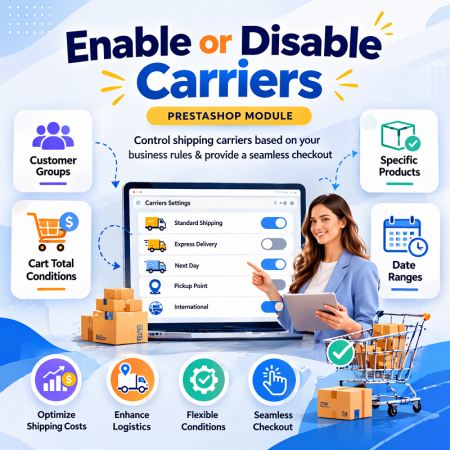
 Enable or Disable Carriers with Conditions Prestashop Module
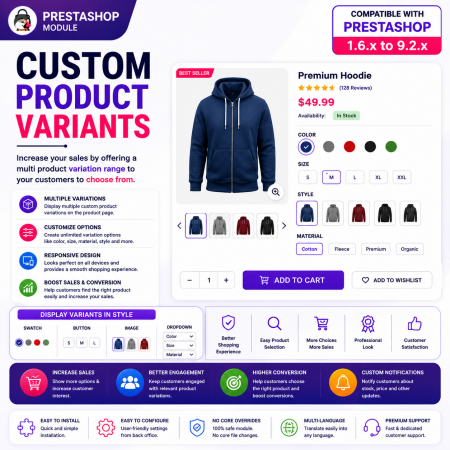
 Custom Product Variants | Products as Variation Prestashop Module
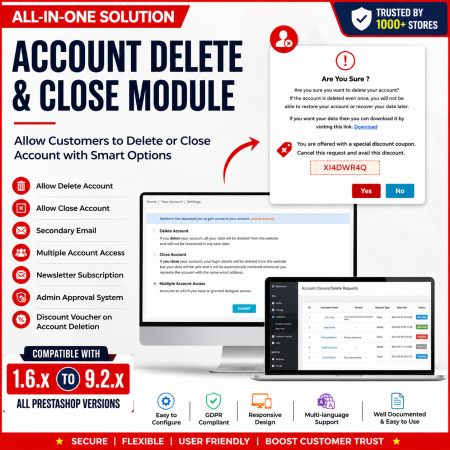
 Customer Account Settings Prestashop module
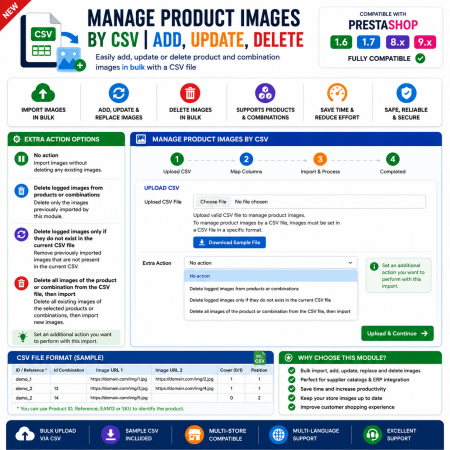
 Manage Product Images By CSV | Add, Update, Delete Prestashop Module
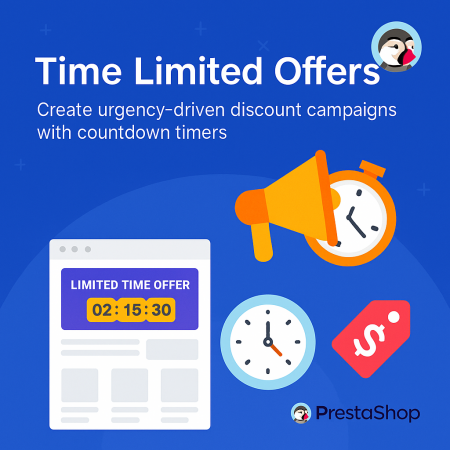
 Time Limited Offers | Countdown Timer - PrestaShop Module

 Advanced Shops, Products Reviews and Ratings Prestashop Module
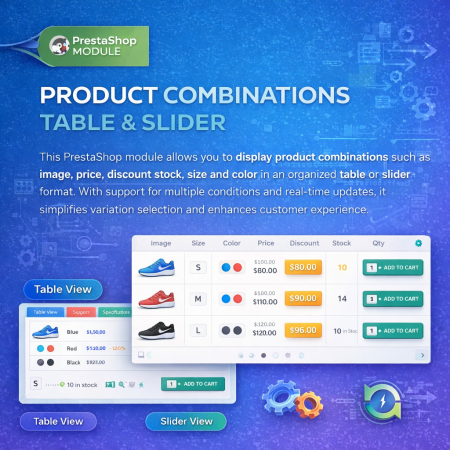
 Product Combination Table & Slider Prestashop Module
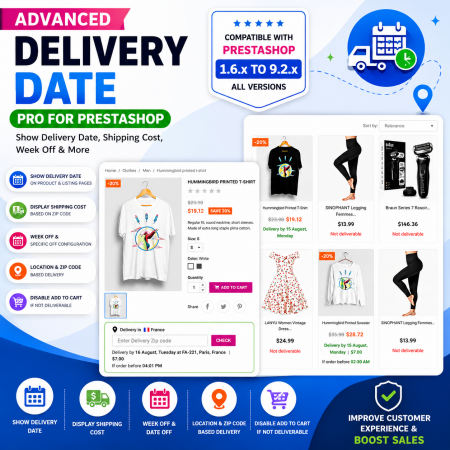
 Proposed Delivery Date and Cost Prestashop Module

 Social Wall Feeds Facebook and Twitter Prestashop Module
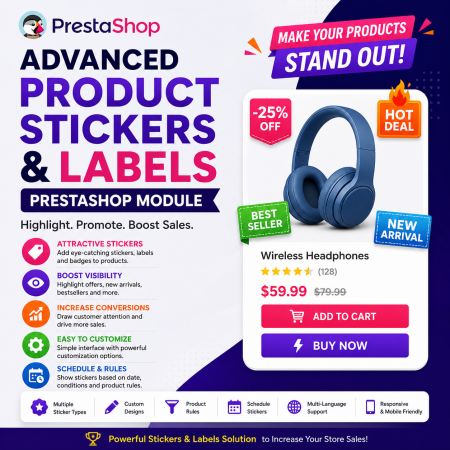 Advance Product Stickers & Labels Prestashop Module
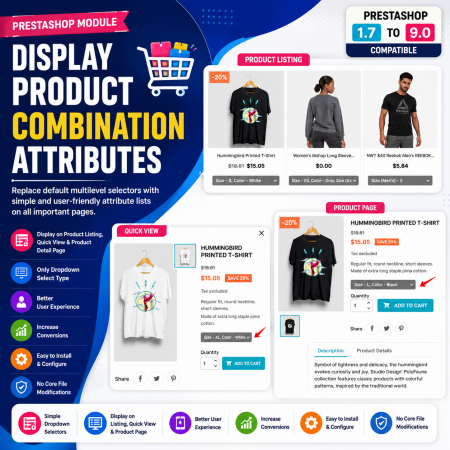
 Display Product Combination Attributes Prestashop Module
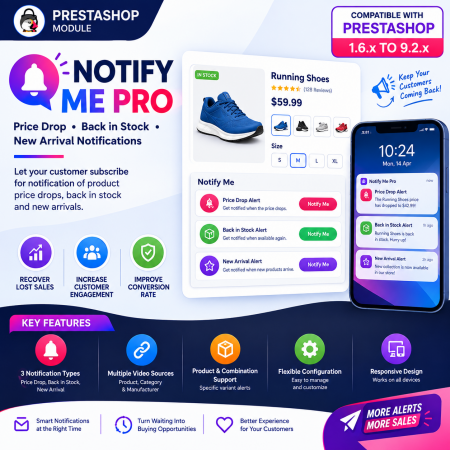
 Notify Me Pro - Price Drop, Back in Stock, New Arrivals Prestashop Module
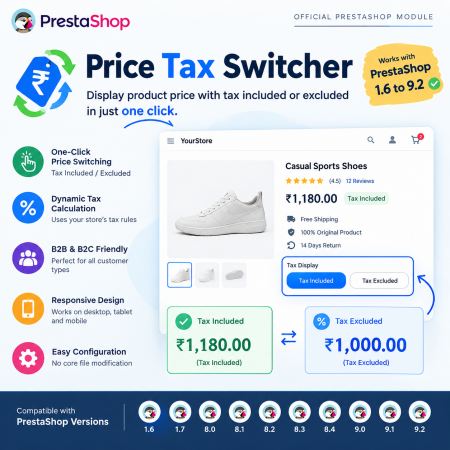
 Price Tax Switcher | Display Price Tax incl. or excl. Prestashop Module
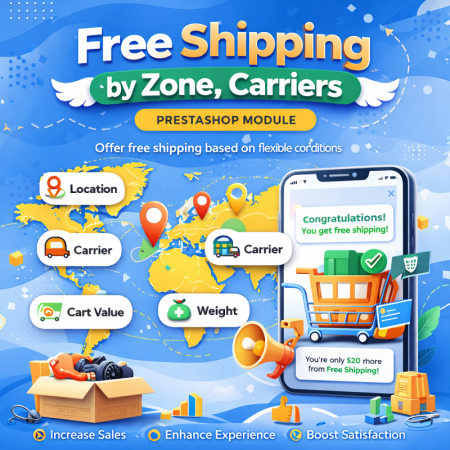 Free Shipping By zone, Carrier Prestashop Module

 Offer Your Price | Make an Offer | Customer Price | Prestashop Module
Buy And Earn | Loyalty Points is a feature-rich PrestaShop loyalty rewards module that helps merchants increase customer retention by rewarding customers with loyalty points for every eligible purchase. Customers can accumulate points, redeem them as discounts on future orders, and enjoy a more rewarding shopping experience.
The module provides complete flexibility over how points are earned, approved, redeemed, and managed. With configurable earning rules, product and category exclusions, order status validation, and automatic cart rule generation, you can build a professional loyalty program that encourages repeat purchases and increases customer lifetime value.

Encrypted payment gateways ensuring your financial and personal data remain 100% protected.

Every module includes professional installation assistance, free updates, and reliable troubleshooting.

Rigorously tested PrestaShop & WooCommerce extensions designed for maximum speed and zero bloat.

Transparent policies, clean documentation, and dedicated assistance if you run into any compatibility hurdles.