- -$40.00

This module enhances the shopping experience by allowing customers to easily explore product variations such as...

The module allows merchants to enhance product images with customizable stickers and labels. Whether it’s...

The Quantity Discount Table & Grid Module for PrestaShop helps merchants display...

This module allows you to offer free shipping based on flexible conditions, such as location, carrier, cart value,...

The module automatically adjusts language, currency, and country settings based on the customer's location....

Vendor
Version
Last update
Prestashop version
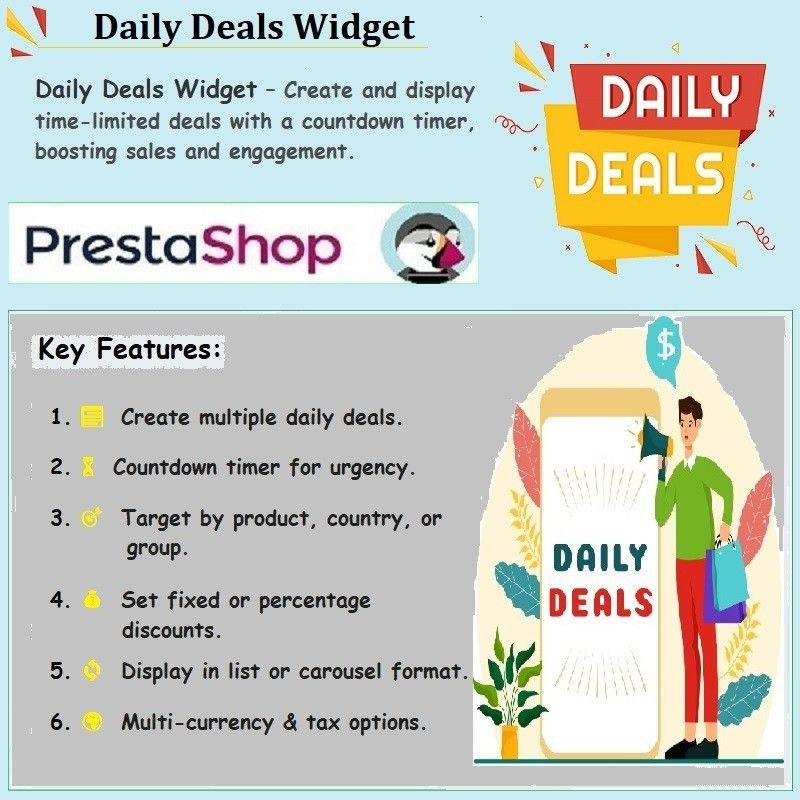
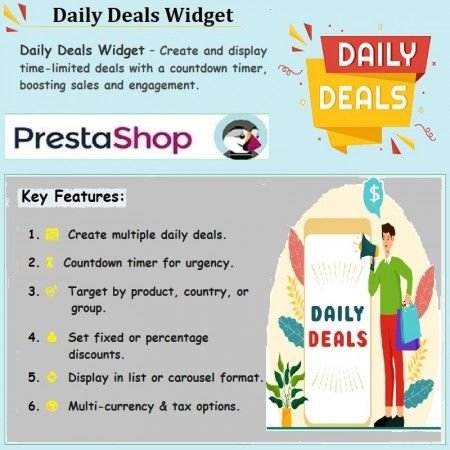
Daily Deals Widget for PrestaShop helps merchants showcase multiple upcoming and active promotional deals throughout their online store. Create individual deal widgets with custom names, descriptions, selected products, discount values, and start and end dates. Display deals with countdown timers in different front-office positions using carousel or list layouts. With configurable carousel styling, automatic sliding, tax options, and restrictions by currency, country, and customer group, the module makes it easier to manage and present daily promotional campaigns.
Showcase multiple upcoming and active deals with countdown timers, flexible discounts, and attractive product carousels.
The Daily Deals Widget for PrestaShop helps merchants promote multiple upcoming and active deals throughout their online store. Create individual deal widgets, select the products to promote, configure discount values, and define the start and end dates for each campaign.
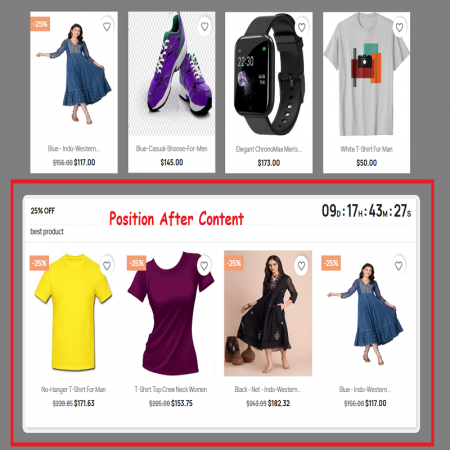
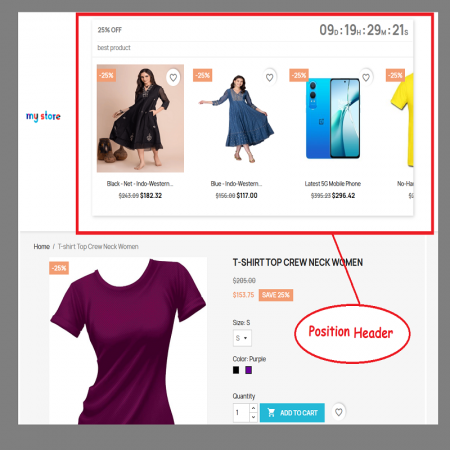
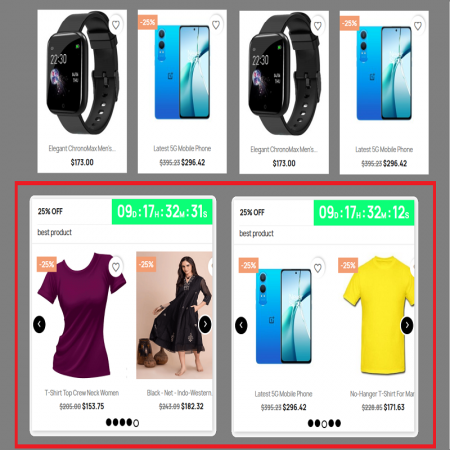
Display deals in different front-office positions with countdown timers that show customers when an offer is ending. Organize products in a carousel or list layout and customize the carousel width, navigation arrows, pagination dots, colors, and automatic sliding behavior.
You can also restrict deals by currency, country, and customer group, choose whether discounts include taxes, and customize messages such as "Coming Soon" and "Ending Soon". Manage your promotional campaigns from one convenient back-office interface.
Create multiple deal widgets to showcase upcoming and active promotional offers across your store.
Use countdown timers and deal status messages to make offer deadlines clear to customers.
Display deals in a carousel or list and customize the presentation to fit your store layout.
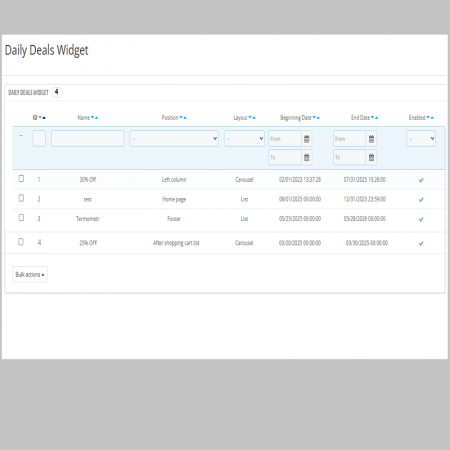
Create multiple daily-deal widgets to promote different products and campaigns.
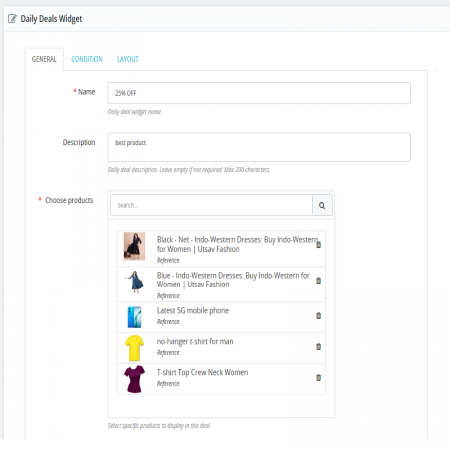
Give each deal a custom name and description of up to 200 characters.
Choose specific products to include in each promotional deal.
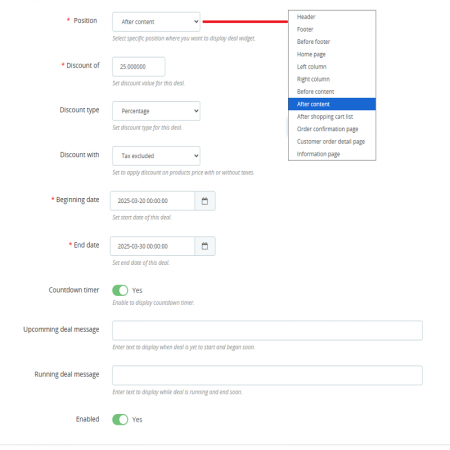
Set the discount value and discount type for each deal, with options to apply discounts with or without taxes.
Define the duration of each deal to manage when promotional offers begin and finish.
Enable countdown timers so customers can see the remaining time for a deal.
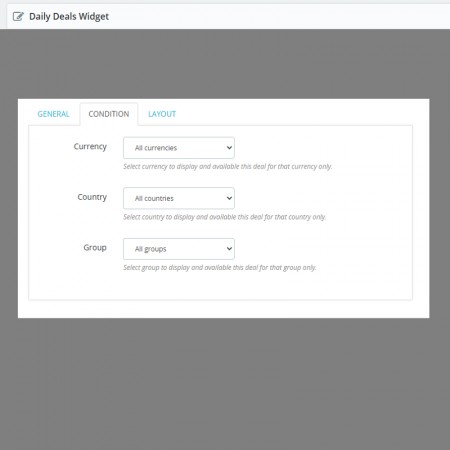
Restrict deals to selected currencies, countries, and customer groups.
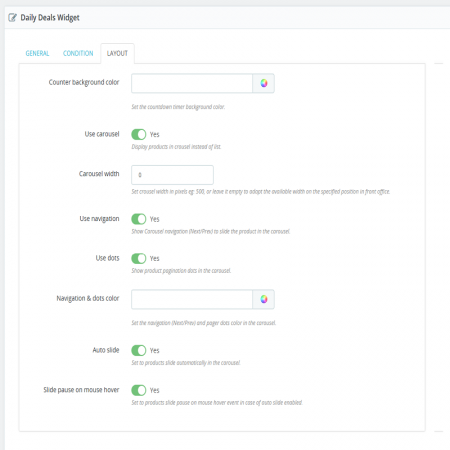
Choose how deal products are displayed in the front office using a carousel or list layout.
Set the carousel width in pixels or allow it to adapt to the available space.
Enable or disable Next and Previous navigation arrows and pagination dots.
Customize navigation arrow and pagination-dot colors to match your store design.
Enable automatic carousel sliding to rotate through deal products.
Customize messages such as "Coming Soon" and "Ending Soon" to communicate deal status.
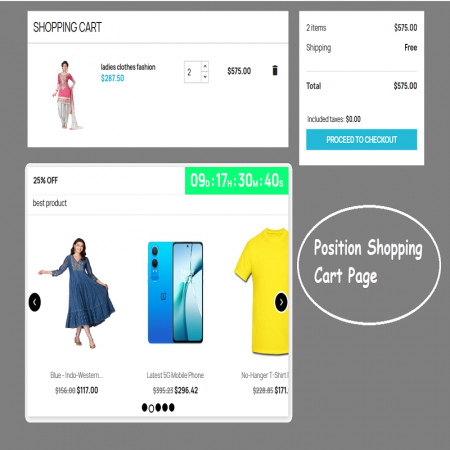
Choose from the available front-office positions to display deal widgets where customers can discover them.
Present promotional products with clear discounts and countdown information.
Illustrative display. Actual deal status and countdown behavior depend on your configured dates and settings.
Add a deal name and description, then select the products you want to promote.
Set the discount value, discount type, and tax application option.
Define the start and end dates, enable the countdown timer, and configure customer restrictions if required.
Choose a front-office position and customize the carousel or list display before activating the deal.
Install Daily Deals Widget using the standard PrestaShop module upload process.
Showcase multiple deals, highlight promotional products, and create a more engaging shopping experience with countdown timers and customizable product widgets.
Promote smarter with Daily Deals Widget for PrestaShop.
| Vendor | Sathi |
|---|---|
| Last update | Nov 04, 2026 |
| Version | 5.1.0 |
| Required store version | From 1.7.x to 9.2.x |
| Publication date | Mar 20, 2025 |
| Return Policy | You can return the product within the 30 days returns period for a full refund. No questions asked. |
| Customer Support | Enjoy one year of free customer support, including installation, troubleshooting, and usage guidance. |
| Description | This product is compatible with the specified versions and includes all the latest updates to enhance functionality and user experience. |
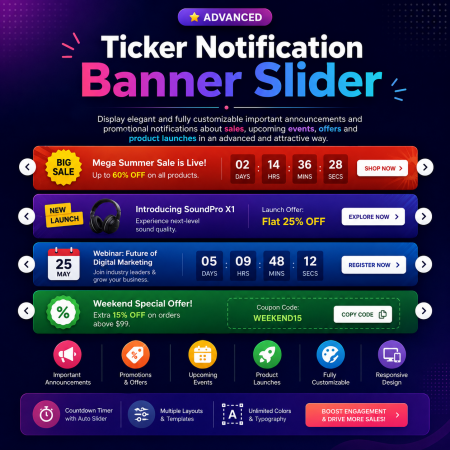
 Ticker Notification Banner Module for PrestaShop
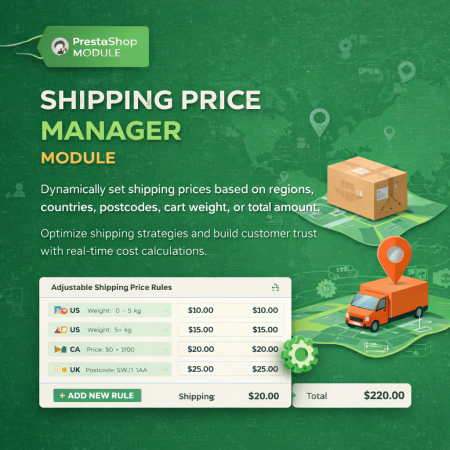
 Shipping Price Manager Prestashop Module
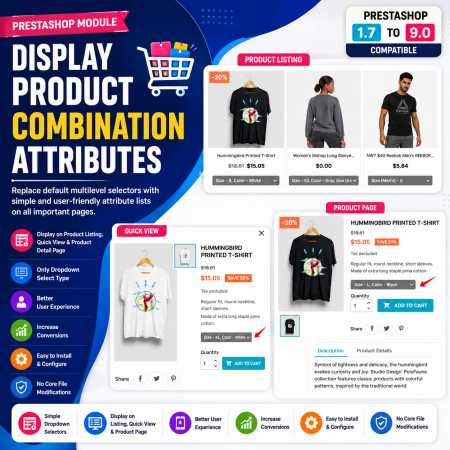
 Display Product Combination Attributes Module for PrestaShop
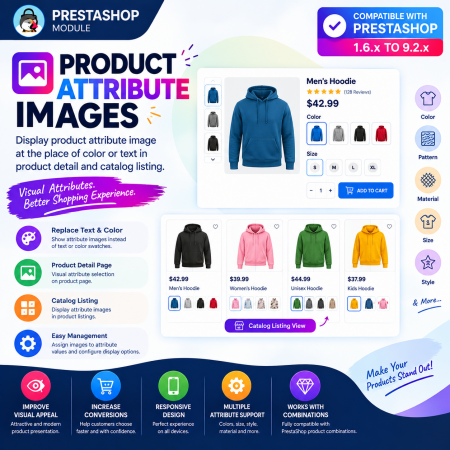
 Product Attribute Images Prestashop Module
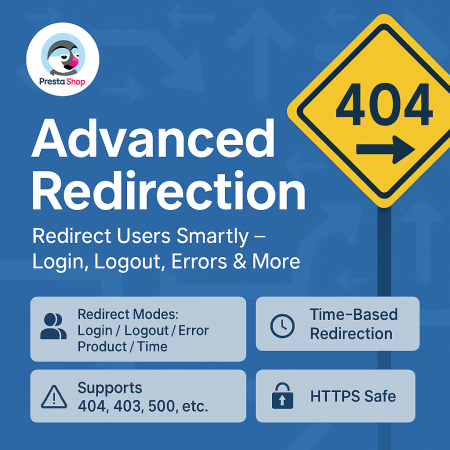
 Advanced URL Redirection (301, 302, 404) Module for PrestaShop

 Enable or Disable Carriers with Conditions PrestaShop Module
 Advance Product Stickers & Labels Prestashop Module
 Show Product Attributes Or Combinations Prestashop Module
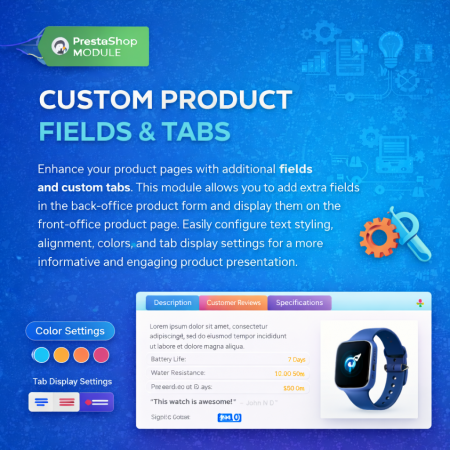
 Additional Product Fields And Tabs Prestashop Module
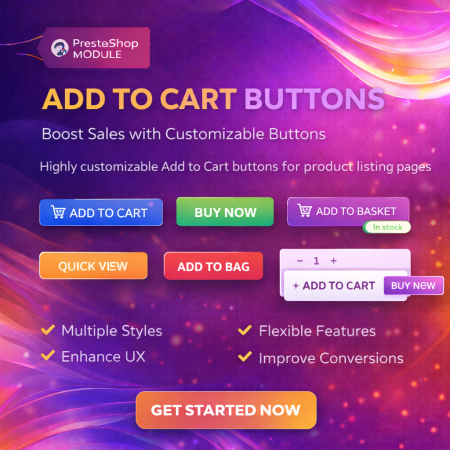
 Display Add to Cart Button on Product Listing Prestashop Module
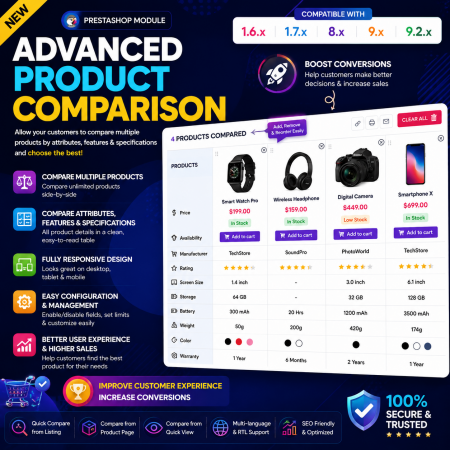
 Advance Product Comparison – Compare Products in PrestaShop

 Display Product Slider & Grid Prestashop Module
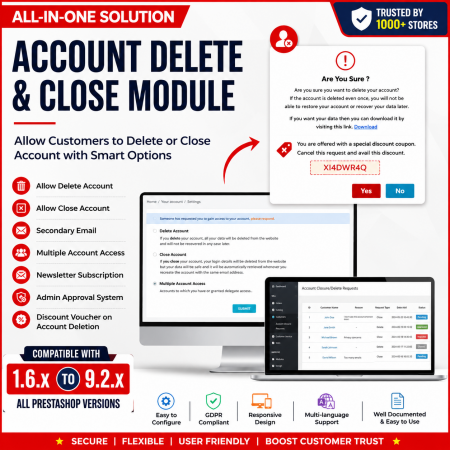
 Customer Account Settings – PrestaShop Customer Management Module
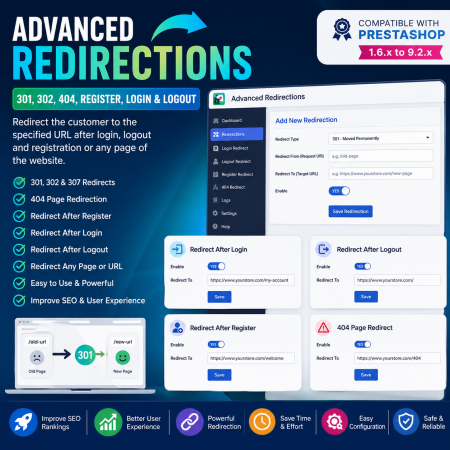
 Advanced Redirections – 301, 302, 404 & Customer Redirects for PrestaShop
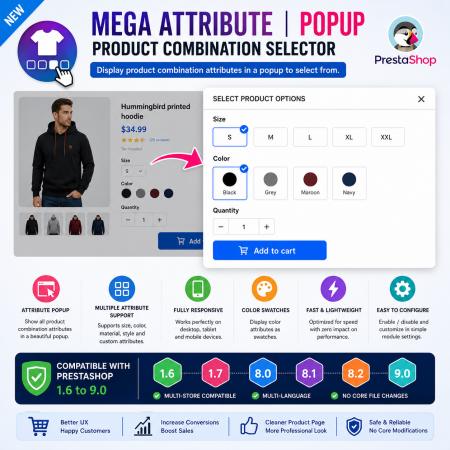
 Mega Attribute Popup Module for PrestaShop
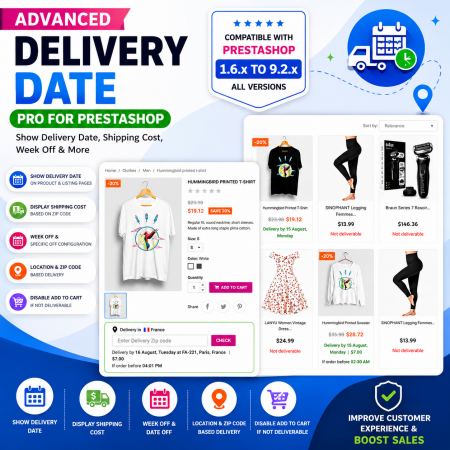
 Proposed Delivery Date and Cost Module for PrestaShop
Daily Deals Widget for PrestaShop helps merchants showcase multiple upcoming and active promotional deals throughout their online store. Create individual deal widgets with custom names, descriptions, selected products, discount values, and start and end dates. Display deals with countdown timers in different front-office positions using carousel or list layouts. With configurable carousel styling, automatic sliding, tax options, and restrictions by currency, country, and customer group, the module makes it easier to manage and present daily promotional campaigns.

Encrypted payment gateways ensuring your financial and personal data remain 100% protected.

Every module includes professional installation assistance, free updates, and reliable troubleshooting.

Rigorously tested PrestaShop & WooCommerce extensions designed for maximum speed and zero bloat.

Transparent policies, clean documentation, and dedicated assistance if you run into any compatibility hurdles.