- -$40.00


Make product selection easier with the Show Product Attributes or Combinations PrestaShop Module.
Display...

Make your products stand out with the Advance Product Stickers & Labels PrestaShop Module....

Make bulk pricing visible and encourage larger orders with the Quantity Discount Table Grid PrestaShop Module.
...
Take complete control of your store's free shipping strategy with the Free Shipping by Zone & Carrier...

Make international shopping easier with the Auto Change Country, Language & Currency PrestaShop Module.
...
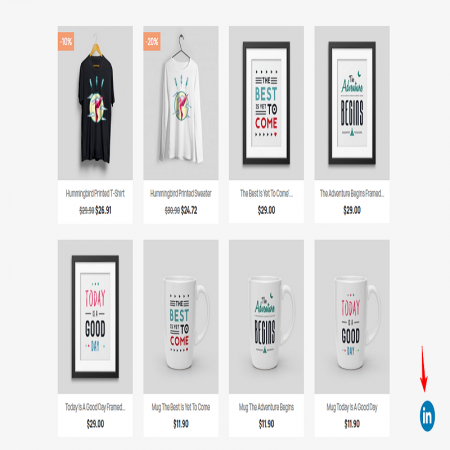
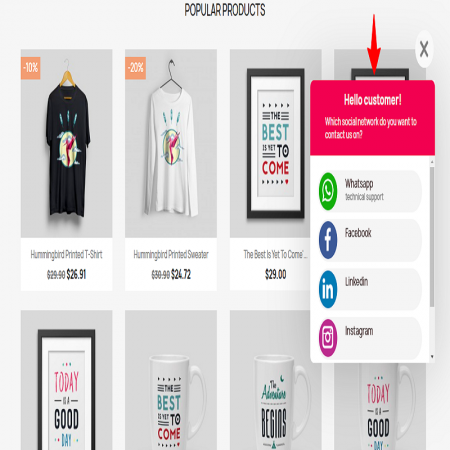
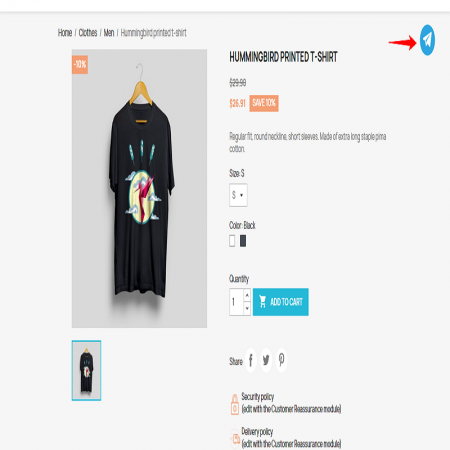
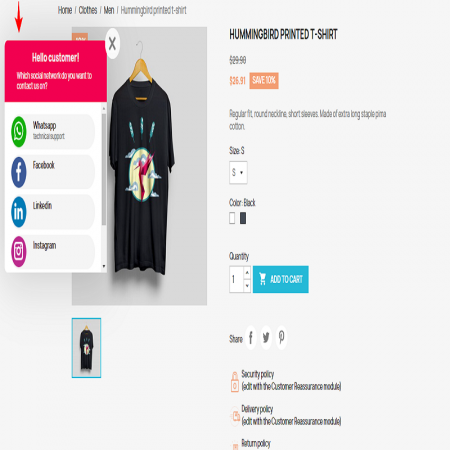


Vendor
Version
Last update
Prestashop version
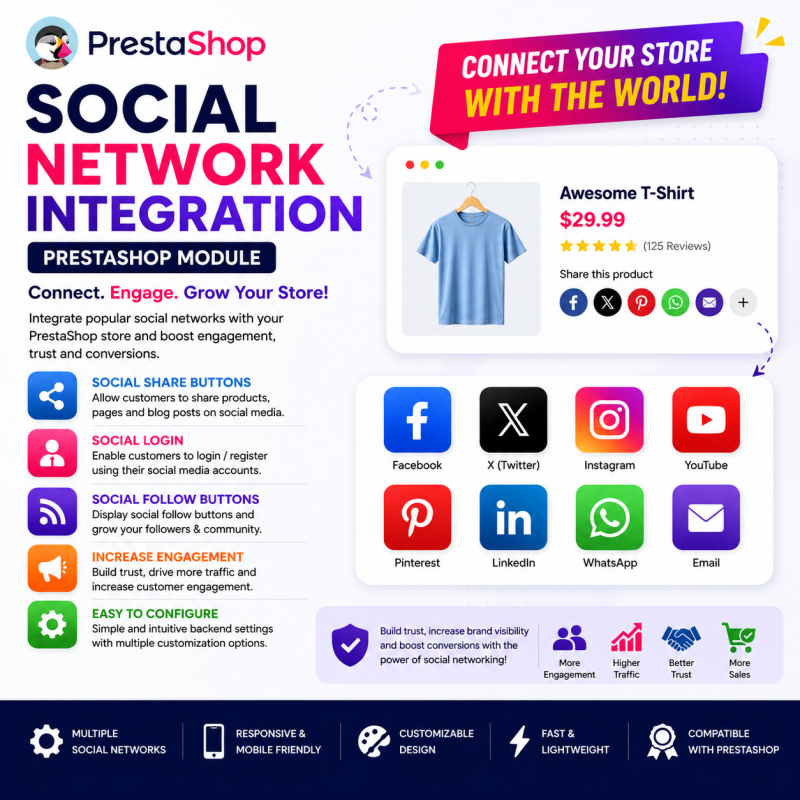
Connect your online store with customers across their favorite social platforms using the Social Network Integration PrestaShop Module.
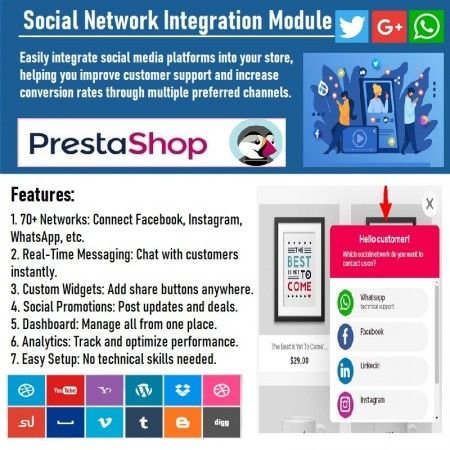
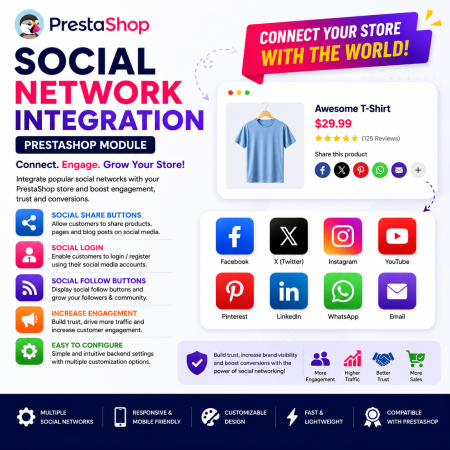
Integrate 70+ popular social networks, including Facebook, Instagram, WhatsApp, Twitter, and more, into your PrestaShop store. Add customizable social media buttons, sharing options, messaging widgets, and social login functionality to make customer interactions easier and more convenient.
Give visitors more ways to contact your business, follow your brand, share products, and access your store through familiar social platforms. Manage your social network integrations from a centralized administration area and use available interaction analytics to understand customer engagement.
Whether you operate a fashion store, electronics shop, beauty business, retail website, or international eCommerce store, this module helps connect your PrestaShop website with your social media presence.
Expand your brand visibility, improve customer communication, encourage product sharing, and create more opportunities to engage shoppers with one powerful social network integration solution.
Connect Your Social Media. Improve Customer Communication. Expand Your Brand Reach.
Social media has become an important part of how customers discover products, communicate with businesses, and make purchasing decisions. Shoppers regularly use platforms such as Facebook, Instagram, WhatsApp, and other social networks to explore brands, ask questions, share recommendations, and stay updated about their favorite stores.
However, when your online store operates separately from your social media channels, customers may have difficulty finding the right way to contact your business or connect with your brand.
The Social Network Integration PrestaShop Module helps bridge this gap by connecting your eCommerce website with more than 70 popular social networks through customizable social media buttons, messaging widgets, sharing options, and social login functionality.
Give customers convenient ways to communicate with your business, follow your social profiles, share products, and interact with your brand through platforms they already use.
With centralized social network management, customizable display options, and engagement insights, you can create a more connected shopping experience while strengthening your store's online presence.
Your online store is more than a place where customers browse and purchase products. It is also an important communication channel between your business and its audience.
Customers may want to:
Contact your business before placing an order.
Ask questions about products and services.
Follow your brand on social media.
Share interesting products with friends.
Log in or register using their preferred social accounts.
Stay informed about new products and promotional activities.
Without convenient social integration, visitors may need to leave your website, manually search for your social profiles, or find alternative ways to contact your business.
The Social Network Integration module provides a centralized solution for connecting your PrestaShop store with supported social platforms.
By placing relevant social buttons, sharing options, messaging widgets, and social login features throughout your store, you can make social interaction a more accessible part of the customer journey.
Social media is an important communication and discovery channel for modern eCommerce businesses.
However, simply maintaining social media accounts does not automatically connect them with your website visitors.
Your customers need convenient ways to move between your store and your social channels.
Limited customer communication
Visitors may not immediately find a convenient way to contact your business through their preferred communication platform.
Low social media visibility
Customers who purchase from your store may never discover your official social media profiles.
Missed product-sharing opportunities
Without convenient sharing options, customers may be less likely to recommend your products to friends and followers.
Complicated registration experience
Customers may prefer using supported social login options instead of manually completing a traditional registration process.
Disconnected marketing channels
Managing website social links and customer communication separately can make your overall marketing experience less consistent.
The Social Network Integration module brings supported social platforms closer to your PrestaShop storefront.
It helps customers connect, communicate, share, and follow your business through familiar social channels while giving store owners a centralized way to manage their social integrations.
Connect your PrestaShop store with more than 70 popular social networks and communication platforms.
Instead of manually adding individual social links throughout your website, use a dedicated integration solution to organize your supported social connections.
Connect your store with Facebook to help customers discover your official business presence and interact with your brand.
Make it easier for shoppers to find and follow your Instagram presence, discover product inspiration, and stay connected with your business.
Provide customers with a familiar communication channel for contacting your business and asking questions.
Twitter / X
Connect your website with your supported Twitter/X social presence and encourage customers to follow your brand.
More Social Networks
Extend your store's social presence through additional supported social networks and communication services.
Key benefits:
Connect 70+ supported social networks.
Organize social integrations through a dedicated module.
Give visitors access to familiar social platforms.
Make your social presence more accessible.
Support multiple communication and engagement channels.
Note: The availability of individual platforms and their integration capabilities depends on the supported network list and the configuration provided by the module.
Make your social media profiles easily accessible from your online store.
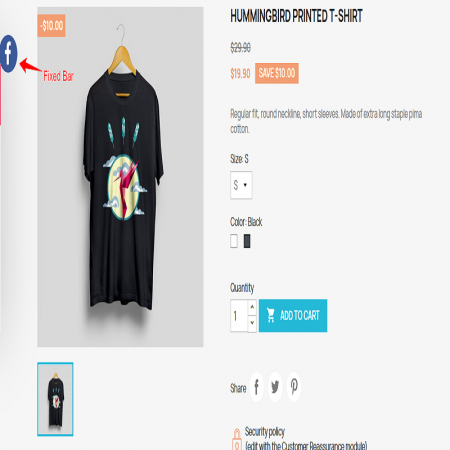
Add social media buttons that help visitors discover your official social accounts and connect with your brand.
Key capabilities:
Display social media buttons on your storefront.
Connect supported social network profiles.
Customize button appearance and presentation.
Make social profile links easier to access.
Integrate social links into your store design.
Business benefit: Increase the visibility of your social media presence and make it easier for customers to follow your business.
Customer communication plays an important role in building trust and supporting purchasing decisions.
Some customers prefer messaging a business through social platforms rather than using traditional website contact forms.
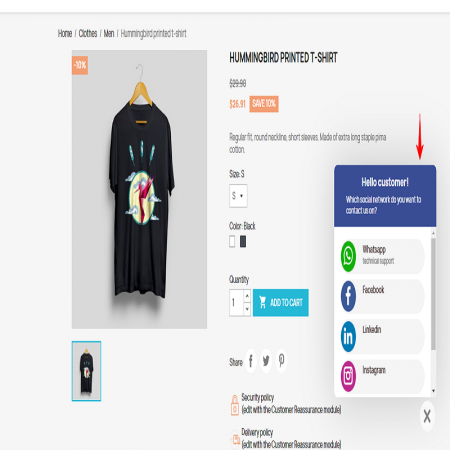
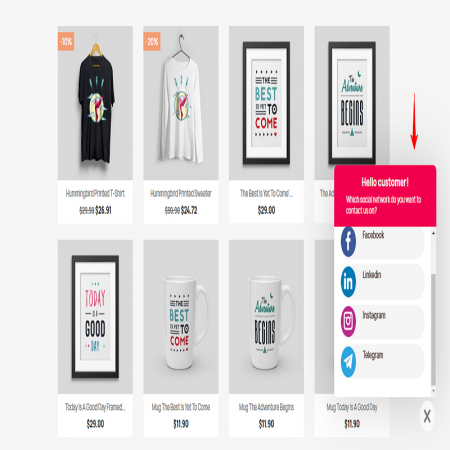
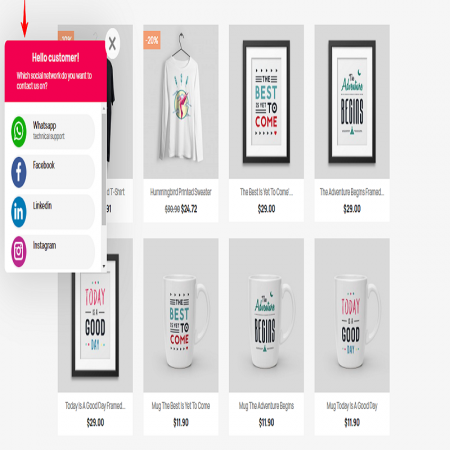
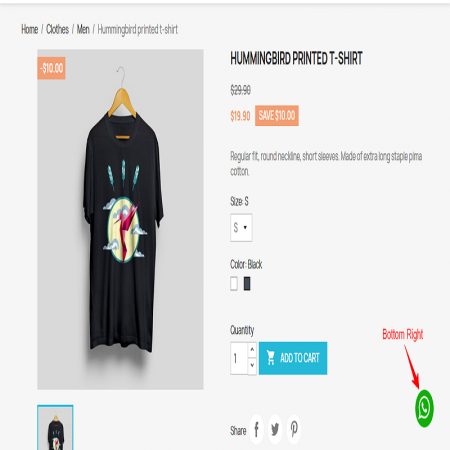
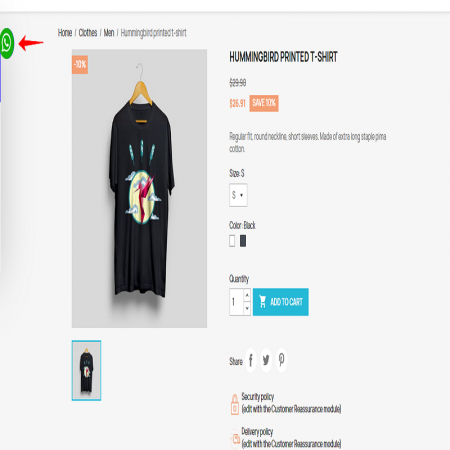
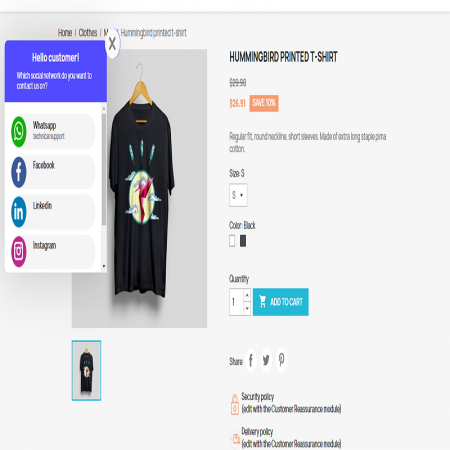
The module provides messaging integrations and widgets that allow visitors to reach your business through supported social communication channels.
Key capabilities:
Provide direct access to supported messaging channels.
Add social messaging widgets to your storefront.
Help customers contact your business through familiar platforms.
Support multiple customer communication options.
Make social contact options more accessible.
Business benefit: Give visitors convenient ways to ask questions, request assistance, and communicate with your business.
Simplify the customer registration and sign-in experience with supported social authentication options.
Some shoppers prefer using an existing social account rather than creating and remembering another set of login credentials.
Social login helps reduce friction during account registration and access.
Key capabilities:
Provide supported social login options.
Allow customers to register through configured social authentication providers.
Offer an alternative to traditional account registration.
Make the account access journey more convenient.
Support a smoother customer registration experience.
Business benefit: Reduce unnecessary registration friction and make it easier for visitors to access their customer accounts.
Social login availability depends on the supported authentication providers and their required application credentials and configuration.
Your customers can become valuable promoters of your products.
When shoppers discover interesting products, they may want to share them with friends, family members, and social media followers.
Social sharing options help make this process more convenient.
Key capabilities:
Add social sharing options to your storefront.
Encourage customers to share products.
Help visitors recommend your products through supported platforms.
Improve the accessibility of product-sharing options.
Support customer-driven product promotion.
Business benefit: Create additional opportunities for your products to reach audiences beyond your existing website visitors.
Social widgets help integrate social interactions into your storefront without making customers search for your contact information.
Use available widget and display customization options to organize your social integrations according to your store's design.
Key capabilities:
Configure available social widgets.
Customize widget presentation.
Organize messaging and social access options.
Match available display settings with your store design.
Improve access to social communication channels.
Business benefit: Make social interaction more visible and convenient while maintaining a consistent storefront experience.
Managing several social integrations individually can become difficult as your business expands.
The module provides a centralized administration area for configuring and managing supported social network integrations.
Key capabilities:
Manage supported social integrations from one administration area.
Configure available social network connections.
Organize social buttons and widgets.
Adjust integration settings.
Manage your social network presentation more conveniently.
Business benefit: Reduce the complexity of maintaining multiple social connections across your online store.
Understanding customer interactions can help you make better decisions about your social engagement strategy.
The module lists analytics and insights functionality for tracking interactions and reviewing available engagement information.
Key capabilities:
Track supported social interactions.
Review available engagement information.
Understand how customers interact with social integrations.
Analyze available performance insights.
Use engagement information to improve your social strategy.
Business benefit: Make more informed decisions about customer engagement and social media integration.
The exact analytics metrics and reporting capabilities depend on the available module implementation and supported integrations.
You do not need to manually add individual social links throughout your store to establish your supported social integrations.
Configure the module through your PrestaShop Back Office and customize the available settings.
Key capabilities:
Dedicated module configuration.
Social account connection settings.
Button and widget customization.
Centralized integration management.
Storefront social integration.
Business benefit: Simplify the process of introducing social network functionality into your PrestaShop store.
The module provides a straightforward workflow for connecting your store with supported social platforms.
Install the Social Network Integration module through your PrestaShop Back Office.
Navigate to the installed module and open its configuration page.
Choose the supported social platforms you want to integrate and provide the required profile information or authentication settings.
Configure the available social buttons, sharing options, and messaging widgets according to your storefront requirements.
If required, configure the supported social authentication providers using their required application credentials.
Visit your online store and verify that the configured social buttons, widgets, and login options are displayed and functioning correctly.
Allow visitors to connect with your business, discover your social profiles, share products, and use available social communication options.
Make your official social profiles easier to discover and encourage visitors to stay connected with your brand.
Provide additional ways for shoppers to contact your business through supported social messaging channels.
Make it easier for customers to recommend your products and increase their potential visibility.
Offer supported social login options as an alternative to traditional registration.
Bring website interactions and social communication closer together.
Stay connected with customers beyond their initial website visit and encourage ongoing brand engagement.
Manage supported social connections from one dedicated administration area.
Use your social presence to complement product promotions, new arrivals, announcements, and other marketing campaigns.
Your shoppers also benefit from having social platforms integrated into your store.
Contact your business through familiar communication channels.
Find your official social media profiles more easily.
Share interesting products with friends and followers.
Use supported social login options.
Access social communication widgets directly from your website.
Stay connected with your brand and its updates.
Enjoy more convenient ways to interact with your business.
Fashion shoppers often discover new trends and products through social media.
Integrate your social profiles and sharing options to help customers discover your brand, follow new collections, and recommend products to others.
Give customers convenient ways to contact your business before purchasing electronics, accessories, and gadgets.
Social communication options can help shoppers ask product-related questions and find additional information.
Social platforms are important channels for beauty inspiration and product discovery.
Make your social presence more accessible and encourage customers to follow your brand and share interesting products.
Help customers discover your social profiles and share furniture, decorations, kitchen accessories, and lifestyle products with their networks.
Provide additional communication options for business customers who may prefer contacting your sales team through supported social channels.
Customers from different markets may prefer different social and messaging platforms.
Integrating multiple supported networks helps make your business accessible through a wider selection of communication channels.
As your customer base expands, having a centralized approach to social integration can help maintain a more organized online presence.
Traditional contact methods are useful, but they may not match the communication preferences of every visitor.
| Traditional contact options | Social network integration |
|---|---|
| Limited contact channels | Multiple supported social channels |
| Visitors may need to find contact details | Social buttons provide direct access |
| Website-only communication | Additional social communication options |
| Separate social profile discovery | Integrated social profile access |
| Manual product-sharing process | Convenient social sharing options |
| Traditional account registration | Supported social login alternatives |
Social integration does not replace your existing customer support system. It complements your website's communication options and gives customers additional ways to interact with your business.
Getting started with the Social Network Integration PrestaShop Module is straightforward.
Download the module ZIP package from Sathi after purchasing the product.
Log in to your store administration panel.
Navigate to: Modules → Module Manager
Click Upload a module, select the downloaded ZIP package, and complete the installation process.
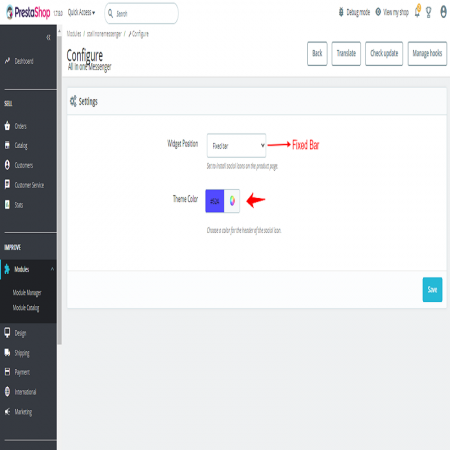
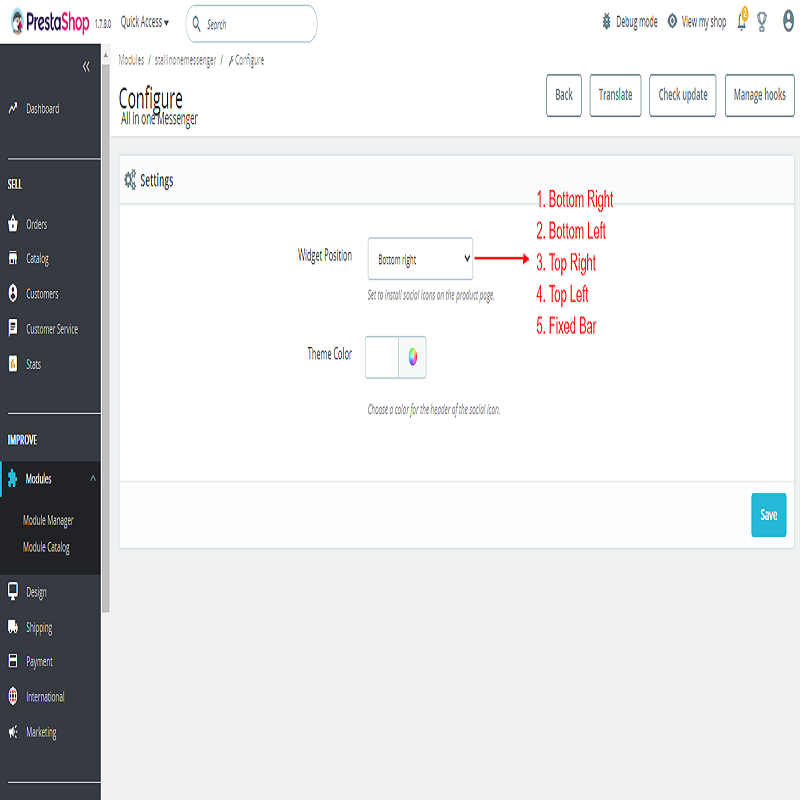
Find Social Network Integration in your installed modules and click Configure.
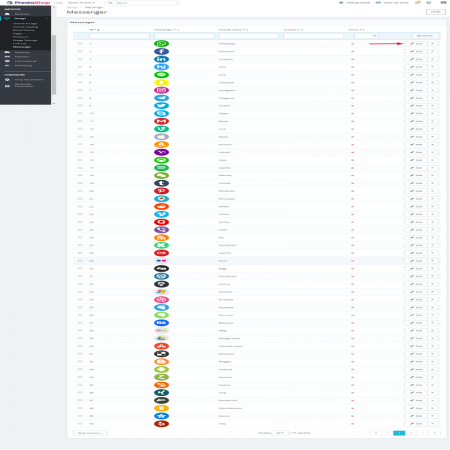
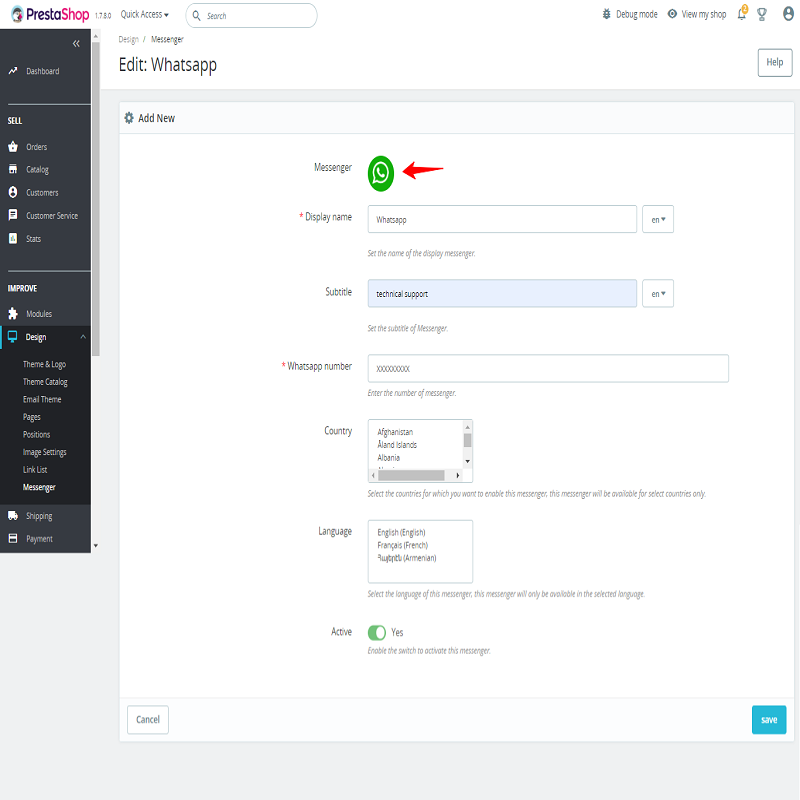
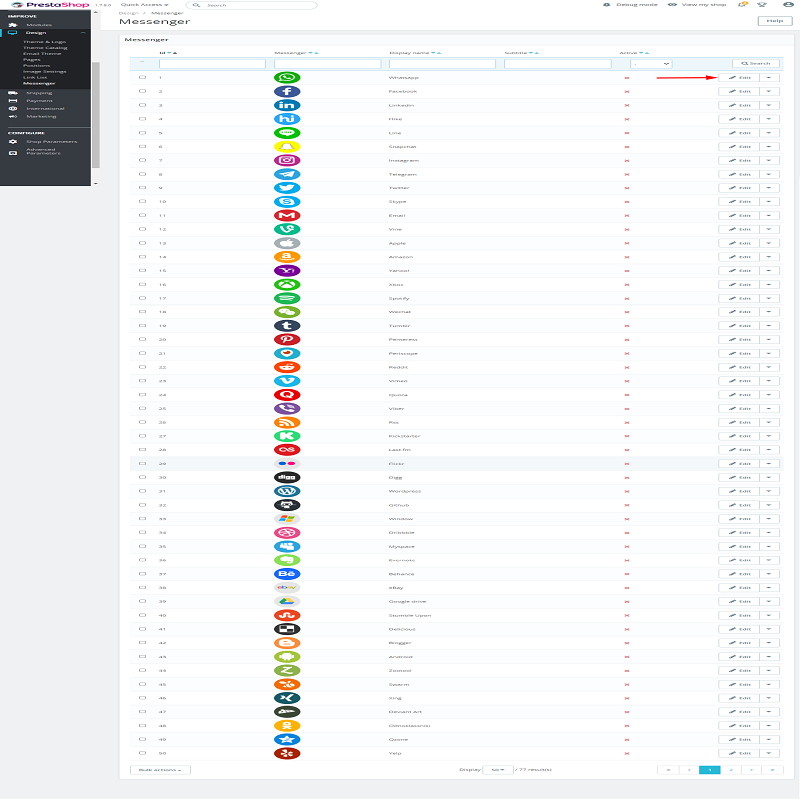
Open the social network configuration area and select the supported platforms you want to display on your store.
 |
 |
 |
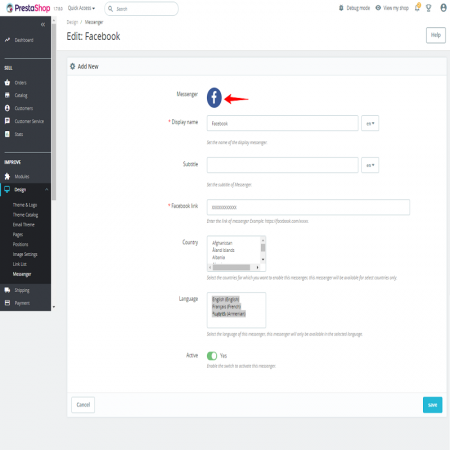
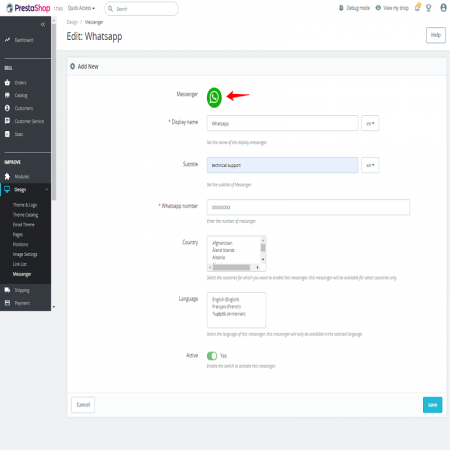
Provide the relevant social profile information or authentication credentials where required.
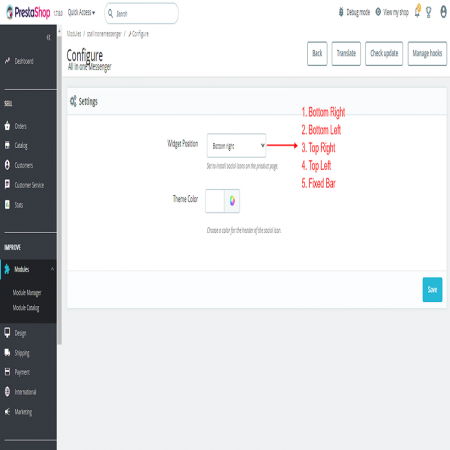
Adjust the available social button, sharing, and messaging widget settings to match your storefront design.
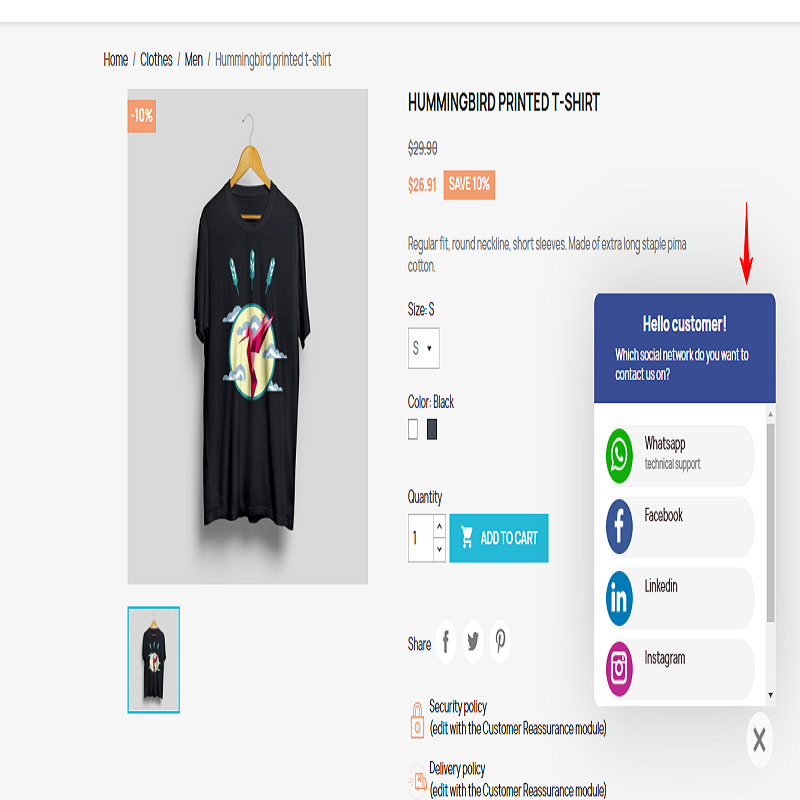
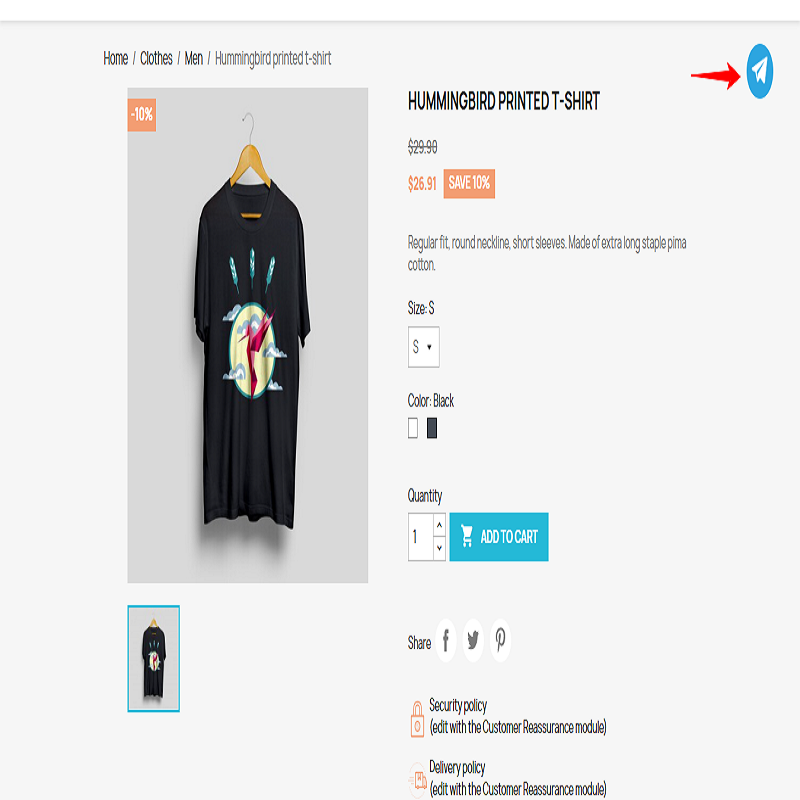
Open your storefront and verify that social icons, links, widgets, and configured login functionality work as expected.
 |
 |
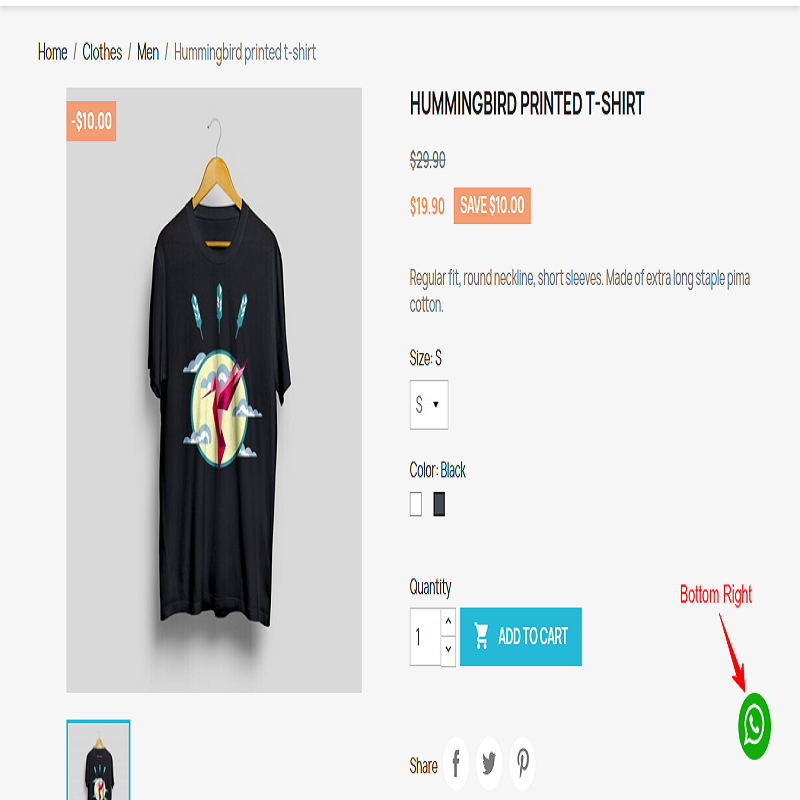 |
Your store is now ready to provide visitors with convenient access to your supported social platforms.
It is a PrestaShop extension that connects your online store with more than 70 supported social networks. It provides social media buttons, sharing options, messaging widgets, social login, and centralized integration management.
The module advertises support for more than 70 popular social networks, including Facebook, Instagram, WhatsApp, Twitter, and additional supported platforms.
Yes. Facebook and Instagram are among the platforms listed for integration. You can configure the supported social connections through the module.
Yes. WhatsApp is included among the listed social network integrations, providing an additional communication channel for customers.
Yes. The module provides social messaging integrations and widgets that help visitors reach your business through supported communication platforms.
Yes. The module lists social login functionality, allowing customers to use supported social authentication options for registration and sign-in.
Yes. The module provides social sharing options that encourage visitors to share products through supported social networks.
Yes. The module includes customizable social buttons and widgets with available configuration options for your storefront.
Yes. The module provides a centralized administration area for managing supported social network integrations and their available settings.
The module lists analytics and insights functionality for tracking social interactions and reviewing available engagement information. Specific metrics depend on the implemented reporting features.
The module is designed for straightforward installation through the PrestaShop Back Office. Social authentication providers may require additional application credentials and configuration.
The published compatibility range is PrestaShop 1.6.0 through 9.2.x. Check the compatibility information for your specific store before installation.
Your customers already use social media to discover brands, communicate with businesses, and share products they love. Make it easier for them to connect with your store through the platforms they prefer.
With the Social Network Integration PrestaShop Module, bring social media buttons, messaging widgets, sharing options, and social login together in one dedicated solution.
Expand your brand visibility, create more communication opportunities, and build a connected shopping experience that keeps your business closer to its customers.
Connect. Communicate. Share. Grow.
Choose Sathi's Social Network Integration Module and make your PrestaShop store more socially connected.
| Vendor | Sathi |
|---|---|
| Last update | Nov 26, 2026 |
| Version | 1.2.0 |
| Required store version | From 1.6.0 to 9.2.x |
| Publication date | Aug 28, 2024 |
| Return Policy | You can return the product within the 30 days return period for a full refund. No questions asked. |
| Customer Support | Enjoy one year of free customer support, including installation, troubleshooting, and usage guidance. |
| Description | This product is compatible with the specified versions and includes all the latest updates to enhance functionality and user experience. |
 WhatsApp Live Chat & Support – Multiple Agents Module for PrestaShop

 WhatsApp Live Chat – Customer Support & Multi-Agent Chat Module for PrestaShop

 Advanced Shop & Product Reviews and Ratings Module for PrestaShop
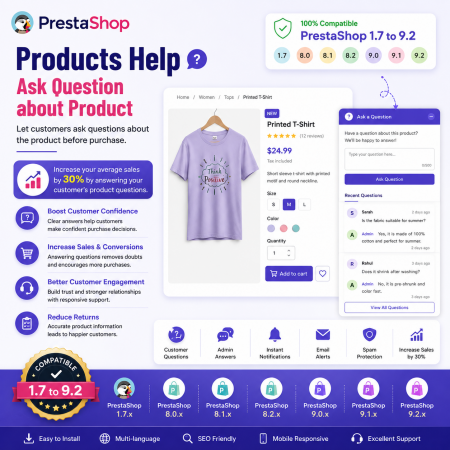
 Products Help – Ask Questions About Products in PrestaShop

 Advanced Amazon Product Importer & Affiliate Module for PrestaShop
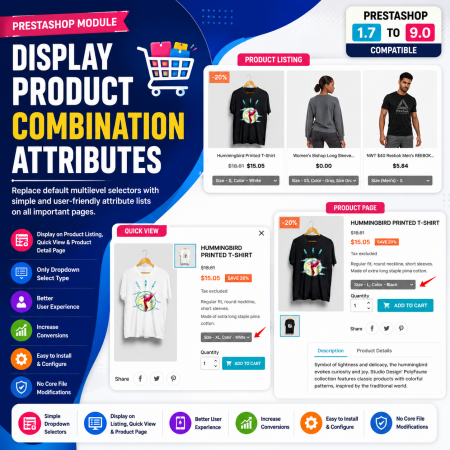
 Display Product Combination Attributes – Product Variations Module for PrestaShop
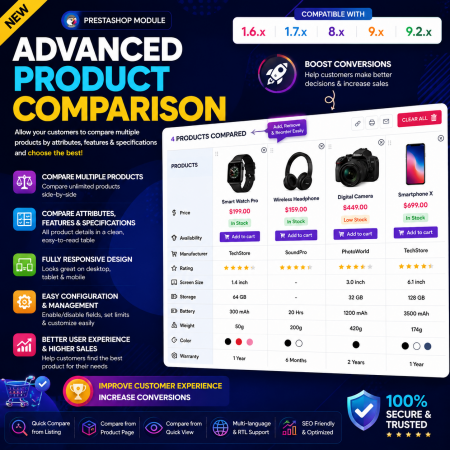
 Advance Product Comparison – Compare Products Side by Side in PrestaShop
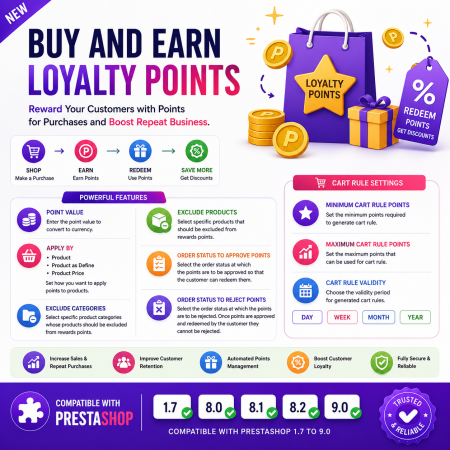
 Buy and Earn Loyalty Points – Customer Rewards Module for PrestaShop
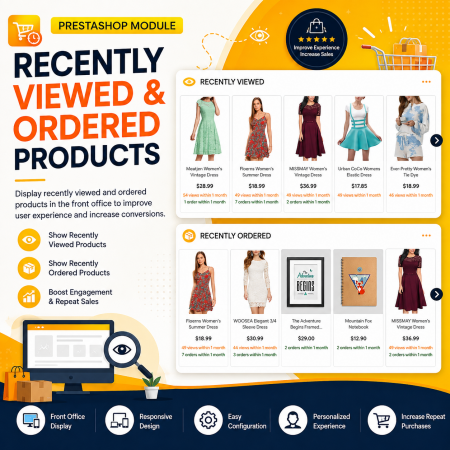
 Recently Viewed and Ordered Products – Product History Module for PrestaShop
 Free Shipping by Zone, Country & Carrier – Advanced Free Shipping Manager for PrestaShop

 Offer Your Price – Make an Offer & Price Negotiation Module for PrestaShop

 Time Limited Offers & Countdown Timer – Flash Sale Module for PrestaShop
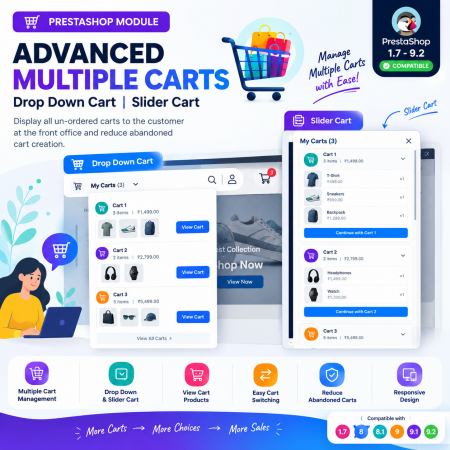
 Advanced Multiple Carts, Dropdown Cart & Slider Cart for PrestaShop
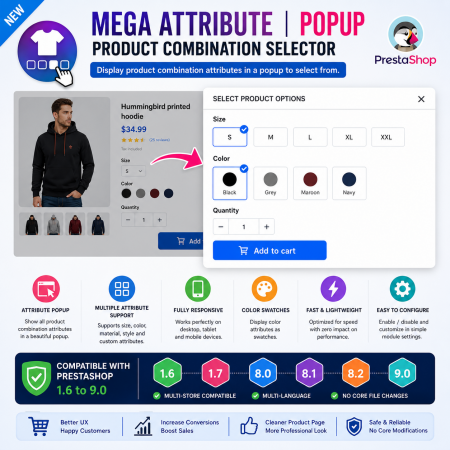
 Mega Attribute Popup – Product Attribute Selection Module for PrestaShop
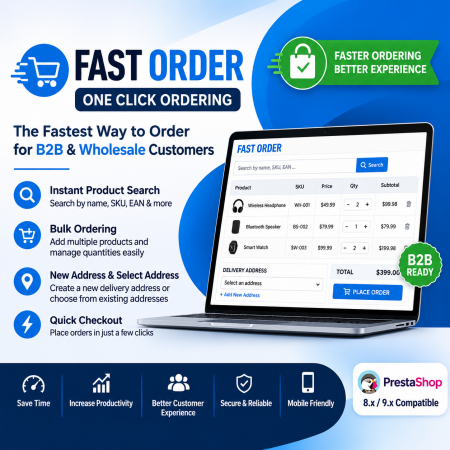
 Fast Order with Instant and File Search – Quick Ordering Module for PrestaShop
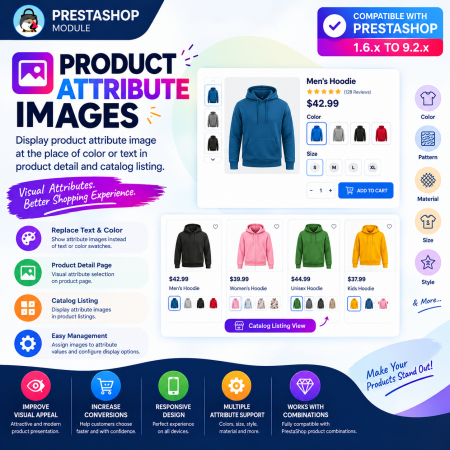
 Product Attribute Images – Visual Swatches for PrestaShop
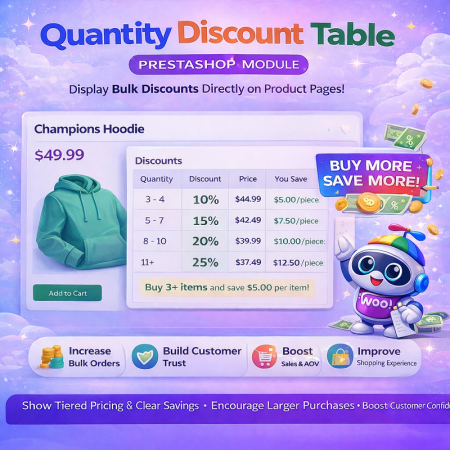 Quantity Discount Table & Grid – Bulk Pricing Display Module for PrestaShop

 Enable or Disable Carriers with Conditions – PrestaShop Conditional Shipping Module

 Buy Now Button & Quick Order – One-Click Checkout Module for PrestaShop
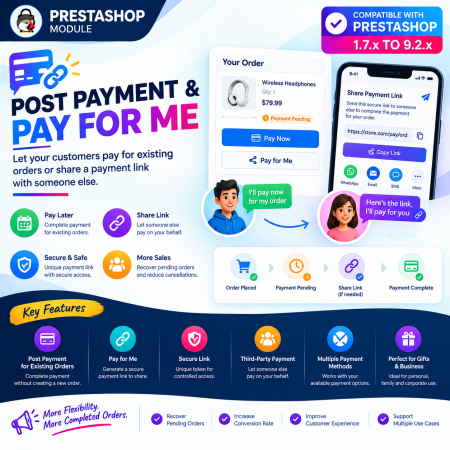
 Post Payment & Pay for Me Module for PrestaShop
Connect your online store with customers across their favorite social platforms using the Social Network Integration PrestaShop Module.
Integrate 70+ popular social networks, including Facebook, Instagram, WhatsApp, Twitter, and more, into your PrestaShop store. Add customizable social media buttons, sharing options, messaging widgets, and social login functionality to make customer interactions easier and more convenient.
Give visitors more ways to contact your business, follow your brand, share products, and access your store through familiar social platforms. Manage your social network integrations from a centralized administration area and use available interaction analytics to understand customer engagement.
Whether you operate a fashion store, electronics shop, beauty business, retail website, or international eCommerce store, this module helps connect your PrestaShop website with your social media presence.
Expand your brand visibility, improve customer communication, encourage product sharing, and create more opportunities to engage shoppers with one powerful social network integration solution.

Encrypted payment gateways ensuring your financial and personal data remain 100% protected.

Every module includes professional installation assistance, free updates, and reliable troubleshooting.

Rigorously tested PrestaShop & WooCommerce extensions designed for maximum speed and zero bloat.

Transparent policies, clean documentation, and dedicated assistance if you run into any compatibility hurdles.