- -$40.00


Make product selection easier with the Show Product Attributes or Combinations PrestaShop Module.
Display...

Make your products stand out with the Advance Product Stickers & Labels PrestaShop Module....

Make bulk pricing visible and encourage larger orders with the Quantity Discount Table Grid PrestaShop Module.
...
Take complete control of your store's free shipping strategy with the Free Shipping by Zone & Carrier...

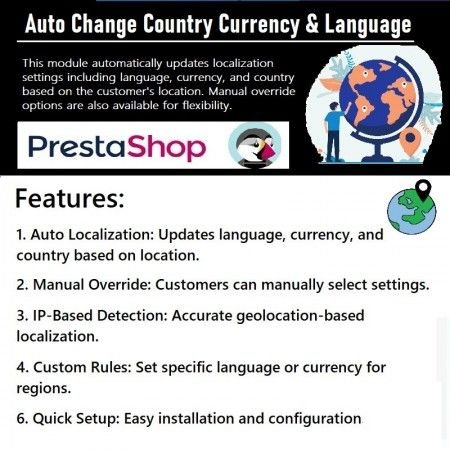
Make international shopping easier with the Auto Change Country, Language & Currency PrestaShop Module.
...
Vendor
Version
Last update
Prestashop version
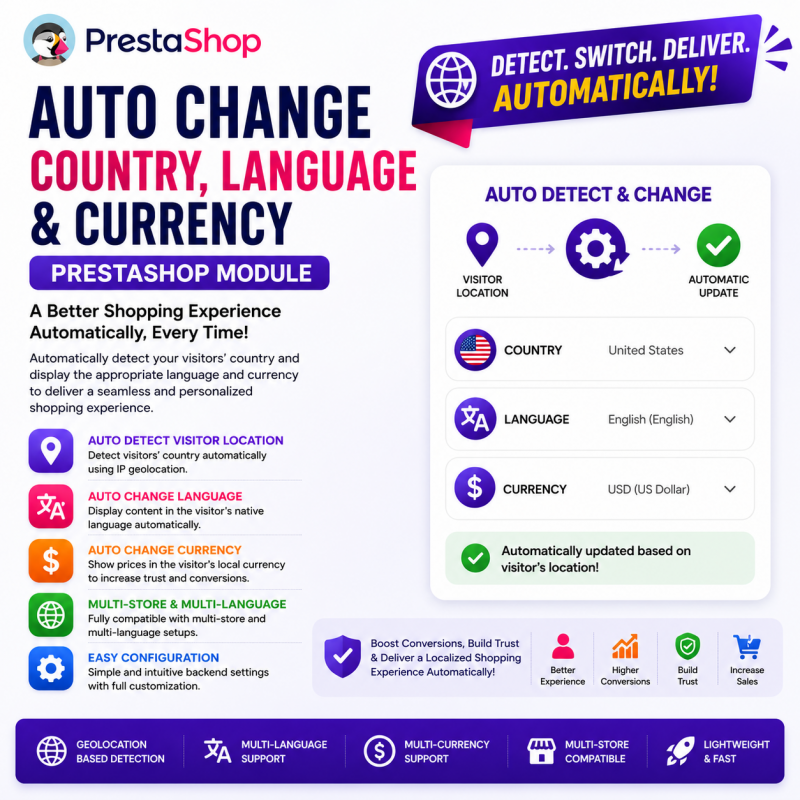
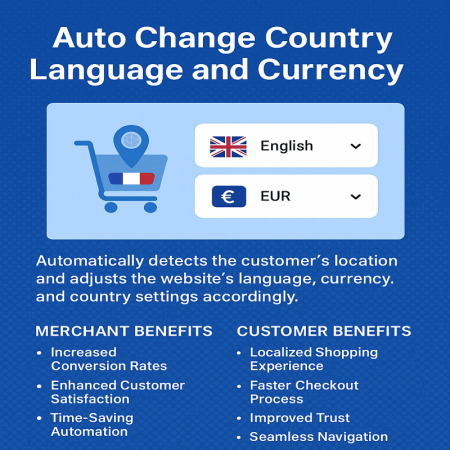
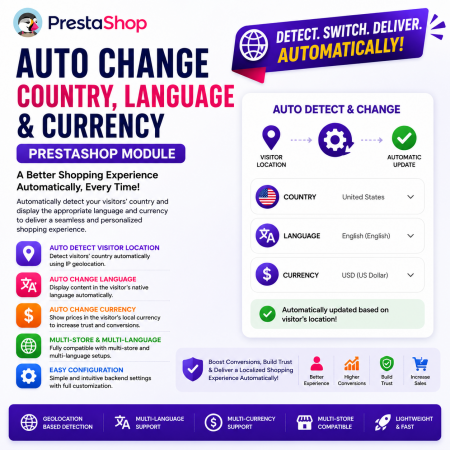
Make international shopping easier with the Auto Change Country, Language & Currency PrestaShop Module.
Automatically detect visitors' countries using GeoIP technology and adjust your store's country, language, and currency according to your configured regional preferences.
Create custom country-specific rules, assign the appropriate language and currency to different regions, and define fallback settings for visitors from unsupported locations.
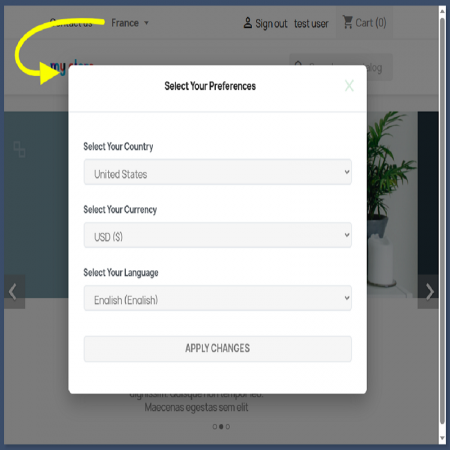
Customers can also manually change their country, language, and currency through a convenient selection modal whenever they prefer a different shopping experience.
Whether you operate an international eCommerce business, a multi-regional store, or a PrestaShop website serving customers across different countries, this module helps deliver a more localized shopping experience, reduces manual selection, and makes your store easier to use for international visitors.
Detect the country. Apply the right language. Display the appropriate currency. Make global shopping more convenient.
Automatically Detect Customer Locations. Switch Store Language and Currency. Deliver a Localized Shopping Experience.
Selling internationally creates an important challenge for eCommerce businesses: visitors from different countries may have different language preferences, currencies, and regional shopping requirements.
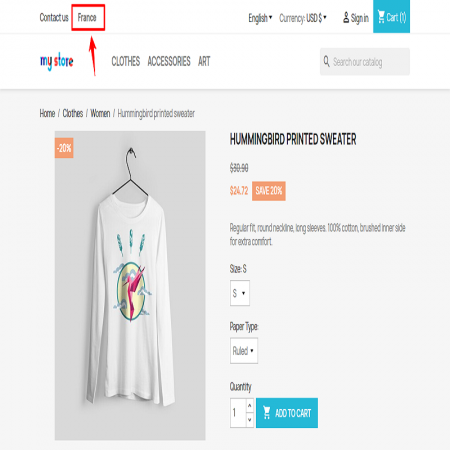
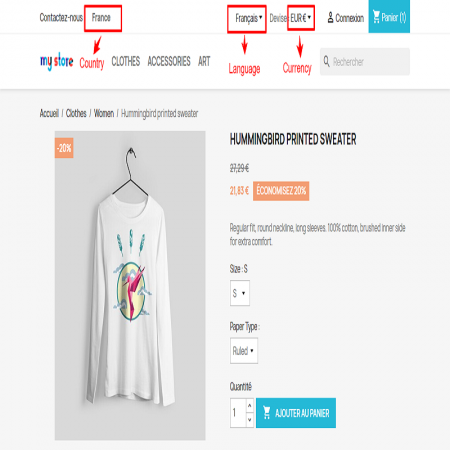
A customer visiting your store from France may prefer to browse in French and see prices in EUR, while a visitor from the United States may expect English content and USD prices. Customers from India may prefer INR and an appropriate regional language.
When visitors have to manually find and change these settings, the shopping experience can become less convenient. Some customers may even leave your website because the displayed language or currency does not match their expectations.
The Auto Change Country, Language & Currency PrestaShop Module solves this problem through automatic country detection using GeoIP technology.
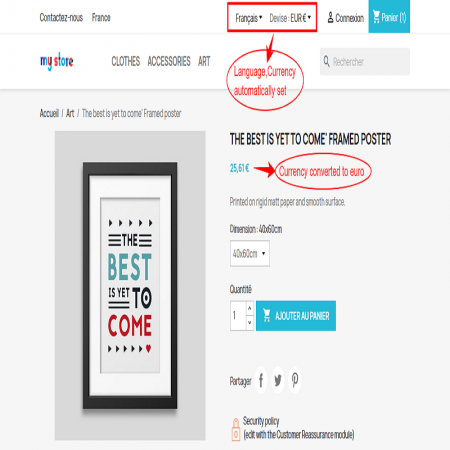
The module identifies a visitor's approximate country based on their IP address and automatically applies the corresponding country, language, and currency settings according to the rules configured by the store administrator.
You can create individual country-specific preferences, define default settings for unsupported locations, and provide customers with a manual country selector when they want to change their shopping preferences.
Whether you run a global eCommerce business, an international retail store, or a multi-regional PrestaShop website, this module helps make your store more accessible and convenient for customers around the world.
International customers should be able to understand your store without having to configure everything manually.
Three important elements influence the shopping experience:
Country: Helps determine the regional shopping context.
Language: Makes product information and store navigation easier to understand.
Currency: Allows customers to view product prices in a familiar currency.
Managing these preferences manually can create unnecessary steps for international visitors.
The Auto Change Country, Language & Currency module simplifies this process by connecting visitor country detection with your configured regional store preferences.
The module follows a simple automated workflow:
Visitor Arrives → Detect Country → Match Country Rules → Apply Language & Currency → Start Localized Shopping
A visitor opens your PrestaShop website.
The module uses GeoIP technology to detect the visitor's approximate country from their IP address.
It checks the country-specific settings configured by the administrator.
The corresponding country, language, and currency preferences are applied.
If no matching country configuration exists, the module uses your defined fallback settings.
Visitors can also manually change their country, language, and currency using the country selector.
This creates a more convenient shopping experience for visitors from different regions.
Imagine running an online store that serves customers in ten different countries.
Without automatic localization, visitors may need to:
Search for their country manually.
Find the language selector.
Change the displayed currency.
Understand unfamiliar prices.
Navigate the store before finding their preferred shopping settings.
These additional steps can make the first interaction with your store less convenient.
Problem 1 – Incorrect Language Experience
Visitors may land on a store version that does not match their preferred language.
Solution: Automatically apply the language configured for the detected country.
Problem 2 – Unfamiliar Currency Display
Customers may see prices in a currency they do not normally use, making product comparisons less convenient.
Solution: Automatically switch to the currency assigned to their country.
Problem 3 – Manual Country Selection
Visitors may need to locate and change their country settings themselves.
Solution: Detect the visitor's approximate country through GeoIP and apply the corresponding country settings.
Problem 4 – Different Regional Requirements
An international store may need different language and currency combinations for different countries.
Solution: Create custom country-specific rules through the administration configuration.
Problem 5 – Unsupported Country Locations
Some visitors may come from countries for which you have not configured specific preferences.
Solution: Define default fallback country, language, and currency settings.
Identify visitors' approximate countries automatically using their IP addresses.
The module uses GeoIP technology to determine the visitor's geographic country and select the corresponding regional settings.
Instead of asking every visitor to choose a country manually, your store can respond automatically when a customer arrives.
Key features:
Automatic visitor country detection.
IP-based geographic identification.
GeoIP-powered country recognition.
Automatic selection of configured regional preferences.
Support for international store visitors.
Reduced need for manual country selection.
Business benefit: Make the first interaction with your store more convenient for international visitors.
Language plays an important role in helping customers understand product descriptions, categories, store navigation, and shopping information.
The module allows you to associate a language with a particular country and automatically apply that configured language when a visitor's country is detected.
Key features:
Configure language preferences for individual countries.
Automatically select the assigned language.
Support different language preferences across regions.
Provide a more localized storefront experience.
Reduce manual language-selection steps.
Example:
| Visitor country | Configured store language |
|---|---|
| France | French |
| Germany | German |
| Spain | Spanish |
| Italy | Italian |
| United States | English |
| India | Configured Indian store language |
These are illustrative country-language mappings. The actual available languages depend on the languages installed and enabled in your PrestaShop store.
Business benefit: Help international customers browse your store in a more familiar language.
Customers often feel more comfortable when they can see product prices in a familiar currency.
The module allows you to configure a currency for each country and automatically apply the assigned currency according to the detected visitor location.
Key features:
Assign currencies to individual countries.
Automatically select the configured currency.
Support different regional currency preferences.
Provide a more familiar price-display experience.
Reduce the need for manual currency changes.
Example:
| Visitor country | Configured currency |
|---|---|
| United States | USD ($) |
| India | INR (₹) |
| United Kingdom | GBP (£) |
| Germany | EUR (€) |
| France | EUR (€) |
| Japan | JPY (¥) |
Currency availability and conversion behavior depend on your PrestaShop currency configuration and enabled currencies.
Business benefit: Make product pricing easier to understand and compare for customers in different countries.
Every country does not necessarily require the same store language or currency.
For example, multiple countries may use English as their preferred store language while using different currencies.
Similarly, several countries may share a currency but require different languages.
The module provides country-specific configuration so you can define the appropriate settings for each region.
Key features:
Configure language preferences by country.
Configure currency preferences by country.
Set regional country-specific combinations.
Manage different localization requirements.
Support customized international store preferences.
Example country configuration:
| Country | Language | Currency |
|---|---|---|
| United States | English | USD |
| United Kingdom | English | GBP |
| India | Configured language | INR |
| France | French | EUR |
| Germany | German | EUR |
| Spain | Spanish | EUR |
| Japan | Japanese | JPY |
Business benefit: Maintain a consistent localization strategy while serving customers across different international markets.
Not every visitor will necessarily belong to a country with a specific localization rule.
Without fallback settings, unsupported locations may not receive the regional shopping preferences you want.
The module allows administrators to define default settings for visitors whose countries do not have a specific configuration.
Key features:
Define a default country.
Configure a default language.
Select a default currency.
Apply fallback preferences for unsupported locations.
Maintain a consistent shopping experience across different regions.
Example:
Suppose your store has specific configurations for the United States, India, France, Germany, and the United Kingdom.
A visitor arrives from another country that has no individual rule.
Instead of requiring the visitor to configure everything immediately, the module can use your predefined fallback country, language, and currency.
Business benefit: Provide a consistent store experience even when a visitor's country does not have a dedicated localization configuration.
Automatic detection is convenient, but customers should still have the flexibility to choose their preferred shopping settings.
A visitor may be traveling, using a VPN, or simply prefer a different language or currency than the automatically detected settings.
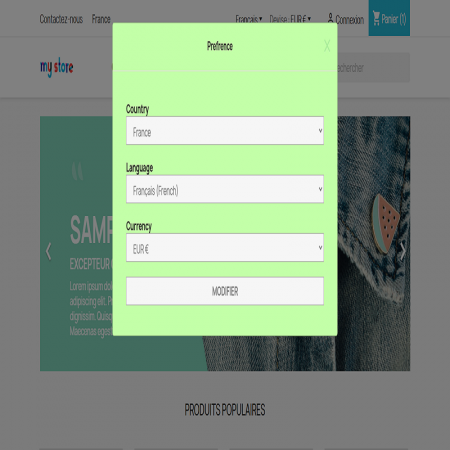
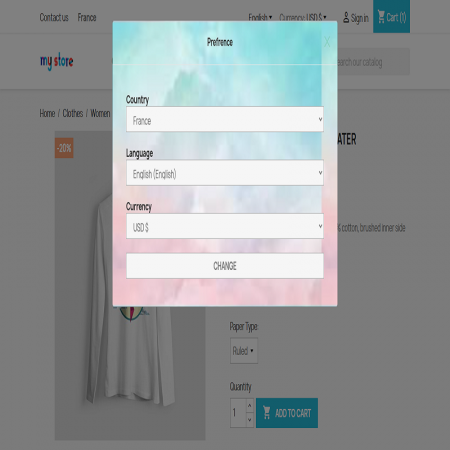
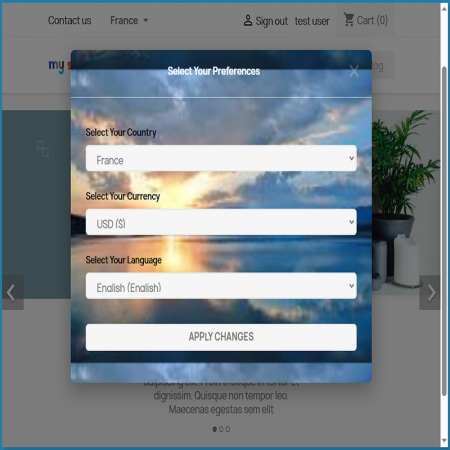
The module includes a manual country selector button that opens a selection modal.
Customers can use this interface to change their country, currency, and language.
Key features:
Display a manual country selector button.
Open a convenient selection modal.
Allow customers to select another country.
Allow customers to choose a language.
Allow customers to choose a currency.
Provide an alternative to automatic location detection.
Business benefit: Combine automatic localization with customer choice, creating a more flexible international shopping experience.
Managing international country preferences should not require complicated development work.
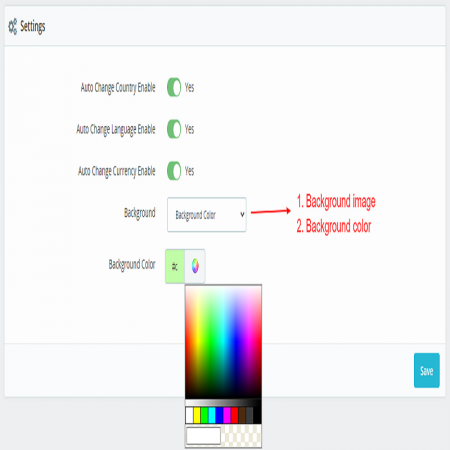
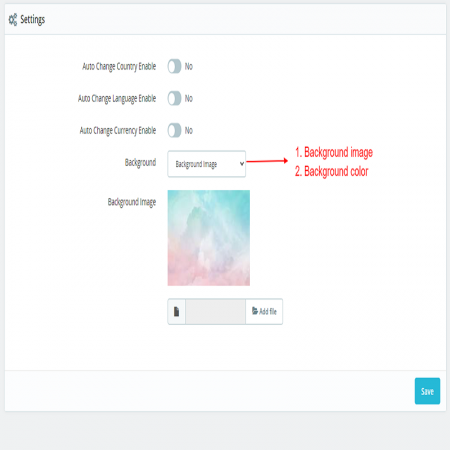
The module provides a dedicated configuration panel in your PrestaShop Back Office.
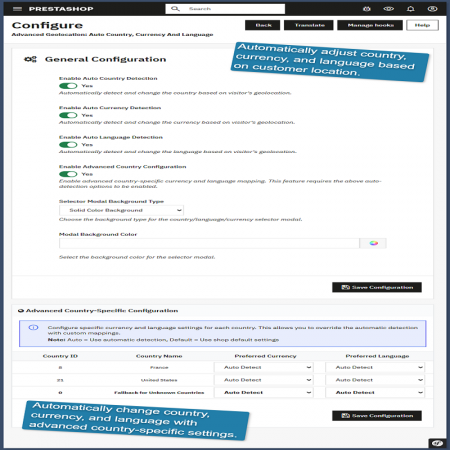
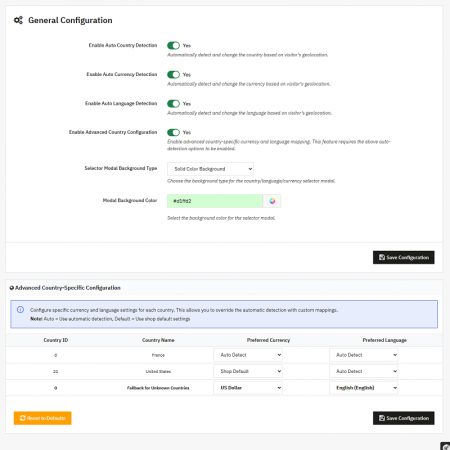
Administrators can configure GeoIP detection, country-specific preferences, and fallback settings from the module's administration interface.
Key features:
Dedicated module configuration page.
Enable GeoIP detection.
Configure country-specific settings.
Define default fallback preferences.
Manage regional language and currency assignments.
Save and test localization settings.
Business benefit: Simplify the administration of international store preferences and reduce the need for manual adjustments.
The module follows a straightforward process from visitor detection to localized shopping.
A customer opens your PrestaShop website from their computer or mobile device.
The module uses the visitor's IP address and GeoIP technology to identify their approximate country.
The module checks whether the detected country has a corresponding custom language and currency configuration.
The configured country, language, and currency are automatically applied to the store experience.
If the visitor's country does not have a specific configuration, the module applies the default fallback preferences.
Customers can use the manual selector modal to choose another country, language, or currency if they prefer.
Result: A more convenient, personalized, and region-aware shopping experience for international customers.
Visitors can access your store with language and currency preferences that are more familiar to them.
Automatically apply regional settings instead of requiring every visitor to configure their preferences manually.
Make it easier to serve visitors from multiple countries through country-specific localization rules.
Display product prices using currencies configured for the visitor's region.
Apply the language assigned to each country, provided it is installed and enabled in your store.
Manage localization preferences from a dedicated module configuration interface.
Allow visitors to override automatic settings through the manual country selector.
Your international customers receive a more convenient shopping experience.
Automatic country recognition.
More familiar store language.
Regional currency display.
Less manual configuration.
Convenient country selection.
Flexible language and currency preferences.
Easier product price understanding.
More comfortable international shopping.
If your business sells products to customers across multiple countries, automatically configure their regional shopping preferences.
For example, a store serving the United States, United Kingdom, Germany, France, and India can assign different language and currency settings to each market.
Customers browsing international fashion collections may prefer familiar currencies and local languages when exploring product categories, sizes, and prices.
Help international shoppers understand product pricing in their configured regional currency.
Create a more localized experience for customers browsing cosmetics, skincare, and personal care products across different markets.
Businesses serving customers across multiple regions can configure country-specific language and currency preferences for their international visitors.
Maintain a country-based localization strategy for visitors arriving from different international markets.
Prepare your store for international visitors without asking every new customer to manually configure their shopping preferences.
| Shopping experience | Manual configuration | Automatic localization |
|---|---|---|
| Country selection | Customer selects manually | Detected through GeoIP |
| Language selection | Customer changes manually | Based on configured country rules |
| Currency selection | Customer changes manually | Based on configured country rules |
| Unsupported countries | Depends on manual selection | Uses fallback settings |
| Customer flexibility | Manual selection | Manual selector remains available |
Automatic localization reduces unnecessary configuration steps while retaining the flexibility customers need.
Setting up the Auto Change Country, Language & Currency module is straightforward.
Download the module ZIP package from Sathi.
Log in to your PrestaShop Back Office.
Navigate to:
Modules → Module Manager → Upload a Module
Select the downloaded ZIP file and upload it.
After uploading, complete the installation process.
Navigate to the installed modules list, find Auto Change Country, Language & Currency, and click Configure.
Enable the GeoIP detection option to allow the module to identify visitors' approximate countries through their IP addresses.
Define the required country, language, and currency combinations for the regions you want to support.
Make sure the selected languages and currencies are available and enabled in your PrestaShop store.
Choose the default country, language, and currency that should be used when no specific country configuration is available.
Save your configuration to apply your localization rules.
Visit your store and test the automatic country, language, and currency selection using different simulated geographic locations.
Verify that the configured regional preferences are applied correctly and that the manual selector works as expected.
It is a GeoIP-based localization module that automatically detects a visitor's approximate country using their IP address and applies the country, language, and currency preferences configured by the store administrator.
The module uses GeoIP technology to identify a visitor's approximate geographic country from their IP address. It then checks your country-specific configuration and applies the corresponding store preferences.
Yes. You can configure language preferences for individual countries. When a visitor's country is detected, the module applies the corresponding configured language.
Yes. You can assign currencies to different countries and automatically apply the corresponding configured currency when a visitor arrives.
Yes. The module supports country-specific language and currency settings, allowing you to define different localization preferences for different regions.
You can define fallback country, language, and currency settings. These default preferences are used when a visitor's location does not have a specific country configuration.
Yes. The module provides a manual country selector button that opens a modal where customers can choose another country, language, and currency.
Yes. The module uses IP-based GeoIP technology to identify visitors' approximate countries.
Please note that IP-based geolocation is not always exact. VPNs, proxies, mobile networks, and certain internet service providers can affect location detection.
Yes. Make sure the required languages and currencies are installed, enabled, and properly configured in your PrestaShop store before assigning them to individual countries.
Yes. It is designed for stores serving customers from different countries and helps provide country-specific language and currency preferences automatically.
Yes. Multistore compatibility is listed on the product page. Test your specific shop configuration and localization requirements before deploying it across multiple shops.
The published compatibility range is PrestaShop 1.6.x through 9.2.x.
Your customers should not have to work through unfamiliar language and currency settings before they can start shopping.
With the Auto Change Country, Language & Currency PrestaShop Module, you can automatically detect visitors' countries, apply the appropriate regional store preferences, and provide manual selection when customers want more control.
Create country-specific localization rules, configure default fallback settings, and make international shopping more convenient.
Detect. Localize. Personalize. Grow your International Store with Sathi.
| Vendor | Sathi |
|---|---|
| Last update | Nov 25, 2026 |
| Version | 1.2.2 |
| Required store version | From 1.6.x to 9.2.x |
| Publication date | Jan 16, 2025 |
| Multishop compatibility | Yes |
| Return Policy | You can return the product within the 30 days return period for a full refund. No questions asked. |
| Customer Support | Enjoy one year of free customer support, including installation, troubleshooting, and usage guidance. |
| Description | This product is compatible with the specified versions and includes all the latest updates to enhance functionality and user experience. |
Version:1.2.2
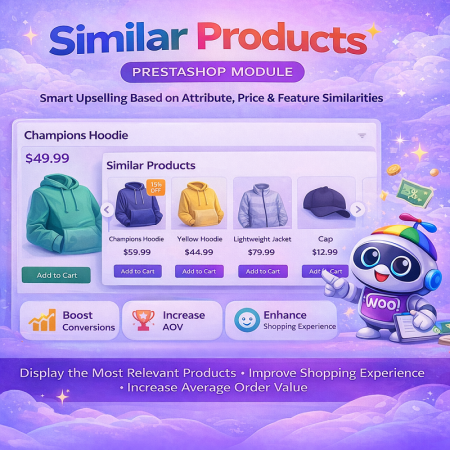
 Smart Similar Products – Automated Product Recommendations for PrestaShop
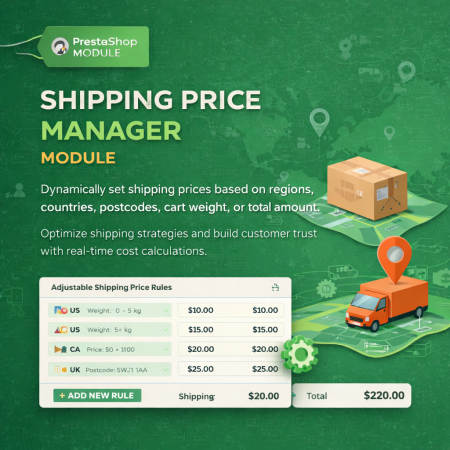
 Shipping Price Manager – Dynamic Shipping Cost Management Module for PrestaShop

 Display Add to Cart Button on Product Listing – Quick Add to Cart Module for PrestaShop
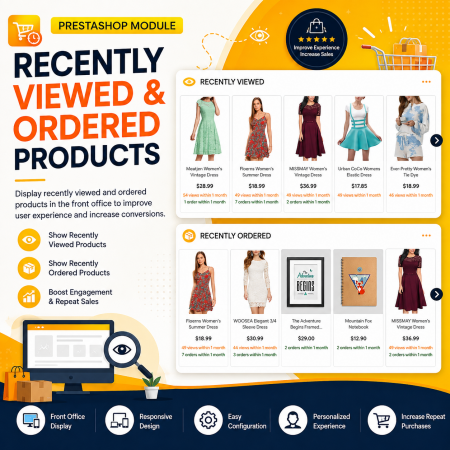
 Recently Viewed and Ordered Products – Product History Module for PrestaShop
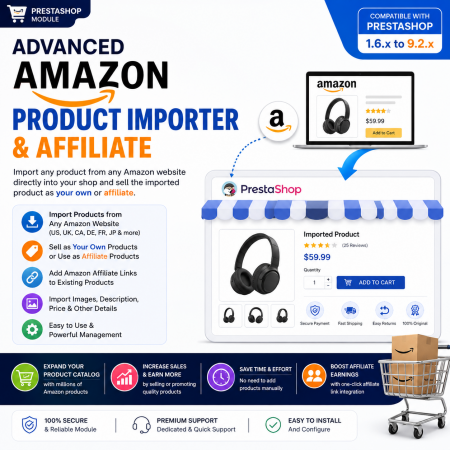
 Advanced Amazon Product Importer & Affiliate Module for PrestaShop
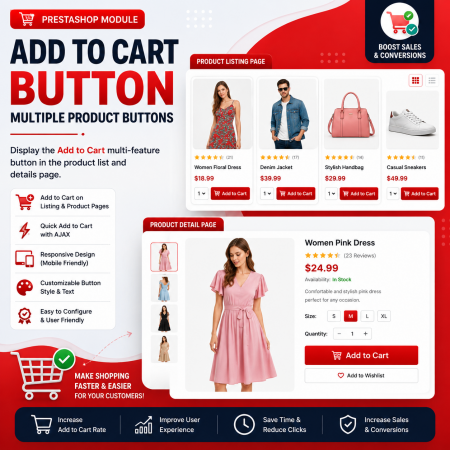
 Advanced Add to Cart Button Module for PrestaShop – Simplify Product Shopping
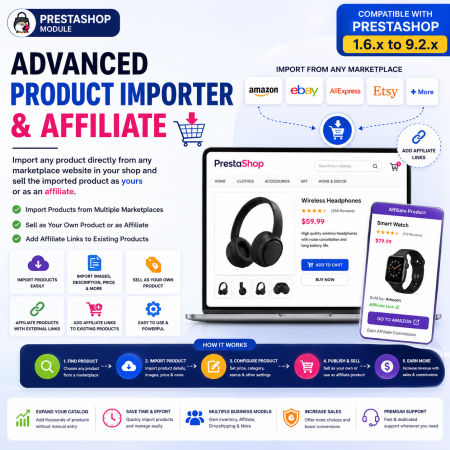
 Advanced Product Importer & Affiliate (100+ websites) Module for PrestaShop
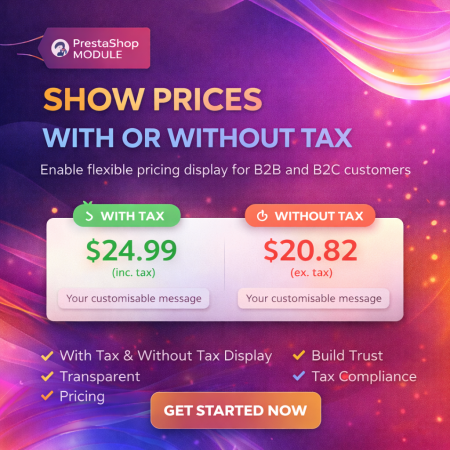
 Display Prices Tax Inclusive or Exclusive – PrestaShop B2B & B2C Tax Display Module
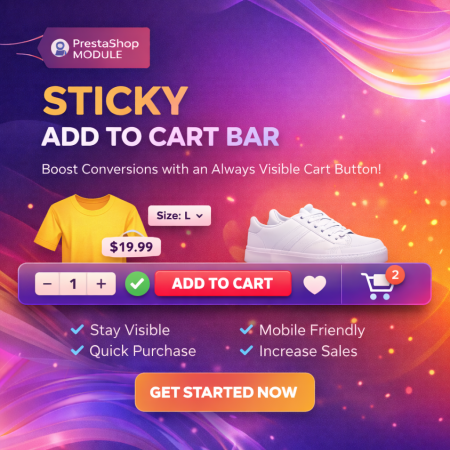
 Sticky Add to Cart Bar – Floating Add to Cart Button Module for PrestaShop
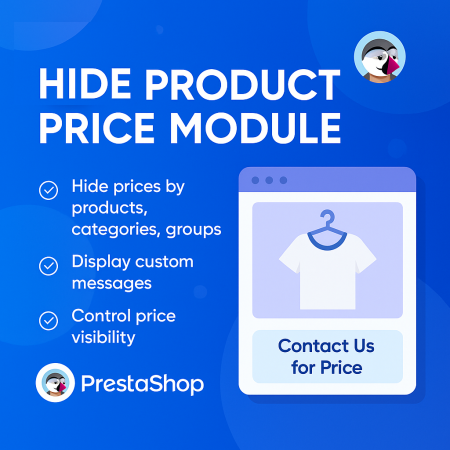
 Hide Product Price – Control Product Price Visibility in PrestaShop
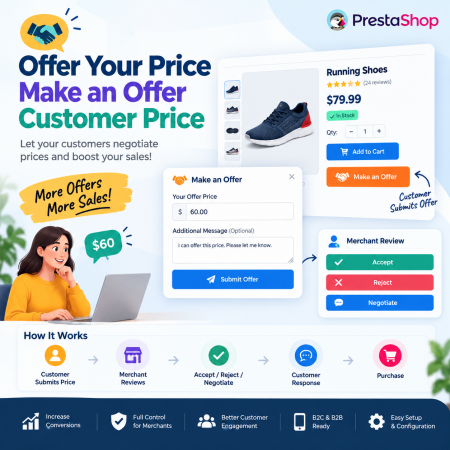
 Offer Your Price – Make an Offer & Price Negotiation Module for PrestaShop
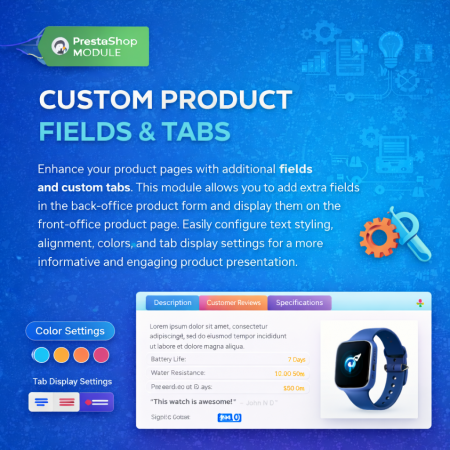
 Additional Product Fields and Custom Tabs – PrestaShop Product Page Customization Module
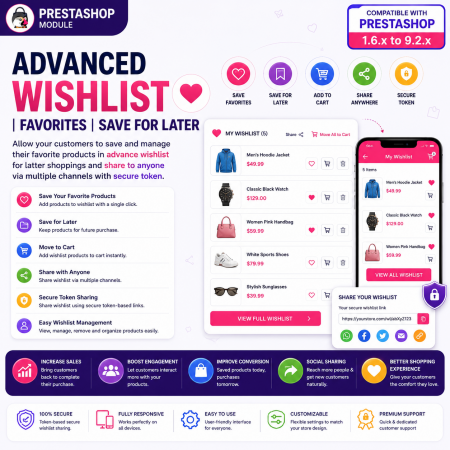
 Advanced Wishlist, Favorites & Save for Later Module for PrestaShop
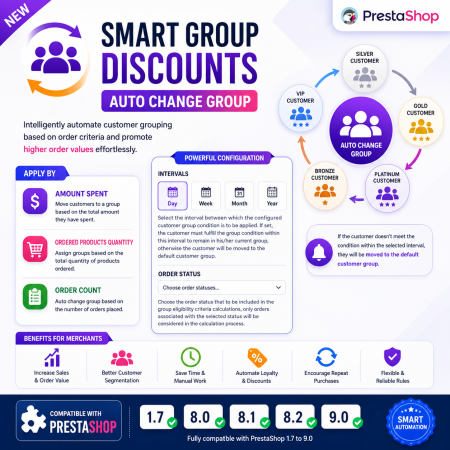
 Smart Group Discounts & Automatic Customer Group Changes for PrestaShop

 Display Product Slider & Grid – Product Showcase Module for PrestaShop
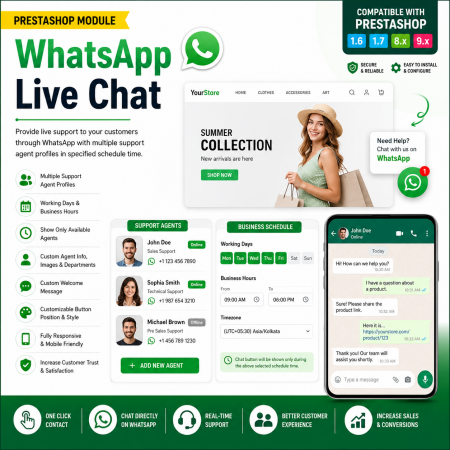
 WhatsApp Live Chat – Customer Support & Multi-Agent Chat Module for PrestaShop
Make international shopping easier with the Auto Change Country, Language & Currency PrestaShop Module.
Automatically detect visitors' countries using GeoIP technology and adjust your store's country, language, and currency according to your configured regional preferences.
Create custom country-specific rules, assign the appropriate language and currency to different regions, and define fallback settings for visitors from unsupported locations.
Customers can also manually change their country, language, and currency through a convenient selection modal whenever they prefer a different shopping experience.
Whether you operate an international eCommerce business, a multi-regional store, or a PrestaShop website serving customers across different countries, this module helps deliver a more localized shopping experience, reduces manual selection, and makes your store easier to use for international visitors.
Detect the country. Apply the right language. Display the appropriate currency. Make global shopping more convenient.

Encrypted payment gateways ensuring your financial and personal data remain 100% protected.

Every module includes professional installation assistance, free updates, and reliable troubleshooting.

Rigorously tested PrestaShop & WooCommerce extensions designed for maximum speed and zero bloat.

Transparent policies, clean documentation, and dedicated assistance if you run into any compatibility hurdles.