- -$40.00


This module enhances the shopping experience by allowing customers to easily explore product variations such as...

The module allows merchants to enhance product images with customizable stickers and labels. Whether it’s...

Make bulk pricing visible and encourage larger orders with the Quantity Discount Table Grid PrestaShop Module.
...
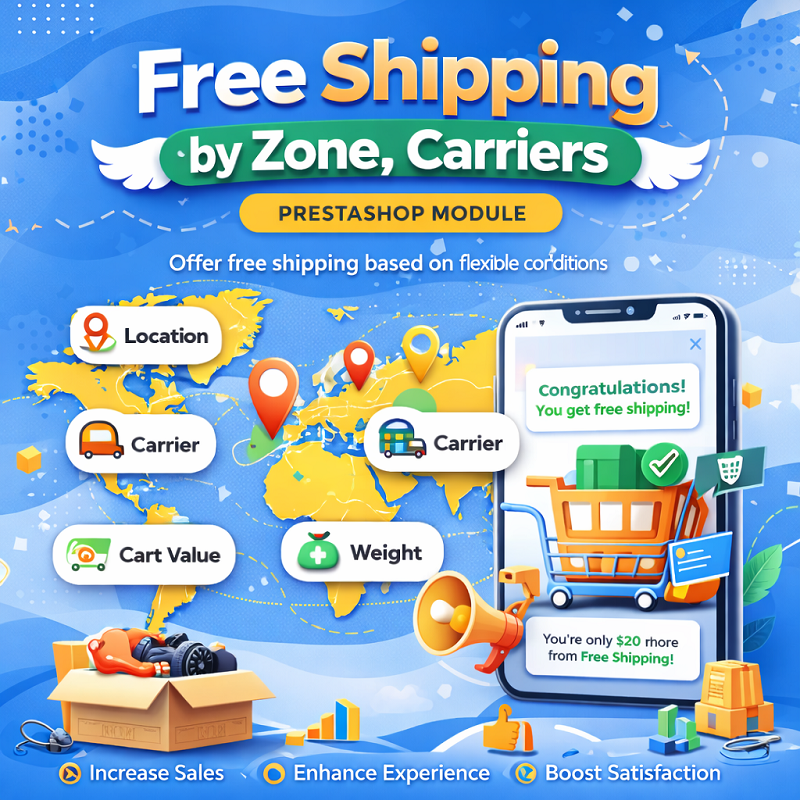
Take complete control of your store's free shipping strategy with the Free Shipping by Zone & Carrier...

The module automatically adjusts language, currency, and country settings based on the customer's location....


Vendor
Version
Last update
Prestashop version
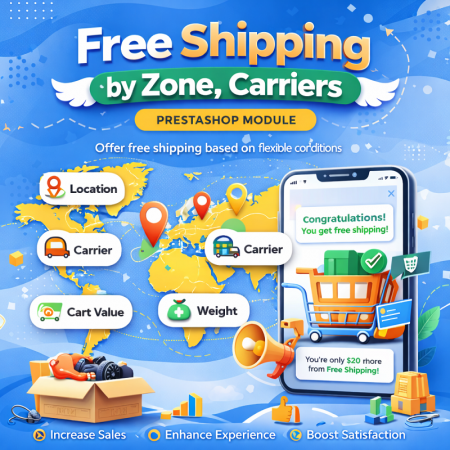
Take complete control of your store's free shipping strategy with the Free Shipping by Zone & Carrier PrestaShop Module.
Create flexible free shipping rules based on customer location, country, zone, postcode, carrier, customer group, product category, specific products, cart value, and product weight.
Set minimum and maximum cart amount conditions, configure weight-based eligibility, and decide whether free shipping calculations should consider discount vouchers before or after discounts. You can also retain additional product-specific shipping costs when free shipping is applied.
Keep customers informed with customizable front-office free shipping alerts that update according to their cart and applicable shipping conditions.
Whether you want to offer free delivery in selected countries, provide special shipping benefits for particular customer groups, or encourage customers to increase their cart value, this PrestaShop free shipping manager gives you the flexibility to build a shipping strategy around your business requirements.
Create Flexible Free Shipping Rules. Control Delivery Costs. Reward Customers with Better Shipping Offers.
Free shipping is one of the most effective promotional strategies for encouraging customers to complete their online purchases. However, offering free delivery to every customer, every location, and every order can significantly increase your store's shipping expenses.
Different customers have different delivery locations, orders have different values and weights, and shipping carriers may charge different rates depending on the destination.
A single global free shipping setting cannot always accommodate these business requirements.
The Free Shipping by Zone, Country & Carrier – Advanced Free Shipping Manager for PrestaShop helps you build a more flexible shipping strategy by allowing you to configure free shipping eligibility using multiple conditions.
Control shipping promotions according to customer location, country, geographical zone, postcode, carrier, customer group, product category, specific products, cart value, and product weight.
You can also configure minimum and maximum cart amounts, decide how discount vouchers affect free shipping calculations, and retain additional product-specific shipping costs when free shipping is applied.
To make the experience more transparent, the module also provides customizable front-office free shipping notifications that update according to the customer's cart and applicable shipping conditions.
Whether you operate a local online shop, an international eCommerce business, a wholesale store, or a multi-category retail website, this module gives you greater control over how and where free shipping promotions are offered.
Shipping costs directly affect your store's profitability and customer purchasing decisions.
Customers often compare delivery charges before completing an order. Unexpected shipping costs can discourage purchases, while carefully planned free shipping promotions can provide an additional reason to buy.
However, offering free shipping without proper conditions can create problems:
Shipping expenses may become too high for low-value orders.
International deliveries may cost more than domestic shipments.
Heavy products may require additional transportation expenses.
Different carriers may have different delivery costs.
Wholesale and retail customers may require different shipping benefits.
Discount vouchers may reduce order values and affect shipping eligibility.
The Advanced Free Shipping Manager addresses these challenges by allowing you to create shipping eligibility conditions around your actual business requirements.
Instead of relying on one universal free shipping rule, you can organize your promotions using multiple criteria.
Choose Conditions → Configure Shipping Rules → Customer Adds Products → Eligibility Is Evaluated → Free Shipping Is Applied → Customer Sees Shipping Benefits
This approach helps you offer free delivery where it makes business sense while maintaining better control over shipping expenses.
PrestaShop provides standard shipping configuration, but growing stores often need more flexibility when managing promotional delivery conditions.
Shipping a product to a nearby city may cost considerably less than shipping the same product to a distant country.
Solution: Configure free shipping eligibility using countries, geographical zones, and postcodes to organize location-based delivery promotions.
Some carriers may offer better rates for specific destinations, while others may be more suitable for different delivery requirements.
Solution: Apply free shipping conditions according to the selected carrier.
Offering free shipping on every order may reduce your profit margin, especially when customers purchase inexpensive products.
Solution: Set minimum and maximum cart amount conditions to control which orders qualify for free shipping.
A lightweight accessory and a heavy piece of furniture do not have the same transportation costs.
Solution: Use product weight as a free shipping eligibility condition.
Wholesale customers, retail shoppers, and registered customer groups may have different promotional requirements.
Solution: Configure free shipping eligibility according to customer groups.
A customer may qualify for free shipping before applying a discount voucher but fall below the required order value afterward.
Solution: Choose whether free shipping calculations should consider discount vouchers before or after discounts.
Customers may not know how much more they need to spend or whether their cart qualifies for a shipping promotion.
Solution: Display customizable front-office free shipping alerts that update according to the cart and applicable shipping conditions.
Create location-specific shipping promotions by offering free delivery in selected countries.
International stores often have different transportation costs and business priorities for different destinations.
With country-based eligibility, you can organize free shipping offers according to the countries you want to target.
Key benefits:
Configure free shipping for selected countries.
Target specific international markets.
Avoid applying the same shipping promotion to every destination.
Organize country-based delivery incentives.
Support different shipping strategies for domestic and international customers.
Example: Offer free shipping to customers in selected European countries while keeping standard shipping charges for other international destinations.
Countries are often grouped into geographical zones for shipping and delivery management.
Zone-based free shipping helps you create promotions according to broader geographical regions.
Key benefits:
Configure free shipping based on geographical zones.
Target specific delivery regions.
Organize shipping promotions by regional requirements.
Support different delivery strategies for different markets.
Example: Offer free shipping to customers located in a selected domestic shipping zone while maintaining normal shipping costs for other regions.
Sometimes, country-level or zone-level shipping conditions are not specific enough.
Shipping costs can vary between different cities, postal regions, and delivery areas.
Postcode-based eligibility provides another level of control over where free shipping promotions apply.
Key benefits:
Use customer postcode information for shipping eligibility.
Target selected delivery areas.
Organize location-specific promotions.
Support delivery strategies for particular postal regions.
Example: Offer free delivery within selected metropolitan postcodes while keeping regular delivery charges for remote locations.
Different shipping carriers may have different transportation charges, service areas, and delivery capabilities.
The module allows you to configure free shipping conditions based on the selected carrier.
Key benefits:
Apply free shipping eligibility according to the carrier.
Support carrier-specific shipping promotions.
Organize shipping incentives around available delivery services.
Maintain flexibility when working with multiple carriers.
Example: Offer free shipping when customers select your preferred standard delivery carrier while keeping regular shipping charges for other carrier options.
Not every customer needs to receive the same shipping benefits.
You may want to provide special delivery incentives to wholesale customers, loyal shoppers, registered members, or selected customer groups.
The module supports customer-group-based free shipping conditions.
Key benefits:
Target specific customer groups.
Create special shipping promotions for selected audiences.
Support wholesale and retail shipping strategies.
Provide differentiated delivery incentives.
Align shipping promotions with customer segmentation.
Example: Offer free shipping to your wholesale customer group while maintaining standard delivery charges for regular customers.
Some product categories may be more suitable for free shipping promotions than others.
For example, you may want to offer free shipping on lightweight accessories while keeping normal shipping charges for bulky furniture.
Category-based eligibility helps you organize shipping offers according to your product catalog.
Key benefits:
Configure free shipping eligibility by product category.
Target selected product categories.
Create category-specific delivery promotions.
Support different shipping strategies across your catalog.
Example: Offer free shipping for products in the fashion accessories category while keeping standard delivery charges for furniture products.
Sometimes you want to promote individual products rather than entire categories.
The module supports product-specific free shipping conditions.
This is particularly useful when you want to encourage purchases of selected products or run targeted promotional campaigns.
Key benefits:
Configure free shipping eligibility for specific products.
Promote selected products through delivery incentives.
Support product-level shipping promotions.
Organize shipping offers around individual products.
Example: Offer free shipping on a selected bestselling product while keeping normal shipping costs for other products.
Minimum order value is one of the most useful conditions for controlling free shipping expenses.
Instead of offering free delivery on every small order, encourage customers to increase their cart value before becoming eligible.
Key benefits:
Set a minimum cart amount for free shipping.
Encourage customers to add more products.
Create order-value-based shipping promotions.
Control free shipping eligibility for smaller purchases.
Support average order value improvement strategies.
Example: Offer free shipping on orders above $100.
Customers whose eligible cart value reaches the configured threshold can receive the free shipping benefit.
Some stores may want to restrict free shipping to orders within a specific value range.
A maximum cart amount condition provides another level of control over shipping promotions.
Key benefits:
Configure a maximum eligible cart amount.
Define an upper order-value boundary.
Organize free shipping eligibility using cart value ranges.
Support specialized promotional strategies.
Example: Configure a free shipping promotion for orders within a selected minimum and maximum cart value range.
Product weight is an important factor when calculating shipping expenses.
Heavy products may require more expensive delivery arrangements than lightweight products.
The module supports weight-based free shipping eligibility.
Key benefits:
Configure shipping eligibility using product weight.
Support weight-sensitive delivery promotions.
Manage free shipping conditions for different product types.
Help control delivery expenses for heavier orders.
Example: Offer free shipping when the eligible cart weight remains within your configured weight condition.
Discount vouchers can change the final value of a customer's order.
For example, a customer may have products worth $120 in their cart and apply a $25 discount coupon.
The eligible cart amount may therefore become different depending on whether the shipping calculation considers discounts.
The module allows you to decide whether discount vouchers should be considered before or after discounts when calculating free shipping eligibility.
Key benefits:
Control how discount vouchers affect free shipping calculations.
Choose between calculation before discounts and after discounts.
Align shipping eligibility with your promotional strategy.
Maintain better control over combined discount and delivery offers.
Example:
Cart value before discount: $120.
Discount voucher: $25.
Cart value after discount: $95.
Free shipping threshold: $100.
If eligibility is calculated before discounts, the cart meets the $100 threshold. If calculated after discounts, it does not.
This flexibility helps you decide how free shipping should interact with discount promotions.
Some products may have additional delivery charges because of their size, handling requirements, or special transportation needs.
Even when a free shipping promotion applies, you may still need to collect these additional product-specific shipping costs.
The module supports retaining additional product-specific shipping costs when free shipping is applied.
Key benefits:
Preserve additional product-specific shipping charges.
Support products with special delivery costs.
Avoid treating every product as having identical shipping requirements.
Maintain greater control over promotional delivery costs.
Example: Offer free standard shipping on a furniture order while retaining an additional product-specific delivery charge configured for a particular item.
Customers should clearly understand when free shipping is available and what conditions apply to their shopping cart.
The module provides customizable front-office free shipping alerts that update according to the customer's cart and applicable shipping conditions.
Key benefits:
Display free shipping-related notifications on the storefront.
Customize notification messages.
Update alerts according to cart conditions.
Inform customers about applicable free shipping offers.
Encourage customers to meet eligible shipping conditions.
Example: Display a free shipping promotion message when the customer's cart qualifies for the configured shipping offer.
These notifications help connect your shipping strategy with the customer's shopping experience.
The module helps store owners organize shipping promotions using configurable eligibility conditions.
Define the shipping conditions you want to use, including:
Country and geographical zone.
Postcode.
Carrier.
Customer group.
Product category.
Specific products.
Cart minimum and maximum amounts.
Product weight.
Customers browse your products and add items to their shopping carts.
The applicable shipping conditions are evaluated according to the customer's delivery information, selected carrier, and cart details.
When the applicable conditions are satisfied, the customer receives the configured free shipping benefit.
Shipping eligibility can account for your selected voucher calculation method, while supported product-specific shipping costs can remain payable.
Customers receive relevant free shipping notifications according to their cart and applicable conditions.
The result: A more flexible shipping promotion strategy that gives you control over delivery incentives without relying on a single global free shipping setting.
Fashion businesses often sell products with different sizes, weights, and price ranges.
Use free shipping promotions to encourage customers to purchase more products.
Example strategies:
Free shipping above a minimum cart value.
Free shipping for selected fashion categories.
Free delivery in selected countries.
Special shipping benefits for registered customer groups.
Electronics products can have significantly different weights and shipping requirements.
Use product-specific and weight-based conditions to manage delivery promotions.
Example strategies:
Free shipping on selected mobile accessories.
Free shipping above a configured order amount.
Carrier-specific delivery offers.
Country-based shipping promotions.
Furniture and home decor products can involve additional transportation expenses.
Use weight-based eligibility and retain additional product-specific shipping costs when free shipping is applied.
Example strategies:
Free shipping for selected lightweight home accessories.
Shipping conditions based on order weight.
Special product-specific shipping charges.
Location-based delivery promotions.
Wholesale customers often place larger orders and may receive special commercial benefits.
Use customer-group and cart-value conditions to provide suitable delivery incentives.
Example strategies:
Free shipping for selected wholesale customer groups.
Minimum order value requirements.
Maximum eligible cart amounts.
Selected carrier-based promotions.
Delivery costs can vary according to location, cart size, and product weight.
Use postcode, zone, and weight-based conditions to organize shipping incentives.
Example strategies:
Free delivery in selected local postcodes.
Minimum cart value for free delivery.
Weight-based shipping eligibility.
Carrier-specific delivery promotions.
International shipping costs vary considerably across destinations.
Use country and geographical zone conditions to build region-specific free shipping campaigns.
Example strategies:
Free shipping to selected countries.
Different offers for different geographical zones.
Carrier-specific international delivery promotions.
Minimum order value conditions for international customers.
Avoid applying free shipping universally when different products, locations, and order values have different delivery costs.
Use minimum order amount conditions to motivate customers to add more products before qualifying for free shipping.
Offer shipping benefits to selected countries, zones, and postcodes according to your delivery strategy.
Create special shipping incentives for wholesale buyers, registered customers, and other configured groups.
Use product and category conditions to support targeted promotional campaigns.
Configure free shipping eligibility based on product weight to support different delivery requirements.
Choose how discount vouchers affect free shipping calculations and organize combined promotional offers.
Retain additional product-specific shipping costs where required, even when free shipping applies.
Use dynamic free shipping alerts to help customers understand applicable delivery offers.
This module is especially useful for:
Store owners offering free delivery above a minimum order value.
International businesses selling to multiple countries.
Stores managing multiple geographical shipping zones.
Businesses using multiple shipping carriers.
Wholesale stores offering special customer-group benefits.
Stores selling products with different weights.
Businesses offering product-specific delivery promotions.
Stores combining discount coupons with shipping incentives.
eCommerce businesses looking to control shipping expenses.
Merchants who want dynamic free shipping notifications on their storefront.
Getting started with the Advanced Free Shipping Manager is straightforward.
Download the Free Shipping by Zone, Country & Carrier module ZIP package from Sathi.
Log in to your PrestaShop administration panel.
Navigate to:
Modules → Module Manager → Upload a Module
Select the downloaded ZIP package and upload it.
Complete the installation process and open the module configuration page.
Review the available settings and configure the required conditions, including customer location, country, zone, postcode, carrier, customer group, products, categories, cart amount, and weight.
Choose whether discount vouchers should be considered before or after discounts when calculating free shipping eligibility.
Review the product-specific shipping cost settings and configure the required behavior when free shipping is applied.
Configure the available free shipping notification messages to communicate relevant shipping promotions to customers.
Test different shopping scenarios using different delivery locations, carriers, customer groups, cart amounts, and product weights.
Verify that the shipping method and customer notifications behave according to your configuration.
Once your rules have been configured and tested, your store can offer free shipping according to your business requirements.
It is an advanced shipping management extension that allows store owners to create conditional free shipping rules based on customer location, country, zone, postcode, carrier, customer group, product category, specific products, cart amount, and product weight.
Yes. The module supports country-based free shipping conditions, allowing you to target selected international or domestic markets.
Yes. You can organize free shipping eligibility using geographical shipping zones.
Yes. Postcode-based eligibility allows you to target specific delivery areas.
Yes. The module supports carrier-based free shipping conditions, allowing you to organize shipping promotions around selected carriers.
Yes. You can use customer-group conditions to provide shipping benefits to selected customer segments.
Yes. The module supports both product-specific and category-based free shipping conditions.
Yes. You can configure a minimum cart amount so that customers qualify for free shipping when their eligible cart value reaches the required threshold.
Yes. The module supports maximum cart amount conditions to help define the eligible order-value range.
Yes. You can use product weight as an eligibility condition when configuring your free shipping strategy.
Yes. You can choose whether voucher discounts are considered before or after discounts when calculating free shipping eligibility.
Yes. The module supports retaining additional product-specific shipping costs even when free shipping is applied.
Yes. It provides customizable front-office free shipping alerts that update according to the customer's cart and applicable shipping conditions.
The module supports multiple types of shipping eligibility conditions, including location, carrier, customer group, product, cart amount, and weight. Configure the applicable conditions according to the available rule settings.
The listed compatibility range is PrestaShop 1.6.x through 9.2.x. Check your specific store environment and module requirements before installation.
Free shipping should be a strategic business decision, not an uncontrolled expense.
With the Free Shipping by Zone, Country & Carrier – Advanced Free Shipping Manager for PrestaShop, you can organize delivery promotions around customer locations, shipping carriers, customer groups, products, order values, and product weights.
Create targeted shipping offers, manage voucher-related eligibility, retain additional product-specific delivery costs, and keep customers informed with dynamic front-office notifications.
Give your customers better shipping incentives while maintaining greater control over your store's delivery strategy.
Get the Advanced Free Shipping Manager from Sathi and build a smarter, more flexible shipping strategy for your PrestaShop store!
| Vendor | Sathi |
|---|---|
| Last update | Nov 25, 2026 |
| Version | 3.5.0 |
| Required store version | From 1.6.x to 9.2.x |
| Publication date | Jan 24, 2025 |
| Return Policy | You can return the product within the 30 days return period for a full refund. No questions asked. |
| Customer Support | Enjoy one year of free customer support, including installation, troubleshooting, and usage guidance. |
| Description | This product is compatible with the specified versions and includes all the latest updates to enhance functionality and user experience. |
Version:3.5.0
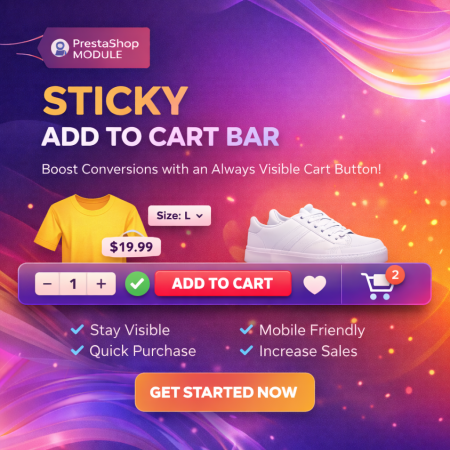
 Sticky Add to Cart Bar – Floating Add to Cart Button Module for PrestaShop
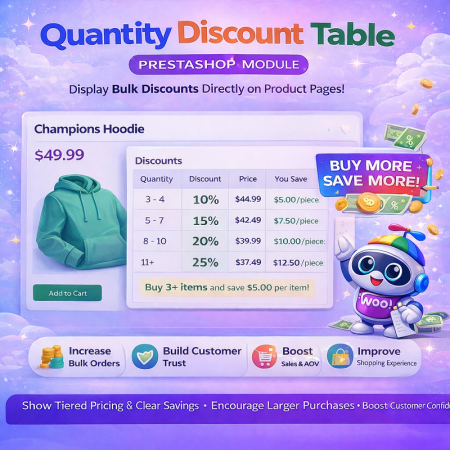 Quantity Discount Table & Grid – Bulk Pricing Display Module for PrestaShop
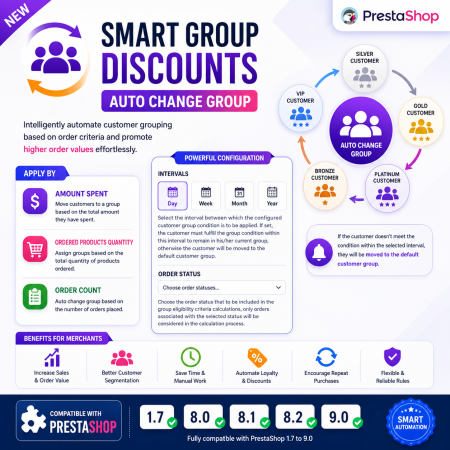
 Smart Group Discounts & Automatic Customer Group Changes for PrestaShop
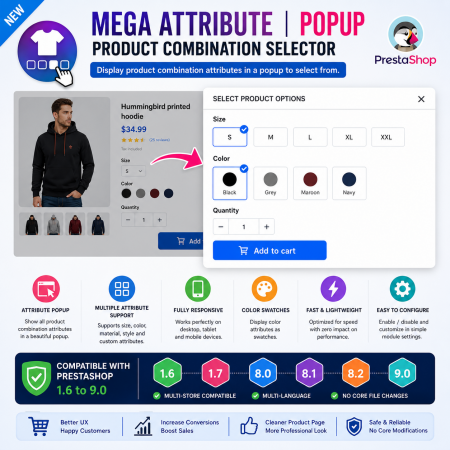
 Mega Attribute Popup – Product Attribute Selection Module for PrestaShop

 WhatsApp Live Chat & Support – Multiple Agents Module for PrestaShop
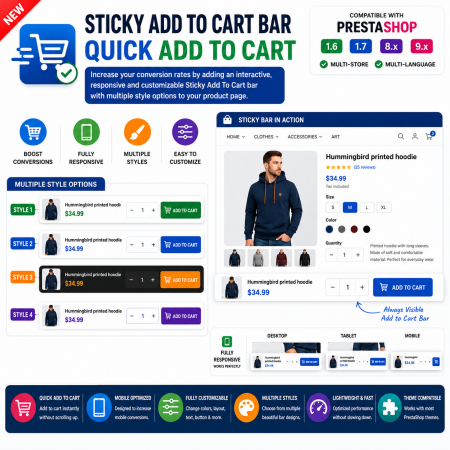
 Sticky Add to Cart Bar – Quick Add to Cart Module for PrestaShop
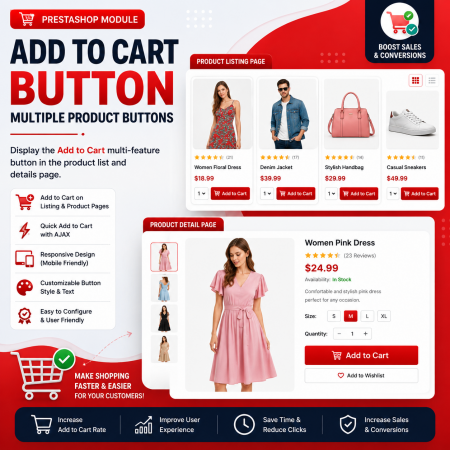
 Advanced Add to Cart Button Module for PrestaShop – Simplify Product Shopping
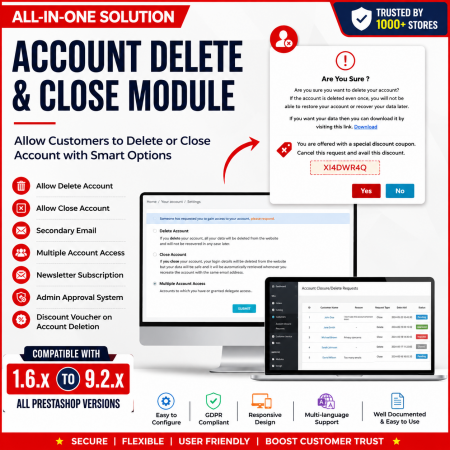
 Customer Account Settings – Customer Account Management Module for PrestaShop
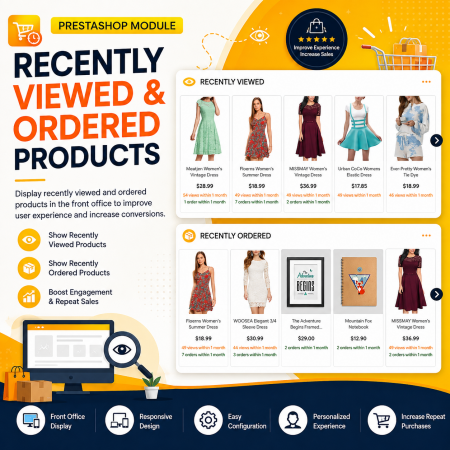
 Recently Viewed and Ordered Products – Product History Module for PrestaShop
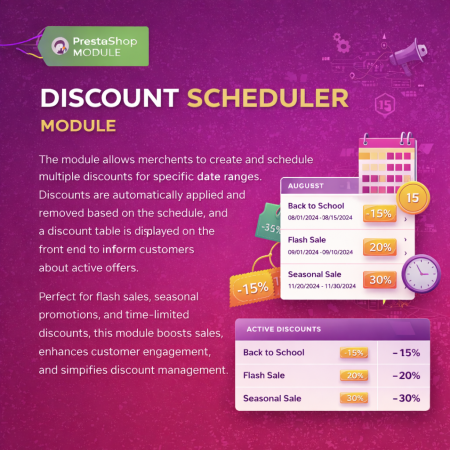
 Multiple discount date wise discount Prestashop Module
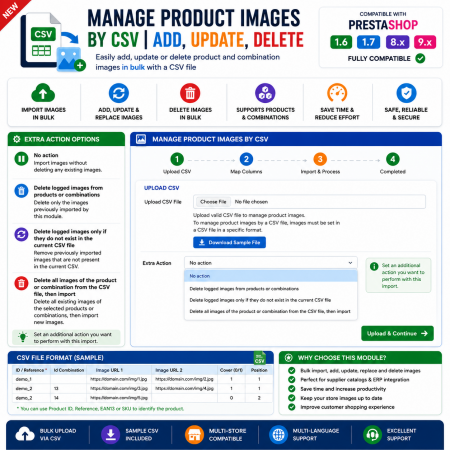
 Manage PrestaShop Product Images by CSV – Add, Update & Delete
 Save & Share My Shopping Cart – Save, Share and Restore Carts in PrestaShop
Sticky Add to Cart Bar – Floating Add to Cart Button Module for PrestaShop
 Products Help – Ask Questions About Products in PrestaShop
 Buy and Earn Loyalty Points – Customer Rewards Module for PrestaShop
 Loyalty, Referral & Affiliate Programs Module for PrestaShop
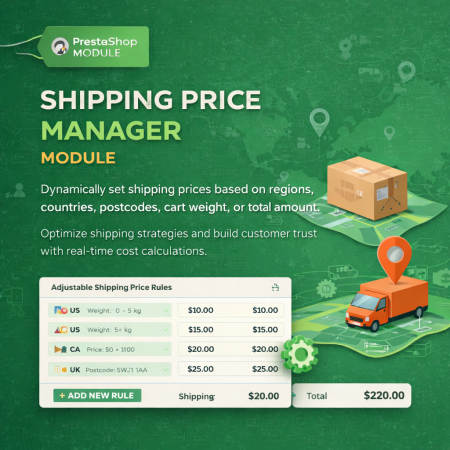
 Shipping Price Manager – Dynamic Shipping Cost Management Module for PrestaShop
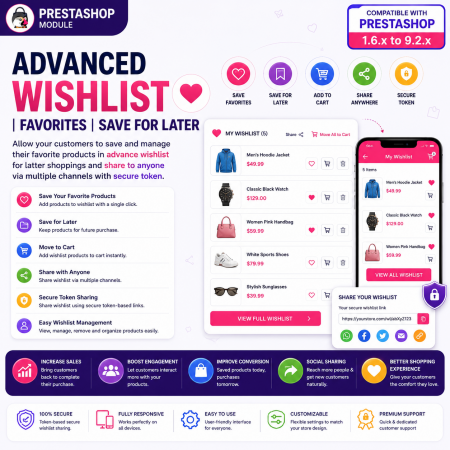
 Advanced Wishlist, Favorites & Save for Later Module for PrestaShop
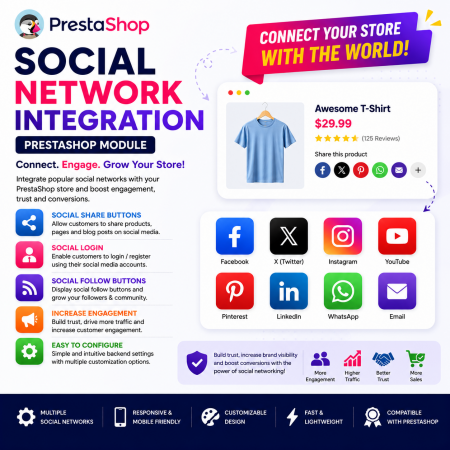
 Social Network Integration Prestashop Module
 Show Product Attributes Or Combinations Prestashop Module
Take complete control of your store's free shipping strategy with the Free Shipping by Zone & Carrier PrestaShop Module.
Create flexible free shipping rules based on customer location, country, zone, postcode, carrier, customer group, product category, specific products, cart value, and product weight.
Set minimum and maximum cart amount conditions, configure weight-based eligibility, and decide whether free shipping calculations should consider discount vouchers before or after discounts. You can also retain additional product-specific shipping costs when free shipping is applied.
Keep customers informed with customizable front-office free shipping alerts that update according to their cart and applicable shipping conditions.
Whether you want to offer free delivery in selected countries, provide special shipping benefits for particular customer groups, or encourage customers to increase their cart value, this PrestaShop free shipping manager gives you the flexibility to build a shipping strategy around your business requirements.

Encrypted payment gateways ensuring your financial and personal data remain 100% protected.

Every module includes professional installation assistance, free updates, and reliable troubleshooting.

Rigorously tested PrestaShop & WooCommerce extensions designed for maximum speed and zero bloat.

Transparent policies, clean documentation, and dedicated assistance if you run into any compatibility hurdles.