- -$40.00


This module enhances the shopping experience by allowing customers to easily explore product variations such as...

The module allows merchants to enhance product images with customizable stickers and labels. Whether it’s...

Make bulk pricing visible and encourage larger orders with the Quantity Discount...

This module allows you to offer free shipping based on flexible conditions, such as location, carrier, cart value,...

The module automatically adjusts language, currency, and country settings based on the customer's location....

Vendor
Version
Last update
Prestashop version
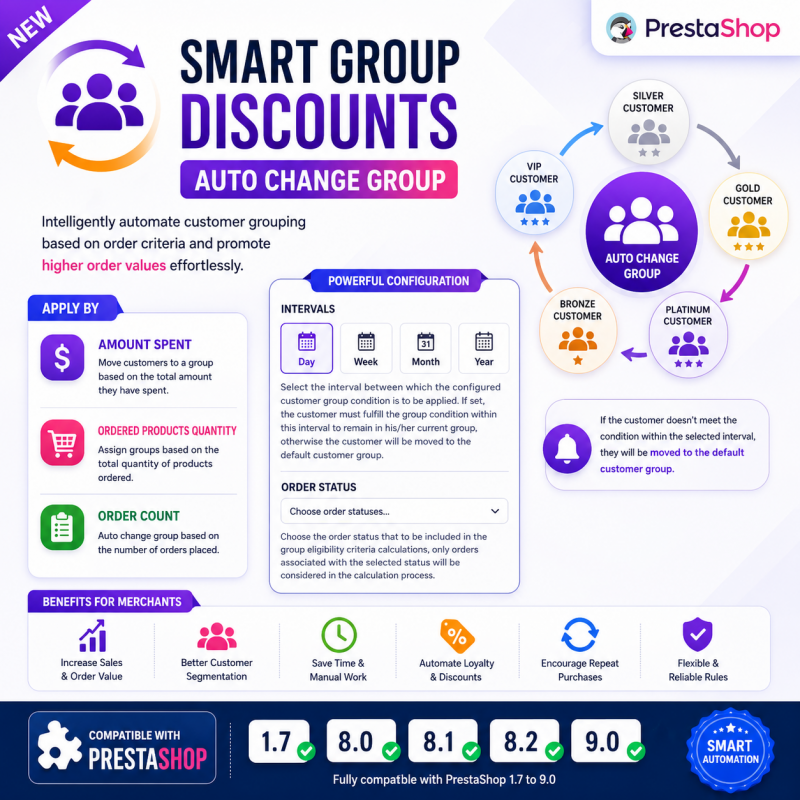
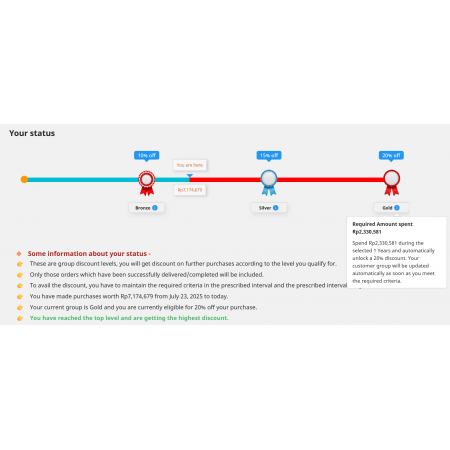
Simplify customer segmentation, automate customer group management, and organize group-based pricing with the Smart Group Discounts & Auto Change Group PrestaShop Module.
Managing different customer categories manually can become difficult as your online store grows. Retail shoppers, wholesale buyers, VIP customers, and regular purchasers may require different pricing strategies and shopping experiences.
This module helps PrestaShop store owners manage customer groups more efficiently by combining customer segmentation, group-based discount strategies, and automatic customer group changes in one solution.
Reduce repetitive group-management work, maintain organized customer categories, and build more targeted pricing strategies for different types of shoppers.
Whether you operate a retail store, wholesale business, B2B shop, or growing eCommerce marketplace, create a more structured approach to customer management with Sathi.
Automate Customer Segmentation. Organize Group Discounts. Simplify Customer Management.
Not every customer has the same shopping behavior or business requirements. Some customers make occasional purchases, while others regularly place large orders, purchase wholesale quantities, or contribute significant value to your business.
Offering the same pricing strategy to every customer may limit your ability to create targeted promotions and build long-term customer relationships.
The Smart Group Discounts & Auto Change Group PrestaShop Module helps you organize customers into relevant groups, support different group-based discount strategies, and automate customer group changes using the module's supported rules.
Instead of repeatedly managing customer group assignments manually, bring customer segmentation and group-based pricing into a more organized workflow.
Whether you operate a B2B business, wholesale store, retail shop, VIP membership program, or growing eCommerce website, this module helps you manage different customer categories more efficiently.
Customer groups are an important part of PrestaShop store management. They allow merchants to organize customers into different categories and apply suitable pricing strategies.
For example, your store may have:
Regular retail customers.
Wholesale buyers.
VIP customers.
Business accounts.
Special customer segments.
Customers eligible for specific promotional offers.
Managing these categories becomes increasingly challenging as your customer database grows.
The Smart Group Discounts & Auto Change Group module focuses on three important areas:
Customer Segmentation: Organize shoppers into relevant customer groups according to your business requirements.
Group-Based Discounts: Use customer groups as a foundation for different discount and pricing strategies.
Automatic Customer Group Changes: Reduce repetitive administrative work by using the module's supported automatic group-change functionality.
Together, these capabilities help create a more structured customer-management strategy for your PrestaShop store.
When a store has hundreds or thousands of customers, managing group assignments manually can become time-consuming.
Store administrators may need to review customer categories and update group assignments repeatedly as business requirements change.
How this module helps:
Use automatic customer-group changes to reduce repetitive administration and simplify customer-group management.
Retail shoppers, wholesale buyers, and VIP customers may have different purchasing requirements.
Applying a single pricing strategy to every customer category can make it difficult to create targeted offers.
How this module helps:
Organize customers into relevant groups and use group-based discount strategies to support different pricing requirements.
As your business grows, the number of customer accounts and customer segments may also increase.
Maintaining an organized customer structure becomes more important as your store serves different types of buyers.
How this module helps:
Create a structured approach to customer segmentation and use automatic group changes to reduce manual management work.
Without a clear segmentation strategy, it can become difficult to distinguish between regular shoppers, wholesale customers, business buyers, and valuable repeat customers.
How this module helps:
Use customer groups to organize different customer categories and support more relevant business and pricing strategies.
Not every promotional offer is suitable for every shopper.
A wholesale customer may need a different discount strategy than an individual retail customer.
How this module helps:
Use customer-group-based discounts as a foundation for creating different promotional and pricing approaches.
The module combines customer segmentation, group-based discount strategies, and automatic customer-group changes.
Simplify repetitive customer-group updates with the supported automatic group-change functionality.
Maintain separate customer segments for different business requirements, including retail, wholesale, VIP, and other customer categories.
Use PrestaShop customer groups to organize different discount strategies and pricing experiences.
Keep customer group assignments more structured as your store and customer database expand.
Create customer segments that help your store provide more relevant pricing and promotional experiences.
Organize your customers into suitable groups according to your store's business model.
Customer groups help distinguish between different customer categories and provide a foundation for group-specific store strategies.
Key benefits:
Organize customers into relevant groups.
Maintain separate customer categories.
Support retail and wholesale customer segmentation.
Structure VIP and preferred customer segments.
Create a more organized customer-management approach.
Business benefit: Maintain a clear customer structure and make customer segmentation easier to manage.
Managing customer groups manually can become repetitive, especially when your store has a large customer database.
The automatic group-change functionality helps reduce this administrative effort by applying the module's supported customer-group change rules.
Key benefits:
Automate supported customer-group changes.
Reduce repetitive manual group updates.
Simplify customer-group administration.
Support a more consistent group-management workflow.
Reduce administrative effort as your customer database grows.
Business benefit: Spend less time managing repetitive customer-group tasks and more time focusing on store growth.
Note: The exact triggers, conditions, scheduling, and automation rules depend on the options available in your module configuration.
Different customer categories may require different discount approaches.
Use customer groups as the foundation for organizing your pricing strategy and supporting targeted promotional offers.
Key benefits:
Organize discount strategies around customer groups.
Support different pricing approaches for different customer categories.
Separate wholesale and retail customer strategies.
Support VIP and preferred customer offers.
Build a structured discount-management approach.
Business benefit: Make your promotional strategy more relevant to different customer segments.
Customer segmentation helps you organize shoppers according to their business relationship with your store.
A structured group system makes it easier to identify different types of customers and manage their pricing requirements.
Key benefits:
Organize retail customers.
Separate wholesale buyers.
Maintain VIP customer categories.
Support business customer segmentation.
Manage additional customer categories according to your store requirements.
Business benefit: Build a customer-management structure that can support your store as it grows.
Customer-group management is an ongoing responsibility for growing eCommerce businesses.
The module provides a dedicated approach to customer segmentation and automatic group changes.
Key benefits:
Reduce repetitive administrative work.
Support organized customer-group management.
Simplify customer segmentation operations.
Maintain a structured customer-management workflow.
Business benefit: Make customer-group administration more manageable as the number of customers increases.
Different customers may have different expectations regarding product pricing and promotional benefits.
Organizing customers into relevant groups helps merchants build more targeted shopping and discount strategies.
Key benefits:
Support customer-specific promotional strategies.
Organize group-based discount approaches.
Maintain separate customer categories.
Support more relevant pricing experiences.
Improve the organization of customer-related promotions.
Business benefit: Create a more customer-focused approach to pricing and promotions.
A structured customer-management process helps store owners maintain different customer categories.
Structure your customer base into relevant groups according to your business requirements.
Examples include:
Retail customers.
Wholesale customers.
VIP customers.
Business accounts.
Other specialized customer categories.
Use customer groups to support different discount and pricing strategies.
For example, you may want to organize separate discount approaches for retail and wholesale customers.
Use the module's supported automatic customer-group change functionality to reduce repetitive manual group-management tasks.
Continue managing your customer categories as your customer database expands.
This workflow helps connect customer segmentation, group-based pricing, and automatic customer-group administration.
Here are some examples of how different businesses can use customer segmentation and group-based discount strategies.
Maintain a separate group for regular shoppers who purchase products for personal use.
Use this segment as the foundation for your standard retail pricing and promotional strategy.
Organize bulk buyers and business purchasers separately from regular retail customers.
This makes it easier to support a different discount strategy for wholesale customers.
Create a dedicated customer segment for your most valuable customers.
Use this group to support exclusive promotions and preferred pricing strategies.
Separate business accounts from individual shoppers to support B2B pricing and customer-management requirements.
Organize customers who qualify for specific promotional campaigns into a dedicated group.
This can help structure your promotional pricing approach.
These are examples of customer-group strategies. Their automatic assignment conditions depend on the module's actual supported configuration.
Wholesale businesses frequently serve customers with different purchasing requirements.
Organize business buyers into relevant groups and support different pricing strategies for wholesale and retail customers.
Manage regular shoppers and special customer segments through a more structured customer-group approach.
Organize customers into different categories and support targeted pricing strategies for your fashion products.
Maintain different customer segments for individual shoppers, business buyers, and preferred customers.
Use customer groups to organize different types of business relationships and support your pricing strategy.
As the number of customers increases, automatic group changes can help reduce repetitive administration and support more organized customer management.
Save Administration Time
Reduce repetitive customer-group management work through automatic group-change functionality.
Improve Customer Segmentation
Maintain organized customer categories for different business requirements.
Support Different Pricing Strategies
Use group-based discounts to support retail, wholesale, VIP, and business customer pricing approaches.
Improve Customer Management
Keep customer groups organized as your store and customer database grow.
Support Customer Relationships
Build targeted customer segments that can support preferred pricing and promotional strategies.
Create a Scalable Management Approach
Use a more structured process for managing customer categories as your business expands.
Get started with Smart Group Discounts & Auto Change Group using the standard PrestaShop module installation process.
Download the module ZIP package from Sathi after purchasing the product.
Log in to your PrestaShop administration panel.
Navigate to:
Modules → Module Manager
Click the Upload a Module option and select the downloaded ZIP package.
Wait for PrestaShop to complete the installation.
Locate Smart Group Discounts & Auto Change Group in the Module Manager.
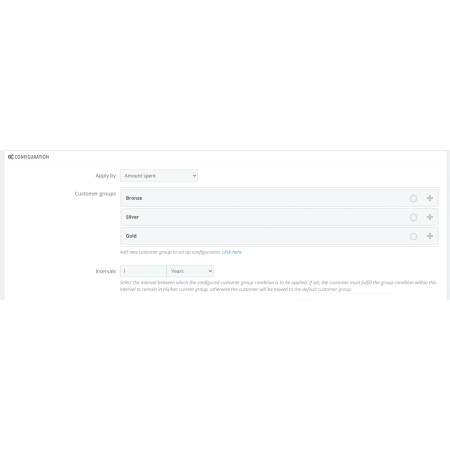
Open its configuration page to access the available settings.
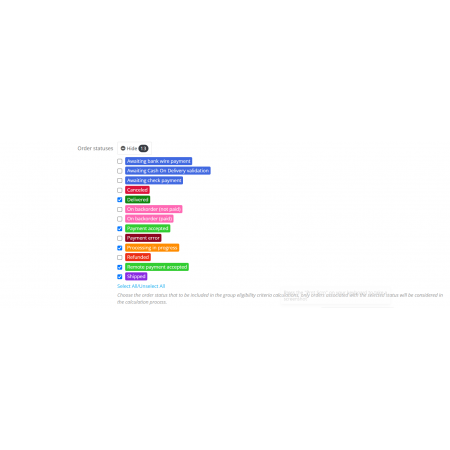
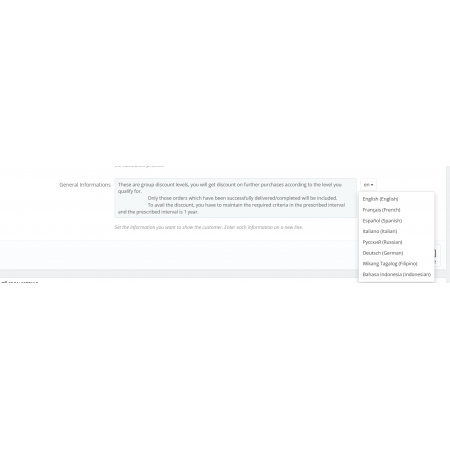
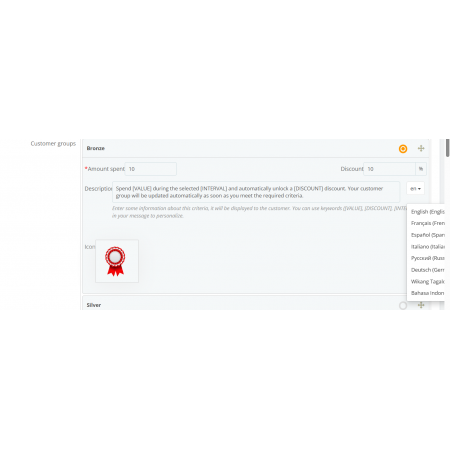
Review the module's available customer-group and automatic group-change options.
Configure the supported conditions according to your store's customer-management strategy.
Review your PrestaShop customer groups and configure the appropriate group-based discount strategy for each customer category.
Test the relevant customer-group changes and verify that the expected group and pricing behavior is applied to the appropriate customer accounts.
Once configuration and testing are complete, use the module as part of your regular customer-management workflow.
It is a PrestaShop module designed to simplify customer segmentation, group-based discount management, and automatic customer-group changes.
It helps merchants organize retail, wholesale, VIP, and other customer categories while reducing repetitive administrative work.
Automatic customer group changing means updating a customer's assigned group through supported rules instead of repeatedly changing group assignments manually.
This module provides automatic customer-group change functionality according to its available configuration.
Yes. Customer segmentation is a core use case of the module. You can organize different types of customers into suitable PrestaShop groups according to your business requirements.
Yes. The module focuses on group-based discount strategies, allowing customer groups to serve as the foundation for different pricing approaches.
The actual discount configuration and interaction with other pricing rules depend on your PrestaShop setup.
You can use customer segmentation to organize VIP and preferred customers into a dedicated customer category and support a suitable group-based pricing strategy.
Yes. Its automatic group-change functionality is designed to reduce repetitive manual customer-group updates.
Yes. It is particularly relevant to businesses that serve different customer categories, including wholesale buyers, business accounts, and retail shoppers.
Yes. Customer segmentation is one of the central purposes of the module. It helps merchants organize customers into groups according to their business and pricing strategies.
Yes. Customer groups can be used to organize customers who qualify for different promotional and discount strategies.
The published compatibility range is PrestaShop 1.7.x through 9.2.x. Check your store's version and the latest module requirements before installation.
As your eCommerce business grows, customer segmentation and pricing management become increasingly important.
Manually managing customer groups can create unnecessary administrative work, while a single pricing strategy may not suit every type of shopper.
With Smart Group Discounts & Auto Change Group for PrestaShop, organize customer categories, support group-based discount strategies, and simplify customer-group administration through automatic group changes.
Create a more structured customer-management workflow for retail shoppers, wholesale buyers, VIP customers, and business accounts.
Make customer segmentation easier. Organize your pricing strategy. Manage your PrestaShop customer groups more efficiently with Sathi.
| Vendor | Nxtal |
|---|---|
| Last update | Nov 24, 2026 |
| Version | 2.0.0 |
| Required store version | From 1.7.x to 9.2.x |
| Publication date | Jul 23, 2026 |
| Return Policy | You can return the product within the 30 Days return period for a full refund. No questions asked. |
| Customer Support | Enjoy one year of free customer support, including installation, troubleshooting, and usage guidance. |
| Description | This product is compatible with the specified versions and includes all the latest updates to enhance functionality and user experience. |
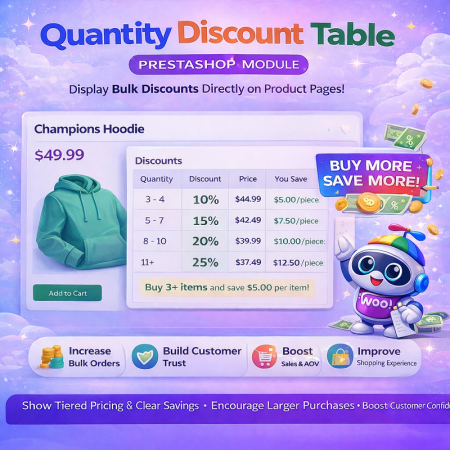 Quantity Discount Table & Grid – Bulk Pricing Display Module for PrestaShop
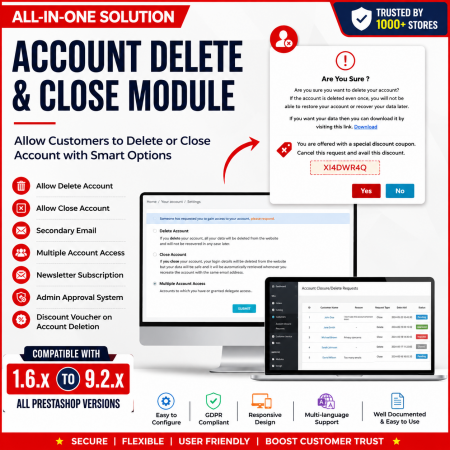
 Customer Account Settings – Customer Account Management Module for PrestaShop

 Loyalty, Referral & Affiliate Programs Module for PrestaShop
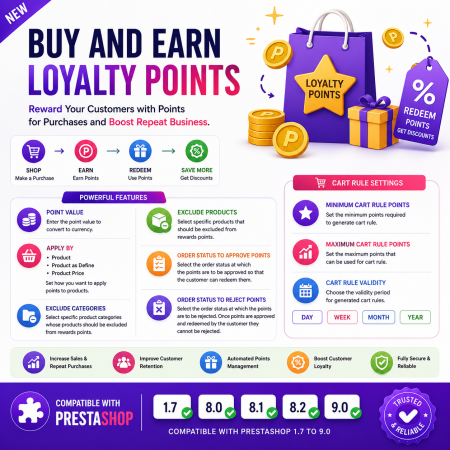
 Buy and Earn Loyalty Points – Customer Rewards Module for PrestaShop
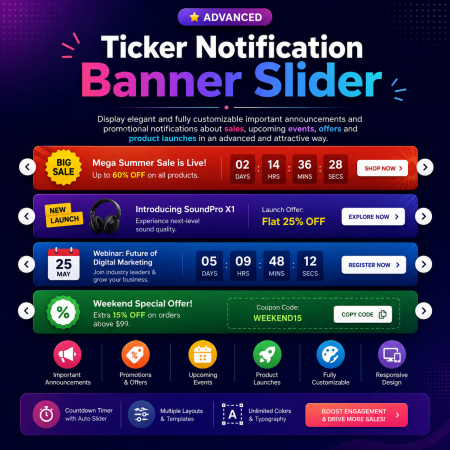
 Ticker Notification Banner – Announcement Bar Module for PrestaShop
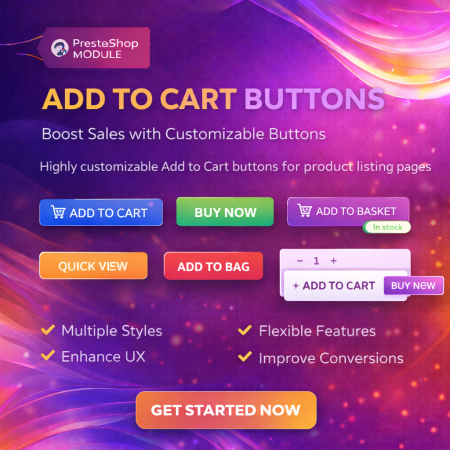
 Display Add to Cart Button on Product Listing Prestashop Module
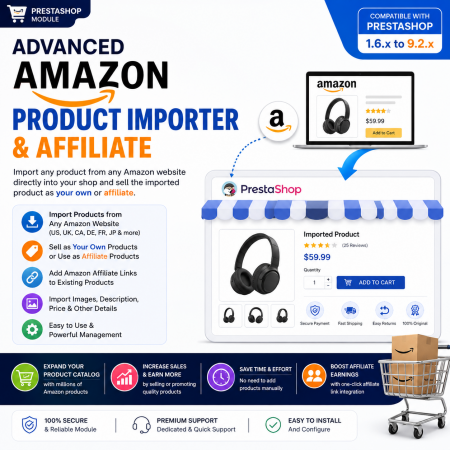
 Advanced Amazon Product Importer & Affiliate Module for PrestaShop
 Advanced URL Redirection (301, 302, 404) Module for PrestaShop
 Advance Product Stickers & Labels Prestashop Module
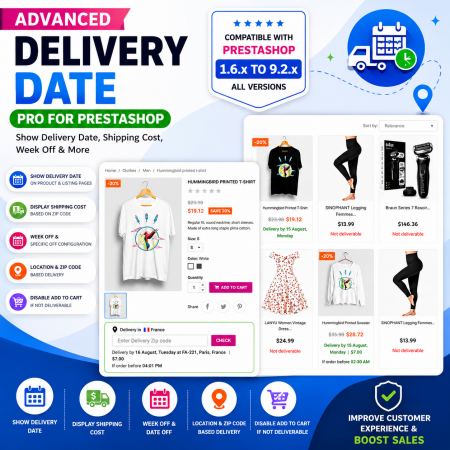
 Proposed Delivery Date and Cost Module for PrestaShop
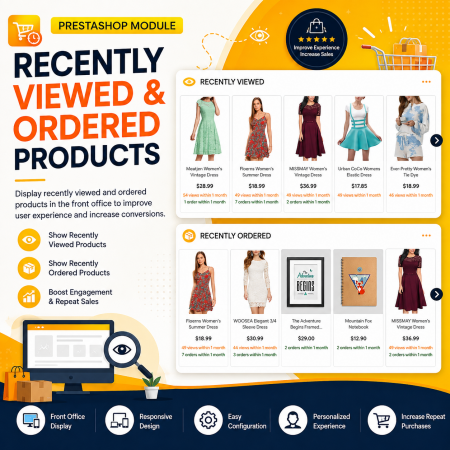
 Recently Viewed and Ordered Products – Product History Module for PrestaShop
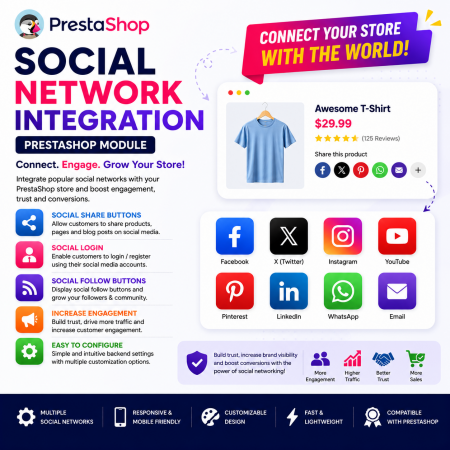
 Social Network Integration Prestashop Module
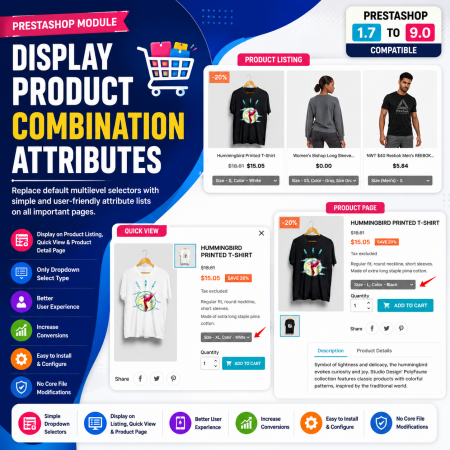
 Display Product Combination Attributes – Product Variations Module for PrestaShop
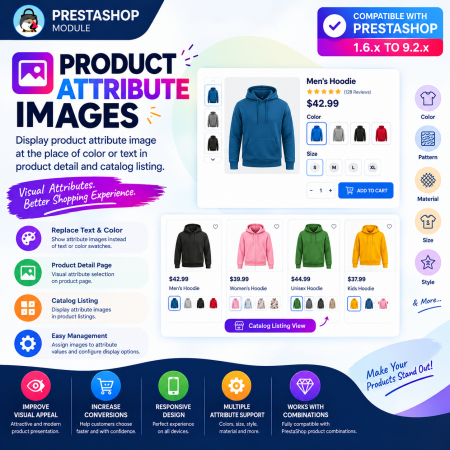
 Product Attribute Images – Visual Swatches for PrestaShop
 Save & Share My Shopping Cart – Save, Share and Restore Carts in PrestaShop
 Fast Order with Instant and File Search – Quick Ordering Module for PrestaShop
 WhatsApp Live Chat & Support PrestaShop Module
 Product Variants Pro – Custom Variant Groups for PrestaShop
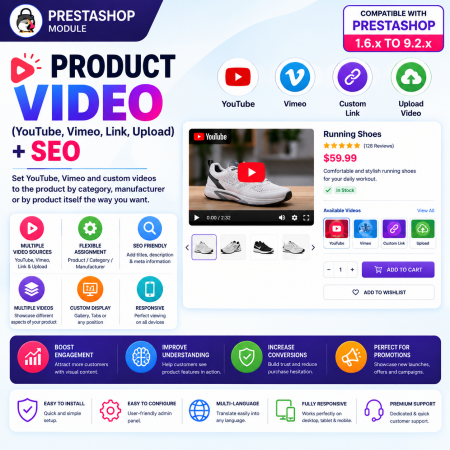
 Product Video – YouTube, Vimeo, External Links & Video Upload for PrestaShop
Simplify customer segmentation, automate customer group management, and organize group-based pricing with the Smart Group Discounts & Auto Change Group PrestaShop Module.
Managing different customer categories manually can become difficult as your online store grows. Retail shoppers, wholesale buyers, VIP customers, and regular purchasers may require different pricing strategies and shopping experiences.
This module helps PrestaShop store owners manage customer groups more efficiently by combining customer segmentation, group-based discount strategies, and automatic customer group changes in one solution.
Reduce repetitive group-management work, maintain organized customer categories, and build more targeted pricing strategies for different types of shoppers.
Whether you operate a retail store, wholesale business, B2B shop, or growing eCommerce marketplace, create a more structured approach to customer management with Sathi.

Encrypted payment gateways ensuring your financial and personal data remain 100% protected.

Every module includes professional installation assistance, free updates, and reliable troubleshooting.

Rigorously tested PrestaShop & WooCommerce extensions designed for maximum speed and zero bloat.

Transparent policies, clean documentation, and dedicated assistance if you run into any compatibility hurdles.