
- -$40.00


This module enhances the shopping experience by allowing customers to easily explore product variations such as...

The module allows merchants to enhance product images with customizable stickers and labels. Whether it’s...

Make bulk pricing visible and encourage larger orders with the Quantity Discount...

This module allows you to offer free shipping based on flexible conditions, such as location, carrier, cart value,...

The module automatically adjusts language, currency, and country settings based on the customer's location....





Vendor
Version
Last update
Prestashop version
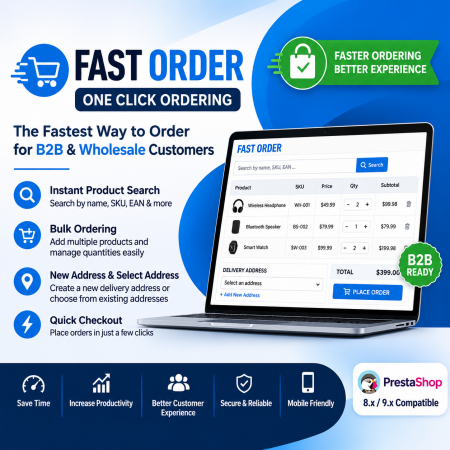
Make product discovery and order preparation faster with the Fast Order with Instant and File Search PrestaShop Module.
Searching for products individually can become time-consuming when your store has a large catalog or customers need to order multiple items. This module simplifies the product lookup process by providing two convenient search methods: instant product search and file-based search.
Customers can use instant search to locate products without manually browsing through multiple categories, while the file-search functionality offers an additional way to find catalog items during order preparation.
Designed for wholesale businesses, B2B stores, distributors, and large product catalogs, this PrestaShop fast ordering solution helps reduce repetitive browsing and makes multi-product product discovery more convenient.
Simplify product lookup, improve the ordering workflow, and help customers find the products they need with less effort.
Find Products Faster. Simplify Product Selection. Make Order Preparation Easier.
When customers need to order several products, searching through individual product pages can become a repetitive and time-consuming process. This is especially challenging for wholesale businesses, B2B stores, distributors, and online shops with extensive product catalogs.
Traditional product browsing requires customers to navigate through categories, open product pages, and repeatedly search for the items they need. When preparing orders containing multiple products, this process can make product selection unnecessarily complicated.
The Fast Order with Instant and File Search PrestaShop Module provides an alternative approach to product discovery by bringing together two convenient search methods: instant product search and file-based search.
Instead of relying exclusively on traditional catalog navigation, customers or store users can use the available search workflows to locate products more directly and prepare their orders with greater convenience.
Whether you operate a wholesale store, manage a large product catalog, serve business customers, or frequently handle multi-product orders, this module provides a focused solution for making product discovery easier in your PrestaShop store.
Product discovery is an important part of the online shopping experience.
For stores with a small catalog, browsing through categories and product listings may be sufficient. However, when a store contains hundreds or thousands of products, finding specific items can become more difficult.
This challenge becomes even more noticeable when customers already know which products they want and simply need a convenient way to locate them.
The Fast Order module addresses this problem by providing two product-search approaches:
Instant Product Search: Find products through an instant-search experience rather than manually navigating through the entire catalog.
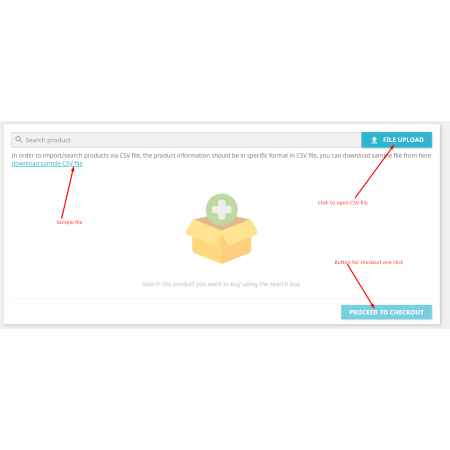
File-Based Search: Use the module's file-search functionality as an additional method of locating products during order preparation.
Together, these search options provide a more focused product-discovery workflow for stores where efficient product lookup is important.
Finding products should not require customers to open multiple categories and product pages.
The instant-search functionality provides a more direct way to locate products in your PrestaShop catalog.
Customers can use the available search interface to find the products they need and continue with the ordering process.
Key benefits:
Access a dedicated instant product-search experience.
Reduce dependence on manual catalog browsing.
Locate products through a more direct search workflow.
Make product discovery more convenient.
Support faster product lookup during order preparation.
Business benefit: Help customers spend less time navigating through product listings and make it easier to identify the items they want to purchase.
Some customers and businesses prefer working with product lists rather than searching for every item individually.
The file-search functionality provides an additional product-discovery method within the Fast Order workflow.
Instead of relying exclusively on traditional catalog navigation, users can take advantage of the file-based search option provided by the module.
Key benefits:
Provide an alternative file-based product-search workflow.
Support product lookup during order preparation.
Offer another way to locate catalog items.
Make product discovery more convenient for product-focused businesses.
Complement the instant-search functionality.
Business benefit: Give users an additional way to approach product discovery, particularly when working with larger product selections.
Note: Supported file extensions, required columns, matching fields, and file-processing behavior should be checked in the module configuration or documentation. Do not assume that every CSV, Excel, or spreadsheet format is supported.
Customers may need to navigate through several categories and product listings before finding the products they want.
This becomes inconvenient when they already know which items they need.
How Fast Order helps: The instant-search functionality provides a more direct way to locate catalog products.
When an order contains several products, repeatedly opening product pages can make the ordering experience unnecessarily complicated.
How Fast Order helps: Bring product discovery into a focused search workflow that reduces dependence on repetitive catalog browsing.
Stores with extensive catalogs often offer products across many categories, variations, and collections.
Finding a particular product can take additional time when customers must manually navigate the entire catalog.
How Fast Order helps: Provide instant and file-based search options to make product lookup more convenient.
Customers who regularly purchase several different items need an efficient way to identify the products required for their orders.
How Fast Order helps: Support a more organized product-discovery process through alternative search methods.
Businesses that frequently prepare similar or multi-product orders can benefit from a more focused product-search experience.
How Fast Order helps: Give users an alternative to relying entirely on traditional product navigation whenever they need to locate catalog items.
Make product discovery easier with the module's instant-search functionality.
Instead of navigating through multiple categories and product pages, users can access a dedicated search experience to locate the products they need.
Feature highlights:
Dedicated instant product-search functionality.
More direct product discovery.
Reduced dependence on manual browsing.
Convenient product lookup.
Support for product-focused ordering workflows.
Provide another way to find products through the module's file-search functionality.
This feature adds an alternative search approach for customers and businesses that prefer working with product lists during order preparation.
Feature highlights:
Dedicated file-search functionality.
Alternative product-discovery workflow.
Support for file-based product lookup.
Complementary search method alongside instant search.
More flexible product-search experience.
Reduce the effort involved in finding products from a large catalog.
The module focuses on making product lookup more convenient so customers can spend less time navigating through individual product listings.
Feature highlights:
Focused product-search experience.
Alternative methods of finding catalog products.
Less repetitive category browsing.
Convenient product identification.
Improved product-discovery workflow.
Product selection is an important stage of order preparation.
By providing instant and file-based search options, the module helps create a more focused process for locating the products required for an order.
Feature highlights:
Product-focused ordering workflow.
Convenient product lookup.
Support for multi-product search requirements.
Alternative product-selection approach.
Simplified product-discovery process.
The larger a product catalog becomes, the more important convenient search functionality can be.
The module is particularly useful for businesses where customers regularly need to locate products across extensive product listings.
Feature highlights:
Suitable for product-intensive stores.
Supports different product-search approaches.
Helps reduce unnecessary catalog navigation.
Useful for frequent product lookup.
Supports wholesale and B2B-oriented workflows.
The module provides a straightforward product-discovery process using its available search options.
Start by accessing the available instant-search or file-search functionality.
Choose the method that suits your product-discovery requirements.
Use the selected search workflow to locate products from your PrestaShop catalog.
Review the available search results and identify the products needed for your order.
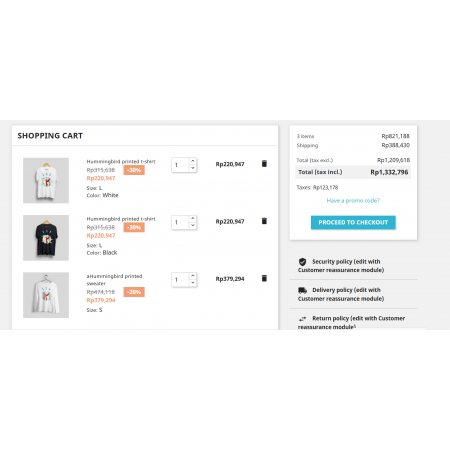
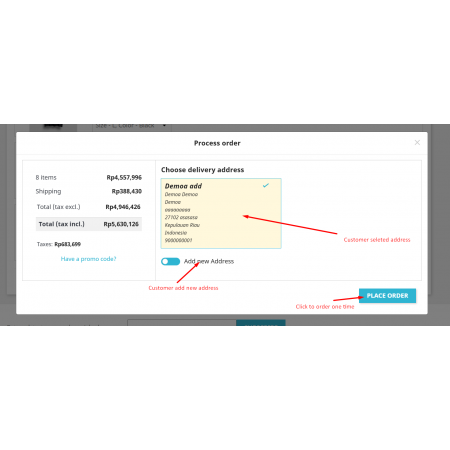
Proceed with the ordering actions supported by the module and your store configuration.
The result: A more convenient way to locate products and prepare orders without relying entirely on traditional catalog browsing.
Wholesale customers often need to locate several products during a single purchasing session.
A convenient product-search workflow can make it easier to find the required catalog items and prepare wholesale orders.
Business customers may already know the products they need and prefer a direct way to locate them.
Instant and file-based search options provide alternative approaches to product discovery.
Businesses offering extensive product catalogs can benefit from a focused product-search experience when customers regularly look for multiple catalog items.
When your website contains a large number of products, manual browsing may become less convenient.
The module provides additional search methods to make product discovery easier.
Businesses where customers regularly return to purchase multiple products can benefit from a more direct product-lookup workflow.
Even regular online retailers can use a dedicated fast-order search experience to make product discovery more convenient for customers.
Reduce unnecessary navigation through categories and individual product pages by providing alternative product-search methods.
Give customers a more focused way to locate products when preparing their shopping lists.
Make product discovery more convenient for shoppers who regularly need several items in one order.
Provide an alternative to browsing extensive product listings manually.
Offer a product-search approach that is relevant to business customers and wholesale buyers.
Give customers more flexibility in how they find products within your PrestaShop store.
Traditional product browsing is useful, but it may not always be the most convenient approach for customers who already know what they want.
The Fast Order module focuses on an important part of the shopping journey: finding products.
Two Search Methods: Combine instant product search and file-based search in one solution.
Less Manual Browsing: Reduce reliance on navigating through multiple product categories.
Product-Focused Workflow: Keep product discovery at the center of order preparation.
Large Catalog Support: Provide alternative search approaches for stores with extensive product listings.
Business-Oriented Use Cases: Particularly relevant for wholesale, B2B, distributors, and frequent-order businesses.
Follow these steps to install the Fast Order with Instant and File Search module in your PrestaShop store.
Download the module ZIP package from Sathi after purchasing the product.
Log in to your PrestaShop administration panel.
Navigate to:
Modules → Module Manager
Click the Upload a module option and select the downloaded ZIP package.
Wait for PrestaShop to complete the installation.
Locate Fast Order with Instant and File Search in the Module Manager and open its configuration page.
Review the instant-search and file-search options provided by the installed module.
Check the available configuration and supported file requirements before using the file-search workflow.
Open the relevant storefront interface and test instant product search and file-based search using your store's products.
Check that customers can continue with the supported product-selection and order-preparation actions.
Once testing is complete, your store can use the available fast-order search functionality.
The module's published compatibility information includes:
PrestaShop 1.7.x
PrestaShop 8.x
PrestaShop 9.x
Listed compatibility range: PrestaShop 1.7.x to 9.2.x.
Check the specific module version and your store environment before installation.
It is a product-discovery and order-preparation module that provides instant product search and file-based search functionality. It helps users locate products more conveniently without relying entirely on traditional catalog browsing.
Instant product search provides a dedicated way to find products through a search interface instead of manually navigating through multiple product categories and pages.
File-based search is an additional product-discovery method provided by the module. It allows users to use the module's file-search workflow to locate catalog products.
Yes. The module is particularly relevant to stores with extensive product catalogs where finding products through traditional browsing can become time-consuming.
Yes. Wholesale stores frequently need to locate several products when preparing customer orders. The module provides instant and file-based search options that can make product discovery more convenient.
Yes. B2B stores can benefit from alternative product-search workflows, particularly when business customers regularly order multiple products.
Yes. File-based product search is one of its main features. Consult the module documentation or configuration to identify the supported file formats and required file structure.
Yes. Instant product search is one of the two main search methods provided by the module.
The exact product-selection and order-submission behavior depends on the module's implementation. Refer to the module documentation or live demonstration for the supported ordering workflow.
The published compatibility range is PrestaShop 1.7.x to 9.2.x. Verify the compatibility information for your specific module release before installation.
Customers should be able to find the products they need without spending unnecessary time browsing through extensive catalogs.
With Fast Order with Instant and File Search for PrestaShop, you can introduce two convenient product-discovery methods into your online store.
Help wholesale buyers, B2B customers, and regular shoppers locate catalog products through instant and file-based search workflows.
Make product lookup more convenient, reduce repetitive browsing, and create a more focused approach to order preparation.
Choose Fast Order by Sathi and simplify product discovery in your PrestaShop store.
| Vendor | Nxtal |
|---|---|
| Last update | Nov 24, 2026 |
| Version | 2.0.0 |
| Required store version | From 1.7.x to 9.2.x |
| Publication date | Jul 22, 2026 |
| Return Policy | You can return the product within the 30 Days return period for a full refund. No questions asked. |
| Customer Support | Enjoy one year of free customer support, including installation, troubleshooting, and usage guidance. |
| Description | This product is compatible with the specified versions and includes all the latest updates to enhance functionality and user experience. |
Version:2.0.0
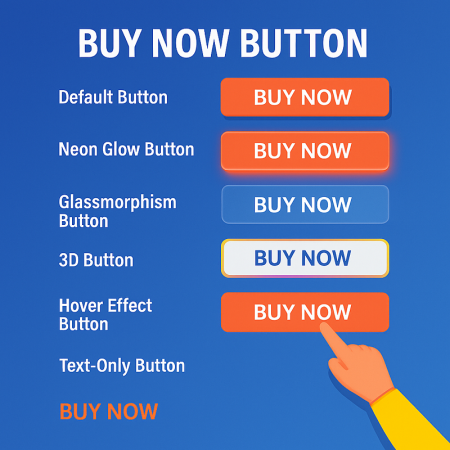
 Buy Now Button | Quick Order Prestashop Module

 Display Add to Cart Button on Product Listing Prestashop Module
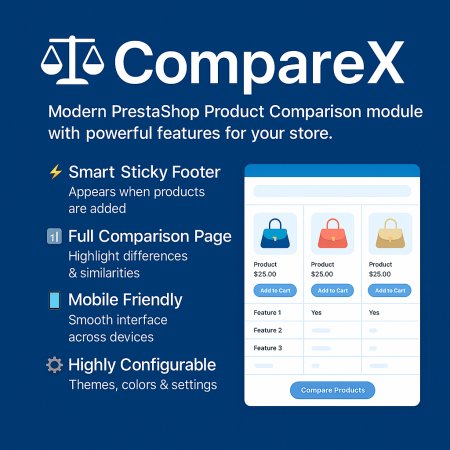
 Advance Product Comparison – Compare Products Side by Side in PrestaShop
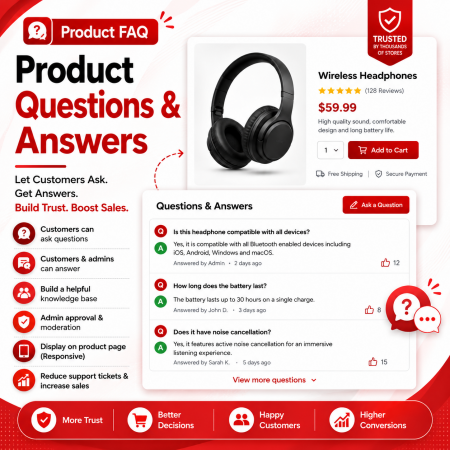
 Product FAQ – Product Questions & Answers Module for PrestaShop
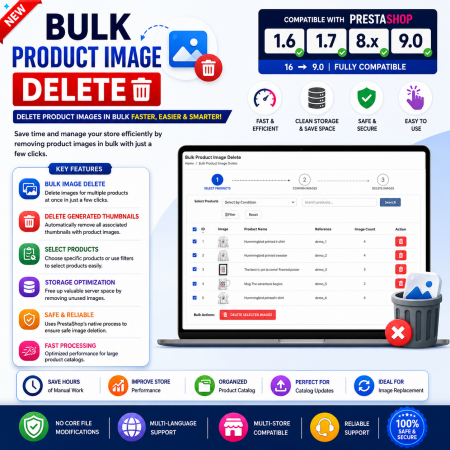
 Bulk Product Image Delete – Remove Product Images in Bulk in PrestaShop
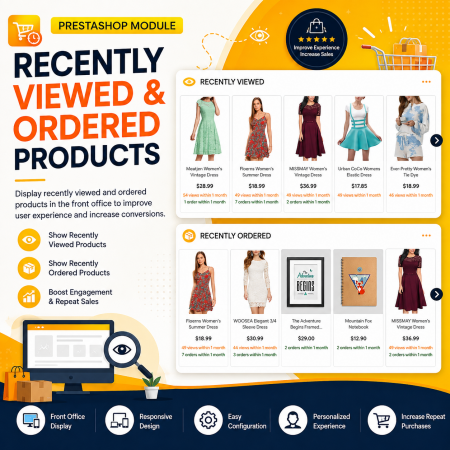
 Recently Viewed and Ordered Products – Product History Module for PrestaShop
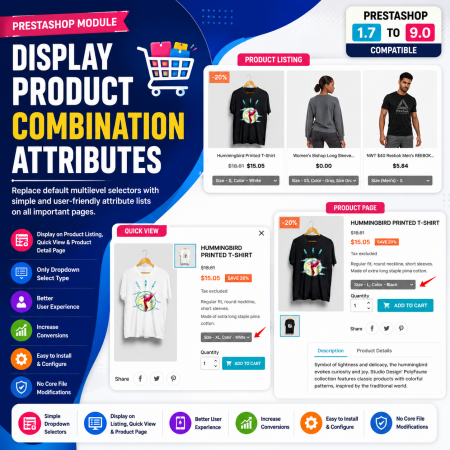
 Display Product Combination Attributes – Product Variations Module for PrestaShop
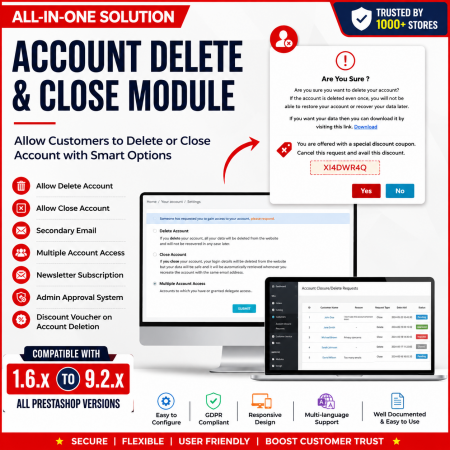
 Customer Account Settings – Customer Account Management Module for PrestaShop

 Product Video – YouTube, Vimeo, External Links & Video Upload for PrestaShop
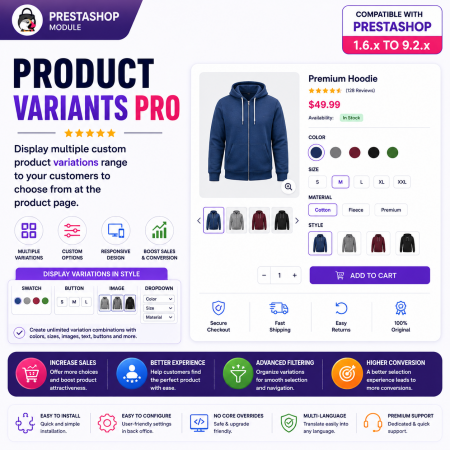
 Product Variants Pro – Custom Variant Groups for PrestaShop
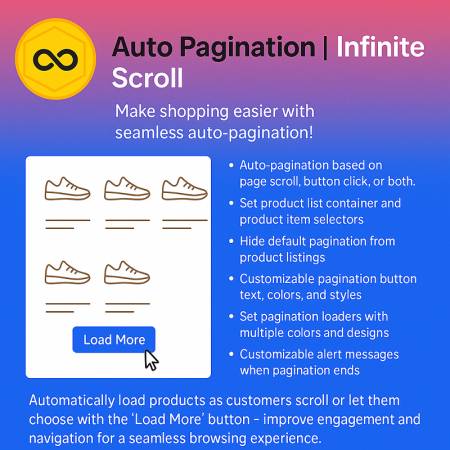
 Auto Pagination | Infinite Scroll Prestashop Module
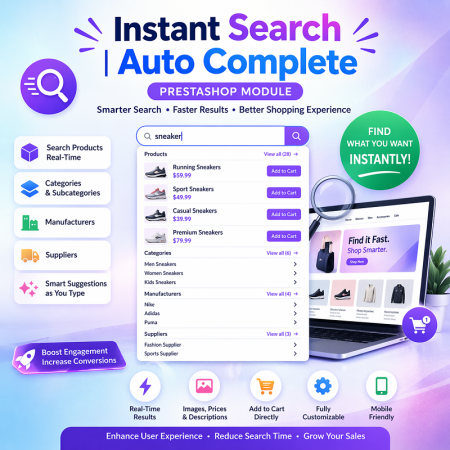
 Instant Search | Auto Complete Prestashop Module

 Ticker Notification Banner – Announcement Bar Module for PrestaShop

 Social Network Integration Prestashop Module
Buy Now Button | Quick Order Prestashop Module
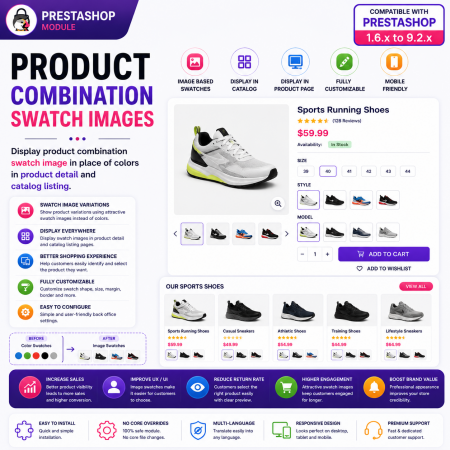
 Product Combination Swatch Images – Visual Product Variations for PrestaShop
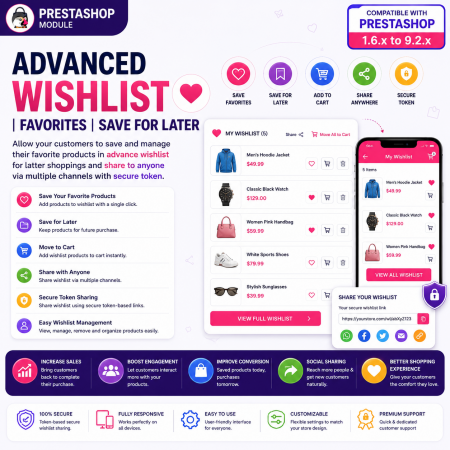
 Advanced Wishlist, Favorites & Save for Later Module for PrestaShop
 Custom Background And Text Color Prestashop Module
 Product Attribute Images – Visual Swatches for PrestaShop
Make product discovery and order preparation faster with the Fast Order with Instant and File Search PrestaShop Module.
Searching for products individually can become time-consuming when your store has a large catalog or customers need to order multiple items. This module simplifies the product lookup process by providing two convenient search methods: instant product search and file-based search.
Customers can use instant search to locate products without manually browsing through multiple categories, while the file-search functionality offers an additional way to find catalog items during order preparation.
Designed for wholesale businesses, B2B stores, distributors, and large product catalogs, this PrestaShop fast ordering solution helps reduce repetitive browsing and makes multi-product product discovery more convenient.
Simplify product lookup, improve the ordering workflow, and help customers find the products they need with less effort.

Encrypted payment gateways ensuring your financial and personal data remain 100% protected.

Every module includes professional installation assistance, free updates, and reliable troubleshooting.

Rigorously tested PrestaShop & WooCommerce extensions designed for maximum speed and zero bloat.

Transparent policies, clean documentation, and dedicated assistance if you run into any compatibility hurdles.