- -$40.00


This module enhances the shopping experience by allowing customers to easily explore product variations such as...

The module allows merchants to enhance product images with customizable stickers and labels. Whether it’s...

Make bulk pricing visible and encourage larger orders with the Quantity Discount Table & Grid...

This module allows you to offer free shipping based on flexible conditions, such as location, carrier, cart value,...

The module automatically adjusts language, currency, and country settings based on the customer's location....






Vendor
Version
Last update
Prestashop version
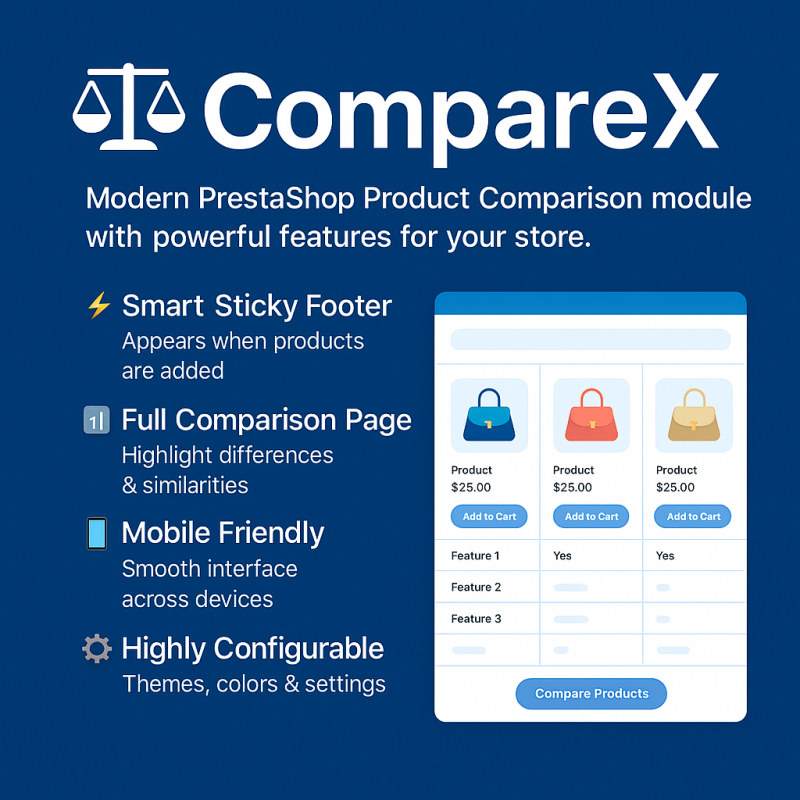
Help customers make confident purchasing decisions with the Advance Product Comparison Module for PrestaShop.
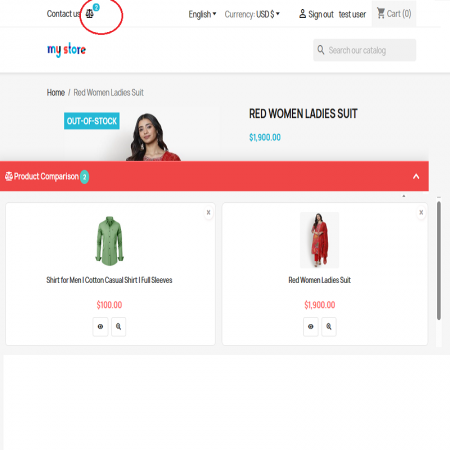
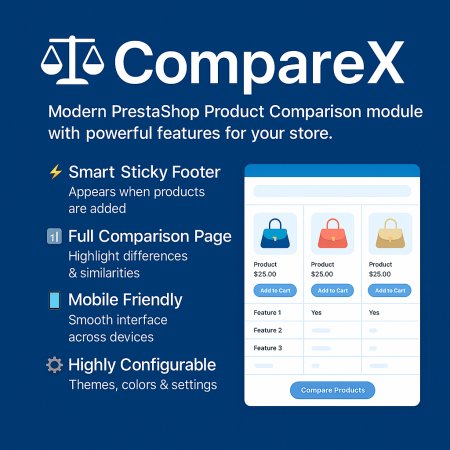
Allow shoppers to compare multiple products side by side without repeatedly opening different product pages. Customers can add products to a comparison list from product listings or product detail pages and access their selected products through a convenient sticky comparison footer.
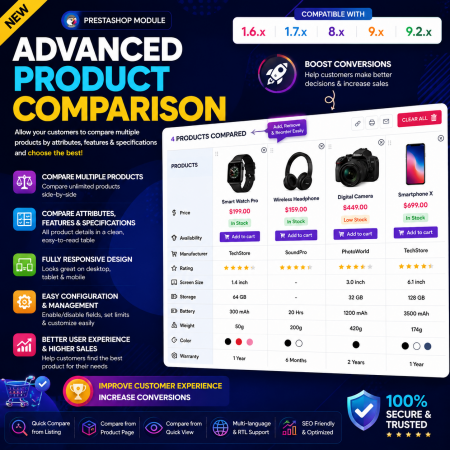
Display important product information in a dedicated comparison page or popup, including prices, references, descriptions, features, compositions, reviews, combinations, and delivery charges.
With AJAX-powered interactions, difference highlighting, combination support, comparison sharing, printing, and quick product actions, this module makes product evaluation easier and more convenient.
Store administrators can customize displayed comparison information, select delivery carriers, define comparison limits, choose popup or full-page layouts, and adjust colors to match their store design.
Make product discovery easier, improve shopping convenience, and help customers choose the right products for their requirements.
Compare Products Side by Side. Highlight Differences. Help Customers Choose with Confidence.
Choosing the right product can be difficult when an online store offers multiple products with similar prices, specifications, features, and variations.
Customers often need to open several product pages, switch between browser tabs, remember product specifications, and manually compare important details before making a purchasing decision. This process can become frustrating, especially when products have multiple attributes, combinations, and delivery options.
The Advance Product Comparison Module for PrestaShop solves this problem by bringing selected products together in one convenient comparison interface.
Customers can add products to a comparison list directly from product listings or product detail pages. A sticky comparison footer keeps their selections accessible while they continue browsing. They can then open a dedicated comparison page or popup to evaluate product prices, references, descriptions, attributes, combinations, composition, reviews, and delivery charges side by side.
With AJAX-powered interactions, difference and similarity highlighting, comparison sharing, printing, and quick product actions, the module makes product evaluation more convenient.
Store administrators also get flexible configuration options to control comparison information, carrier selection, maximum product limits, display modes, and visual appearance.
Whether you sell electronics, fashion, furniture, appliances, computers, accessories, or technical products, give your customers a clearer way to evaluate products and select the option that meets their requirements.
Customers want to make informed purchasing decisions before spending their money.
When multiple products offer similar functionality, comparing their prices, specifications, features, and delivery options becomes an important part of the shopping journey.
However, without a convenient comparison interface, customers may face several difficulties:
Opening multiple product pages to compare specifications.
Switching between browser tabs to remember product details.
Missing important differences between similar products.
Finding it difficult to compare product combinations and variations.
Having limited visibility into delivery charges.
Spending additional time navigating between products.
These problems can make product discovery less convenient and may discourage customers from completing their purchases.
The Advance Product Comparison module provides a centralized solution by displaying selected products together in an organized comparison table.
Instead of remembering information from different pages, customers can review relevant details in one place.
The module provides a simple four-step product comparison workflow.
Customers can add products to their comparison list directly from product listing pages or individual product detail pages.
They can continue browsing your store and select additional products without repeatedly opening the comparison page.
A convenient sticky comparison footer keeps selected products accessible while customers navigate your website.
Customers can open their comparison using either a dedicated full comparison page or the optional popup interface.
Products are displayed side by side with the information enabled by the store administrator.
Customers can review prices, references, descriptions, product attributes, combinations, reviews, composition, and available delivery charge information.
They can also highlight product differences or similarities to focus on the information that matters most.
Once customers identify their preferred product, they can open its product page or use the available Add to Cart action directly from the comparison interface.
This creates a convenient journey from product discovery to purchasing.
Make product comparison accessible throughout the shopping experience.
The sticky comparison footer keeps selected products visible and allows customers to access their comparison list without navigating away from their current page.
Key features:
Display selected products in a sticky footer.
Keep comparison selections accessible while browsing.
Provide a collapsible interface to manage screen space.
Display comparison information and selected products.
Allow customers to access the comparison interface conveniently.
Support product removal from the comparison list.
Business benefit: Customers can continue exploring your catalog while keeping their selected products available for comparison.
Different stores have different design requirements. Some prefer a dedicated comparison page, while others want customers to view comparisons in a popup without leaving the current page.
The module supports both display approaches.
Full comparison page:
Display a complete product comparison in a dedicated page.
Provide space for reviewing multiple product details.
Present enabled product information in an organized table.
Give customers access to available product actions.
Popup comparison:
Open product comparisons in a convenient popup.
Review selected products without navigating to a separate comparison page.
Enable product combination display in the popup.
Keep the comparison experience connected to the current shopping journey.
Business benefit: Choose the comparison presentation that best fits your store's design and shopping experience.
Product variations are important when customers need to compare products with different sizes, colors, materials, or other available options.
The module supports product attributes and combinations so customers can understand the available variations of selected products.
Key features:
Display product attributes in the comparison interface.
Support product combinations.
Show combination names and labels.
Display combination descriptions.
Show available combination images.
Enable combination display in the comparison popup.
Example use cases:
Compare smartphones with different storage configurations.
Compare clothing products with different sizes and colors.
Evaluate furniture with different material or finish options.
Compare products with multiple available configurations.
Business benefit: Make product variations easier to understand and help customers evaluate the options available before purchasing.
The product price is not always the final amount a customer needs to consider.
Shipping costs can vary depending on the available carriers, customer delivery address, and store configuration.
The delivery charge preview feature helps customers evaluate delivery information alongside product details.
Key features:
Enable or disable delivery charge calculation.
Select the carriers included in the comparison.
Display delivery charge information for logged-in customers.
Use available customer delivery address information.
Support carrier-based delivery evaluation.
Important: Delivery charge previews depend on the configured carriers and available delivery address information. Logged-in customers should have an appropriate delivery address for accurate calculations.
Business benefit: Give customers additional information when evaluating the overall cost of their selected products.
When products have many specifications, finding the most important differences can be difficult.
The module includes comparison controls that help customers focus on relevant product information.
Key features:
Highlight differences between products.
Highlight similarities between products.
Hide matching product information.
Hide different product information.
Focus on relevant comparison rows.
Example:
A customer comparing three laptops may want to identify differences in price, memory, storage, processor, or other available product features.
Difference highlighting makes it easier to focus on the information that separates the selected products.
Similarly, customers can highlight similarities when they want to identify features shared by all compared products.
Business benefit: Reduce the effort required to evaluate similar products and make comparison results easier to understand.
Allow customers to share their selected product comparisons with other people.
A shareable comparison link makes it easier for customers to revisit or communicate their product selections.
Key features:
Generate friendly comparison links.
Share selected product comparisons.
Support available social sharing options.
Make comparison information easier to revisit.
Practical use cases:
A customer shares laptop comparisons with colleagues.
A family member shares furniture options with other family members.
A shopper asks friends to help select a product.
A customer saves a comparison for later evaluation.
Business benefit: Make product evaluation more collaborative and give customers a convenient way to share their shortlisted products.
Some customers prefer reviewing product information offline or keeping a physical copy of their shortlisted products.
The print comparison functionality allows customers to print their selected comparison information.
Key features:
Print selected product comparisons.
Review product information outside the website.
Keep a physical reference for purchasing decisions.
Support offline product evaluation.
Business benefit: Offer customers another convenient way to review and compare product information.
Help customers move from product evaluation to purchasing without unnecessary navigation.
The comparison interface provides useful product actions.
Available actions:
View Product: Open the selected product's detail page.
Remove: Remove an unwanted product from the comparison list.
Add to Cart: Add a selected product to the shopping cart when the feature is enabled.
Business benefit: Make the comparison experience more actionable by connecting product evaluation with the next step in the shopping journey.
A smooth shopping experience should not require a full page reload for every small interaction.
The module uses AJAX-powered operations to update comparison information and counts.
Key features:
Add products to the comparison list using AJAX.
Remove selected products using AJAX.
Update comparison information dynamically.
Refresh comparison counts without a complete page reload for each operation.
Provide a more responsive comparison workflow.
Business benefit: Reduce unnecessary page reloads and make product comparison interactions more convenient.
Every store sells different types of products, and not every product requires the same comparison information.
For example, an electronics store may prioritize technical specifications, while a fashion store may focus on composition, size, and other available attributes.
The module allows administrators to select which product information appears in the comparison interface.
Available comparison information includes:
Product price.
Product reference.
Product description.
Product composition.
Product reviews.
Delivery charge information.
Business benefit: Keep comparison tables relevant to your product catalog and avoid displaying unnecessary information.
Your comparison interface should complement your store's existing design.
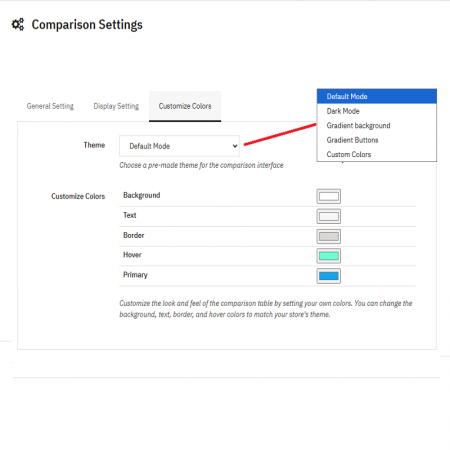
The module provides color customization options so administrators can adjust the appearance of comparison elements.
Customization options:
Primary color.
Background color.
Text color.
Border color.
Hover color.
Use these settings to create a comparison interface that better matches your website's visual identity.
Business benefit: Maintain a more consistent appearance between the comparison interface and the rest of your online store.
PrestaShop supports international and multistore eCommerce environments.
The module uses PrestaShop context and translation functionality to support multilingual and multistore installations.
Key benefits:
Support multilingual store environments.
Use PrestaShop translations for comparison labels.
Work within PrestaShop multistore context.
Support store-specific configuration and presentation.
Business benefit: Provide a consistent product comparison experience across supported languages and store environments.
When customers compare products manually, they must repeatedly open different pages and remember product details.
How the module solves it:
Bring selected products into a single comparison table. Customers can evaluate relevant information without switching between several product pages.
Products with similar prices or specifications can be difficult to distinguish.
How the module solves it:
Display enabled product attributes, descriptions, references, and other information side by side. Use difference and similarity highlighting to make relevant details easier to identify.
Customers may compare product prices without considering the delivery charges associated with different carriers.
How the module solves it:
Enable delivery charge previews and select the carriers that should appear in the comparison experience. Logged-in customers can view available delivery information based on their configured address.
Customers may lose track of their selected products while browsing a large catalog.
How the module solves it:
Keep selected products accessible through the sticky comparison footer. Customers can open a popup or dedicated comparison page when they are ready.
Different product categories require different types of comparison information.
How the module solves it:
Choose the information to display, configure carrier selection, set product limits, select the comparison mode, and customize interface colors.
Manage the comparison experience according to your store's requirements.
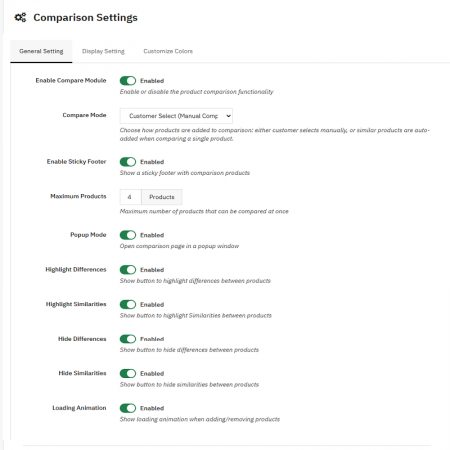
The module provides configuration options for controlling its functionality and appearance.
Enable or disable the comparison module.
Configure the overall comparison experience.
Define the maximum number of products allowed in a comparison.
Show or hide Add to Cart actions.
Enable product combinations in the comparison popup.
Configure available comparison interactions.
Choose which details customers can see:
Price.
Reference.
Description.
Composition.
Reviews.
Delivery charge.
Enable or disable delivery charge calculation.
Select carriers to include in the comparison.
Use available customer delivery address information.
Choose popup comparison mode.
Choose full-page comparison mode.
Customize primary color.
Customize background color.
Customize text color.
Customize border color.
Customize hover color.
These configuration options allow you to create a comparison experience that fits your store's products and customer requirements.
Electronics products often have many technical specifications.
Customers may need to compare processors, memory, storage, screen sizes, product references, prices, and other available attributes.
Use the comparison module to bring these details together and help shoppers evaluate different electronic products.
Customers frequently compare smartphones based on price, available storage combinations, specifications, and ratings.
A side-by-side comparison makes it easier to evaluate multiple models.
Fashion products can have different sizes, colors, materials, and other combinations.
Help shoppers evaluate available product variations and compare relevant information before selecting an item.
Furniture products may differ in material, dimensions, composition, and price.
A comparison interface helps customers evaluate these details before making a purchase decision.
Customers often compare appliances based on product specifications, features, pricing, and available delivery options.
Display relevant information together to make product selection easier.
Allow shoppers to compare similar accessories and lifestyle products based on their enabled product information.
Business buyers may need to evaluate multiple products before making procurement decisions.
A centralized comparison table helps them review important product information more conveniently.
Help shoppers understand product differences before making a purchase.
Provide a convenient way to compare selected products across your catalog.
Reduce the effort required to evaluate multiple products with similar specifications.
Display relevant product prices, attributes, combinations, and delivery information together.
Allow customers to access their selected products through the sticky comparison footer.
Control comparison information, carrier selection, product limits, display modes, and theme colors.
Connect product evaluation with product pages and available Add to Cart actions.
Follow these steps to install and configure Advance Product Comparison in your PrestaShop store.
Download the Advance Product Comparison ZIP package from Sathi.
You can install the module using either of these methods:
Method A – ZIP Installation
Log in to the PrestaShop Back Office.
Navigate to Modules → Module Manager.
Click Upload a Module.
Select the downloaded ZIP package.
Upload the module.
Method B – Manual Installation
Extract the downloaded module ZIP file.
Upload the module folder named stproductcompare to your PrestaShop /modules/ directory using FTP or your hosting file manager.
Open the Module Manager and locate the Compare module (stproductcompare).
Click Install to complete the installation.
Open the module configuration page.
Configure the following options according to your store requirements:
Enable or disable the comparison functionality.
Choose popup or full-page comparison mode.
Set the maximum number of products.
Select the product information to display.
Enable product combinations in the popup.
Configure Add to Cart visibility.
Enable delivery charge calculation.
Select the carriers to include.
Customize the comparison interface colors.
If you want to display delivery charges, make sure the selected carriers are properly configured in PrestaShop.
Logged-in customers should have an available delivery address for accurate delivery charge previews.
Visit your storefront and perform the following tests:
Add products from a product listing.
Add products from individual product pages.
Check the sticky comparison footer.
Open the comparison popup.
Open the full comparison page.
Review product information and combinations.
Test difference and similarity highlighting.
Test delivery charge previews with an appropriate customer address.
Test product removal and Add to Cart actions.
Test comparison sharing and printing.
After completing configuration and testing, your customers can start comparing products through the new comparison interface.
Installation recommendation: Back up your store files and database before installation. Test the module on a staging environment whenever possible.
Advance Product Comparison supports the following PrestaShop version range:
PrestaShop 1.7.x
PrestaShop 8.x
PrestaShop 9.x
Listed compatibility: PrestaShop 1.7.x to 9.2.x.
The module uses PrestaShop's multilingual and multistore context. Test your specific theme and store configuration before deploying it to a live environment.
It is a product comparison extension that allows customers to select multiple products and review their prices, descriptions, references, attributes, combinations, reviews, and other enabled information side by side.
Customers can add products directly from product listing pages and individual product detail pages. Selected products remain accessible through the sticky comparison footer.
Yes. The module supports a popup comparison mode that lets customers review their selected products without navigating to a dedicated comparison page.
Yes. Administrators can choose between popup mode and full-page comparison mode.
Yes. The back-office configuration includes an option to set the maximum number of products allowed in a comparison.
Yes. It supports product attributes and combinations, including combination names, labels, descriptions, and images. Administrators can enable combination display in the comparison popup.
Yes. The module provides delivery charge previews for logged-in customers using configured carriers and available delivery address information.
Yes. Administrators can enable delivery charge calculation and select the carriers included in the comparison experience.
Yes. Customers can use the available controls to highlight differences or similarities and hide matching or different rows.
Yes. The module supports friendly comparison links and available social sharing options, allowing customers to share selected product comparisons.
Yes. Customers can print their selected comparison information for later reference or offline evaluation.
Yes. The comparison interface supports an Add to Cart action, which administrators can show or hide through the module configuration.
Yes. AJAX-powered operations allow customers to add or remove products and update comparison information and counts without requiring a complete page reload for each operation.
Yes. Administrators can customize primary, background, text, border, and hover colors to better match their store's appearance.
Yes. The module uses PrestaShop context and translations to support multilingual and multistore environments.
The listed compatibility range is PrestaShop 1.7.x to 9.2.x.
Customers should not have to remember product specifications, switch between multiple browser tabs, or manually calculate which product offers the best value.
Give them a convenient way to evaluate products side by side.
With the Advance Product Comparison Module for PrestaShop, you can provide a sticky comparison footer, popup and full-page comparison layouts, product combination support, delivery charge previews, difference highlighting, sharing, printing, and quick product actions.
Help customers understand your products, make informed purchasing decisions, and move confidently from product comparison to checkout.
Upgrade your PrestaShop shopping experience with Advance Product Comparison by Sathi.
| Vendor | Sathi |
|---|---|
| Last update | Nov 24, 2026 |
| Version | 1.2.0 |
| Required store version | From 1.7.x to 9.2.x |
| Publication date | Sep 15, 2025 |
| Return Policy | You can return the product within the 30 days period for a full refund. No questions asked. |
| Customer Support | Enjoy one year of free customer support, including installation, troubleshooting, and usage guidance. |
| Description | This product is compatible with the specified versions and includes all the latest updates to enhance functionality and user experience. |
Version:1.2.0
 Quantity Discount Table & Grid – Bulk Pricing Display Module for PrestaShop

 Save & Share My Shopping Cart – Save, Share and Restore Carts in PrestaShop
 Advance Product Comparison – Compare Products Side by Side in PrestaShop
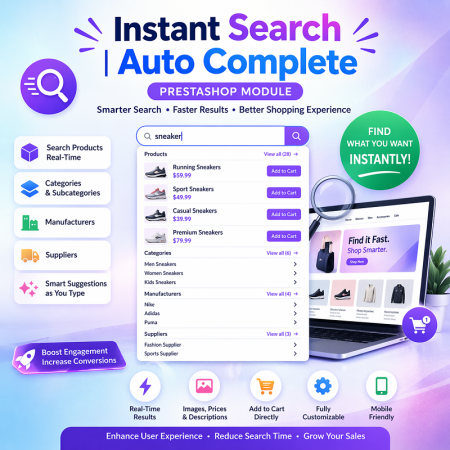
 Instant Search | Auto Complete Prestashop Module
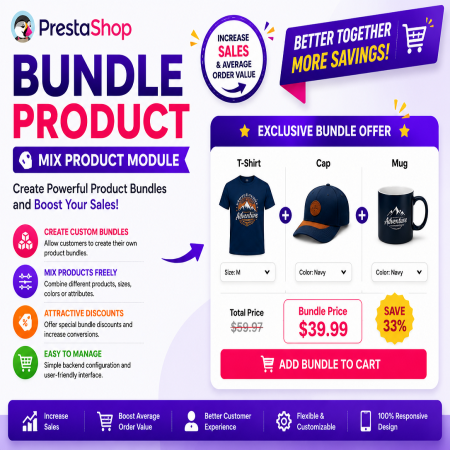
 Bundle Product - Mix Product Prestashop Module
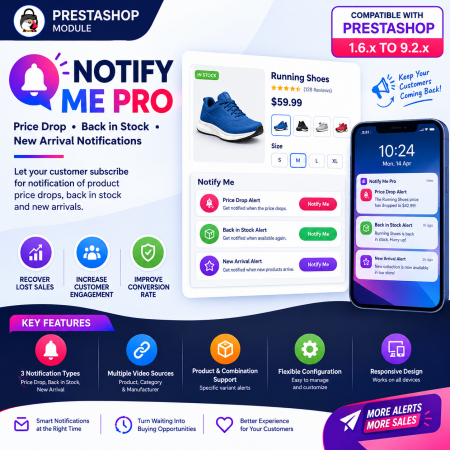
 Notify Me Pro – Price Drop, Back in Stock & New Arrivals Notifications for PrestaShop
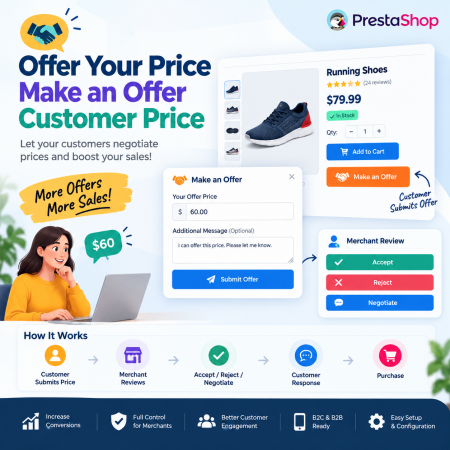
 Offer Your Price – Make an Offer & Price Negotiation Module for PrestaShop
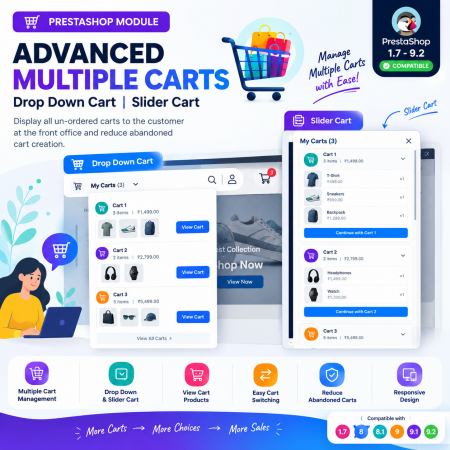
 Advanced Multiple Carts, Dropdown Cart & Slider Cart for PrestaShop
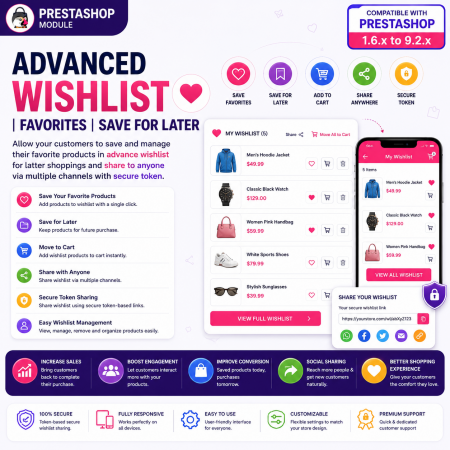
 Advanced Wishlist, Favorites & Save for Later Module for PrestaShop
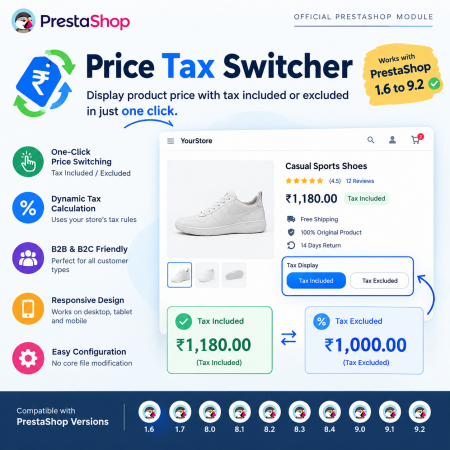
 Price Tax Switcher – Display Tax Included or Excluded Prices in PrestaShop

 WhatsApp Live Chat – Customer Support & Multi-Agent Chat Module for PrestaShop
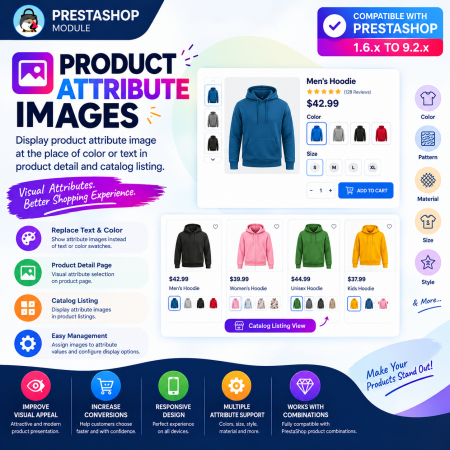
 Product Attribute Images – Visual Swatches for PrestaShop
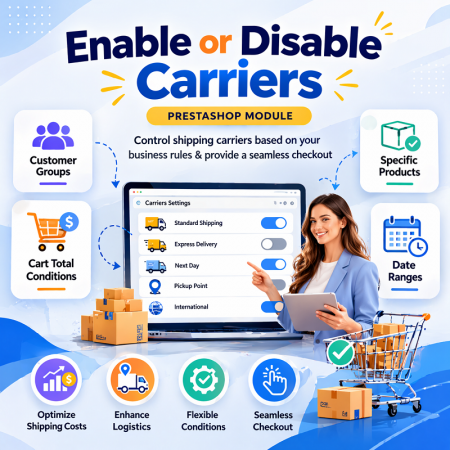
 Enable or Disable Carriers with Conditions PrestaShop Module
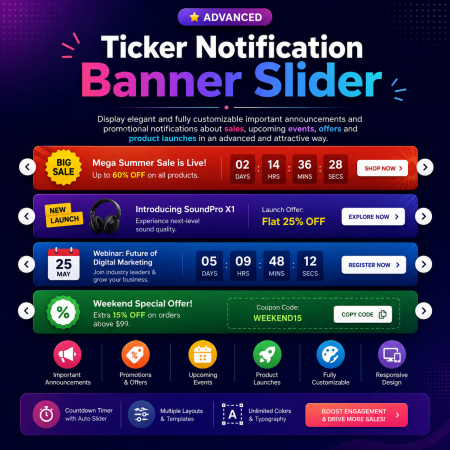
 Ticker Notification Banner – Announcement Bar Module for PrestaShop
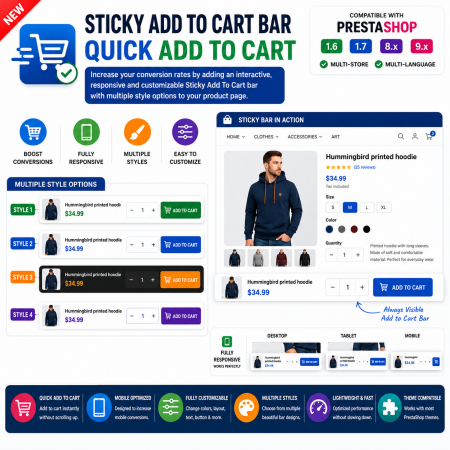
 Sticky Add to Cart Bar – Quick Add to Cart Module for PrestaShop
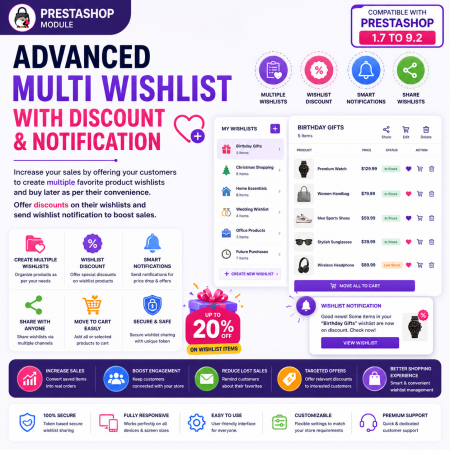
 Advanced Multi Wishlist for PrestaShop – Multiple Wishlists, Discounts & Notifications
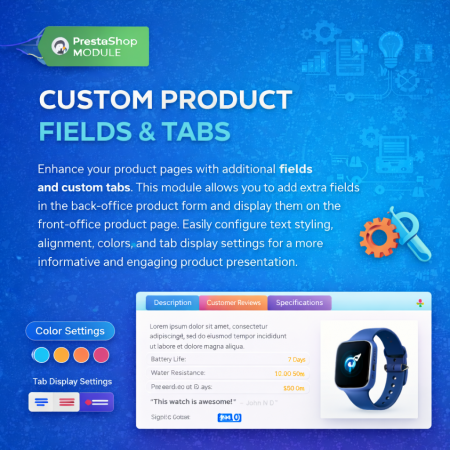
 Additional Product Fields And Tabs Prestashop Module
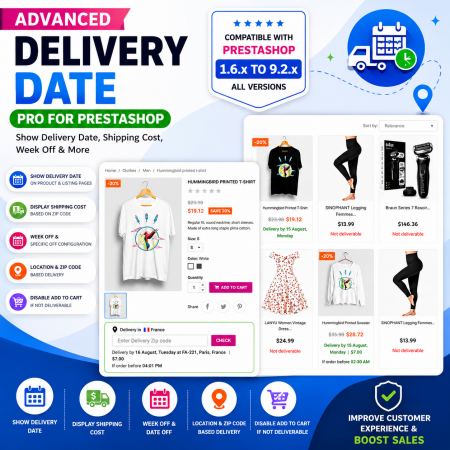
 Proposed Delivery Date and Cost Module for PrestaShop

 Time Limited Offers & Countdown Timer Module for PrestaShop
Help customers make confident purchasing decisions with the Advance Product Comparison Module for PrestaShop.
Allow shoppers to compare multiple products side by side without repeatedly opening different product pages. Customers can add products to a comparison list from product listings or product detail pages and access their selected products through a convenient sticky comparison footer.
Display important product information in a dedicated comparison page or popup, including prices, references, descriptions, features, compositions, reviews, combinations, and delivery charges.
With AJAX-powered interactions, difference highlighting, combination support, comparison sharing, printing, and quick product actions, this module makes product evaluation easier and more convenient.
Store administrators can customize displayed comparison information, select delivery carriers, define comparison limits, choose popup or full-page layouts, and adjust colors to match their store design.
Make product discovery easier, improve shopping convenience, and help customers choose the right products for their requirements.

Encrypted payment gateways ensuring your financial and personal data remain 100% protected.

Every module includes professional installation assistance, free updates, and reliable troubleshooting.

Rigorously tested PrestaShop & WooCommerce extensions designed for maximum speed and zero bloat.

Transparent policies, clean documentation, and dedicated assistance if you run into any compatibility hurdles.