- -$40.00


This module enhances the shopping experience by allowing customers to easily explore product variations such as...

The module allows merchants to enhance product images with customizable stickers and labels. Whether it’s...

Make bulk pricing visible and encourage larger orders with the Quantity Discount...

This module allows you to offer free shipping based on flexible conditions, such as location, carrier, cart value,...

The module automatically adjusts language, currency, and country settings based on the customer's location....


Vendor
Version
Last update
Prestashop version
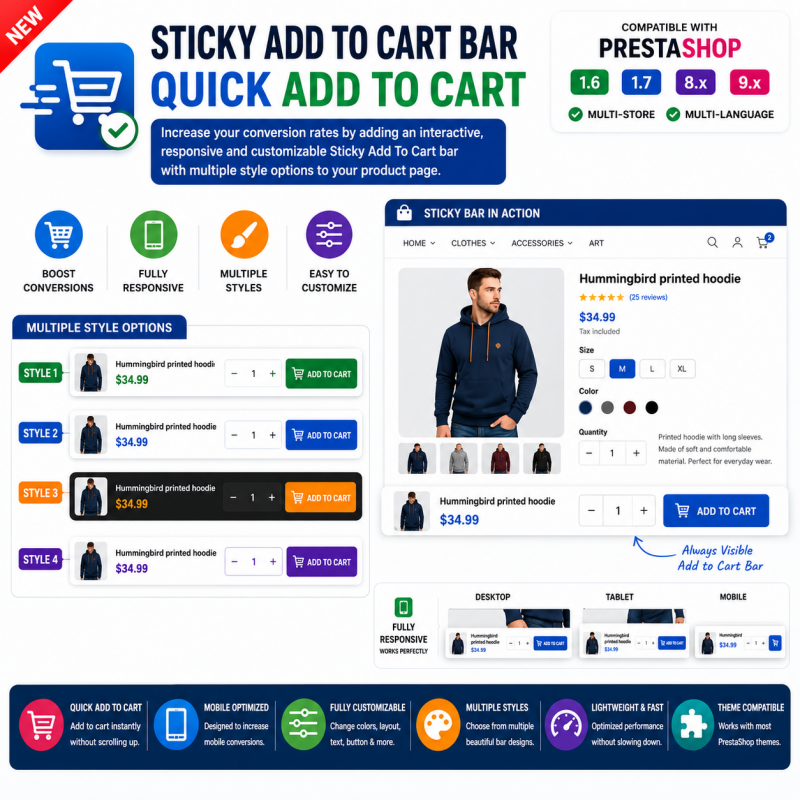
Make purchasing easier with the Sticky Add to Cart Bar – Quick Add to Cart PrestaShop Module.
When customers browse long product pages, the original Add to Cart button can disappear as they scroll through product images, descriptions, specifications, and other information. This can interrupt the shopping experience and force customers to scroll back to find the purchase button.
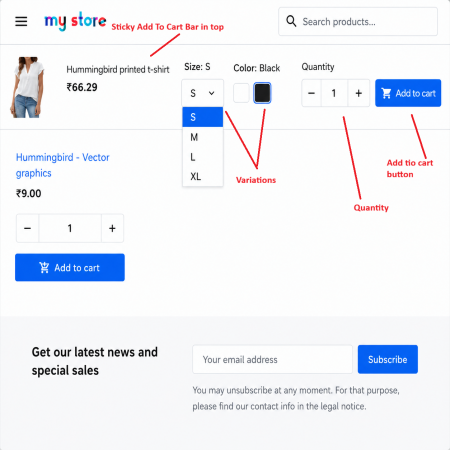
This module solves that problem by keeping a convenient sticky purchase action accessible while customers explore product pages. Shoppers can continue browsing product information and use the sticky Add to Cart option when they are ready to purchase.
With customizable bar styling and a convenient quick-purchase experience, improve product-page usability and make it easier for customers to move from browsing to buying.
Ideal for fashion, electronics, home décor, accessories, and any PrestaShop store with detailed product pages.
Keep the Purchase Button Accessible. Reduce Unnecessary Scrolling. Make Shopping More Convenient.
Every product page has one important objective: helping customers make confident purchasing decisions.
Before buying, shoppers often explore product images, read descriptions, compare specifications, check reviews, and understand product features. However, on longer product pages, the original Add to Cart button may disappear as customers scroll through the content.
When customers finally decide to purchase, they may need to scroll back to find the original purchase button. This unnecessary navigation can interrupt the shopping journey and make the buying process less convenient.
The Sticky Add to Cart Bar PrestaShop Module addresses this usability problem by keeping a convenient purchase action accessible while customers browse product information.
Instead of requiring shoppers to return to the original Add to Cart section, the sticky purchase bar provides another convenient way to add the product to their cart.
With customizable bar styling and an easy installation process, this module helps create a smoother product browsing and purchasing experience.
Whether you operate a fashion store, electronics shop, furniture website, beauty store, or general eCommerce business, make the purchase action easier to reach with a sticky Add to Cart solution for PrestaShop.
A well-designed product page provides customers with everything they need to understand a product before purchasing.
However, product pages can become quite long when they include:
Multiple product images.
Detailed product descriptions.
Technical specifications.
Product features and benefits.
Customer reviews and ratings.
Additional product information.
Usage instructions and supporting content.
While customers explore these sections, the original Add to Cart button may move out of view.
This creates a small but important usability problem: customers must interrupt their browsing and navigate back to the original purchase section when they are ready to buy.
The Sticky Add to Cart Bar provides an alternative purchase action that remains conveniently accessible during product-page browsing.
Open Product → Explore Details → Access Sticky Bar → Add to Cart
Customers can continue reading product information while keeping the purchase action within easy reach.
The result is a more convenient shopping experience with less unnecessary scrolling.
The Add to Cart button is one of the most important interactive elements on an eCommerce product page.
If customers cannot easily find it when they are ready to purchase, the shopping journey may become less convenient.
1. The original purchase button disappears
Customers scroll through product descriptions, images, and specifications, moving away from the original Add to Cart button.
2. Customers need to scroll back up
After exploring product information, shoppers may need to return to the purchase section to add the product to their cart.
3. Purchase navigation becomes inconvenient
Repeated scrolling can interrupt the natural transition between product research and purchasing.
4. Mobile product browsing requires extra navigation
On mobile devices, limited screen space and long product pages can make it particularly inconvenient to return to the original purchase button.
5. Product information and purchase actions become separated
Customers may be reading the exact information they need to make a buying decision while the purchase button remains somewhere else on the page.
This module provides an additional purchase action that stays accessible while customers browse product information.
It helps connect product discovery with the next shopping action without requiring customers to repeatedly navigate back to the original button.
Keep the purchase action conveniently accessible while customers scroll through product pages.
The sticky bar provides an additional purchase area so shoppers can add products to their carts without returning to the original Add to Cart button.
Key benefits:
Display a sticky purchase action during product browsing.
Keep the Add to Cart option within easy reach.
Reduce unnecessary navigation to the original purchase section.
Support a more convenient product-page experience.
Make purchasing easier on longer product pages.
Business benefit: Reduce friction between product exploration and the decision to add an item to the cart.
Give customers a convenient way to add a product to their shopping cart while they are exploring the product page.
Rather than searching for the original purchase button again, customers can use the sticky bar's Add to Cart action.
Key benefits:
Provide an additional Add to Cart action.
Make the purchase option easier to access.
Support a more direct product-to-cart journey.
Reduce the need to scroll back through product content.
Improve the convenience of product browsing.
Business benefit: Help customers move from product research to cart addition with fewer navigation steps.
The purchase bar should complement your store's visual appearance rather than feel like an unrelated interface element.
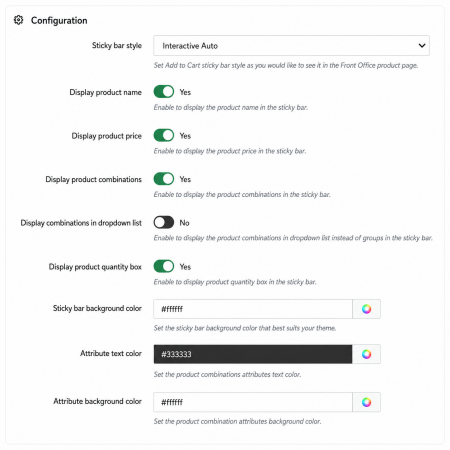
The module includes customization options that allow you to adapt the sticky bar's appearance to your storefront design.
Key benefits:
Customize the sticky bar's appearance.
Maintain a consistent shopping interface.
Adapt the purchase area to your storefront design.
Create a more integrated product browsing experience.
Business benefit: Introduce a convenient purchase feature while maintaining your store's overall visual presentation.
Allow shoppers to continue exploring product information while keeping the purchase action accessible.
Customers do not need to abandon their current browsing position just to return to the original Add to Cart section.
Key benefits:
Support uninterrupted product browsing.
Keep the purchase action conveniently accessible.
Reduce repeated scrolling.
Make long product pages easier to navigate.
Business benefit: Improve the convenience of browsing products with detailed information.
A good eCommerce experience should make the next customer action easy to understand and access.
The sticky purchase bar connects product information with the shopping cart by providing an additional purchase action during browsing.
Key benefits:
Improve purchase-button accessibility.
Reduce unnecessary page navigation.
Connect product discovery with cart addition.
Support a more convenient shopping journey.
Business benefit: Remove an avoidable navigation step from the product purchasing experience.
Introduce the sticky purchase bar to your PrestaShop storefront using the standard module installation process.
Key benefits:
Install through the PrestaShop Back Office.
Access the module through Module Manager.
Review the available configuration options.
Customize the available design settings.
Test the purchase experience on your storefront.
Business benefit: Add a dedicated product-page usability enhancement to your existing PrestaShop store.
The module provides a simple workflow designed around the customer's product browsing behavior.
A shopper visits a product page to explore a particular item.
They can view the product images, pricing, descriptions, and other available information.
The shopper scrolls through the product page to understand its features, specifications, and benefits.
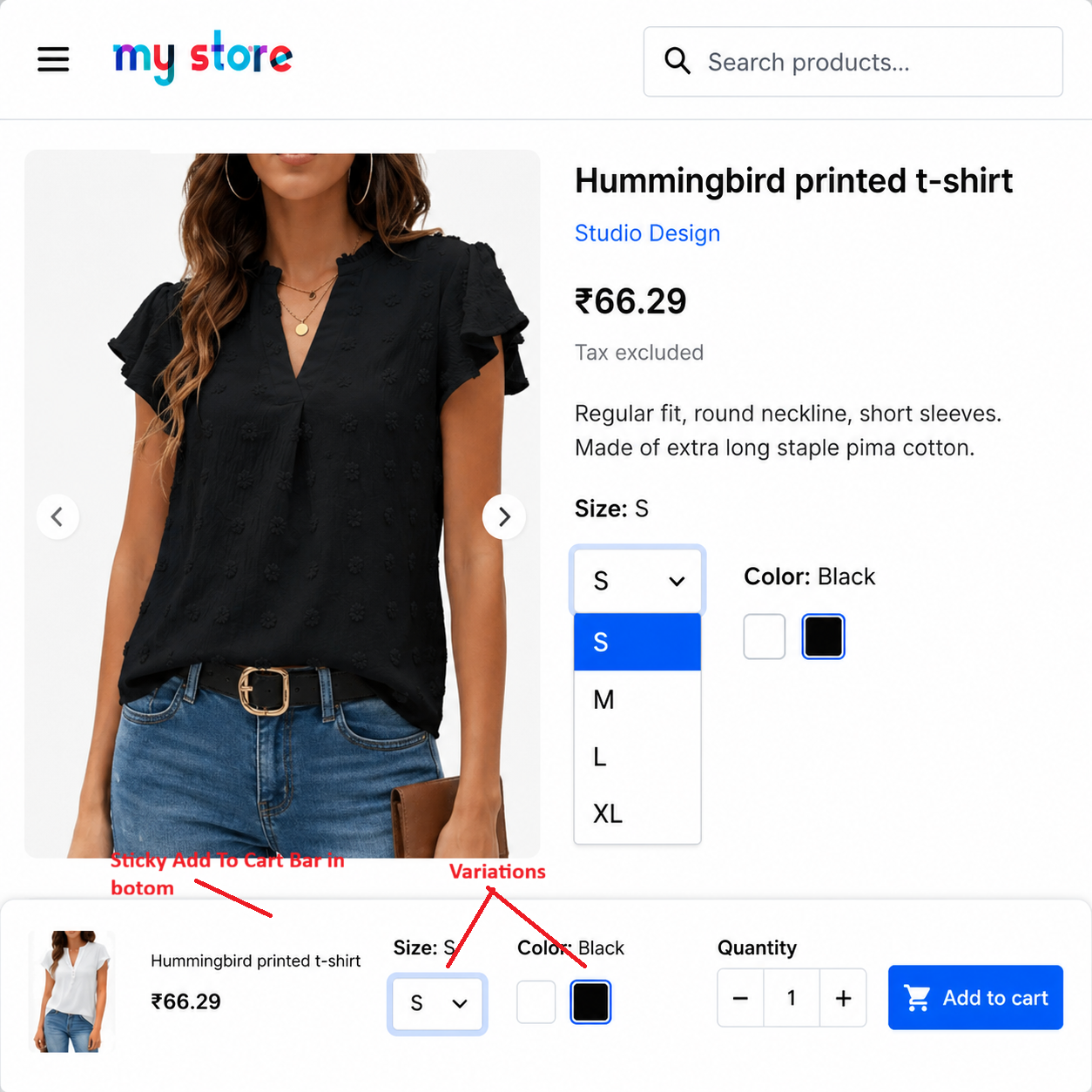
As the original Add to Cart button moves out of view, the sticky purchase bar provides another accessible purchase action.
The customer continues browsing the product information while the sticky bar keeps the purchase option within reach.
There is no need to return to the original purchase section simply to find the button.
When ready to purchase, the customer uses the sticky Add to Cart action.
The product is added to the shopping cart through the module's purchase workflow.
After adding the product, customers can continue with their shopping journey according to your store's cart and checkout flow.
Keep an important shopping action accessible while customers browse long product pages.
Avoid requiring customers to repeatedly return to the original Add to Cart section.
Make product pages more convenient to navigate, especially when they contain extensive information.
Give mobile shoppers another convenient way to access the purchase action while exploring product information.
Reduce an unnecessary navigation step between product research and adding an item to the cart.
A sticky Add to Cart feature does not guarantee higher sales, but it can help remove a usability obstacle from the purchase journey.
Customize the sticky bar's appearance to complement the overall design of your storefront.
The Sticky Add to Cart Bar is useful for online stores where product pages contain substantial information and customers spend time browsing before making purchasing decisions.
Fashion product pages often contain multiple images, fabric information, size details, color options, and styling descriptions.
Keep the purchase action conveniently accessible while shoppers explore clothing and accessories.
Electronic products often require detailed specifications, technical information, compatibility details, and product descriptions.
Help customers access the Add to Cart action while reviewing technical product information.
Furniture and home décor product pages may include dimensions, materials, installation details, usage instructions, and multiple product photographs.
Make the purchase action easier to reach on information-rich product pages.
Cosmetics and beauty product pages may contain ingredients, product benefits, usage instructions, and application details.
Keep the purchase action accessible while customers explore product information.
Help shoppers browse watches, bags, footwear, accessories, and lifestyle products without repeatedly navigating back to the original purchase button.
Any PrestaShop store with long product descriptions, multiple images, or detailed product information can benefit from a more accessible purchase action.
Understand the difference between the standard product purchase button and a sticky purchase bar.
| Shopping experience | Traditional Add to Cart | Sticky Add to Cart |
|---|---|---|
| Original purchase section | Available | Available |
| Purchase action while scrolling | May move out of view | Remains accessible |
| Return to original button | May be required | Not required |
| Long product pages | Requires additional navigation | More convenient |
| Product browsing | Standard experience | Additional purchase convenience |
The sticky bar complements the original Add to Cart functionality rather than replacing the entire product purchase experience.
Getting started with the Sticky Add to Cart Bar module is straightforward.
Download the Sticky Add to Cart Bar ZIP package and save it to your computer.
Log in to your PrestaShop Back Office.
Navigate to: Modules → Module Manager
Click the Upload a module option and select the downloaded module ZIP file.
Allow PrestaShop to upload and process the package, then complete the installation.
Locate Sticky Add to Cart Bar in Module Manager and open its configuration page.
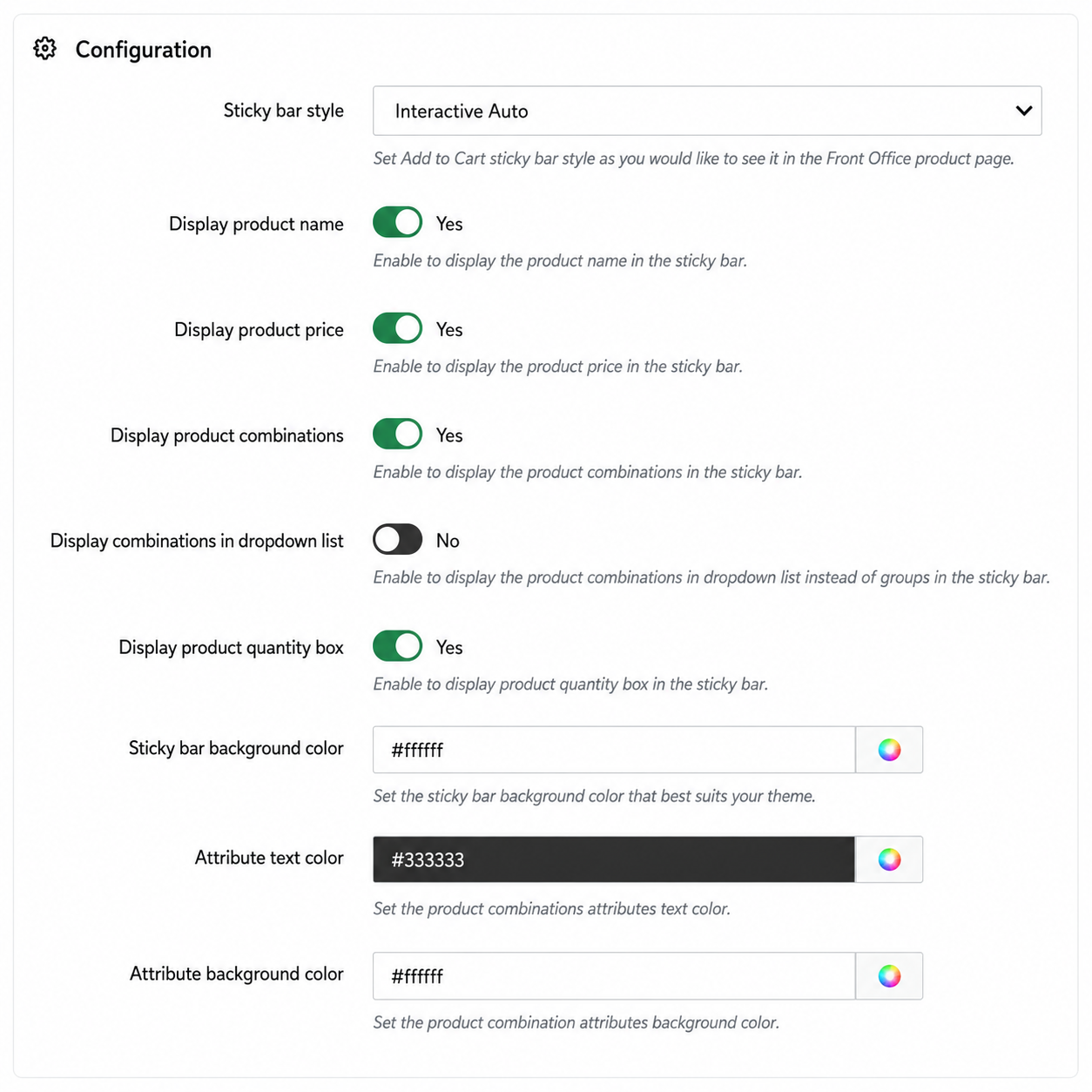
Review the available settings and customize the sticky bar's appearance according to your store design.
Open a product page on your storefront and scroll through its content.
Check that:
The sticky purchase bar appears as expected.
The purchase action remains accessible during browsing.
The Add to Cart action works correctly.
The appearance matches your storefront.
The experience is convenient on desktop and mobile devices.
Testing recommendation: Test the module with your active PrestaShop theme and different product types. Pay particular attention to products with combinations and required product options to ensure that the purchasing workflow behaves correctly.
A Sticky Add to Cart Bar is an additional purchase area that remains accessible while customers scroll through a product page. It allows shoppers to access the Add to Cart action without returning to the original purchase button.
Long product pages can make the original purchase button difficult to access after customers scroll down. A sticky purchase bar helps reduce unnecessary scrolling and makes the buying process more convenient.
Yes. The module is designed to keep its purchase action accessible during product-page browsing.
Yes. Customers can use the sticky Add to Cart action to add the product to their shopping cart without returning to the original purchase section.
Yes. The module includes design customization options to help the sticky bar complement your storefront.
Yes. It can make the purchase action more convenient to access on mobile product pages, although the final appearance and usability should be tested with your active theme and mobile layout.
No. The sticky purchase bar provides an additional purchase action and is intended to complement the original product-page Add to Cart functionality.
It can be particularly useful for products with long descriptions, multiple images, technical specifications, size information, and extensive product details.
Examples include fashion, electronics, furniture, beauty products, accessories, and lifestyle products.
The module is intended to work within your PrestaShop storefront. However, theme-specific CSS and JavaScript can affect the final appearance and behavior. Testing with your active theme is recommended.
Download the ZIP package, open Modules → Module Manager in your PrestaShop Back Office, upload the module, complete installation, and review the available configuration options.
Your customers should not have to interrupt their product browsing just to find the Add to Cart button.
With the Sticky Add to Cart Bar – Quick Add to Cart PrestaShop Module, provide an additional purchase action that stays conveniently accessible while shoppers explore product information.
Reduce unnecessary scrolling, improve purchase-button accessibility, and create a smoother connection between product discovery and cart addition.
Whether you sell fashion, electronics, furniture, beauty products, or everyday accessories, make your product pages more convenient for your customers.
Improve your PrestaShop shopping experience with Sticky Add to Cart Bar by Sathi!
| Vendor | Nxtal |
|---|---|
| Last update | Nov 24, 2026 |
| Version | 2.0.0 |
| Required store version | From 1.6.x to 9.2.x |
| Publication date | Jul 27, 2026 |
| Return Policy | You can return the product within the 30 Days return period for a full refund. No questions asked. |
| Customer Support | Enjoy one year of free customer support, including installation, troubleshooting, and usage guidance. |
| Description | This product is compatible with the specified versions and includes all the latest updates to enhance functionality and user experience. |
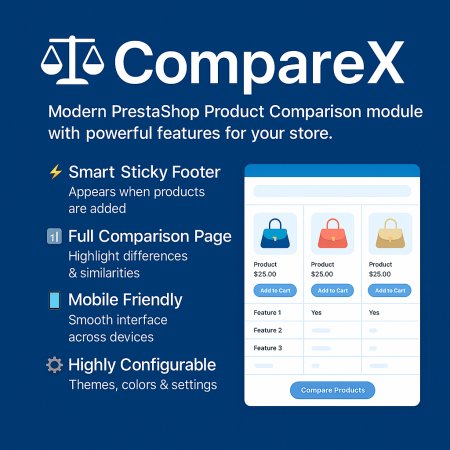
 Advance Product Comparison – Compare Products Side by Side in PrestaShop
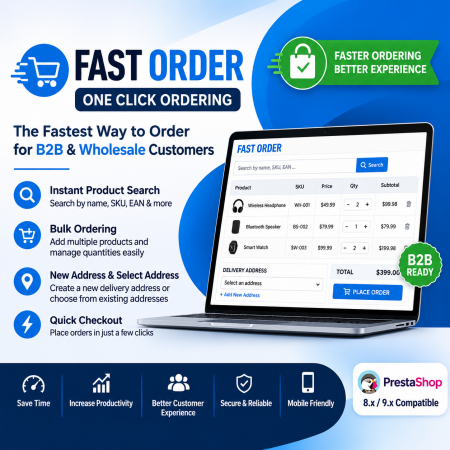
 Fast Order with Instant and File Search – Quick Ordering Module for PrestaShop
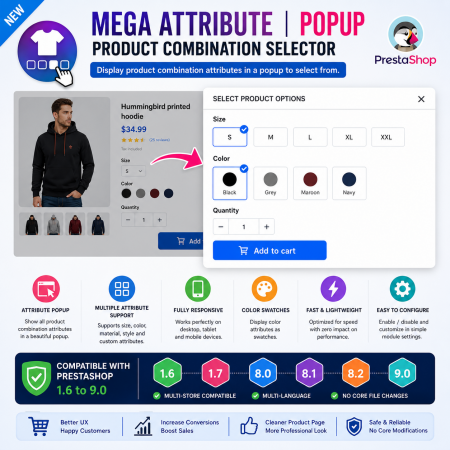
 Mega Attribute Popup – Product Attribute Selection Module for PrestaShop
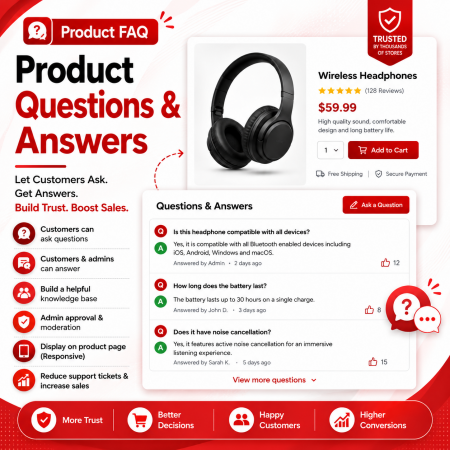
 Product FAQ – Product Questions & Answers Module for PrestaShop
 Display Add to Cart Button on Product Listing Prestashop Module
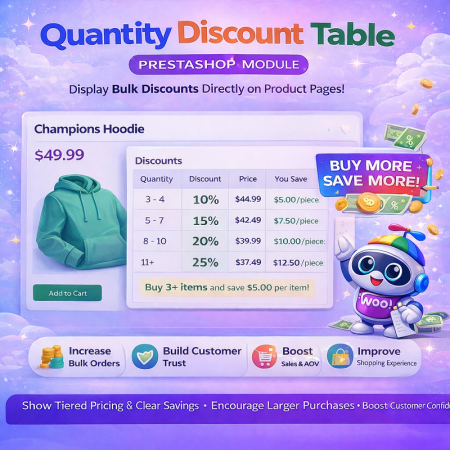 Quantity Discount Table & Grid – Bulk Pricing Display Module for PrestaShop
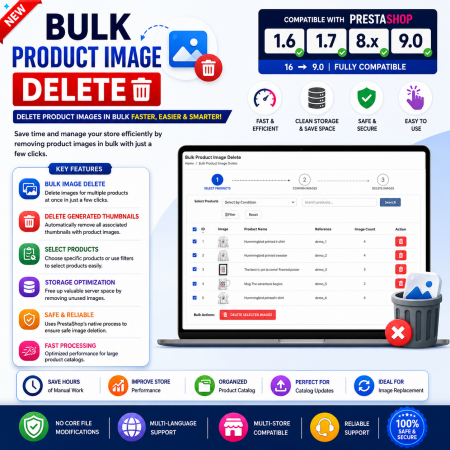
 Bulk Product Image Delete – Remove Product Images in Bulk in PrestaShop
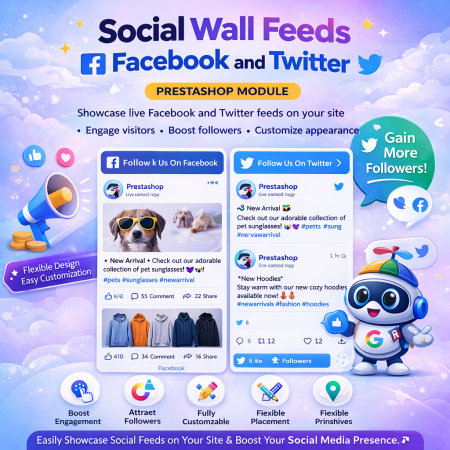
 Social Wall Feeds Facebook and Twitter Prestashop Module
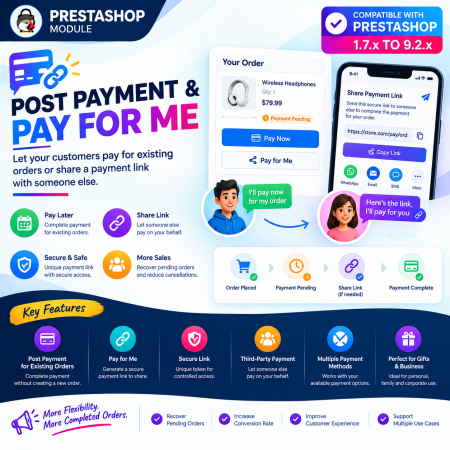
 Post Payment & Pay for Me Module for PrestaShop

 Time Limited Offers & Countdown Timer Module for PrestaShop
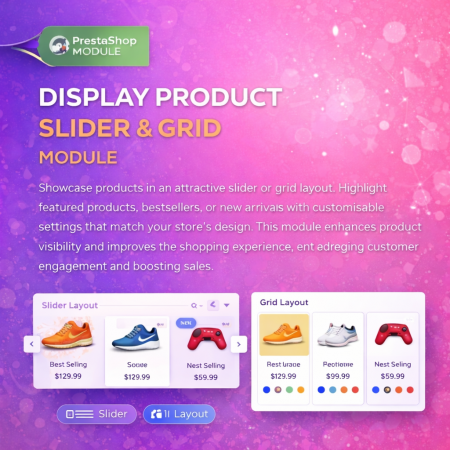
 Display Product Slider & Grid Prestashop Module
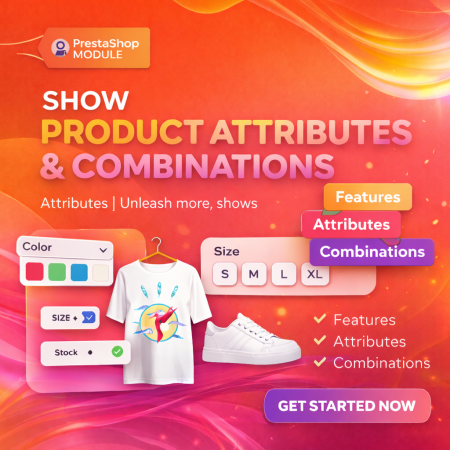 Show Product Attributes Or Combinations Prestashop Module
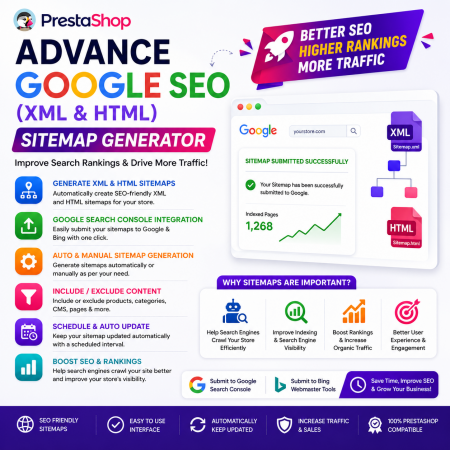
 Advance Google SEO (XML & HTML) Sitemap Generator Prestashop Module
Mega Attribute Popup – Product Attribute Selection Module for PrestaShop
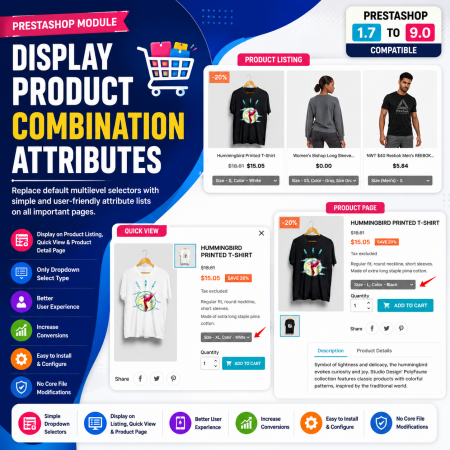
 Display Product Combination Attributes – Product Variations Module for PrestaShop
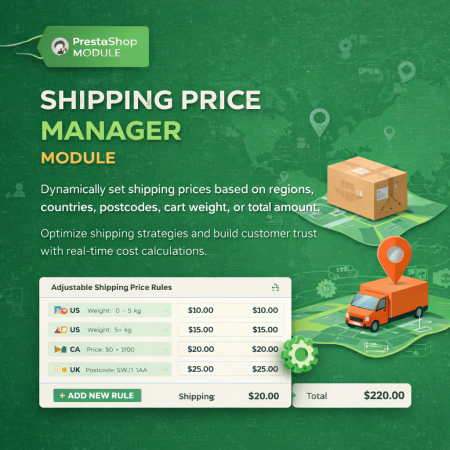
 Shipping Price Manager Prestashop Module
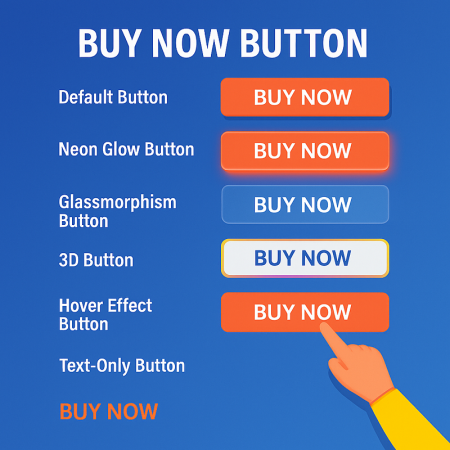
 Buy Now Button | Quick Order Prestashop Module
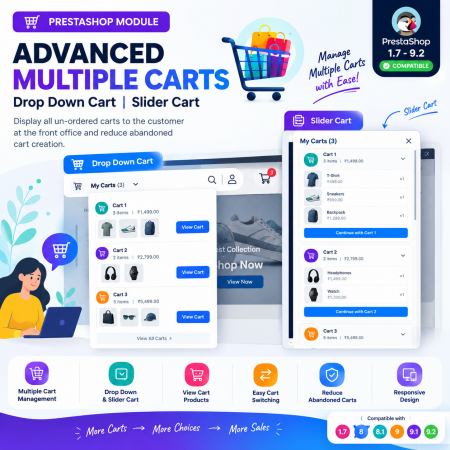
 Advanced Multiple Carts, Dropdown Cart & Slider Cart for PrestaShop
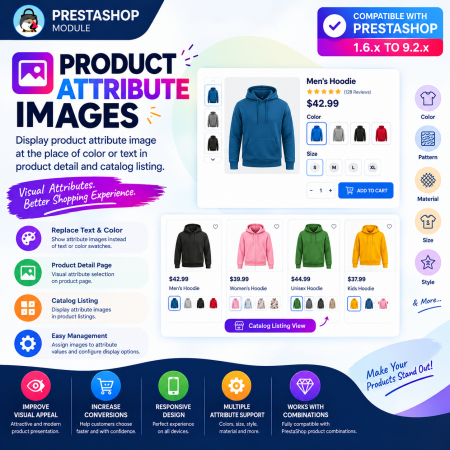
 Product Attribute Images – Visual Swatches for PrestaShop
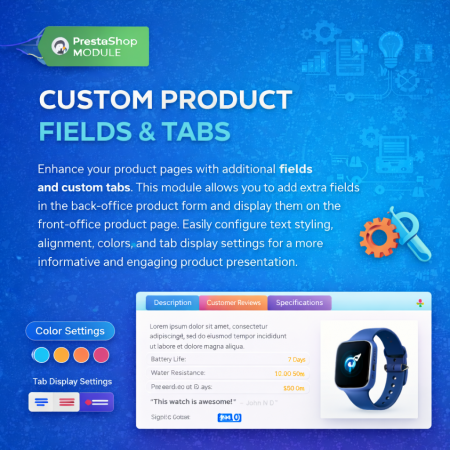
 Additional Product Fields And Tabs Prestashop Module
Make purchasing easier with the Sticky Add to Cart Bar – Quick Add to Cart PrestaShop Module.
When customers browse long product pages, the original Add to Cart button can disappear as they scroll through product images, descriptions, specifications, and other information. This can interrupt the shopping experience and force customers to scroll back to find the purchase button.
This module solves that problem by keeping a convenient sticky purchase action accessible while customers explore product pages. Shoppers can continue browsing product information and use the sticky Add to Cart option when they are ready to purchase.
With customizable bar styling and a convenient quick-purchase experience, improve product-page usability and make it easier for customers to move from browsing to buying.
Ideal for fashion, electronics, home décor, accessories, and any PrestaShop store with detailed product pages.

Encrypted payment gateways ensuring your financial and personal data remain 100% protected.

Every module includes professional installation assistance, free updates, and reliable troubleshooting.

Rigorously tested PrestaShop & WooCommerce extensions designed for maximum speed and zero bloat.

Transparent policies, clean documentation, and dedicated assistance if you run into any compatibility hurdles.