
- -$40.00


Make product selection easier with the Show Product Attributes or Combinations PrestaShop Module.
Display...

Make your products stand out with the Advance Product Stickers & Labels PrestaShop Module....

Make bulk pricing visible and encourage larger orders with the Quantity Discount Table Grid PrestaShop Module.
...
Take complete control of your store's free shipping strategy with the Free Shipping by Zone & Carrier...

Make international shopping easier with the Auto Change Country, Language & Currency PrestaShop Module.
...





Vendor
Version
Last update
Prestashop version
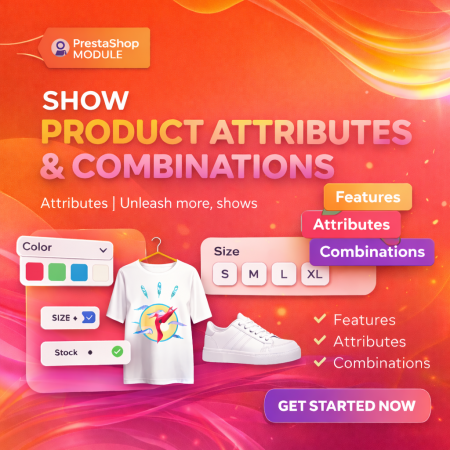
Make product selection easier with the Show Product Attributes or Combinations PrestaShop Module.
Display product variations such as colors, sizes, and styles using customizable dropdowns, circles, squares, and grid layouts. Show combination-specific images, dynamically updated prices, and stock availability to help customers choose the right product variation.
Display attributes on product pages and product listings, customize their appearance, preview images on hover, and clearly identify unavailable combinations. Give customers a more visual and convenient shopping experience while helping them make confident purchasing decisions.
Simplify product variation selection and make your PrestaShop catalog more interactive with Sathi.
Display Product Variations Beautifully. Simplify Product Selection. Improve the Shopping Experience.
When customers shop online, they often need to choose between different product variations such as sizes, colors, styles, and other available attributes.
However, finding the right variation can become frustrating when product options are difficult to identify, images do not clearly represent the selected option, or important information such as price and stock availability is not immediately visible.
The Show Product Attributes or Combinations PrestaShop Module makes product variation selection easier by displaying available attributes in visually appealing and customizable formats.
Instead of presenting product options through basic selectors alone, you can use dropdowns, circular swatches, square buttons, and grid layouts to make product variations easier to explore.
The module also supports combination-specific images, dynamic price updates, stock availability labels, image previews, hover effects, and customizable styling.
You can display product attributes on product detail pages, product listings, or both, depending on your store's requirements.
Whether you sell clothing, footwear, electronics, accessories, furniture, cosmetics, or other products with multiple variations, this module helps customers understand their available options before making a purchase.
Product combinations are an essential part of many PrestaShop stores.
A single product might be available in multiple sizes, colors, materials, or styles. Each combination can have its own image, price impact, and stock availability.
For example, an online fashion store may sell the same T-shirt in:
Small, Medium, Large, and Extra Large sizes.
Red, Blue, Black, and White colors.
Different combinations of available sizes and colors.
Customers need a clear way to understand these options before adding a product to their shopping cart.
The Show Product Attributes or Combinations module improves this experience by displaying available product variations in customizable visual formats.
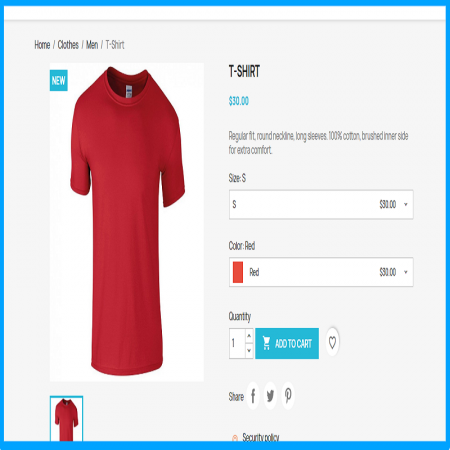
Display product attributes using dropdown selectors.
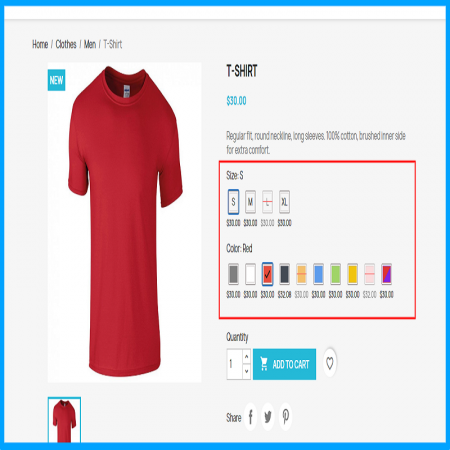
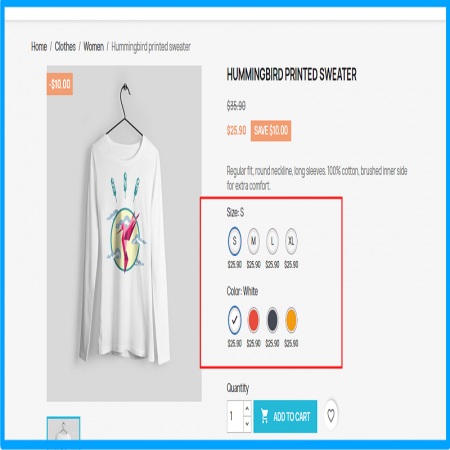
Show attributes as circular or square options.
Display combinations in customizable grid layouts.
Show combination-specific product images.
Update product prices dynamically when attributes change.
Display attribute-based price information.
Show out-of-stock labels for unavailable combinations.
Preview product images when hovering over attributes.
Display larger attribute image previews through tooltips.
Customize colors, borders, backgrounds, and hover styles.
Display attributes on product pages and product listings.
The result is a more informative and visually appealing product selection experience.
Default product selectors may not always provide the visual presentation that modern eCommerce stores want.
Customers may have difficulty identifying colors, comparing sizes, or understanding which variations are available.
This can create unnecessary friction during product selection.
Problem 1: Difficult-to-understand product options
Basic dropdowns can make it difficult for customers to visually identify different colors, styles, or product variations.
Solution: Display attributes using circles, squares, and customizable grid layouts.
Problem 2: Customers cannot easily identify the selected variation
When customers select a color or another attribute, they may want to see the corresponding product image immediately.
Solution: Use combination-specific images and dynamic thumbnail previews.
Problem 3: Product prices change between combinations
Different product variations may have different prices. Customers need clear pricing information when selecting an option.
Solution: Dynamically update product prices and display attribute-related price information.
Problem 4: Customers select unavailable combinations
Unavailable product variations can create confusion and unnecessary shopping attempts.
Solution: Display an Out of Stock label for unavailable combinations.
Problem 5: Product listings do not clearly communicate available variations
Customers browsing category pages may not immediately understand which colors or other options are available.
Solution: Display product attributes on supported product listing pages as well as product detail pages.
Every store has a different design and product presentation strategy.
The module provides multiple display formats so you can present product variations according to your website's design.
Available display styles:
Dropdown selection.
Circular attribute options.
Square attribute options.
Grid-based attribute presentation.
Individual attribute displays.
Use visual selectors for products where appearance matters, or dropdowns when customers need to choose from several options.
Business benefit: Make product variations easier to identify and select while maintaining a consistent storefront design.
Customers often want to see exactly what a product looks like before purchasing it.
For example, selecting a red T-shirt should help customers identify the corresponding red product image rather than relying on a generic product photograph.
The module supports displaying images associated with product combinations.
Key capabilities:
Display images assigned to product combinations.
Associate visual product options with their corresponding images.
Make color and style selection more intuitive.
Help customers identify their selected variation.
Business benefit: Improve product presentation and help shoppers understand what they are selecting.
Product combinations may have different prices depending on the selected attributes.
For example:
Standard size: $20.
Premium size: $25.
Customized variation: $30.
The module supports dynamic price updates when customers select different product attributes.
Key capabilities:
Update displayed prices based on selected combinations.
Support combination-specific price differences.
Display attribute-related price information.
Provide a clearer product selection experience.
Business benefit: Help customers understand the price associated with their selected variation before proceeding with their purchase.
Dropdown selectors are useful when products have multiple attribute values or when a compact layout is preferred.
The module provides dropdown-based presentation options.
Key capabilities:
Display product attributes using dropdown selectors.
Present multiple available attribute values.
Support individual attribute selection.
Configure separate options for displaying attribute prices.
Best suited for:
Products with many sizes.
Electronics with multiple capacities.
Products with several material options.
Catalogs with numerous attribute values.
Visual selectors make it easier for customers to recognize different product variations.
The module supports circle and square presentation formats.
Key capabilities:
Display attributes as circular options.
Display attributes as square options.
Show color-based attribute backgrounds.
Customize borders and hover appearances.
Improve the visual presentation of product variations.
Example:
A customer shopping for a shirt can identify available colors through visual options rather than reading every color name in a dropdown.
Business benefit: Create a cleaner and more engaging product selection interface.
Some product combinations have additional price differences.
Instead of hiding this information, you can configure attribute price display options to help customers understand the cost associated with available variations.
Key capabilities:
Display attribute-related prices.
Configure dropdown price presentation.
Support clear variation-based pricing information.
Business benefit: Improve pricing transparency and help customers make informed purchasing decisions.
Make product variation selectors more informative by displaying product images within attribute selection options.
This is particularly useful when product variations are better represented through images than plain text.
Key capabilities:
Display product images within attribute options.
Improve visual identification of available variations.
Make product selectors more informative.
Support image-oriented product presentation.
Business benefit: Help customers identify product options more easily.
Customers should be able to understand when a particular product variation is unavailable.
The module supports displaying an Out of Stock label for unavailable combinations.
Key capabilities:
Identify unavailable product combinations.
Display clear stock-status labels.
Reduce confusion around unavailable options.
Keep customers informed about product availability.
Business benefit: Improve transparency and reduce frustration during product selection.
Product variations can be useful at different stages of the shopping journey.
The module supports displaying attributes in two important storefront locations.
Product detail pages
Show available variations directly on individual product pages, allowing customers to explore their options while viewing product information.
Product listing pages
Display product attributes in supported listing layouts, helping customers understand available variations while browsing the catalog.
Business benefit: Make product options more visible throughout the shopping journey.
Customers may want to preview a product variation before selecting it.
The module supports dynamic thumbnail changes when customers hover over an attribute.
Key capabilities:
Change product thumbnails dynamically on hover.
Preview associated variation images.
Make visual product exploration more interactive.
Help customers identify product colors and styles.
Business benefit: Reduce uncertainty by showing relevant product imagery during attribute exploration.
Give customers a closer look at product variations using image previews displayed through tooltips.
When customers hover over supported attribute options, the module can show a larger image preview.
Key capabilities:
Display larger attribute image previews.
Show images through hover tooltips.
Improve product variation visibility.
Support visual product comparison.
Business benefit: Provide more useful product information without requiring customers to open additional pages.
Color attributes should visually represent the actual color assigned to each option.
The module supports automatically applying the configured attribute color to the background of attribute options.
Key capabilities:
Use assigned attribute colors.
Display visual color-based options.
Improve consistency between attribute values and their appearance.
Create a more recognizable color-selection experience.
Business benefit: Make color selection more intuitive and visually accurate.
Your product variation selectors should match your store's branding.
The module provides styling customization options to control how attributes appear.
Customization options include:
Hover text color.
Background color.
Border styling.
Attribute background color.
Display appearance.
Visual selector presentation.
Business benefit: Maintain a consistent storefront design while providing customers with an attractive product selection interface.
The module follows a straightforward process for displaying product combinations.
Step 1 – Create Product Attributes
Create your product attribute groups and values in PrestaShop.
Examples include:
Color: Red, Blue, Black, White.
Size: Small, Medium, Large, XL.
Material: Cotton, Leather, Polyester.
Step 2 – Create Product Combinations
Assign the required attributes to your products and generate their combinations in the PrestaShop Back Office.
Step 3 – Assign Combination Images and Prices
Configure the appropriate product images and combination-specific pricing in your product settings.
Step 4 – Configure the Module
Open the module configuration page and select your preferred attribute display styles.
Choose dropdowns, circles, squares, or grid-based layouts and configure the available appearance options.
Step 5 – Choose Display Locations
Configure where product attributes should appear, such as product pages, product listings, or both.
Step 6 – Customize the Appearance
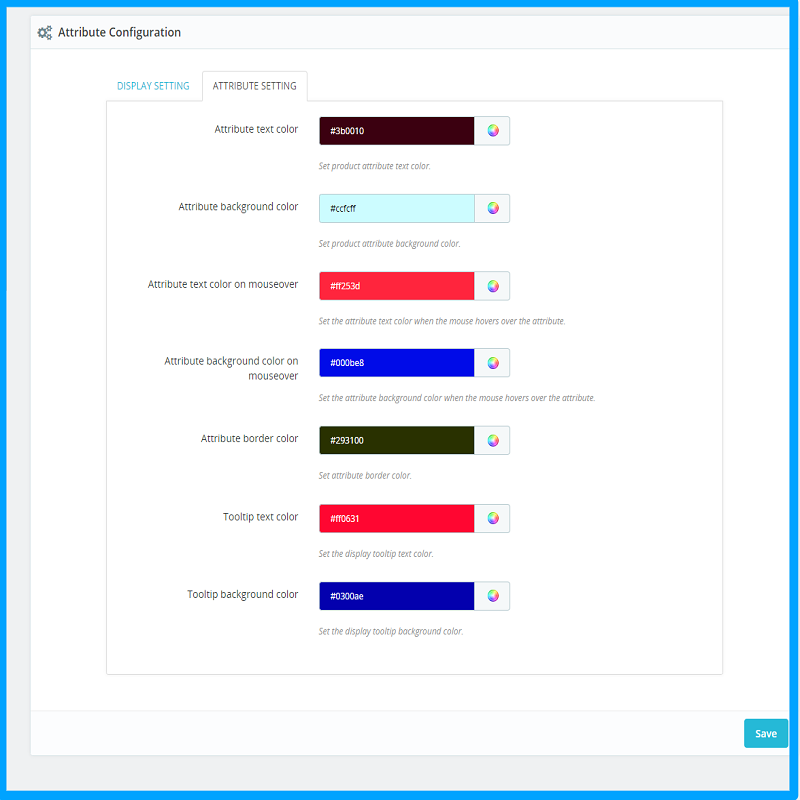
Adjust background colors, borders, hover styles, image previews, and other supported display settings.
Step 7 – Test Your Storefront
Visit your product pages and listings to check how attributes, images, prices, and stock labels appear when customers explore different combinations.
Display product options in attractive formats that make your product catalog more engaging.
Help customers identify colors, sizes, and other variations without unnecessary confusion.
Show relevant prices when customers select different product combinations.
Present product variations directly in supported storefront locations.
Use combination images, tooltips, and dynamic thumbnails to provide more visual context.
Show clear out-of-stock labels for unavailable combinations.
Customize selector colors, borders, and backgrounds to match your store's design.
Display available clothing sizes and colors using circular or square selectors.
Customers can preview the corresponding product images and identify the variation they want.
Examples: T-shirts, dresses, shirts, jeans, jackets, and uniforms.
Present shoe sizes and available color variations in an easy-to-understand format.
Customers can explore different options and identify unavailable sizes.
Examples: Sports shoes, formal shoes, sneakers, sandals, and boots.
Help customers explore different product configurations.
Examples: Mobile phone cases, storage capacities, cable lengths, accessory colors, and device-compatible options.
Show available furniture colors, finishes, materials, and styles.
Examples: Sofas, chairs, tables, curtains, beds, and decorative products.
Present different product shades and color variations visually.
Examples: Lipstick shades, foundation colors, nail polish, and beauty accessories.
Display variations such as material, color, and size.
Examples: Rings, bracelets, watches, necklaces, and fashion accessories.
Provide a more organized product variation experience for stores managing products with multiple attributes.
Managing products with multiple variations can become challenging when customers cannot easily understand the available options.
This module helps you improve how product variations are presented without requiring customers to rely entirely on basic selection controls.
With this solution, you can:
Present product variations using multiple display styles.
Show combination-specific images.
Update prices dynamically.
Display attribute price information.
Identify unavailable combinations.
Add image previews and hover interactions.
Customize the visual appearance.
Display attributes on product pages and listings.
Give your PrestaShop catalog a more informative and customer-friendly product selection experience.
Getting started with the Show Product Attributes or Combinations module is straightforward.
Download the module ZIP package from Sathi.
Log in to your PrestaShop Back Office.
Navigate to:
Modules → Module Manager → Upload a Module
Select the downloaded ZIP file and upload it.
After uploading, click Install to complete the module installation.
Navigate to your installed modules and find:
Show Product Attributes or Combinations
Click Configure to access the available settings.
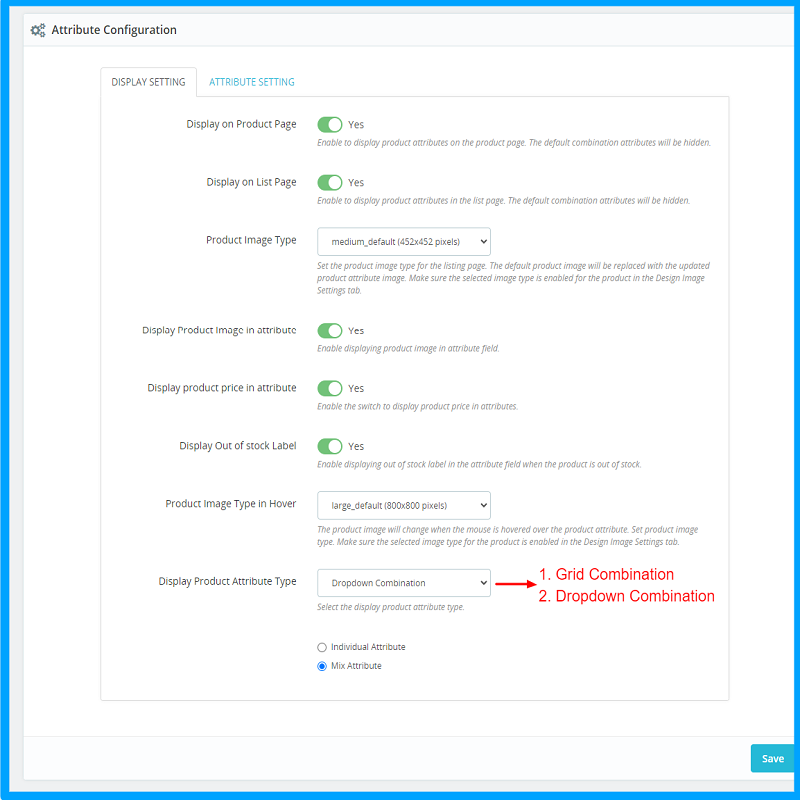
Choose the desired attribute display formats, including dropdown, circle, square, and grid-based presentation options.
 |
 |
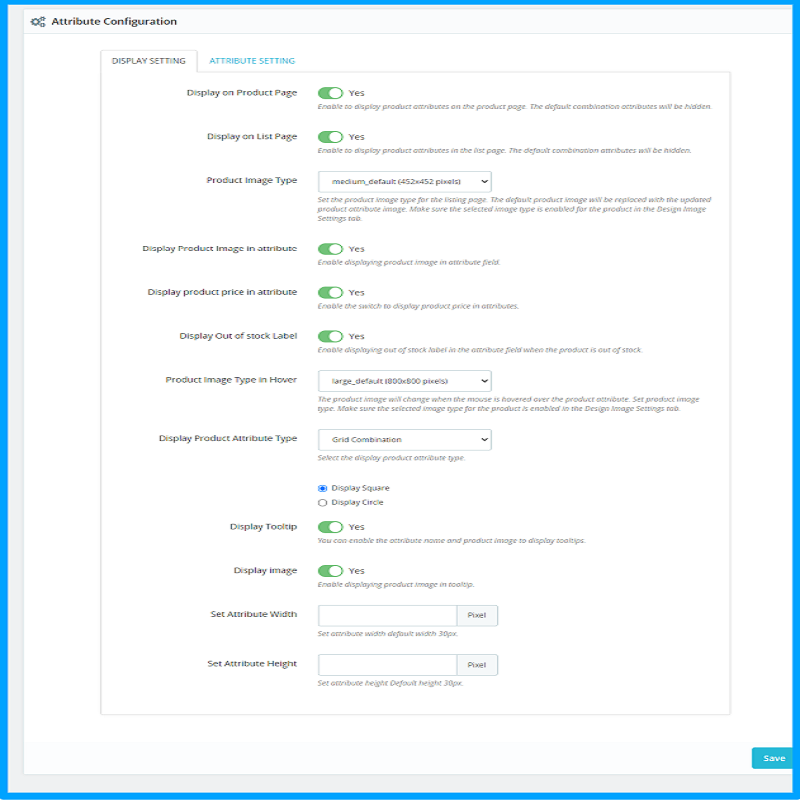 |
Configure the available image, price, stock, and appearance settings.
Choose whether product attributes should appear on product detail pages, product listing pages, or both.
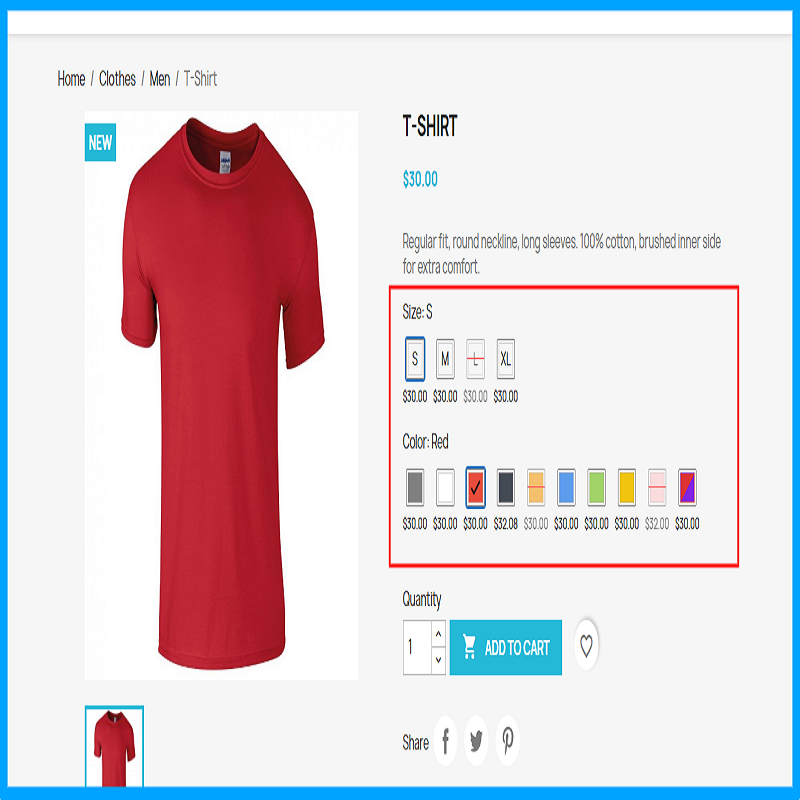
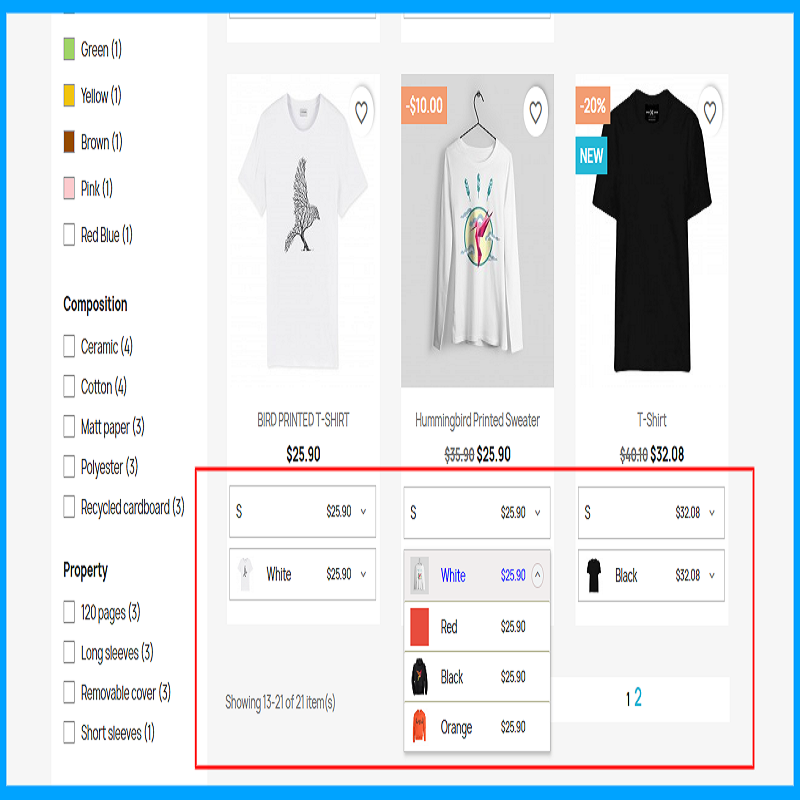
Open your storefront and test different product combinations.
 |
 |
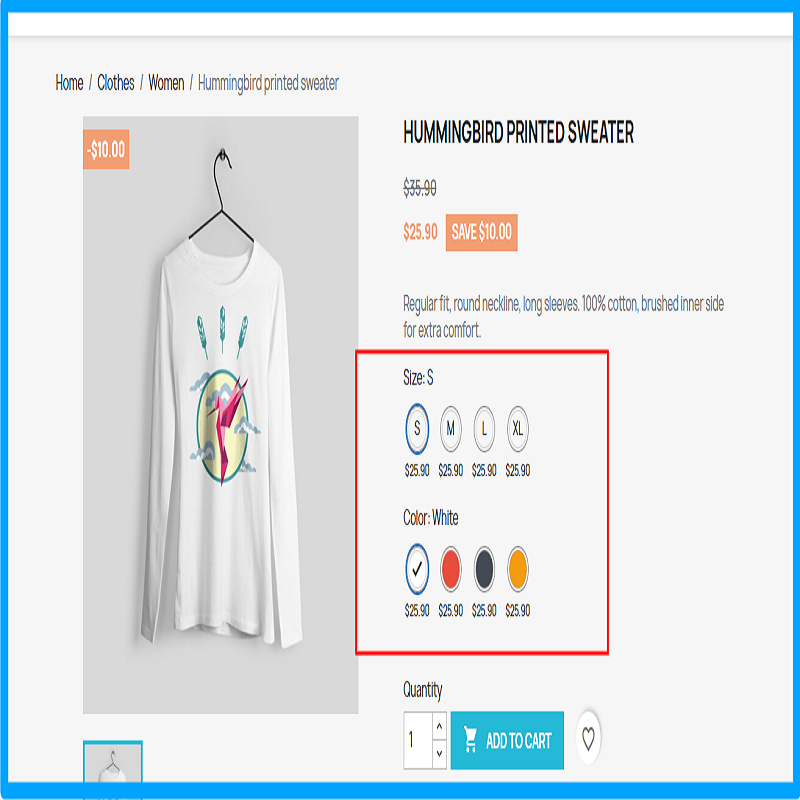 |
Verify that the correct images, prices, and availability information are displayed when customers select or preview attributes.
The module supports the following PrestaShop versions:
PrestaShop 1.7.x
PrestaShop 8.x
PrestaShop 9.x
PrestaShop 9.2.x
Current listed module version: 2.0.0
Check the product page for the latest release and compatibility information before installation.
It is a PrestaShop extension that improves how product attributes and combinations are displayed on your storefront. It supports multiple presentation styles, including dropdowns, circles, squares, and grid layouts.
Yes. The module supports circular and square attribute options with dynamic background colors based on assigned attribute colors.
Yes. The module supports displaying product attributes on product pages and product listing pages.
Yes. The module supports combination-specific images and dynamic thumbnail previews when customers hover over attribute options.
Yes. It supports dynamic product price updates when customers select different combinations and provides attribute price display options.
Yes. The module supports displaying an Out of Stock label for unavailable product combinations.
Yes. You can customize supported appearance settings such as hover text color, background color, border styling, and attribute backgrounds.
Yes. It supports dynamic thumbnail changes on hover and larger image previews through tooltips.
Yes. The module supports dropdown-based attribute presentation, including options for displaying attribute prices.
Yes. It is particularly useful for clothing stores selling products with different sizes, colors, and styles.
Yes. You should first create the necessary attribute groups, values, and product combinations in your PrestaShop catalog. The module enhances how those existing combinations are displayed.
The published compatibility range is PrestaShop 1.7.x to 9.2.x.
Your customers should not have to struggle to find the right product variation.
With the Show Product Attributes or Combinations PrestaShop Module, you can display colors, sizes, styles, prices, images, and availability information in a more organized and visually appealing way.
Give customers a clearer understanding of available product options, improve product presentation, and create a more convenient shopping experience.
Upgrade your PrestaShop product pages and listings with Sathi today!
| Vendor | Sathi |
|---|---|
| Last update | Nov 26, 2026 |
| Version | 2.0.0 |
| Required store version | From 1.7.x to 9.2.x |
| Publication date | Jan 05, 2025 |
| Return Policy | You can return the product within the 30 days return period for a full refund. No questions asked. |
| Customer Support | Enjoy one year of free customer support, including installation, troubleshooting, and usage guidance. |
| Description | This product is compatible with the specified versions and includes all the latest updates to enhance functionality and user experience. |
Version:2.0.0
 Smart Similar Products – Automated Product Recommendations for PrestaShop
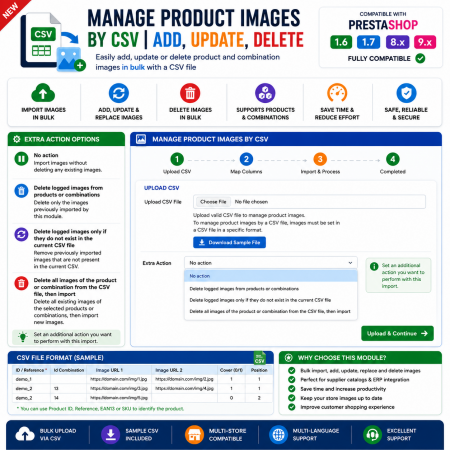
 Manage PrestaShop Product Images by CSV – Add, Update & Delete
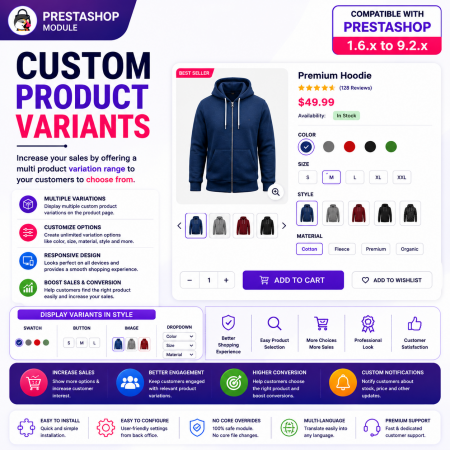
 Custom Product Variants – Display Separate Products as Variations in PrestaShop
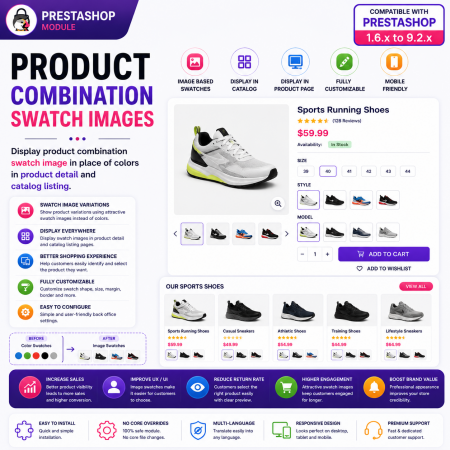
 Product Combination Swatch Images – Visual Product Variations for PrestaShop

 Display Add to Cart Button on Product Listing – Quick Add to Cart Module for PrestaShop
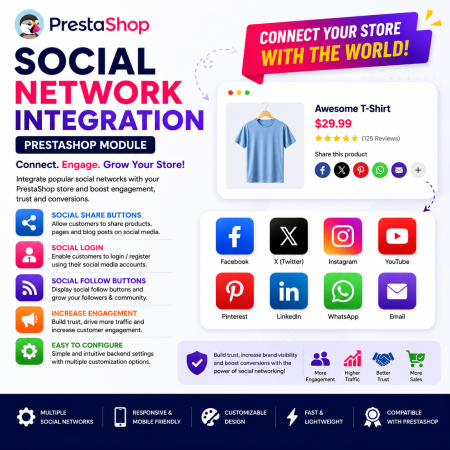
 Social Network Integration – Connect Your PrestaShop Store with 70+ Social Networks
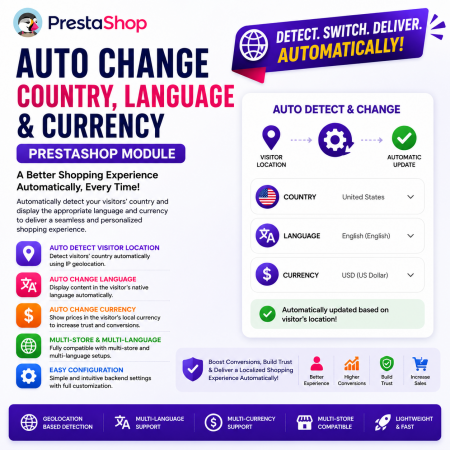 Automatic Country, Language & Currency Detection Module for PrestaShop
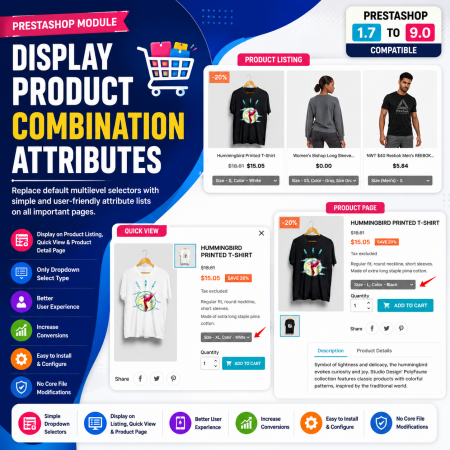
 Display Product Combination Attributes – Product Variations Module for PrestaShop
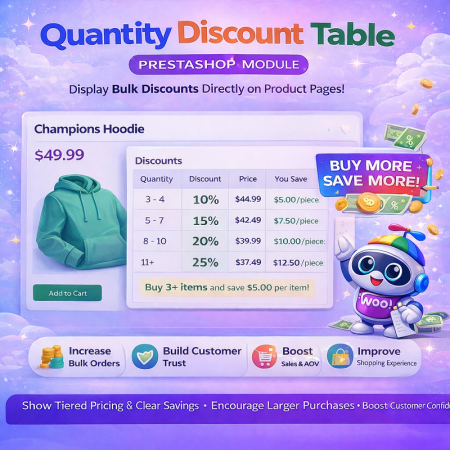 Quantity Discount Table & Grid – Bulk Pricing Display Module for PrestaShop
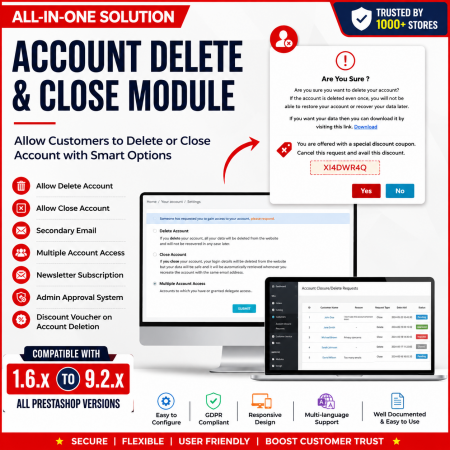
 Customer Account Settings – Customer Account Management Module for PrestaShop
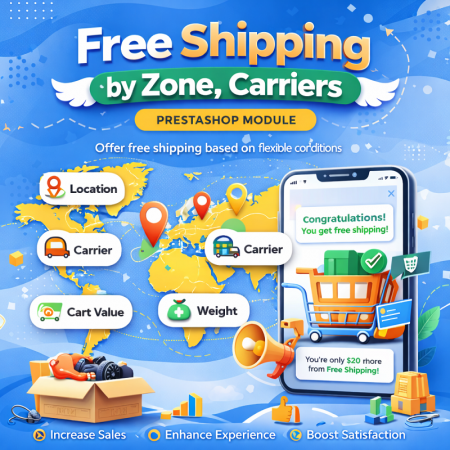 Free Shipping by Zone, Country & Carrier – Advanced Free Shipping Manager for PrestaShop
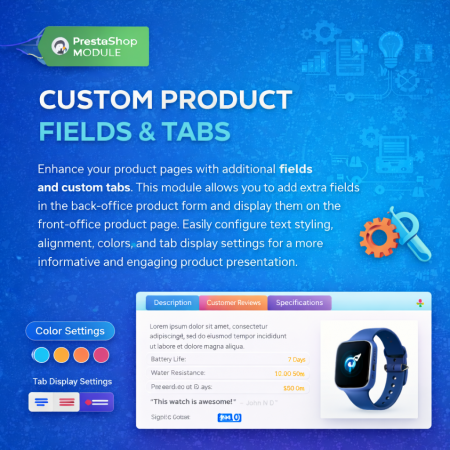
 Additional Product Fields and Custom Tabs – PrestaShop Product Page Customization Module
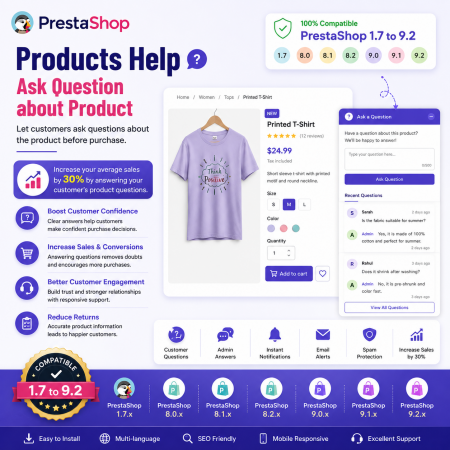
 Products Help – Ask Questions About Products in PrestaShop
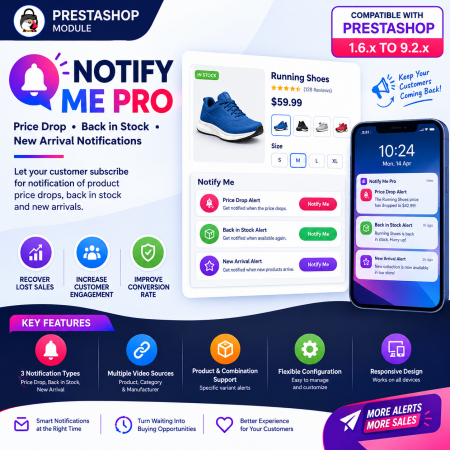
 Notify Me Pro – Price Drop, Back in Stock & New Arrivals Notifications for PrestaShop
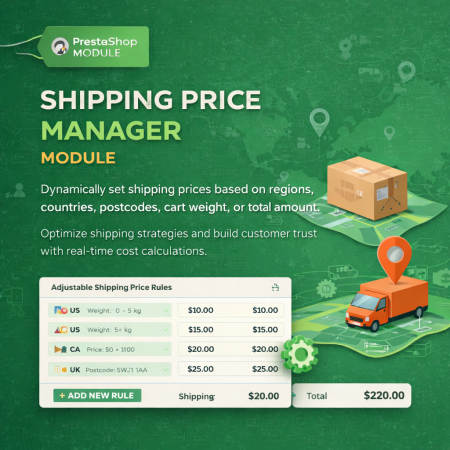
 Shipping Price Manager – Dynamic Shipping Cost Management Module for PrestaShop
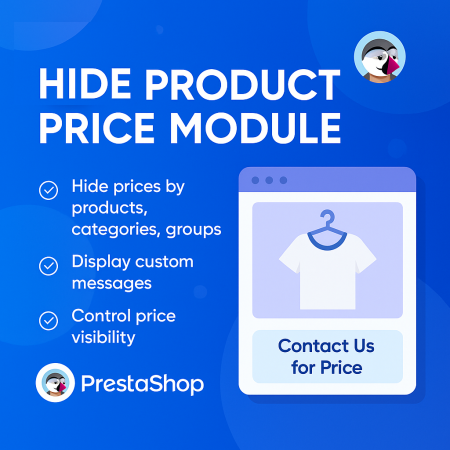
 Hide Product Price – Control Product Price Visibility in PrestaShop

 Enable or Disable Carriers with Conditions – PrestaShop Conditional Shipping Module
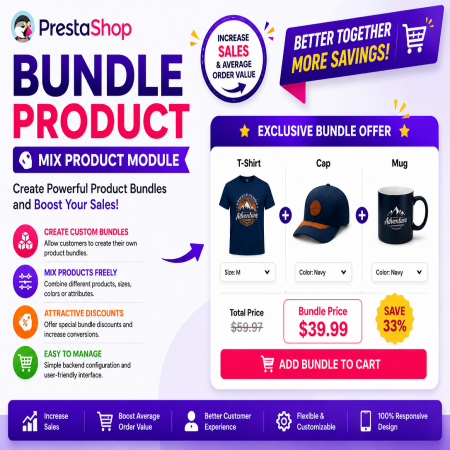
 Bundle Product – Mix & Match Product Bundles and Discounts for PrestaShop
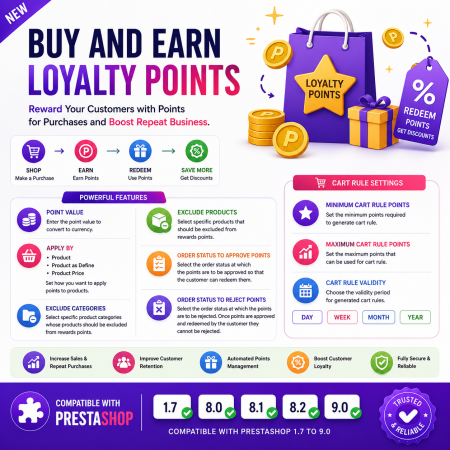
 Buy and Earn Loyalty Points – Customer Rewards Module for PrestaShop
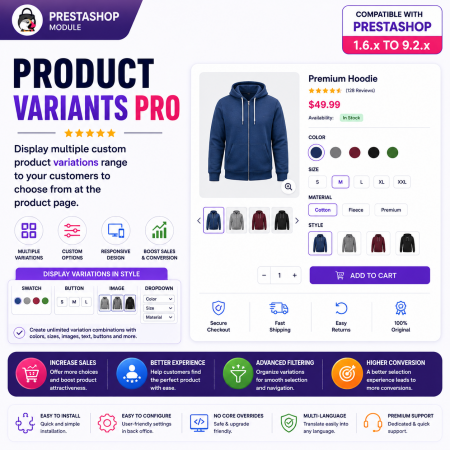
 Product Variants Pro – Custom Variant Groups for PrestaShop
Make product selection easier with the Show Product Attributes or Combinations PrestaShop Module.
Display product variations such as colors, sizes, and styles using customizable dropdowns, circles, squares, and grid layouts. Show combination-specific images, dynamically updated prices, and stock availability to help customers choose the right product variation.
Display attributes on product pages and product listings, customize their appearance, preview images on hover, and clearly identify unavailable combinations. Give customers a more visual and convenient shopping experience while helping them make confident purchasing decisions.
Simplify product variation selection and make your PrestaShop catalog more interactive with Sathi.

Encrypted payment gateways ensuring your financial and personal data remain 100% protected.

Every module includes professional installation assistance, free updates, and reliable troubleshooting.

Rigorously tested PrestaShop & WooCommerce extensions designed for maximum speed and zero bloat.

Transparent policies, clean documentation, and dedicated assistance if you run into any compatibility hurdles.