- -$40.00


This module enhances the shopping experience by allowing customers to easily explore product variations such as...

The module allows merchants to enhance product images with customizable stickers and labels. Whether it’s...

Make bulk pricing visible and encourage larger orders with the Quantity Discount Table Grid PrestaShop Module.
...
Take complete control of your store's free shipping strategy with the Free Shipping by Zone & Carrier...

The module automatically adjusts language, currency, and country settings based on the customer's location....








Vendor
Version
Last update
Prestashop version
Make shopping faster and simplify the purchasing journey with the Buy Now Button & Quick Order PrestaShop Module.
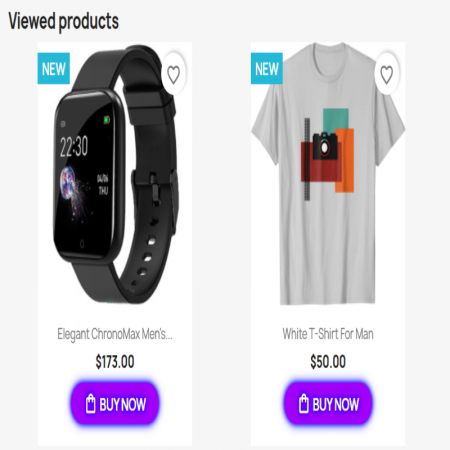
Give customers a direct purchasing option by adding a customizable Buy Now button to your product pages and catalog listing pages. Instead of navigating through the traditional add-to-cart process, customers can click Buy Now and proceed directly to checkout with the selected product automatically added to their cart.
Control button visibility for specific products or categories, customize button text, colors and styles, and provide a responsive purchasing experience across desktop, tablet, and mobile devices.
With multistore compatibility, this module is suitable for PrestaShop businesses managing one or multiple storefronts.
Reduce unnecessary shopping steps, make purchasing more convenient, and help customers complete their buying journey with less friction.
Make Shopping Faster. Simplify Checkout. Help Customers Buy Without Unnecessary Steps.
Every additional step in an online shopping journey creates another opportunity for customers to become distracted or abandon their purchase.
A customer finds the right product, decides to buy it, and clicks Add to Cart. Then they need to navigate through the cart page, review their selection, and continue toward checkout.
For customers who already know what they want, this traditional process can feel unnecessarily long.
The Buy Now Button & Quick Order PrestaShop Module solves this problem by introducing a direct purchasing option on your product and catalog listing pages.
With a customizable Buy Now button, customers can proceed directly to the checkout page with their selected product automatically added to the cart.
Whether you operate a fashion store, electronics shop, beauty store, furniture website, or general eCommerce business, this module helps simplify the purchase journey and makes buying more convenient.
Traditional shopping flows generally require customers to add products to their cart, open the cart, review their selection, and then proceed to checkout.
Although this process works for many shopping situations, some customers prefer a faster purchasing option.
For example:
A customer has already decided which product to purchase.
A returning customer wants to reorder a familiar product.
A mobile shopper wants to minimize navigation.
A customer discovers a product in a category listing and wants to buy it immediately.
A shopper does not need to browse additional products before checkout.
The Buy Now Button module provides a convenient alternative to the traditional shopping flow.
It adds a direct purchase button to product and catalog listing pages, allowing customers to move toward checkout without first navigating through the standard cart page.
Discover Product → Click Buy Now → Product Added to Cart → Proceed to Checkout
The module automatically adds the selected product to the shopping cart and redirects the customer to the checkout page.
This creates a shorter purchasing journey for customers who are ready to place an order.
A convenient purchasing experience is important for converting interested visitors into paying customers.
When customers have already made their purchasing decision, unnecessary navigation can interrupt their buying journey.
Too Many Shopping Steps
Customers may need to visit several pages before reaching checkout, even when they only want to purchase one product.
Unnecessary Cart Navigation
Some shoppers do not need to review a separate cart page before continuing to checkout.
Mobile Shopping Friction
Navigating multiple pages can be inconvenient for customers shopping on smaller screens.
Delayed Purchase Decisions
Additional steps can create distractions between product discovery and checkout.
Limited Direct Purchase Options
Without a dedicated Buy Now button, customers may have to follow the standard Add to Cart workflow.
Give customers an additional purchasing option.
With the Buy Now Button module, customers can move directly from product discovery to checkout with their selected product already added to the cart.
The result is a more direct and convenient purchasing experience.
Add a clearly visible Buy Now button to your product pages.
When customers find a product they want to purchase, they can use the direct purchase option instead of following the traditional cart navigation process.
Key features:
Display a Buy Now button on product pages.
Provide a direct purchasing option.
Automatically add the selected product to the cart.
Redirect customers to the checkout page.
Reduce unnecessary navigation between product selection and checkout.
Business benefit: Help customers move from product evaluation to checkout with fewer steps.
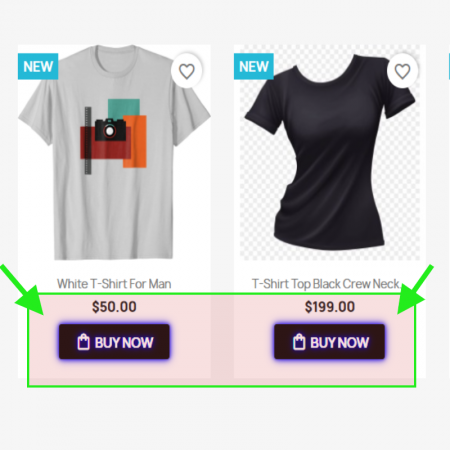
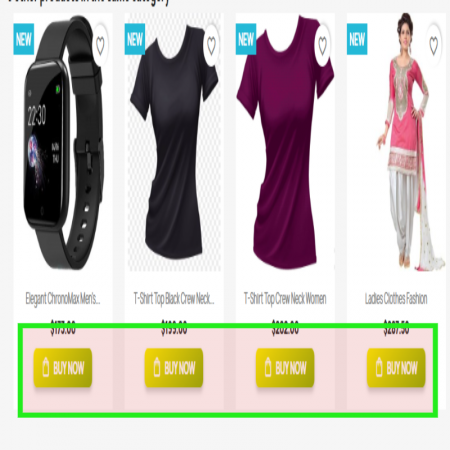
Allow customers to purchase products directly from catalog listing pages.
Product discovery often happens on category pages and other catalog listings. Customers may already know which product they want without needing to open its individual product page.
A Buy Now button on these pages provides an additional purchasing shortcut.
Key features:
Display Buy Now buttons on catalog listing pages.
Let customers initiate a direct purchase from product listings.
Automatically add the selected product to the cart.
Redirect customers toward checkout.
Support a more convenient product discovery and purchasing journey.
Business benefit: Reduce navigation between product listings and checkout, especially for shoppers who already know what they want.
Simplify the purchasing process with a direct checkout workflow.
Instead of requiring customers to visit the cart page first, the module provides a shortcut that takes them directly to checkout with the selected product pre-added.
Key features:
Direct checkout redirection.
Automatic product addition to the cart.
Reduced cart-page navigation.
Faster access to the checkout process.
A convenient alternative to the standard Add to Cart button.
Business benefit: Remove an unnecessary navigation step for customers who are ready to purchase.
Important: One-click refers to initiating the direct checkout journey. Customers still complete the required checkout information, shipping selection, and payment process.
Not every product needs the same purchasing experience.
Some products may benefit from direct checkout, while others may require customers to review additional information before purchasing.
The module allows store owners to control Buy Now button availability for specific products.
Key features:
Enable the Buy Now option for selected products.
Disable the button for products where direct purchase is not required.
Maintain flexibility in product-level purchasing options.
Adapt the purchasing experience to different product requirements.
Business benefit: Maintain control over where customers can use the direct purchase option.
Different product categories may require different purchasing strategies.
For example, you may want to enable direct purchasing for everyday accessories while keeping the standard shopping process for more complex products.
The module supports enabling or disabling the Buy Now button for specific categories.
Key features:
Control Buy Now availability by category.
Enable direct purchasing for selected categories.
Disable the option for categories where it is unnecessary.
Organize purchasing behavior according to product categories.
Business benefit: Apply your direct checkout strategy to relevant sections of your product catalog.
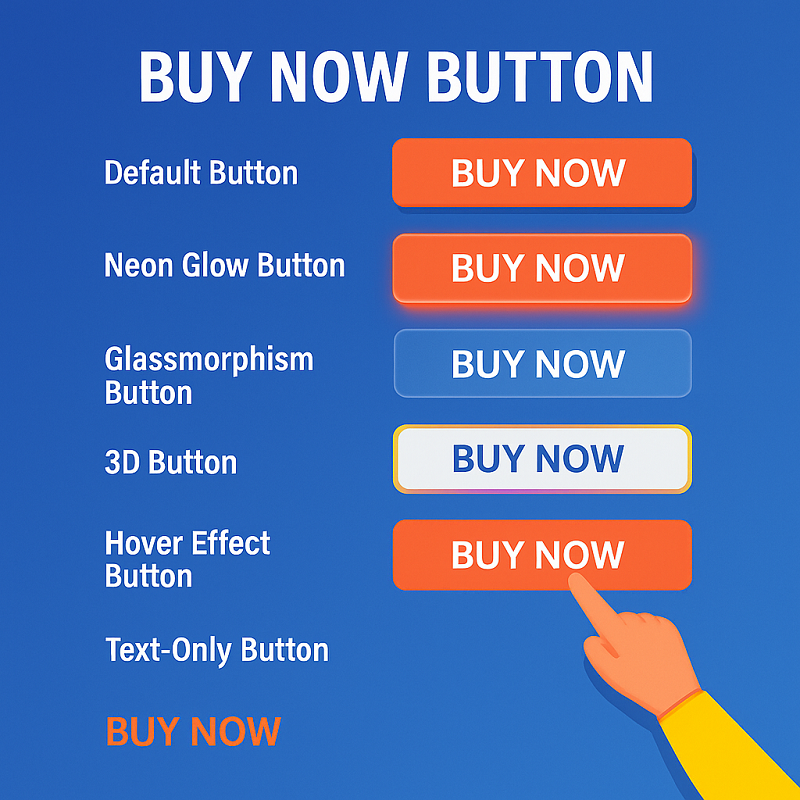
Your purchasing buttons should complement your website design rather than look like unrelated third-party elements.
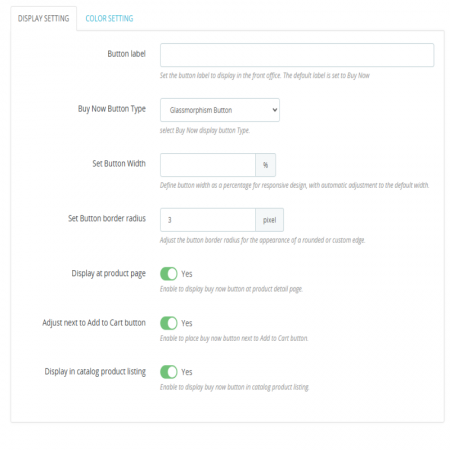
Customize the Buy Now button to match your store's theme and branding.
Key features:
Customize button text.
Change button colors.
Adjust button styling.
Match the button appearance with your store theme.
Create a consistent shopping interface.
Business benefit: Make the direct purchase option visually recognizable while maintaining a consistent storefront design.
A large percentage of online shoppers browse and purchase products using mobile devices.
A purchasing button should remain convenient and accessible across different screen sizes.
The module provides a responsive, mobile-friendly Buy Now button experience.
Key features:
Responsive button design.
Support for desktop shopping.
Mobile-friendly purchasing interface.
Tablet-compatible presentation.
Consistent button functionality across supported device layouts.
Business benefit: Make direct purchasing convenient for customers regardless of the device they use.
Businesses operating multiple PrestaShop stores need solutions that can support their multistore environment.
The Buy Now Button module supports PrestaShop multistore setups, making it suitable for businesses managing multiple storefronts.
Key features:
Multi-store compatibility.
Support for multistore environments.
A consistent direct purchasing solution across supported storefronts.
Business benefit: Add a convenient purchasing option to your multistore business environment.
The module simplifies the purchasing journey for customers who are ready to buy.
Customers explore your PrestaShop website and find products through individual product pages or catalog listings.
The customer clicks the Buy Now button displayed on the product or catalog listing page.
The module automatically adds the selected product to the shopping cart.
The customer is redirected to the checkout page instead of needing to navigate through the cart page first.
The customer reviews the order, provides the required information, selects an available delivery method, and completes payment.
This workflow creates a direct route from product discovery to checkout.
Both purchasing options are useful, but they serve slightly different customer needs.
| Shopping activity | Add to Cart | Buy Now |
|---|---|---|
| Add product to cart | Yes | Yes |
| Continue browsing | Yes | Not the primary workflow |
| Visit cart page first | Standard workflow | Bypassed |
| Proceed directly to checkout | Requires another step | Yes |
| Suitable for multiple-product shopping | Yes | Direct purchase shortcut |
| Suitable for quick purchases | Yes | Especially useful |
The traditional Add to Cart option is useful when customers want to:
Browse several products before purchasing.
Add multiple items to their cart.
Compare different products.
Review their complete cart before checkout.
The Buy Now option is useful when customers want to:
Purchase a product immediately.
Avoid visiting the separate cart page.
Reduce unnecessary navigation.
Move directly toward checkout.
Complete a straightforward shopping journey.
Providing both options gives customers greater flexibility instead of forcing everyone into the same shopping workflow.
Remove the need to visit the separate cart page before proceeding to checkout.
Provide customers with an additional and convenient way to initiate purchases.
Help customers act on their buying decisions without unnecessary navigation.
Make direct purchasing accessible to shoppers using smartphones and tablets.
Reducing unnecessary steps can help address friction in the purchasing journey and may improve checkout completion.
Choose which products and categories should display the Buy Now button.
Customize the button text, color, and appearance to complement your existing theme.
Use the direct purchase functionality in supported PrestaShop multistore environments.
Customers often know exactly which clothing item they want to purchase.
A Buy Now button allows shoppers to proceed directly to checkout from product pages or catalog listings.
Example: A customer finds a black t-shirt in the category listing and clicks Buy Now to start checkout immediately.
Electronics customers may already have a specific product in mind.
Provide a direct purchasing option for mobile accessories, headphones, chargers, cables, and other everyday products.
Example: A customer finds a phone charger and wants to purchase it without visiting the cart page first.
Customers who regularly purchase familiar beauty products can benefit from a more direct buying journey.
Example: A returning customer finds their preferred skincare product and proceeds directly to checkout.
Make it easier for shoppers to initiate purchases of products they have already selected.
Example: A customer finds a home accessory and uses Buy Now to move directly to checkout.
For straightforward product purchases, direct checkout can offer a more convenient alternative to additional cart navigation.
Example: A customer wants to purchase a specific household essential and proceeds directly to checkout.
Businesses selling a variety of products can use product-level and category-level button controls to organize their direct purchasing strategy.
This module is especially useful for:
Store owners who want to provide a faster purchase option.
Businesses looking to reduce unnecessary checkout navigation.
Stores with customers who frequently purchase individual products.
Mobile-first eCommerce businesses.
Stores selling products that do not require extensive cart customization.
Merchants who want control over direct purchasing by product or category.
PrestaShop multistore businesses.
Getting started with the Buy Now Button module is straightforward.
Download the Buy Now Button & Quick Order module ZIP package from Sathi.
Sign in to your PrestaShop administration panel.
Navigate to:
Modules → Module Manager → Upload a Module
Select the downloaded ZIP file and upload it.
Complete the installation process and open the module configuration page.
Configure the available button options according to your store requirements.
Review the button text, color, and styling settings.
Enable or disable the Buy Now button for the relevant products and categories.
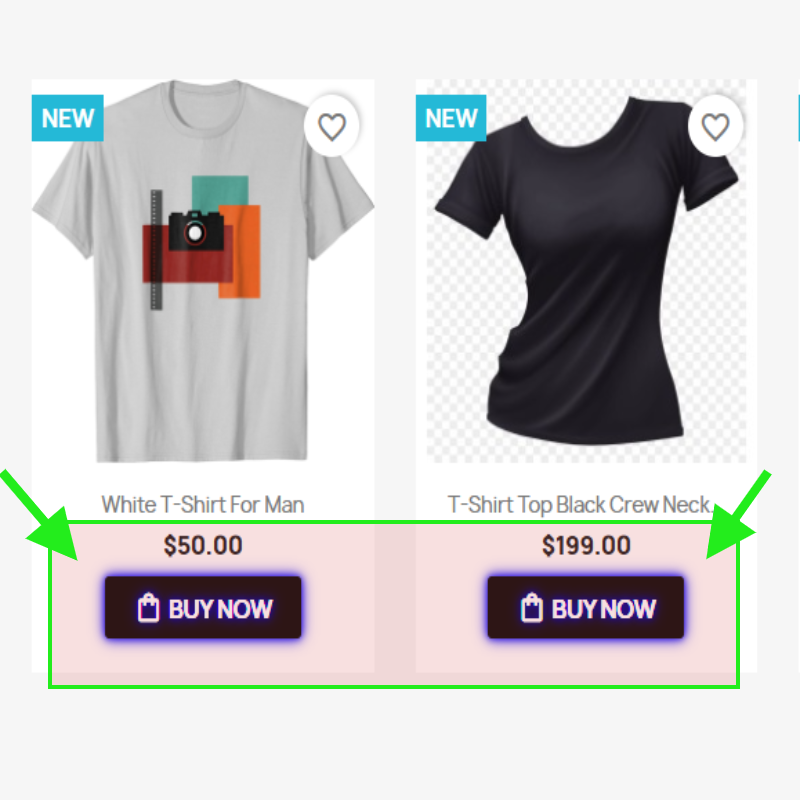
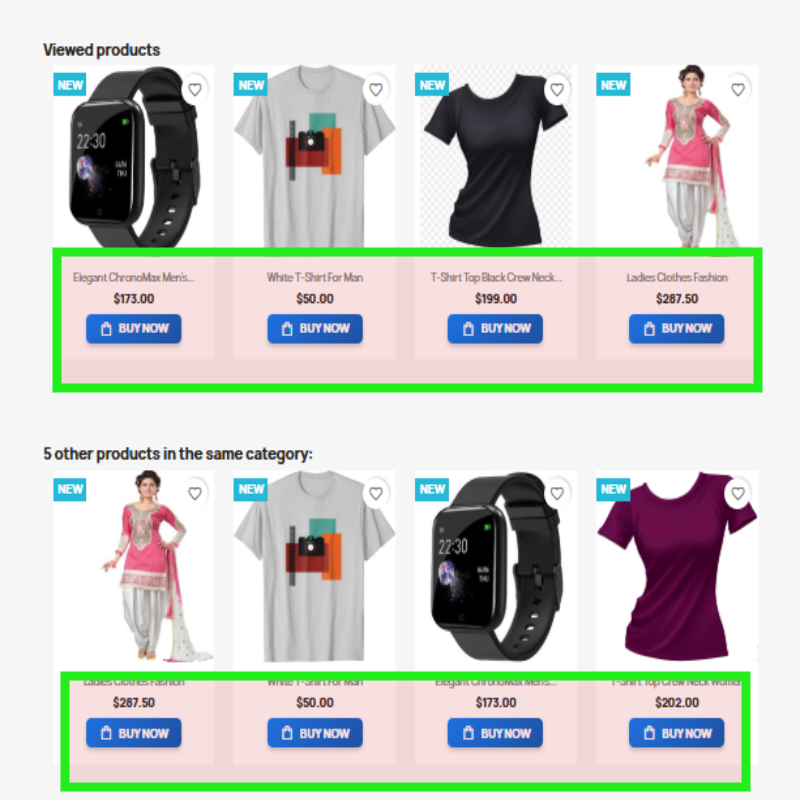
Visit a product page and catalog listing page.
 |
 |
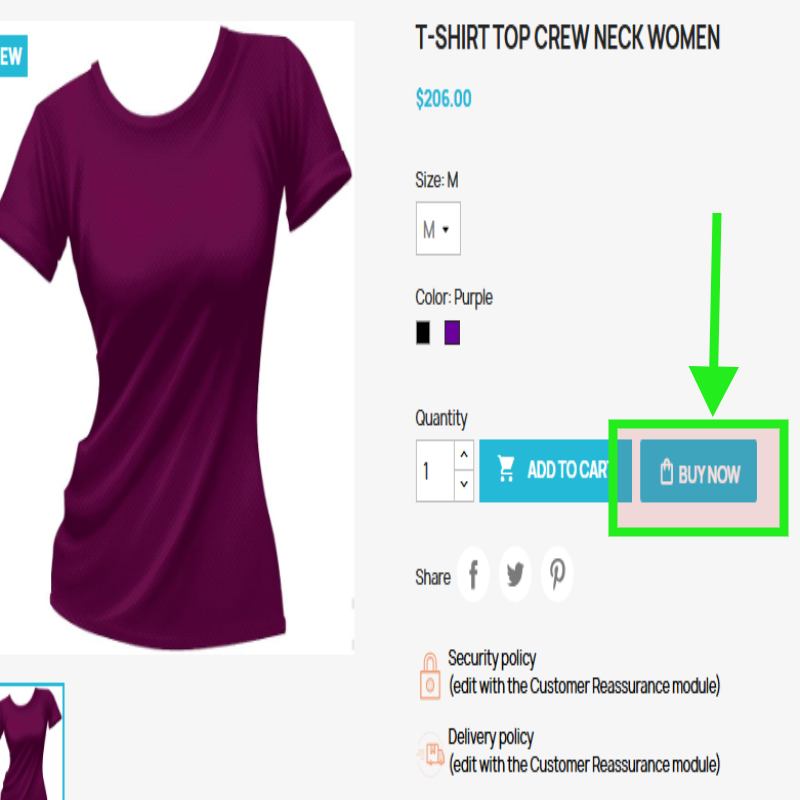 |
Verify that the Buy Now button appears where expected and redirects customers to checkout with the selected product added to the cart.
Once the configuration and testing are complete, customers can use the Buy Now option on your storefront.
It is a PrestaShop extension that adds a direct purchase button to product and catalog listing pages. Customers can click Buy Now to add the selected product to their cart and proceed directly to checkout.
When a customer clicks the button, the module adds the selected product to the shopping cart and redirects the customer to the checkout page.
Yes. The direct purchase workflow bypasses the separate cart-page navigation and takes customers toward checkout with the product already added to their cart.
Yes. The module supports displaying the Buy Now button on individual product pages.
Yes. The module supports Buy Now buttons on catalog listing pages, allowing customers to initiate purchases directly from product listings.
Yes. You can enable or disable the button for specific products according to your store requirements.
Yes. The module supports category-level button availability, allowing you to control where the direct purchasing option is displayed.
Yes. You can customize the button text, color, and style to match your store theme.
Yes. The module provides a responsive design optimized for desktop, tablet, and mobile devices.
Yes. The module is designed to work with PrestaShop multistore setups.
No. Clicking Buy Now starts the direct checkout process. Customers still need to review their order, provide the required checkout details, and complete payment.
Yes. The Buy Now button provides an additional purchasing option rather than requiring the replacement of the traditional Add to Cart workflow.
The listed compatibility range is PrestaShop 1.6.x through 9.2.x.
Yes. Its responsive design makes it suitable for stores serving customers across smartphones, tablets, and desktop devices.
Customers who are ready to purchase should not have to navigate unnecessary pages before reaching checkout.
Give them a more direct way to buy with the Buy Now Button & Quick Order PrestaShop Module.
Add customizable Buy Now buttons to product and catalog listing pages, control their availability by product and category, and provide a responsive direct checkout experience.
Reduce unnecessary shopping steps, simplify product purchasing, and make your PrestaShop store more convenient for customers.
Get the Buy Now Button module from Sathi and give your customers a faster way to shop!
| Vendor | Sathi |
|---|---|
| Last update | Nov 25, 2026 |
| Version | 3.2.2 |
| Required store version | From 1.6.x to 9.2.x |
| Publication date | Jan 24, 2025 |
| Return Policy | You can return the product within the 30 days return period for a full refund. No questions asked. |
| Customer Support | Enjoy one year of free customer support, including installation, troubleshooting, and usage guidance. |
| Description | This product is compatible with the specified versions and includes all the latest updates to enhance functionality and user experience. |
Version:3.2.2
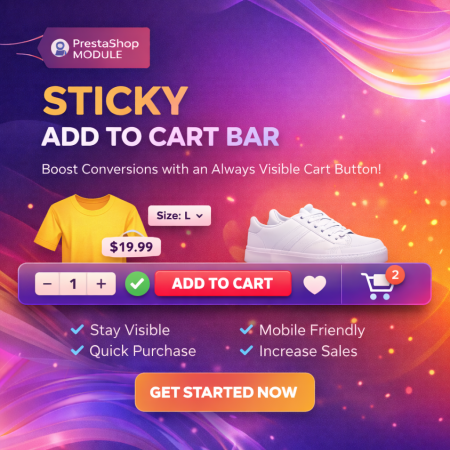
 Sticky Add to Cart Bar – Floating Add to Cart Button Module for PrestaShop
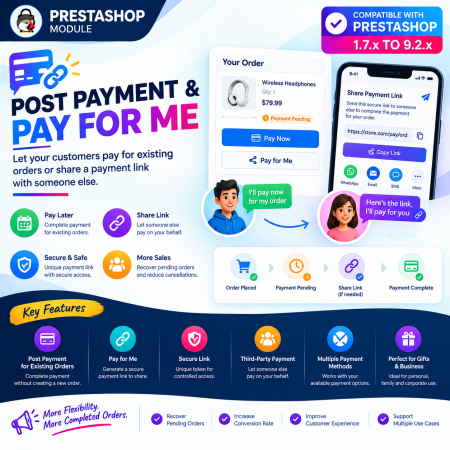
 Post Payment & Pay for Me Module for PrestaShop

 Loyalty, Referral & Affiliate Programs Module for PrestaShop

 WhatsApp Live Chat – Customer Support & Multi-Agent Chat Module for PrestaShop
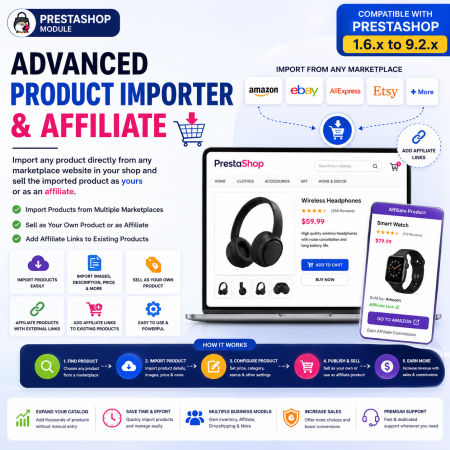
 Advanced Product Importer & Affiliate (100+ websites) Module for PrestaShop
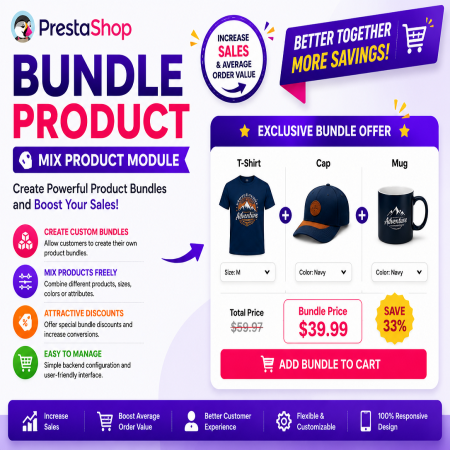
 Bundle Product - Mix Product Prestashop Module
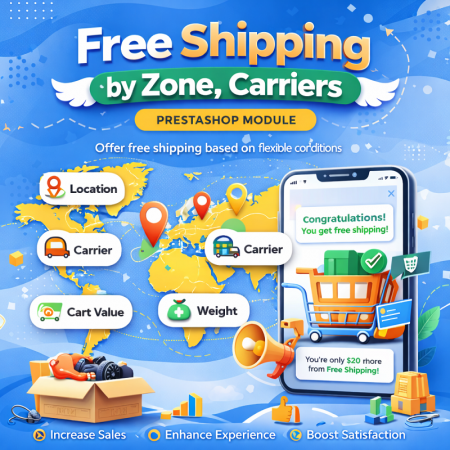 Free Shipping by Zone, Country & Carrier – Advanced Free Shipping Manager for PrestaShop
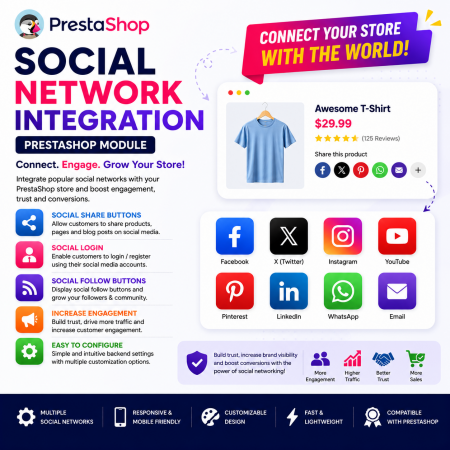
 Social Network Integration Prestashop Module

 Google Translator – Front Office, Back Office & Module Translation for PrestaShop
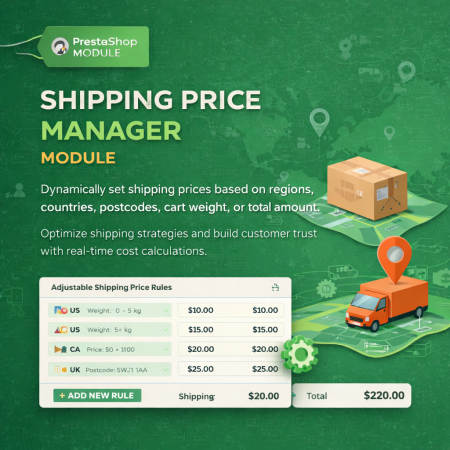
 Shipping Price Manager – Dynamic Shipping Cost Management Module for PrestaShop
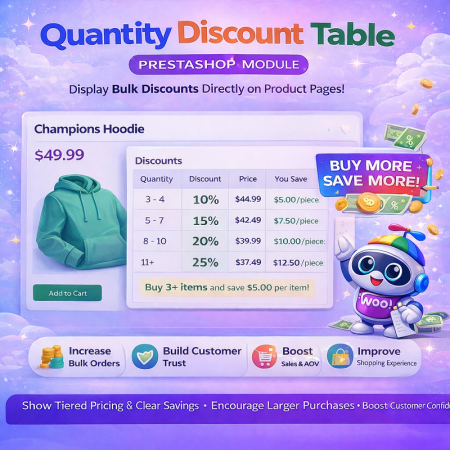 Quantity Discount Table & Grid – Bulk Pricing Display Module for PrestaShop
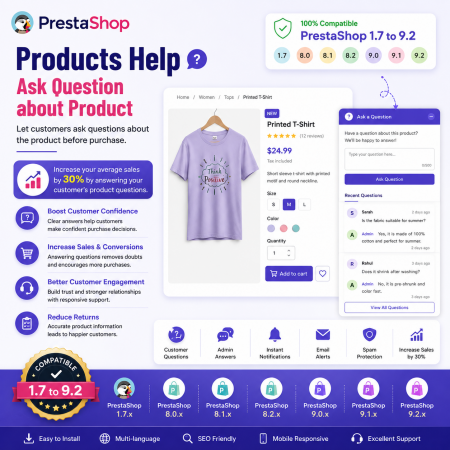
 Products Help – Ask Questions About Products in PrestaShop
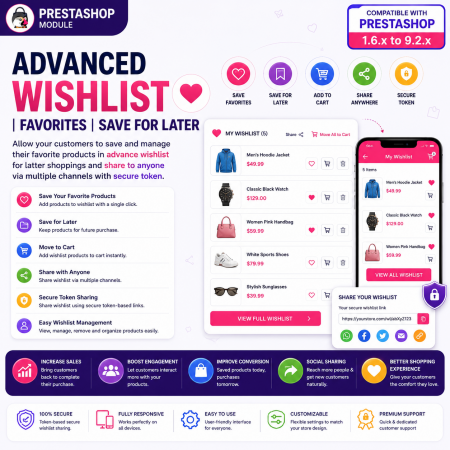
 Advanced Wishlist, Favorites & Save for Later Module for PrestaShop
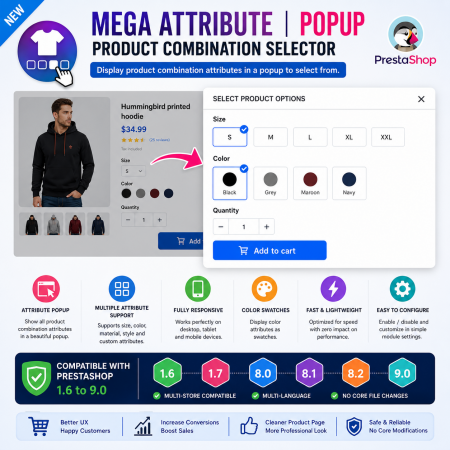
 Mega Attribute Popup – Product Attribute Selection Module for PrestaShop
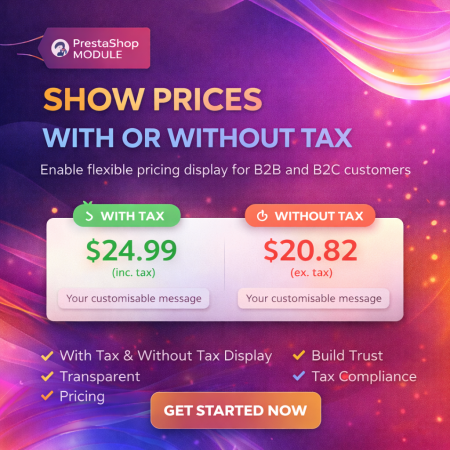
 Display Prices Tax Inclusive or Exclusive – PrestaShop B2B & B2C Tax Display Module
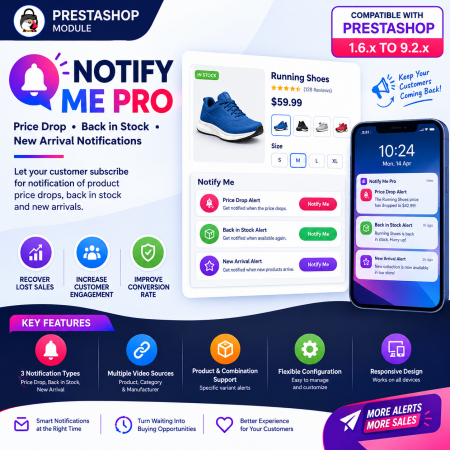
 Notify Me Pro – Price Drop, Back in Stock & New Arrivals Notifications for PrestaShop
Make shopping faster and simplify the purchasing journey with the Buy Now Button & Quick Order PrestaShop Module.
Give customers a direct purchasing option by adding a customizable Buy Now button to your product pages and catalog listing pages. Instead of navigating through the traditional add-to-cart process, customers can click Buy Now and proceed directly to checkout with the selected product automatically added to their cart.
Control button visibility for specific products or categories, customize button text, colors and styles, and provide a responsive purchasing experience across desktop, tablet, and mobile devices.
With multistore compatibility, this module is suitable for PrestaShop businesses managing one or multiple storefronts.
Reduce unnecessary shopping steps, make purchasing more convenient, and help customers complete their buying journey with less friction.
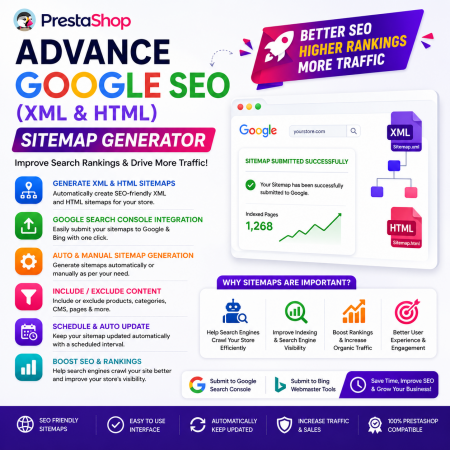
 Advanced Google SEO – XML & HTML Sitemap Generator for PrestaShop

 Extra Product Listing & Product Recommendations Module for PrestaShop
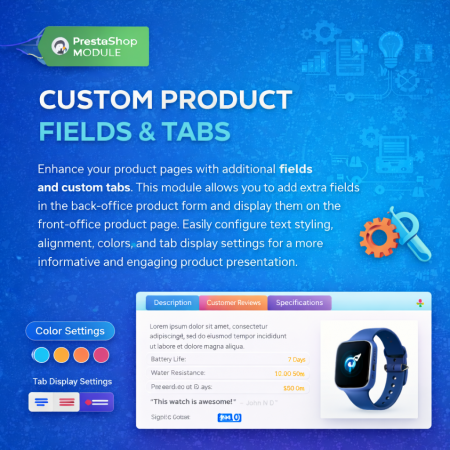
 Additional Product Fields and Custom Tabs – PrestaShop Product Page Customization Module

 WhatsApp Live Chat & Support – Multiple Agents Module for PrestaShop
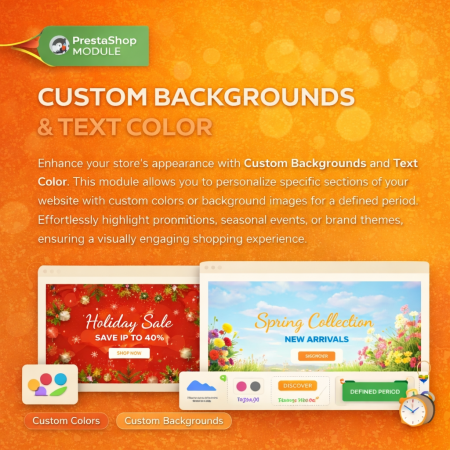
 Custom Background & Text Color – PrestaShop Website Design Customization Module

Encrypted payment gateways ensuring your financial and personal data remain 100% protected.

Every module includes professional installation assistance, free updates, and reliable troubleshooting.

Rigorously tested PrestaShop & WooCommerce extensions designed for maximum speed and zero bloat.

Transparent policies, clean documentation, and dedicated assistance if you run into any compatibility hurdles.