- -$40.00


This module enhances the shopping experience by allowing customers to easily explore product variations such as...

The module allows merchants to enhance product images with customizable stickers and labels. Whether it’s...

Make bulk pricing visible and encourage larger orders with the Quantity Discount Table Grid PrestaShop Module.
...
Take complete control of your store's free shipping strategy with the Free Shipping by Zone & Carrier...

The module automatically adjusts language, currency, and country settings based on the customer's location....


Vendor
Version
Last update
Prestashop version
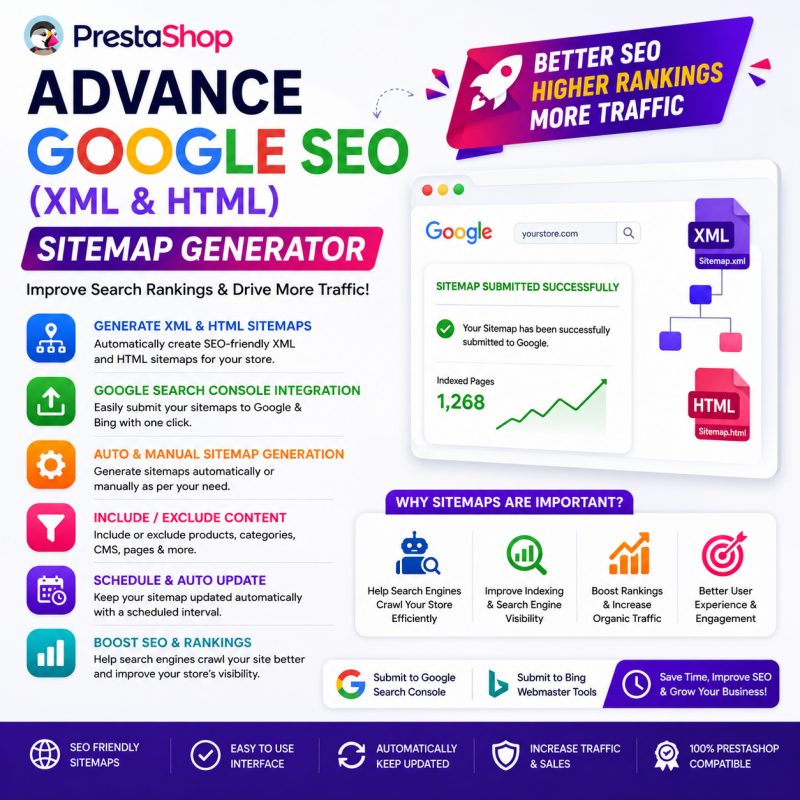
Improve your PrestaShop store's search engine discoverability with the Advanced Google SEO – XML & HTML Sitemap Generator Module.
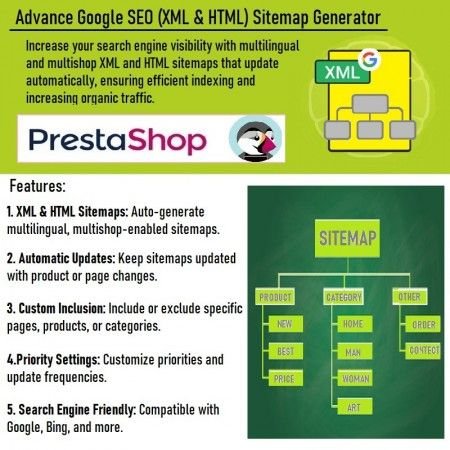
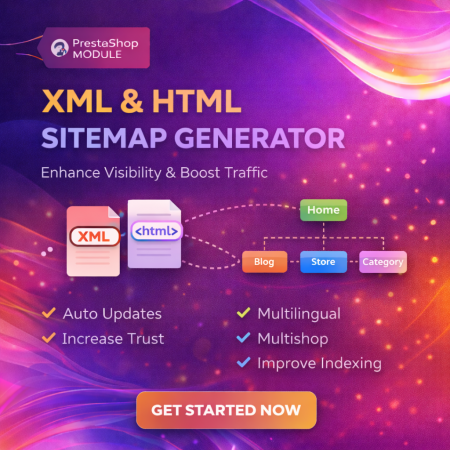
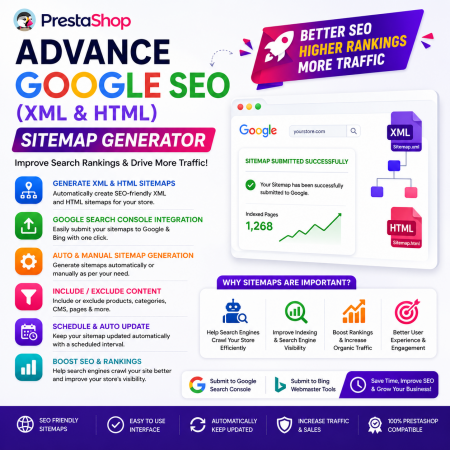
Generate XML sitemaps for search engines and responsive HTML sitemaps for website visitors, helping search engines discover your important store URLs while making website navigation easier for customers.
The module supports automatic sitemap updates when products, categories, or CMS pages change, along with multilingual and multistore compatibility. Control which products, categories, and pages appear in your sitemap, and configure custom URL priority and update frequency settings.
Whether you operate a small online shop, a multilingual eCommerce website, or a multistore PrestaShop installation, simplify sitemap management with one dedicated SEO solution.
Improve URL discovery, organize your website structure, and make your PrestaShop store easier for search engines and customers to explore.
Improve Search Engine Discoverability. Automate Sitemap Updates. Organize Your Store URLs.
Your PrestaShop store may contain hundreds or thousands of URLs, including product pages, categories, CMS pages, and other important website content. Making these URLs discoverable to search engines is an essential part of technical SEO.
As your store grows, managing website URLs manually becomes increasingly difficult. New products are published, categories change, CMS pages are updated, and multilingual or multistore installations introduce additional URL structures that need attention.
The Advanced Google SEO – XML & HTML Sitemap Generator PrestaShop Module provides a convenient solution for generating and managing XML and HTML sitemaps for your online store.
Create XML sitemaps that help search engines discover your store's important URLs and HTML sitemaps that make website navigation easier for visitors. Automate sitemap updates, manage URL inclusion and exclusion, configure priority and update frequency, and support multilingual and multistore environments.
Whether you operate a small eCommerce website or a large international PrestaShop store, this module helps simplify sitemap management and supports a more organized technical SEO strategy.
A sitemap is a structured list of website URLs that helps search engines understand which pages are available on your website.
For an eCommerce store, this is particularly important because your website contains different types of content:
Product pages.
Product category pages.
CMS information pages.
Other supported store URLs.
As your product catalog expands, search engines may need additional help discovering newly published or updated URLs.
A properly maintained sitemap provides search engines with a structured reference to the URLs you want them to discover.
Problem 1: Search engines may not discover every important page easily.
Large stores can contain many products and categories. Without an organized sitemap, discovering important URLs may be more difficult.
Solution: Generate an XML sitemap that provides search engines with a structured list of supported website URLs.
Problem 2: Manually updating sitemaps takes time.
Whenever products, categories, or CMS pages change, store owners need to keep their sitemap information updated.
Solution: Use automatic sitemap updates to reduce repetitive manual sitemap maintenance.
Problem 3: Multilingual stores have multiple URL structures.
Stores operating in different languages need to organize their website URLs across their supported language versions.
Solution: Generate multilingual sitemaps to organize URLs for different store languages.
Problem 4: Multistore websites have multiple shops to manage.
Managing sitemap information across several stores can become complicated.
Solution: Use multistore-compatible sitemap generation from one module.
Problem 5: Not every URL should necessarily appear in the sitemap.
Some pages may not be important for search engine discovery.
Solution: Control the inclusion and exclusion of supported products, categories, and pages.
The module combines two important sitemap formats to support both search engine discovery and customer navigation.
XML sitemaps provide search engines with a structured list of URLs from your website.
The module generates XML sitemaps for supported PrestaShop store content, helping search engines discover important pages more efficiently.
XML Sitemap Features:
Automatically generate XML sitemaps.
Include supported product URLs.
Include supported category URLs.
Include supported CMS page URLs.
Support multiple store languages.
Support multistore installations.
Manage URL inclusion and exclusion.
Configure page priority.
Configure update frequency.
Maintain sitemap information through automatic updates.
Why is this important?
Search engines use many discovery methods, including links and XML sitemaps. Providing a sitemap gives search engines an additional way to find important store URLs.
This is particularly useful for large product catalogs, frequently updated websites, and stores with complex URL structures.
XML sitemaps are primarily designed for search engines. HTML sitemaps serve a different purpose: helping human visitors navigate a website.
An HTML sitemap presents supported website links in an organized and accessible format.
Customers can use it to explore important sections of your store without manually navigating through every category.
HTML Sitemap Features:
Generate an HTML sitemap for your website.
Display supported website links in an organized structure.
Help visitors discover products and categories.
Provide convenient access to important website pages.
Use a responsive layout for mobile and desktop devices.
Add the HTML sitemap to your website footer or a dedicated page.
Why is this important?
A well-organized HTML sitemap provides another navigation option for customers, particularly on large eCommerce websites.
It can help visitors understand your store structure and discover sections they may not have found through regular navigation.
Keeping sitemap information updated is important when your website content changes regularly.
Manually maintaining XML and HTML sitemaps can become time-consuming, especially when your store contains a large number of products and categories.
The module provides automatic sitemap updates when supported products, categories, or CMS pages change.
Key Benefits:
Automatically update sitemap information.
Keep supported product URLs updated.
Reflect supported category changes.
Maintain CMS page sitemap information.
Reduce repetitive manual sitemap maintenance.
Support a more consistent sitemap management workflow.
Business Use Case:
Imagine running a store with hundreds of products. Every week, you publish new products, update existing categories, and modify CMS pages.
Automatic sitemap updates help reduce the effort involved in keeping your sitemap aligned with these website changes.
Selling internationally often means operating your store in multiple languages.
A multilingual PrestaShop website can contain separate URLs for different language versions of products, categories, and other supported pages.
The module supports multilingual sitemap generation to help organize your store URLs across different languages.
Key Benefits:
Generate multilingual sitemap information.
Support different store language versions.
Organize supported URLs by language.
Help search engines discover language-specific pages.
Support international eCommerce websites.
Business Use Case:
Suppose your PrestaShop store supports English, French, German, and Spanish.
Customers may access different language versions of the same product or category. Multilingual sitemap generation helps organize the corresponding URLs for search engine discovery.
PrestaShop multistore functionality allows merchants to manage multiple stores through one administration environment.
However, each store may have its own products, categories, languages, and URL structures.
The module supports multistore-compatible sitemap generation to simplify sitemap management across your store environment.
Key Benefits:
Support PrestaShop multistore installations.
Generate sitemap information for supported shops.
Organize URLs across multiple store environments.
Simplify sitemap management from one module.
Support businesses operating multiple storefronts.
Business Use Case:
Imagine managing three online stores:
Store A – Fashion products.
Store B – Electronics.
Store C – Home accessories.
Each store has its own website content and product categories. Multistore sitemap support helps organize sitemap generation for these different storefronts.
Not every page on your website needs to be included in an XML sitemap.
Store owners may want to control which supported products, categories, or pages are listed.
The module provides custom inclusion and exclusion options for supported sitemap content.
Key Benefits:
Include selected supported pages.
Exclude unnecessary products.
Control category URL inclusion.
Manage CMS page inclusion.
Keep sitemap content focused on relevant URLs.
Support a more organized sitemap structure.
Business Use Case:
Consider an online store with hundreds of products, including discontinued items or pages that should not be promoted through its sitemap.
You can use the available inclusion and exclusion settings to manage which supported URLs appear in the generated sitemap.
Not every website URL has the same business importance.
For example, your main category pages may be more important to your business than certain informational pages.
The module provides custom priority settings for supported sitemap URLs.
Key Benefits:
Configure URL priority.
Organize sitemap metadata according to page importance.
Apply priority settings to supported website content.
Maintain a structured sitemap configuration.
Support your overall technical SEO workflow.
Business Use Case:
A fashion store may want to assign different priority values to its major product categories, product pages, and CMS information pages.
Custom priority settings allow you to organize sitemap metadata according to your preferences.
SEO Note: Sitemap priority is a hint in sitemap metadata, not a command that forces Google to rank one page above another.
Different website pages may be updated at different intervals.
Product pages may change frequently, while some informational CMS pages remain unchanged for longer periods.
The module provides custom update frequency settings for supported sitemap URLs.
Key Benefits:
Configure URL update frequency.
Organize sitemap update metadata.
Set frequency preferences for supported pages.
Support product and category sitemap management.
Maintain more descriptive sitemap information.
Business Use Case:
An online store that frequently updates product information may choose a different update-frequency value for product pages than for relatively static information pages.
SEO Note: Search engines may use this metadata as a hint. The configured frequency does not force a search engine to crawl a page at that interval.
Your online store should be discoverable across more than one search engine.
The generated XML sitemap uses the standard sitemap approach and is intended for compatibility with Google, Bing, and other major search engines that support XML sitemaps.
Key Benefits:
Provide structured website URLs to search engines.
Support Google sitemap submission.
Support Bing sitemap submission.
Help search engines discover supported website content.
Support a more organized search engine discovery process.
Customers may visit your website using desktop computers, tablets, or smartphones.
An HTML sitemap should remain accessible and easy to navigate across different screen sizes.
The module generates a responsive HTML sitemap to support different devices.
Key Benefits:
Mobile-friendly HTML sitemap.
Responsive layout for different screen sizes.
Organized website link presentation.
Convenient navigation for visitors.
Suitable for footer links or dedicated sitemap pages.
The module provides a straightforward workflow for generating and maintaining your store's XML and HTML sitemaps.
The module works with supported PrestaShop website content, including products, categories, and CMS pages.
Open the module configuration page and review the available XML and HTML sitemap options.
Select the applicable language and multistore preferences according to your store environment.
Configure which supported products, categories, and pages should appear in your sitemap.
Set the available URL priority and update frequency preferences.
Generate the sitemap files using your configured settings.
Copy the generated XML sitemap URL and submit it through Google Search Console or the appropriate webmaster tools.
Add the HTML sitemap link to your website footer or a dedicated navigation page so customers can access it.
Let the module update sitemap information when supported products, categories, or CMS pages change.
Generating an XML sitemap is only one part of the search engine discovery process. You should also make the sitemap available to Google.
Follow these steps:
Step 1 – Open Google Search Console
Visit Google Search Console and select your verified website property.
Step 2 – Locate the Sitemap Section
Open the Sitemaps section from the left navigation menu.
Step 3 – Copy Your Generated XML Sitemap URL
Open the module configuration and copy the XML sitemap URL provided by the module.
Step 4 – Submit the Sitemap
Paste the sitemap path into the sitemap submission field and click Submit.
Step 5 – Check Sitemap Status
Review the submitted sitemap status and any reported processing errors.
Step 6 – Monitor Discovered URLs
Monitor Google's reported sitemap information and URL indexing status over time.
Important: Submitting a sitemap does not guarantee that Google will crawl, index, or rank every URL. Google determines indexing and ranking based on its own systems and other SEO signals.
A sitemap is an important technical SEO component, especially for websites containing large numbers of URLs.
However, a sitemap does not replace other SEO requirements.
The Advanced Google SEO Sitemap Generator helps with the URL discovery and sitemap management part of your SEO strategy.
Give search engines an additional source of information about important website URLs.
Reduce manual effort when supported website content changes.
Manage supported URL structures across multiple store languages.
Organize sitemap generation for supported multistore environments.
Manage which supported pages should be included or excluded.
Keep XML and HTML sitemap generation within your PrestaShop administration workflow.
Remember: Search rankings also depend on content quality, internal linking, website performance, canonical URLs, mobile usability, crawlability, and many other factors.
Generate and maintain sitemaps without manually managing website URLs.
Organize product and category URLs to support search engine discovery.
Manage sitemap information for different language versions of your website.
Simplify sitemap management across multiple storefronts.
Organize website URLs for stores serving customers in different regions and languages.
Use a dedicated sitemap solution as part of technical SEO management for PrestaShop client websites.
Reduce repetitive sitemap maintenance when supported products, categories, and CMS pages change.
Both sitemap formats are useful, but they serve different audiences.
| Feature | XML Sitemap | HTML Sitemap |
|---|---|---|
| Main audience | Search engines | Website visitors |
| Main purpose | URL discovery | Website navigation |
| Format | XML | HTML |
| Product URLs | Supported | Supported |
| Category URLs | Supported | Supported |
| CMS URLs | Supported | Supported |
| Search engine submission | Yes | Not a substitute for XML submission |
| Customer navigation | Not intended for this | Yes |
| Responsive design | Not applicable | Yes |
Why generate both?
XML sitemaps provide search engines with structured URL information, while HTML sitemaps give customers an additional way to explore your website.
Using both formats helps address search engine discovery and visitor navigation through one solution.
Installing the Advanced Google SEO Sitemap Generator is straightforward.
Download the module ZIP package from your Sathi account.
Log in to your PrestaShop administration panel.
Navigate to:
Modules → Module Manager
Click Upload a Module and select the downloaded ZIP file.
Wait for the installation process to complete.
Locate Advanced Google SEO Sitemap Generator in Module Manager and open its configuration settings.
Enable and configure the sitemap options available in the module.
Review language, multistore, URL inclusion/exclusion, priority, and update frequency settings.
Access the generated XML and HTML sitemap URLs and check that they display the expected supported content.
Submit the XML sitemap URL to Google Search Console and monitor its status.
Your PrestaShop store is now equipped with a dedicated sitemap management solution.
An XML sitemap generator is a tool that creates a structured list of website URLs for search engines. It helps search engines discover supported product, category, and CMS page URLs on your PrestaShop website.
Yes. The module generates XML sitemaps for search engines and HTML sitemaps for website visitors.
Yes. The module supports automatic sitemap updates when supported products, categories, or CMS pages change.
Yes. It supports multilingual sitemap generation to organize supported website URLs across different store languages.
Yes. The module supports multistore-compatible sitemap generation for merchants managing multiple storefronts.
Yes. The module provides custom inclusion and exclusion options for supported products, categories, and pages.
Yes. You can configure custom priority values for supported sitemap URLs through the module's available settings.
Yes. The module supports custom update frequency settings for supported website URLs.
Open Google Search Console, select your verified website property, navigate to Sitemaps, enter the generated XML sitemap URL, and submit it.
No. A sitemap helps Google discover website URLs, but it does not guarantee indexing or higher search rankings. Content quality, technical SEO, internal links, website performance, and other factors also influence search visibility.
Yes. An HTML sitemap provides an organized list of website links that customers can use to explore your store and discover important sections.
Yes. The module provides a responsive HTML sitemap designed for desktop, tablet, and mobile visitors.
The published compatibility range is PrestaShop 1.6.0 through 9.2.x. Check your specific store environment before installation.
Yes. The XML sitemap functionality is intended for compatibility with Google, Bing, and other major search engines supporting standard XML sitemaps.
Yes. They serve different purposes and can be used together. XML helps search engines discover URLs, while HTML helps visitors navigate your website.
Your website structure is an important part of your technical SEO strategy.
As your store grows, managing product URLs, categories, CMS pages, multiple languages, and multiple storefronts becomes increasingly important.
The Advanced Google SEO – XML & HTML Sitemap Generator PrestaShop Module simplifies this process with automated sitemap updates, multilingual and multistore support, URL inclusion and exclusion controls, custom priority and frequency settings, and responsive HTML sitemap generation.
Spend less time maintaining sitemap files manually and focus more on growing your online business.
Generate organized XML and HTML sitemaps, improve URL discoverability, and strengthen your PrestaShop technical SEO strategy with Sathi.
| Vendor | Sathi |
|---|---|
| Last update | Nov 25, 2026 |
| Version | 3.1.4 |
| Required store version | From 1.6.0 to 9.2.x |
| Publication date | Jan 23, 2025 |
| Return Policy | You can return the product within the 30 days return period for a full refund. No questions asked. |
| Customer Support | Enjoy one year of free customer support, including installation, troubleshooting, and usage guidance. |
| Description | This product is compatible with the specified versions and includes all the latest updates to enhance functionality and user experience. |
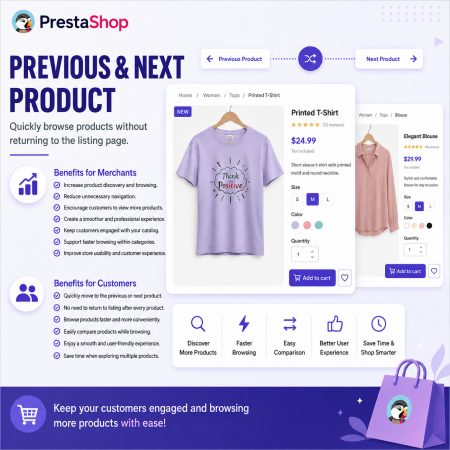
 Advanced Product Navigation – Previous & Next Product Links for PrestaShop

 Save & Share My Shopping Cart – Save, Share and Restore Carts in PrestaShop

 Advanced Shop & Product Reviews and Ratings Module for PrestaShop
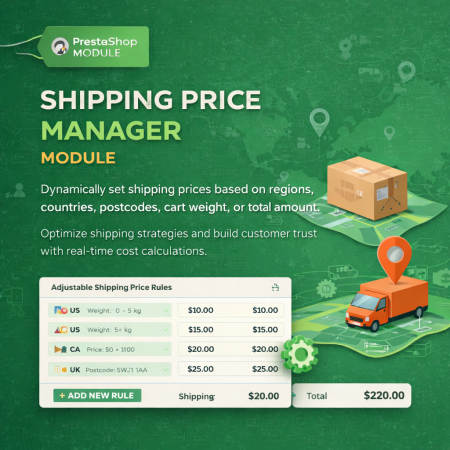
 Shipping Price Manager – Dynamic Shipping Cost Management Module for PrestaShop

 Instant Search & Auto Complete – Advanced Live Search Module for PrestaShop

 Bundle Product - Mix Product Prestashop Module
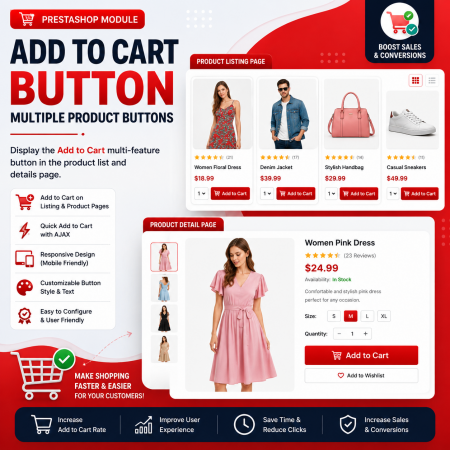
 Advanced Add to Cart Button Module for PrestaShop – Simplify Product Shopping
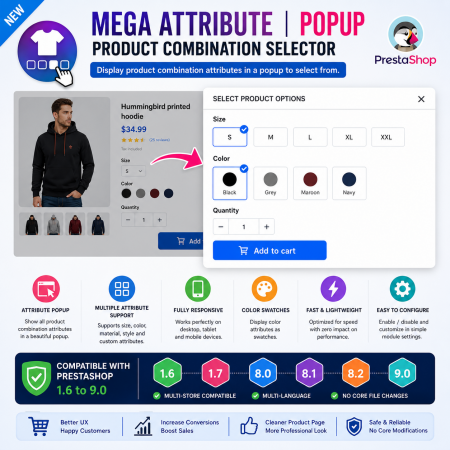
 Mega Attribute Popup – Product Attribute Selection Module for PrestaShop
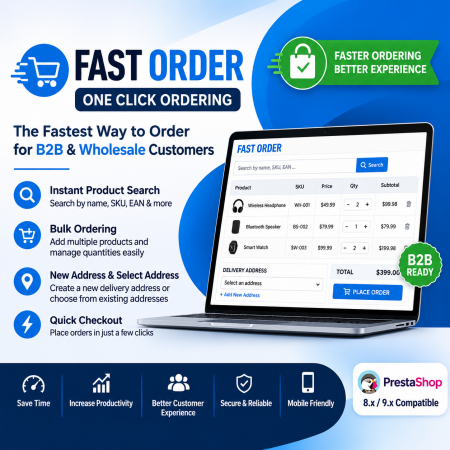
 Fast Order with Instant and File Search – Quick Ordering Module for PrestaShop
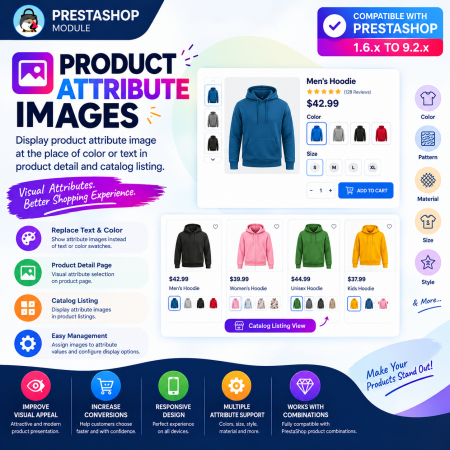
 Product Attribute Images – Visual Swatches for PrestaShop
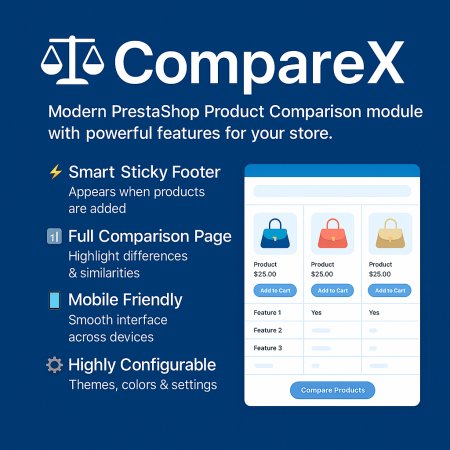
 Advance Product Comparison – Compare Products Side by Side in PrestaShop
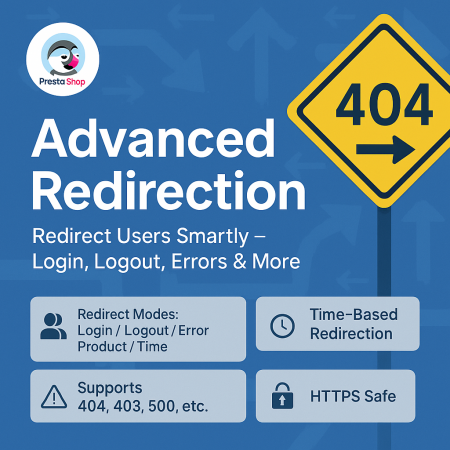
 Advanced URL Redirection Module for PrestaShop – 301, 302, 404 & Scheduled Redirects

 Daily Deals Widget – Multiple Promotional Campaigns with Countdown Timer for PrestaShop
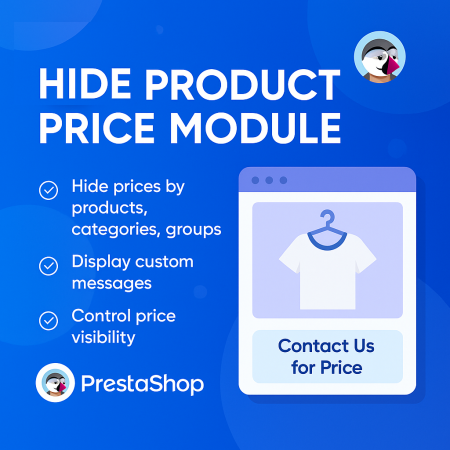
 Hide Product Price – Control Product Price Visibility in PrestaShop
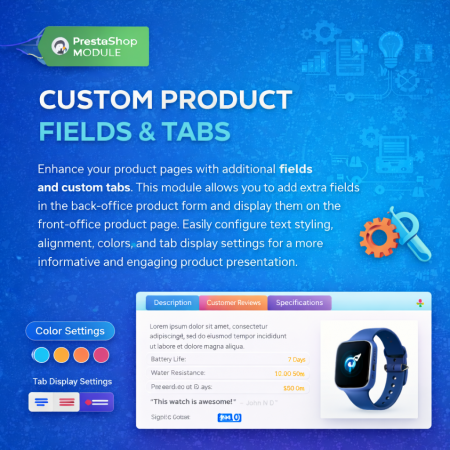
 Additional Product Fields and Custom Tabs – PrestaShop Product Page Customization Module
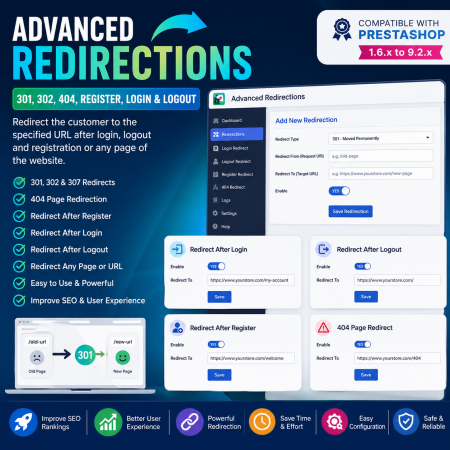
 Advanced Redirections – 301, 302, 404 & Customer Redirects for PrestaShop
Improve your PrestaShop store's search engine discoverability with the Advanced Google SEO – XML & HTML Sitemap Generator Module.
Generate XML sitemaps for search engines and responsive HTML sitemaps for website visitors, helping search engines discover your important store URLs while making website navigation easier for customers.
The module supports automatic sitemap updates when products, categories, or CMS pages change, along with multilingual and multistore compatibility. Control which products, categories, and pages appear in your sitemap, and configure custom URL priority and update frequency settings.
Whether you operate a small online shop, a multilingual eCommerce website, or a multistore PrestaShop installation, simplify sitemap management with one dedicated SEO solution.
Improve URL discovery, organize your website structure, and make your PrestaShop store easier for search engines and customers to explore.

 Extra Product Listing & Product Recommendations Module for PrestaShop
Additional Product Fields and Custom Tabs – PrestaShop Product Page Customization Module

 WhatsApp Live Chat & Support – Multiple Agents Module for PrestaShop
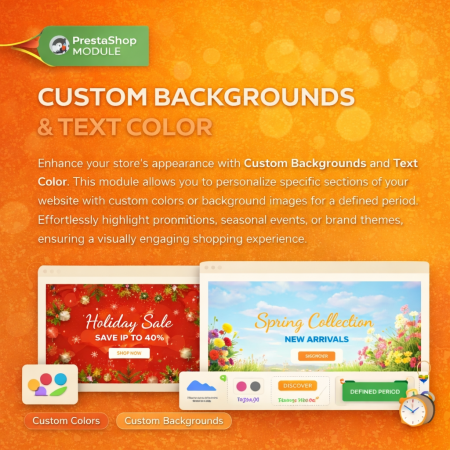
 Custom Background & Text Color – PrestaShop Website Design Customization Module

Encrypted payment gateways ensuring your financial and personal data remain 100% protected.

Every module includes professional installation assistance, free updates, and reliable troubleshooting.

Rigorously tested PrestaShop & WooCommerce extensions designed for maximum speed and zero bloat.

Transparent policies, clean documentation, and dedicated assistance if you run into any compatibility hurdles.