- -$69.99


This module enhances the shopping experience by allowing customers to easily explore product variations such as...

The module allows merchants to enhance product images with customizable stickers and labels. Whether it’s...

Make bulk pricing visible and encourage larger orders with the Quantity Discount Table Grid PrestaShop Module.
...
Take complete control of your store's free shipping strategy with the Free Shipping by Zone & Carrier...

Make international shopping easier with the Auto Change Country, Language & Currency PrestaShop...


Vendor
Version
Last update
Prestashop version
Improve how search engines understand your PrestaShop store with the Google Schema Markup – Rich Snippets & SEO Module.
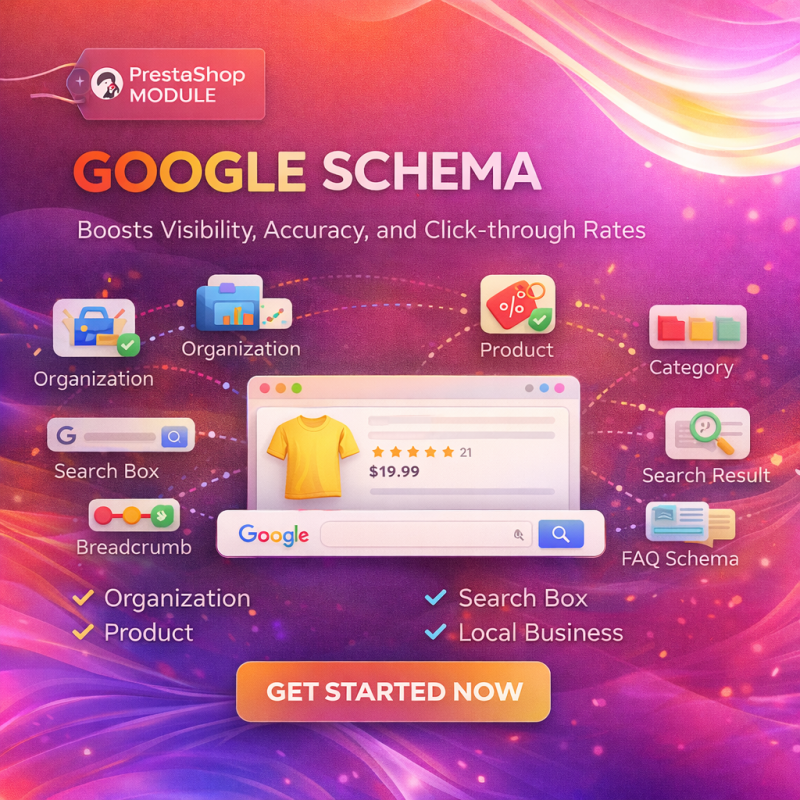
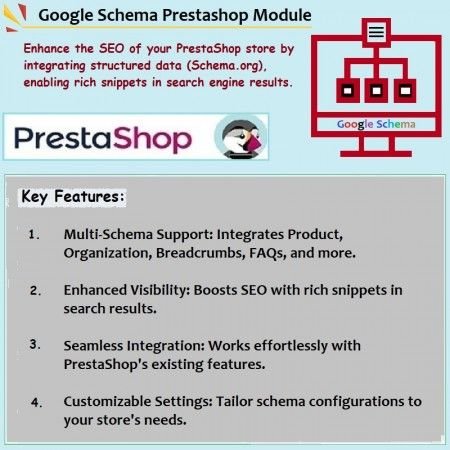
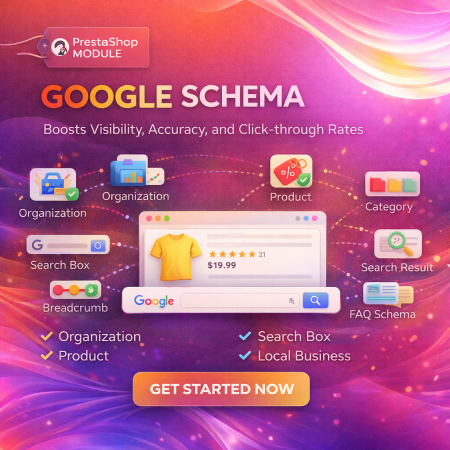
Add structured data to your online store using JSON-LD format and support nine schema types: Organization, Product, Category, Search Results, Search Box, Breadcrumbs, Local Business, Article, and FAQ.
The module dynamically generates structured data according to the current page context and available content. Enable or disable individual schema types, integrate structured data with PrestaShop product comments, and support multilingual storefronts through one centralized configuration interface.
Reduce manual JSON-LD coding, organize your store's structured data, and help search engines interpret important product, business, navigation, and content information more effectively.
Build a stronger technical SEO foundation for your PrestaShop store with a dedicated schema markup solution from Sathi.
Make Your Store Content Easier for Search Engines to Understand with Dynamic JSON-LD Structured Data.
Search engines need to understand more than the words displayed on your website. They also need to interpret what your content represents, how your pages are organized, what products you sell, and which information belongs to your business.
A product page contains product information. A category page represents a collection of products. An article provides editorial information, while an FAQ section contains questions and answers. Without appropriate structured data, search engines may have less explicit information about the meaning and relationships of these different page elements.
The Google Schema Markup – Rich Snippets & SEO Module for PrestaShop helps address this challenge by adding structured data to your online store using JSON-LD, a widely supported format for describing website content.
The module supports nine schema types and generates structured data dynamically according to the current page context and available content.
Instead of manually implementing separate JSON-LD code for different store pages, you can manage supported schema types through one centralized module configuration interface.
Whether you operate a small online shop, a multilingual eCommerce business, a local retail store, or a content-rich PrestaShop website, this module helps organize your structured data and strengthen your technical SEO foundation.
Schema markup is structured information added to website pages to help search engines understand the meaning of their content.
It uses standardized vocabulary from Schema.org to describe entities such as products, organizations, businesses, articles, breadcrumbs, and frequently asked questions.
For example, a product page may visibly display:
Product name.
Product description.
Product information.
Price.
Availability.
Customer reviews.
Schema markup can represent eligible product information in a structured, machine-readable format.
Similarly, Organization schema can describe your business identity, Breadcrumb schema can communicate page hierarchy, and Article schema can describe editorial content.
Better Content Understanding
Help search engines interpret the type and meaning of information published on your website.
Rich Result Eligibility
Implement supported structured data that may make eligible pages candidates for enhanced Google search appearances.
Organized Product Information
Describe important product details using an appropriate schema type.
Clearer Website Structure
Represent navigation hierarchy and relationships between website pages.
Structured Business Information
Describe your organization or local business using dedicated structured data types.
Reduced Manual Development
Manage multiple schema types without manually writing separate JSON-LD implementations for every supported page.
The module brings together nine structured data types to cover important areas of your PrestaShop store.
Help search engines understand the identity of your business or organization.
Organization schema provides structured information about your store as a business entity.
Purpose and benefits:
Represent your store's organizational identity.
Describe relevant business information.
Provide structured context about your brand.
Help search engines interpret your business information.
Support a consistent representation of your organization.
Ideal for: eCommerce businesses, online retailers, brands, and companies operating through PrestaShop websites.
Product pages are among the most important pages of an eCommerce store.
Product schema helps describe product-related information using a standardized structured data format.
Purpose and benefits:
Describe product pages through Product structured data.
Organize available product information.
Support relevant product-related properties.
Provide structured context for search engines.
Integrate with supported PrestaShop product comment information.
Ideal for: Fashion stores, electronics shops, beauty retailers, furniture stores, and general eCommerce websites.
Product structured data can help eligible product pages qualify for Google product-related rich results when the markup satisfies Google's requirements.
Category pages organize products into meaningful collections.
Category schema helps describe the category content of your PrestaShop website using structured information.
Purpose and benefits:
Add structured data to category pages.
Describe product collection pages.
Improve machine-readable content organization.
Support a consistent structured data approach across your store.
Ideal for: Stores with large product catalogs, multiple product categories, and extensive product collections.
Search functionality helps visitors discover products and content within your store.
The module supports Search Results schema to provide structured information for supported search result pages.
Purpose and benefits:
Describe supported search result content.
Provide additional context about search-related pages.
Organize search page information through structured data.
Support your store's internal search experience.
Ideal for: PrestaShop stores with large catalogs and customers who frequently use internal product search.
A search box provides customers with a way to find information and products within your website.
Search Box structured data can describe the website's supported search functionality.
Purpose and benefits:
Represent supported website search functionality.
Describe the search experience through structured data.
Provide search-related context to search engines.
Complement your store's navigation and discovery structure.
Ideal for: Product catalogs, large online stores, and websites with an established internal search feature.
Note: Search Box markup should follow Google's current supported SearchAction and sitelinks search box requirements. Adding it does not guarantee a dedicated search box in Google results.
Breadcrumbs help visitors understand where they are within your website's navigation structure.
For example:
Home → Electronics → Mobile Phones → Product Name
Breadcrumb schema describes this page hierarchy using structured data.
Purpose and benefits:
Represent website navigation paths.
Describe relationships between page levels.
Provide structured information about breadcrumbs.
Support clearer interpretation of page hierarchy.
Help search engines understand the position of a page within your website.
Ideal for: Multi-category stores, large product catalogs, and websites with several levels of navigation.
For businesses serving customers in specific geographical areas, local business information is an important part of their online identity.
Local Business schema provides a standardized way to describe relevant local business details.
Purpose and benefits:
Represent local business information.
Describe your business through structured data.
Support relevant business identity properties.
Organize location-related information.
Complement your local SEO strategy.
Ideal for: Local retailers, physical stores, regional businesses, and companies operating both online and offline.
Publishing useful content is an important part of an eCommerce SEO strategy.
Article schema helps describe editorial content, including supported blog articles and other published content.
Purpose and benefits:
Describe article content using structured data.
Provide additional context about published content.
Support content classification.
Organize editorial information.
Complement your blog and content marketing strategy.
Ideal for: PrestaShop blogs, tutorials, product guides, news sections, and informational websites.
Frequently asked questions help customers find answers to common questions about products, services, delivery, payment, and store policies.
FAQ schema represents supported question-and-answer content through structured data.
Purpose and benefits:
Describe FAQ questions and answers.
Structure frequently asked questions.
Provide machine-readable information about FAQ content.
Support a consistent content-markup strategy.
Help search engines interpret supported FAQ sections.
Ideal for: Product FAQs, shipping information, payment questions, return policies, and informational pages.
Important: Google currently limits FAQ rich results primarily to well-known, authoritative government and health websites. FAQ markup can still describe content for search engines, but ordinary eCommerce stores should not expect Google FAQ rich-result displays.
Managing different schema types separately can make structured data implementation difficult, particularly for stores with multiple page types.
This module brings nine schema types into one solution.
Key capabilities:
Organization schema.
Product schema.
Category schema.
Search Results schema.
Search Box schema.
Breadcrumb schema.
Local Business schema.
Article schema.
FAQ schema.
Business benefit: Manage different structured data requirements through one dedicated PrestaShop module instead of implementing every schema type independently.
Your PrestaShop website contains different types of pages, and each page has different information.
A product page contains product details, while an article contains editorial content and a category page represents a product collection.
The module generates JSON-LD structured data dynamically according to the current page context and available content.
Key capabilities:
Generate structured data based on the current page.
Support different schema types for relevant page contexts.
Use available store content when generating markup.
Reduce the need for manually adding separate JSON-LD code to individual pages.
Provide structured data in a machine-readable format.
Business benefit: Make structured data management more convenient as your store grows and new products or content pages are published.
Not every store needs every schema type.
A local retailer may need Organization and Local Business markup, while a content-focused store may place more emphasis on Article and FAQ schema.
The module provides individual controls to enable or disable supported schema types according to your requirements.
Key capabilities:
Enable relevant schema types.
Disable unnecessary schema types.
Configure structured data according to store requirements.
Manage schema availability centrally.
Maintain a more organized structured data configuration.
Business benefit: Keep your schema implementation aligned with the content and functionality of your website.
JSON-LD is a recommended format for adding structured data to website pages.
It allows structured information to be represented separately from the visible HTML content.
Key capabilities:
Generate structured data using JSON-LD.
Provide machine-readable schema information.
Organize supported page information.
Make structured data easier to inspect and validate.
Avoid manually inserting schema scripts into every individual page.
Business benefit: Use a widely supported structured data format that is easier to maintain and validate.
Customer feedback can provide useful product information and help shoppers make purchasing decisions.
The module supports integration with PrestaShop's existing product comments functionality.
Key capabilities:
Integrate structured data with supported product comments.
Connect product-related information with the existing comments functionality.
Support review-related structured information where eligible data is available.
Business benefit: Help organize product-related information and supported customer feedback within your structured data implementation.
Note: Review and aggregate rating markup must represent genuine reviews and meet Google's review snippet policies. Product comments integration does not automatically guarantee review stars in search results.
International eCommerce stores often publish the same product or content in multiple languages.
Structured data should reflect the relevant language and content of the page being visited.
The module supports multilingual PrestaShop stores and generates structured data according to the available page context.
Key capabilities:
Support multilingual storefronts.
Generate schema according to relevant page content.
Support localized structured information.
Help maintain structured data across different language versions.
Business benefit: Maintain a more consistent structured data strategy for stores serving customers in multiple languages.
Managing multiple schema types should not require editing website code every time you want to adjust your configuration.
The module provides a centralized administration interface for managing supported schema settings.
Key capabilities:
Access schema settings from one module interface.
Manage individual schema types.
Enable or disable supported markup.
Configure the module according to your store requirements.
Maintain structured data settings from the PrestaShop Back Office.
Business benefit: Simplify structured data administration and reduce dependence on manual coding for routine configuration.
Search engines can read visible website content, but structured data provides additional information about what that content represents.
How the module helps:
Use Organization, Product, Article, Category, and other supported schema types to describe different types of store content in a machine-readable format.
Product pages contain important details that are useful to both shoppers and search engines.
How the module helps:
Product schema provides a standardized structure for eligible product information and supports integration with existing PrestaShop product comments.
Large stores often contain several navigation levels, including categories, subcategories, and individual products.
How the module helps:
Breadcrumb schema represents page hierarchy and navigation paths using structured data.
Applying the same structured data to every page can result in irrelevant or misleading markup.
How the module helps:
The module supports dynamic schema generation based on the current page context and available content.
Manually adding structured data to products, categories, articles, and other pages can require development knowledge and ongoing maintenance.
How the module helps:
Manage supported schema types through one PrestaShop module rather than manually implementing every structured data script.
International stores need their structured information to reflect the relevant language and page content.
How the module helps:
Multilingual support helps generate structured data for the corresponding language versions of your storefront.
Schema requirements may change as your store grows, adds new content, or modifies its SEO strategy.
How the module helps:
Use individual schema controls to manage which supported structured data types are active in your store.
The module follows a simple four-step workflow.
Upload the module ZIP package and install it through the PrestaShop Back Office.
Open the module configuration interface and enable the schema types relevant to your store.
For example:
Product schema for product pages.
Breadcrumb schema for navigation.
Organization schema for business identity.
Article schema for published content.
FAQ schema for supported question-and-answer content.
The module generates JSON-LD structured data according to the current page context and available content.
Visit representative pages of your store and inspect the generated structured data.
Use Google's Rich Results Test for supported rich-result types and Schema.org's Schema Markup Validator for broader structured data validation.
Correct any errors and ensure the markup matches the visible information on your website.
Use Product, Breadcrumb, Organization, and Category schema to describe products, collections, business identity, and navigation.
Organize product information and supported review data through Product schema while using Breadcrumb schema to describe large catalog structures.
Add structured product information and Article schema to support product pages, beauty guides, and informational content.
Use Product and Category schema to describe products and collections across a large home furnishing catalog.
Use Organization and Local Business schema to describe relevant business information and complement your local SEO efforts.
Maintain structured data across language versions of product, category, and content pages.
Use Article and FAQ schema for supported editorial and question-and-answer content alongside product structured data.
Better Structured Data Coverage
Manage different schema types across supported areas of your website.
Reduced Development Work
Avoid manually adding separate JSON-LD implementations for every supported page type.
Improved Content Understanding
Provide structured information that helps search engines interpret your store's content.
Product Information Organization
Describe relevant product details using Product structured data.
Better Navigation Context
Use Breadcrumb schema to represent your website hierarchy.
Multilingual SEO Support
Maintain structured data across supported language versions.
Centralized Administration
Control supported schema types through one module configuration interface.
Rich Result Eligibility
Implement appropriate structured data that may qualify eligible pages for enhanced search appearances.
Structured data primarily helps search engines interpret website information, but eligible enhanced search presentations can also benefit shoppers.
Potentially see product prices and availability in eligible search results.
Discover more informative product listings.
Benefit from relevant business information.
Understand product and content information more easily.
Find relevant store pages through clearer search presentations.
The appearance of enhanced results depends on Google's eligibility requirements and display decisions.
Install the Google Schema Markup module using the standard PrestaShop module installation process.
Sign in using an administrator account with permission to manage modules.
Navigate to:
Modules → Module Manager
Click the Upload a module button and select the downloaded stgoogleschema.zip package.
Wait for the upload to finish and click the Install button.
Locate the Google Schema module in Module Manager and open its configuration interface.
Review the available structured data options and enable the schema types required by your store.
Save the configuration and visit representative pages of your website.
Use Google's Rich Results Test and Schema.org Schema Markup Validator to inspect the generated markup.
Check product pages, category pages, articles, and other supported content types.
Recommended: Back up your website files and database before installation. After configuration, check for duplicate schema output from your theme, SEO extensions, or other modules.
Structured data is an important technical SEO component, but it is not a direct guarantee of improved rankings or rich snippets.
Google uses structured data to understand eligible website content and may use it to display enhanced search results when its requirements are satisfied.
However:
Valid schema does not guarantee rich-result display.
Rich snippets are not guaranteed for every page.
Structured data does not replace quality content.
Markup must accurately reflect visible website information.
Different rich-result types have different eligibility requirements.
Duplicate or misleading structured data should be avoided.
For the best results, combine appropriate schema markup with useful content, crawlable pages, good website performance, and a strong internal linking structure.
It is a structured data SEO module that adds JSON-LD markup to supported PrestaShop pages. It supports nine schema types, including Product, Organization, Breadcrumb, Category, Article, FAQ, Search Box, Search Results, and Local Business.
JSON-LD is a structured data format that represents information about website content in a machine-readable format. Search engines can use this information to better understand products, organizations, articles, navigation, and other page content.
The module supports nine types:
Organization.
Product.
Category.
Search Results.
Search Box.
Breadcrumb.
Local Business.
Article.
FAQ.
Yes. The module generates structured data dynamically according to the current page context and available content, reducing the need to manually insert JSON-LD code on individual supported pages.
Yes. You can manage supported schema types individually through the module configuration interface.
Yes. Product schema is one of the supported structured data types and is designed to describe relevant product information on your PrestaShop product pages.
The module adds supported structured data that can make eligible pages candidates for Google rich results. Actual search result appearances depend on Google's guidelines, eligibility requirements, and display decisions.
The module integrates with PrestaShop's existing product comments functionality. Review and rating markup depends on available data and applicable structured data requirements.
Yes. The module supports multilingual storefronts and structured data generation according to the relevant page context and available content.
The module supports Category and Article schema types, along with other supported structured data types. The actual output depends on the page context and available content.
Use Google's Rich Results Test to check eligibility for supported rich results. Use the Schema.org Schema Markup Validator to inspect broader structured data syntax and vocabulary.
Schema markup can help search engines understand your content, but it does not guarantee higher rankings. Search performance also depends on content quality, technical SEO, competition, website authority, and many other factors.
Your online store contains valuable information about products, categories, business identity, navigation, and published content.
Make that information easier for search engines to interpret with the Google Schema Markup – Rich Snippets & SEO Module for PrestaShop.
Manage nine supported schema types, generate JSON-LD dynamically, integrate supported product comments, and maintain structured data across multilingual storefronts through one convenient configuration interface.
Reduce manual implementation work and establish a stronger structured data foundation for your PrestaShop SEO strategy.
Make your store's content more understandable to search engines with Sathi Google Schema Markup.
| Vendor | Sathi |
|---|---|
| Last update | Nov 25, 2026 |
| Version | 1.0.0 |
| Required store version | From 1.7.x to 9.2.x |
| Publication date | Apr 27, 2025 |
| Return Policy | You can return the product within the 30 days return period for a full refund. No questions asked. |
| Customer Support | Enjoy one year of free customer support, including installation, troubleshooting, and usage guidance. |
| Description | This product is compatible with the specified versions and includes all the latest updates to enhance functionality and user experience. |

 Enable or Disable Carriers with Conditions – PrestaShop Conditional Shipping Module

 Display Product Slider & Grid – Product Showcase Module for PrestaShop
 Additional Product Fields and Custom Tabs – PrestaShop Product Page Customization Module
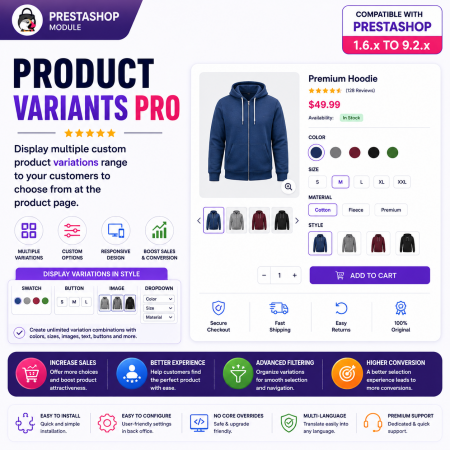
 Product Variants Pro – Custom Variant Groups for PrestaShop

 WhatsApp Live Chat – Customer Support & Multi-Agent Chat Module for PrestaShop
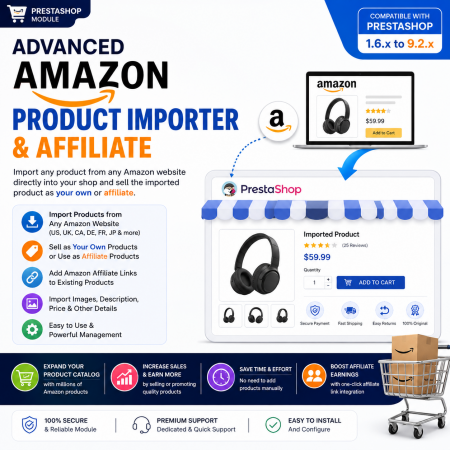
 Advanced Amazon Product Importer & Affiliate Module for PrestaShop
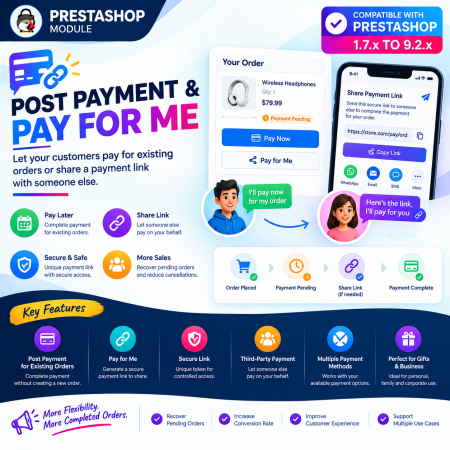
 Post Payment & Pay for Me Module for PrestaShop
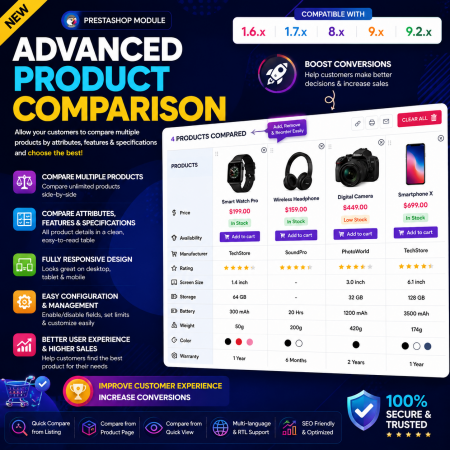
 Advance Product Comparison – Compare Products Side by Side in PrestaShop
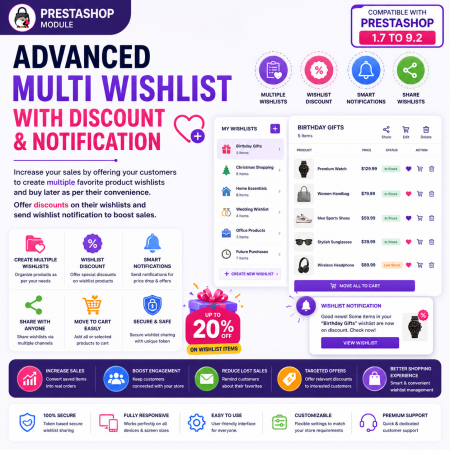
 Advanced Multi Wishlist for PrestaShop – Multiple Wishlists, Discounts & Notifications
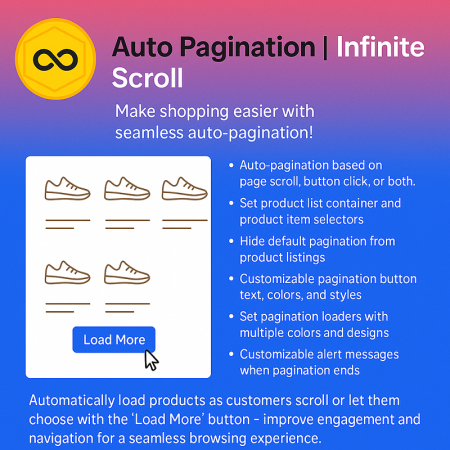
 Auto Pagination & Infinite Scroll – AJAX Product Loading Module for PrestaShop
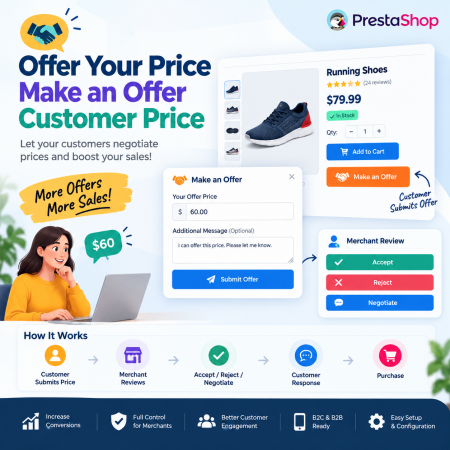
 Offer Your Price – Make an Offer & Price Negotiation Module for PrestaShop
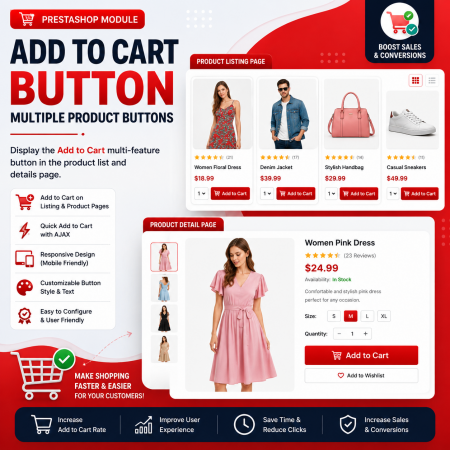
 Advanced Add to Cart Button Module for PrestaShop – Simplify Product Shopping
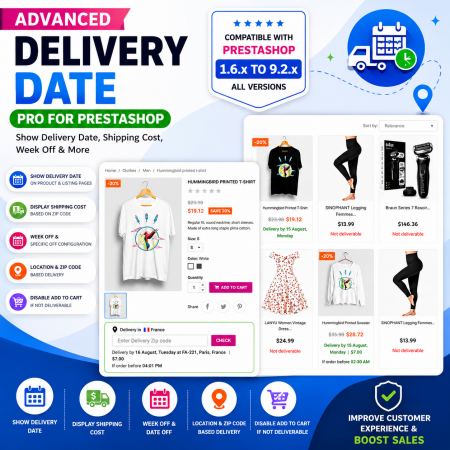
 Proposed Delivery Date and Cost Module for PrestaShop
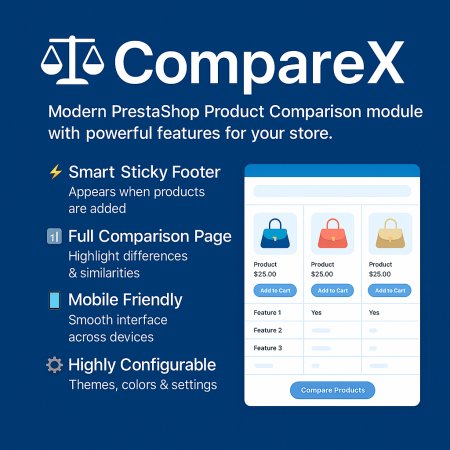
 Advance Product Comparison – Compare Products Side by Side in PrestaShop

 Display Add to Cart Button on Product Listing – Quick Add to Cart Module for PrestaShop
 Advance Product Stickers & Labels Prestashop Module
Improve how search engines understand your PrestaShop store with the Google Schema Markup – Rich Snippets & SEO Module.
Add structured data to your online store using JSON-LD format and support nine schema types: Organization, Product, Category, Search Results, Search Box, Breadcrumbs, Local Business, Article, and FAQ.
The module dynamically generates structured data according to the current page context and available content. Enable or disable individual schema types, integrate structured data with PrestaShop product comments, and support multilingual storefronts through one centralized configuration interface.
Reduce manual JSON-LD coding, organize your store's structured data, and help search engines interpret important product, business, navigation, and content information more effectively.
Build a stronger technical SEO foundation for your PrestaShop store with a dedicated schema markup solution from Sathi.

Encrypted payment gateways ensuring your financial and personal data remain 100% protected.

Every module includes professional installation assistance, free updates, and reliable troubleshooting.

Rigorously tested PrestaShop & WooCommerce extensions designed for maximum speed and zero bloat.

Transparent policies, clean documentation, and dedicated assistance if you run into any compatibility hurdles.