- -$40.00


This module enhances the shopping experience by allowing customers to easily explore product variations such as...

The module allows merchants to enhance product images with customizable stickers and labels. Whether it’s...

Make bulk pricing visible and encourage larger orders with the Quantity Discount Table Grid PrestaShop Module.
...
Take complete control of your store's free shipping strategy with the Free Shipping by Zone & Carrier...

Make international shopping easier with the Auto Change Country, Language & Currency PrestaShop...


Vendor
Version
Last update
Prestashop version
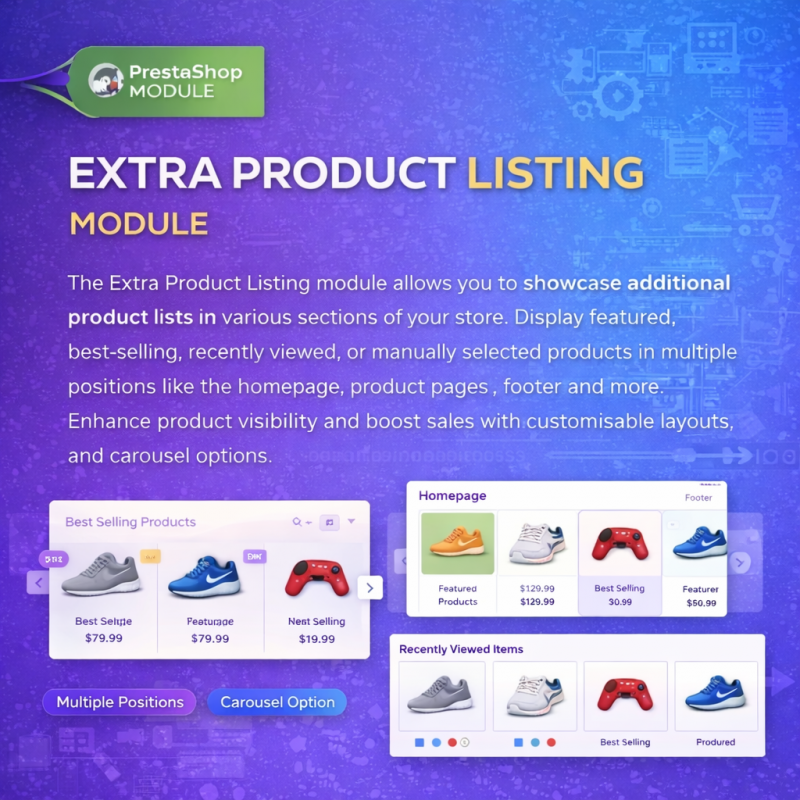
Increase product visibility and create smarter shopping experiences with the Extra Product Listing Module for PrestaShop.
Display additional product collections throughout your store using flexible product sources such as categories, manufacturers, suppliers, recently viewed products, manually selected products, and related order-based products.
Show featured products, best sellers, recommended items, and relevant product collections on the homepage, product pages, header, footer, sidebar, checkout, order confirmation, and other supported storefront positions.
Choose between carousel and list layouts, control the number of displayed products, customize section titles and descriptions, and let customers add products to their carts directly from product listings.
Create more product discovery opportunities, improve cross-selling and upselling, and help customers find relevant products throughout their shopping journey.
Make every important storefront section an opportunity to showcase products with Sathi's Extra Product Listing PrestaShop Module.
Show More Products. Improve Product Discovery. Create More Sales Opportunities.
Your customers cannot purchase products they never discover.
In many online stores, product visibility is limited to category pages, the homepage, and individual product pages. Thousands of products may exist in your catalog, but only a small selection receives prominent attention.
This creates a common eCommerce problem: customers browse a few products, miss other relevant items, and leave without discovering products that could match their interests.
The Extra Product Listing Module for PrestaShop helps solve this problem by allowing you to display additional product collections throughout your storefront.
Create flexible product sections using categories, manufacturers, suppliers, recently viewed products, manually selected products, and order-related product sources.
Display featured products, best sellers, related products, recommended items, and promotional collections in multiple storefront positions. Choose between carousel and list layouts, customize section headings and descriptions, and control how many products appear in each section.
You can also display product recommendations during checkout, showcase upsell and cross-sell products after an order, and help returning customers discover similar products from their order history.
Whether you operate a fashion store, electronics shop, furniture website, beauty store, or large multi-category eCommerce business, this module helps you make better use of your product catalog.
Your homepage is not the only place where customers should discover products.
A well-organized online store can introduce relevant products throughout the complete shopping journey.
For example:
Display featured products on the homepage.
Show products from the same category on product pages.
Recommend products from the same manufacturer.
Showcase supplier-based product collections.
Help visitors rediscover recently viewed products.
Suggest relevant products based on shopping cart contents.
Display upsell and cross-sell products after checkout.
Encourage repeat purchases through related product listings on order history pages.
The Extra Product Listing module brings these product display opportunities together in one flexible solution.
Instead of depending only on standard product sections, you can create additional product listings and place them in supported storefront positions according to your merchandising strategy.
The objective is simple: make relevant products easier to discover at the right stage of the customer's shopping journey.
A product catalog may contain hundreds or thousands of items, but customers generally interact with only a limited number of product sections.
Without additional product display opportunities, valuable products may remain hidden.
Problem 1 – Limited Product Exposure
Products outside the main homepage or category sections may receive less attention from visitors.
Solution: Create additional product sections in multiple storefront positions to increase product exposure.
Problem 2 – Customers Miss Relevant Products
Customers browsing one product may not know about other products from the same category, manufacturer, or supplier.
Solution: Display related product collections directly on product pages.
Problem 3 – Missed Cross-Selling Opportunities
Customers may complete purchases without discovering complementary products.
Solution: Display relevant product recommendations during checkout and upsell or cross-sell collections after an order.
Problem 4 – Previously Viewed Products Are Difficult to Rediscover
Visitors may browse several products and struggle to find an item they viewed earlier.
Solution: Display recently viewed products so customers can return to items they have already explored.
Problem 5 – Unused Storefront Display Space
Your homepage, footer, sidebar, and other storefront sections can offer more product discovery opportunities.
Solution: Use additional product listing positions to showcase relevant collections across your website.
Create product sections using different product sources according to your store's merchandising requirements.
The module supports multiple ways to select products, giving you flexibility in how products are presented.
Supported product listing sources include:
Category-based products.
Manufacturer-based products.
Supplier-based products.
Recently viewed products.
Manually selected products.
Chosen products.
Related order-based products.
Business benefits:
Showcase products from specific categories.
Promote manufacturer collections.
Highlight products associated with selected suppliers.
Help customers rediscover previously viewed items.
Promote specific products manually.
Create more relevant product discovery opportunities.
Your store has multiple sections where customers can discover additional products.
The Extra Product Listing module supports multiple front-office display positions, allowing you to place product collections where they can be useful to visitors.
Supported display positions include:
Homepage.
Header.
Footer.
Sidebar.
Before page content.
After page content.
Product pages.
Other supported module display positions.
Use these positions to create product sections that complement your existing storefront design.
Practical examples:
Show featured products on the homepage.
Display recommended items in the sidebar.
Add category-based products around relevant content.
Showcase promotional products in the footer.
Highlight additional products on product pages.
Business benefit: Increase opportunities for product discovery without limiting product promotion to a single page.
Help customers discover more products from relevant categories.
Create additional product collections based on selected product categories and showcase them in supported storefront positions.
Use cases:
Display popular clothing products on fashion pages.
Showcase mobile accessories on electronics pages.
Promote kitchen products in home and kitchen sections.
Highlight selected collections on the homepage.
Display category-related products alongside relevant content.
Business benefit: Make it easier for customers to discover more products within the categories they are already exploring.
Promote products from specific manufacturers and help customers discover more items from brands they recognize.
Use cases:
Display products from a selected manufacturer.
Promote a manufacturer's complete collection.
Showcase related manufacturer products on product pages.
Give additional visibility to selected manufacturers.
Help customers explore other products from a familiar brand.
Business benefit: Improve manufacturer and brand-based product discovery throughout your store.
Organize additional product displays around your store's supplier information.
Use supplier-based product listings to showcase products associated with selected suppliers.
Use cases:
Display supplier-specific product collections.
Promote products from selected suppliers.
Organize product discovery around supplier relationships.
Create dedicated product sections for different supplier catalogs.
Business benefit: Provide additional ways to organize and showcase products from your store catalog.
Customers frequently browse multiple products before making a purchasing decision.
Sometimes they leave a product page, explore other items, or navigate to another section of the store and want to return to something they previously viewed.
Recently viewed product listings help customers rediscover those products.
Key benefits:
Display previously viewed products.
Give customers a convenient way to revisit products.
Reduce the effort required to find previously explored items.
Support product comparison and purchasing decisions.
Create additional product discovery opportunities.
Practical example:
A customer visits three mobile phones, explores several accessories, and then navigates to another page.
A recently viewed product section helps bring previously explored products back into view.
Sometimes you want complete control over which products appear in a particular section.
Use manually selected or chosen products to create specific product collections according to your promotional requirements.
Use cases:
Highlight new product arrivals.
Promote selected products on the homepage.
Showcase seasonal collections.
Feature high-priority products.
Create product collections for special campaigns.
Give additional exposure to selected catalog items.
Business benefit: Build product sections around your own merchandising priorities instead of relying entirely on automatically selected products.
A customer viewing one product may also be interested in other products from the same category, manufacturer, or relevant purchase behavior.
Use related product listings to introduce additional products directly on product pages.
Supported recommendation approaches include:
Category-based related products.
Manufacturer-based related products.
Customer purchase-behavior-based related products.
Practical examples:
Show other dresses from the same category.
Display additional products from the same manufacturer.
Recommend related items based on customer purchase behavior.
Business benefit: Help shoppers discover alternative and related products while they are already interested in a particular item.
The checkout journey provides another opportunity to showcase relevant products.
The module can display recommended products based on the items in the customer's shopping cart.
Instead of showing unrelated products, use cart-based recommendations to introduce additional items that may complement the customer's current selection.
Use cases:
Recommend accessories related to cart products.
Showcase complementary products.
Suggest additional relevant items.
Create opportunities for customers to add more products before completing their orders.
Business benefit: Support cross-selling opportunities during the purchase process.
The order confirmation page is an additional opportunity to introduce customers to more products.
After completing a purchase, customers can discover other products that may interest them.
Use the module to display upsell and cross-sell product collections on the order confirmation page.
Use cases:
Showcase complementary products after a purchase.
Promote higher-value product alternatives.
Introduce additional products from relevant categories.
Encourage customers to explore more of your catalog.
Business benefit: Make better use of the post-purchase experience by creating additional product discovery opportunities.
Existing customers may return to your store to review their previous purchases.
The module supports related product listings on the order history page, helping customers discover similar products and encouraging repeat purchases.
Use cases:
Display similar products alongside order history.
Encourage customers to explore related items.
Promote products associated with previous purchases.
Support additional shopping opportunities for returning customers.
Business benefit: Use previous shopping activity as an opportunity to introduce relevant products to existing customers.
Different product sections require different presentation styles.
The module lets you choose between carousel and list layouts to match your storefront design and product display requirements.
Carousel Layout
Display products in a horizontal, scrollable presentation that makes efficient use of available page space.
Ideal for:
Homepage featured products.
Best-selling products.
Recently viewed products.
Related product sections.
Promotional collections.
List Layout
Present products in a structured listing format.
Ideal for:
Product recommendation sections.
Sidebar product displays.
Additional catalog sections.
Content-oriented product collections.
Business benefit: Choose a presentation style that fits the purpose and available space of each product section.
Not every product section needs to display the same number of products.
Configure the number of products displayed in each listing position according to your store layout and merchandising requirements.
The default product count is eight.
Benefits:
Control product section size.
Prevent excessive product displays.
Create balanced storefront layouts.
Adjust product visibility across different positions.
Keep product sections aligned with your page design.
Clear section headings help customers understand why products are being displayed.
Customize the labels and descriptions of your product listing sections to make each collection easier to understand.
Example section titles:
Featured Products.
Best Sellers.
Recently Viewed Products.
Recommended for You.
Related Products.
Explore More Products.
Products You May Like.
Complete Your Shopping.
Use meaningful titles and descriptions to create a more organized product discovery experience.
Customers should not always need to open a separate product page to start shopping.
The module supports quick add-to-cart functionality directly from product listings.
This helps customers move from product discovery to cart addition with fewer navigation steps, where supported by the product configuration and storefront.
Business benefits:
Make shopping more convenient.
Reduce navigation between listing and product pages.
Support faster product selection.
Encourage customers to add discovered products to their carts.
The module follows a simple product display workflow.
Step 1 – Select a Product Source
Choose the type of products you want to showcase, such as category products, manufacturer products, supplier products, recently viewed products, manually selected products, or order-related products.
Step 2 – Choose a Display Position
Select where the product collection should appear on your storefront, such as the homepage, product page, header, footer, or sidebar.
Step 3 – Configure the Product Count
Decide how many products should be displayed in the selected section.
Step 4 – Choose a Display Layout
Select carousel or list view according to your design and presentation requirements.
Step 5 – Customize the Section
Add a suitable title and description to explain the purpose of the product collection.
Step 6 – Configure Recommendations
Enable relevant product display opportunities for product pages, checkout, order confirmation, and order history.
Step 7 – Display Products on Your Storefront
Save your configuration and check the selected storefront positions to verify the product listings.
Here are practical examples of how different businesses can use the module.
Display featured clothing collections on the homepage.
Show related dresses on product pages.
Promote products from selected manufacturers.
Display recently viewed fashion products.
Recommend complementary products during checkout.
Showcase best-selling electronic products.
Display related mobile accessories.
Promote products from selected manufacturers.
Recommend compatible or related catalog products where supported by the configured source.
Show previously viewed electronics.
Display selected furniture collections.
Promote related home accessories.
Showcase products from specific suppliers.
Recommend additional products during checkout.
Create carousel sections for featured collections.
Display popular beauty products.
Showcase related products from the same category.
Promote manufacturer-based collections.
Encourage customers to explore recently viewed products.
Introduce additional products after checkout.
Showcase selected products on the homepage.
Display category-based product sections.
Recommend additional cart-related products.
Promote complementary items after an order.
Help returning customers rediscover products.
Create different product sections for multiple categories.
Promote products from selected manufacturers.
Use supplier-based product collections.
Display recently viewed products throughout the shopping journey.
Build different merchandising strategies for different storefront positions.
Give additional products opportunities to appear in different sections of your storefront.
Help customers find related, recommended, and previously viewed products more easily.
Display products related to cart items and introduce complementary product opportunities.
Use product recommendations on product and order confirmation pages to showcase additional products and alternatives.
Display related products on order history pages to help existing customers discover more items.
Organize additional product collections into clearly labeled sections.
Use supported homepage, header, footer, sidebar, and other display positions to introduce products across your website.
Choose product sources, display positions, product counts, layouts, labels, and descriptions according to your store's requirements.
Installing the Extra Product Listing module is straightforward.
Follow these steps to add additional product listings to your PrestaShop store.
Download the Extra Product Listing module ZIP package from Sathi.
Log in to your PrestaShop administration panel.
Navigate to: Modules → Module Manager
Click Upload a Module and select the downloaded ZIP file.
Wait for the upload and installation process to complete.
After installation, navigate to:
Design → Extra Product Listing
Open the module configuration page.
Choose the product sources you want to use, such as categories, manufacturers, suppliers, recently viewed products, or manually selected products.
Configure the storefront positions where each product collection should appear.
Choose carousel or list layout, set the product count, and customize section labels and descriptions.
Set up relevant product displays for product pages, checkout, order confirmation, and order history.
Visit your website and verify that the product listings appear correctly in their configured positions.
Your additional product sections are now ready to help customers discover more products.
The Extra Product Listing module allows store owners to display additional product collections across different storefront positions. It supports category, manufacturer, supplier, recently viewed, manually selected, and order-related product sources.
Yes. You can configure additional product listings for the homepage and other supported front-office positions.
Yes. The module supports multiple storefront display positions, allowing you to organize additional product collections according to your merchandising strategy.
Yes. The module supports recently viewed product listings, helping customers rediscover products they previously explored.
Yes. You can create additional product listings using manufacturer-based and supplier-based product sources.
Yes. The module supports manually selected or chosen products, allowing you to create specific product collections.
Yes. You can configure related product listings based on categories, manufacturers, and customer purchase behavior.
Yes. The module supports recommended product displays based on the products in the customer's shopping cart.
Yes. You can showcase upsell and cross-sell product collections on the order confirmation page.
Yes. The module supports related product listings on the order history page to help customers discover similar products and encourage repeat shopping.
Yes. You can choose between carousel and list display layouts according to the requirements of each product section.
Yes. The module lets you configure the number of products displayed per position. The default product count is eight.
Yes. You can customize the labels and descriptions for individual product listing sections.
Yes. The module supports quick add-to-cart functionality directly from product listings.
The published compatibility range is PrestaShop 1.7.x through 9.2.x. Check the specific requirements for your store before installation.
Your product catalog contains more sales opportunities than your customers may currently discover.
With the Extra Product Listing & Product Recommendations Module for PrestaShop, you can showcase additional products throughout your storefront, create category and manufacturer collections, highlight recently viewed products, recommend cart-related items, and introduce upsell and cross-sell opportunities.
From the homepage to product pages, checkout, order confirmation, and order history, make better use of your storefront's product display opportunities.
Give your products more visibility, improve product discovery, and create a smarter shopping experience with Sathi's Extra Product Listing Module.
| Vendor | Sathi |
|---|---|
| Last update | Nov 25, 2026 |
| Version | 5.2.0 |
| Required store version | From 1.7.x to 9.2.x |
| Publication date | Feb 23, 2025 |
| Return Policy | You can return the product within the 30 Days return period for a full refund. No questions asked. |
| Customer Support | Enjoy one year of free customer support, including installation, troubleshooting, and usage guidance. |
| Description | This product is compatible with the specified versions and includes all the latest updates to enhance functionality and user experience. |
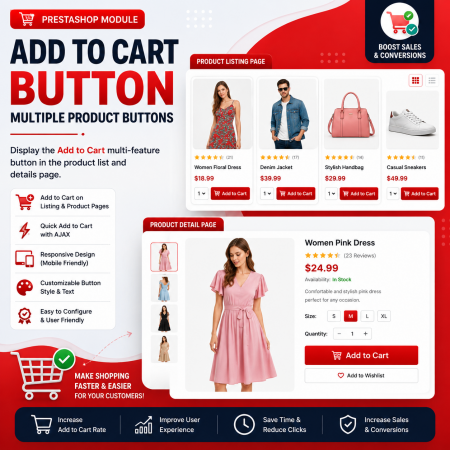
 Advanced Add to Cart Button Module for PrestaShop – Simplify Product Shopping
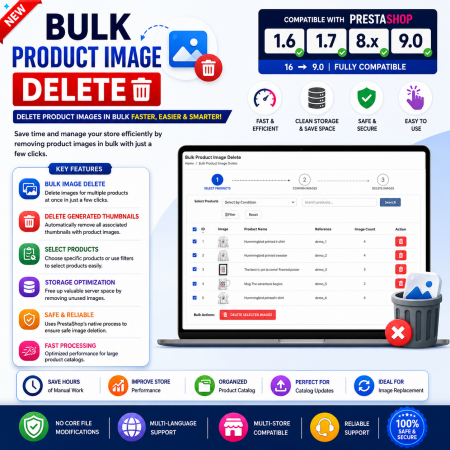
 Bulk Product Image Delete – Remove Product Images in Bulk in PrestaShop

 Advanced Custom Product Carousels & Sliders for PrestaShop
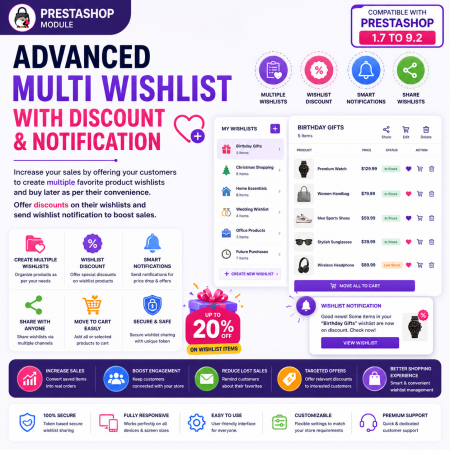
 Advanced Multi Wishlist for PrestaShop – Multiple Wishlists, Discounts & Notifications
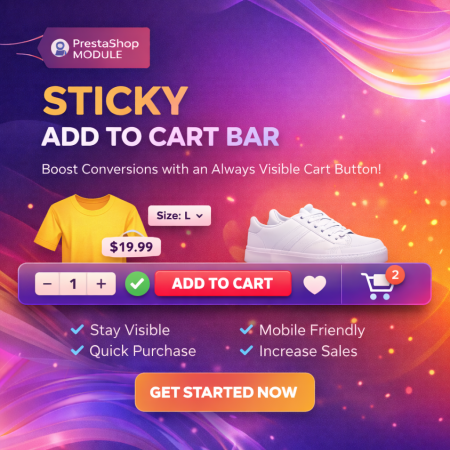
 Sticky Add to Cart Bar – Floating Add to Cart Button Module for PrestaShop

 Display Product Slider & Grid – Product Showcase Module for PrestaShop
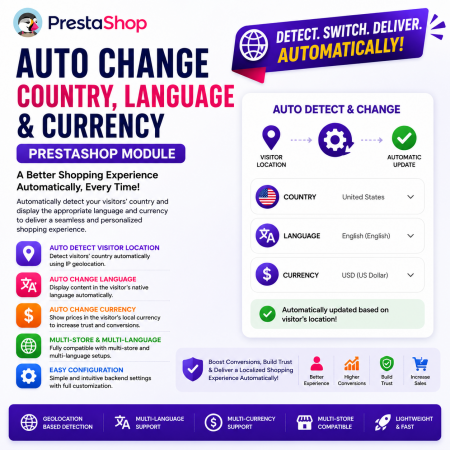 Automatic Country, Language & Currency Detection Module for PrestaShop
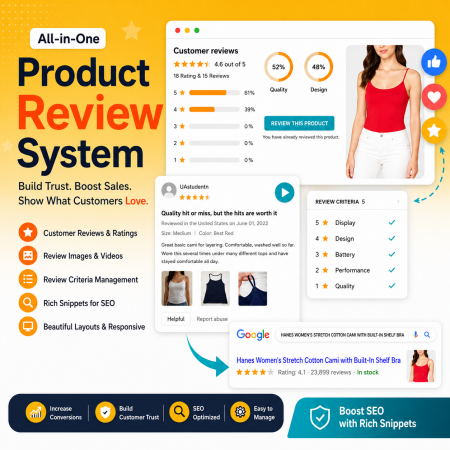
 Advanced Shop & Product Reviews and Ratings Module for PrestaShop
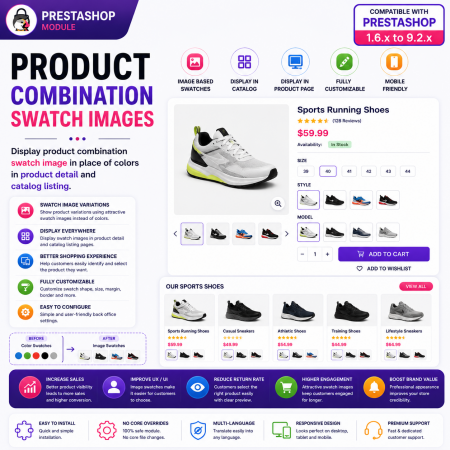
 Product Combination Swatch Images – Visual Product Variations for PrestaShop
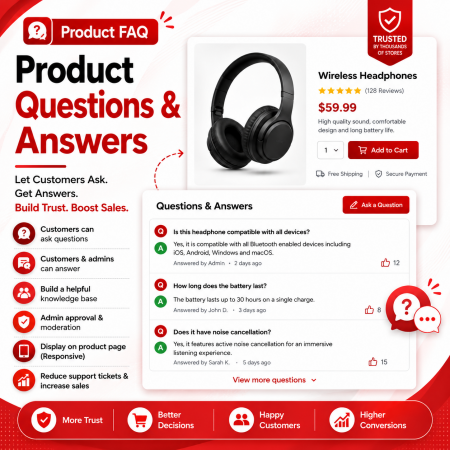
 Product FAQ – Product Questions & Answers Module for PrestaShop

 Display Add to Cart Button on Product Listing – Quick Add to Cart Module for PrestaShop
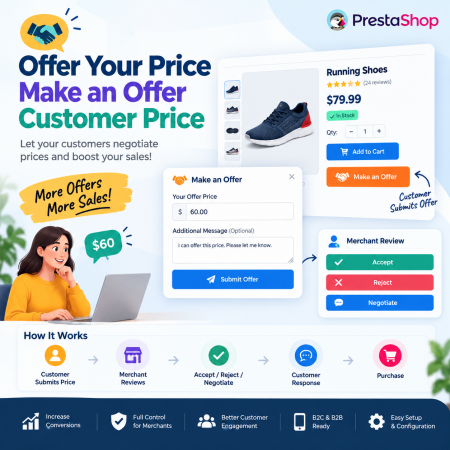
 Offer Your Price – Make an Offer & Price Negotiation Module for PrestaShop

 Buy Now Button & Quick Order – One-Click Checkout Module for PrestaShop
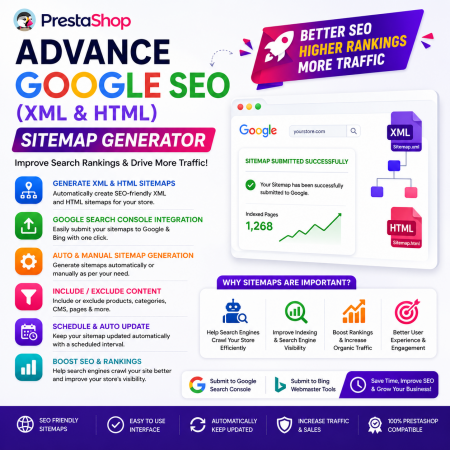
 Advanced Google SEO – XML & HTML Sitemap Generator for PrestaShop

 Instant Search & Auto Complete – Advanced Live Search Module for PrestaShop
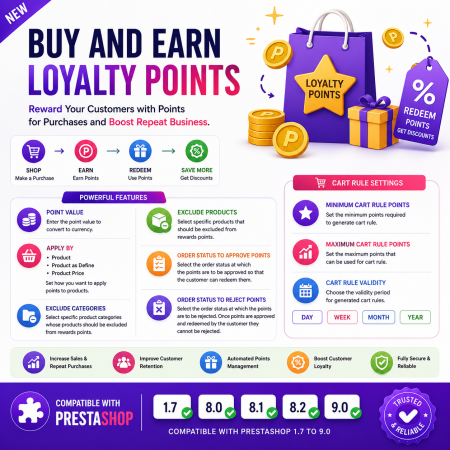
 Buy and Earn Loyalty Points – Customer Rewards Module for PrestaShop
Increase product visibility and create smarter shopping experiences with the Extra Product Listing Module for PrestaShop.
Display additional product collections throughout your store using flexible product sources such as categories, manufacturers, suppliers, recently viewed products, manually selected products, and related order-based products.
Show featured products, best sellers, recommended items, and relevant product collections on the homepage, product pages, header, footer, sidebar, checkout, order confirmation, and other supported storefront positions.
Choose between carousel and list layouts, control the number of displayed products, customize section titles and descriptions, and let customers add products to their carts directly from product listings.
Create more product discovery opportunities, improve cross-selling and upselling, and help customers find relevant products throughout their shopping journey.
Make every important storefront section an opportunity to showcase products with Sathi's Extra Product Listing PrestaShop Module.
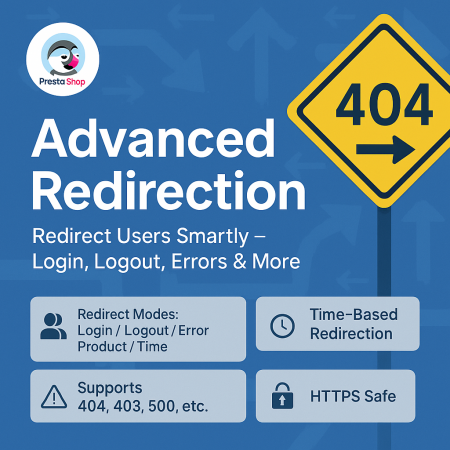
 Advanced URL Redirection Module for PrestaShop – 301, 302, 404 & Scheduled Redirects

 Google Translator – Front Office, Back Office & Module Translation for PrestaShop

Encrypted payment gateways ensuring your financial and personal data remain 100% protected.

Every module includes professional installation assistance, free updates, and reliable troubleshooting.

Rigorously tested PrestaShop & WooCommerce extensions designed for maximum speed and zero bloat.

Transparent policies, clean documentation, and dedicated assistance if you run into any compatibility hurdles.