- -$69.99


This module enhances the shopping experience by allowing customers to easily explore product variations such as...

The module allows merchants to enhance product images with customizable stickers and labels. Whether it’s...

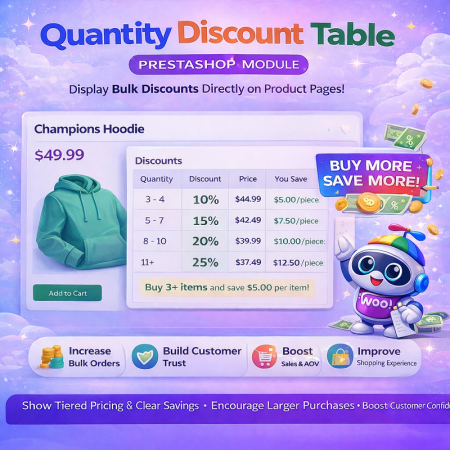
Make bulk pricing visible and encourage larger orders with the Quantity Discount Table Grid PrestaShop Module.
...
Take complete control of your store's free shipping strategy with the Free Shipping by Zone & Carrier...

Make international shopping easier with the Auto Change Country, Language & Currency PrestaShop...




Vendor
Version
Last update
Prestashop version
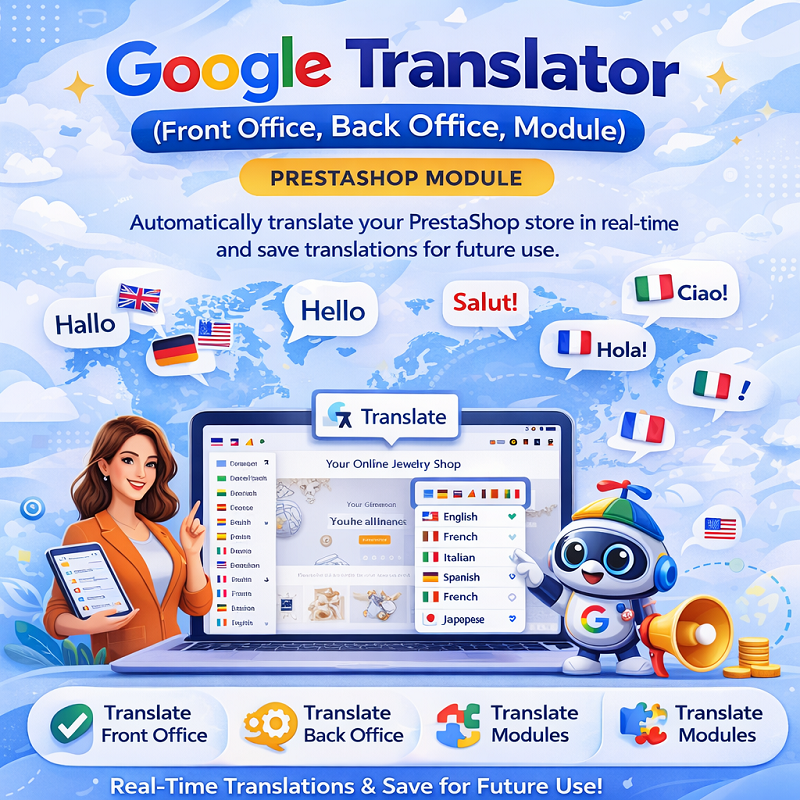
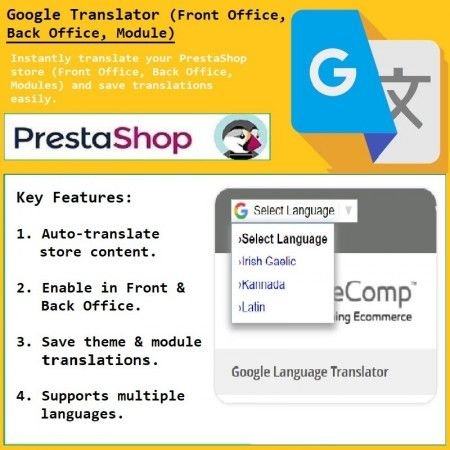
Make your PrestaShop store more accessible to international customers with the Google Translator – Front Office, Back Office & Module Translation PrestaShop Module.
Translate your storefront and administration interface using Google Translator. Enable the translator on the Front Office, choose its display position, and activate translation support in the Back Office.
Go beyond basic storefront translation by working with supported theme, module, and email translations directly through the PrestaShop translation tab. Save translated content for future use and reduce repetitive manual translation work.
Whether you operate an international eCommerce business, a multilingual online shop, or a store serving customers from different language backgrounds, this module provides a convenient approach to managing translations across your PrestaShop environment.
Translate your store. Simplify administration. Reach more customers worldwide.
Make Your PrestaShop Store Multilingual. Translate Your Storefront, Administration Panel, Themes, Modules & Emails.
Your online store should not be limited by language barriers.
When customers visit an eCommerce website that uses a language they do not understand, finding products, navigating categories, reading product information, and completing purchases can become difficult.
For international businesses, managing translations is also a challenge. Store owners need to consider not only the customer-facing website but also administration pages, themes, modules, and transactional emails.
The Google Translator PrestaShop Module provides a convenient solution for translating your store through Google Translator. It supports translation access in both the Front Office and Back Office, helping customers and administrators work with store content in different languages.
Enable Google Translator on your storefront, choose its display position, and activate translation support in your administration panel. You can also work with supported theme, module, and email translations through the PrestaShop translation tab and save translated content for future use.
Whether you are expanding into international markets, operating a multilingual eCommerce business, or serving customers who speak different languages, this module helps simplify your store translation workflow.
Language is an important part of the online shopping experience.
Customers want to understand product descriptions, prices, categories, shipping information, and checkout instructions before making a purchase. When important information is difficult to understand, customers may struggle to navigate your website or complete their orders.
At the same time, store administrators also work with different types of content, including themes, modules, email templates, and administration interfaces.
The Google Translator module brings translation support into two important areas of your PrestaShop store:
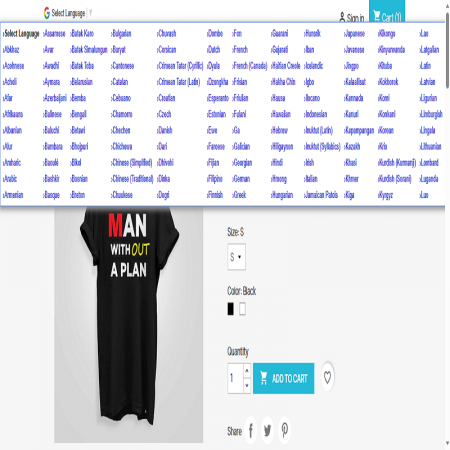
Give visitors access to Google Translator on your storefront so they can translate visible website content into a language they understand.
Enable Google Translator in the administration environment to help store administrators work with translated content.
Access supported translations through the PrestaShop translation tab and save translated content for future use.
One translation solution for your storefront and administration workflow.
Managing translations across an eCommerce website can require considerable time and effort.
Store owners may need to work with storefront content, themes, third-party modules, and email templates while ensuring that international customers can understand important information.
This module helps address these challenges through a centralized translation workflow.
Make Google Translator available on your customer-facing website and allow visitors to translate supported storefront content.
Enable translation support in the PrestaShop administration environment for a more convenient administrative workflow.
Work with supported theme and module translations through the PrestaShop translation tab.
Access supported email translations alongside other store translation resources.
Select where Google Translator appears on your storefront to make it convenient for visitors to access.
Save translated content through the translation tab instead of repeating the same translation work every time.
Your storefront is the first point of contact between your business and potential customers.
Visitors from different countries may have difficulty understanding your original website language. Providing access to translation can make your store more approachable to international audiences.
The module allows you to enable Google Translator directly on your PrestaShop Front Office.
Key capabilities:
Enable Google Translator on the storefront.
Make translation access available to website visitors.
Allow visitors to translate supported website content.
Support multilingual customer browsing.
Improve accessibility for visitors who prefer different languages.
Provide a convenient translation option within your store interface.
Business benefits:
Make your storefront more accessible to international visitors.
Help customers understand product and category information.
Reduce language-related navigation difficulties.
Support a more convenient browsing experience.
Create opportunities to reach customers from different language backgrounds.
The placement of a translation tool matters because visitors should be able to find it without difficulty.
The module allows administrators to configure the Google Translator display position on the Front Office.
Key capabilities:
Configure the translator's storefront display position.
Choose an available position supported by the module.
Place translation access within your preferred supported storefront area.
Make the translator easier for customers to locate.
Business benefits:
Improve the visibility of the translation option.
Keep translation access convenient for customers.
Integrate the translator into your storefront layout.
Support a better multilingual browsing experience.
Translation requirements are not limited to customers.
Store administrators also need to understand and manage different types of website content, particularly when working with multilingual themes and modules.
The module allows you to enable Google Translator in the PrestaShop Back Office.
Key capabilities:
Enable Google Translator in the administration environment.
Provide translation access while working in the Back Office.
Support translation-related administrative tasks.
Help administrators work with content in different languages.
Business benefits:
Make administration-related translation tasks more convenient.
Reduce language-related difficulties during store management.
Support administrators working with multilingual content.
Improve the overall translation workflow.
Your PrestaShop theme contains important customer-facing content, including navigation labels, interface text, buttons, and other website elements.
A consistent multilingual experience requires attention to theme translations as well as product and category content.
The module supports working with theme translations through the PrestaShop translation tab.
Key capabilities:
Access supported theme translations.
Work with translated theme content.
Save translated content through the translation tab.
Retain saved translations for future use.
Business benefits:
Improve multilingual storefront consistency.
Reduce repetitive translation work.
Maintain translated theme content more conveniently.
Support a better localized shopping experience.
Third-party modules often introduce additional text and interface elements into your store.
When these elements remain in a language unfamiliar to your customers, the overall multilingual experience can become inconsistent.
The Google Translator module supports working with module translations through the PrestaShop translation tab.
Key capabilities:
Access supported module translation content.
Translate available module text.
Save translated module content.
Maintain translations for future use.
Business benefits:
Support multilingual third-party module interfaces.
Improve consistency across different store components.
Reduce repetitive manual translation work.
Help create a more complete multilingual website.
Transactional emails are an important part of the customer journey.
Customers receive order confirmations, account-related notifications, and other communications from your online store. Understanding these messages helps customers stay informed about their shopping activities.
The module supports working with email translations through the PrestaShop translation tab.
Key capabilities:
Access supported email translations.
Translate available email template content.
Save translated content for future use.
Include email translations in your broader store translation workflow.
Business benefits:
Support multilingual customer communication.
Help customers understand important store notifications.
Maintain consistency between website and email language.
Reduce repeated translation efforts.
Repeatedly translating the same website content can create unnecessary work.
The module includes an option to save translations directly from the PrestaShop translation tab.
This makes it possible to retain supported translated content for future use rather than treating every translation as a temporary task.
Key capabilities:
Enable translation-saving functionality.
Save translated content through the translation tab.
Work with supported theme translations.
Work with supported module translations.
Work with supported email translations.
Retain translations for future use.
Business benefits:
Reduce repetitive translation work.
Improve consistency across translated content.
Make ongoing multilingual store management more convenient.
Support long-term translation maintenance.
The module provides a straightforward translation workflow for your PrestaShop environment.
Activate Google Translator for the customer-facing storefront through the module configuration.
Choose an available display position so customers can access the translation option from your website.
Activate Google Translator in the administration environment to support translation-related tasks.
Open the relevant translation section to work with supported themes, modules, and email content.
Use the available Google Translator functionality to translate supported content into the required language.
Use the module's translation-saving option to save translated content for future use.
Visit your storefront and administration panel to check that translation functionality is available and saved translations behave as expected.
Result: A more organized translation workflow covering both the customer-facing website and store administration.
A multilingual store can make it easier for customers from different language backgrounds to explore your products and understand your business information.
Make your storefront more accessible to visitors who prefer browsing in different languages.
Help customers understand supported product descriptions, category content, and other storefront information.
Give visitors a convenient translation option when navigating your online store.
Provide administrators with translation access in the Back Office.
Save supported translations for future use and avoid repeating unnecessary translation tasks.
Include theme, module, and email translations in your multilingual content-management workflow.
Businesses selling products to customers across different countries can provide translation access to international visitors.
Retailers serving customers who speak different languages can make their storefront more approachable.
Translate supported storefront content to help customers understand clothing descriptions, category navigation, and shopping information.
Help international visitors understand product information, specifications, and other supported store content.
Support multilingual browsing for customers exploring beauty products, skincare, and cosmetics.
Businesses serving international buyers can use translation support to improve access to storefront and administrative content.
Merchants using several PrestaShop modules can benefit from having module translations included in their translation workflow.
The module addresses two different translation requirements.
| Area | Purpose |
|---|---|
| Front Office | Make Google Translator available to storefront visitors |
| Translator position | Configure where the translator appears |
| Back Office | Enable translation access for administrators |
| Theme translations | Work with supported theme content |
| Module translations | Work with supported module content |
| Email translations | Work with supported email content |
| Translation saving | Save translated content for future use |
This combination makes the module useful for both customer-facing multilingual browsing and internal store administration.
Google Translator provides automated translation, which can help visitors understand content in their preferred language.
However, automated translation is not the same as professional human localization.
For important business information, especially legal terms, refund policies, product specifications, and payment instructions, store owners should review translated content for accuracy.
Translation availability, language support, and the quality of translated text depend on the Google translation service and its current capabilities.
The module's translation-saving functionality applies to supported content available through the PrestaShop translation workflow. It should not be assumed that every dynamic element, third-party integration, or external website resource is automatically translated and permanently saved.
Installing the Google Translator module is straightforward.
Log in to your PrestaShop Back Office.
Navigate to Modules → Module Manager.
Click Upload a Module.
Select the downloaded module ZIP package.
Upload and install the module.
Navigate to Modules → Module Manager.
Find Google Translator.
Open the module configuration page.
Enable Google Translator for the Front Office.
Select the available storefront display position.
Save the configuration.
Enable Google Translator in the Back Office.
Save the configuration.
Activate the option to save translations through the translation tab.
Open the relevant PrestaShop translation section.
Work with supported theme, module, and email translations.
Visit the Front Office.
Verify that the translator appears in the selected position.
Test the translation experience.
Check Back Office translation functionality.
Verify that saved translations are retained.
Clear the PrestaShop cache if changes are not immediately visible.
It is a multilingual translation module that integrates Google Translator into your PrestaShop Front Office and Back Office. It also supports working with theme, module, and email translations through the PrestaShop translation tab.
Yes. You can enable Google Translator on the Front Office and configure its display position using the module settings.
Yes. The module includes an option to enable Google Translator in the Back Office for translation-related administrative tasks.
The module supports working with theme translations through the PrestaShop translation tab and saving supported translated content.
Yes. The module supports working with available module translations through the PrestaShop translation tab.
Yes. Email translations are included among the supported translation areas accessible through the translation tab.
Yes. Enable the translation-saving option and save supported translations directly through the PrestaShop translation tab for future use.
Yes. The module provides a setting to select the translator's display position on the Front Office, using the positions supported by the module.
Yes. It makes translation access available to storefront visitors and helps store owners manage translations across supported store components.
Google Translator provides automated translations. For important business, legal, and product information, manually review translated content before publishing or relying on it.
The published compatibility information lists PrestaShop 1.6 through 8.2. Check the exact version compatibility before installation.
Language should not become an unnecessary barrier between your products and potential customers.
With the Google Translator – Front Office, Back Office & Module Translation PrestaShop Module, you can provide translation access to storefront visitors, support administrators working with different languages, and manage supported theme, module, and email translations through the PrestaShop translation tab.
Reduce repetitive translation work, improve multilingual accessibility, and create a more convenient experience for international shoppers.
Make your PrestaShop store multilingual with Sathi Google Translator today!
| Vendor | Sathi |
|---|---|
| Last update | Nov 25, 2026 |
| Version | 3.2.0 |
| Required store version | From 1.6.x to 9.2.x |
| Publication date | Mar 12, 2025 |
| Multishop compatibility | Yes |
| Return Policy | You can return the product within the 30 Days return period for a full refund. No questions asked. |
| Customer Support | Enjoy one year of free customer support, including installation, troubleshooting, and usage guidance. |
| Description | This product is compatible with the specified versions and includes all the latest updates to enhance functionality and user experience. |
Version:3.2.0
 Automatic Country, Language & Currency Detection Module for PrestaShop

 Google Schema Markup – Rich Snippets & Structured Data SEO Module for PrestaShop
 Quantity Discount Table & Grid – Bulk Pricing Display Module for PrestaShop

 Extra Product Listing & Product Recommendations Module for PrestaShop
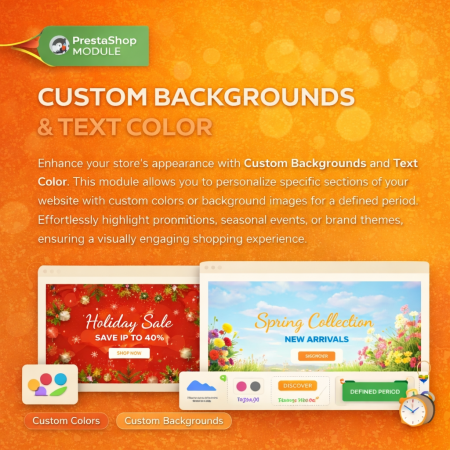
 Custom Background & Text Color – PrestaShop Website Design Customization Module
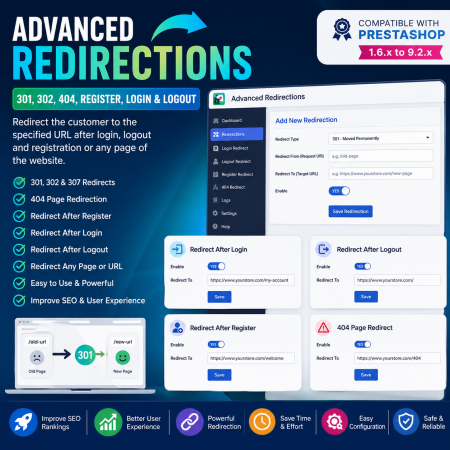
 Advanced Redirections – 301, 302, 404 & Customer Redirects for PrestaShop
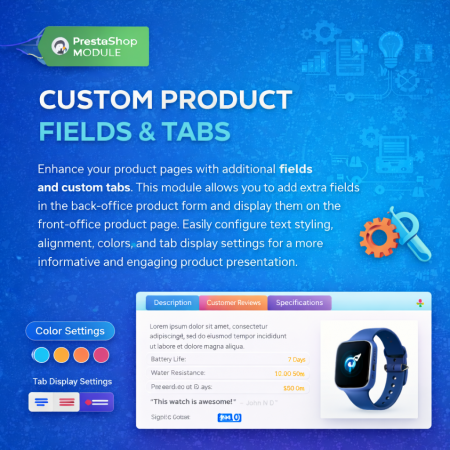
 Additional Product Fields and Custom Tabs – PrestaShop Product Page Customization Module
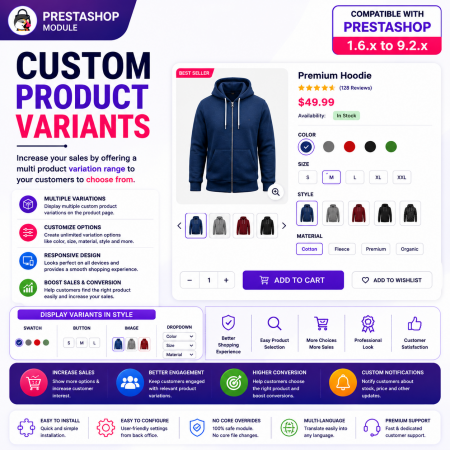
 Custom Product Variants – Display Separate Products as Variations in PrestaShop

 Bundle Product - Mix Product Prestashop Module

 Display Prices Tax Inclusive or Exclusive – PrestaShop B2B & B2C Tax Display Module
 Free Shipping by Zone, Country & Carrier – Advanced Free Shipping Manager for PrestaShop
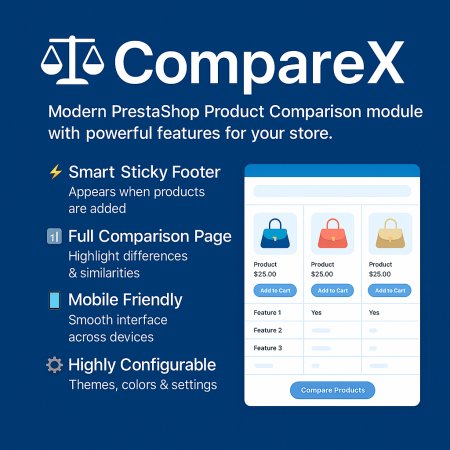
 Advance Product Comparison – Compare Products Side by Side in PrestaShop
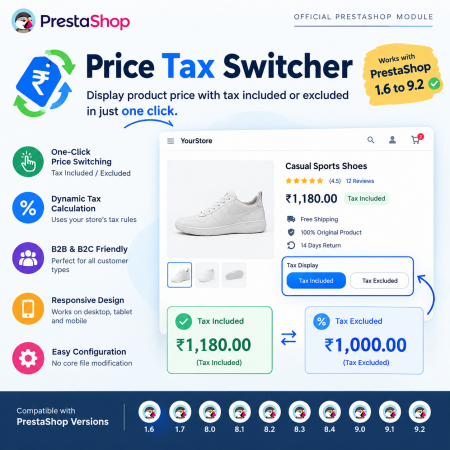
 Price Tax Switcher – Display Tax Included or Excluded Prices in PrestaShop
Google Schema Markup – Rich Snippets & Structured Data SEO Module for PrestaShop
 Advanced URL Redirection Module for PrestaShop – 301, 302, 404 & Scheduled Redirects

 Display Product Slider & Grid – Product Showcase Module for PrestaShop
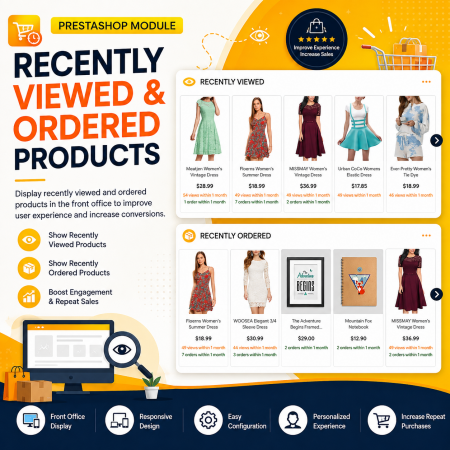
 Recently Viewed and Ordered Products – Product History Module for PrestaShop

 Advanced Product Navigation – Previous & Next Product Links for PrestaShop
Make your PrestaShop store more accessible to international customers with the Google Translator – Front Office, Back Office & Module Translation PrestaShop Module.
Translate your storefront and administration interface using Google Translator. Enable the translator on the Front Office, choose its display position, and activate translation support in the Back Office.
Go beyond basic storefront translation by working with supported theme, module, and email translations directly through the PrestaShop translation tab. Save translated content for future use and reduce repetitive manual translation work.
Whether you operate an international eCommerce business, a multilingual online shop, or a store serving customers from different language backgrounds, this module provides a convenient approach to managing translations across your PrestaShop environment.
Translate your store. Simplify administration. Reach more customers worldwide.

Encrypted payment gateways ensuring your financial and personal data remain 100% protected.

Every module includes professional installation assistance, free updates, and reliable troubleshooting.

Rigorously tested PrestaShop & WooCommerce extensions designed for maximum speed and zero bloat.

Transparent policies, clean documentation, and dedicated assistance if you run into any compatibility hurdles.