- -₹5,975.57


This module enhances the shopping experience by allowing customers to easily explore product variations such as...

The module allows merchants to enhance product images with customizable stickers and labels. Whether it’s...

Make bulk pricing visible and encourage larger orders with the Quantity Discount Table Grid PrestaShop Module.
...
Take complete control of your store's free shipping strategy with the Free Shipping by Zone & Carrier...

Make international shopping easier with the Auto Change Country, Language & Currency PrestaShop...





Vendor
Version
Last update
Prestashop version
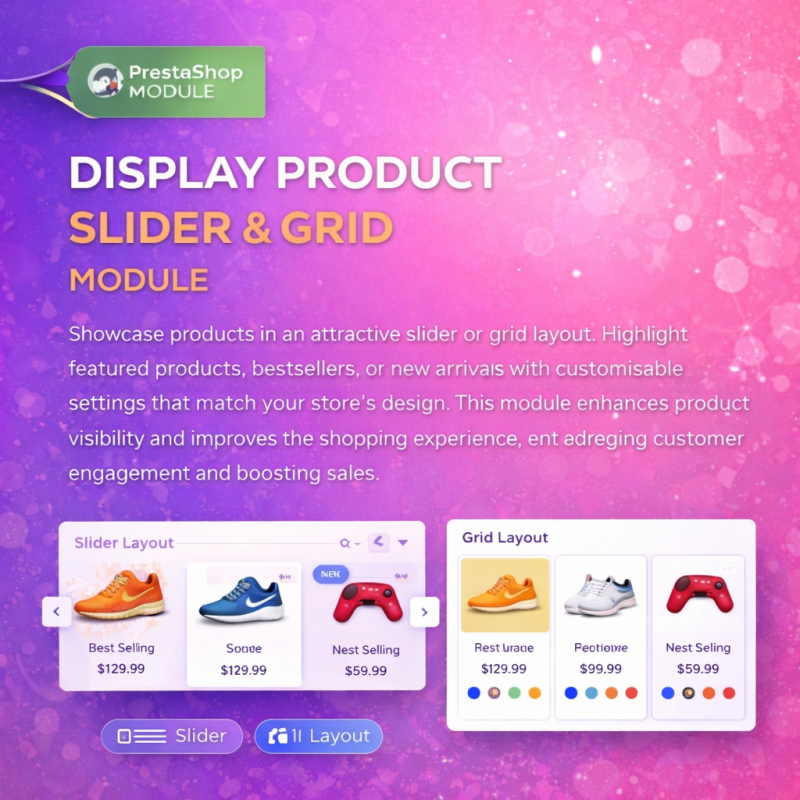
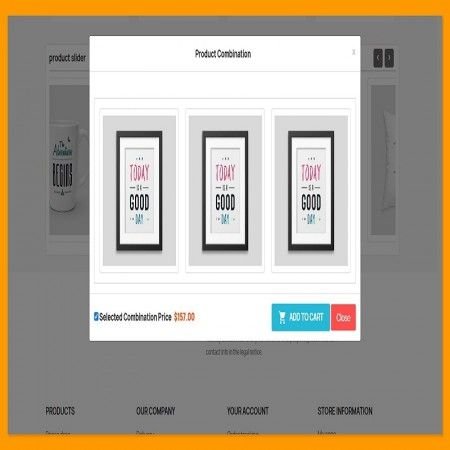
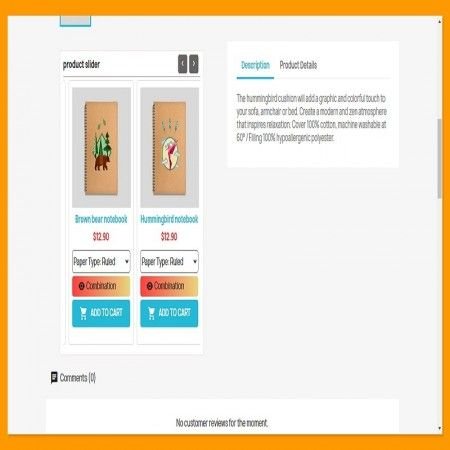
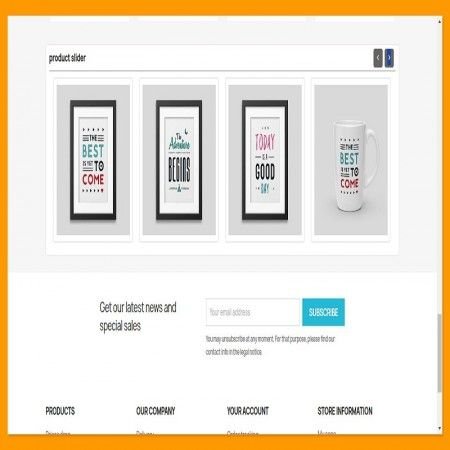
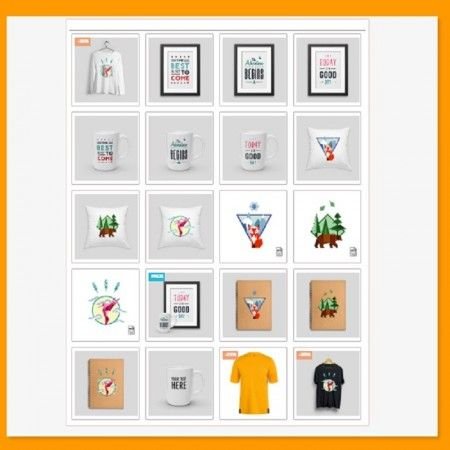
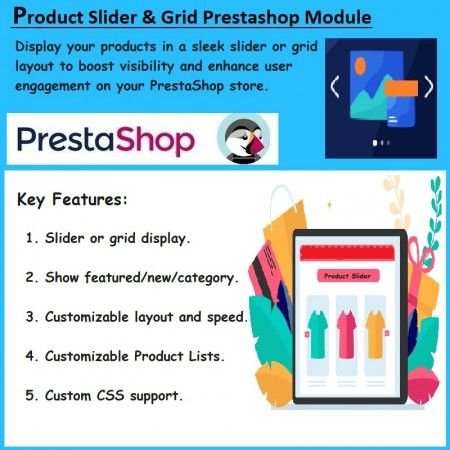
Showcase your products beautifully with the Display Product Slider & Grid PrestaShop Module. Create attractive product sliders and grid layouts to highlight featured products, bestsellers, new arrivals, and products from specific categories.
Give customers a more engaging way to discover your product catalog while making important products easier to find. Choose between a dynamic slider and an organized grid, customize slider speed, autoplay, navigation arrows and looping, and control the number of rows and columns in your grid.
With custom CSS support, you can further adjust the product display to complement your store's design and branding.
Whether you want to promote popular products on your homepage, highlight new collections, showcase selected categories, or organize product recommendations, this PrestaShop product display module gives you flexible ways to present products throughout your store.
Showcase Products Beautifully. Improve Product Discovery. Make Your Best Products Stand Out.
Your online store may have hundreds or even thousands of products, but customers cannot purchase products they never discover.
When important products are buried inside category pages or long product listings, shoppers may overlook your bestsellers, newly launched collections, featured products, and special promotions.
An effective product display strategy helps solve this problem by bringing selected products into more visible and attractive layouts.
Introducing the Display Product Slider & Grid PrestaShop Module, a flexible product showcase solution that allows you to display products using dynamic slider and organized grid layouts.
Highlight featured products, promote bestsellers, introduce new arrivals, and showcase products from specific categories. Customize the appearance and behavior of your product displays with configurable slider controls, grid rows and columns, and custom CSS.
Whether you operate a fashion store, electronics shop, beauty business, furniture website, or general eCommerce store, this module helps you present your product catalog in a more engaging and organized way.
Product presentation plays an important role in the online shopping experience.
Customers often browse stores looking for popular products, newly launched items, recommended products, or products belonging to a particular category.
However, displaying every product in a traditional listing is not always the best way to highlight important items.
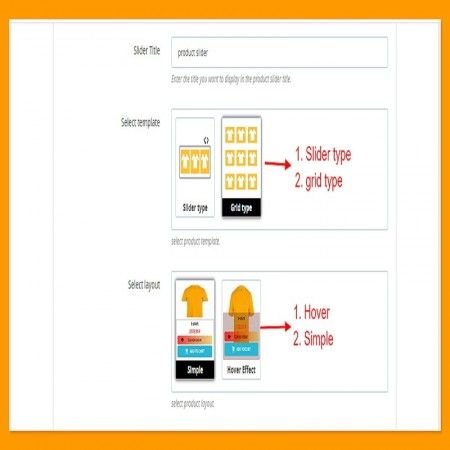
The Display Product Slider & Grid module provides two flexible presentation options:
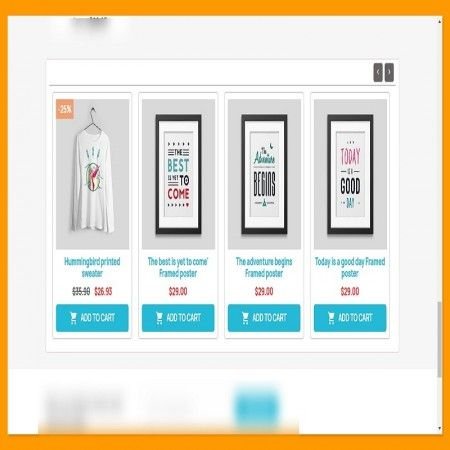
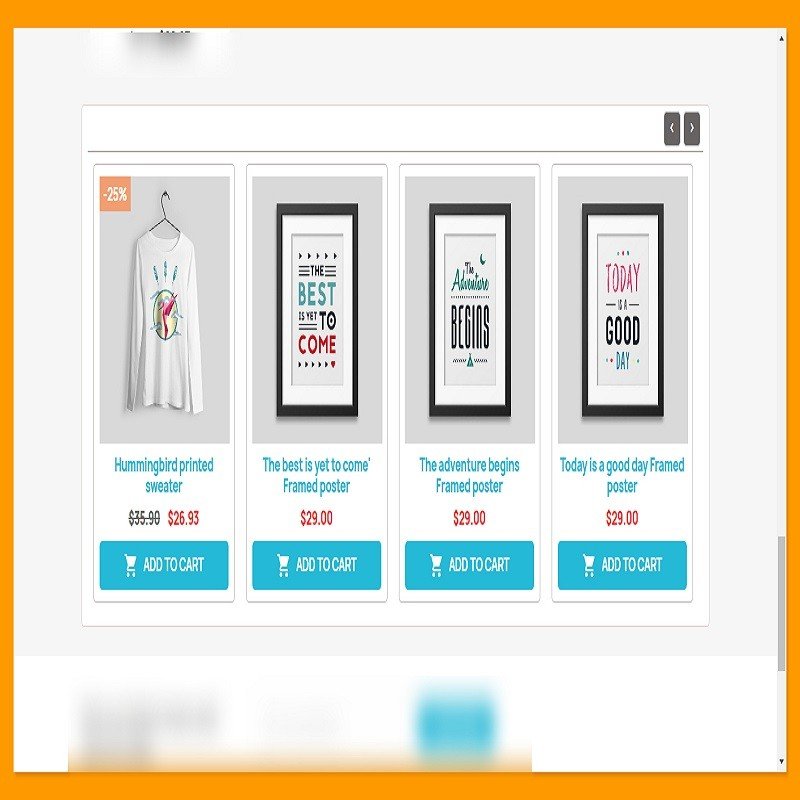
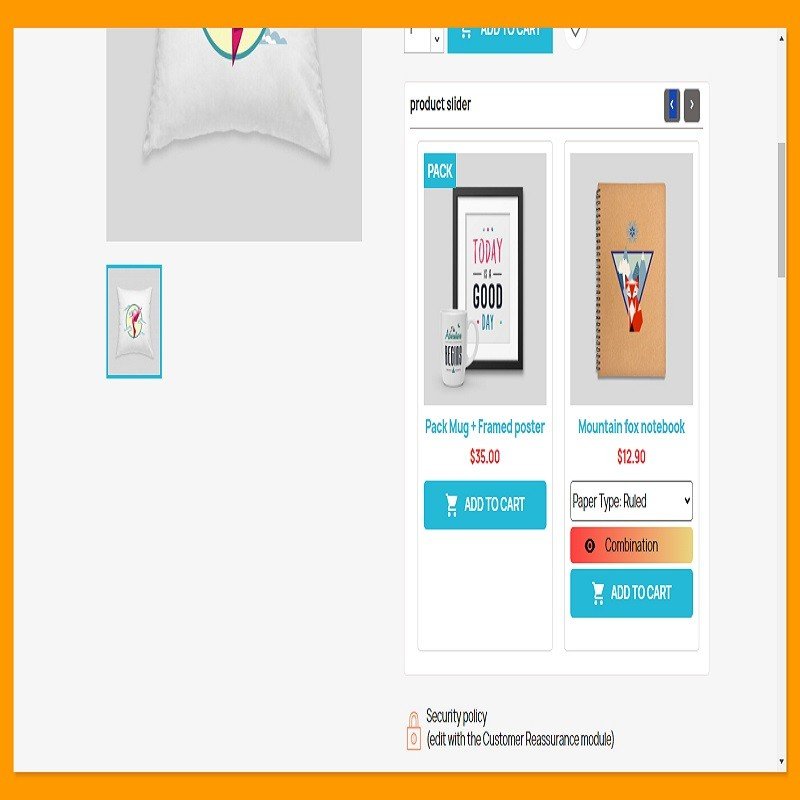
Product Slider: Display products in a dynamic carousel that customers can browse using navigation controls or automatic movement.
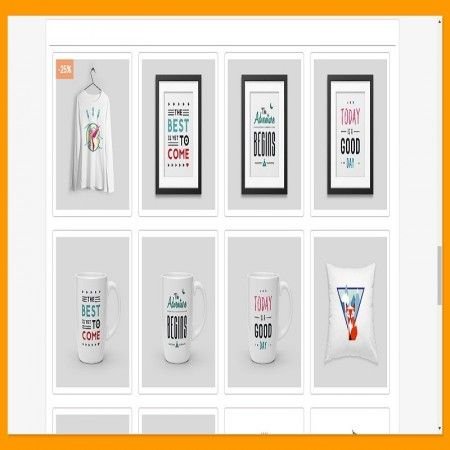
Product Grid: Arrange products in a structured layout with configurable rows and columns for organized product browsing.
With customizable product selections and display controls, you can create product showcases that better match your store's merchandising requirements.
Every eCommerce store has products that deserve additional attention.
For example:
Bestselling products that attract customer interest.
New arrivals that customers should discover.
Featured products selected for promotional campaigns.
Category-specific products that deserve better visibility.
Popular products that shoppers frequently explore.
When these products are displayed only within ordinary product listings, customers may need to navigate several pages before finding them.
A dedicated product showcase gives store owners another way to organize and highlight important products.
Low product visibility: Important products can get overlooked among large product catalogs.
Limited merchandising flexibility: Standard product listings may not provide the presentation style required for every promotional objective.
Poor product organization: Customers may find it difficult to discover selected products when browsing large collections.
Inconsistent product presentation: Store owners may want different display layouts for different product groups.
Limited design control: Product displays should complement the overall appearance of the online store.
The Display Product Slider & Grid module addresses these needs through customizable slider and grid presentation options.
Display selected products in an attractive horizontal carousel.
A product slider is particularly useful when you want to showcase multiple products in a limited display area while allowing customers to browse through the collection.
Key features:
Display products using a slider layout.
Showcase selected product collections.
Configure slider speed.
Enable or disable navigation arrows.
Configure automatic playback.
Enable or disable infinite looping.
Create visually engaging product showcases.
Adjust the slider behavior according to your display requirements.
Business benefits:
Make selected products easier to discover.
Present multiple products in an organized carousel.
Highlight featured collections.
Create more engaging product browsing experiences.
Prefer a traditional product arrangement instead of a moving carousel?
Choose the grid layout to display products in structured rows and columns.
A grid is useful when you want customers to view multiple products together without navigating through slider movements.
Key features:
Display products in a grid layout.
Configure the number of columns.
Set the number of rows.
Organize selected products into a structured presentation.
Showcase products in a consistent layout.
Customize the appearance using CSS.
Business benefits:
Present products in an organized arrangement.
Make multiple products visible together.
Improve product browsing and comparison.
Create a clean and structured product showcase.
Give selected products more attention by presenting them in a dedicated product display.
Featured products can include special collections, seasonal items, promotional products, or products that you want customers to discover.
Key benefits:
Highlight selected products.
Give important products additional visibility.
Create dedicated product showcases.
Support your store's merchandising strategy.
Example: A fashion store can highlight selected seasonal clothing, while an electronics store can showcase recommended gadgets.
Your bestselling products are an important part of your product catalog.
Give shoppers another opportunity to discover popular products by showcasing your bestsellers in an attractive slider or grid.
Key benefits:
Highlight popular product selections.
Make bestselling items easier to discover.
Create a dedicated popular-products showcase.
Help customers explore products that receive attention in your store.
Example: Display popular headphones, bestselling smartphones, or frequently purchased fashion accessories.
Make newly introduced products easier for returning and first-time visitors to discover.
Use the module's new-arrivals product selection to highlight recently introduced collections.
Key benefits:
Showcase new product collections.
Give recently introduced products additional visibility.
Help customers discover new catalog additions.
Support seasonal and collection-based merchandising.
Example: A clothing store can highlight its latest fashion collection, while a home decor store can showcase newly added furniture and accessories.
Organize your product showcases around specific categories.
Instead of presenting unrelated products together, highlight products belonging to selected product categories.
Key benefits:
Showcase products from specific categories.
Create focused product collections.
Organize product presentation around customer interests.
Highlight different product groups for different merchandising goals.
Example:
Electronics: Smartphones, laptops, and accessories.
Fashion: Men's wear, women's wear, and footwear.
Beauty: Skincare, cosmetics, and personal care.
Home: Furniture, lighting, and kitchen accessories.
Control how customers browse your product carousel.
The module provides several configuration options to adjust the slider's behavior.
Available controls:
Slider Speed: Configure the speed at which slider transitions occur.
Navigation Arrows: Enable or disable navigation arrows to let customers move through products manually.
Autoplay: Enable or disable automatic slider movement.
Loop Functionality: Configure continuous looping so the carousel can cycle through its products.
These options help you adjust the product browsing experience according to your store's design and merchandising objectives.
Different product showcases require different layouts.
A small featured collection may look better with fewer columns, while a larger product collection may benefit from a wider grid.
The module lets you configure:
Number of grid columns.
Number of grid rows.
Product arrangement.
Grid presentation according to your design requirements.
Create a product display that fits the available space and the number of products you want to showcase.
Every online store has its own branding and visual identity.
With custom CSS support, you can further customize the appearance of your product slider and grid to complement your website's theme.
Customization possibilities:
Adjust product showcase styling.
Customize visual spacing.
Modify presentation elements.
Match product display styling with your store branding.
Apply additional CSS-based design adjustments.
This provides more flexibility for merchants who want a product display that matches their website's visual identity.
Both layouts offer different advantages depending on how you want customers to browse your products.
You want to showcase several products in a limited area.
You want a dynamic product carousel.
You want customers to browse using navigation arrows.
You want to highlight featured products or popular collections.
You want to create a visually engaging product showcase.
You want products arranged in rows and columns.
You want multiple products visible together.
You prefer a structured browsing experience.
You want to create organized category-based showcases.
You want to control the number of displayed rows and columns.
The right layout depends on your merchandising objective and available display space.
Fashion stores frequently introduce new collections and seasonal products.
Use a product slider to showcase the latest clothing collections or a grid to organize selected products.
Suggested product displays:
New fashion arrivals.
Bestselling clothing.
Seasonal collections.
Featured footwear.
Fashion accessories.
Help shoppers discover important electronics products through dedicated product showcases.
Suggested product displays:
Popular smartphones.
Bestselling laptops.
Wireless headphones.
Computer accessories.
New electronic gadgets.
Highlight product collections and popular beauty products.
Suggested product displays:
New skincare products.
Bestselling cosmetics.
Hair care collections.
Featured beauty products.
Personal care accessories.
Use organized product grids and sliders to showcase different home furnishing collections.
Suggested product displays:
Featured furniture.
New home accessories.
Living room collections.
Lighting products.
Kitchen accessories.
Organize important product collections to help shoppers discover frequently purchased items.
Suggested product displays:
Featured grocery products.
Popular household items.
New arrivals.
Selected product categories.
Regardless of your product category, product sliders and grids provide flexible ways to present selected products.
Create showcases based on your store's merchandising objectives and help customers discover more of your catalog.
Bring featured products, bestsellers, and new arrivals into dedicated display layouts.
Make it easier for customers to discover selected products without relying entirely on traditional category navigation.
Use sliders and grids to organize products in visually appealing layouts.
Highlight selected products and collections as part of your seasonal promotions and marketing activities.
Choose different display layouts according to your product selection and store design.
Use custom CSS to adjust the appearance of your product showcases.
Give visitors another convenient way to explore your product catalog.
Getting started is straightforward. You can install the module through your PrestaShop Back Office and configure its display options.
Download the module ZIP package.
Log in to your PrestaShop Back Office and navigate to:
Modules → Module Manager
Click the Upload a Module option and select the downloaded ZIP file.
After installation, locate Display Product Slider & Grid in your installed modules.
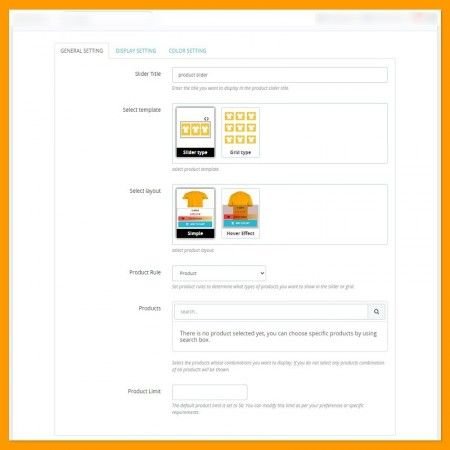
Click Configure to open the module settings.
Choose the presentation style that matches your requirements:
Slider layout.
Grid layout.
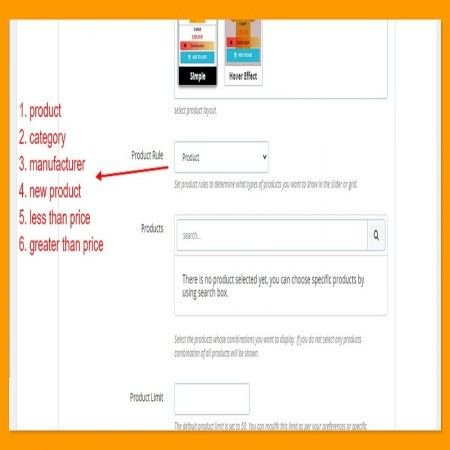
Select the type of products you want to showcase, such as:
Featured products.
Bestsellers.
New arrivals.
Products from specific categories.
If you select the slider layout, configure the available options:
Slider speed.
Navigation arrows.
Autoplay.
Loop functionality.
If you select the grid layout, configure:
Number of columns.
Number of rows.
Add custom CSS when required to adjust the product showcase appearance according to your store's branding.
Save your configuration and check the product display on your storefront.
 |
 |
 |
Verify that the selected products, layout, and display behavior match your expectations.
It is a product display and merchandising module that allows store owners to showcase products using customizable slider and grid layouts.
A slider displays products in a browsable carousel with navigation and optional autoplay. A grid organizes products into rows and columns so customers can view multiple items together.
Yes. The module supports featured product showcases, allowing you to highlight selected products in your store.
Yes. You can use the product selection options to showcase bestselling products in a slider or grid layout.
Yes. The module supports new-arrival product showcases, helping customers discover recently introduced products.
Yes. You can configure product displays to highlight products from selected categories.
Yes. The module includes a slider speed setting that allows you to configure the transition speed.
Yes. You can enable or disable autoplay according to your display requirements.
Yes. The module provides a navigation arrows setting to control manual carousel navigation.
Yes. The module provides a loop functionality setting that allows you to configure continuous slider movement.
Yes. You can configure the number of grid rows and columns to create your preferred product arrangement.
Yes. The module supports custom CSS so you can adjust the appearance of your product showcase to match your store's branding.
No coding knowledge is required for the standard module setup and configuration. Custom CSS is optional for additional design adjustments.
The published compatibility range is PrestaShop 1.7.x through 9.2.x. Check your specific store version before installation.
Your product catalog deserves more than ordinary product listings.
Give featured products, bestselling collections, new arrivals, and category-based selections the visibility they deserve.
With the Display Product Slider & Grid PrestaShop Module, create attractive product carousels and organized grid layouts, customize browsing behavior, and adapt product presentation to your store's branding.
Whether you want to promote popular products, introduce new collections, or organize your product catalog into engaging showcases, this module gives you flexible product display options.
Improve product discovery and create a more engaging shopping experience with Sathi today!
| Vendor | Sathi |
|---|---|
| Last update | Nov 25, 2026 |
| Version | 1.0.1 |
| Required store version | From 1.7.x to 9.2.x |
| Publication date | Jan 16, 2025 |
| Return Policy | You can return the product within the 30 days return period for a full refund. No questions asked. |
| Customer Support | Enjoy one year of free customer support, including installation, troubleshooting, and usage guidance. |
| Description | This product is compatible with the specified versions and includes all the latest updates to enhance functionality and user experience. |
Version:1.0.1
 Advance Product Stickers & Labels Prestashop Module

 Save & Share My Shopping Cart – Save, Share and Restore Carts in PrestaShop

 Advanced Google SEO – XML & HTML Sitemap Generator for PrestaShop

 Loyalty, Referral & Affiliate Programs Module for PrestaShop
 Automatic Country, Language & Currency Detection Module for PrestaShop
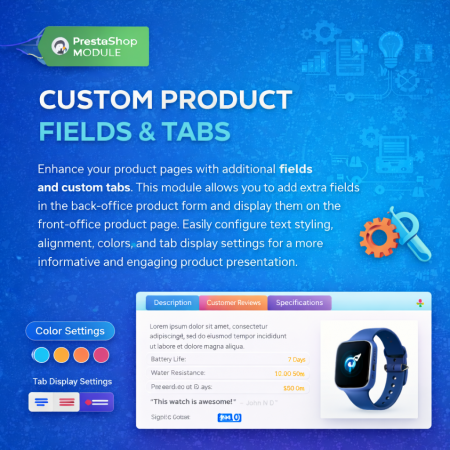
 Additional Product Fields and Custom Tabs – PrestaShop Product Page Customization Module
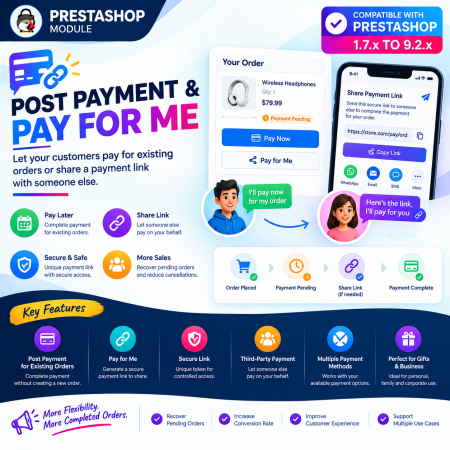
 Post Payment & Pay for Me Module for PrestaShop
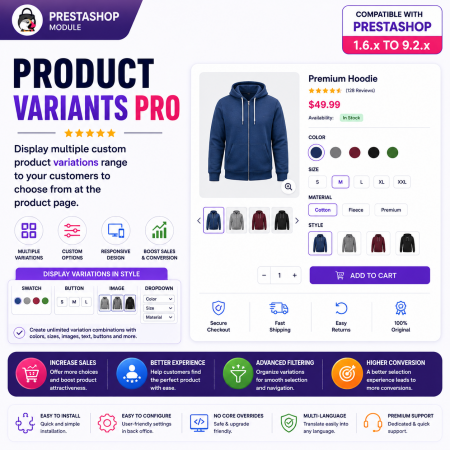
 Product Variants Pro – Custom Variant Groups for PrestaShop

 Sticky Add to Cart Bar – Floating Add to Cart Button Module for PrestaShop
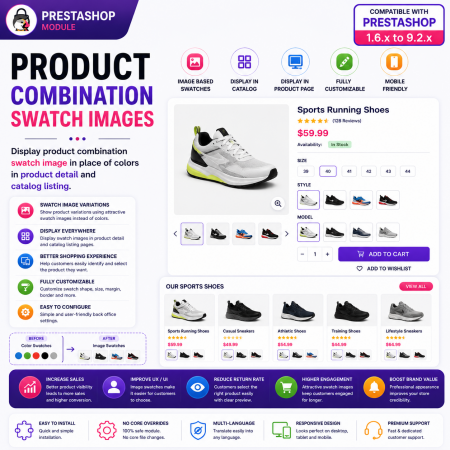
 Product Combination Swatch Images – Visual Product Variations for PrestaShop
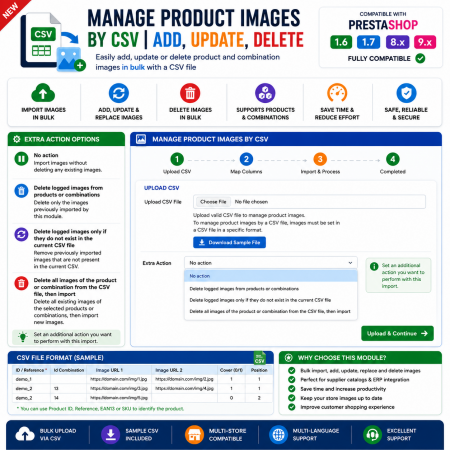
 Manage PrestaShop Product Images by CSV – Add, Update & Delete

 Daily Deals Widget – Multiple Promotional Campaigns with Countdown Timer for PrestaShop

 Advanced Product Importer & Affiliate (100+ websites) Module for PrestaShop
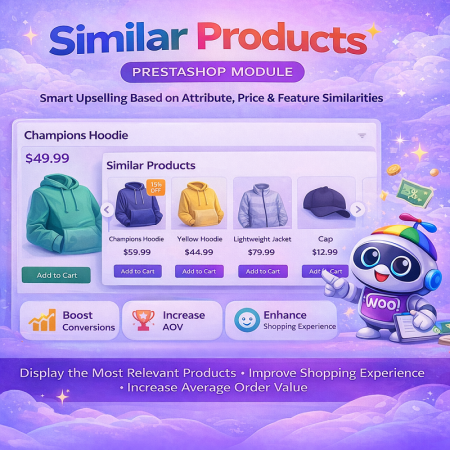
 Smart Similar Products – Automated Product Recommendations for PrestaShop

 Advanced Google SEO – XML & HTML Sitemap Generator for PrestaShop
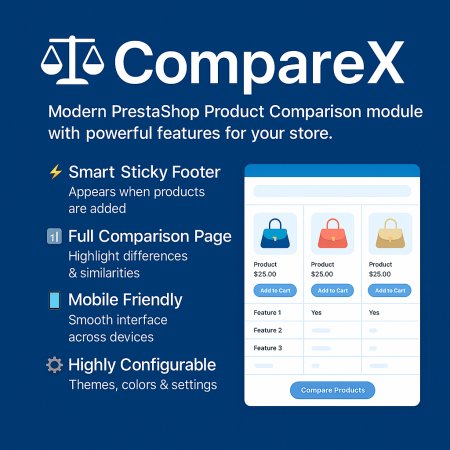
 Advance Product Comparison – Compare Products Side by Side in PrestaShop
Showcase your products beautifully with the Display Product Slider & Grid PrestaShop Module. Create attractive product sliders and grid layouts to highlight featured products, bestsellers, new arrivals, and products from specific categories.
Give customers a more engaging way to discover your product catalog while making important products easier to find. Choose between a dynamic slider and an organized grid, customize slider speed, autoplay, navigation arrows and looping, and control the number of rows and columns in your grid.
With custom CSS support, you can further adjust the product display to complement your store's design and branding.
Whether you want to promote popular products on your homepage, highlight new collections, showcase selected categories, or organize product recommendations, this PrestaShop product display module gives you flexible ways to present products throughout your store.

 Extra Product Listing & Product Recommendations Module for PrestaShop

 Advanced URL Redirection Module for PrestaShop – 301, 302, 404 & Scheduled Redirects

 Google Translator – Front Office, Back Office & Module Translation for PrestaShop

Encrypted payment gateways ensuring your financial and personal data remain 100% protected.

Every module includes professional installation assistance, free updates, and reliable troubleshooting.

Rigorously tested PrestaShop & WooCommerce extensions designed for maximum speed and zero bloat.

Transparent policies, clean documentation, and dedicated assistance if you run into any compatibility hurdles.