What Is the Bundle Product – Mix Product Module?
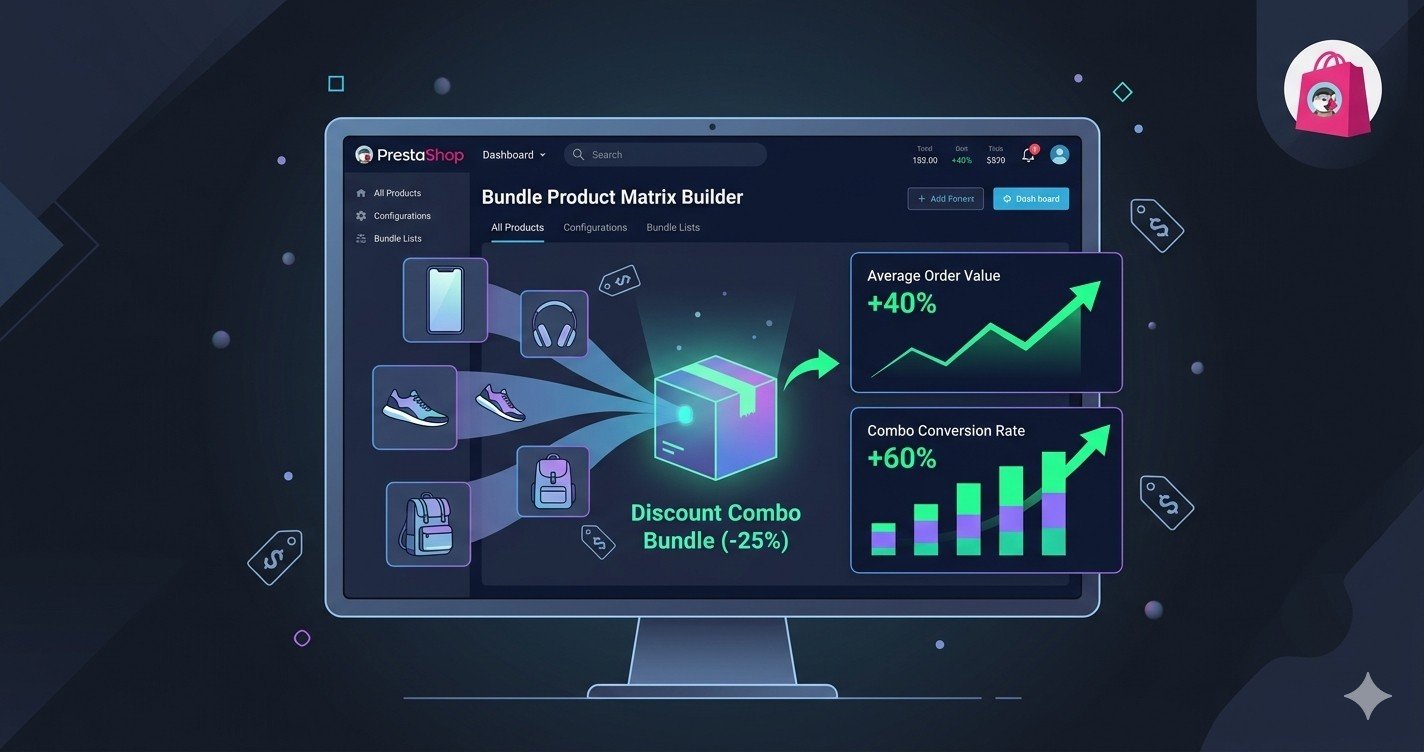
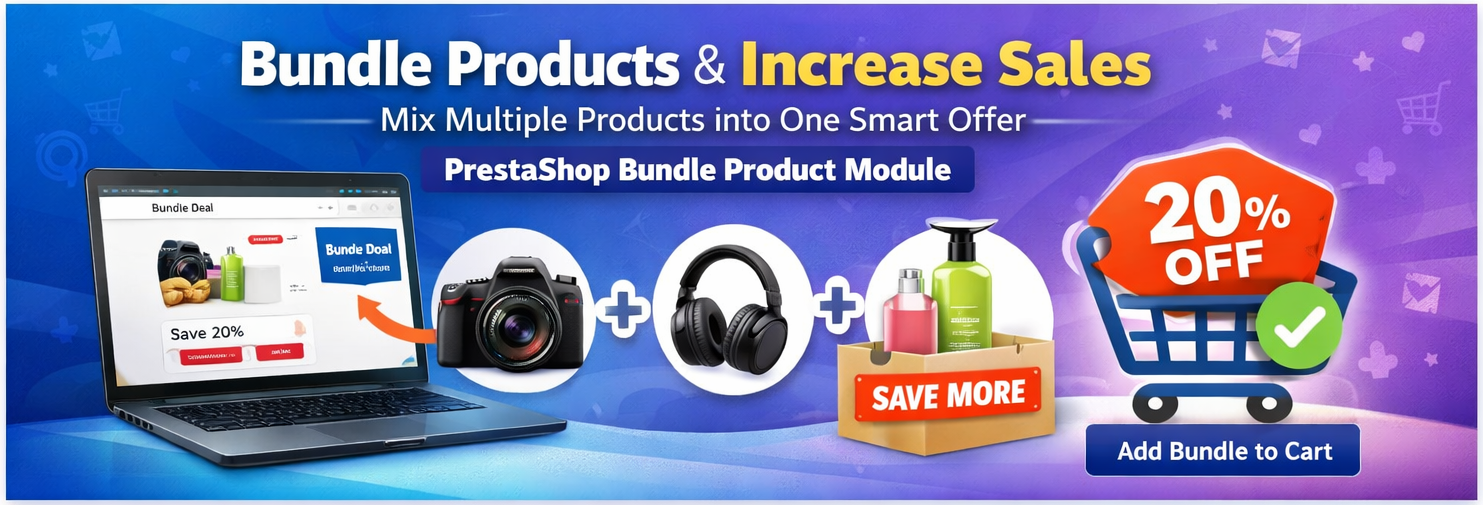
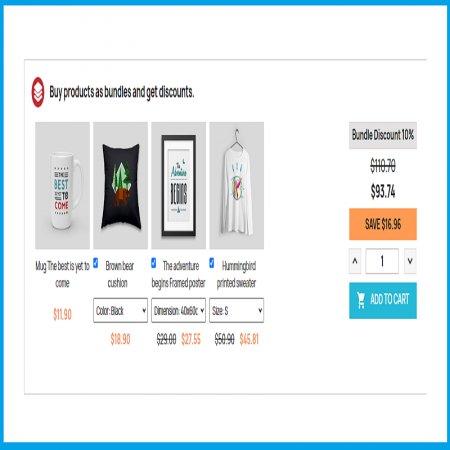
The Bundle Product – Mix Product Prestashop Module allows store owners to group multiple products into bundles and offer automatic discounts when customers purchase the bundle.
Instead of customers buying items separately, they can purchase a bundle of related products at a discounted price, which improves customer satisfaction and encourages larger purchases. (Sathi)
For example, you could create bundles like:
-
Laptop + Mouse + Keyboard
-
Camera + Lens + Memory Card
-
Shampoo + Conditioner + Hair Oil
This strategy helps merchants increase revenue while giving customers a better deal.
Why Product Bundles Are Important for E-Commerce
Product bundling is widely used in e-commerce because it:
-
Increases average order value
-
Encourages customers to buy multiple products together
-
Helps sell slow-moving products
-
Improves cross-selling opportunities
With the right module, creating bundles becomes simple and fully automated.
Key Features of the Module
1. Create Custom Product Bundles
Store owners can easily combine multiple products into a bundle and sell them together as a package.
Example bundle:
-
Product A
-
Product B
-
Product C
All products are added to the cart with one click.
2. Automatic Bundle Discounts
You can offer special discounts when customers buy bundled products.
For example:
The module automatically applies the discount during checkout. (Sathi)
3. Flexible Bundle Configuration
The module supports multiple bundle configurations such as:
This flexibility allows merchants to create attractive promotional offers.
4. Attribute Selection in Bundles
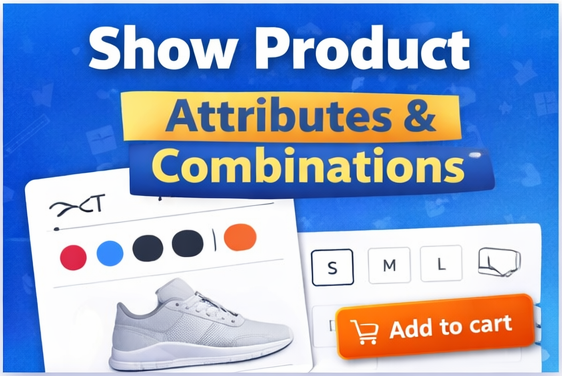
Customers can choose product attributes directly inside the bundle.
Examples:
This makes bundles much more flexible and user-friendly.
5. Optional Product Selection
Customers can select or deselect products inside a bundle using checkboxes.
This means they can customize the bundle according to their needs.
6. One-Click Add to Cart
Customers can add the entire bundle to the cart with a single click, including all selected products and quantities.
This simplifies the buying process and increases conversions.
7. Countdown Timer for Promotions
You can create limited-time bundles with countdown timers.
Benefits:
8. Bundle Scheduling
The module allows you to set:
Bundles automatically appear and disappear based on the schedule.
9. Flexible Display Options
Bundles can be displayed on different parts of the store, such as:
-
Product page
-
Homepage
-
Special bundle sections
This improves product visibility and promotions. (Sathi)
10. Layout and Design Controls
Store owners can customize:
-
Bundle container background color
-
Layout style (full width / half width)
-
Maximum bundle display limit
This helps match the bundle section with the store design.
Benefits for Store Owners
Increase Sales
Customers are more likely to buy multiple products when they see a discounted bundle.
Promote Related Products
Bundles help sell complementary products together.
Clear Old Stock
Combine slow-moving items with popular products to move inventory faster.
Easy Management
Bundles can be created, edited, and managed easily from the admin panel.
Benefits for Customers
Better Value
Customers get discounted prices when buying multiple products together.
Convenient Shopping
They can purchase several related products in a single click.
Personalized Bundles
Customers can select product attributes and optional items inside bundles.
Compatible PrestaShop Versions
The module works with:
-
PrestaShop 1.6
-
PrestaShop 1.7
-
PrestaShop 8
-
PrestaShop 9
This ensures compatibility with most modern stores. (Sathi)
Example Use Cases
Electronics Store
Create bundles like:
Beauty Store
Create bundles like:
Fashion Store
Create bundles like:
Digital Products Store
Bundle:
How to Install the Module
-
Go to PrestaShop Admin Panel
-
Navigate to Modules > Module Manager
-
Click Upload Module
-
Upload the module ZIP file
-
Install and configure the bundle settings
After installation, you can create bundles from the catalog section.
Final Thoughts
The Bundle Product – Mix Product Prestashop Module is a powerful tool for any PrestaShop store that wants to increase sales, promote related products, and improve customer experience.
With features like automatic discounts, flexible bundle rules, attribute selection, countdown timers, and customizable layouts, it provides everything needed to run effective product bundle promotions.
If you want to boost conversions and average order value, this module is a great addition to your PrestaShop store.
✅ Module Page: Buy Now






Leave a comment
Log in to post comments