The Invisible Cross-Border Barrier: Why International Visitors Quit Your Cart
Expanding your digital catalog to attract global audiences is one of the fastest ways to scale your business. However, driving international traffic to a generic storefront often leads to an unoptimized checkout path. When a customer lands on your portal from France or Japan, only to see prices fixed in USD and descriptions written exclusively in English, they are forced into an exhausting translation and conversion process.
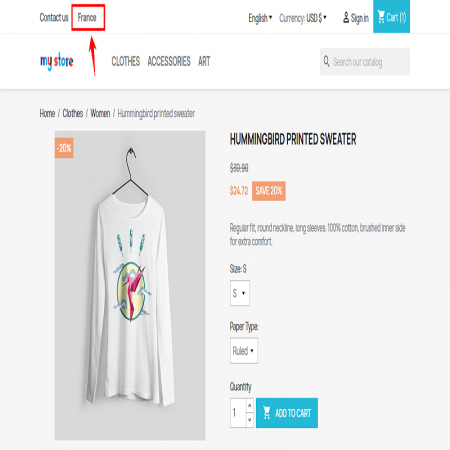
Forcing users to hunt down tiny flag dropdown menus in the header layout to find their localized pricing matrix adds immediate friction to their session. If they finally make it to the checkout page and still see unfamiliar currency notations or confusing region fields, they will abandon the basket out of pure hesitation and lack of structural trust.
The underlying operational flaw: Most legacy storefront architectures cannot interpret geographic user routing natively. Forcing manual currency and localization configuration onto the customer breaks user engagement, slows down conversion speeds, and burdens your administration helpdesk with redundant geo-routing issues.
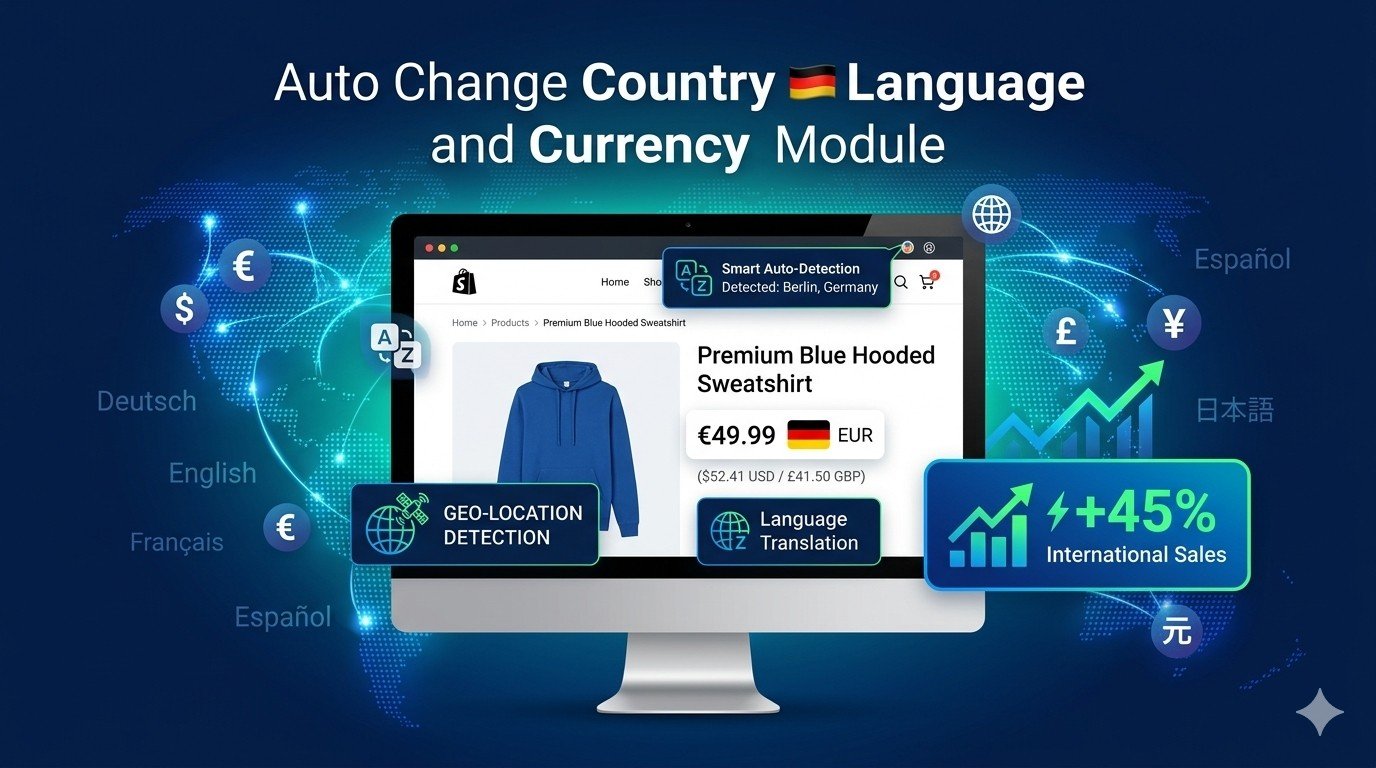
The Fix: Auto Change Country Language and Currency Module
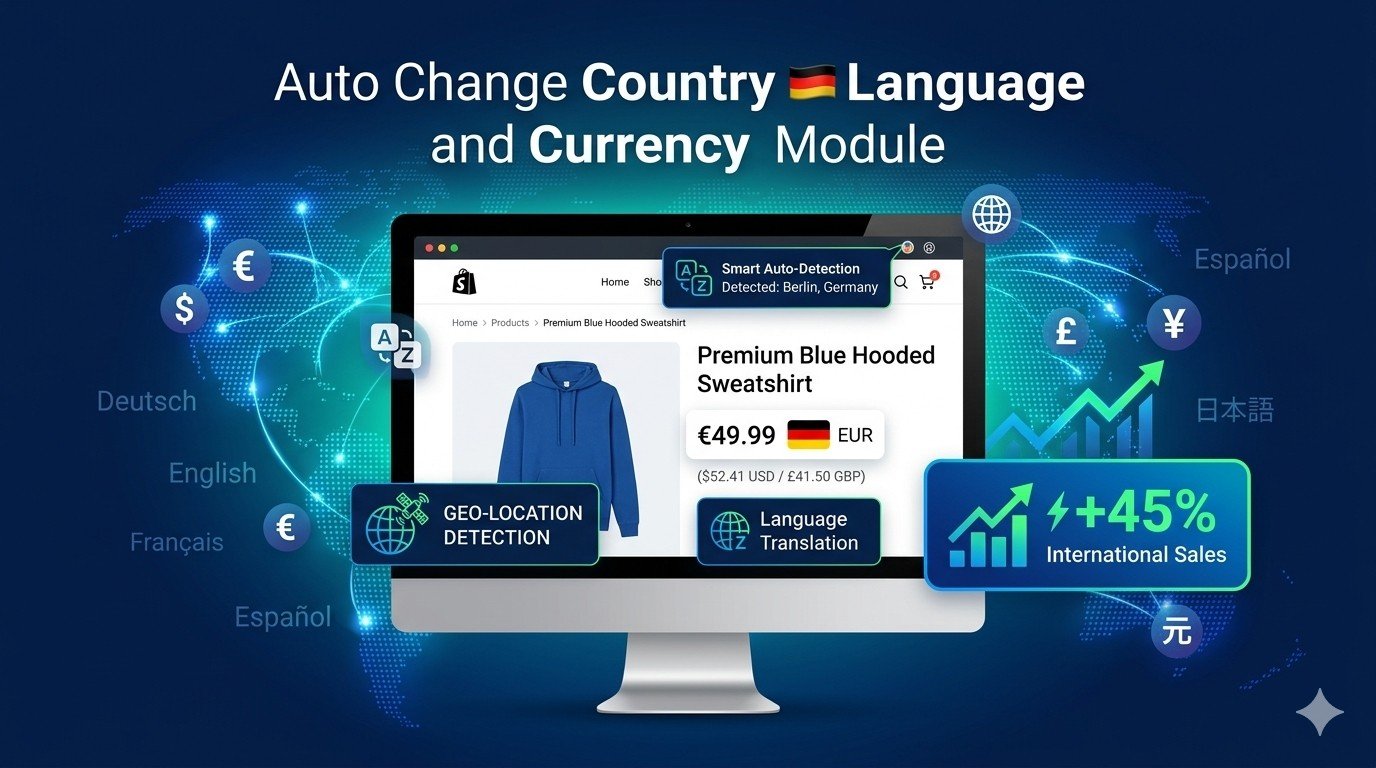
The Auto Change Country Language and Currency Module completely automates international store operations by deploying intelligent, real-time IP geolocation tracking. The moment a user's web browser makes a server request, the integration dynamically pinpoints their geographic zone and instantly transforms the front-end layout to display their native country settings, local currency symbols, and regional language packs.
Instead of relying on distracting redirect pop-ups that break search engine indexing, this module works silently in the background. It adjusts all product fields, tax rates, and checkout terms into a localized layout framework, ensuring international buyers feel comfortable from the very first click.
Strategic Merchant Benefits: Seamless International Automation
This localization framework operates as an automated growth engine engineered to scale international presence while removing manual catalog maintenance:
- Skyrocketing Cross-Border Conversions: Presenting matching local currencies removes mental calculation barriers, giving buyers the immediate confidence required to hit the buy button.
- Substantial Customer Support Relief: Automating the entire regional alignment sequence completely removes configuration complaints, allowing your service agents to focus on direct sales pipelines.
- Granular Matrix Customization: While the module operates autonomously, store administrators maintain total structural authority. You can easily map default currencies, define specific regional fallback rules, or manually override zone layouts via a visual configuration board.
- Total Omnichannel Scalability: Ideal for scaling cross-border frameworks, the plugin seamlessly manages multiple regional rules concurrently without bottlenecking script performance or page execution speeds.
Customer Experience Upgrades: A Frictionless Native Journey
Providing a highly personalized shopping trip establishes rapid brand alignment across diverse global markets:
- Immediate Native Localization: Visitors are greeted by familiar phrasing, localized idioms, and localized measurement definitions, making the storefront feel local rather than foreign.
- Accelerated Checkout Velocity: Because country fields and regional matching details are pre-filled based on incoming network signatures, buyers skip multiple tedious input forms during checkout.
- Elevated Storefront Trust: Displaying local domestic currencies (like Euros, Pounds, or Yen) signals corporate legitimacy, directly reducing buyer anxiety surrounding hidden conversion surcharges.
- Interruption-Free Navigation: The system dynamically shifts layouts on the fly without executing hard browser refreshes, preserving loaded carts and ongoing session states flawlessly.
How to Configure an Elite Multi-Regional Localization Plan
To extract maximum transactional volume from this module, pair its deployment with a strategic regional design hierarchy:
1. The Core Regional Anchoring Strategy
Utilize the module’s mapping dashboard to establish fallback structural clusters. For example, assign all incoming European Union zones to default directly to the Euro while maintaining distinct language separations for French, German, or Spanish sub-routes.
2. Maintaining Global Clarity Callouts
Even though the module translates layouts seamlessly, always place a clean, subtle country picker panel in the footer layout. This permits jet-setting travelers or expatriates to quickly adjust configurations manually if they are purchasing gifts for friends located abroad.
Unleash Your Global Revenue Potential Today
Do not allow regional friction to cap your e-commerce growth. Upgrade your storefront design into an automated, highly adaptive international portal that captures global interest and drives predictable cross-border transactions.
View Module








Leave a comment
Log in to post comments