What Is the Advanced Product Stickers & Labels Module?
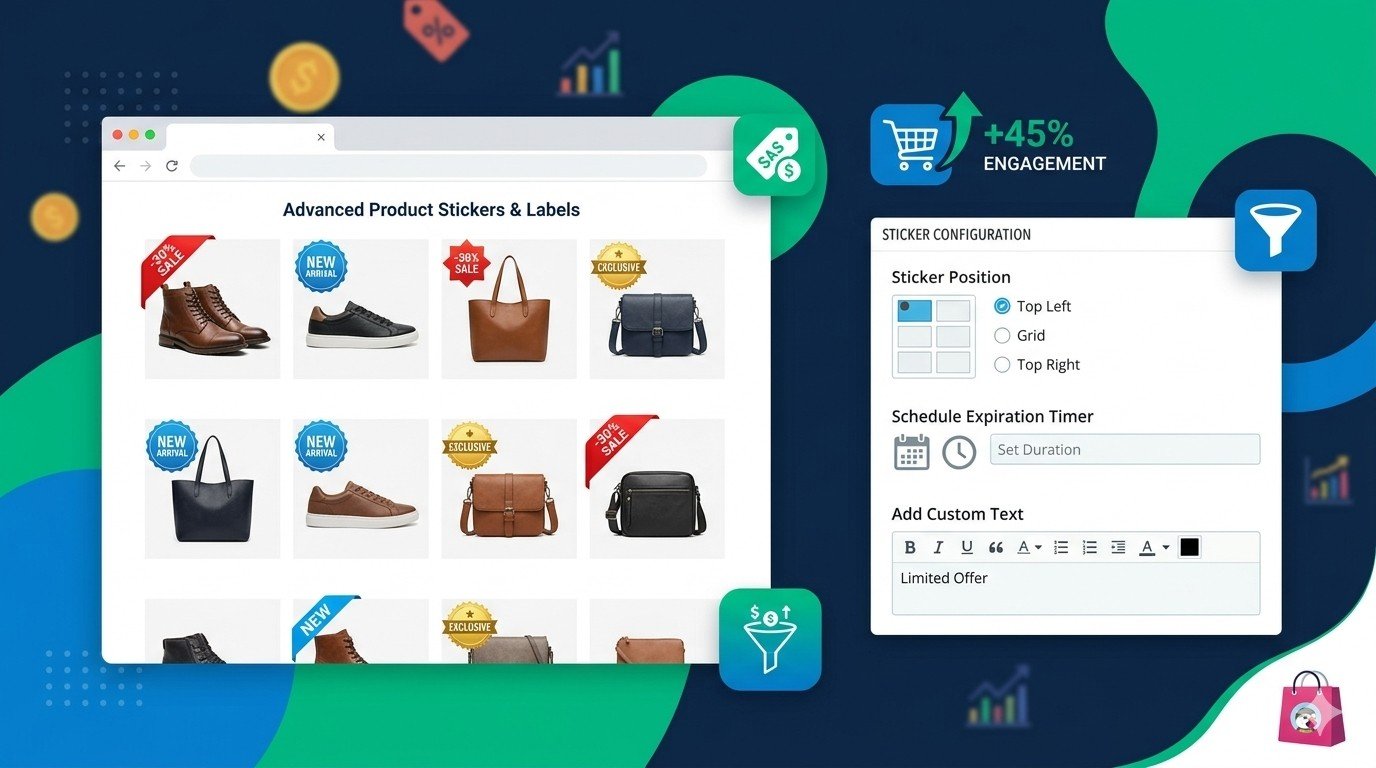
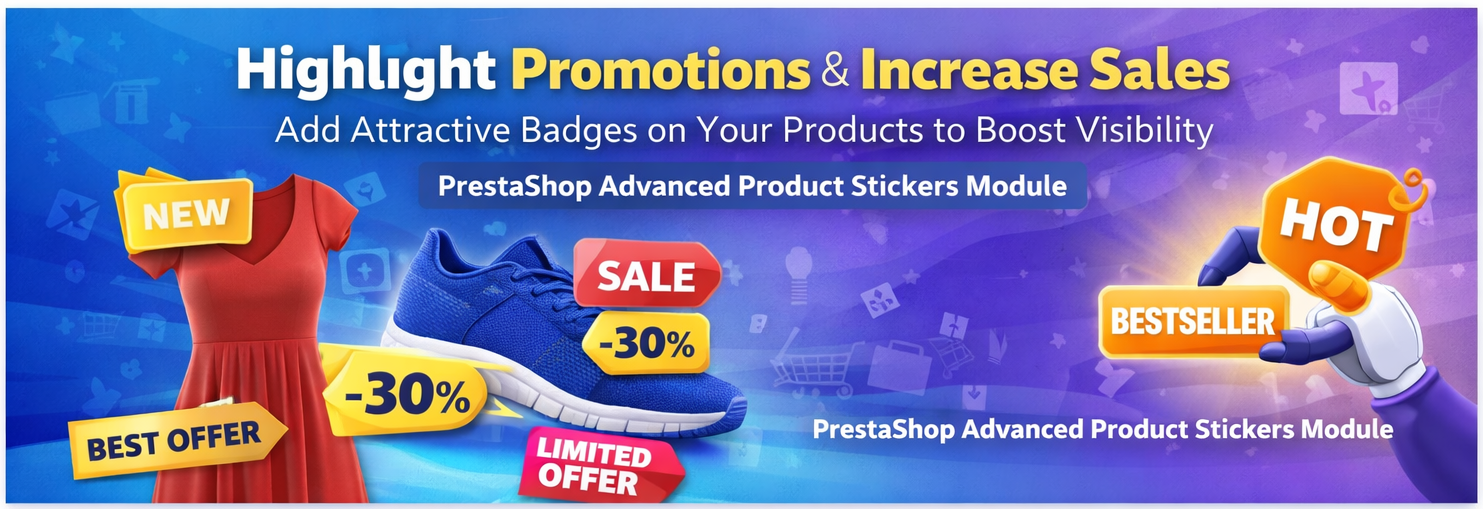
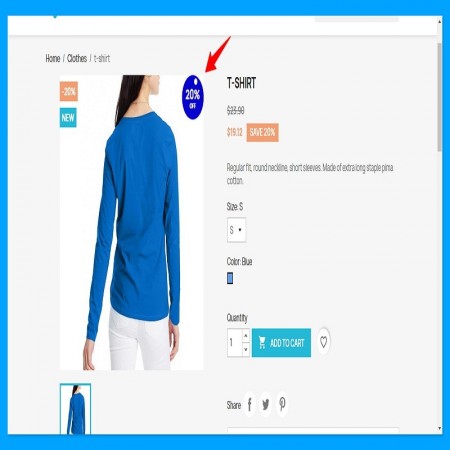
The Advanced Product Stickers & Labels PrestaShop Module enables merchants to add customizable stickers and labels on product images to highlight promotions, discounts, new arrivals, and other important product information. (Sathi)
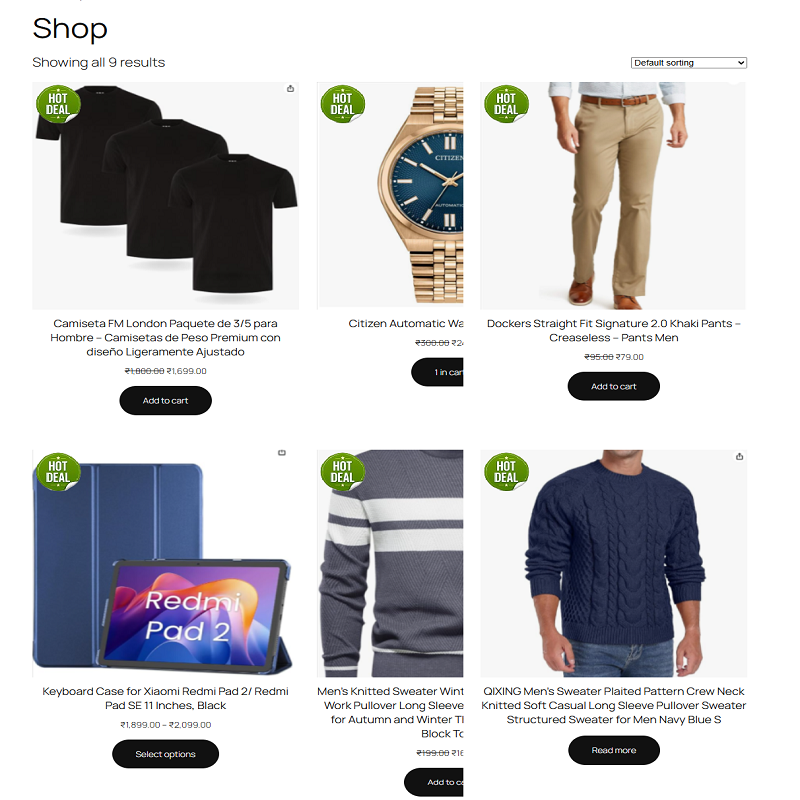
Store owners can use predefined stickers, custom image stickers, or text-based labels, and even display multiple stickers on a single product image. This makes it easier for customers to identify special deals and make faster purchase decisions. (Sathi)
Why Product Stickers Are Important in E-Commerce
Product stickers are widely used by successful online stores because they:
-
Attract customer attention immediately
-
Highlight discounts and promotions
-
Promote new or trending products
-
Improve product visibility in listings
-
Increase conversion rates
When customers see labels like “20% Off”, “New Arrival”, or “Limited Offer”, they are more likely to click and purchase the product.
Key Features of the Module
1. Predefined Stickers
The module includes ready-to-use stickers such as:
-
Sale
-
New
-
Exclusive
-
Discount
These stickers can be applied quickly to highlight important promotions. (Sathi)
2. Custom Image Stickers
Store owners can upload their own sticker images to match their brand style or marketing campaigns.
Examples:
This gives complete flexibility in designing promotional visuals.
3. Custom Text Stickers
You can create text-based stickers with full customization options such as:
-
Font style
-
Color
-
Size
-
Position
For example:
-
Limited Offer
-
50% Discount
-
Bestseller
These text labels help highlight specific product features. (Sathi)
4. Multiple Sticker Display
This module allows multiple stickers on the same product image.
Example:
-
“New” sticker
-
“20% OFF” sticker
-
“Limited Stock” sticker
This combination provides more information to customers at a glance.
5. Flexible Sticker Positioning
You can display stickers at different positions on the product image such as:
-
Top-left
-
Top-right
-
Bottom-left
-
Bottom-right
This ensures stickers fit perfectly with your store design.
6. Sticker Animation Effects
The module supports animation effects like:
These animated stickers attract customer attention and make promotions more noticeable. (Sathi)
7. Automatic Sticker Rules
You can automatically generate stickers based on product conditions such as:
-
Discount products
-
New products
-
Low stock items
-
Price drops
This automation saves time and ensures your promotions stay updated. (Sathi)
8. Schedule Sticker Display
Store owners can set:
The sticker will automatically appear and disappear based on the schedule.
This is perfect for seasonal promotions or limited-time sales.
9. Category and Manufacturer Rules
You can apply stickers automatically to:
This helps manage promotions easily for large stores. (Sathi)
10. Live Sticker Preview
Before applying stickers, you can preview how they will look on product images in real time.
This feature helps ensure correct positioning and styling.
Benefits for Store Owners
Increase Product Visibility
Eye-catching stickers make products stand out in listings and product pages.
Boost Sales
Highlighting promotions like discounts or limited offers encourages faster purchases.
Easy Marketing Tool
Clickable stickers can direct customers to special promotion pages or campaign offers. (Sathi)
Full Customization
Merchants can fully customize sticker design, position, timing, and conditions.
Benefits for Customers
Easy Identification of Offers
Customers can instantly see discounts, promotions, and new products.
Better Shopping Experience
Clear labels help customers understand product highlights quickly.
Faster Decision Making
Visible deals encourage customers to make purchase decisions faster.
Compatible PrestaShop Versions
The module supports a wide range of versions including:
-
PrestaShop 1.6
-
PrestaShop 1.7
-
PrestaShop 8
-
PrestaShop 9
This makes it compatible with both older and modern PrestaShop stores. (Sathi)
Example Use Cases
Fashion Store
Use stickers like:
-
New Collection
-
30% Off
-
Bestseller
Electronics Store
Highlight:
-
Hot Deal
-
Limited Stock
-
Special Offer
Beauty Store
Show labels like:
-
New Arrival
-
Trending Product
-
Best Seller
How to Install the Module
-
Go to PrestaShop Admin Panel
-
Navigate to Modules → Module Manager
-
Click Upload Module
-
Upload the module ZIP file
-
Click Install and Configure
After installation, you can easily add stickers from the product sticker settings.
Final Thoughts
The Advanced Product Stickers & Labels PrestaShop Module is an excellent tool for improving product presentation and marketing promotions in your store.
With features like custom stickers, animation effects, automatic rules, and flexible display options, this module helps merchants highlight important products and promotions effectively.
If you want to increase product visibility, attract more customers, and boost sales, this module is a valuable addition to your PrestaShop store.
✅ Module Page: Buy Now






Leave a comment
Log in to post comments