What Is the Show Product Attributes or Combinations Module?
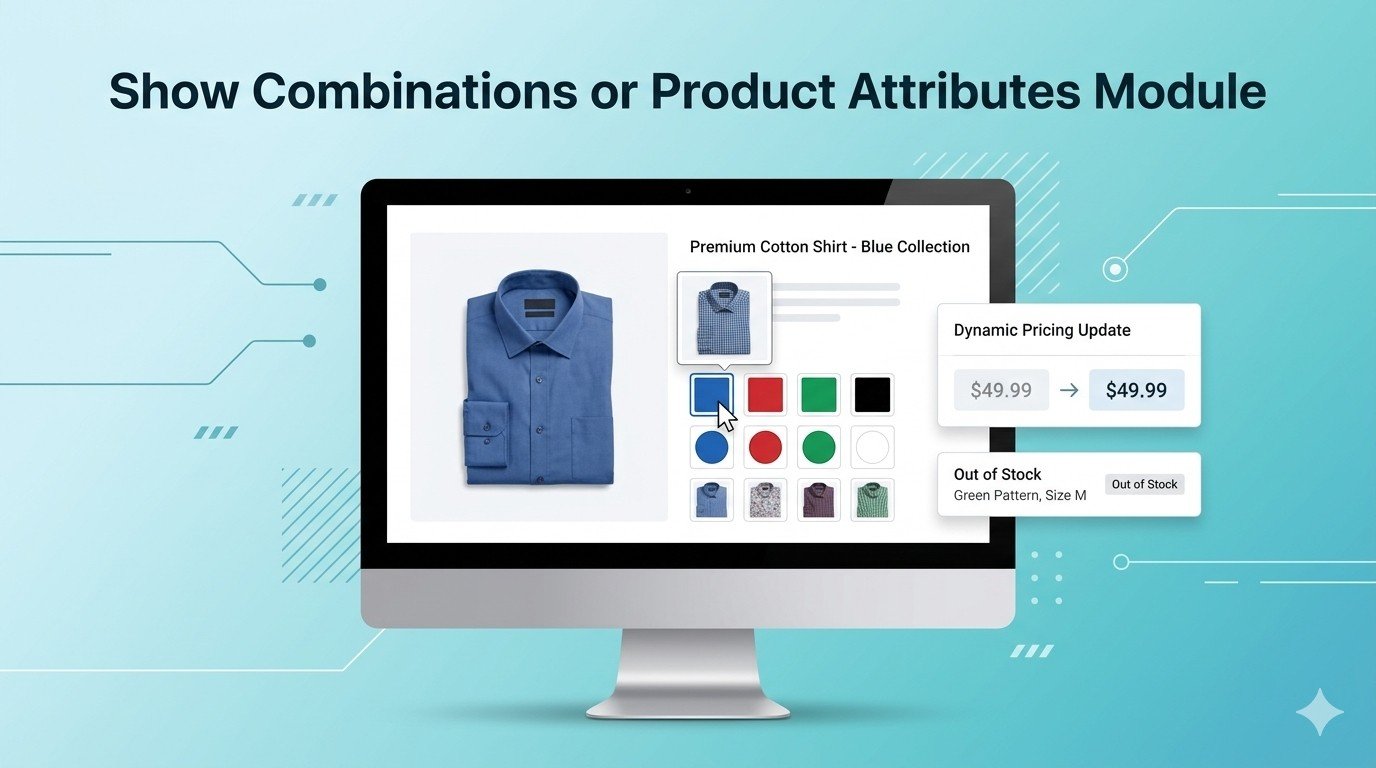
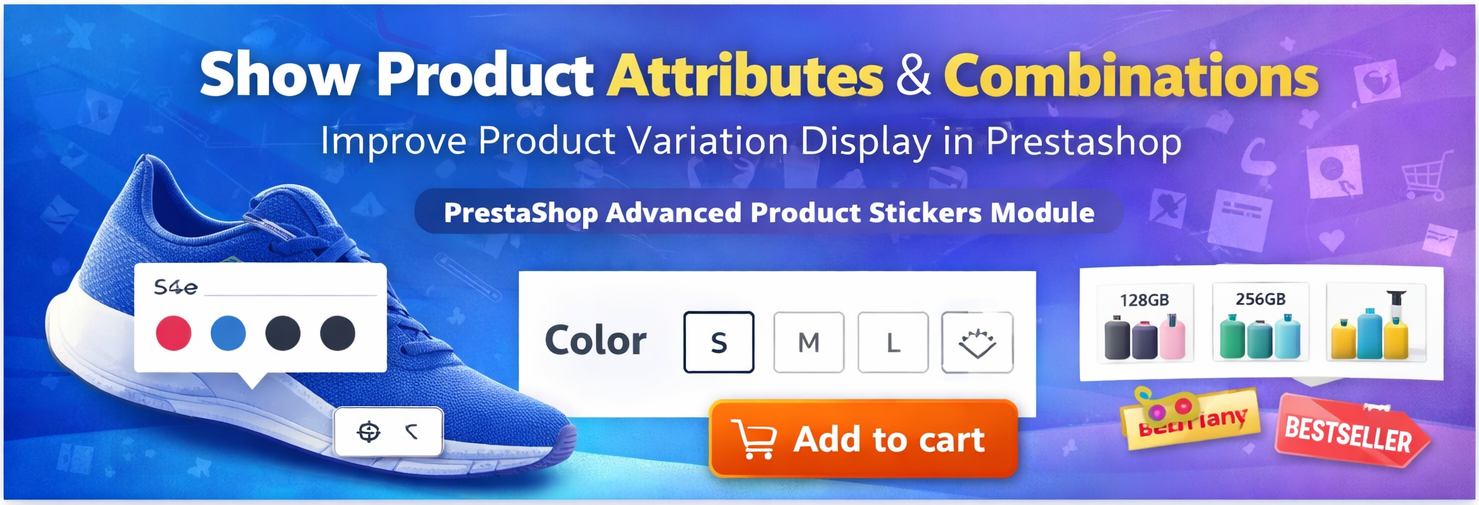
The Show Product Attributes or Combinations PrestaShop Module enhances the storefront by allowing customers to easily view and explore product variations such as size, color, or other attributes. (Sathi)
Instead of hiding combinations inside dropdown menus, the module can display them clearly so customers can quickly understand the available options and select the right product variation.
This improves navigation and reduces the time customers spend searching for specific product combinations.
Why Product Attributes and Combinations Matter
In PrestaShop, attributes are product properties like color, size, capacity, or weight, which can be combined to create different product versions. (PrestaShop Project)
For example:
-
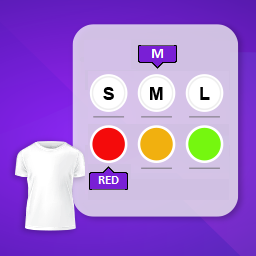
T-shirt → Size: S, M, L
-
T-shirt → Color: Red, Blue, Black
-
Phone → Storage: 64GB, 128GB
These combinations allow merchants to sell multiple variations of a product while keeping them under one product listing.
However, if these variations are not displayed clearly, customers may struggle to find the correct option.
Key Features of the Module
1. Display Product Combinations Clearly
The module allows store owners to show product attributes and combinations in an organized and visible way.
Customers can easily see all available variations without navigating through complicated options.
2. Improve Product Listing Visibility
Instead of showing only the main product, this module can display product combinations in listing sections so customers can directly view available options.
This helps customers quickly find their preferred product variation.
3. Better Shopping Experience
By making product combinations easier to explore, customers can:
This leads to a smoother shopping experience.
4. Reduce Customer Confusion
When combinations are hidden in dropdown menus, customers may miss available options.
Displaying attributes clearly ensures customers understand all available variations before purchasing.
5. Support Multiple Attribute Types
The module works with various attribute types such as:
-
Color
-
Size
-
Material
-
Version
-
Storage capacity
This flexibility makes it suitable for almost any type of online store.
6. Improved Conversion Rate
When customers can quickly find their desired product variation, they are more likely to complete the purchase.
Better product navigation often results in higher conversions.
Benefits for Store Owners
Increase Product Visibility
Showing combinations clearly allows customers to discover product variations faster.
Boost Sales
Customers are more likely to purchase when they can easily find the right variation.
Better Product Organization
Merchants can display product attributes in a structured and organized format.
Enhanced User Experience
A cleaner interface improves the overall shopping journey.
Benefits for Customers
Easy Product Exploration
Customers can instantly view available product options.
Faster Purchase Decisions
Clear attribute displays reduce confusion and speed up the buying process.
Convenient Shopping
Customers can quickly select the desired product combination.
Example Use Cases
Fashion Stores
Display combinations such as:
Electronics Stores
Show variations like:
-
Storage capacity
-
RAM size
-
Model versions
Furniture Stores
Display attributes such as:
Compatible PrestaShop Versions
The module supports multiple versions of PrestaShop including:
-
PrestaShop 1.7
-
PrestaShop 8
-
PrestaShop 9
This ensures compatibility with most modern PrestaShop stores.
How to Install the Module
-
Go to PrestaShop Admin Panel
-
Navigate to Modules → Module Manager
-
Click Upload a Module
-
Upload the module ZIP file
-
Click Install and Configure
After installation, you can configure how product attributes and combinations appear on the storefront.
Final Thoughts
The Show Product Attributes or Combinations PrestaShop Module is a great tool for stores that sell products with multiple variations.
By displaying combinations clearly and making them easier to explore, this module helps improve the customer experience and increase product visibility.
If your store sells items with many variations, this module can make shopping easier for customers and help boost conversions.
Module Page: Buy Now







Leave a comment
Log in to post comments