- -$40.00


This module enhances the shopping experience by allowing customers to easily explore product variations such as...

The module allows merchants to enhance product images with customizable stickers and labels. Whether it’s...

The Quantity Discount Table & Grid Module for PrestaShop helps merchants display...

This module allows you to offer free shipping based on flexible conditions, such as location, carrier, cart value,...

The module automatically adjusts language, currency, and country settings based on the customer's location....

Vendor
Version
Last update
Prestashop version
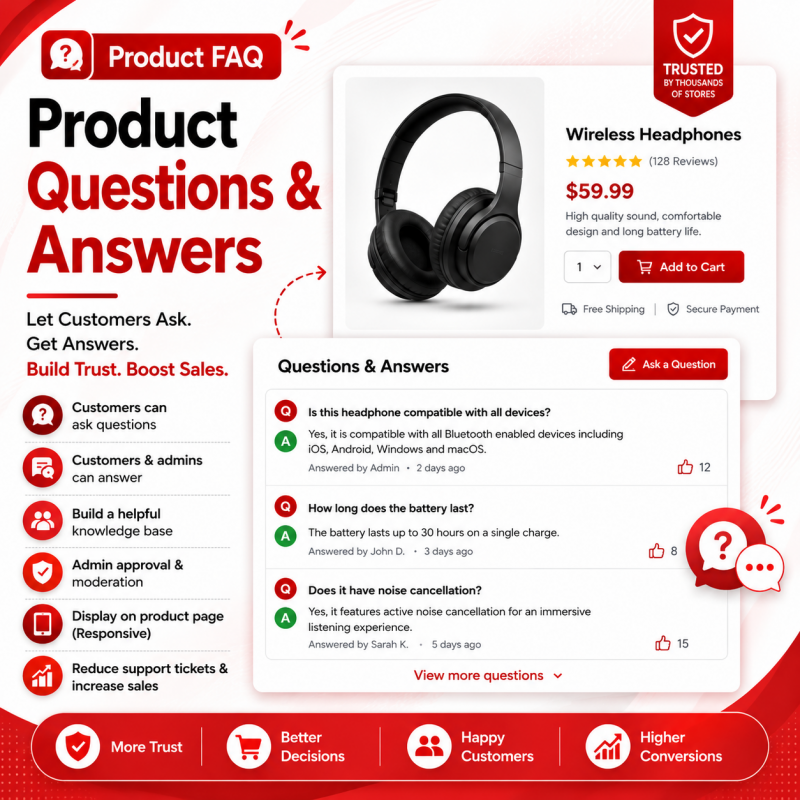
Improve customer communication and make product information easier to understand with the Product FAQ – Questions & Answers PrestaShop Module.
Allow customers to ask questions directly from product pages and let store administrators review enquiries and provide helpful answers through the PrestaShop back office. Make useful product-related questions and answers available to shoppers so they can find important information before purchasing.
Whether customers need clarification about product specifications, dimensions, compatibility, materials, available options or usage instructions, this module provides a convenient way to manage product enquiries and share helpful information.
Improve product transparency, encourage customer engagement, reduce repetitive enquiries and help shoppers make more confident purchasing decisions.
Let Customers Ask. Provide Helpful Answers. Build Buyer Confidence.
Help customers find the information they need before purchasing with the Product FAQ – Product Questions & Answers PrestaShop Module.
Customers often have questions that cannot be answered by a standard product description. They may want to understand product specifications, dimensions, compatibility, materials, available options, functionality, or usage instructions.
When shoppers cannot find the information they need, they may postpone their purchase, leave your website, or contact your support team separately.
This module provides a convenient product-level question-and-answer system that allows customers to submit product-related questions and enables administrators to review enquiries and provide helpful responses through the PrestaShop back office.
By making relevant questions and answers accessible on product pages, you can improve product information, encourage customer interaction, and help shoppers make more informed purchasing decisions.
A detailed product description is important, but it cannot always cover every customer's individual concern.
For example, a customer purchasing an electronic device might want to know whether it supports a particular accessory. Someone buying furniture may need additional measurements, while a customer shopping for clothing may want clarification about sizing or material.
Without a convenient way to ask these questions, customers may abandon their shopping journey or submit repetitive enquiries through email and other support channels.
The Product FAQ module bridges this communication gap by bringing product-related questions and answers directly to your product pages.
Allow customers to submit questions about individual products.
Give administrators a convenient way to review customer enquiries.
Provide helpful responses through the store administration.
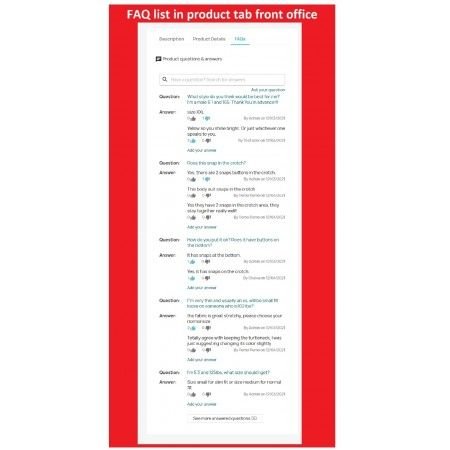
Make useful published answers available to other shoppers.
Improve product information beyond standard descriptions.
Encourage customers to make informed purchasing decisions.
Give every product page an additional source of useful information through customer questions and store responses.
Give visitors an opportunity to ask specific questions about the products they are considering. Customers can request clarification when existing product information does not answer their concerns.
Manage product-related questions through the PrestaShop back office. Review enquiries and provide appropriate answers without relying entirely on separate communication channels.
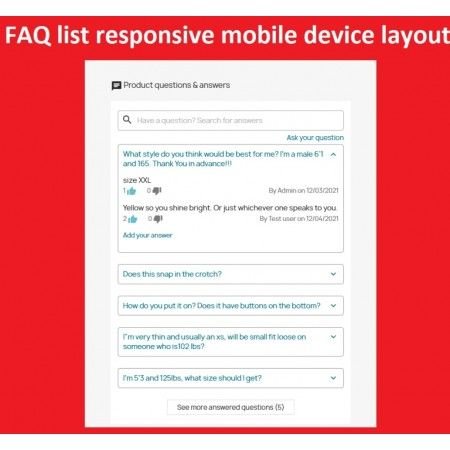
Useful questions and answers can help other visitors who have similar concerns. Turn individual product enquiries into additional information for your product catalogue.
When shoppers can access relevant product information and helpful answers, they can better understand what they are purchasing.
Bring customer enquiries and relevant responses closer to the product they relate to, creating a more informative shopping experience.
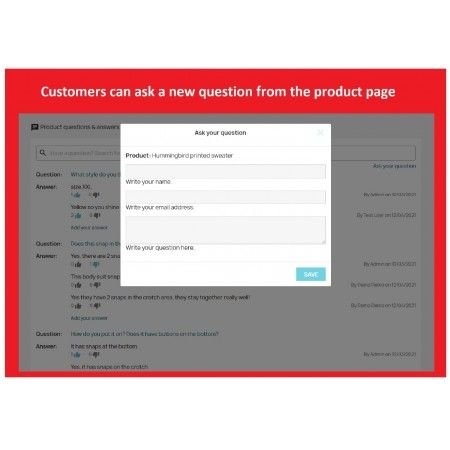
Allow customers to ask questions about products directly from your online store.
Customers may need additional information that is not included in the product description. A dedicated question submission feature gives them a convenient way to communicate with your store.
Key benefits:
Allow customers to submit product-related questions.
Connect enquiries with the relevant product.
Encourage visitors to ask for additional information.
Make product communication more convenient.
Help shoppers resolve doubts before purchasing.
Business benefit: Give customers an additional communication channel at the exact point where they are evaluating a product.
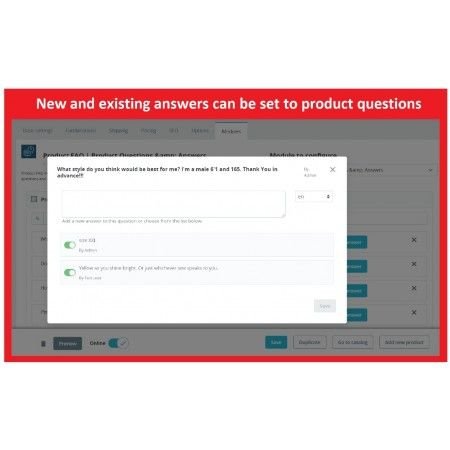
Store administrators can review customer questions and provide suitable responses through the PrestaShop back office.
This helps keep product-related communication organised and makes it easier to provide accurate information.
Key benefits:
Review submitted product enquiries.
Manage customer questions from the administration area.
Provide helpful product-specific answers.
Keep responses relevant to the products concerned.
Maintain better control over customer communication.
Business benefit: Improve enquiry management and help customers receive relevant product information.
Every product can have different specifications, features, and customer concerns.
A product-level question-and-answer approach helps visitors find information that is relevant to the item they are viewing.
For example:
Electronics customers can ask about compatibility and technical specifications.
Fashion shoppers can ask about sizes, fitting, and materials.
Furniture buyers can request dimensions and assembly details.
Beauty customers can ask about ingredients and usage.
Business benefit: Make product information more relevant instead of relying only on general store-wide FAQs.
Make useful published answers accessible to shoppers browsing your catalogue.
When a customer asks a question, the response can also help other visitors who have the same concern.
This creates an opportunity to build a growing collection of product-related information.
Key benefits:
Provide additional information alongside product descriptions.
Help visitors find answers while browsing.
Make relevant product information easier to discover.
Reduce the need for customers to ask repetitive questions.
Improve the overall product information experience.
Business benefit: Turn useful customer enquiries into additional product knowledge.
A product question-and-answer feature gives shoppers an opportunity to interact with your store before placing an order.
Instead of leaving the website when they have an unanswered question, visitors have a dedicated way to request clarification.
Key benefits:
Encourage customer participation.
Improve communication between shoppers and store owners.
Give visitors an opportunity to clarify product details.
Make the shopping experience more informative.
Support better customer relationships.
Business benefit: Create more opportunities to engage visitors during their purchase journey.
Customers frequently ask similar questions about product dimensions, materials, compatibility, and usage.
When useful answers are published on the relevant product pages, other visitors can benefit from the information already provided.
Key benefits:
Reuse helpful answers for future visitors.
Make common product information easier to access.
Reduce repeated requests for the same clarification.
Improve the availability of product-related information.
Help customers find answers independently.
Business benefit: Make better use of your existing customer support knowledge.
The module provides a straightforward communication process between customers and store administrators.
A visitor opens a product and reviews its description, specifications, images, and available information.
If the customer needs additional information, they can use the available question submission feature to ask about that particular product.
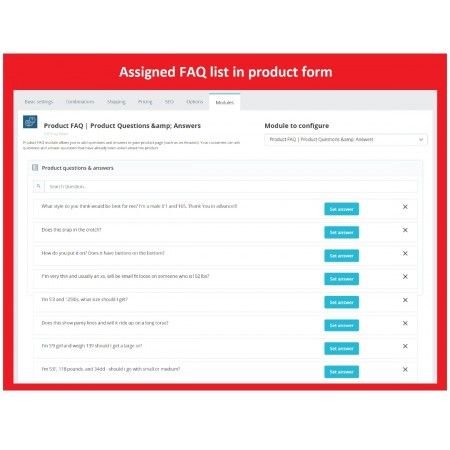
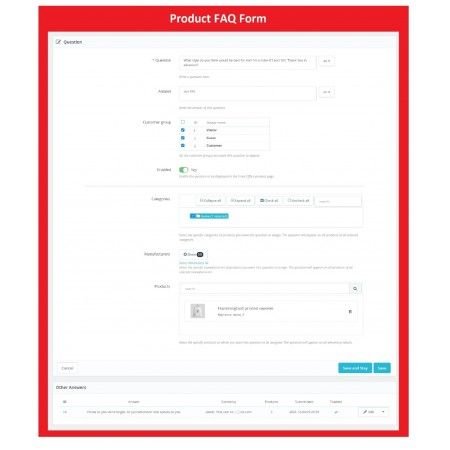
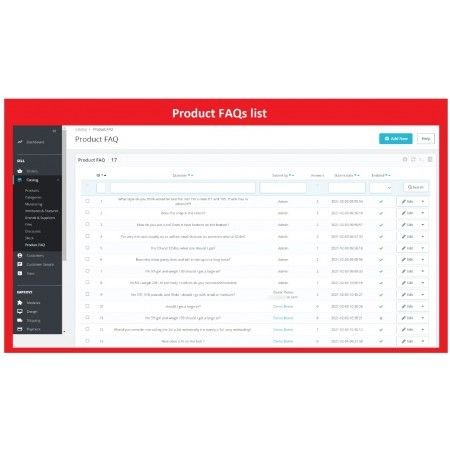
The store administrator accesses the submitted question through the PrestaShop back office and reviews the customer's concern.
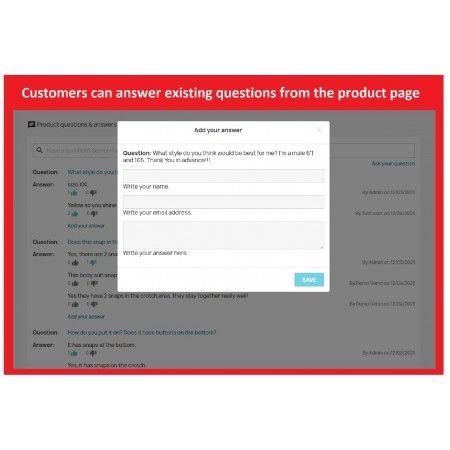
The administrator writes an appropriate response containing relevant product information or clarification.
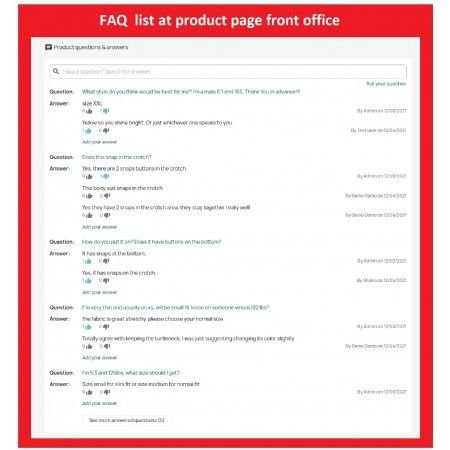
Published questions and answers can provide additional information to the original customer and other visitors interested in the same product.
Result: A more informative product page, improved customer communication, and a better-supported purchasing decision.
Different products create different customer concerns. A product FAQ system helps your store address questions that may not be covered by standard product descriptions.
Question: What are the technical specifications of this product?
Answer: The store can provide additional specifications and explain important product characteristics.
Question: What are the exact product dimensions?
Answer: The store can clarify measurements, size details, and other relevant dimensions.
Question: Is this product compatible with my device?
Answer: The store can provide compatibility information and help customers understand supported devices or requirements.
Question: What materials are used in this product?
Answer: The administrator can provide additional information about the materials and product construction.
Question: How should I use or maintain this product?
Answer: The store can share relevant usage, care, and maintenance guidance.
Question: Does this product have other available sizes, colours, or configurations?
Answer: The store can clarify the available options and help customers select the appropriate product.
A product question-and-answer system can improve the quality of information available throughout your catalogue.
Better product understanding: Help customers find answers to specific product questions.
Improved buyer confidence: Provide useful information before customers place an order.
Organised enquiries: Manage product-related questions through your store administration.
Customer engagement: Give visitors an additional way to communicate with your business.
Reusable information: Make helpful published answers available to other shoppers.
Better product presentation: Supplement existing descriptions with real customer questions.
Reduced repetitive enquiries: Address common concerns through accessible product answers.
Informed purchasing decisions: Help customers understand important product details.
Make shopping easier by providing customers with an additional way to get product information.
Ask questions about products before purchasing.
Request clarification about specifications and functionality.
Find answers to common product-related concerns.
Access helpful information while browsing product pages.
Understand product details more clearly.
Make more informed buying decisions.
The Product FAQ module is particularly useful for stores selling products that require additional explanation, technical details, or customer clarification.
Answer questions about technical specifications, device compatibility, connectivity, accessories, and product functionality.
Help customers understand sizing, fitting, fabrics, materials, colours, and product details.
Provide additional information about ingredients, product usage, care instructions, and available variants.
Answer questions about furniture dimensions, materials, assembly requirements, installation, and maintenance.
Help customers understand vehicle compatibility, technical specifications, replacement parts, and product requirements.
Explain software requirements, supported platforms, product functionality, installation, and usage instructions.
Improve product communication across multiple categories and provide shoppers with a convenient way to request product-specific information.
A customer who understands a product is better equipped to decide whether it meets their requirements.
However, standard product descriptions cannot always anticipate every question a potential buyer may have.
For online businesses, unanswered questions can create uncertainty and additional support requests.
A product FAQ system helps address this problem by connecting customer enquiries with relevant product information.
Instead of keeping useful answers limited to individual conversations, your store can make published responses available to other interested shoppers.
This approach supports three important objectives:
Product transparency: Give shoppers additional information about the products they are considering.
Customer communication: Make it easier for visitors to request clarification.
Purchase confidence: Help customers make informed decisions with relevant product answers.
Install the Product FAQ module using the standard PrestaShop module installation process.
Installation steps:
Download the Product FAQ module ZIP package.
Log in to your PrestaShop Back Office.
Navigate to Modules → Module Manager.
Click Upload a module.
Select the downloaded module ZIP package.
Upload and install the module.
Open the module configuration page.
Review the available configuration and management options.
Save the settings.
Visit a product page to verify the question submission and answer display functionality.
Once installation and configuration are complete, customers can use the available product question feature.
After installing the module, access its management interface through your PrestaShop Back Office.
Use the available options to review customer enquiries and provide accurate, relevant product information.
For the best customer experience:
Review incoming questions regularly.
Provide clear and understandable answers.
Keep product-specific information accurate.
Avoid publishing incomplete or misleading responses.
Check the storefront after updating answers.
Keep published information relevant to the current product.
The exact configuration options, moderation workflow, notification settings, and display controls depend on the installed module version.
The module's compatibility depends on its specific release, your PrestaShop version, PHP environment, and active theme.
Please check the compatibility information provided with the module before installation.
If you need assistance, contact the Sathi support team with your PrestaShop version and theme details.
The Product FAQ module allows customers to submit questions about individual products and enables administrators to review and answer those questions through the PrestaShop back office. It helps make useful product-related information available to shoppers.
Yes. The module provides a product question submission feature that allows visitors to ask questions about the products they are viewing.
Administrators can access submitted product enquiries through the module's back-office management interface and provide appropriate answers.
Yes. The module is designed to make useful published questions and answers available to shoppers on relevant product pages.
Yes. Customers can request clarification about specifications, dimensions, compatibility, materials, and other product-related details before making a purchase decision.
Published answers can help other shoppers find information that has already been provided, potentially reducing repeated questions about common product concerns.
Yes. It is particularly useful for products that require additional clarification about specifications, compatibility, functionality, and technical requirements.
Yes. Product questions and answers can be useful across different types of catalogues, including electronics, fashion, furniture, beauty, automotive products, and general retail.
No. It complements your existing product descriptions by providing an additional way to answer specific customer questions.
Compatibility depends on the specific module release and store environment. Check the compatibility details supplied with your module package or contact our support team before installation.
Customers should not have to leave your store just because they have an unanswered product question.
With the Product FAQ – Product Questions & Answers PrestaShop Module, you can give shoppers a convenient way to ask questions, manage enquiries from your back office, and make helpful product information available to other visitors.
Improve product communication, support informed purchasing decisions, and create a more informative shopping experience.
Install the Product FAQ module from Sathi and make it easier for customers to find the answers they need before buying.
| Vendor | Nxtal |
|---|---|
| Last update | Nov 23, 2026 |
| Version | 2.0.0 |
| Required store version | From 1.6.x to 9.2.x |
| Publication date | Aug 10, 2026 |
| Return Policy | You can return the product within the 30 Days return period for a full refund. No questions asked. |
| Customer Support | Enjoy one year of free customer support, including installation, troubleshooting, and usage guidance. |
| Description | This product is compatible with the specified versions and includes all the latest updates to enhance functionality and user experience. |
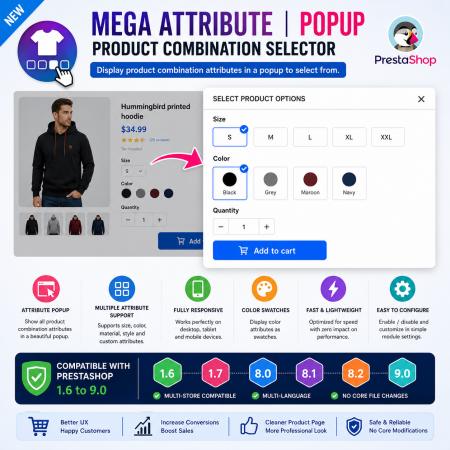
 Mega Attribute Popup Module for PrestaShop
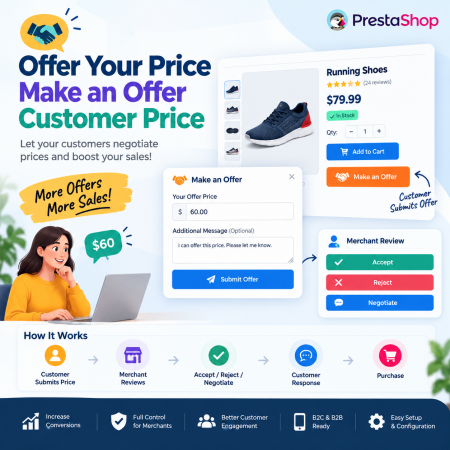
 Offer Your Price – Make an Offer & Price Negotiation Module for PrestaShop
 Show Product Attributes Or Combinations Prestashop Module
 Display Add to Cart Button on Product Listing Prestashop Module
 Sticky Add to Cart Bar Prestashop Module
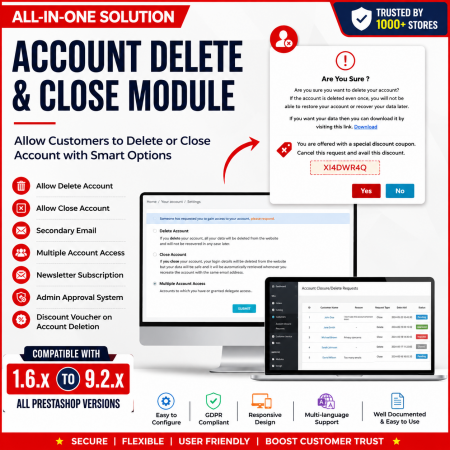
 Customer Account Settings – Customer Account Management Module for PrestaShop
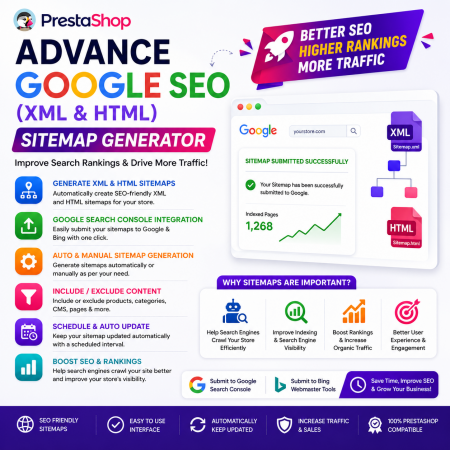
 Advance Google SEO (XML & HTML) Sitemap Generator Prestashop Module
 Hide Product Price Prestashop Module
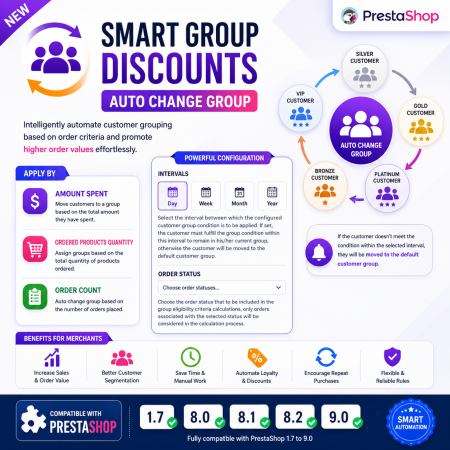
 Smart Group Discounts & Automatic Customer Group Changes for PrestaShop Module
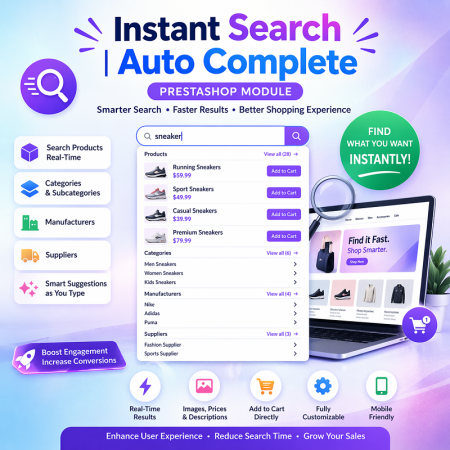
 Instant Search | Auto Complete Prestashop Module
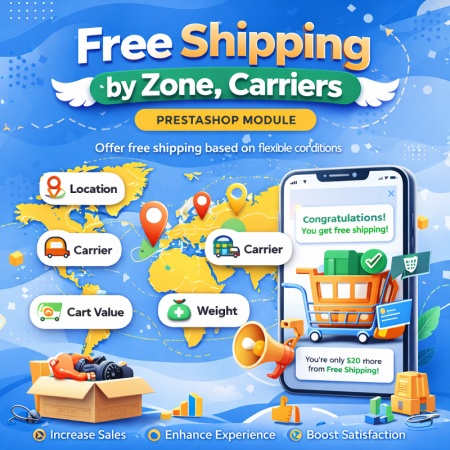 Free Shipping By zone, Carrier Prestashop Module
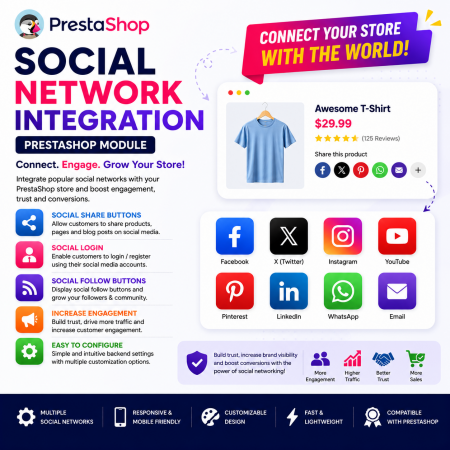
 Social Network Integration Prestashop Module
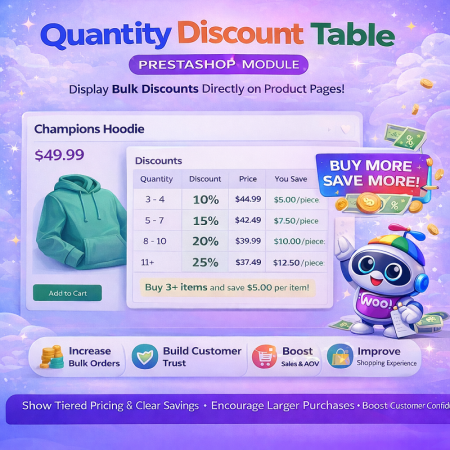 Quantity Discount Table & Grid PrestaShop Module
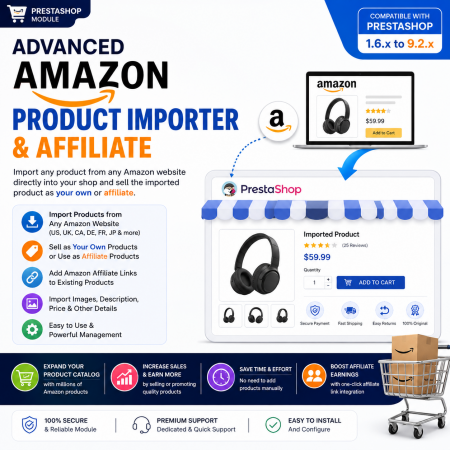
 Advanced Amazon Product Importer & Affiliate Module for PrestaShop
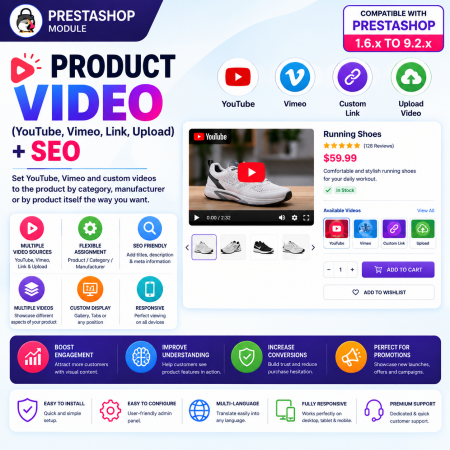
 Product Video – YouTube, Vimeo, External Links & Video Upload for PrestaShop
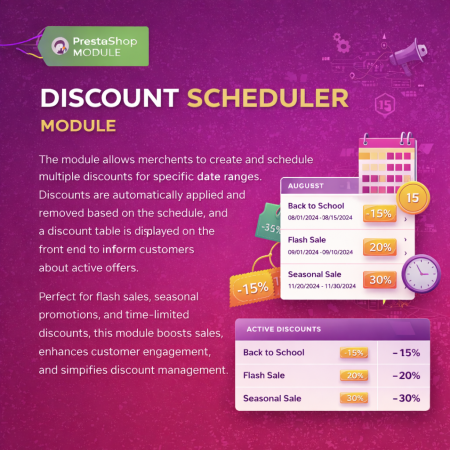
 Multiple discount date wise discount Prestashop Module
Improve customer communication and make product information easier to understand with the Product FAQ – Questions & Answers PrestaShop Module.
Allow customers to ask questions directly from product pages and let store administrators review enquiries and provide helpful answers through the PrestaShop back office. Make useful product-related questions and answers available to shoppers so they can find important information before purchasing.
Whether customers need clarification about product specifications, dimensions, compatibility, materials, available options or usage instructions, this module provides a convenient way to manage product enquiries and share helpful information.
Improve product transparency, encourage customer engagement, reduce repetitive enquiries and help shoppers make more confident purchasing decisions.

Encrypted payment gateways ensuring your financial and personal data remain 100% protected.

Every module includes professional installation assistance, free updates, and reliable troubleshooting.

Rigorously tested PrestaShop & WooCommerce extensions designed for maximum speed and zero bloat.

Transparent policies, clean documentation, and dedicated assistance if you run into any compatibility hurdles.