The Hidden Conversion Killer in Your WooCommerce Store
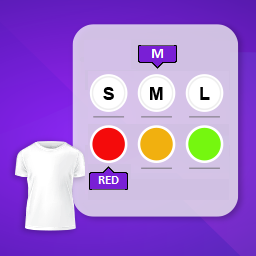
If you are selling products with multiple attributes—like t-shirts in various colors and sizes, electronic components, or wholesale goods—you are likely using default WooCommerce variation dropdowns.
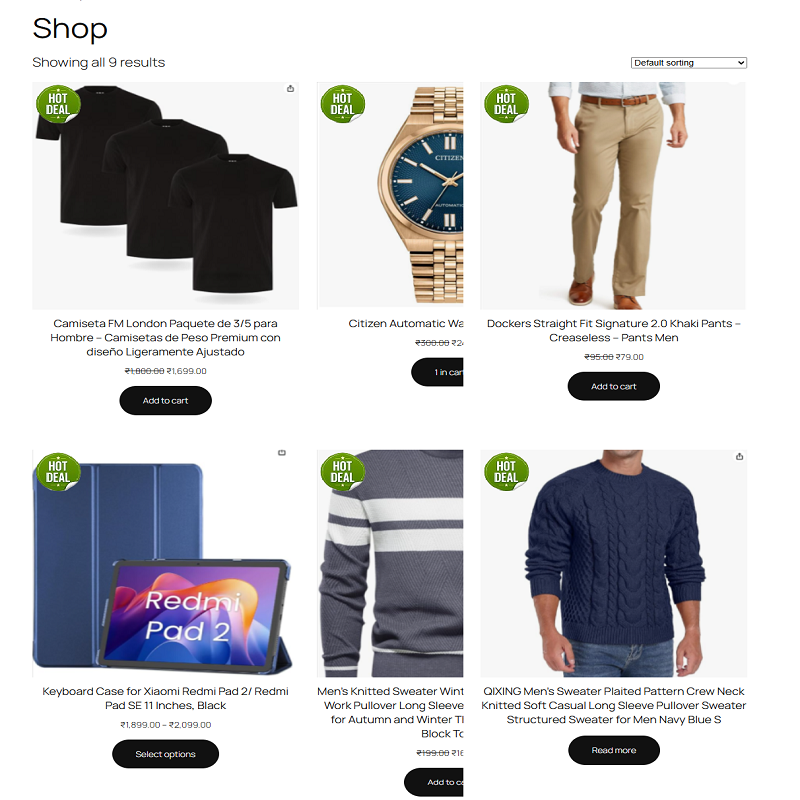
While dropdowns work for simple stores, they present a massive barrier for customers looking to buy quickly. Buyers have to click through multiple dropdown combinations just to see the price, stock status, or SKU of a specific item. If they want to buy five different variants, they have to repeat this tedious process five times.
The result? Cart abandonment, frustrated customers, and lost revenue.
The Solution: WooCommerce Product Variation Table Plugin
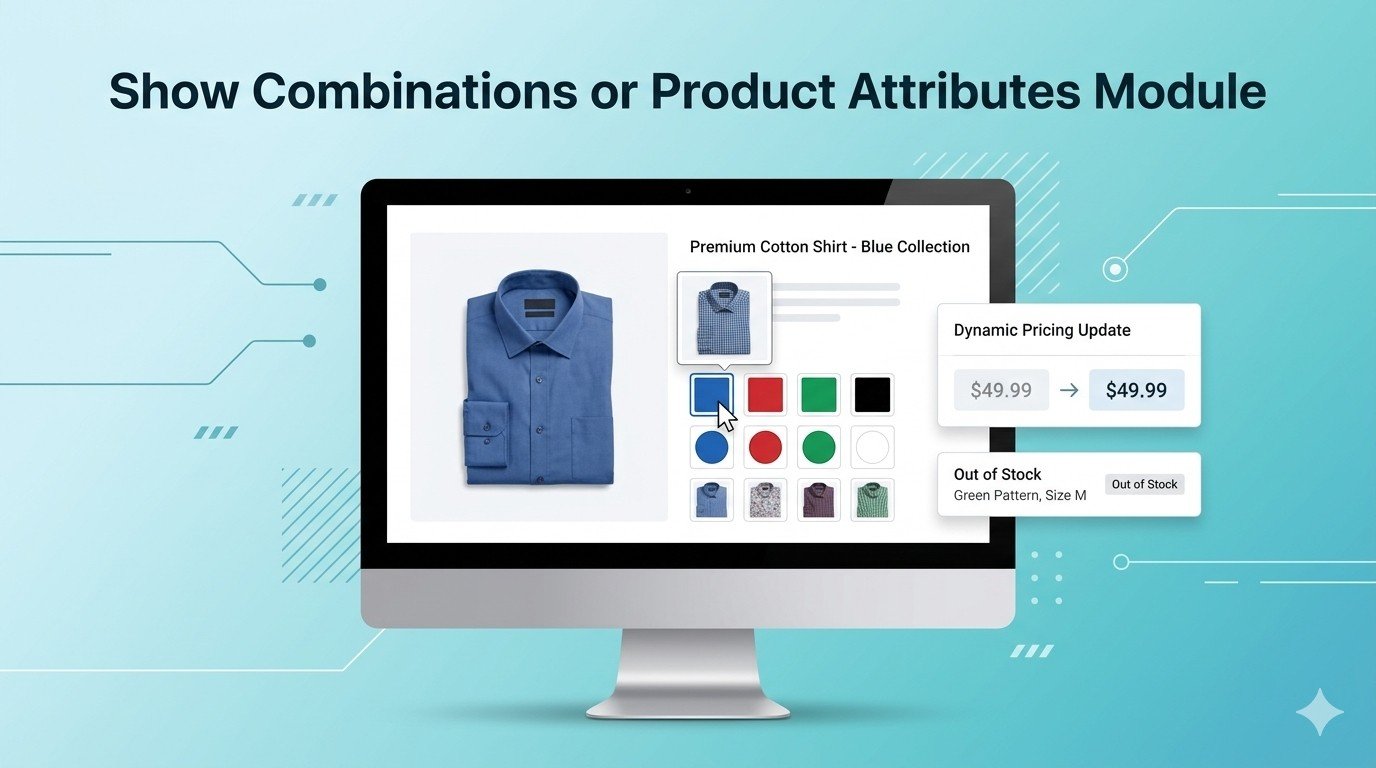
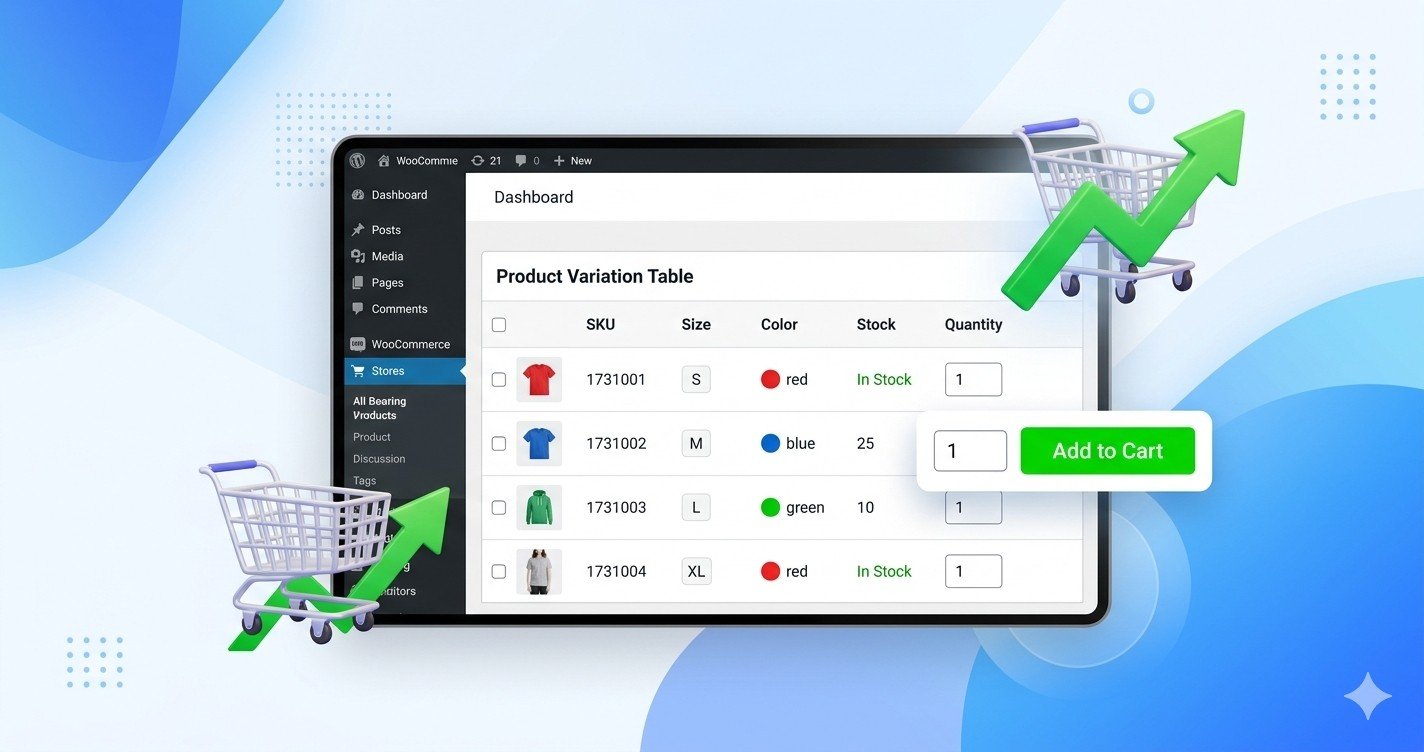
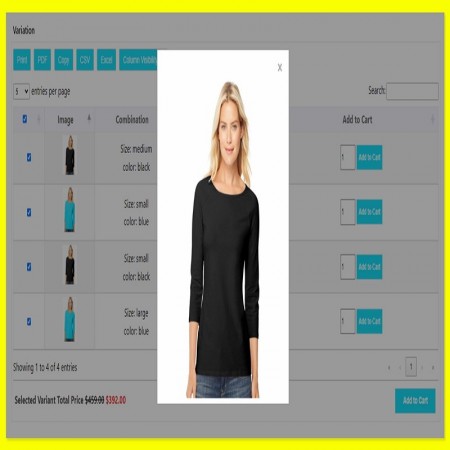
The Product Variation Table WooCommerce Plugin replaces those clunky dropdown selectors with a clean, responsive, and data-rich grid layout. Instead of hiding your choices, this plugin displays all available variations simultaneously in a structured table layout.
Customers can easily view, compare, and select multiple variations at once, drastically accelerating the path to purchase.
Key Features That Solve Your Layout Challenges
- Bulk "Add to Cart": Customers can enter quantities for multiple product variations and add them all to the shopping cart with a single click.
- Real-Time Filters & Sorting: Instant search and sort functionalities let buyers find specific sizes, colors, or SKUs without waiting for a page reload.
- Customizable Table Columns: Choose exactly what data to show—display thumbnails, SKUs, stock levels, attributes, individual pricing, or sale badges.
- Perfect for Wholesale (B2B): Quick-order forms allow wholesale buyers to scan through inventory grids and restock in seconds.
How It Transforms Your Customer Experience
Imagine a customer visiting your clothing store to order team uniforms. Instead of selecting "Red", selecting "Large", adding to cart, and repeating this loop ten times, they are greeted by a unified grid. They simply enter the quantity next to each required variation row, click one button, and proceed straight to checkout.
By lowering the friction required to add items to the cart, you automatically increase your Average Order Value (AOV) and improve user satisfaction across all devices.
Boost Your Store's Efficiency Today
Do not let outdated design patterns limit your business growth. Transitioning your layout into an organized matrix keeps your buyers engaged and your checkouts busy.
View Module







Leave a comment
Log in to post comments