- -$40.00

This module enhances the shopping experience by allowing customers to easily explore product variations such as...

The module allows merchants to enhance product images with customizable stickers and labels. Whether it’s...
The Quantity Discount Table module for PrestaShop makes bulk pricing clear and attractive by...

This module allows you to offer free shipping based on flexible conditions, such as location, carrier, cart value,...

The module automatically adjusts language, currency, and country settings based on the customer's location....

Vendor
Version
Last update
Prestashop version
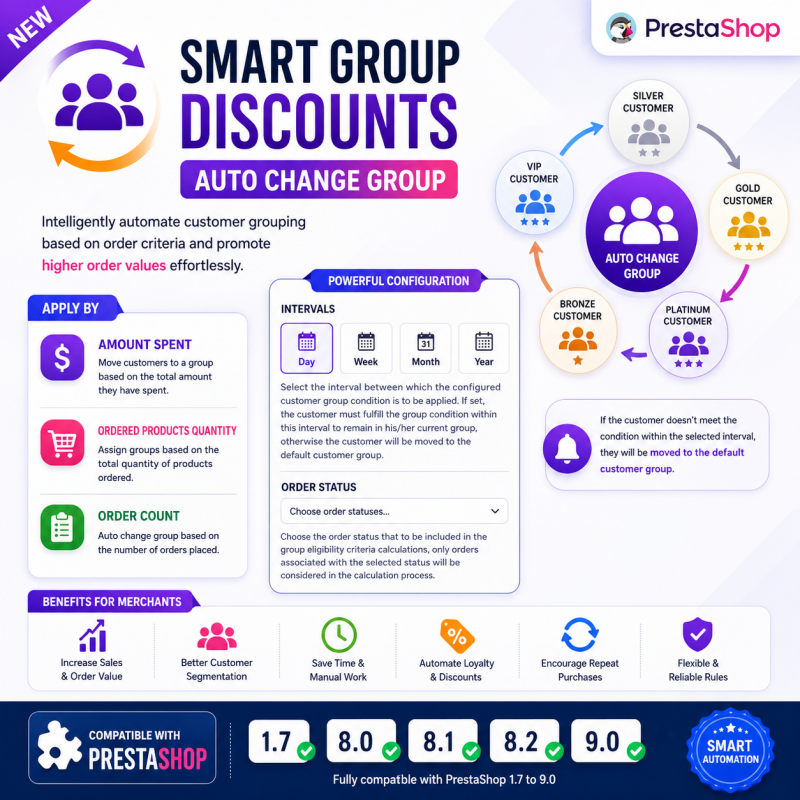
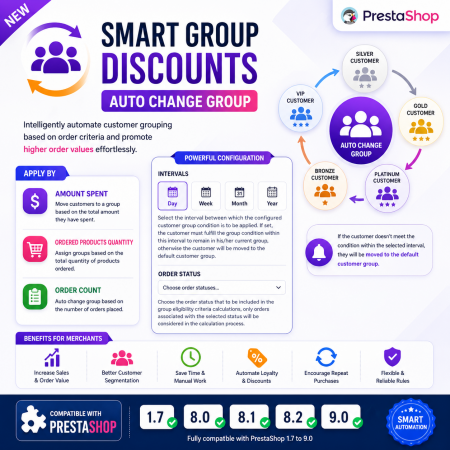
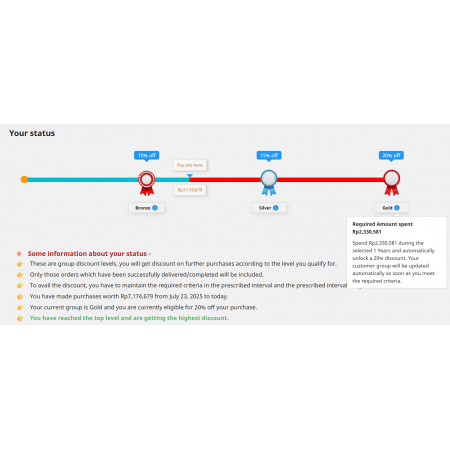
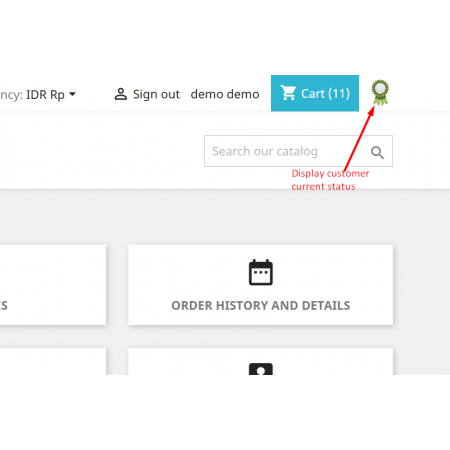
Smart Group Discounts | Auto Change Group is an advanced PrestaShop module that automatically assigns customers to the appropriate customer group based on their purchasing behavior. Instead of manually managing customer groups, the module continuously evaluates customer activity using configurable order criteria and automatically updates group membership.
Whether you want to reward loyal customers, encourage higher spending, or create exclusive pricing tiers, this module helps you automate the entire process while ensuring customers always belong to the most appropriate group.
It is an ideal solution for stores that use customer groups to provide discounts, special pricing, promotions, or exclusive shopping experiences.
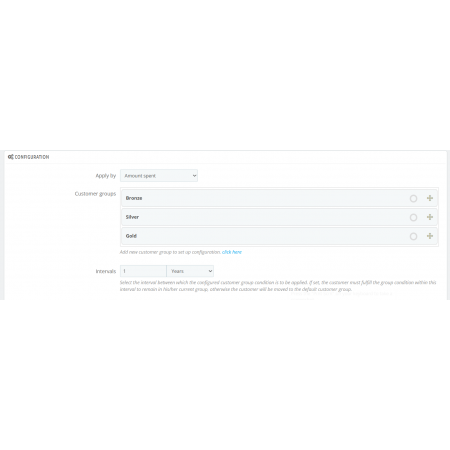
You can define eligibility criteria using:
The module also supports configurable evaluation periods such as daily, weekly, monthly, or yearly, allowing you to create dynamic loyalty programs that adapt to customer activity over time.
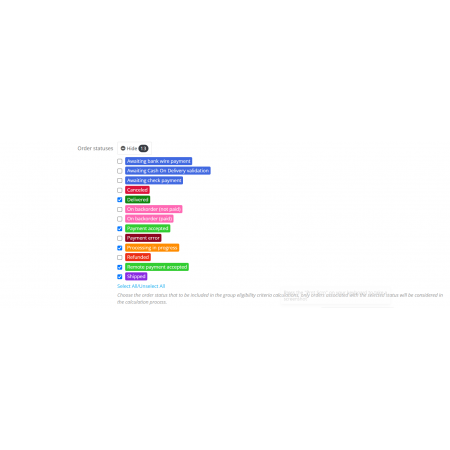
Additionally, you can specify which order statuses should be considered during calculations, ensuring only valid orders contribute toward customer group eligibility.
Once the configured conditions are met, customers are automatically assigned to the appropriate group. If they no longer satisfy the criteria within the selected interval, they can automatically be moved back to their default customer group.
This fully automated process helps merchants reward loyal customers while encouraging increased spending and repeat purchases.
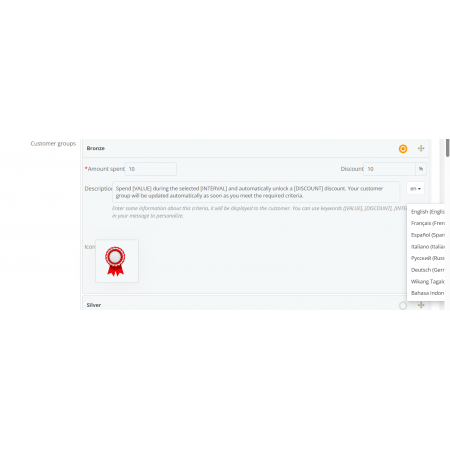
Automatically assign customers to different customer groups based on configurable purchasing criteria.
Create customer group rules using:
Evaluate customer activity within configurable periods:
Customers must continue meeting the configured conditions during the selected interval to remain in their assigned customer group.
If customers no longer satisfy the configured conditions within the selected interval, they are automatically moved back to their default customer group.
Choose which order statuses should be included in eligibility calculations.
Examples include:
Only orders with the selected statuses are considered.
Create fully automated loyalty programs without manual customer management.
Segment customers according to their purchasing behavior and automatically keep groups up to date.
Encourage customers to spend more in order to qualify for premium customer groups and better discounts.
Motivate customers to place additional orders to maintain their group benefits.
Fully compatible with:
Simple Back Office interface for creating and managing customer group rules.
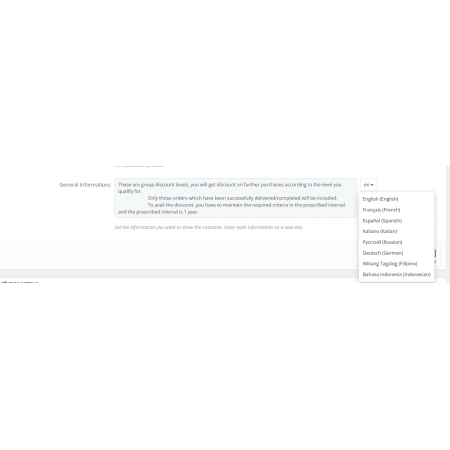
Fully translatable using the native PrestaShop translation system.
Supports PrestaShop Multistore installations.
Uses PrestaShop's native customer group management without modifying core files.
The module evaluates customer eligibility based on your configured rules and automatically updates customer group assignments.
Choose the period during which customer activity is evaluated:
If an interval is configured, customers must continue satisfying the eligibility requirements within that period to remain in their assigned customer group. Otherwise, they are automatically moved back to their default customer group.
Select which order statuses should be included when calculating customer eligibility.
Only orders matching the selected statuses are used during the evaluation process.
Installing Smart Group Discounts | Auto Change Group is quick and simple.
The module will now automatically evaluate customer activity and assign customers to the appropriate customer groups based on your configured rules.
| Vendor | Nxtal |
|---|---|
| Last update | Oct 01, 2026 |
| Version | 2.0.0 |
| Required store version | From 1.7.x to 9.2.x |
| Publication date | Jul 23, 2026 |
| Return Policy | You can return the product within the 30 Days return period for a full refund. No questions asked. |
| Customer Support | Enjoy one year of free customer support, including installation, troubleshooting, and usage guidance. |
| Description | This product is compatible with the specified versions and includes all the latest updates to enhance functionality and user experience. |
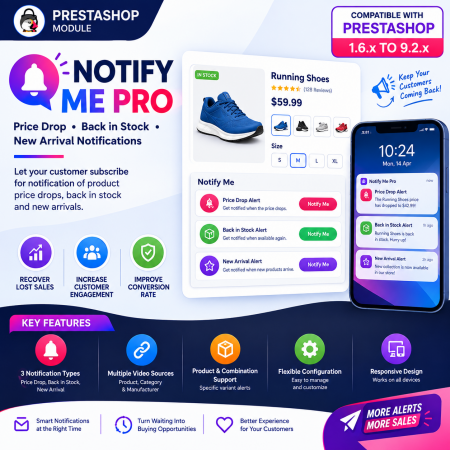
 Notify Me Pro - Price Drop, Back in Stock, New Arrivals Prestashop Module
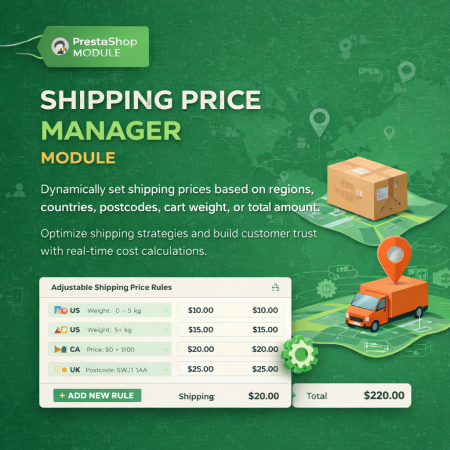
 Shipping Price Manager Prestashop Module
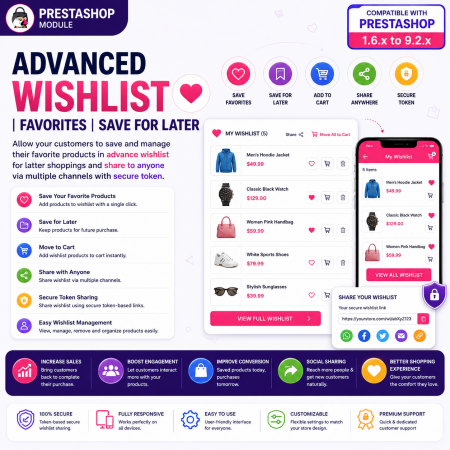
 Advanced Wishlist | Favorites | Save for Later | Prestashop Module

 Display Product Slider & Grid Prestashop Module
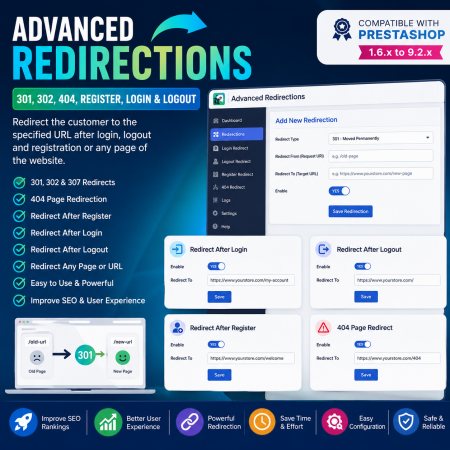
 Advanced Redirections - 301, 302, 404, Register, login & logout Prestashop Module
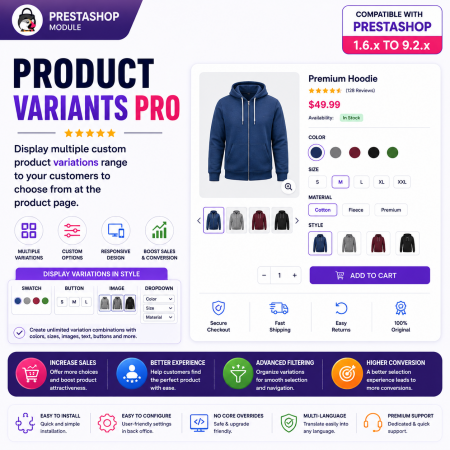
 Product Variants Pro | Custom Variant Groups Prestashop Module
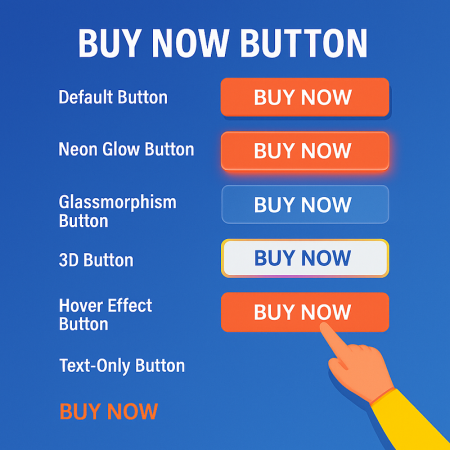
 Buy Now Button | Quick Order Prestashop Module
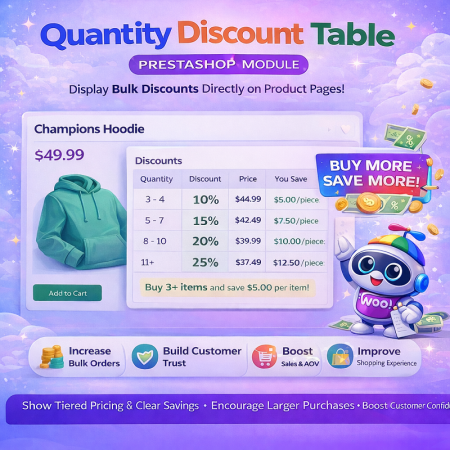 Quantity Discount Table & Grid Module for PrestaShop
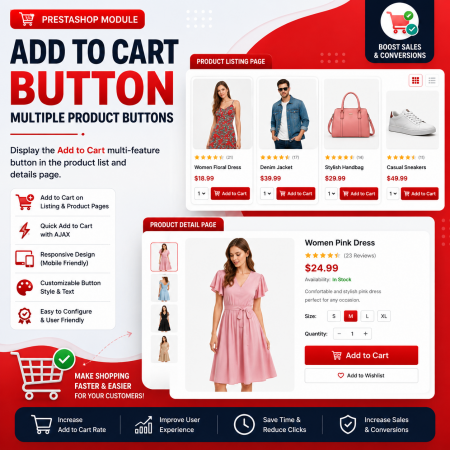
 Add to Cart Button | Multiple Product Buttons | Prestashop Module
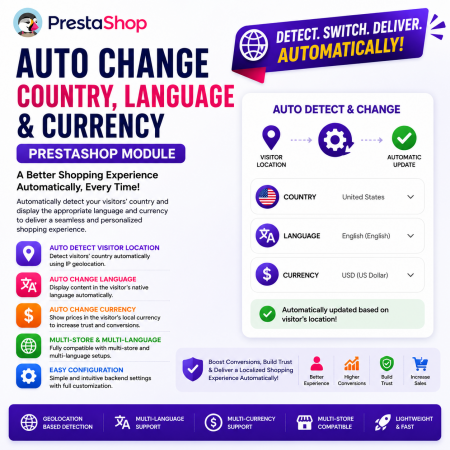 Auto Change Country Language and Currency Prestashop Module
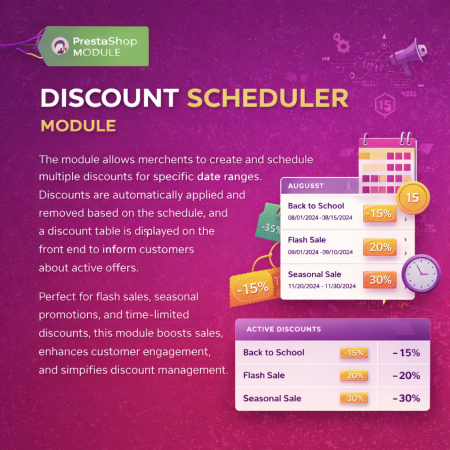
 Multiple discount date wise discount Prestashop Module
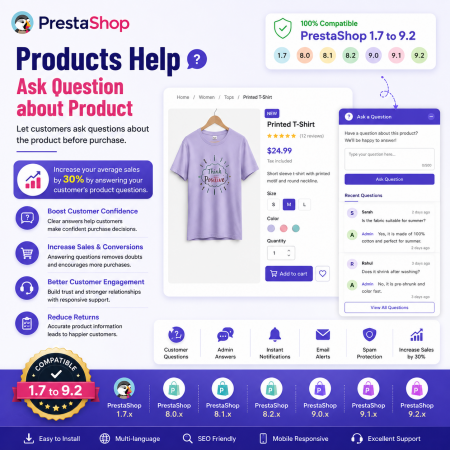
 Products Help – Ask Question about Product Prestashop Module

 PrestaShop Schema Markup – Rich Snippets & SEO Module
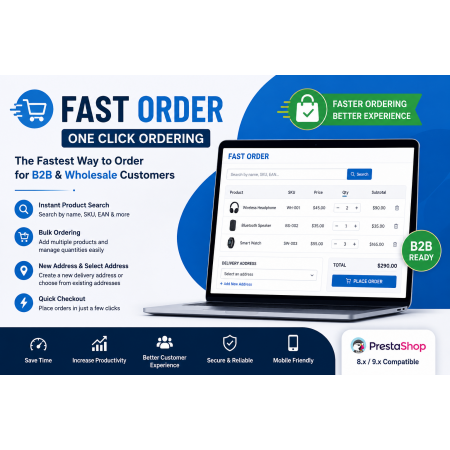
 Fast Order with Instant and File Search Prestashop Module
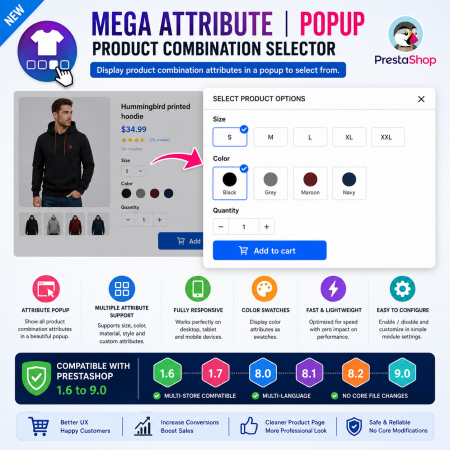
 Mega Attribute Popup Prestashop Module
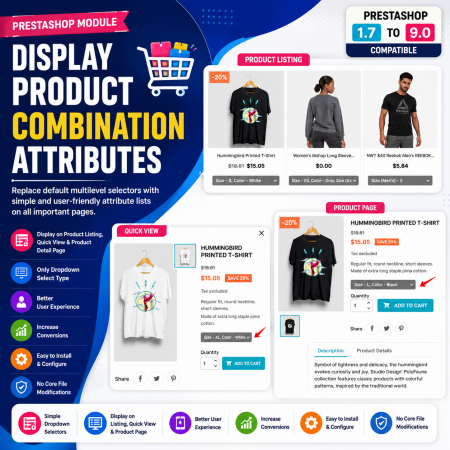
 Display Product Combination Attributes Prestashop Module
Smart Group Discounts | Auto Change Group is an advanced PrestaShop module that automatically assigns customers to the appropriate customer group based on their purchasing behavior. Instead of manually managing customer groups, the module continuously evaluates customer activity using configurable order criteria and automatically updates group membership.
Whether you want to reward loyal customers, encourage higher spending, or create exclusive pricing tiers, this module helps you automate the entire process while ensuring customers always belong to the most appropriate group.
It is an ideal solution for stores that use customer groups to provide discounts, special pricing, promotions, or exclusive shopping experiences.

Encrypted payment gateways ensuring your financial and personal data remain 100% protected.

Every module includes professional installation assistance, free updates, and reliable troubleshooting.

Rigorously tested PrestaShop & WooCommerce extensions designed for maximum speed and zero bloat.

Transparent policies, clean documentation, and dedicated assistance if you run into any compatibility hurdles.